






This post shows how to use KEYDIY KD-X4 for Volkswagen and Audi 5D transponder key programming.
Required Tools:
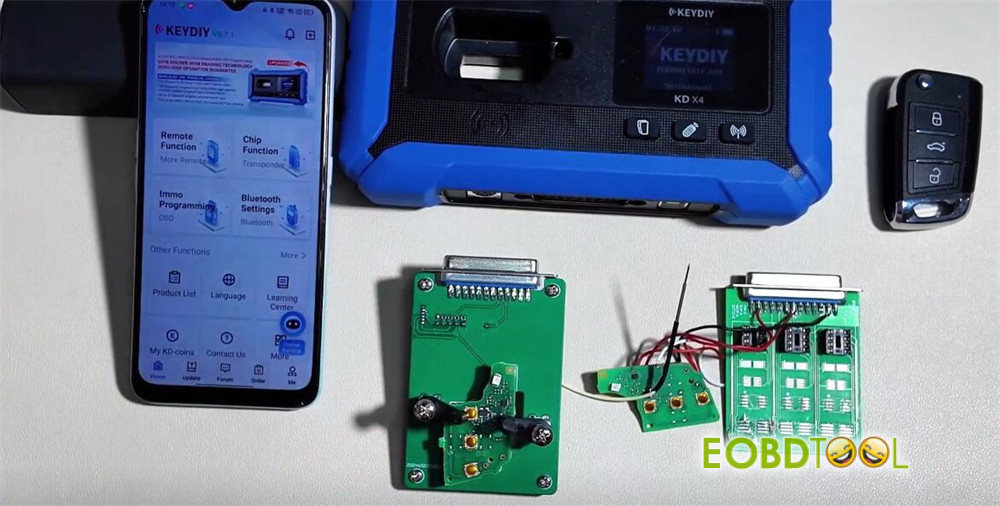
- Target 5D Transponder Key
- Original Vehicle Key (Required for 5D)
- KEYDIY KD-X4 5-in-1 key programmer
- KEYDIY KD-X4Adapter Board (8-pin)
- Soldering Equipment & Wires
Software requirement:
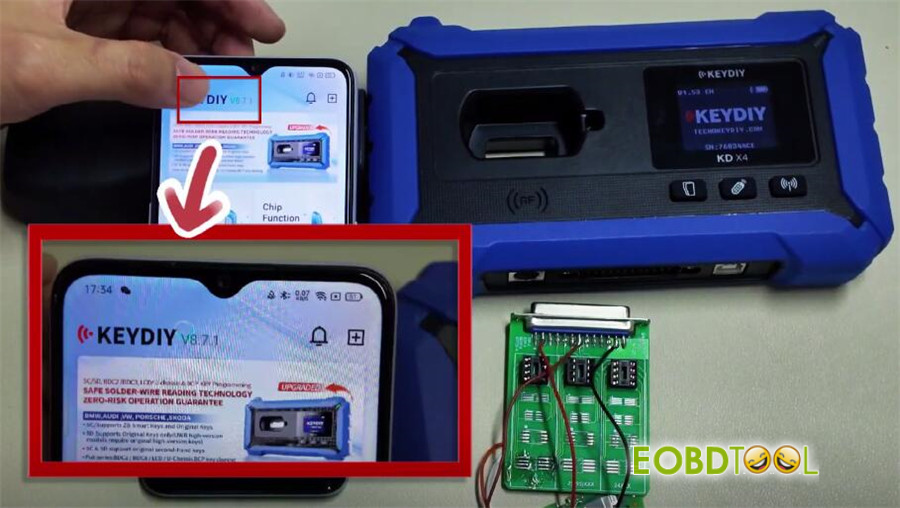
Ensure KD-X4 application is version 8.7.1 or higher
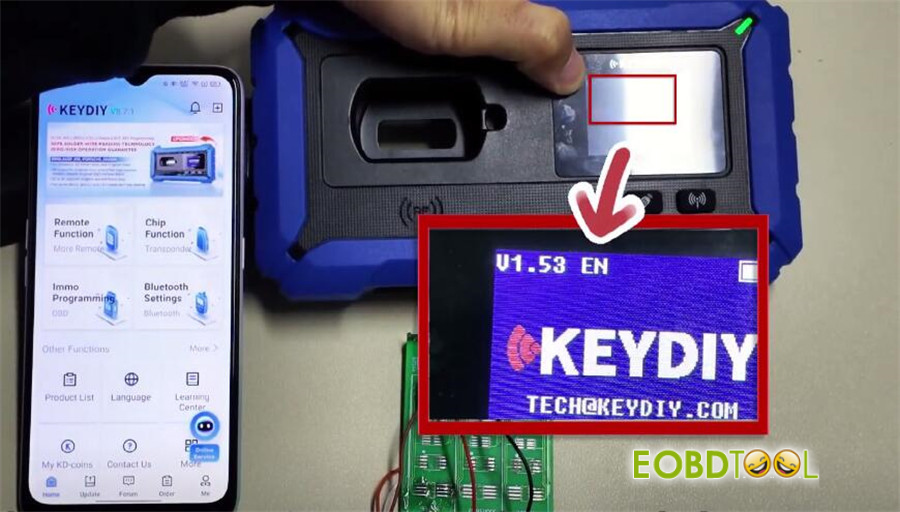
Ensure KD-X4 firmware is version 1.53 or higher
Step-by-Step Procedure:
1.Initial Setup & Connection
Launch KEYDIY APP
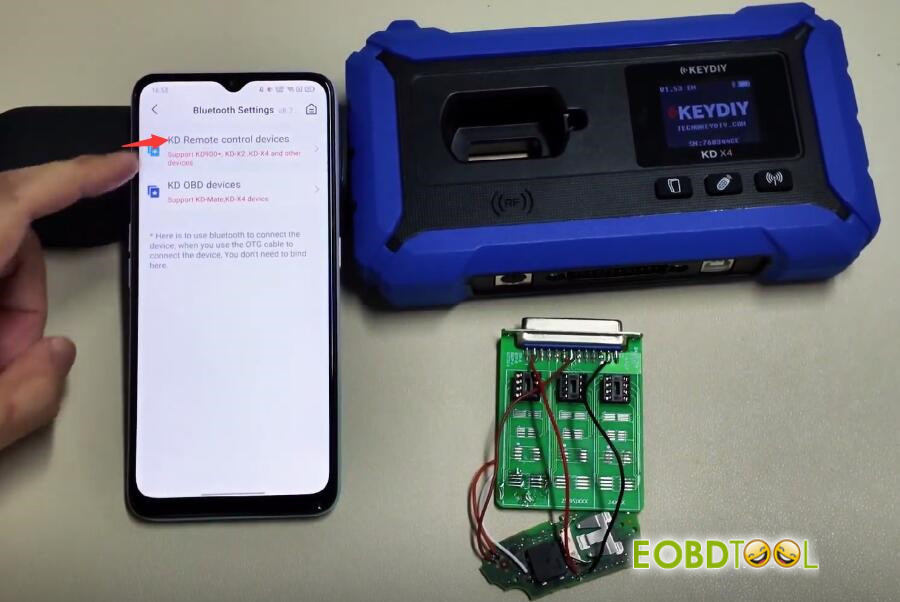
Connect KD-X4 key programmer to your smartphone via Bluetooth.
Path: Bluetooth Settings-> KD Remote control devices
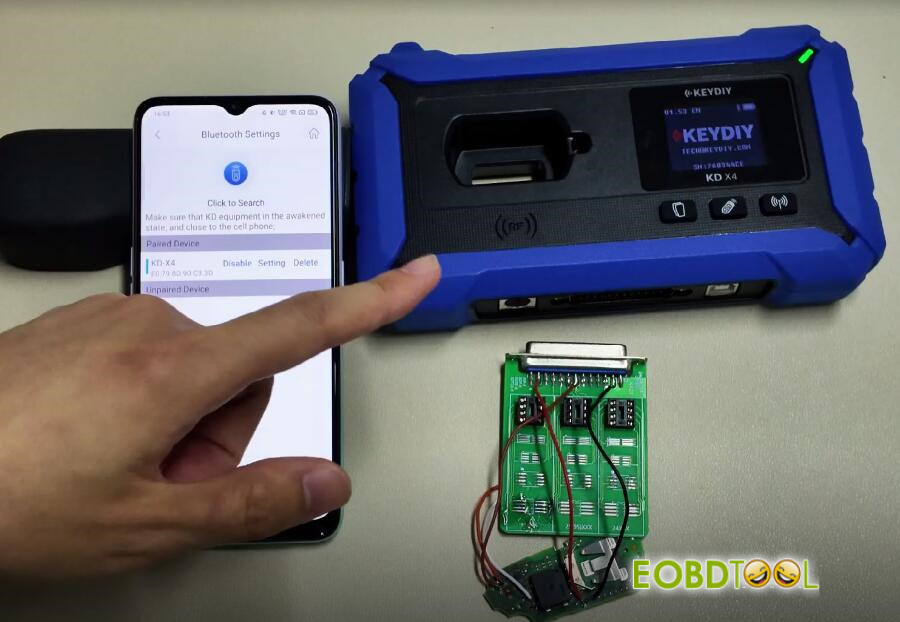
You can check if the device is connected in “Paired Device”
2.Select Program Path
Click “Immo Programming” on the main menu
Select IMMO Programming-> VOLKSWAGEN-> Select by type-> 5C/5D Immobilizer system-> 5C/5D Immobilizer system-> Start Execution

3.Read Original Key & Generate Service Code
Select the option “Read the original car key and generate a dealer key”.
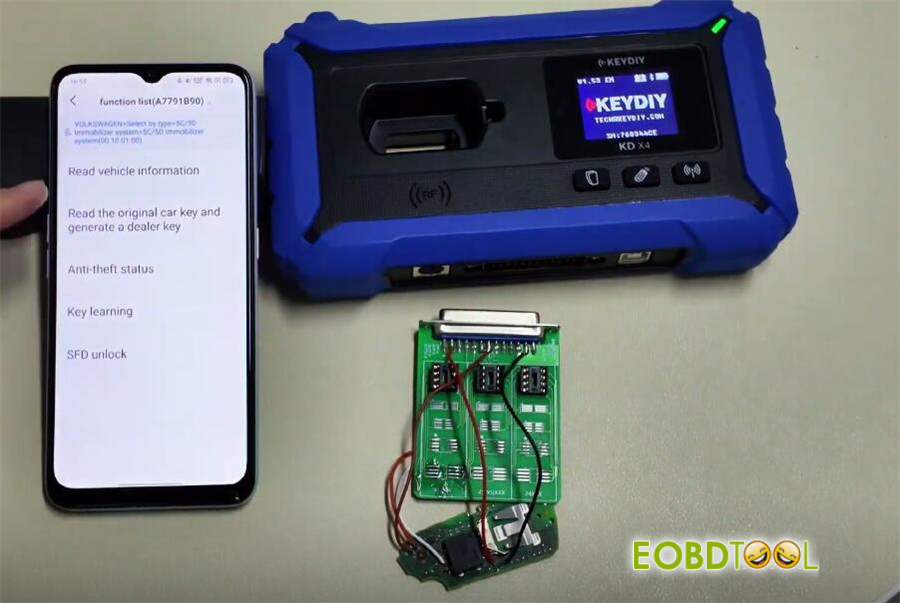
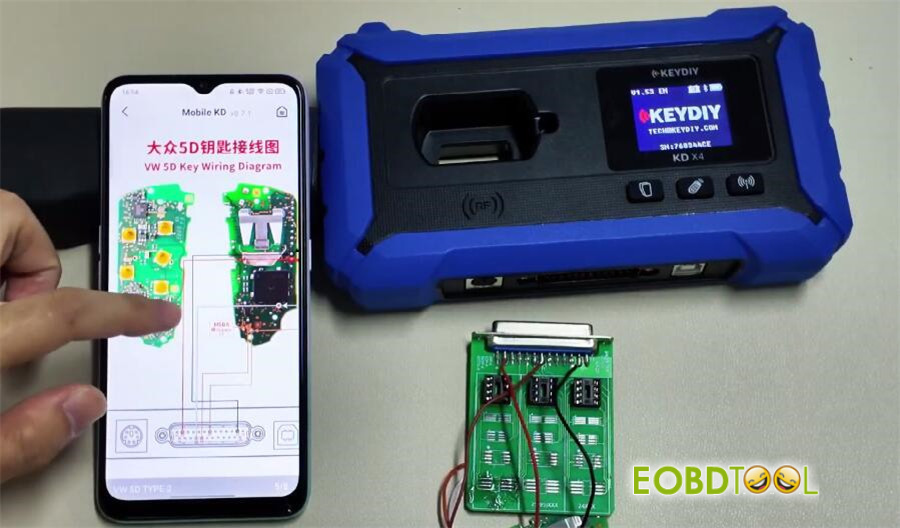
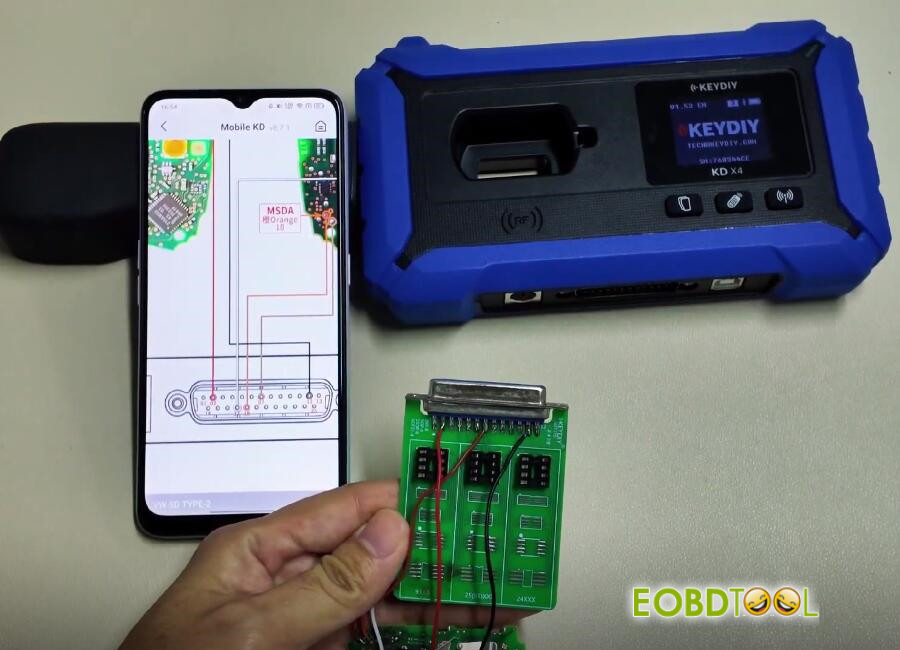
A wiring diagram window will open. Refer to the diagram for the following steps.
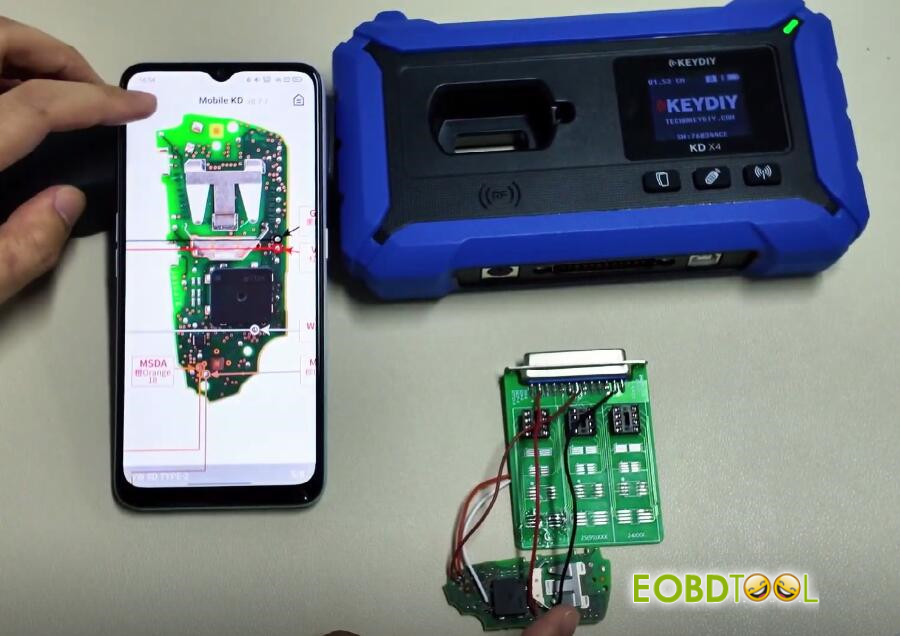
4.Wiring Instructions (Critical Step)
Adapter Board Reference: Identify the 3 pins on the top row of the front side. Connect wires to these three points.
Additional Connections: Connect wires to the two specified points as shown in the diagram.
Key-side Connection: Connect the wires from the adapter board to the corresponding marked points on the key to be programmed.
Final Check: Ensure all connections are secure and correct according to the on-screen diagram.
5.Read Chip Data
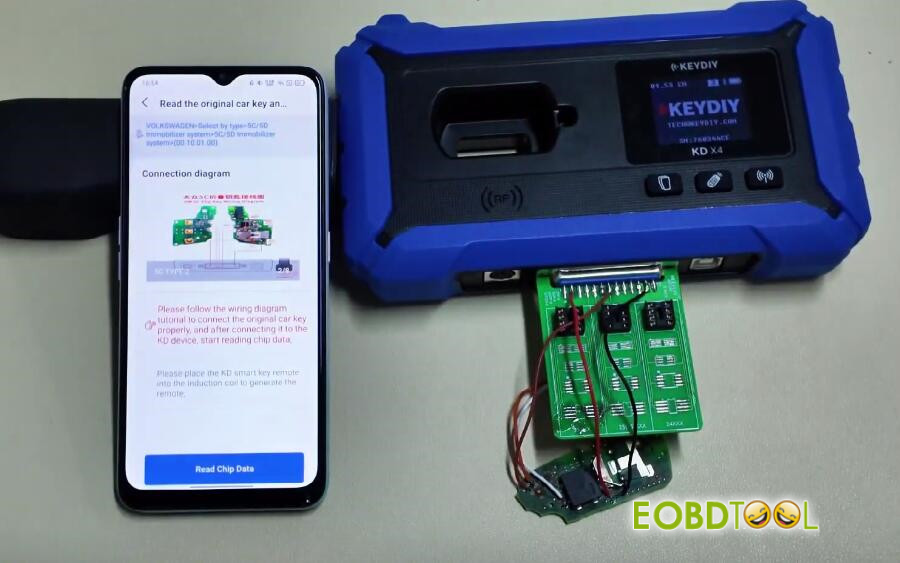
Insert the original vehicle key into the adapter.
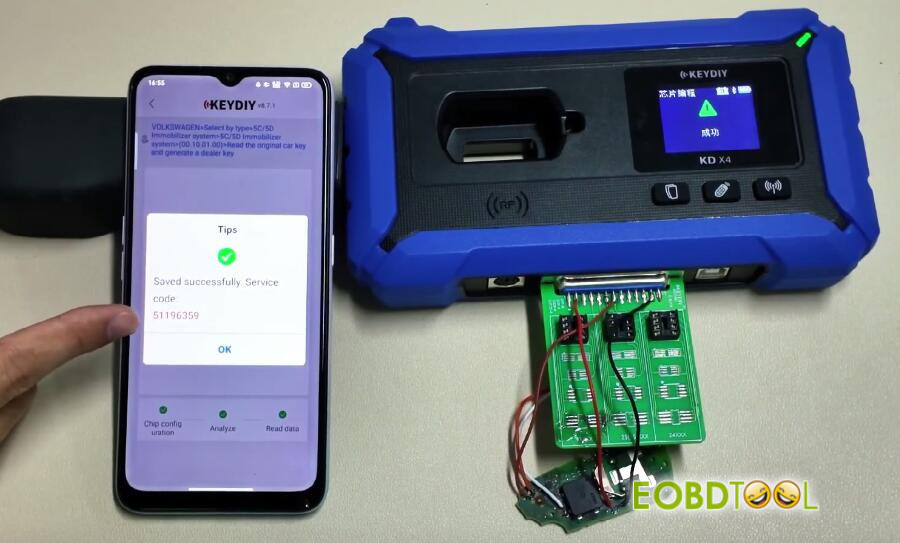
Click to “Read Chip Data”.
Once successful, the key data will be saved to the cloud, and a Service Code will be generated. Note this code.
6.Write Data to New Key (Dealer Key Generation)
Properly connect the wires to the new key (to be added) before inserting it into the adapter.
In the software, select “Original Key (Non-Vehicle)” after inserting the new key.
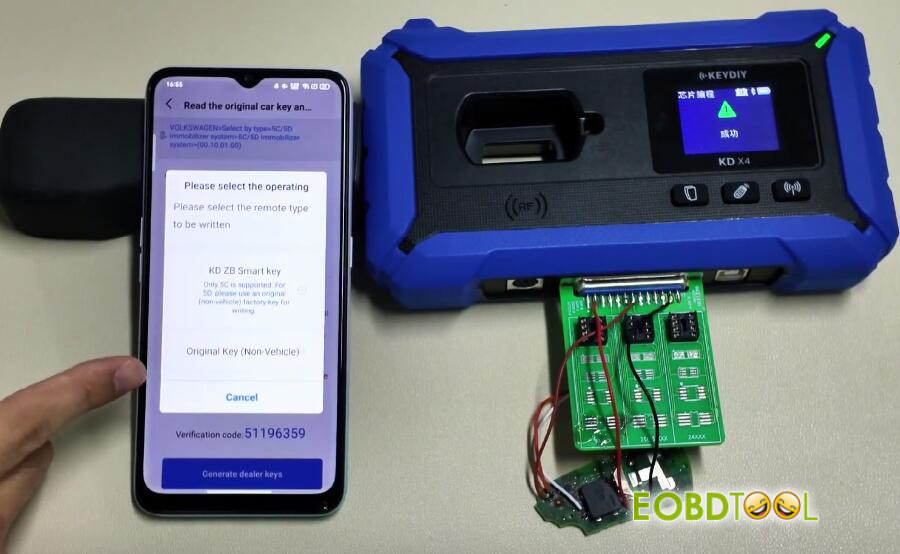
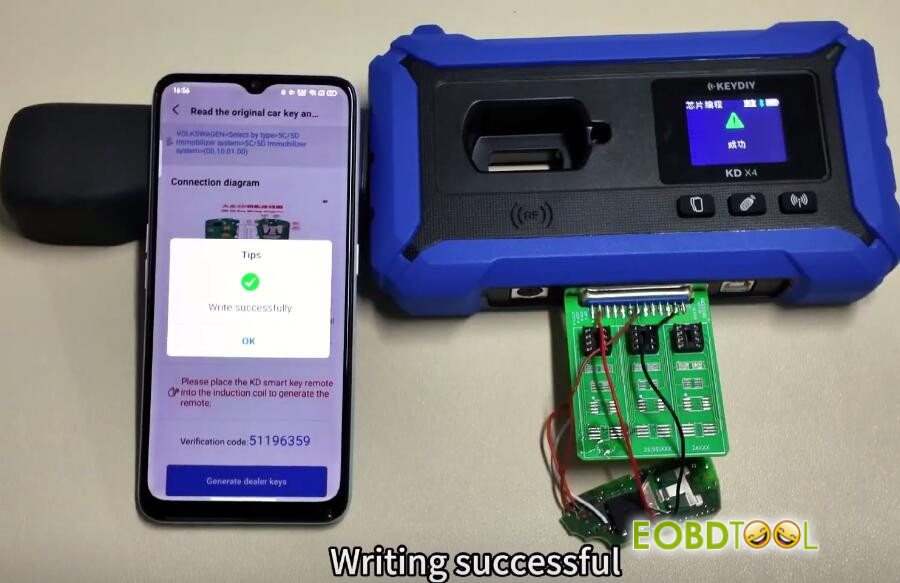
The system will write the data. A “Writing Successful” message confirms completion.
7.On-Vehicle Key Learning (Final Step)
Restore the newly programmed key (remove wires, reassemble).
Take both the new key and the original vehicle key to the vehicle.
Use KD-X4 key programmer‘s “Key Learning” function or a KD-Mate key programmer to perform the final vehicle matching.
Important Note: For vehicles produced after approximately 2024, you may need to unlock SFD (Secured Feature Deactivation) before key learning can proceed.
Verification:
The newly programmed key should now start the vehicle.
Support:
For this specific 5D operation, only 5C chip type is supported if using “KD ZB Smart Key” option. Always use the procedure outlined above for 5D keys.
Video guide:
Read also:
KEYDIY KD-X4 Add KD Key for Volkswagen 5C







