



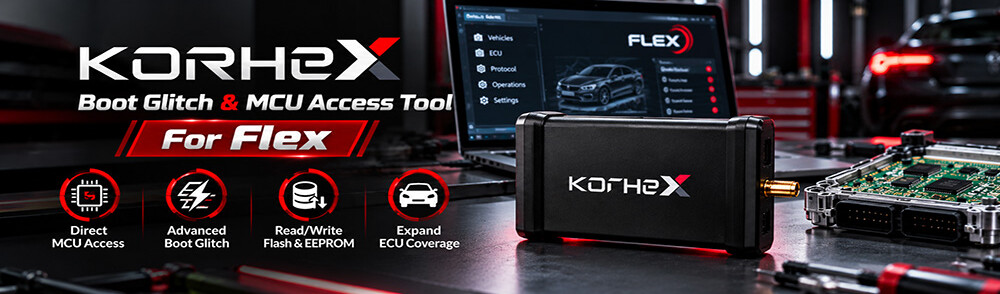
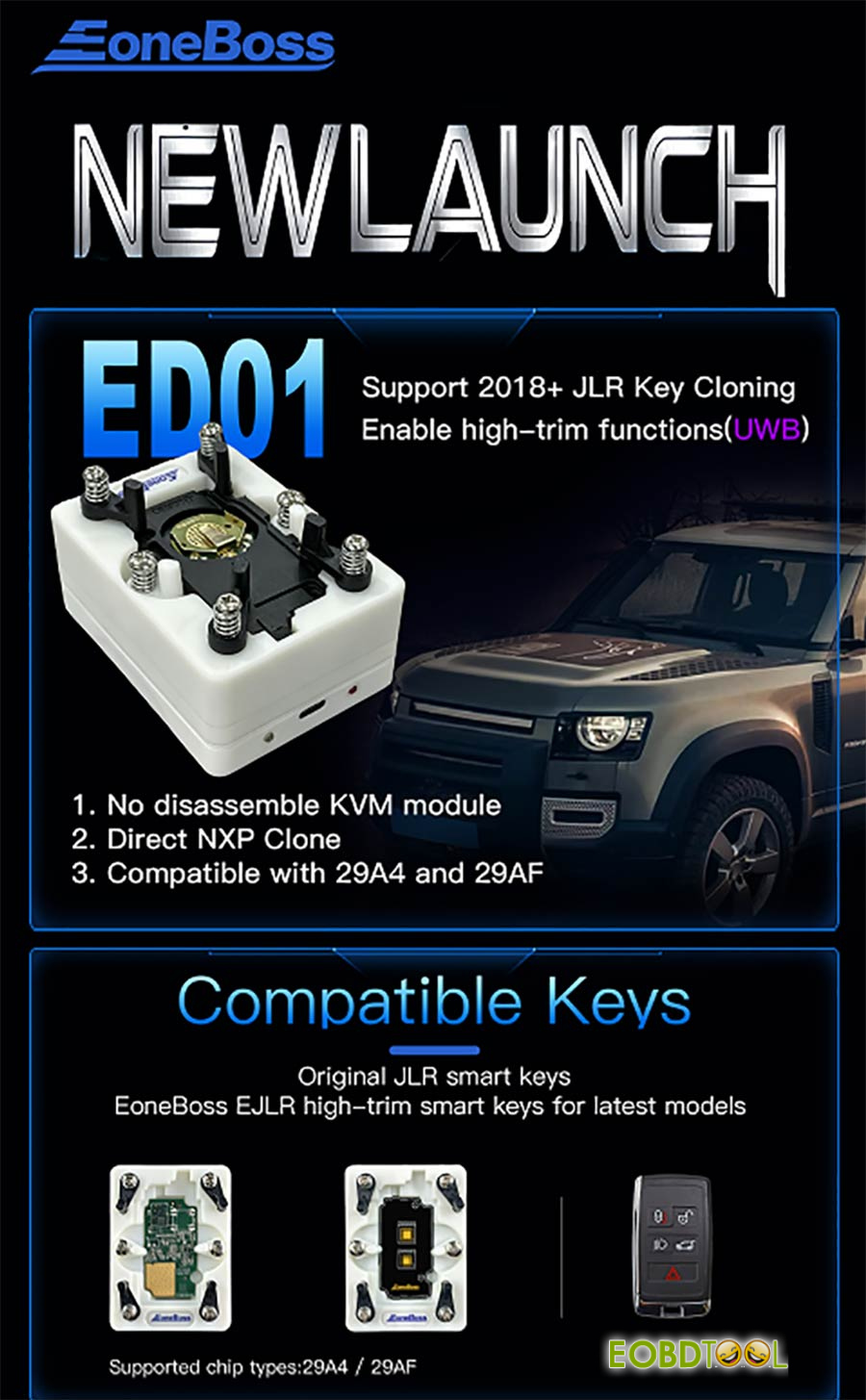
Working on a 2018 or newer Jaguar or Land Rover usually means pulling the KVM (RFA) module, buying unlocked replacements, or paying for dealer online coding. EoneBoss ED01 lets you skip all of that by cloning working NXP smart keys directly on your bench while keeping full Ultra-Wideband (UWB) keyless entry working.
Why Use EoneBoss ED01 JLR Smart Key Data Copying Tool?
- Leave the KVM in the Car:No module removal or circuit board soldering inside the vehicle.
- No Sync Headaches:Assigns the new key to a lost key’s ID and slot, stopping rolling-code errors and duplicate ID conflicts before they start.
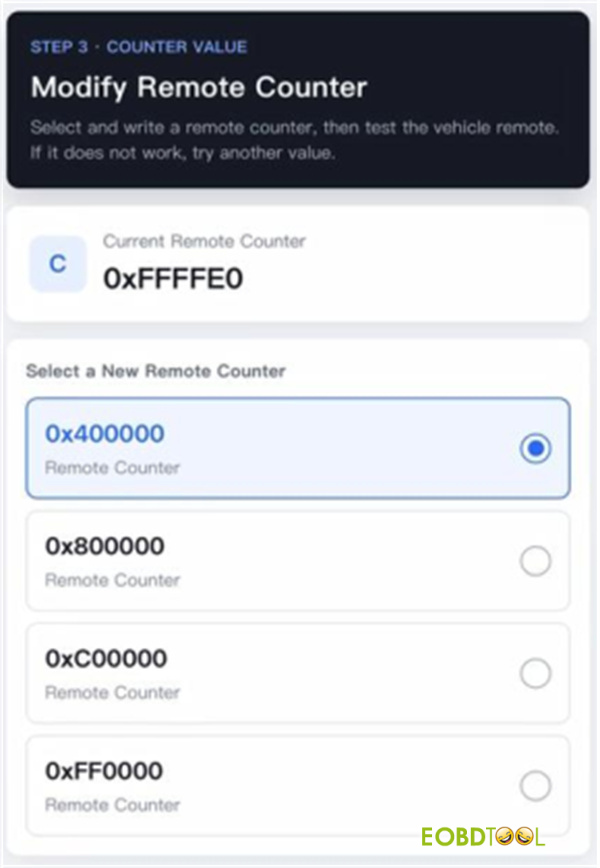
- Built-In Counter Fix:If the remote buttons don’t respond right away, you can adjust the remote counter directly in the app—even on OEM keys.
- Easy Magnetic Setup:Magnetic adapter pins line up quickly without fiddly wires.
What Keys & Chips It Covers
- 2018+ JLR Smart Keys (All Bluetooth Versions):ET-14 (4-button & 5-button) and ET-15, running NCF29A4 or NCF29AF chips, Eoneboss EJLR-04/ EJLR-05 UWB JLR smart keys
- Toyota 4A Smart Keys (Camry, Avalon, etc.):Supports 4A-AA, 4A-BA, and 4A-B6 chips on board numbers 0110 and 2561.
Quick Hardware Check
Power ED01 with any 5V USB cable (laptop, phone charger, or power bank—unplug it to turn it off)
Watch the two LEDs: Blue means Bluetooth is connected, and Red means data is transferring
Walkthrough: Copying a JLR Smart Key
- Grab the App & Power Up
Scan the QR code to install the EoneBoss App

Plug your USB cable into ED01 JLR Key Cloning Tool, turn on your phone’s Bluetooth, and open the key copying menu in the app.
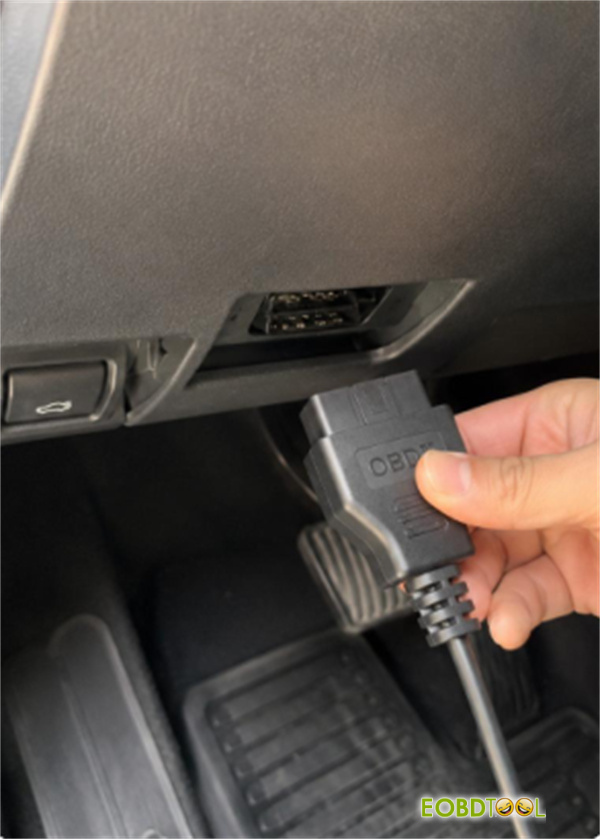
- Pull the Lost Key ID via OBD
Plug an OBD scanner into the vehicle and write down the Key ID and Key Position of the lost or dead key you want to replace
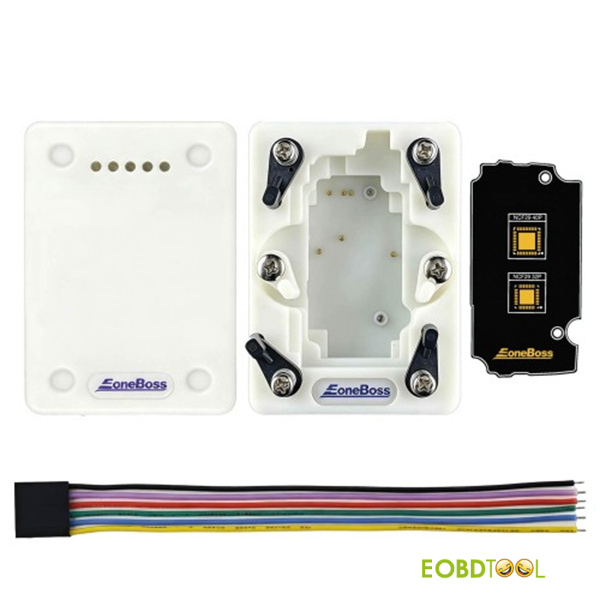
- Mount the Working Key Board on the DP-01 Adapter
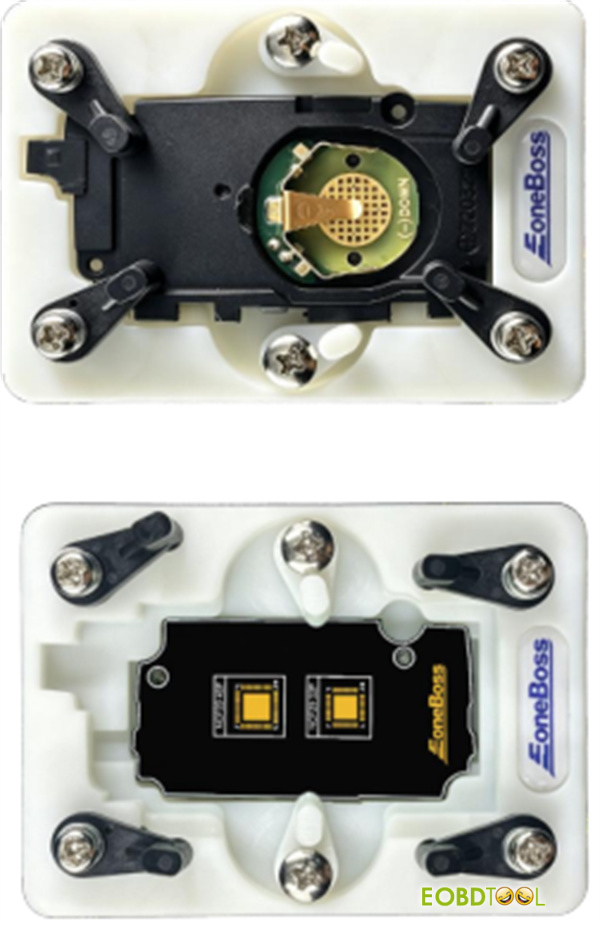
Pop open the working original key and set the PCB on the DP-01 adapter:
- NCF29A4 Chip:Just snap it onto the magnetic adapter for direct pin reading.
- NCF29AF Chip:Desolder the chip from the key board and solder it onto the off-board adapter
- Read the Chip & Enter the Slot Info
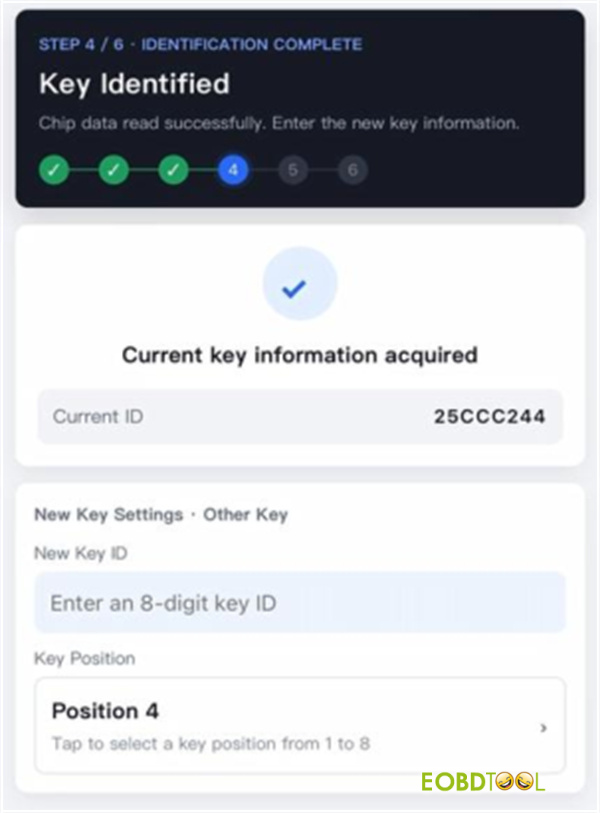
Connect to EoneBoss ED01 via Bluetooth in the app, read the NCF29A4/F data, and type in the Key ID and Key Position you pulled in Step 2
- Write the New Key
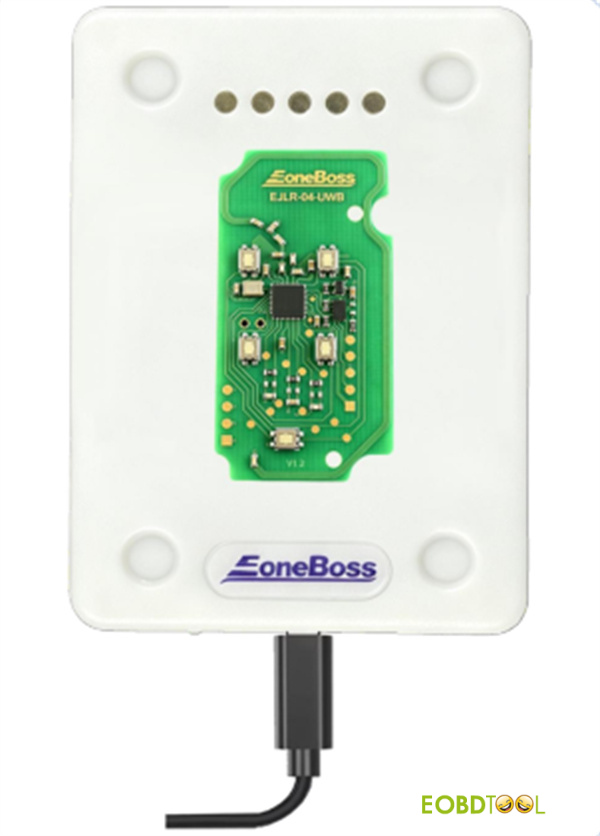
Place your blank key—either an OEM JLR smart key or an EoneBoss EJLR key (EJLR-04/ EJLR-05)—and write the new data to it
- Fix the Remote Counter (Only If Needed)
Test the new key on the car. If the lock or unlock buttons don’t respond, open Modify Remote Counter in the app to sync the counter with the vehicle