







Lost all Toyota smart keys? You’ll need to read immobilizer data from the Toyota SKB module via OBD to program new keys.
This guide shows you how to read that data from a Toyota Smart Key Box using OBDSTAR X300 Classic G3—no disassembly required.
Operation guide:
Select “IMMO” on the main menu of X300 Classic G3 tablet
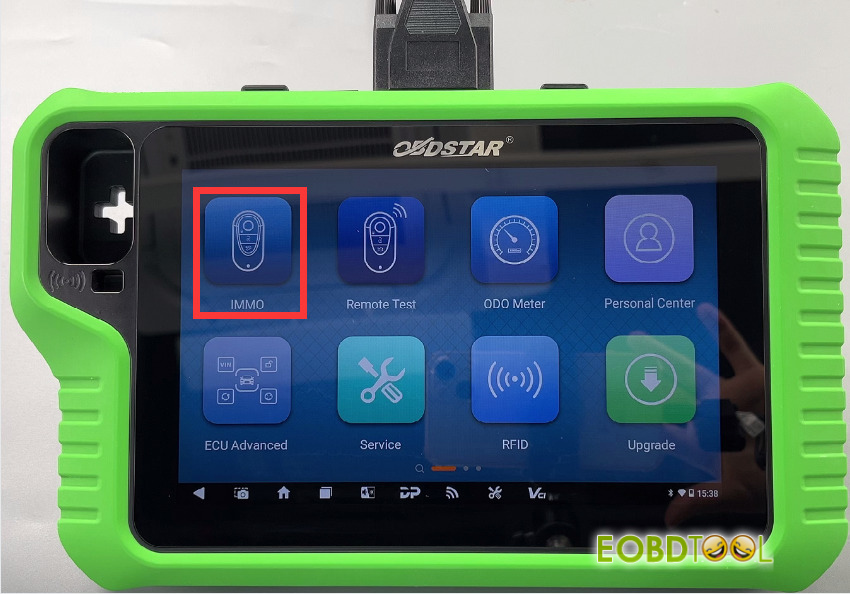
Then search for Toyota in the top-right corner
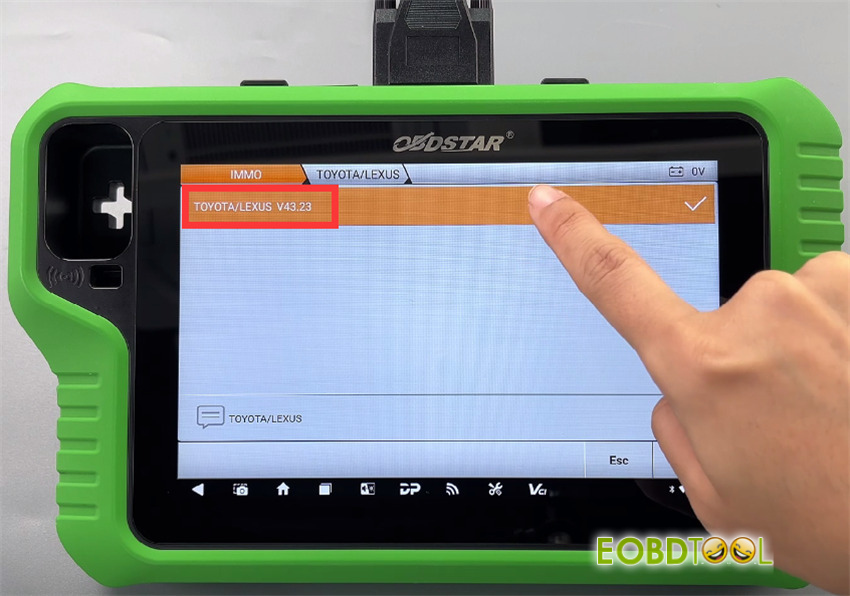
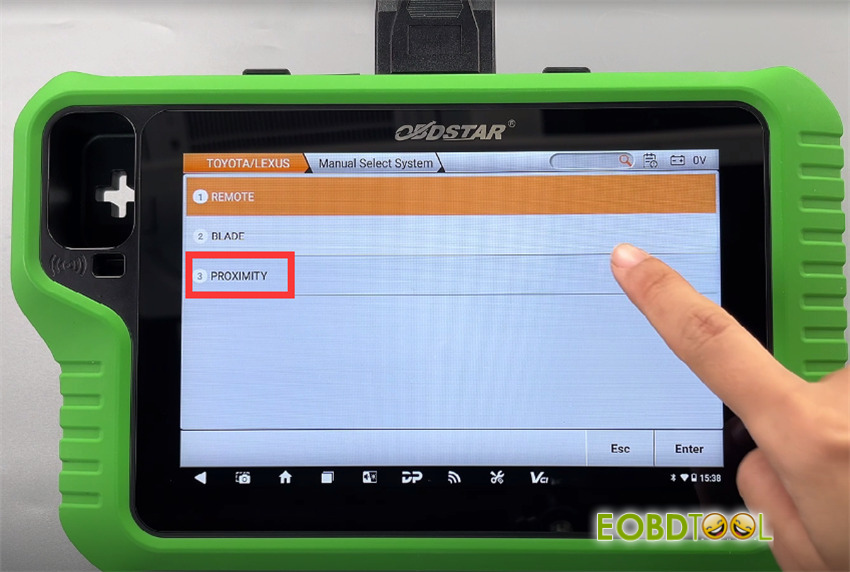
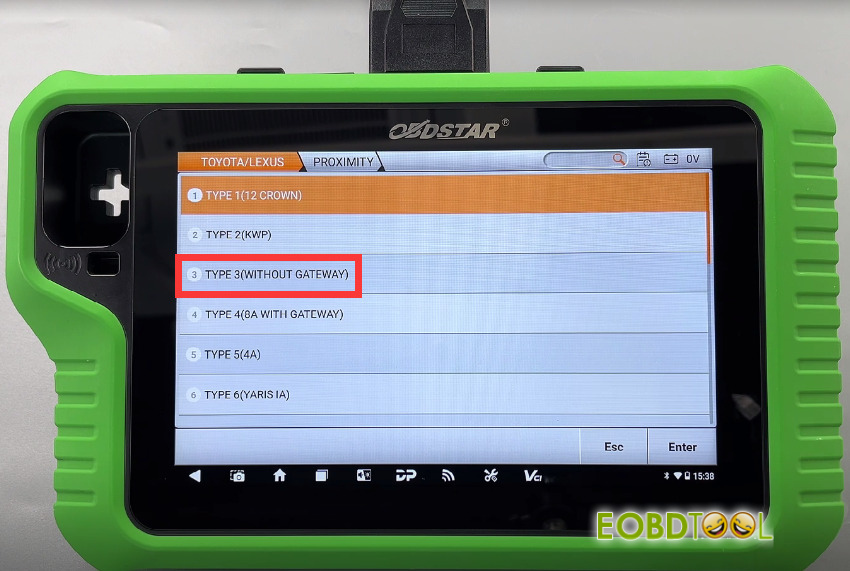
Tap TOYOTA/LEXUS-> TOYOTA/LEXUS Software Version (e.g.V43.23)-> Manually Select System-> PROXIMITY-> TYPE 3 (WITHOUT GATEWAY)
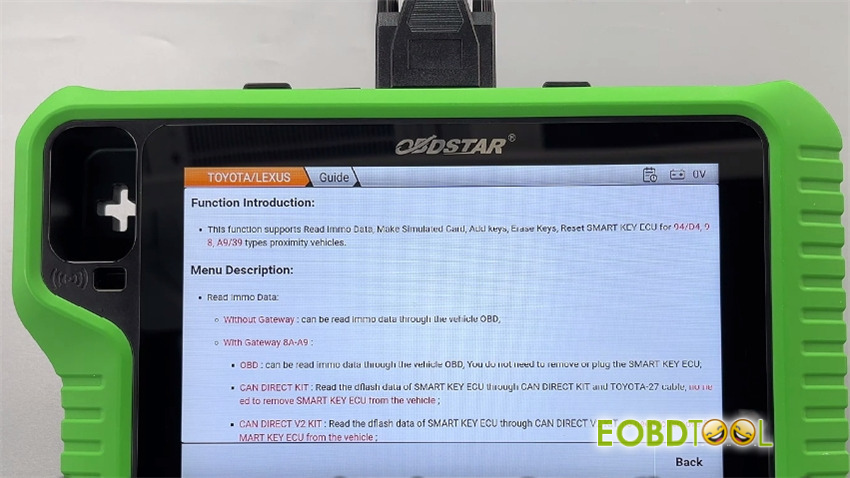
In the operation interface, click “Guide” to view the function introduction, menu description, step-by-step procedures and important notes
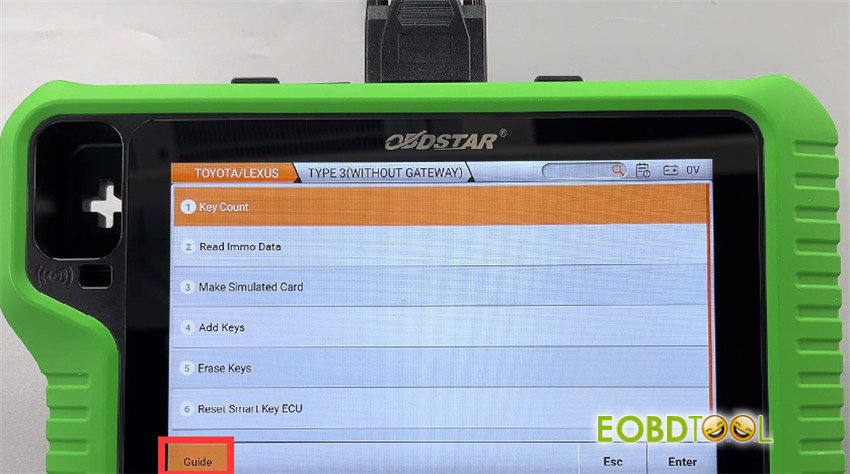
Select “Read IMMO Data”
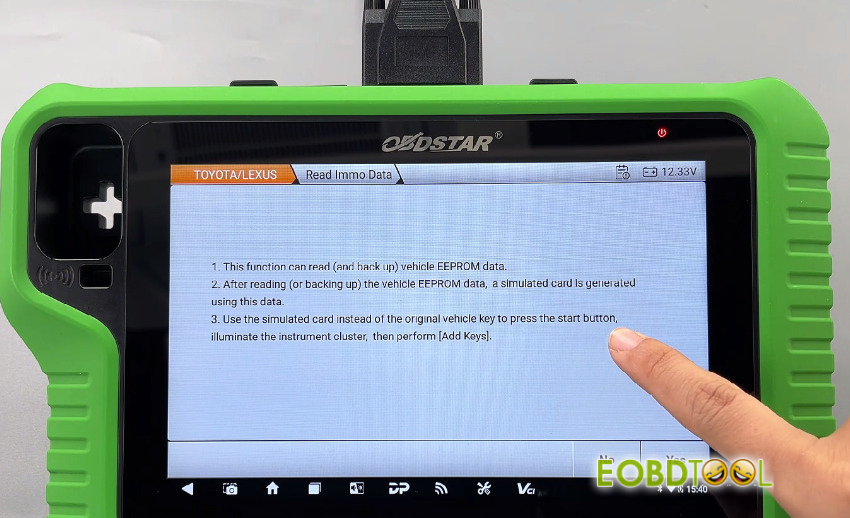
Pay attention to the safety notes, and follow the device prompts below to save the retrieved data
- This function can read (and back up) vehicle EEPROM data.
- After reading (or backing up) the vehicle EEPROM data, a simulated card is generated using this data.
- Use the simulated card instead of the original vehicle key to press the start button, illuminate the instrument cluster, then perform [Add Keys].
Turn on the hazard lights and turn off the ignition
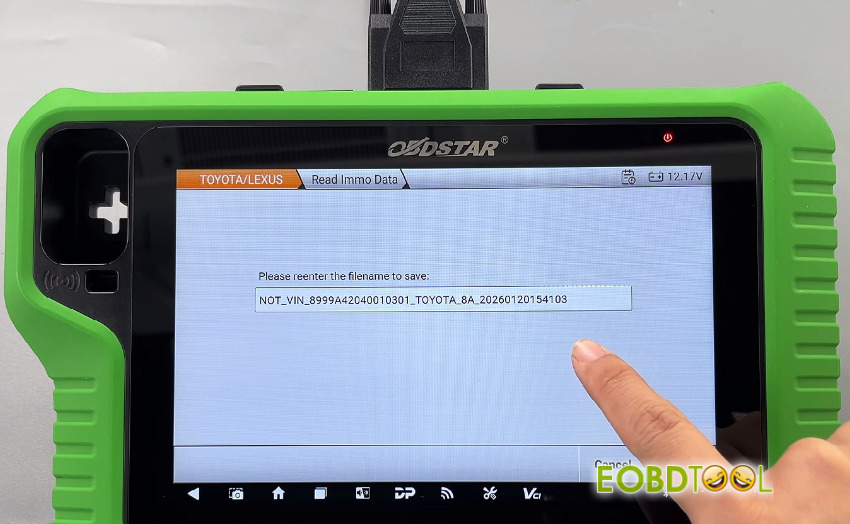
Enter the filename to save the EEPROM data
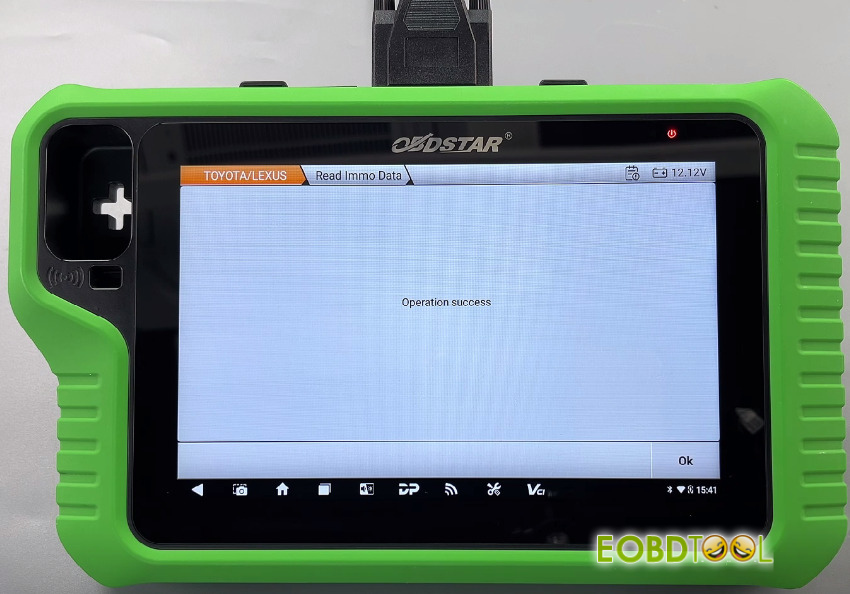
When X300 Classic G3 key programmer displays “Operation success”, that means the immobilizer data has been successfully read.
Video guide:







