




A common question regarding how to modify MQB49 Key ID using Keydiy KD-X4 to match the vehicle’s original system. This guide provides the solution.
The process involves reading data from the original key to obtain its specific Key ID, then programming that ID onto the new Keydiy remote.
Step-by-Step Instructions:
Step 1: Read Original Key Data
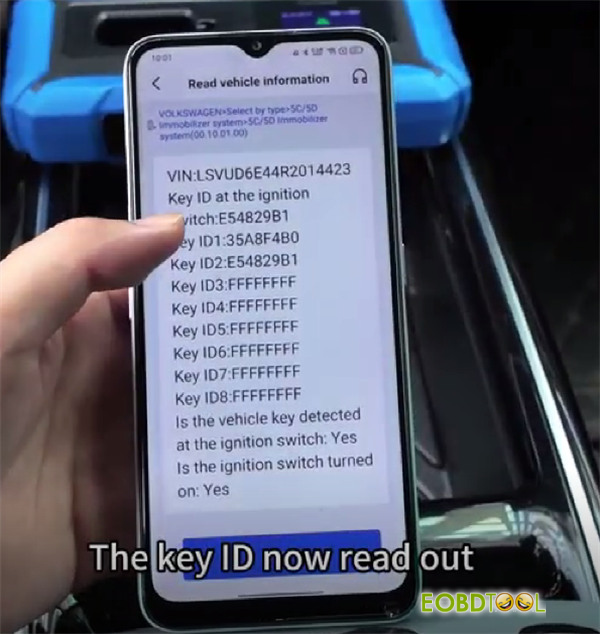
Begin by disassembling the original factory key to read its data and generate a service code. Keydiy device will display two Key IDs.
Place the original key on the induction coil of KD-X4 key programmer to identify which of the two displayed IDs belongs to the original key.
Step 2: Prepare Keydiy Remote
Only Keydiy remotes allow for ID modification.
In the device menu, select the appropriate Service Code and choose the FGB remote option to generate a dealer key.
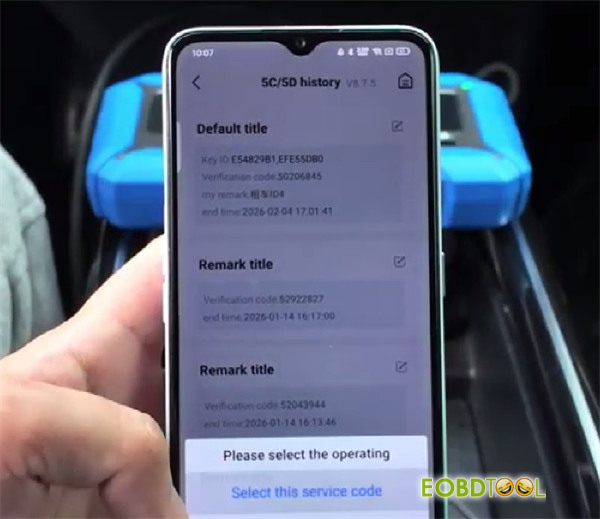
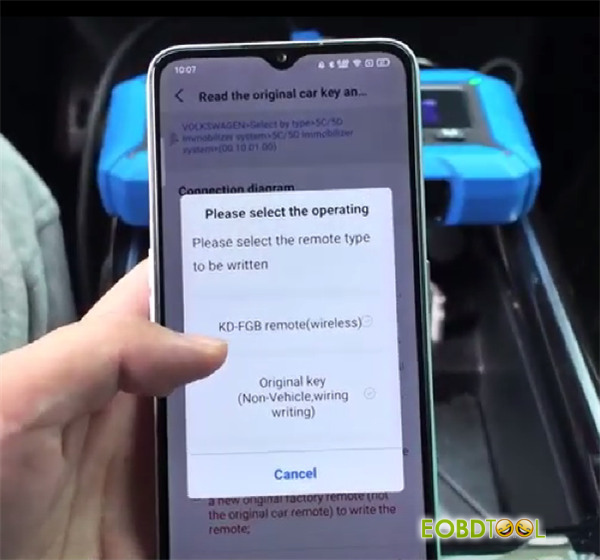
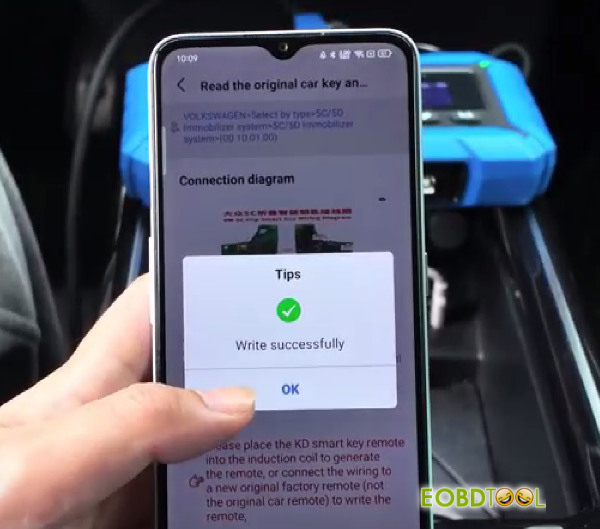
Step 3: Modify Key ID on the New Remote
Then, navigate to the Chip function and select Automation detection clone.
Place Keydiy FGB remote onto the induction coil of Keydiy Kd-X4 Key Programmer
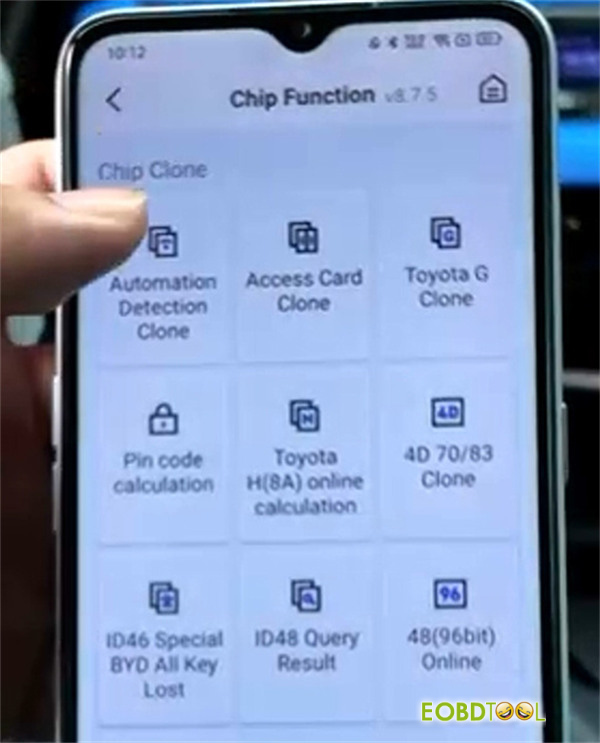
Hit Start identifying. The device will read the chip type and its current ID.
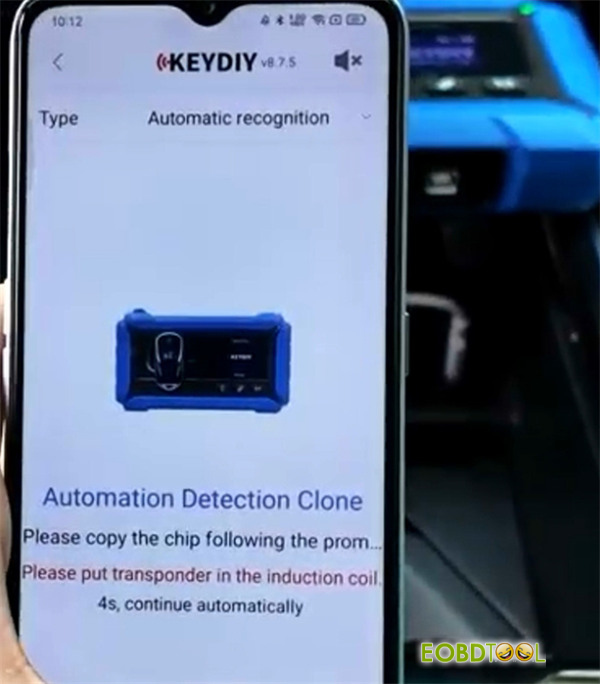
Select Chip editing.
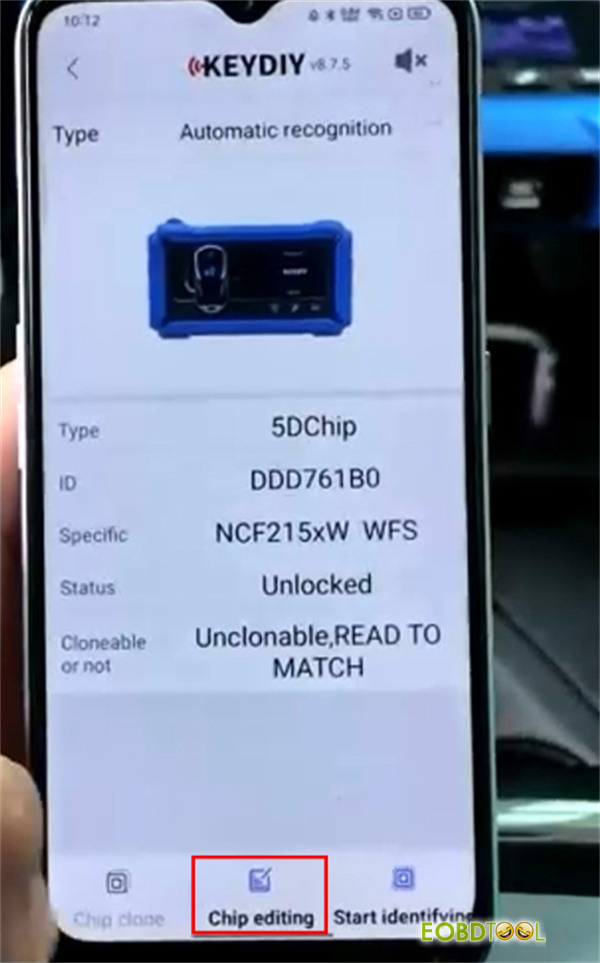
Modify the displayed ID to match the original key ID you identified in Step 1.
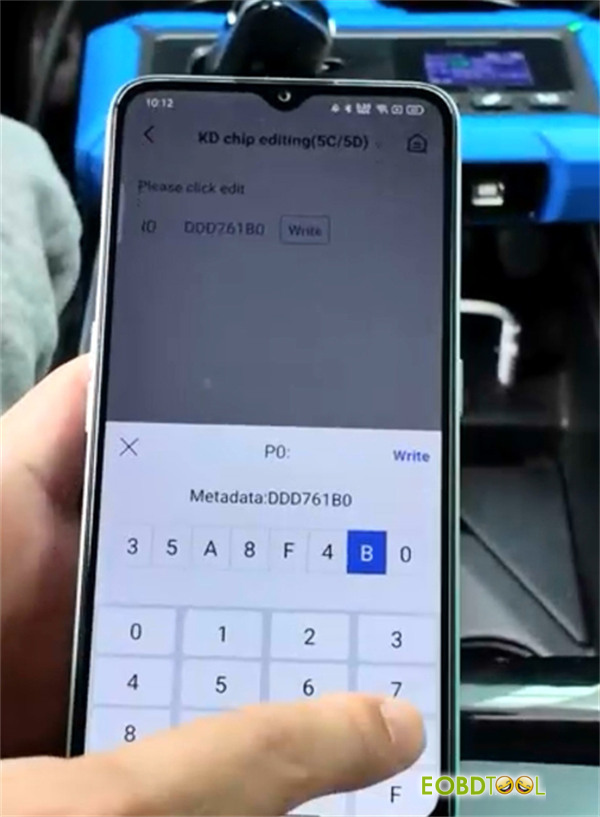
Write the new ID to the chip. A success message will confirm the process.
Step 4: Verify the Change
Re-identify the remote information. The display should now show that the Key ID has been successfully updated to match the original.
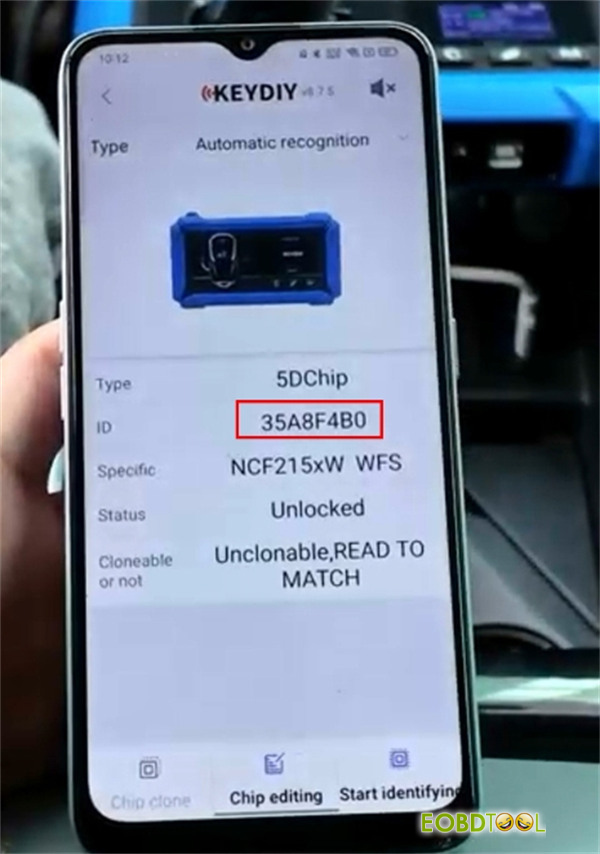
Step 5: Program the Key to Vehicle
With the Key ID now matching the original system, you can proceed to program (teach) the new key to the car using the standard vehicle learning procedure.







