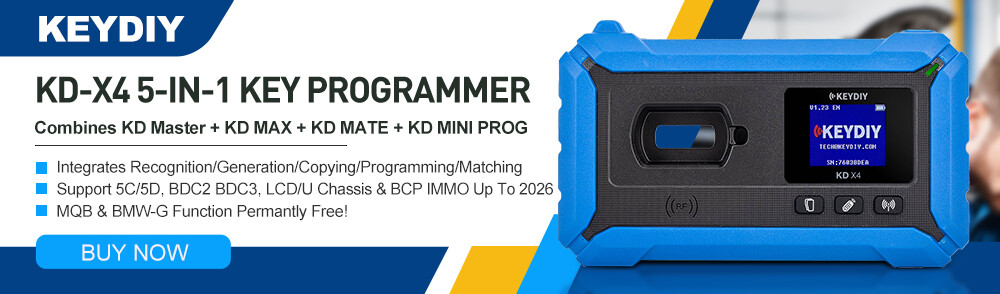



This post provides step-by-step instructions for programming a Volkswagen 5C immobilizer key using KEYDIY KD–X4 and a KD-type aftermarket key.
Tools & Prerequisites:
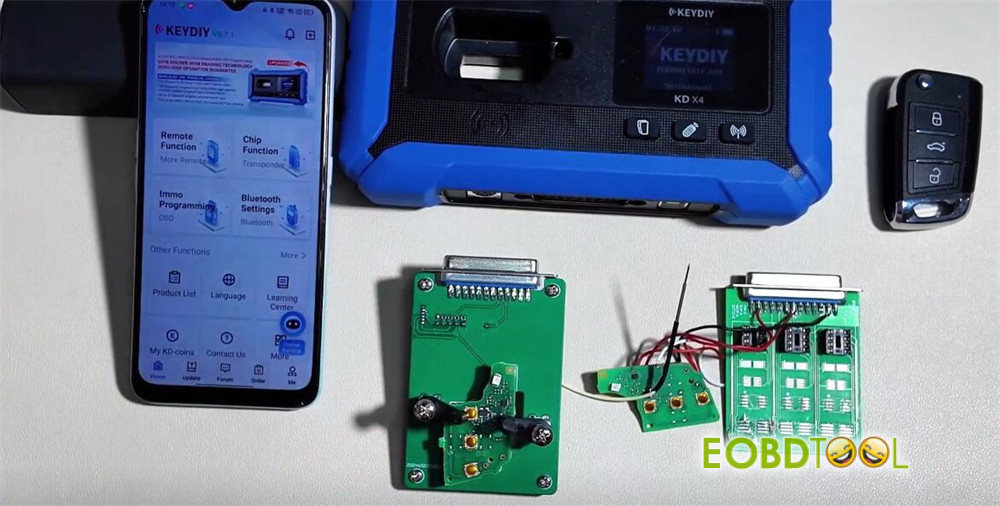
- KD-X4 key programmer
- Original Vehicle Key (for data reading)
- New KDZB MQB smart remote (to be programmed)
- Keydiy DB25 KeyProgramming Cable or KD circuit board
Software Requirements:
Device Firmware Version: 1.53 or higher.
Application Version: V8.71 or later.
1.Key and Adapter Setup
The new KD key is physically identical to the original key but contains a different internal circuit board (PCB).
Adapter Board: Use the provided KD adapter board. It allows the key’s PCB to be installed and features two ports:
- One port connects to KD-MC/KD-MX for remote generation.
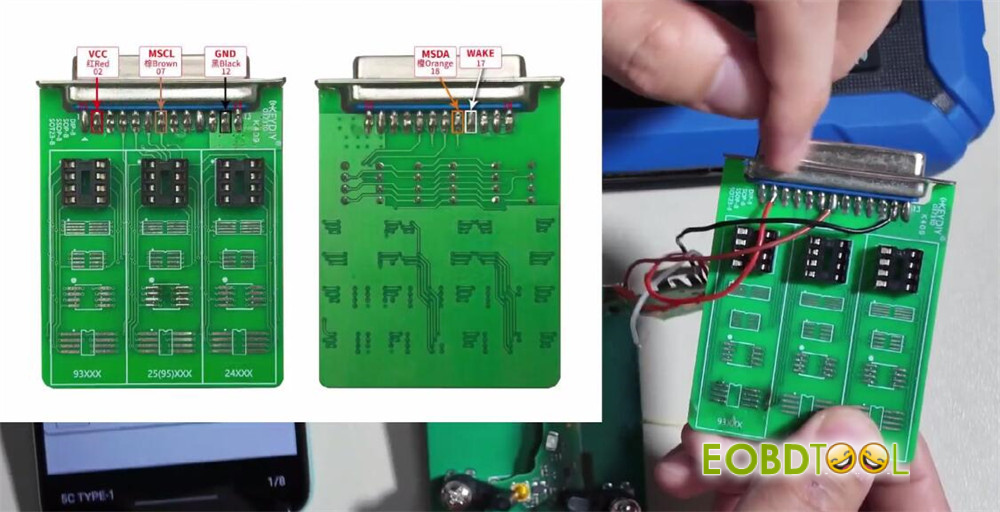
- The other port has connections for five wires used for data reading/writing.
Wiring:
Connect the five wires from the harness to the corresponding pins on the adapter board. Refer to the on-screen wiring diagram.
Note: The connector may only have four pins. The fifth wire (typically the wake line) must be manually connected to the correct chip pin on the key PCB.
Programming Procedure
Step 1: Read original key data
Power on KEYDIY KD–X4 5-in-1 key programmer
Navigate to: IMMO Programming -> Volkswagen -> 5C 5D Immobilizer System.
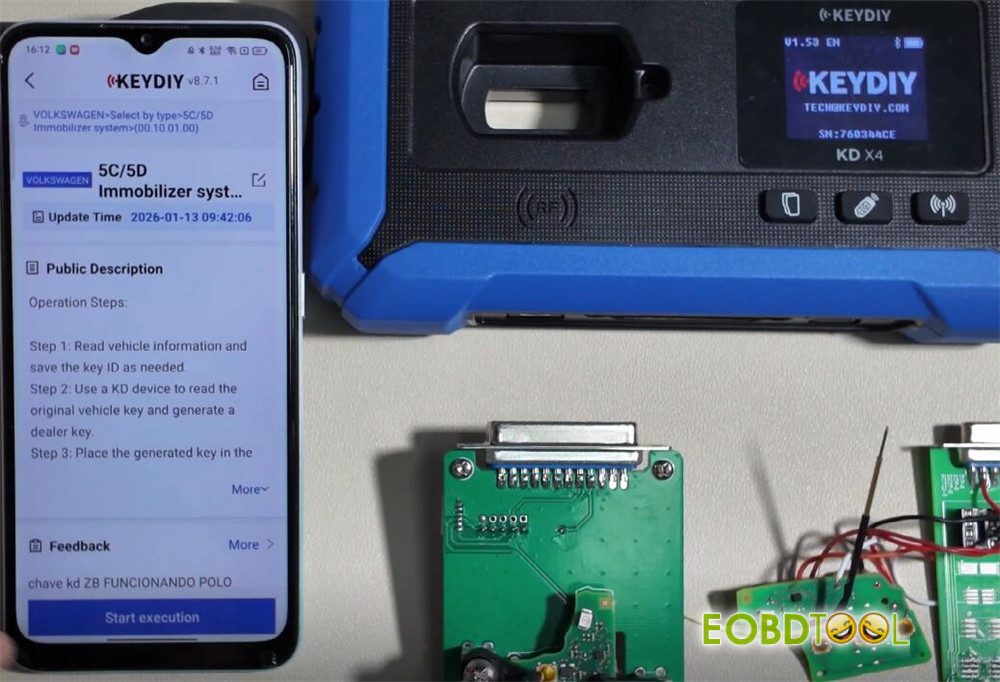
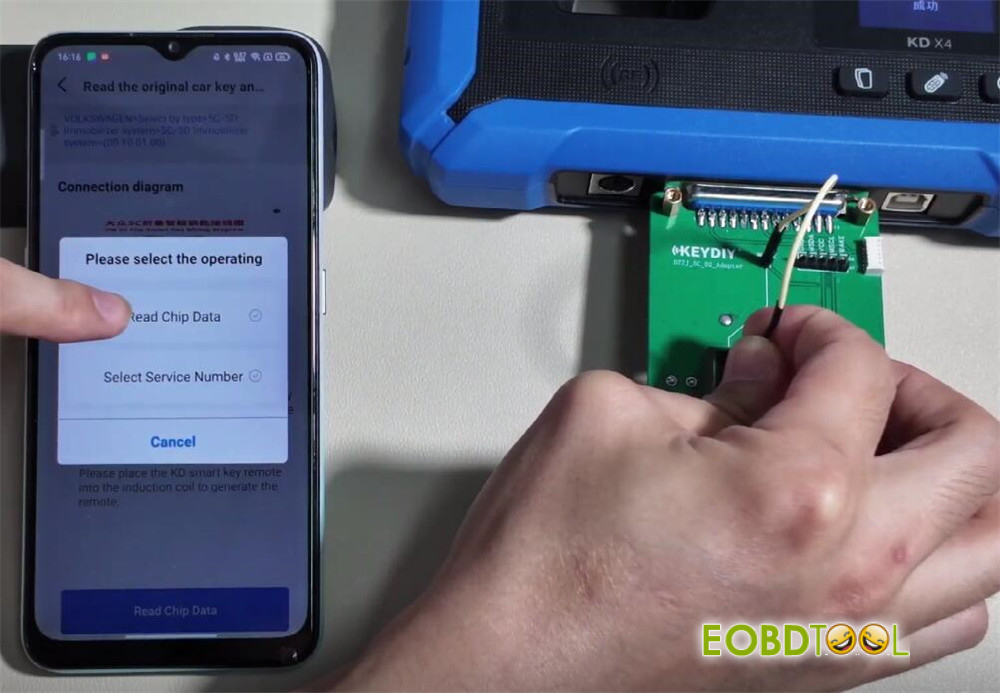
Select: “Read the original car key and generate a dealer key.”

Connect the Original Key:
- Securely clamp the original key into the adapter board. Use the side sliders to lock it in place.
- Connect the adapter board to the device.
Follow the on-screen wiring diagram to verify all five wire connections are correct.
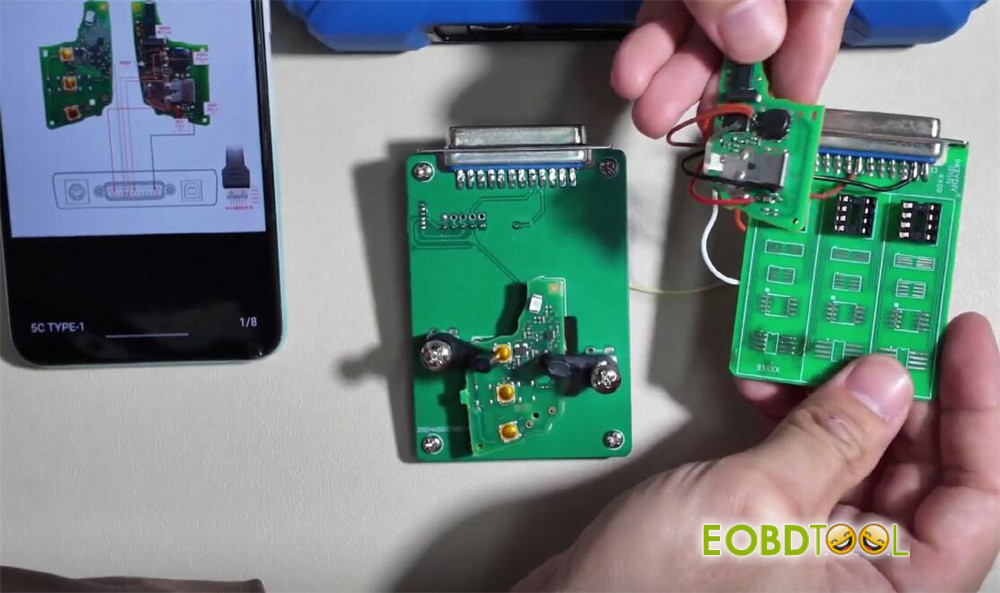
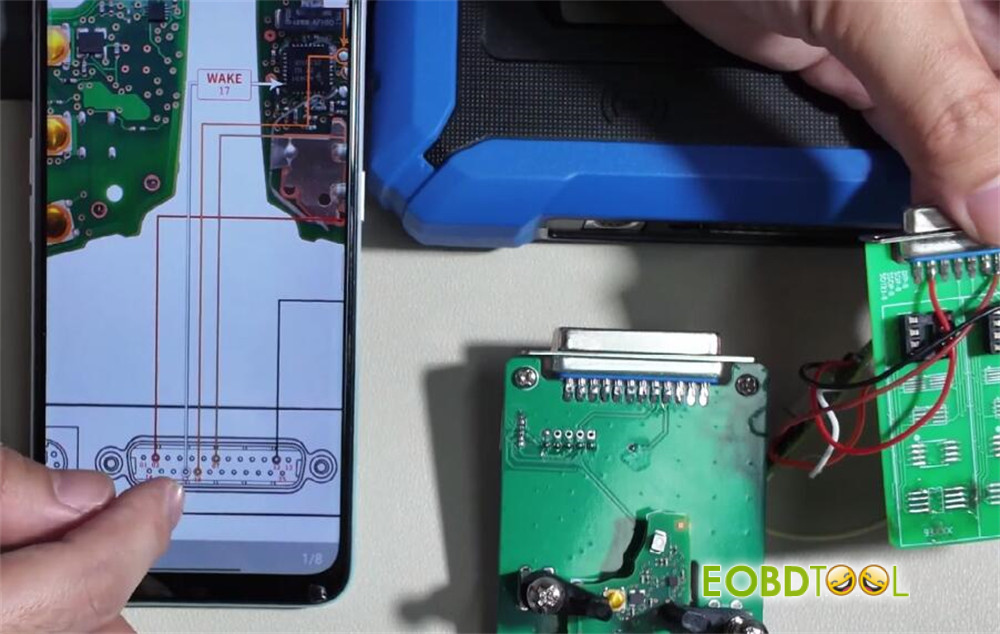
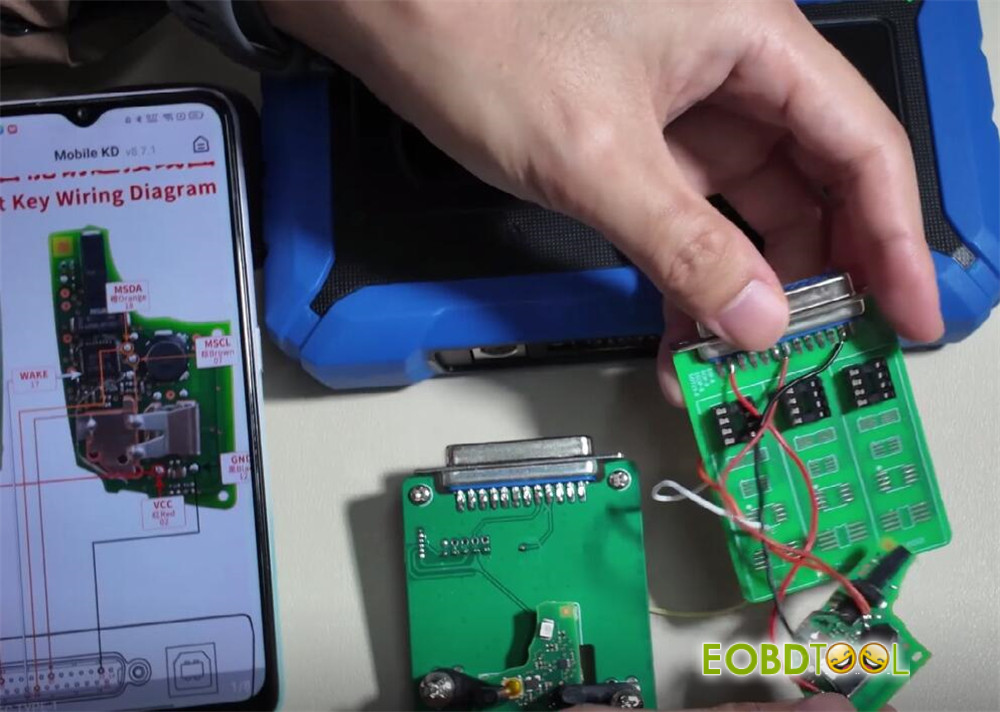
Initiate the Read process.
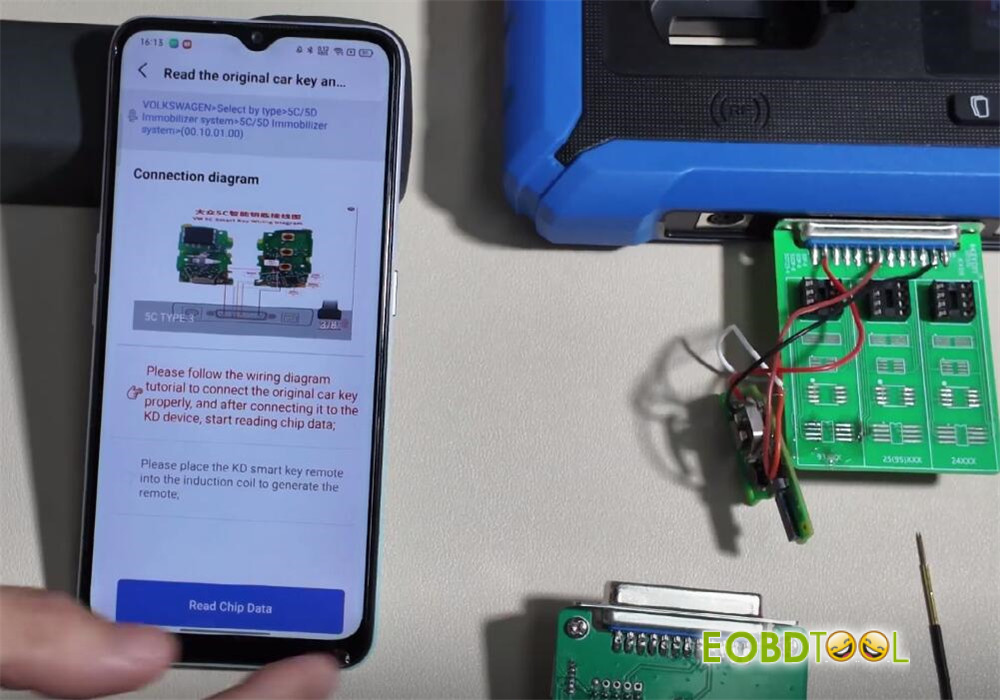
Outcome: Upon successful read, the device will display the key data and generate a Service Code.
Proceed to the next step.
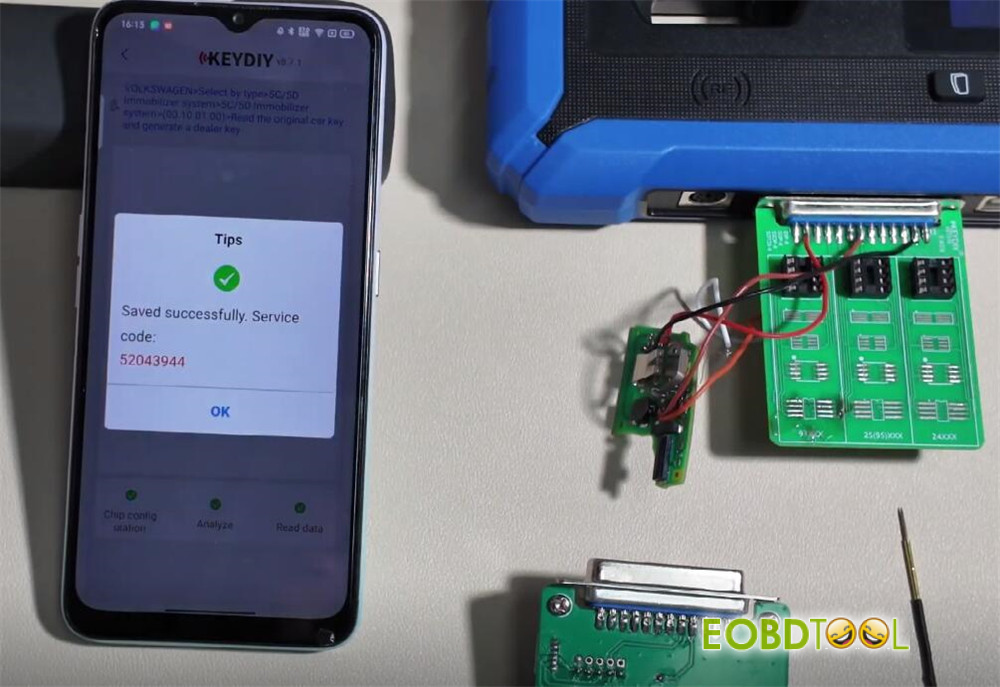
Step 2: Write Data to New KD Key
Remove the original key and adapter board.
Install the new KEYDIY KD key into the adapter board and secure it.
On KD-X4 device, select the key type: KDZB Smart Key. Confirm.
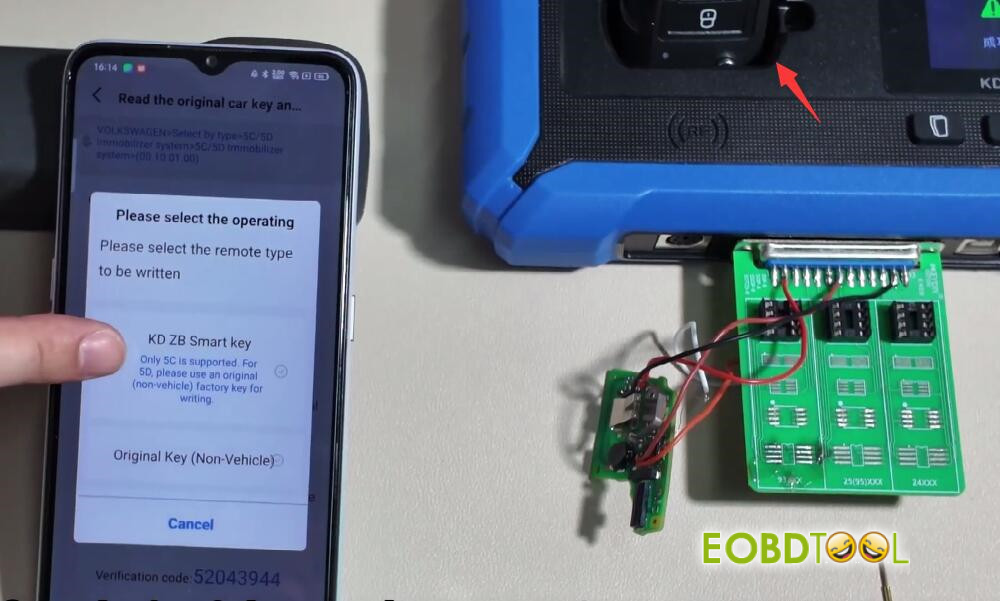
Initiate the Write process.
Outcome: Upon successful writing, the device will confirm.
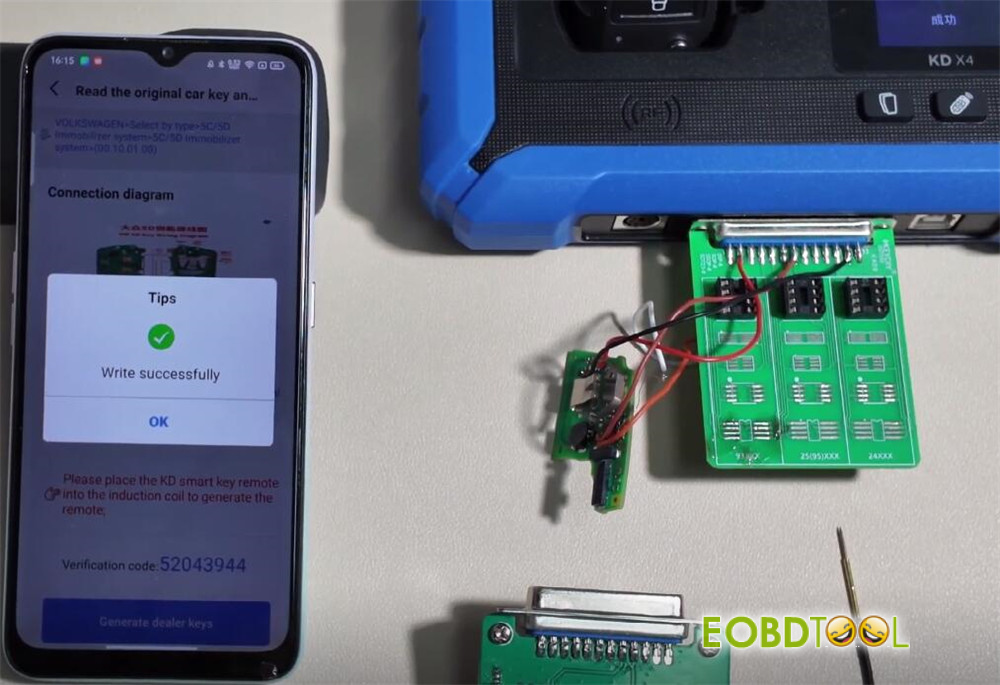
Restore the original car key to its initial state by re-reading it if needed.
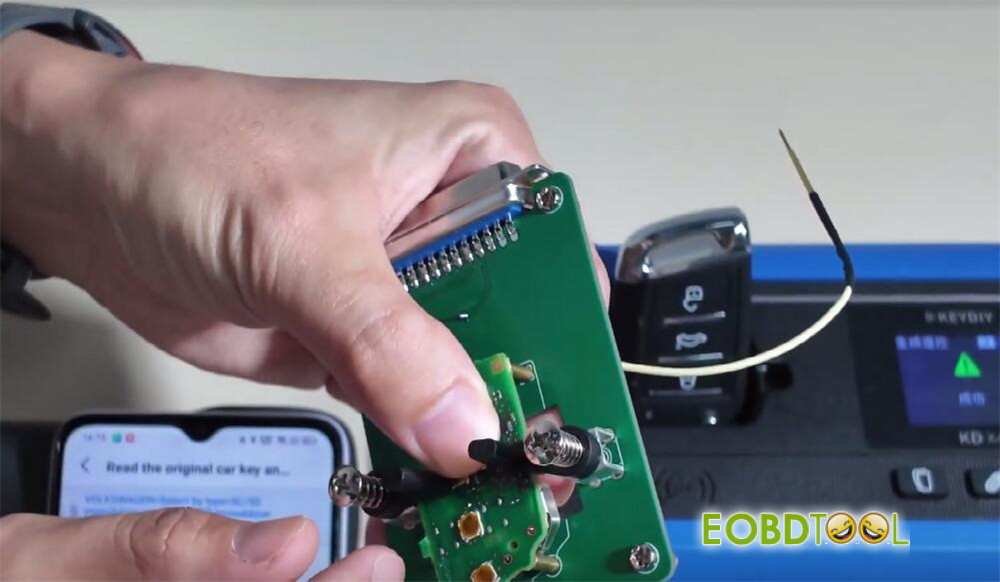
Step 3: Vehicle Key Learning (Matching)
Step 4: On-Board Diagnostics (OBD) Connection
Connect KD–X4 device to the vehicle’s OBD-II port.
Ensure you have both keys: the newly programmed KD key and the original key.
Step 5: Learning Process
On KEYDIY KD-X4 key programmer, navigate to: IMMO Programming -> Volkswagen -> Key Learning.
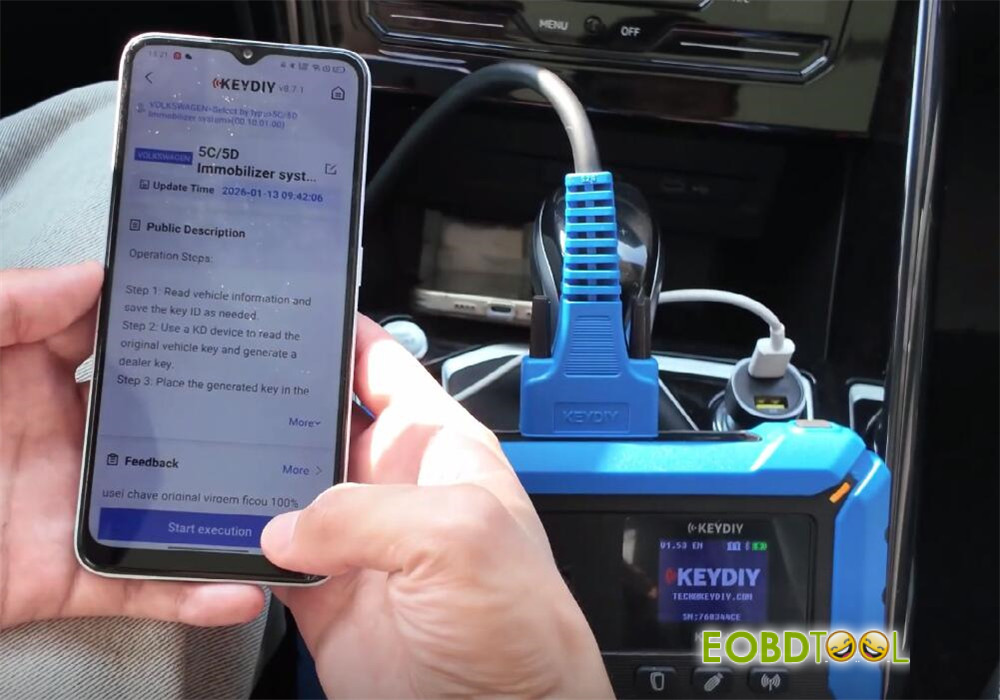
Select “Learn two keys.”
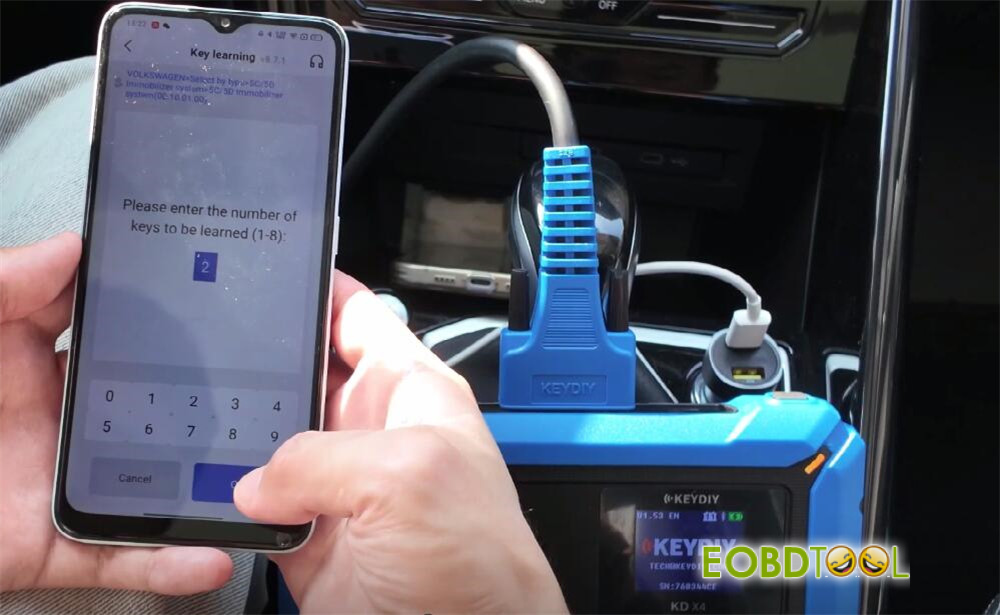
The device will prompt you to open the vehicle’s hood. Comply.
Learn First Key (Original):
- Place the original key against the vehicle’s ignition coil or the designated induction area.
- Follow on-screen prompts. Enter the Service Code generated earlier when requested.
- The device will confirm when the first key is learned successfully.
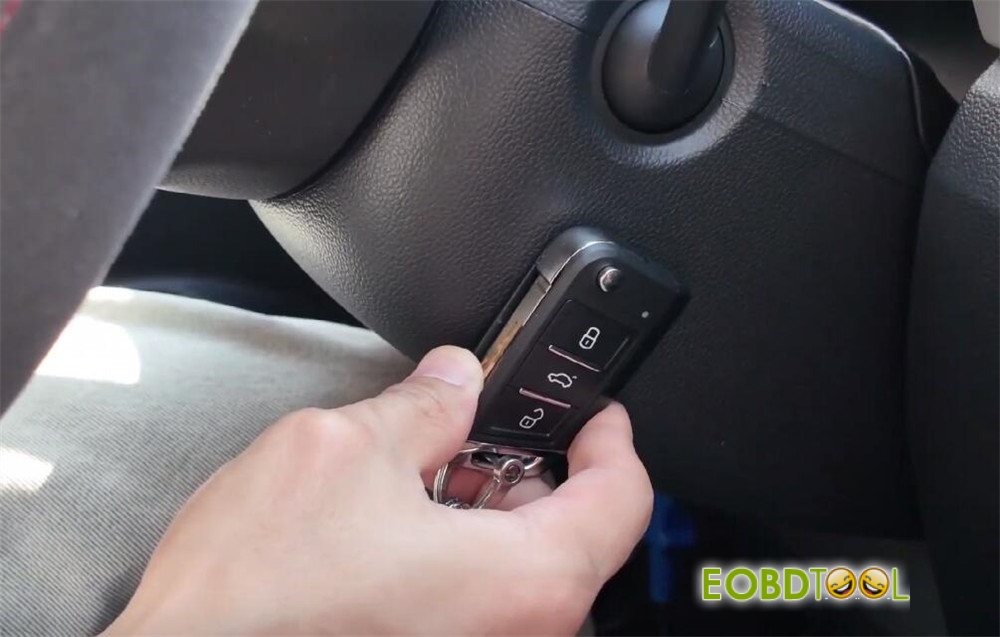
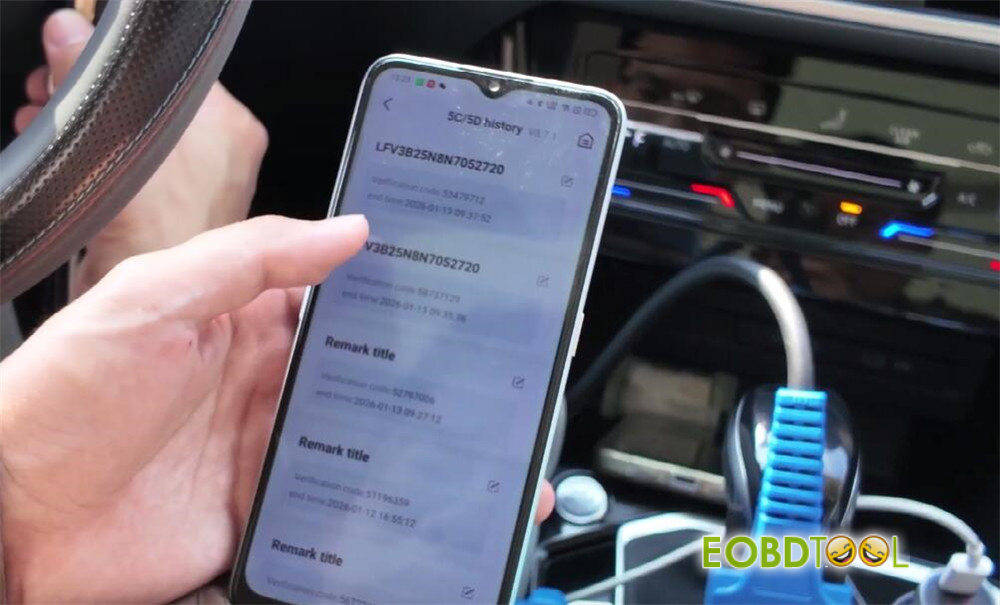
Learn Second Key (New KD Key):
- Place the new KD key against the induction area.
- Confirm the prompt to learn the second key.
- The device will confirm successful learning.
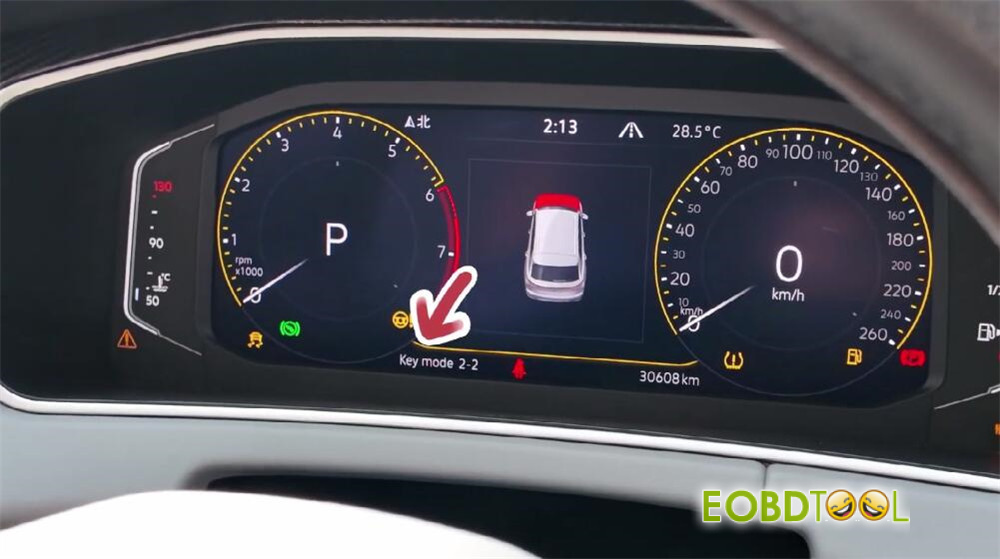
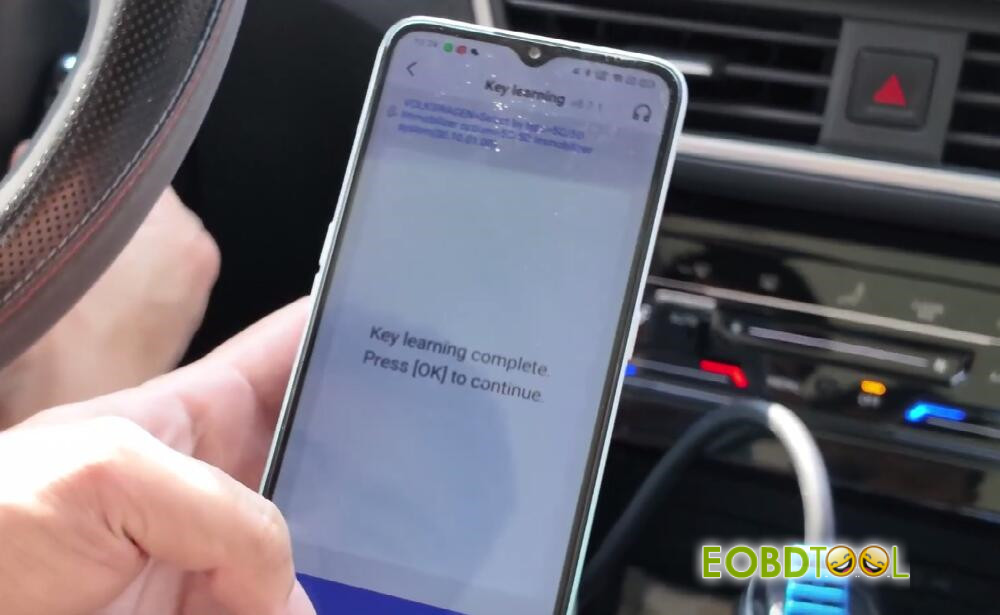
Finalize:
Turn the ignition OFF, then ON again using one of the keys.
Follow final on-screen prompts to complete the learning process.
Note for 2024-2025 Models: If “Mode Access Failed” appears, you may need to perform an SFD (Session Fault Diagnosis) Unlock before starting the key learning procedure.
Step 6: Post-Programming Verification
1.Remote Function Test
Test the original key and new KD key in sequence: Verify LOCK and UNLOCK functions operate
2 .Engine Start Test
Insert the new KD key into the ignition.
Attempt to start the engine. It should start normally.
Completion
Once all remote functions and the engine start are verified, the key programming and vehicle matching process is complete by KEYDIY KD-X4 key tool.







