
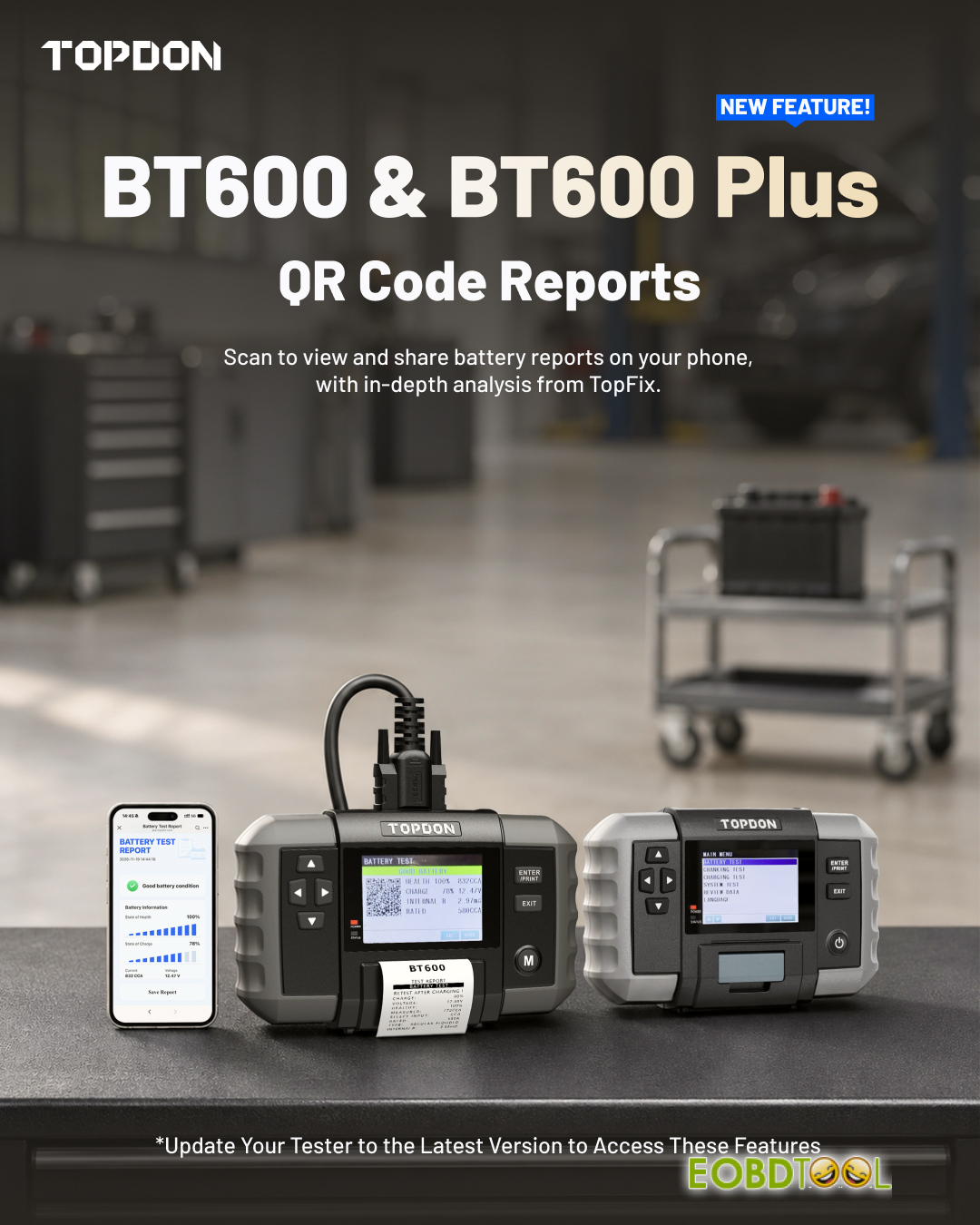
TOPDON BT600 and BT600 Plus are heavy-duty automotive battery testers with built-in thermal printers designed for fast, reliable diagnostics. While the standard BT600 covers essential 12V/24V battery, cranking, and charging tests for everyday shop work, the upgraded BT600 Plus expands on this with broader battery standard support and enhanced diagnostic versatility for complex vehicle systems. To make sharing test results with customers even easier on both models, the latest firmware update introduces instant QR code report sharing. Follow this quick guide to upgrade your device and start scanning reports straight to your phone.
Prerequisites & Hardware Notes:
- Operating System:Windows PC.
- Data Cable:Check your hardware version before connecting. Models manufactured after 2025 require a USB-C data cable; older units require a Mini-USB data cable.
- Port Isolation:Disconnect all other non-essential USB peripherals from your PC during this process to prevent port or driver conflicts.
Update & Operation Procedure:
1.Download & Install PC Suite:
- Navigate to com> Battery Service > BT600 > Download > Download for Windows
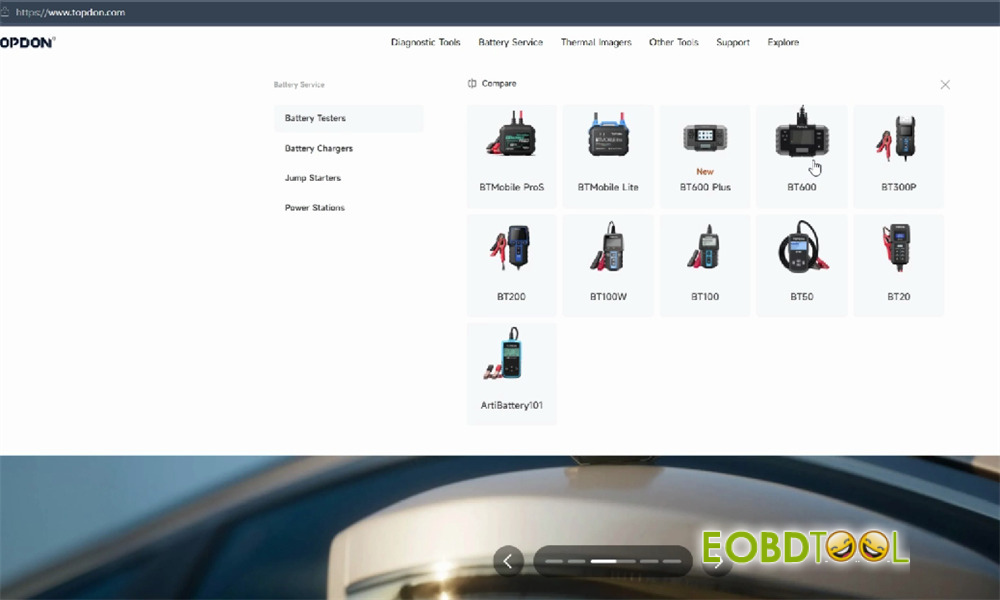
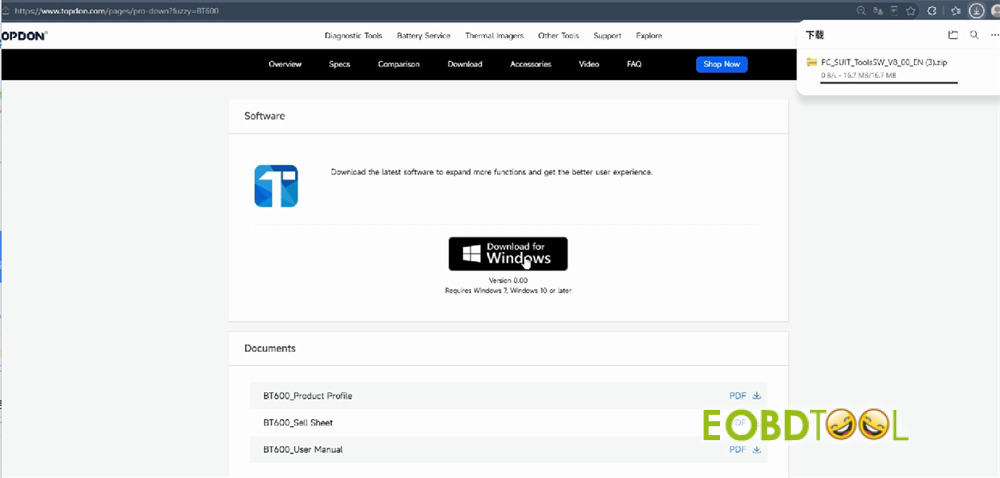
- Run the installer file directly on your PC
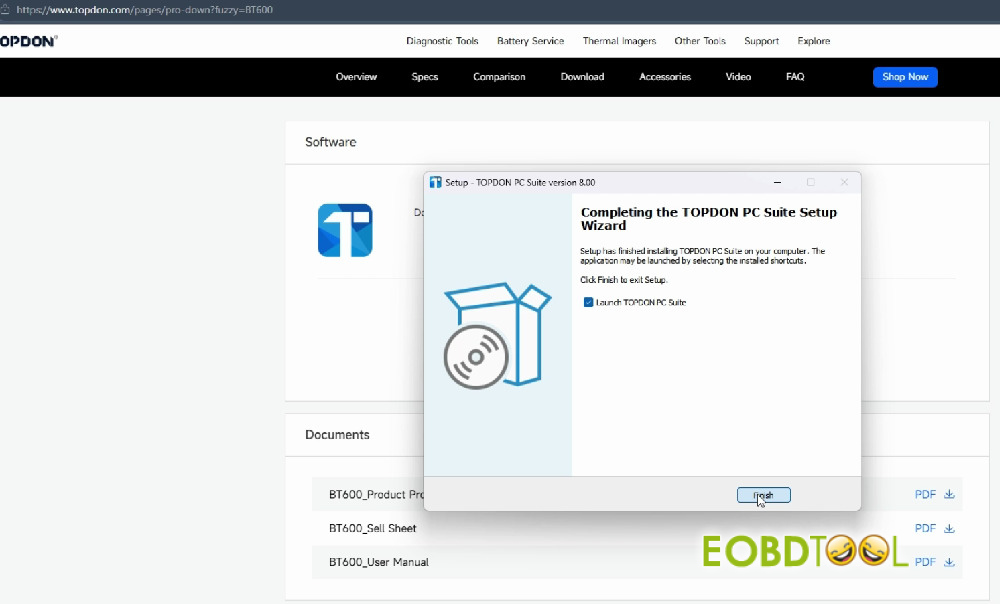
- Launch the application and log in using your registered official TOPDON account
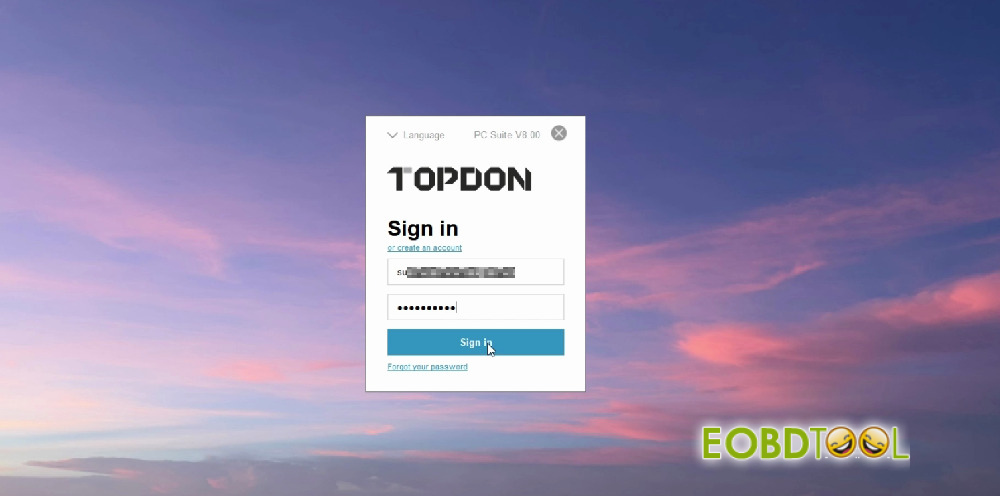
2.Connect & Bind Hardware:
- Connect TOPDON BT600 Plus/BT600 to your PC via the compatible USB cable
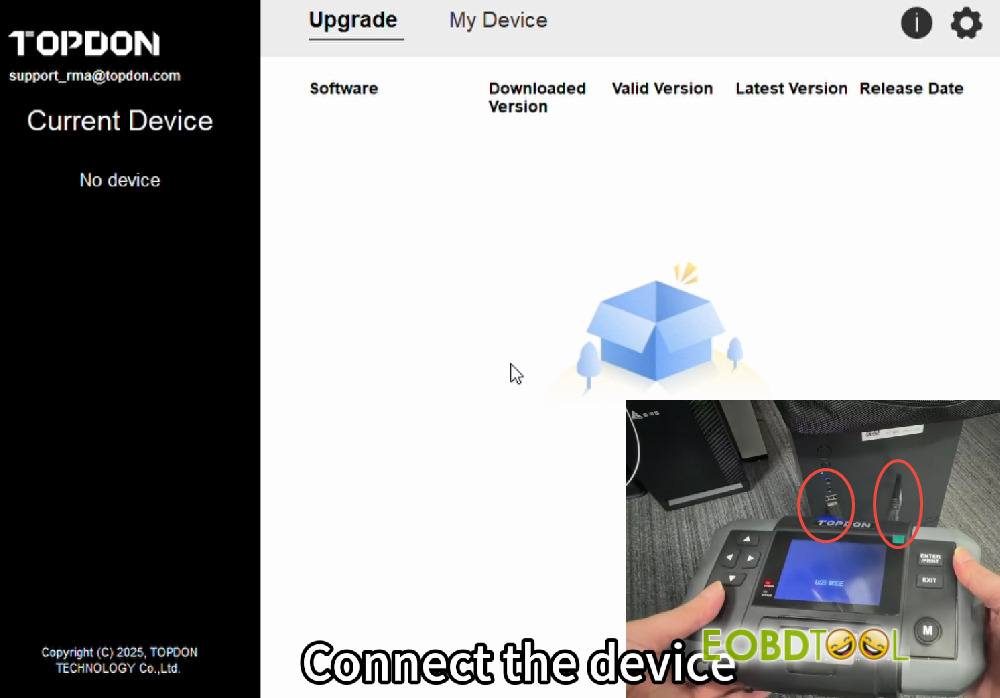
- Select “Bind Device”in the PC software and enter the binding code
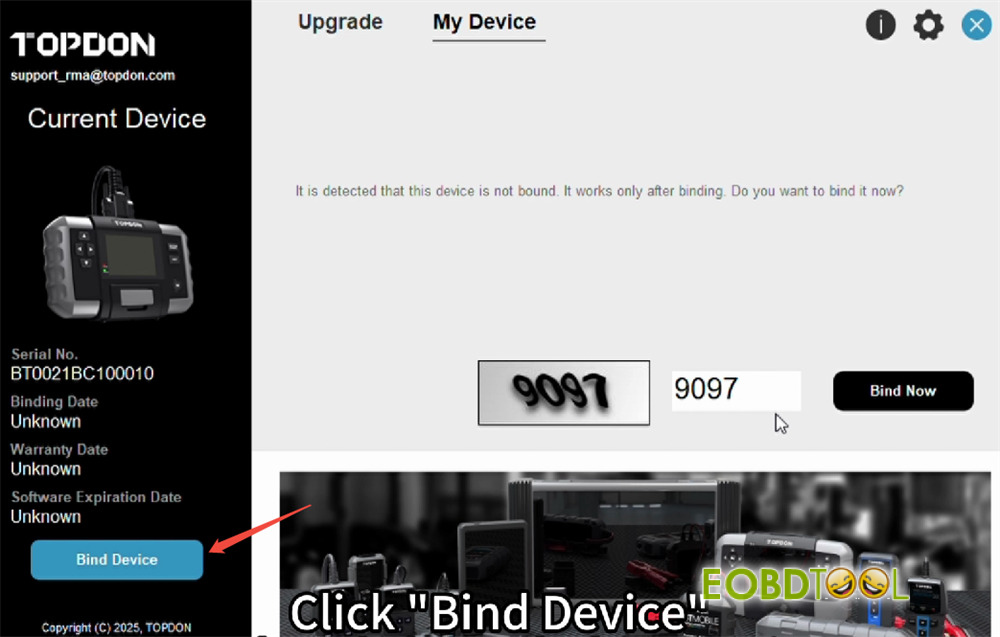
Note: if the device is already bound, skip this step.
3.Execute Firmware Upgrade:
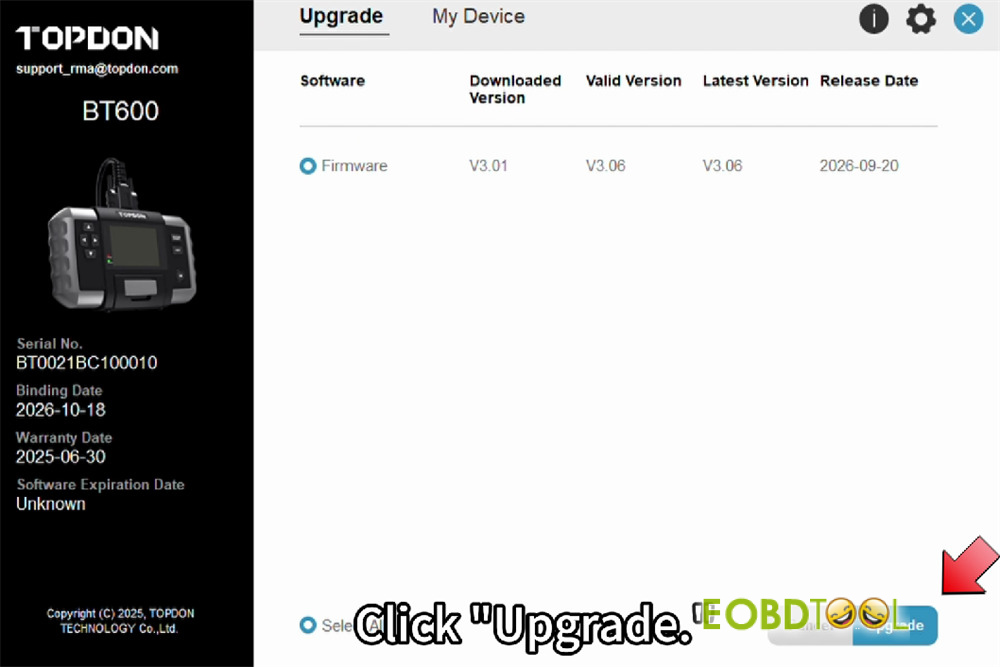
- Initiate the firmware update through the software interface.
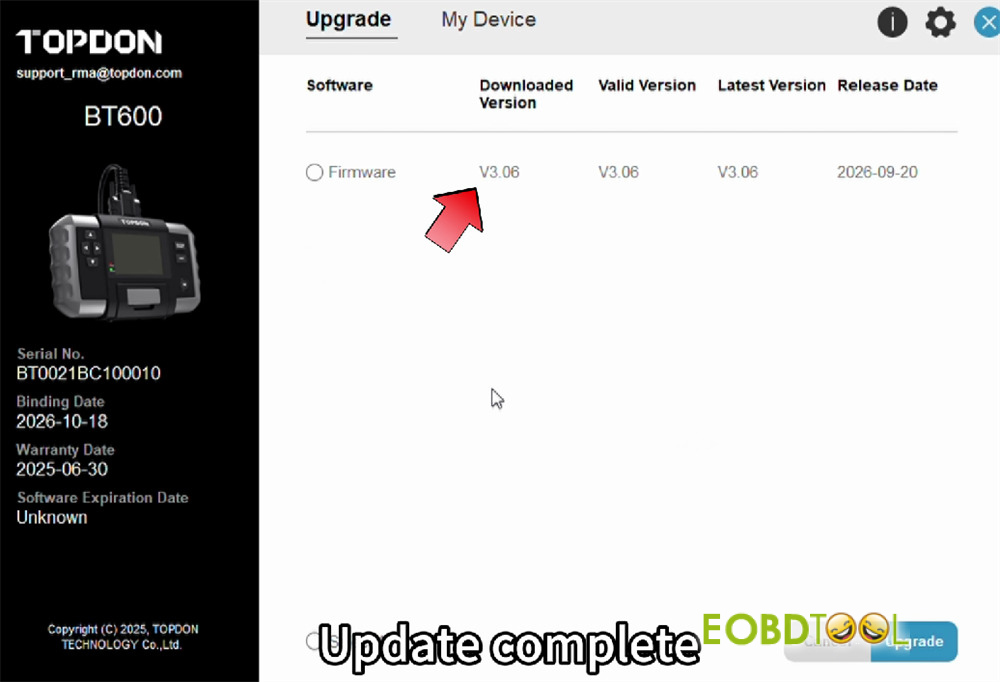
- Confirm the update is successful by verifying the updated firmware/software version number on the display
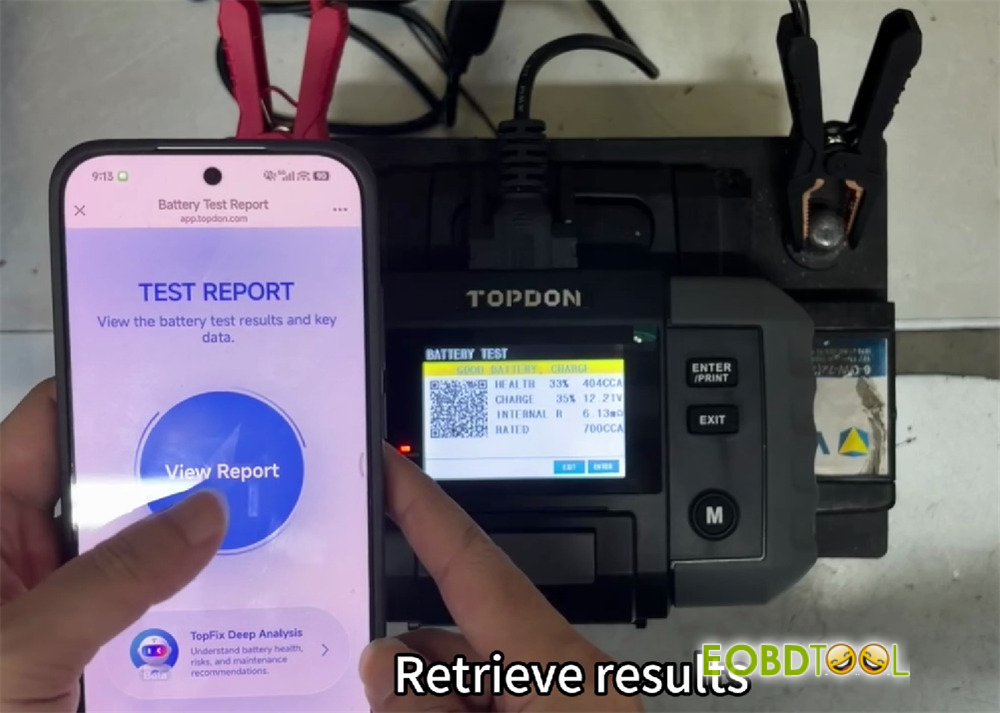
4.Verify QR Code Report Function:
- Disconnect the unit, connect Topdon BT600 Battery Tester to a vehicle battery using the clamp cable
- Select the appropriate values based on the battery type
- Perform a standard battery test
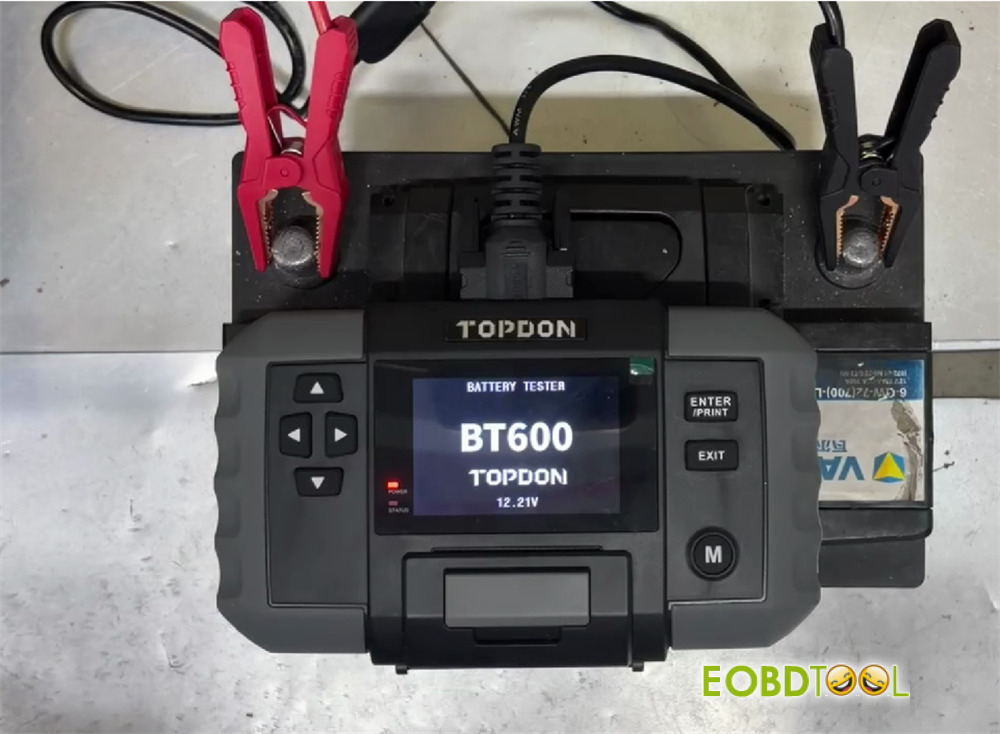
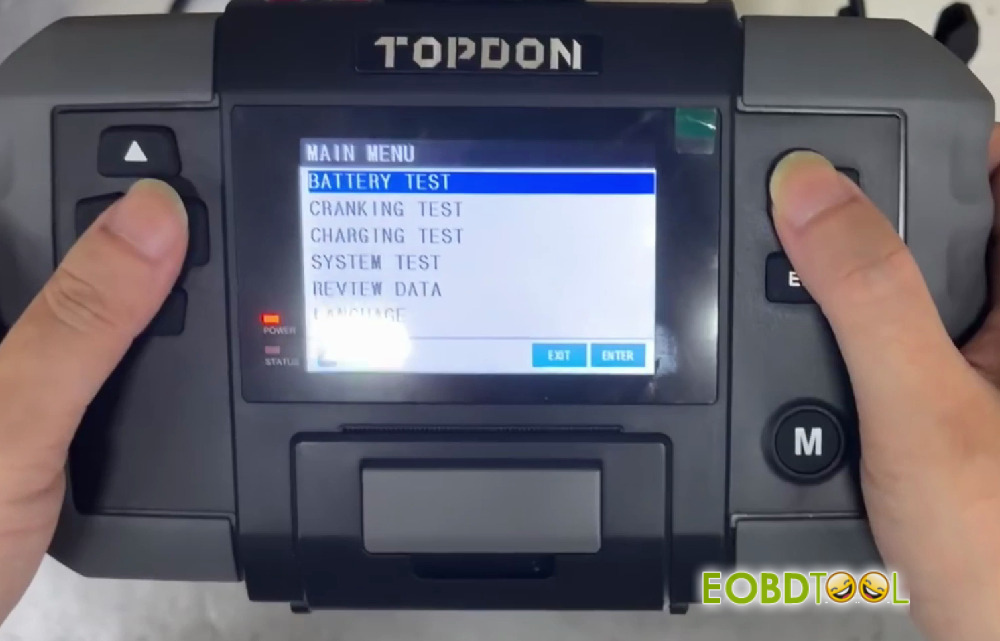
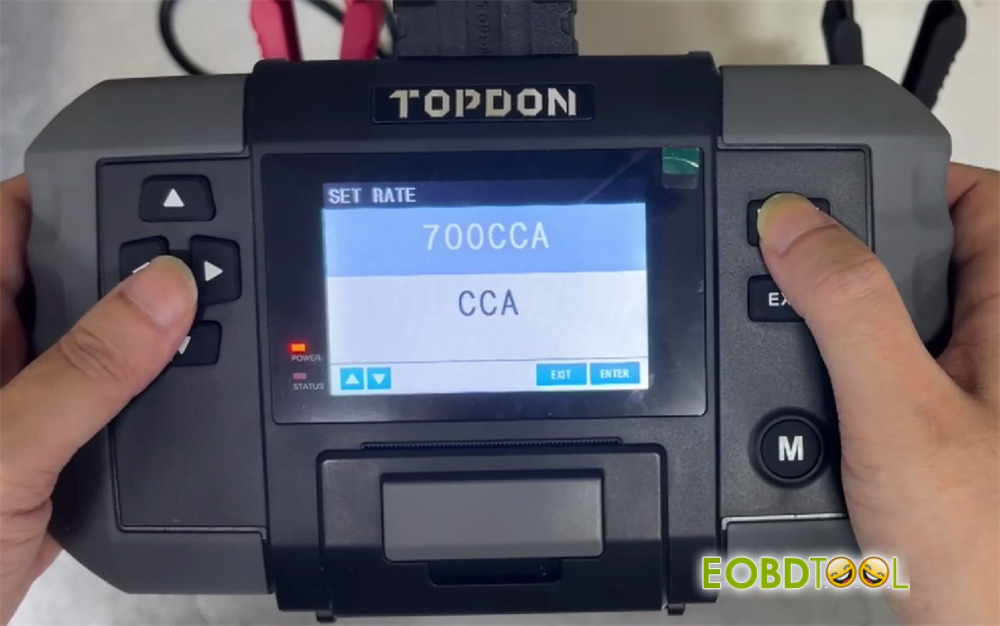
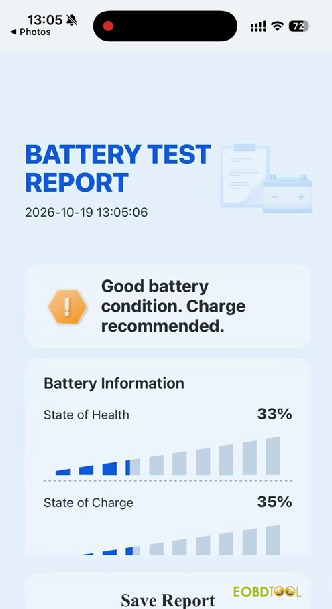
- You will get the report and QR code.
- Scan with any QR code reader on your smartphone, no need specific APP
- Verify report If you are not satisfied with the currentresults, you can use AI analysis feature (TopFix Deep Analysis) for further insights.