






This guide details the steps to program a new aftermarket smart key (fob) for a 2018 Buick GL6 using Lonsdor K518 Pro key programmer.
Disclaimer:
This procedure requires specialized equipment and access to security codes. It is intended for professional automotive technicians. Incorrect steps may disrupt vehicle security systems. Ensure you have all necessary tools and authorization before beginning.
Tools & Prerequisites:
- Lonsdor K518 Pro FCV/Full version
- OBD-II communication cable
- New smart key (e.g. Buick BU30 Smart Key)
- Vehicle’s 4-digit Security PIN (Must be obtained in advance from an authorized source using the Vehicle Identification Number – VIN)
- 2018 Buick GL6 with ignition OFF
Procedure
Step 1: Generate smart key
1.Establish Connection:
Locate the vehicle’s OBD-II port (typically under the dashboard near the driver’s knees).
Connect the OBD communication cable from K518 Pro key programmer to the vehicle’s OBD-II port.
2.Power the Tool:
Turn the vehicle’s ignition to the ON position (do not start the engine). Power for the tool is usually supplied through the OBD port.
3.Generate Smart Key Data:
On K518 Pro main menu
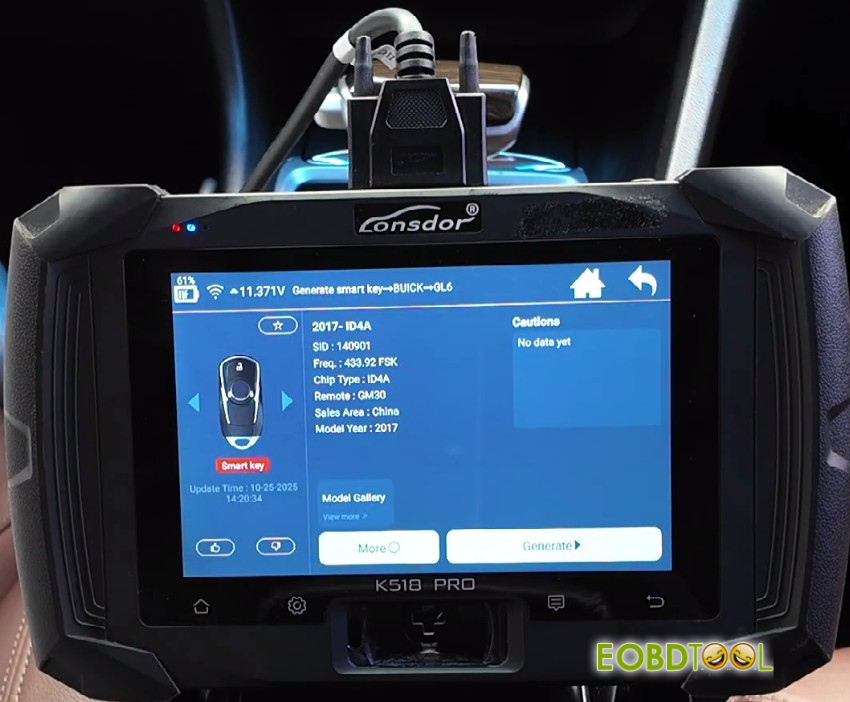
Navigate to Generate smart key-> BUICK-> GL6-> 2017- ID4A
Place Lonsdor Buick BU30 Smart Key into K518 Pro’s induction coil area.
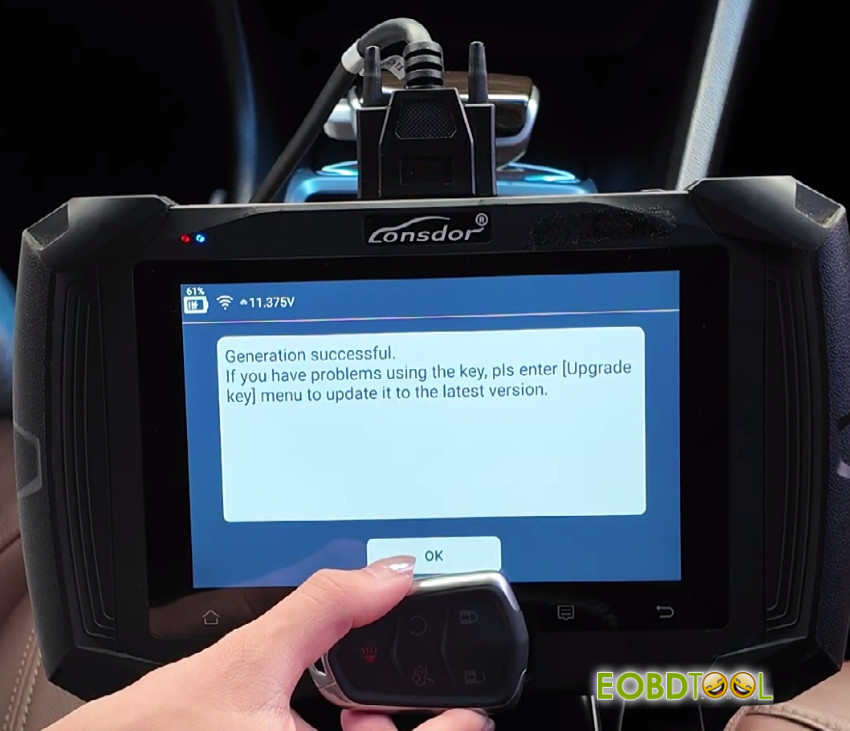
Select “Generate” and wait for the generation is successful
4.Return to Main Menu:
Exit the current function and return to K518 Pro’s main vehicle selection menu.
Part 2: Program Key (Learning) to Vehicle
5.Enter Programming Module:
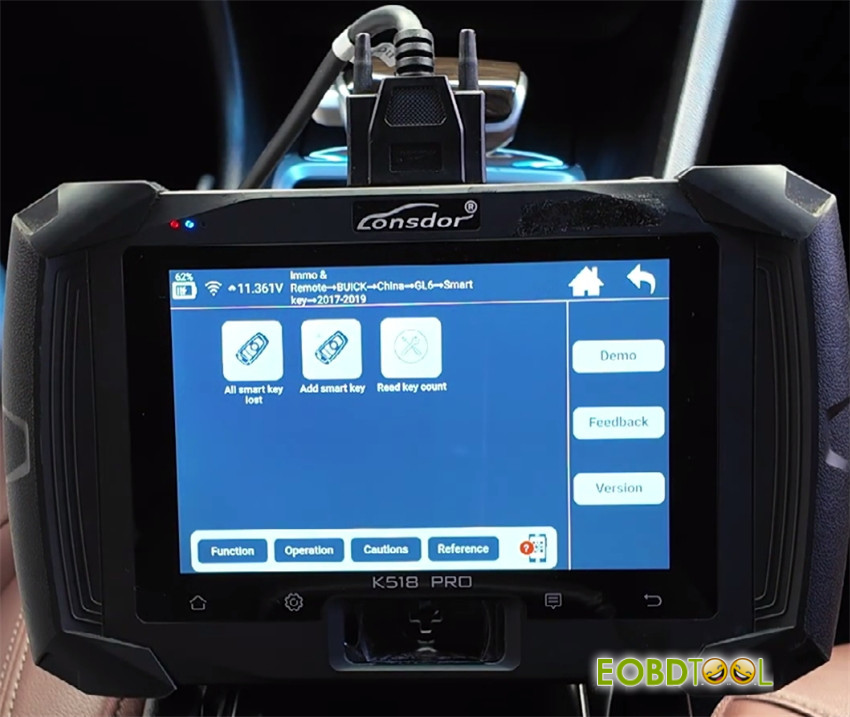
Navigate to: Immo &Remote-> BUICK-> China-> GL6->Smart key-> 2017-2019-> Add smart key
6.Follow On-Screen Prompts:
Switch ignition off and click start button
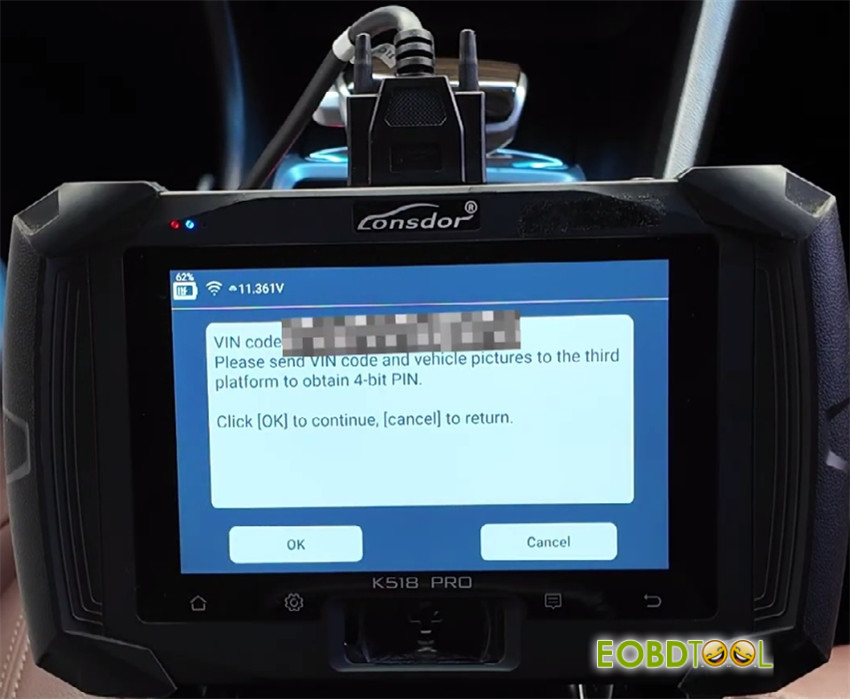
Obtain the VIN code
7.Enter Security PIN:
The tool will request the 4-digit Security PIN.
Obtaining the PIN: This PIN is unique to your vehicle and must be acquired beforehand from an authorized dealer or a licensed third-party service by providing the car’s VIN and required proof of ownership.
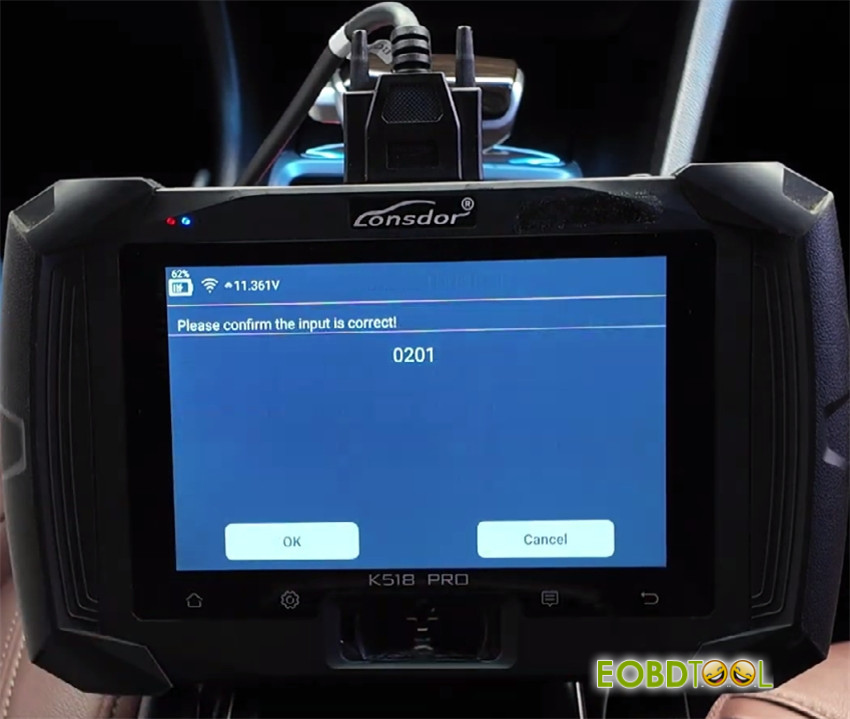
Enter the obtained PIN (e.g., 0201) using the tool’s interface and confirm.
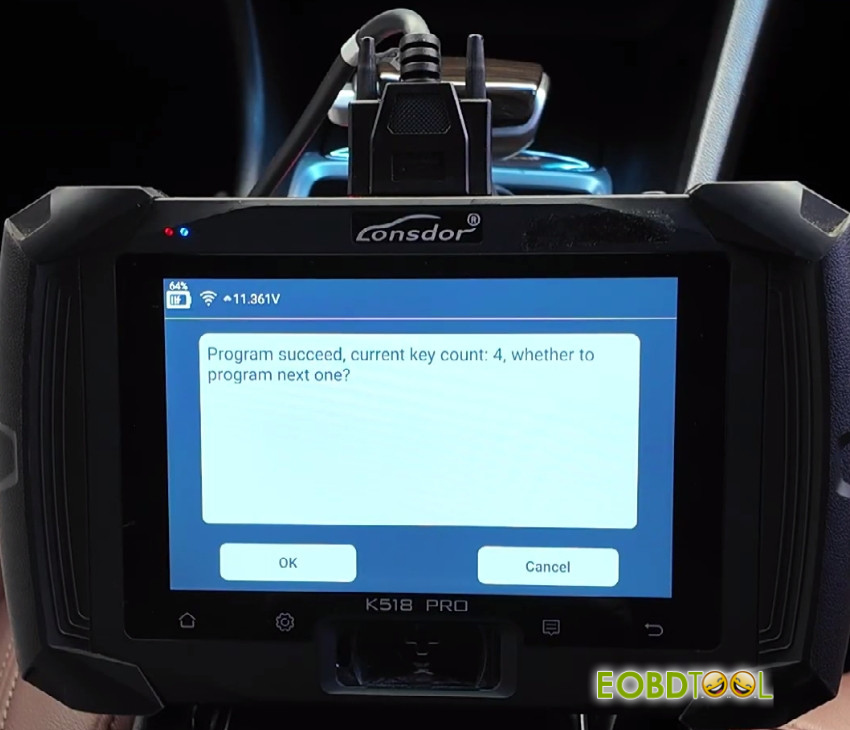
8.Confirm Key Count:
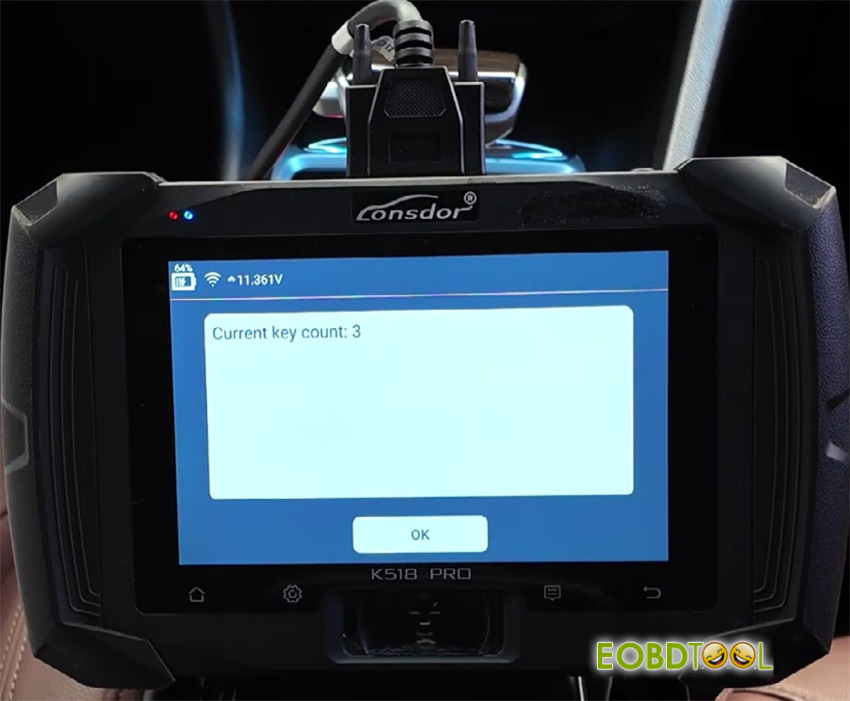
The tool will display the current number of keys programmed to the vehicle (e.g., “3 keys programmed”).
Verify this information and press “OK” to continue.
9.Program the New Key:
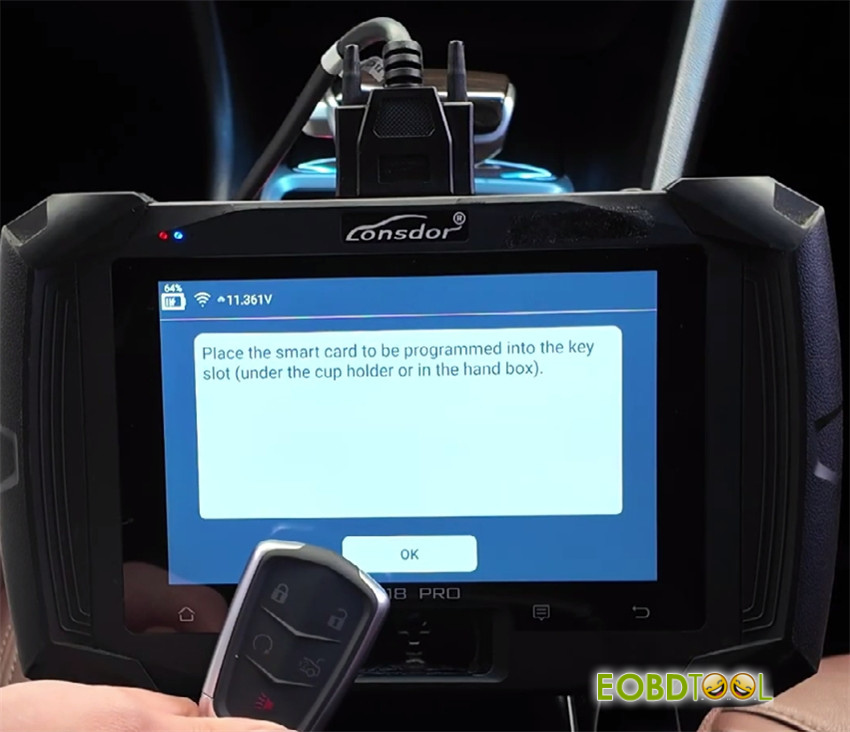
When instructed, place the new smart key on the vehicle’s key induction area (typically marked on the steering column or center console).
Press “OK” on the tool to begin programming.
Wait for completion. A progress bar or message will indicate the status.
10.Finalize Programming:
Upon completion, the tool will prompt: “Press and hold the start button for two seconds.” Do this without pressing the brake pedal.
Confirmation: A “Programming Successful” message will appear. The tool may indicate the new total number of programmed keys (e.g., “4 keys programmed”).
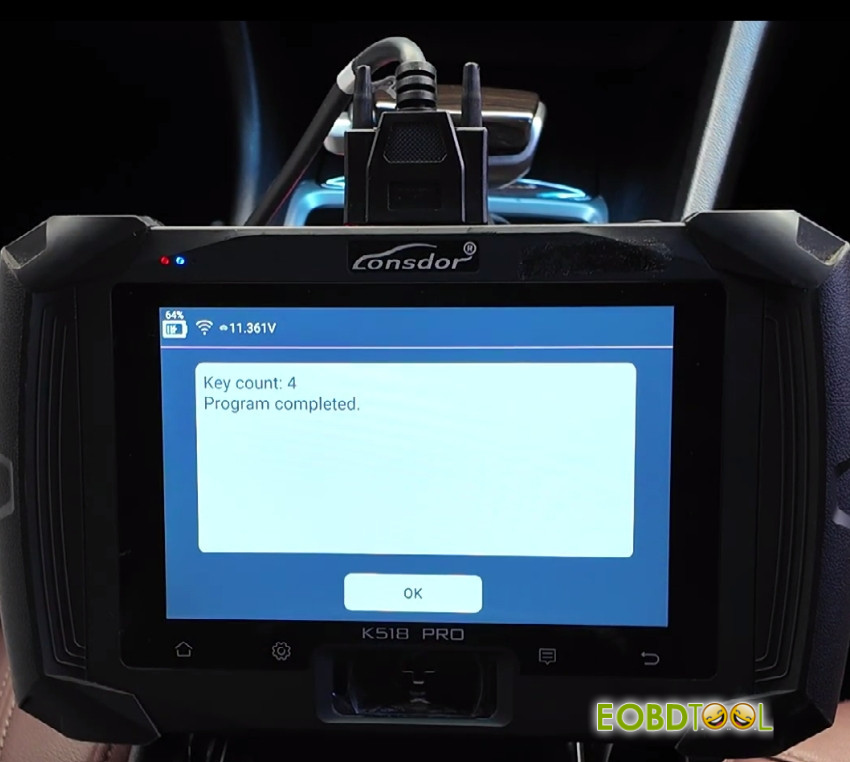
If you do not have more keys to add, select “Cancel” or “Exit” when prompted to program an additional key.
Part 3: System Verification Testing
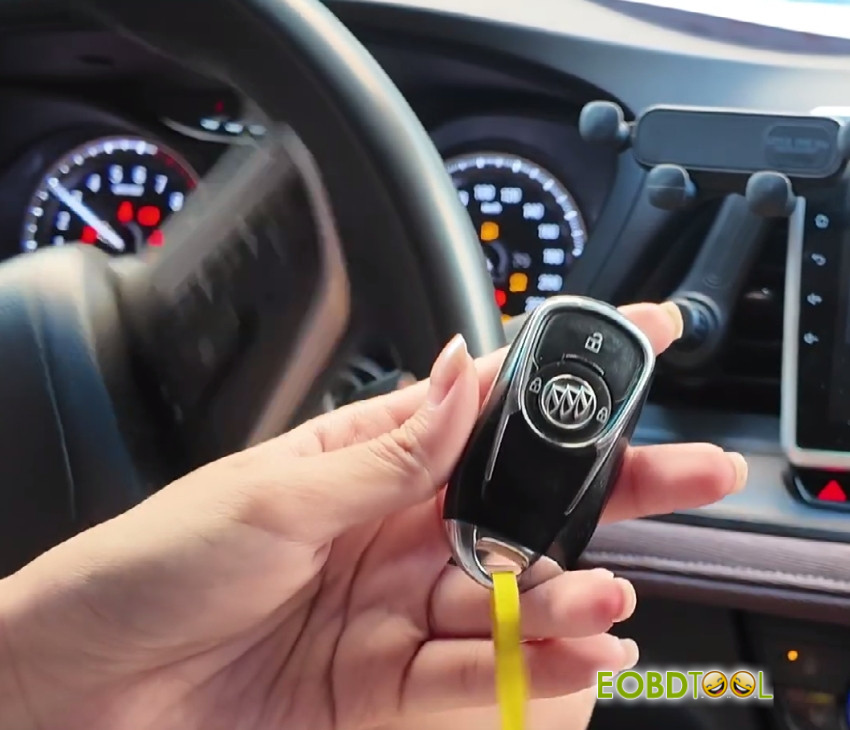
11.Test New Key – Engine Start:
Enter the vehicle with the new smart key.
Press the brake pedal firmly.
Press the ENGINE START/STOP button. The engine should start normally.
12.Test Original Key – Engine Start:
Turn the engine off.
Use one of the original smart keys.
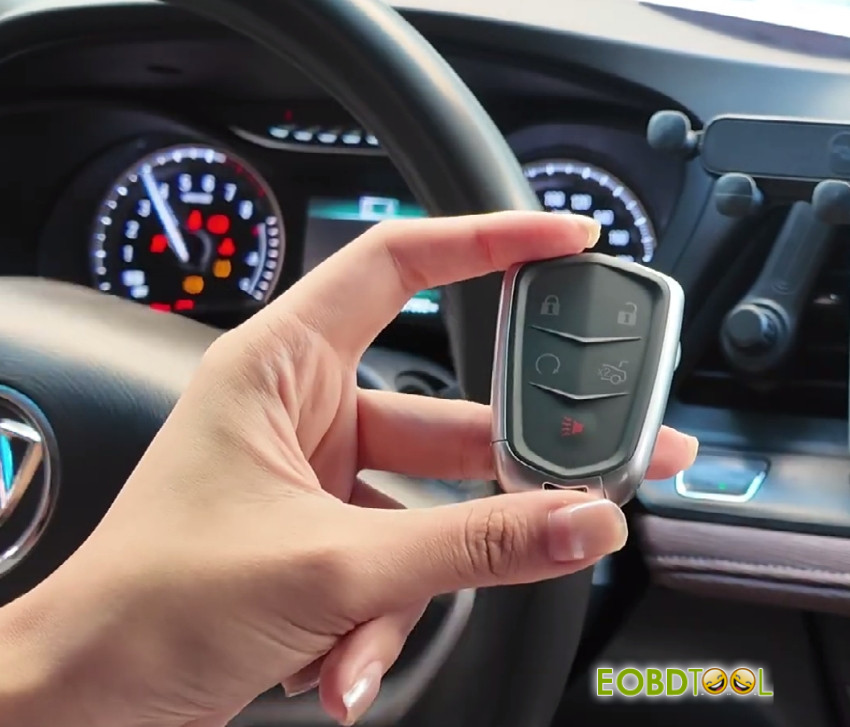
Press the brake pedal and press the ENGINE START/STOP button. The engine should start normally, confirming previous keys remain operational.
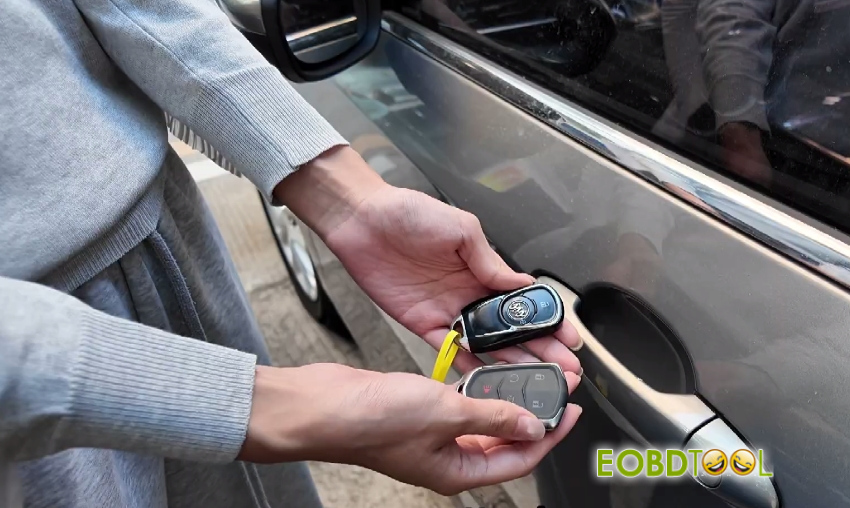
13.Test Remote Functions:
With New Key: Exit the vehicle. Press the LOCK button. Observe the vehicle lights flash and/or hear the lock actuators engage. Press the UNLOCK button. Verify the doors unlock.
With Original Key: Repeat the LOCK and UNLOCK test with an original key to ensure all remotes function.
14.Disconnect Tool:
Turn the ignition OFF.
Disconnect K518 Pro key programmer from the vehicle’s OBD-II port.
Conclusion:
The new smart key is now fully programmed by Lonsdor K518 Pro to your 2018 Buick GL6. It should operate all remote functions and allow the vehicle to start. Retain all original keys and the security PIN for future reference.







