







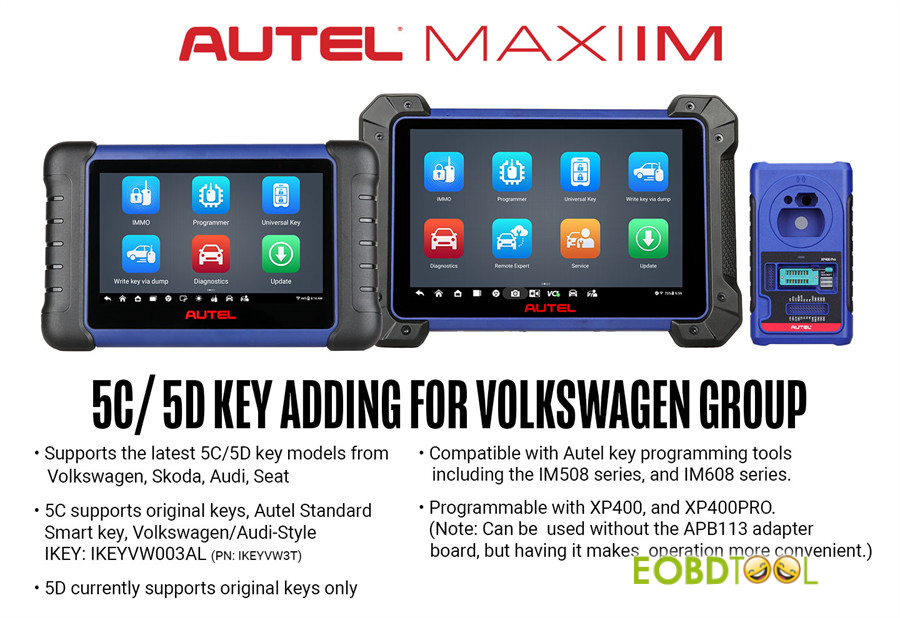
We’re thrilled to share an exciting update for automotive locksmiths and diagnostic professionals. Starting March 19th, 2026, Autel MaxiIM IM508 and IM608 series officially support VAG MQB49 5C/5D key adding.
Supported Vehicle Brands
The update covers the following brands equipped with MQB49 5C/5D systems:
- Volkswagen
- Skoda
- Audi
- Seat
Key Compatibility Details
For 5C systems:
- Original OEM keys
- Autel Standard Smart Key
- Volkswagen/Audi‑style IKEY models: IKEYVW003ALand IKEYVW3T
For 5D systems:
- Original OEM keys only
Tools You’ll Need
To take advantage of this new functionality, you’ll need one of the following diagnostic platforms:
- Autel IM508 series
- Autel IM608 series
- XP400 or XP400 PRO programmer
Note: APB113 adapter board is highly recommended. It simplifies the wiring process and makes key programming operations smoother and more reliable.
Supported Vehicle List
Audi
A3 (2021–), A5 (2025–), A6 (2026–), Q4 (2022–), Q5 (2025–), Q6 (2023–), Q8 (2024–)
Skoda
Fabia (2022–), Superb (2020–), Kodiaq (2020–), Octavia (2021–), Enyaq (2021–), Kushaq (2021–), Kamiq (2021–), Karoq (2020–)
Seat
Leon (2020–), Tarraco (2019–), Formentor (2021–), Born (2022–), Tavascan (2024–), Ibiza (2018–), Arona (2018–), Ateca (2020–)
Volkswagen
Multivan (2020–), Arteon (2020–), Atlas (2020–), Caddy (2021–), CC (2019–), Crafter (2020–), Golf (2020–), Jetta (2019–), Nivus (2021–), Passat (2022–), Polo (2020–), Taigo (2022–), Taos (2021–), T-Cross (2019–), Teramont (2019–), Tiguan (2019–), Touran (2020–), Transporter (2020–), T-Roc (2020–), Vento (2020–), Virtus (2020–), ID.3 (2022–), ID.4 (2021–), ID.5 (2021–), ID.7 (2024–), ID.Buzz (2023–)
Important Precautions
Before starting, keep the following in mind:
- The original car key must be present on-site.
- Required hardware: a compatible programmer (XP401 / XP401Pro / XP400 / XP400Pro / XP1 Pro, etc.), an APB113 adapter board, and a new key.
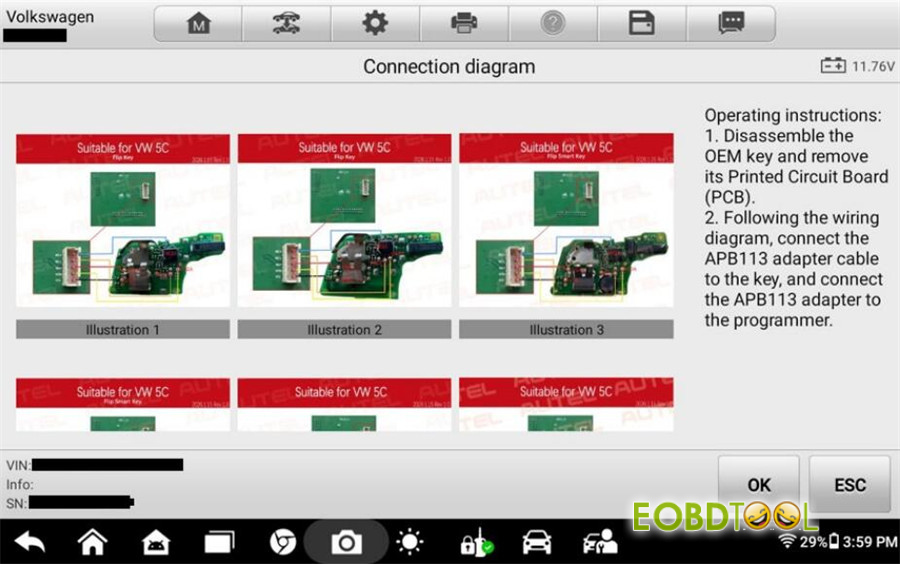
- Pay close attention to the key board type and follow the correct wiring method for that specific type.
- During key learning, keep all other keys outside the vehicle to prevent signal interference.
Main steps:
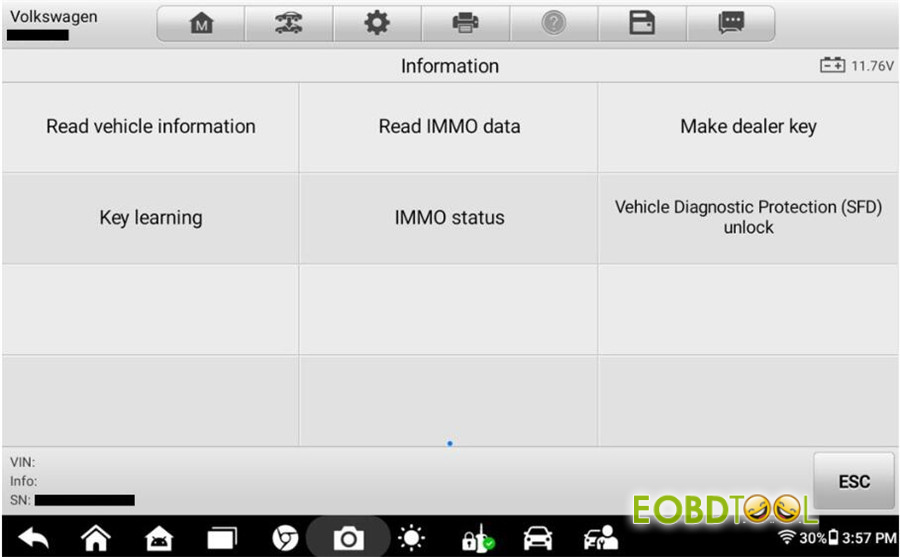
- Step 1: Read Vehicle Information – Retrieve VIN, current key IDs, and other relevant data via OBD.
- Step 2: Read IMMO Data – Disassemble the original key and read its immobilizer data using a programmer and adapter.
- Step 3: Make Dealer Key – Generate a new dealer key using the immobilizer data obtained from the original key.
- Step 4: SFD Unlock – For 2024 models and newer, an SFD (Vehicle Diagnostic Protection) unlock is required before proceeding.
- Step 5: Key Learning – With both immobilizer data and the dealer key ready, finalize the process by learning the key(s) to the vehicle.
Step-by-Step Guide on Autel tablet:
Step 1: Read Vehicle Information
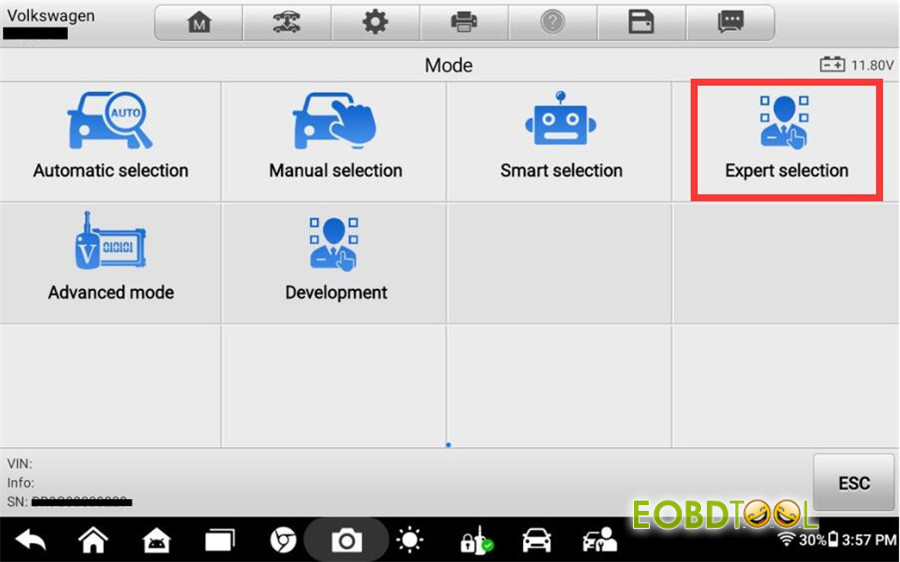
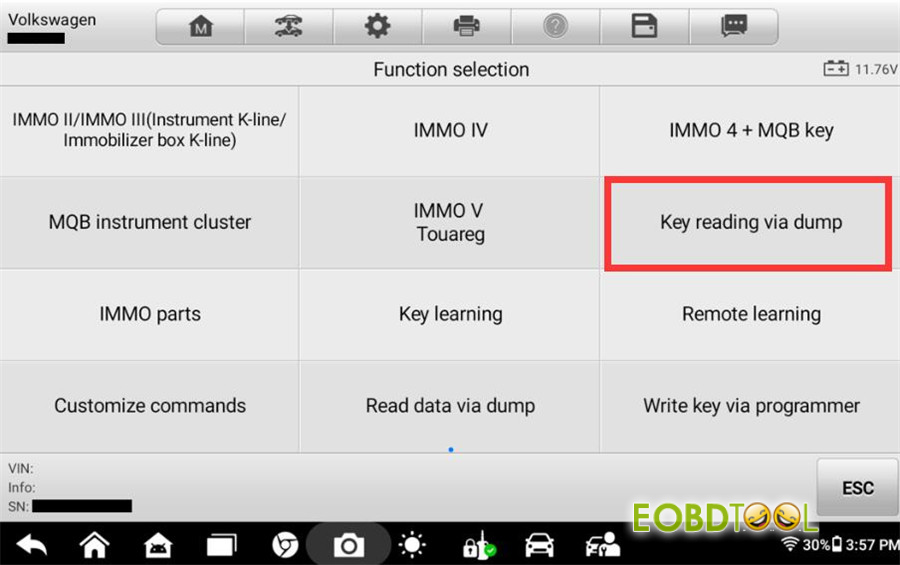
Start by selecting Volkswagen on your diagnostic tablet, then choose Expert Selection > Key Reading via Dump > Key Reading via Dump for 5C.
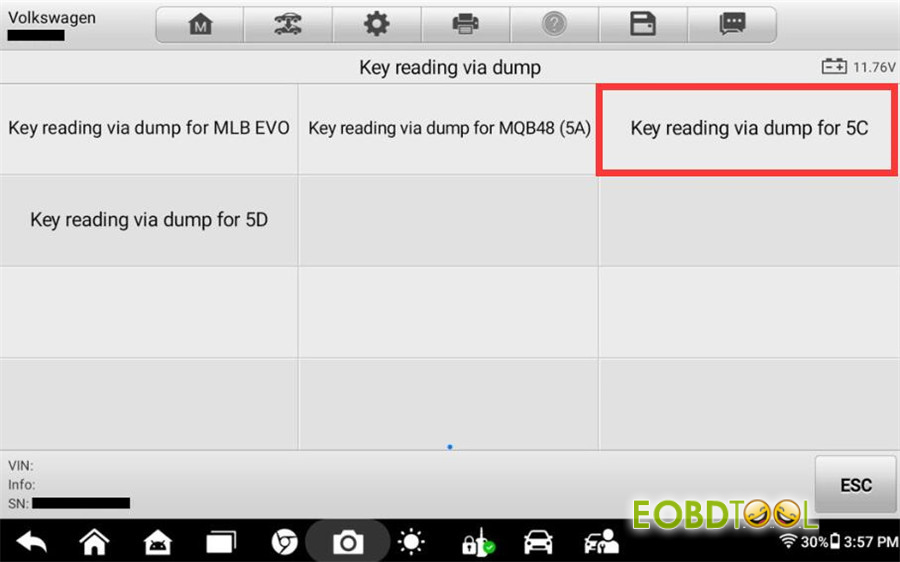
Connect your device to the vehicle via OBD and execute the function to read vehicle information.
This will display:
Current key ID
Key ID1 (hex)
Key ID2 (hex)
VIN
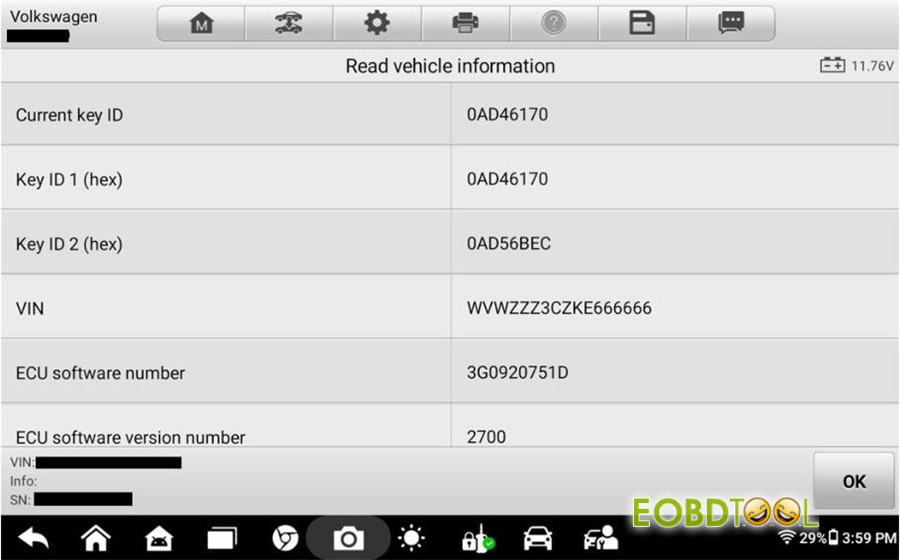
Be sure to follow all on-screen prompts carefully during this step.
Step 2: Read IMMO Data
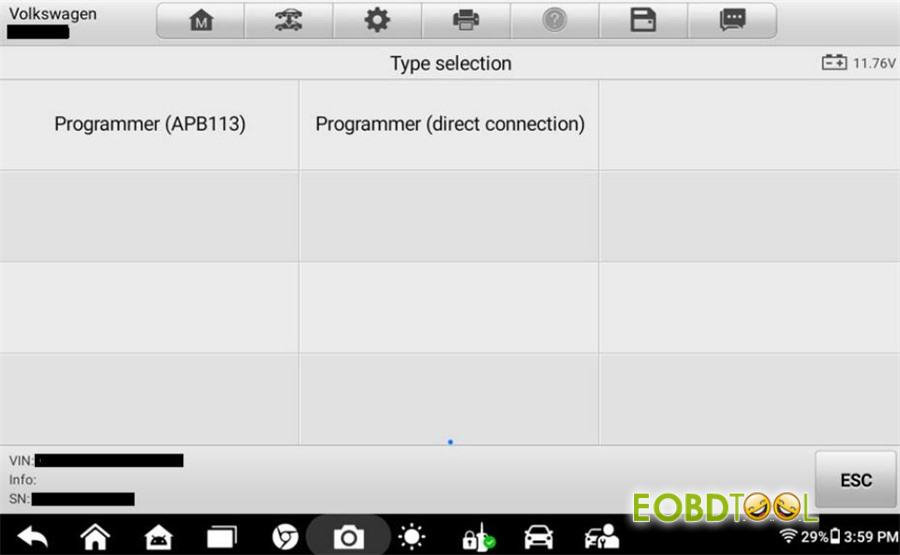
There are two ways to perform this step. Here we’ll use the Programmer (APB113) method as an example.
Select Programmer (APB113) and follow the operation guide.
Remove the PCB board from the original key.
Identify the correct key board type from the guide and connect the PCB and APB113 adapter according to the wiring diagram shown.
Install the adapter onto your programmer (Autel XP400 Pro/XP401, etc.).
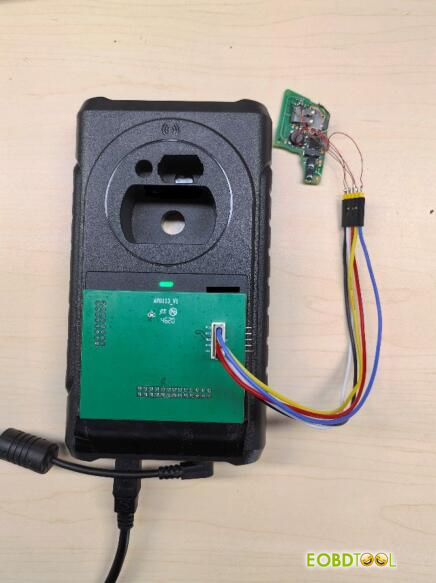
Important: The programmer must be connected to a 12V power supply and linked to your tablet device.
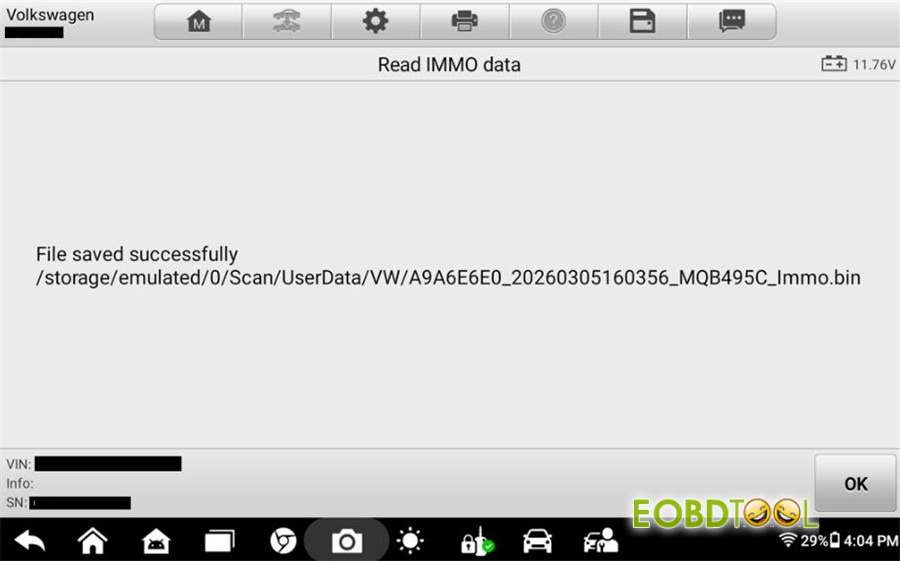
Click OK to start reading the data.
Once successful, the system will display the file name and save path for the immobilizer data. Make a note of this location—you’ll need it later for the Make Dealer Key and Key Learning steps.
Step 3: Make Dealer Key
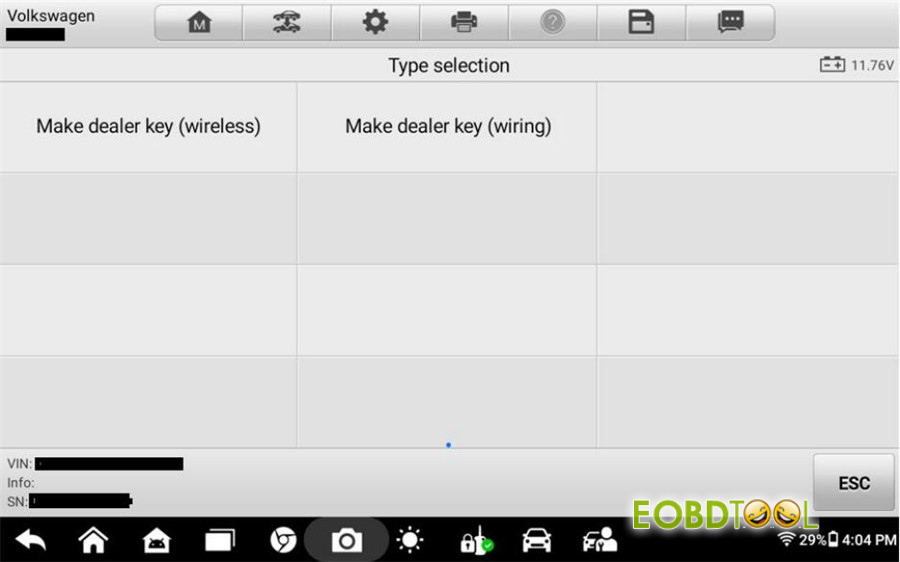
You can choose between wireless and wired methods. For this example, we’ll use the wired option.
Select Make Dealer Key (Wiring) to enter the submenu.
Choose Programmer (APB113).
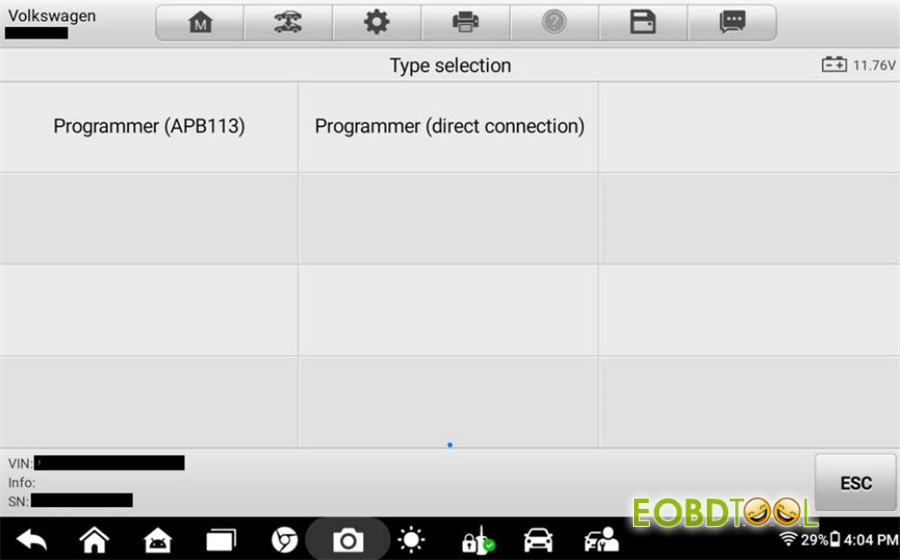
Remove the PCB from the new key and connect it following the wiring diagram provided.
Connect the key PCB, APB113, XP400 Pro, and Auel IM508S/IM608S series tablet.
Click OK, then load the immobilizer data (.bin file) you saved in Step 2.
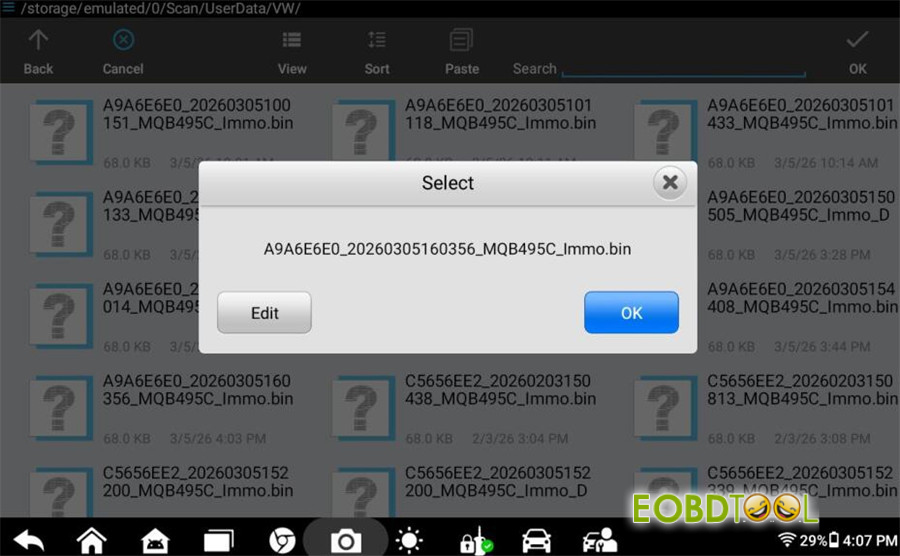
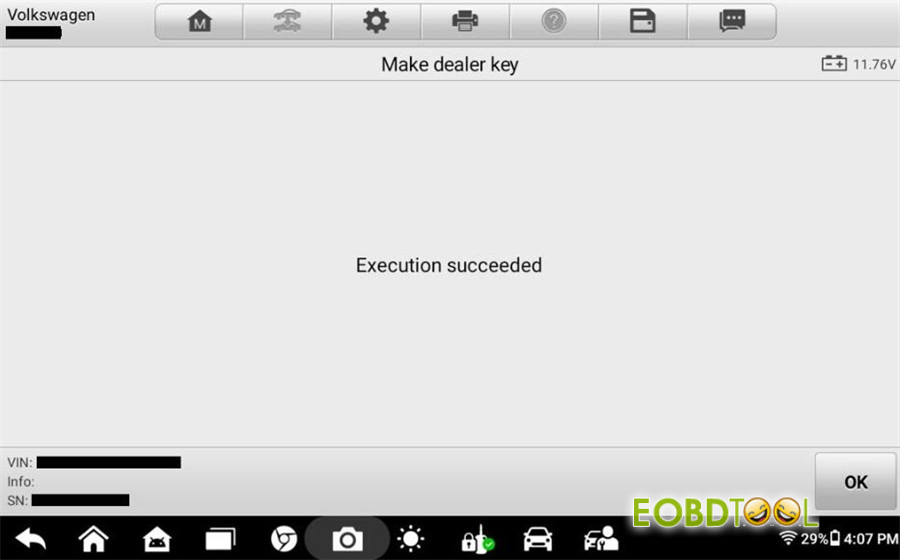
Step 4: Key Learning
Load the same immobilizer data file used in the previous step.
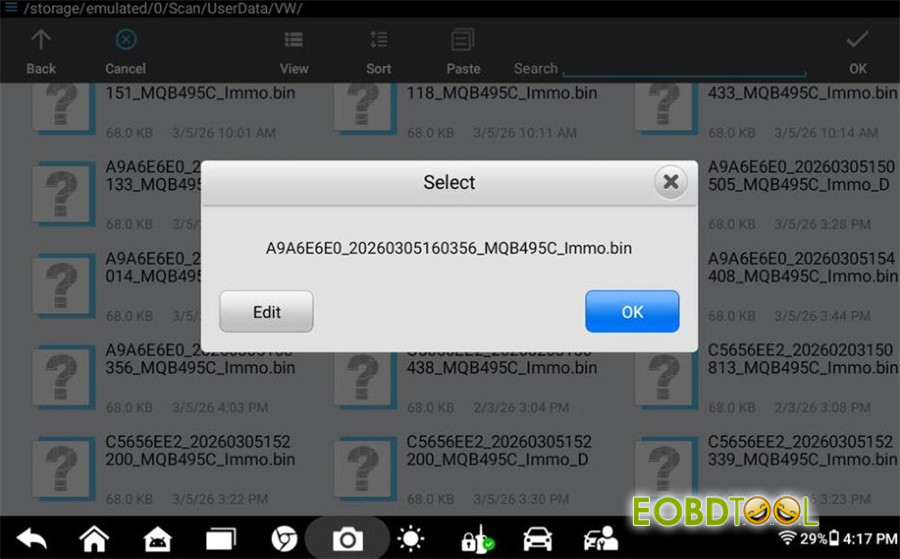
Select the key type: YES for smart keys, NO for mechanical keys.
Enter the total number of keys to program (including the original key).
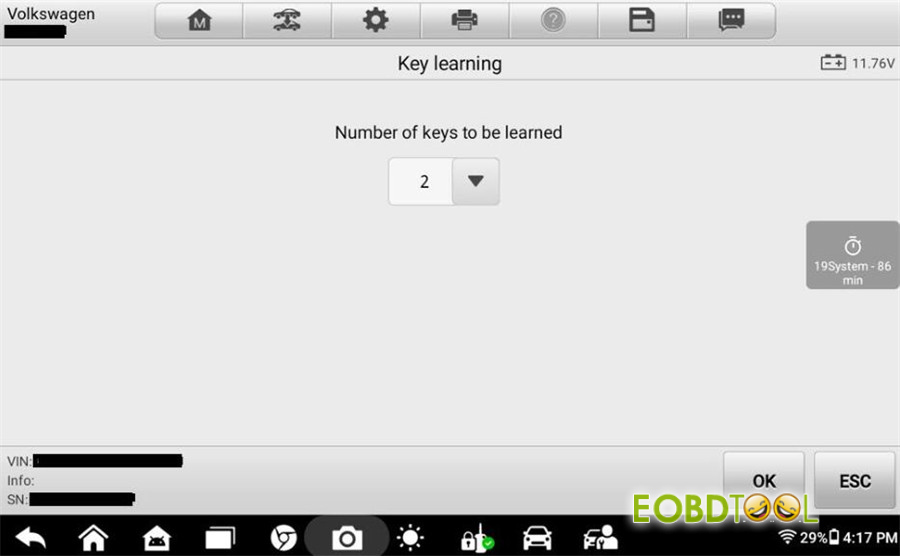
Follow the on-screen prompts to program each key.
Reminder: During this process, keep all other keys outside the vehicle to avoid interference.
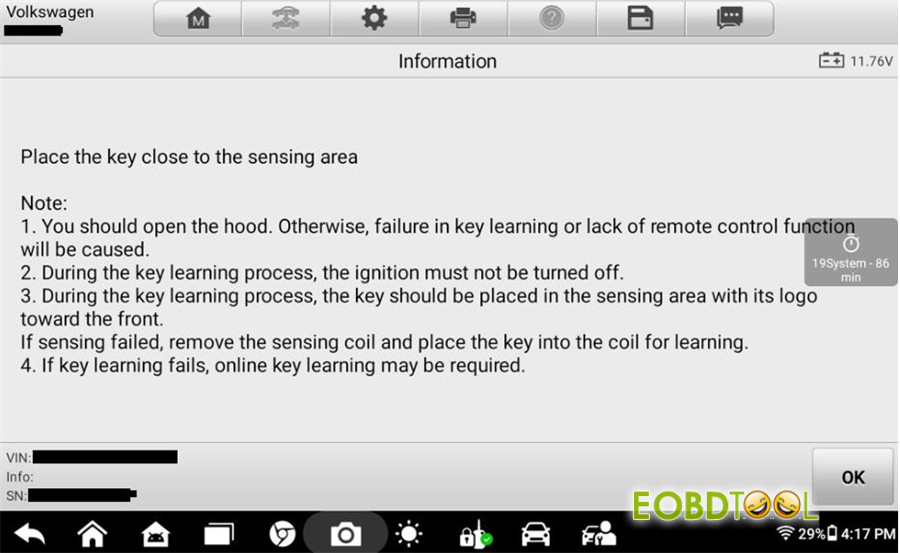
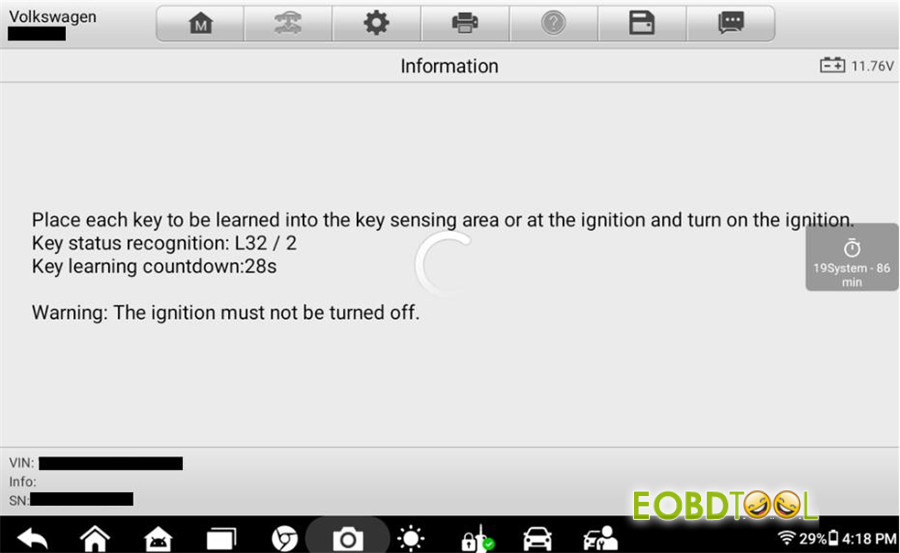
Once completed, the new key(s) will be successfully learned to the vehicle.
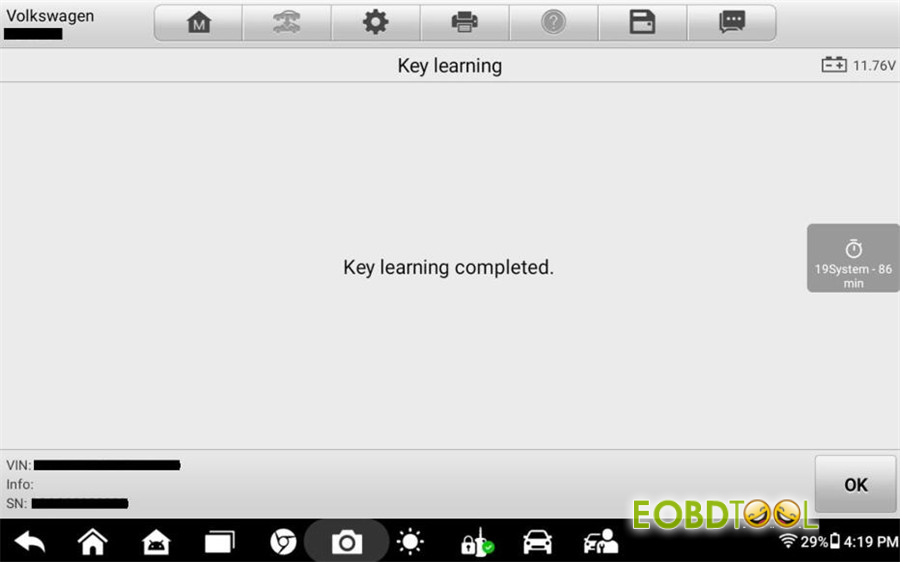
Done!
Video guide:







