





This guide demonstrates two methods for programming an additional key for a BMW equipped with a BDC3 module, using a KD FGB58 key blank. Both KEYDIY KD-X4 and KD-MAX key programmer can be used without any vehicle wiring.
Preparation & Key Disassembly:
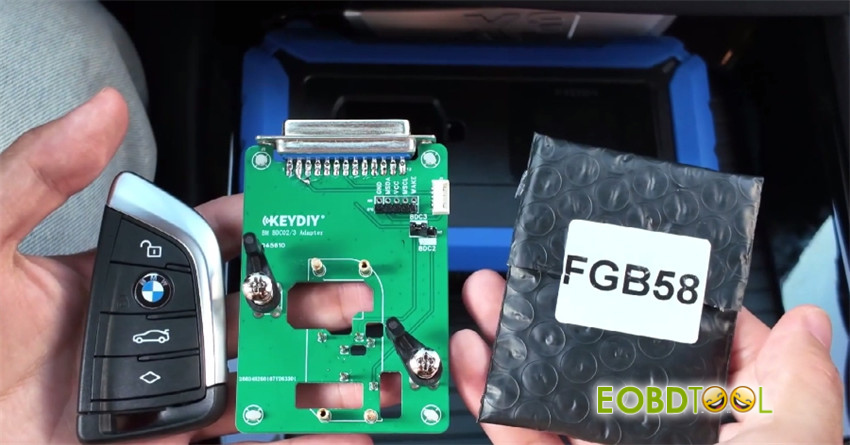
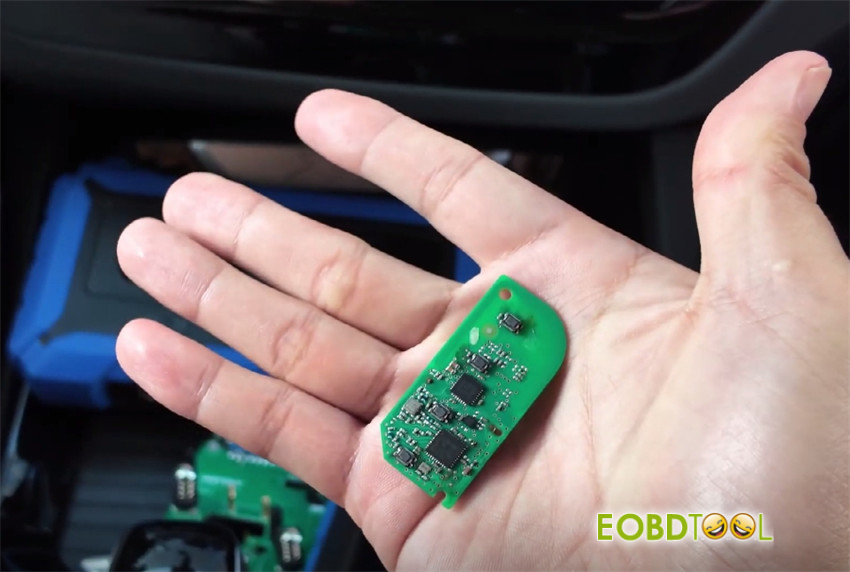
Remove and disassemble the original vehicle key to access its circuit board.
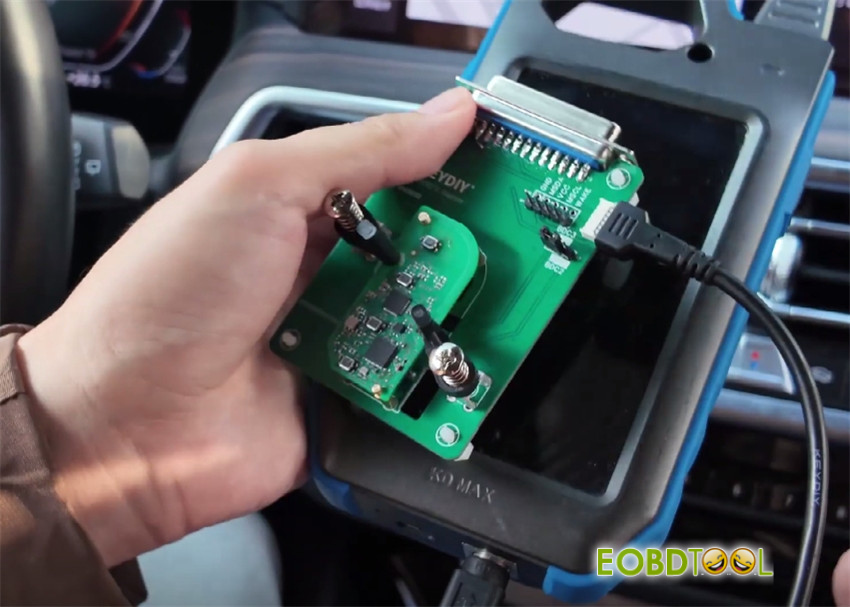
Secure this circuit board onto the provided adapter card. Ensure it is properly installed and the pins are aligned.
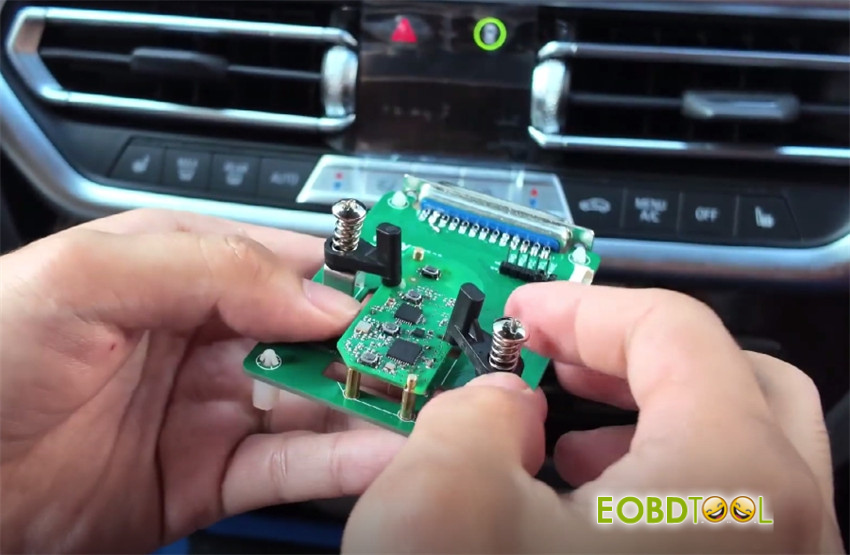
Tool Connection:
For KD–X4: The adapter card plugs directly into the tool.
For KD–Max: Connect the adapter card using the supplied programming cable.
Critical Configuration (Adapter Card):
Locate the jumper block on the adapter card.
For BDC3 modules, short-circuit the two pins on the left.
For BDC2, short-circuit the two pins on the right.
*Note: The adapter’s clamp plate is designed for BDC2/BDC3. To read other key types (e.g., smart LCD keys), additional wires can be soldered to the breakout points.*
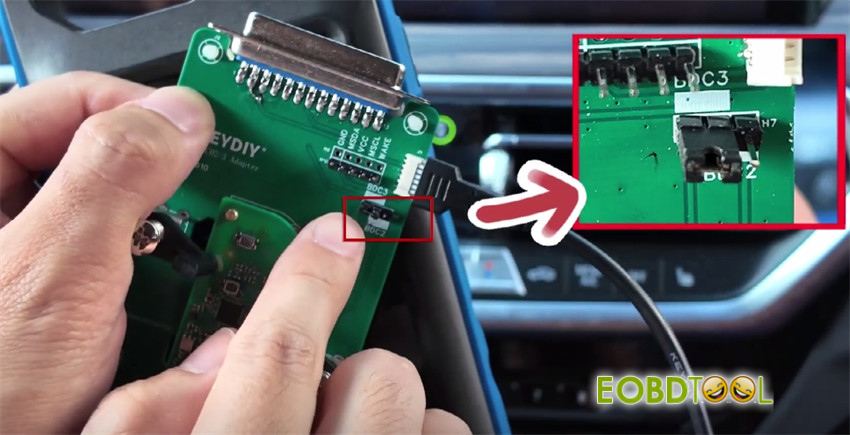
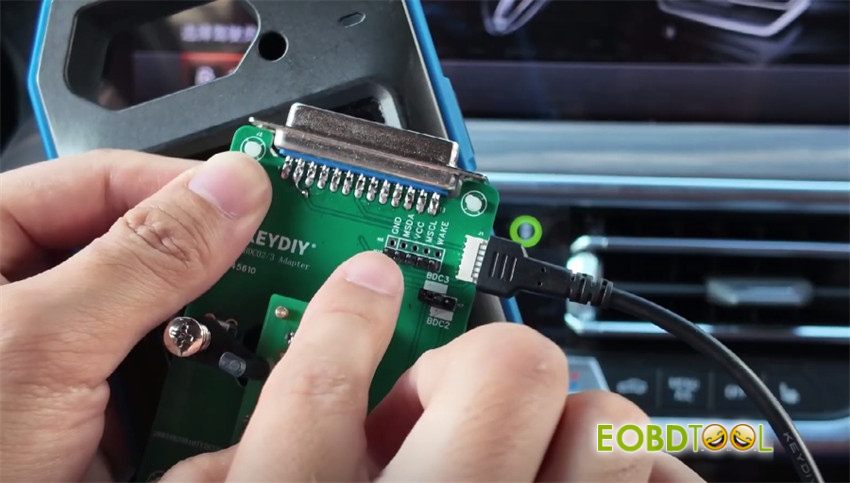
Method 1: Programming with KEYDIY KD–X4
Insert the adapter card and power on the device.
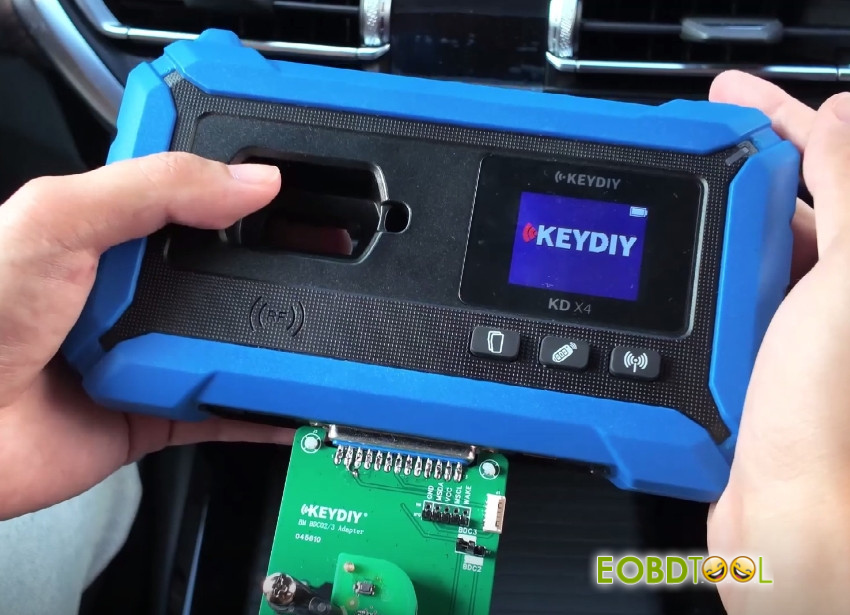
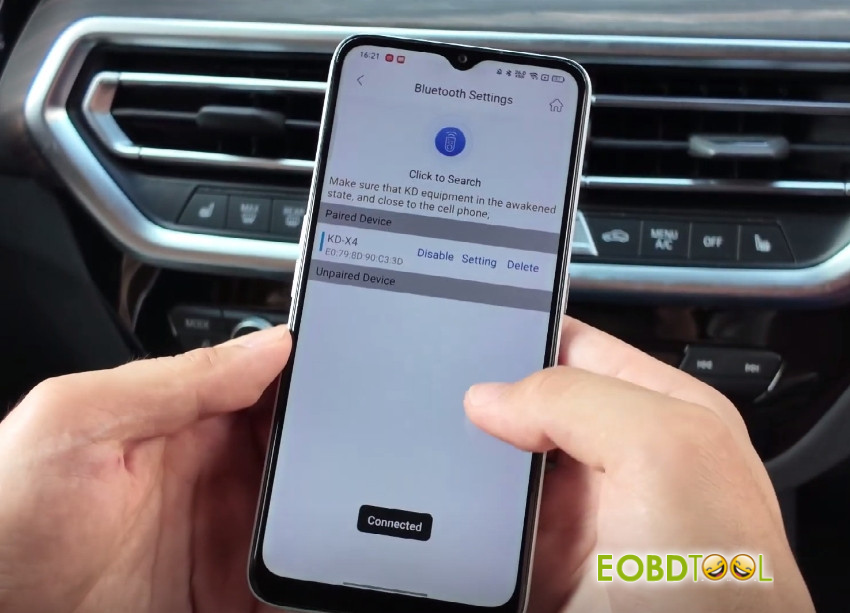
Connect KD-X4 Key Programmer and mobile KD app via Bluetooth
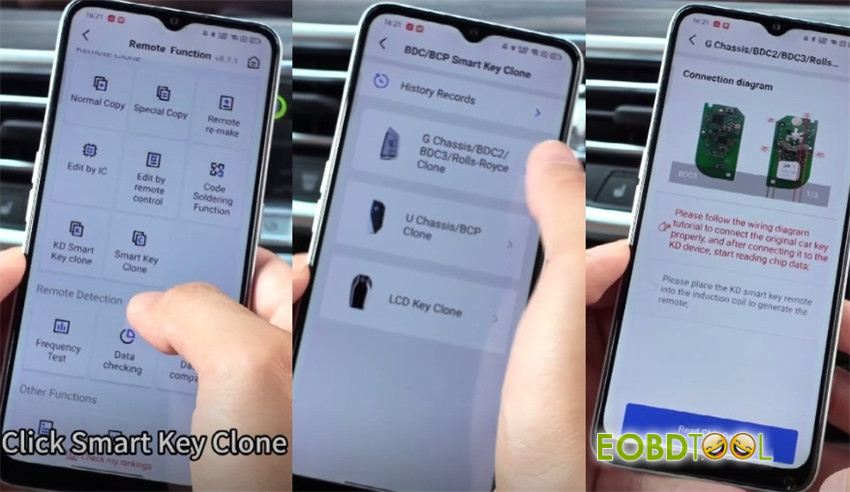
Navigate to: Remote Function -> Smart Key Clone -> BDC BCP Smart Key Clone -> G Chassis BDC2/BDC3/Rolls-Royce Clone-> Read Chip Data
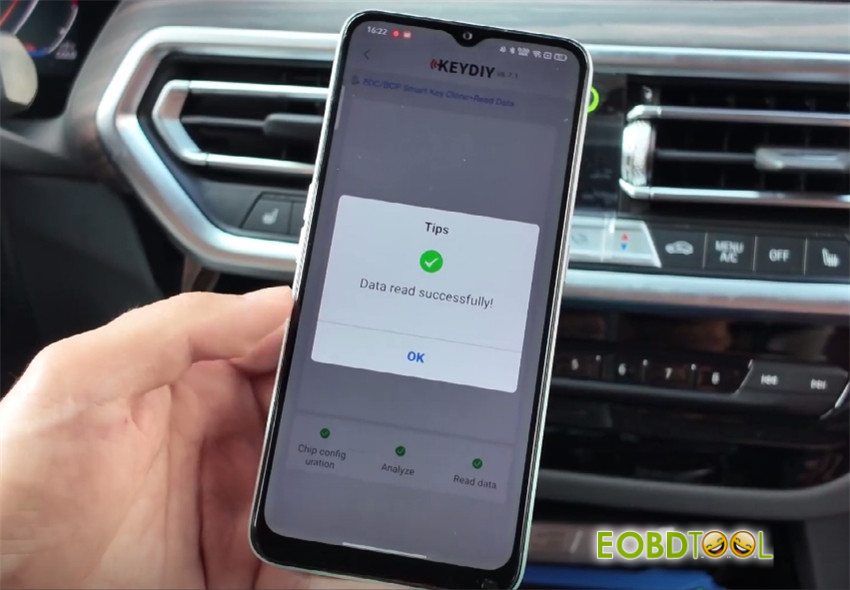
Read chip data successfully
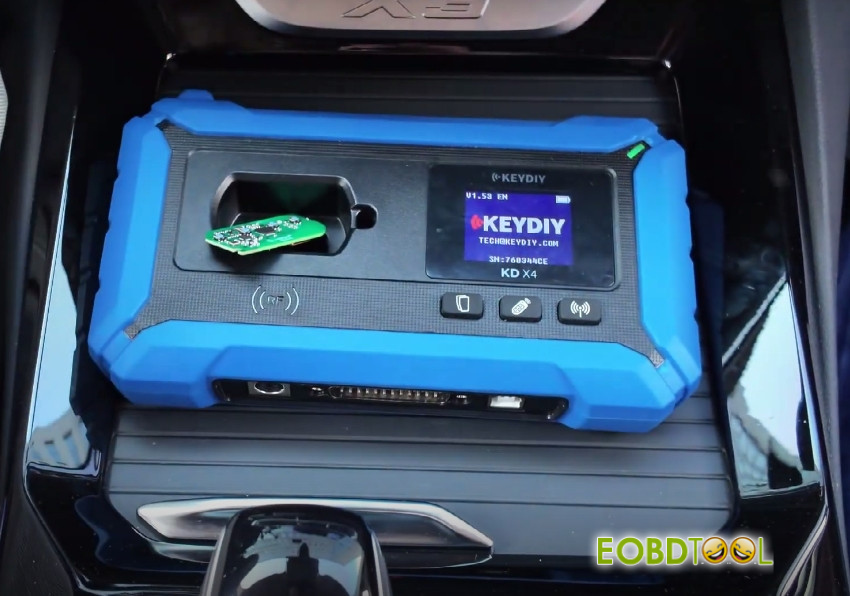
Upon success, remove the adapter, place the new FGB key in the coil, and click “Generate.”
In the software, select KD-FGB Type-> KD-FGB remote-> BDC03-> 433.20/434.60 MHz (select the correct frequency)
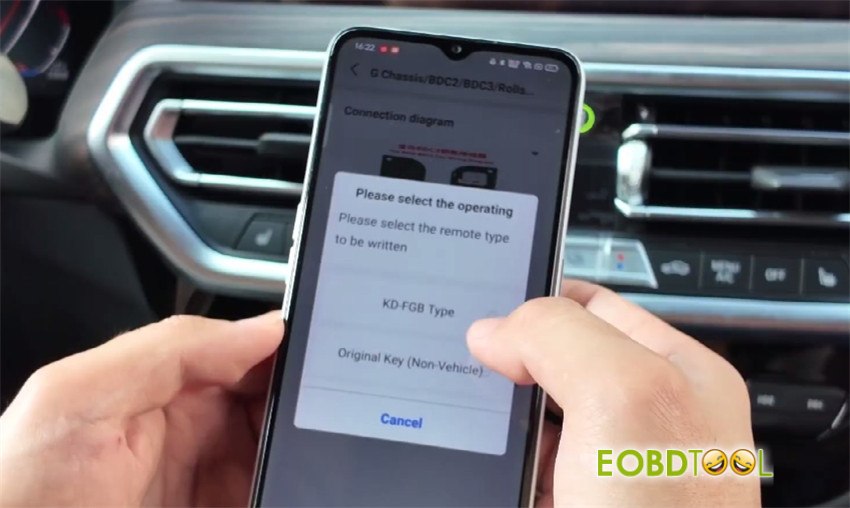
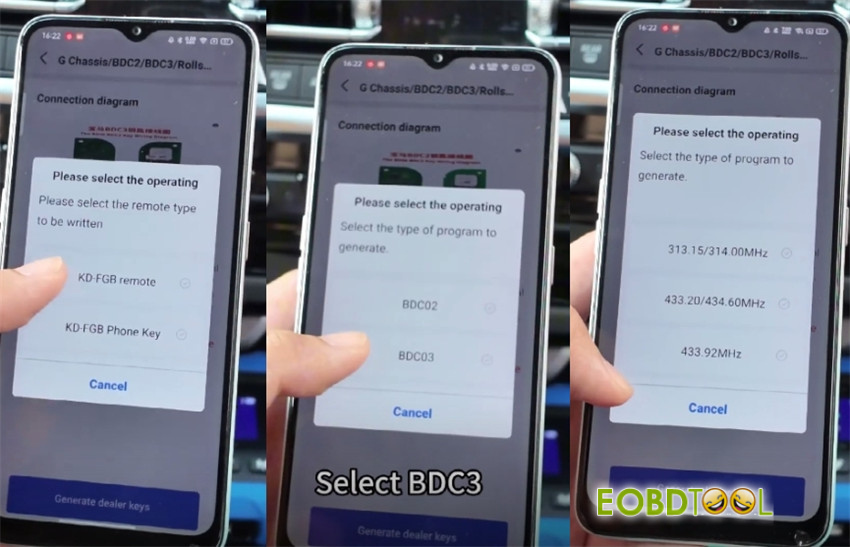
Wait a while until the generation is successful
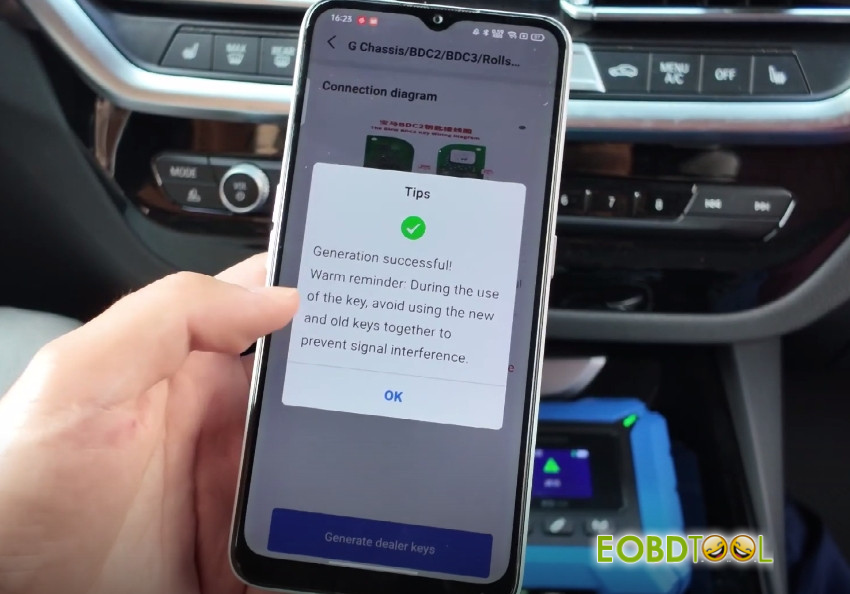
Install the battery. The key is now ready for testing.
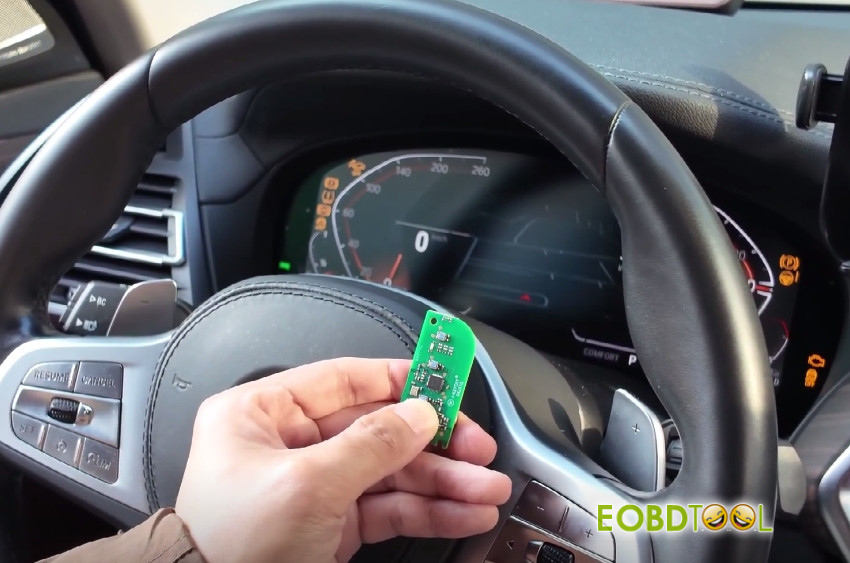
Method 2: Programming with KEYDIY KD–Max
Connect KEYDIY BDC2/BDC3 Adapter using the programming cable and power on KD-MAX.
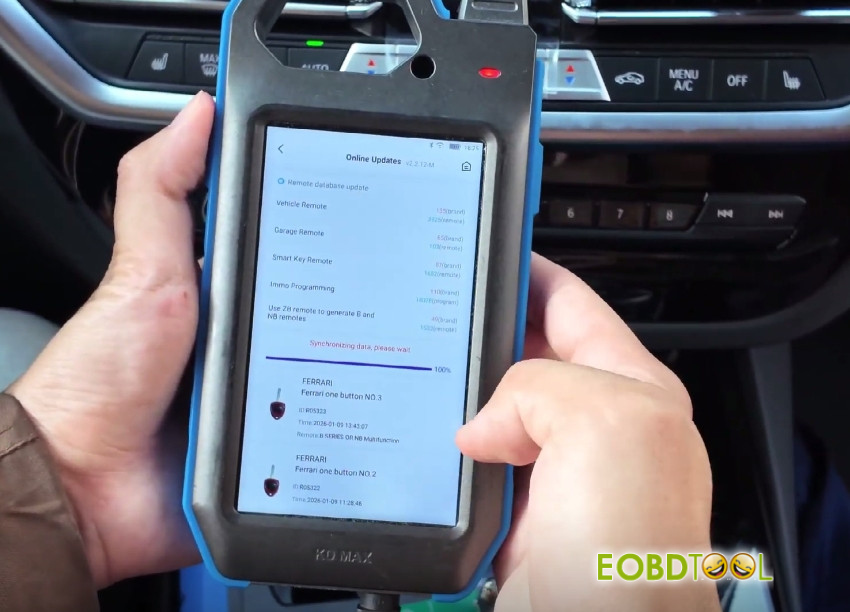
Ensure all software is up-to-date.
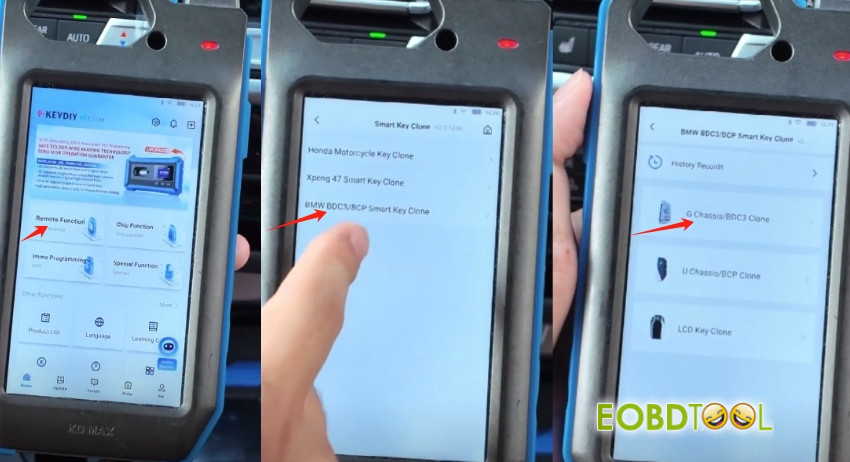
Navigate to:
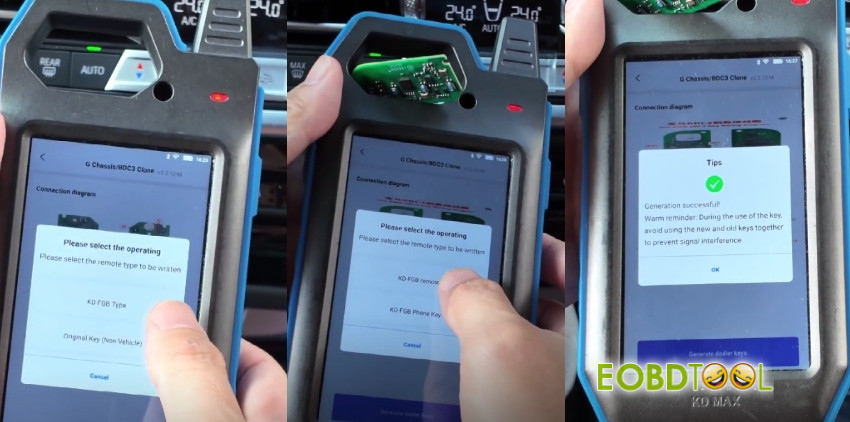
Remote Function-> Smart Key Clone-> BMW BDC3/ BCP Smart Key Clone-> G Chassis/BDC3 Clone
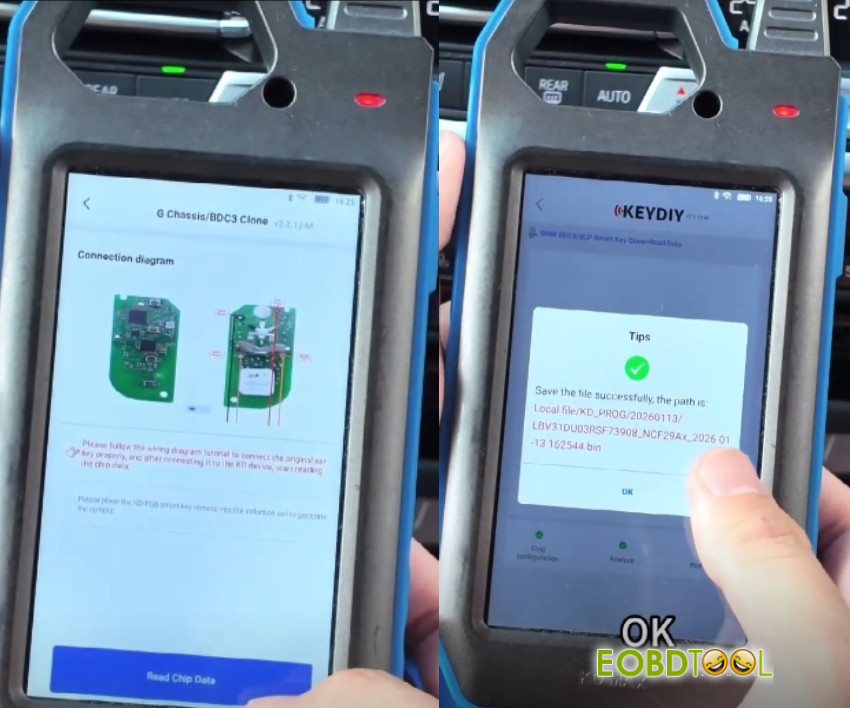
Select “Read Chip Data” and wait the reading process is complete
Choose KD FGB Type
Place the new key (FGB58 key) in the induction coil
Select “KD FGB remote” and click “Generate.”
Once complete, the key is programmed.
Final Steps:
Reassemble the new key, test all functions (lock, unlock, start), and ensure the vehicle recognizes it correctly.
Read also:
Keydiy KD-X4 Add 2023 BMW G Series BDC3 Key
KEYDIY KD MAX with KD FGB57 remote add BMW BDC3 KEY in 3 minutes
KEYDIY KD-MAX with KD FGB57 Remote Add BMW BDC3 Key in 3 Minutes!
UK Professional OBD2 Tools Online Shop







