


How to use Lonsdor K518 Pro to program smart key to 2025 BMW X3 with UWB function?
Check the detailed guide below.
Required Tools & Accessories:
- Lonsdor K518 Pro FCV or Full Version
- Lonsdor BMW BM3S-02 Smart Key
- Original vehicle key
- Lonsdor BMW BDC2 / BDC3 / BCP License
- Lonsdor BDC03 Solder-Free Clip
Note:
Using BDC03 Solder-Free Clip allows direct connection to BCP/BDC3 modules without disassembling the ECU.
Procedure:
Step 1: Connect WiFi
Ensure K518 Pro device has a stable network connection.
Step 2: Read VIN Code
Navigation path:
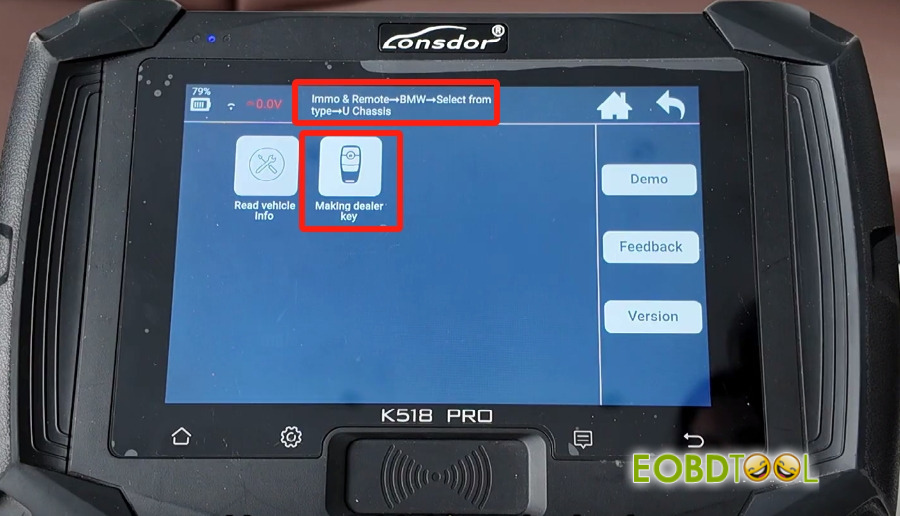
Immo & Remote → BMW → Select from type → U Chassis → Making dealer key → Read working key
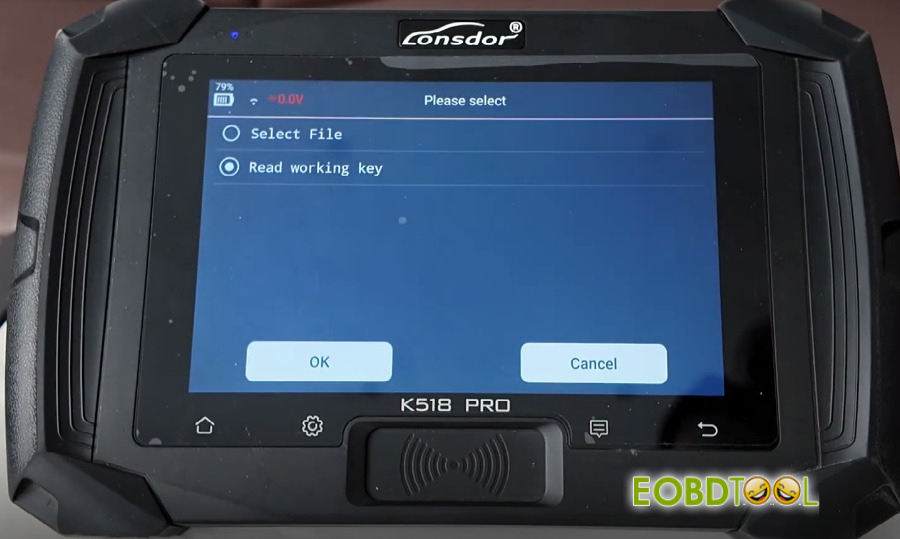
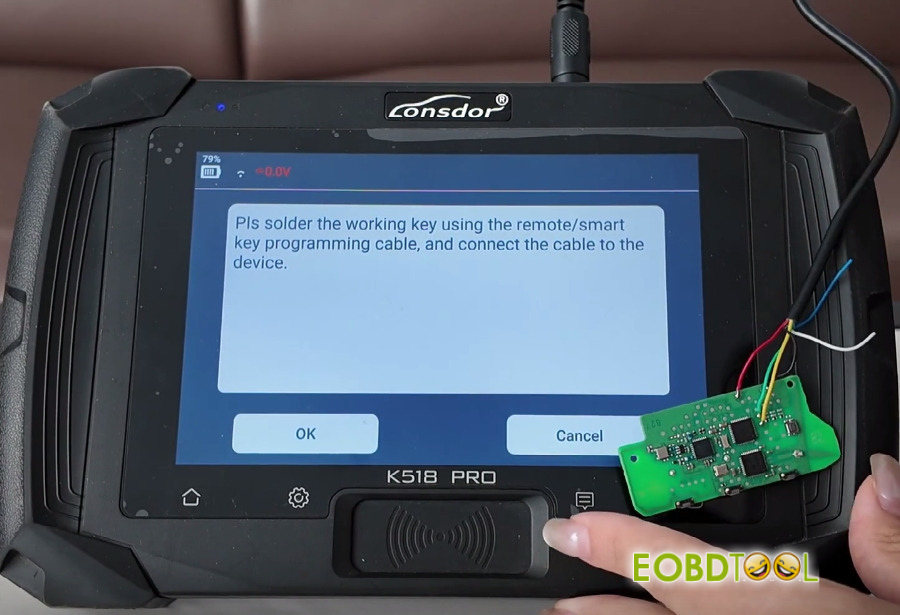
Solder the working key using the remote/smart key programming cable and connect it to the K518 Pro tablet. (Recommend to use BDC03 Solder-Free Clip directly)
Enter and confirm a filename to save vehicle data (e.g., “BMW”).
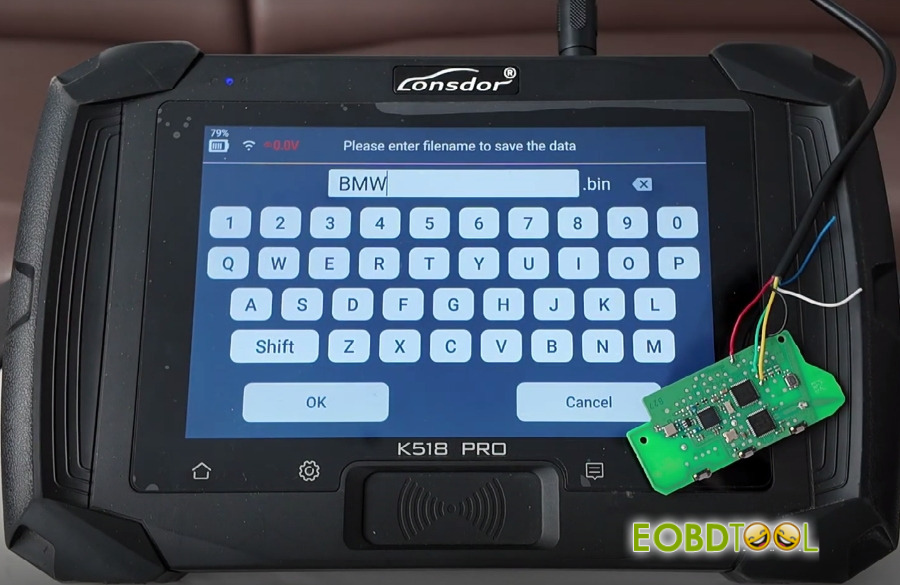
The VIN code will be read successfully upon confirmation.
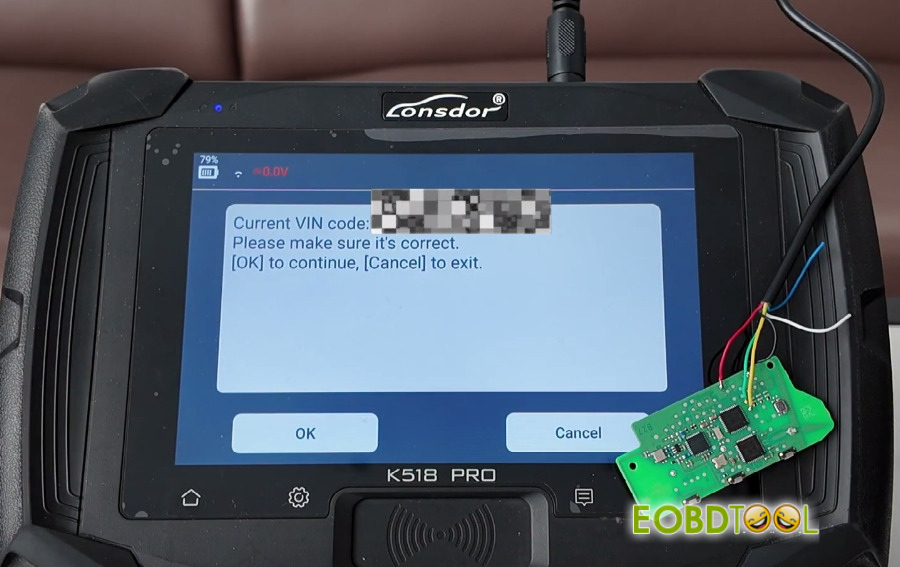
Step 3: Add New Smart Key
Since the vehicle is a high-end model with UWB function, a genuine/OEM key is required for programming. Confirm and proceed.
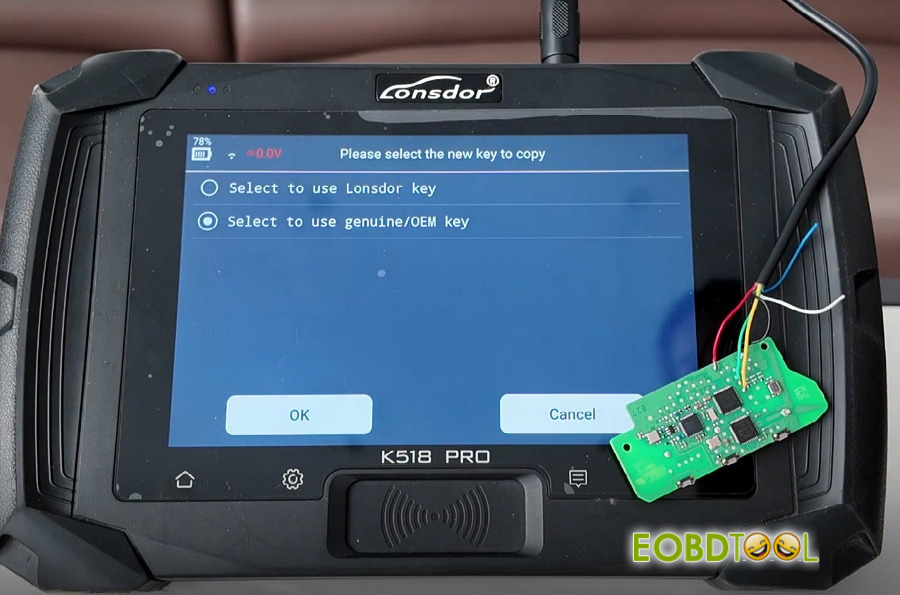
Connect the new smart key to K518 Pro key programmer as instructed and click “OK” to start programming.
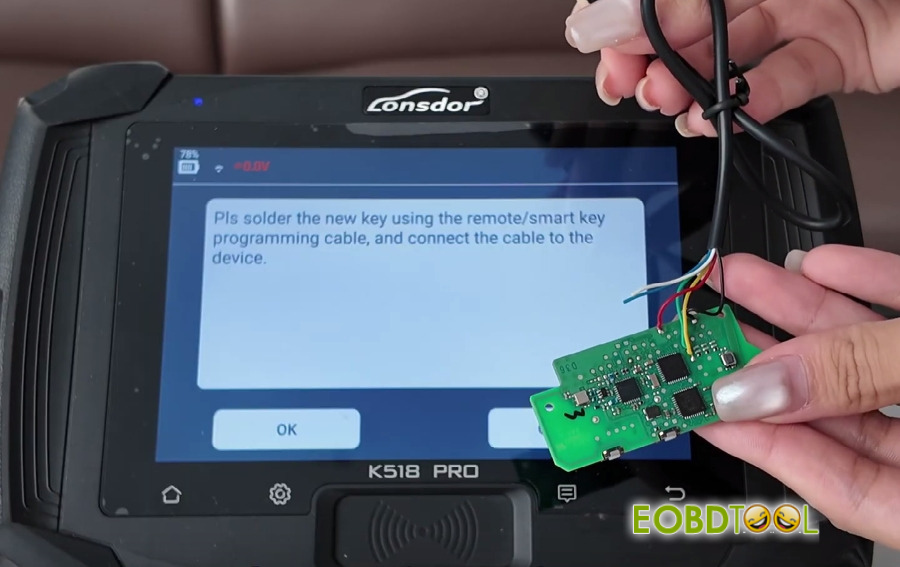
Operation is successful
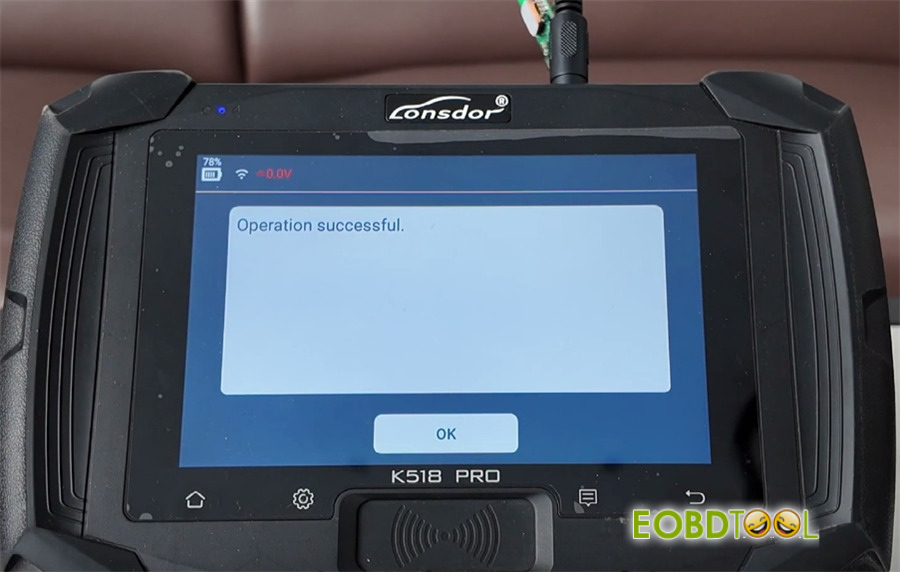
Step 4: Verify Functions
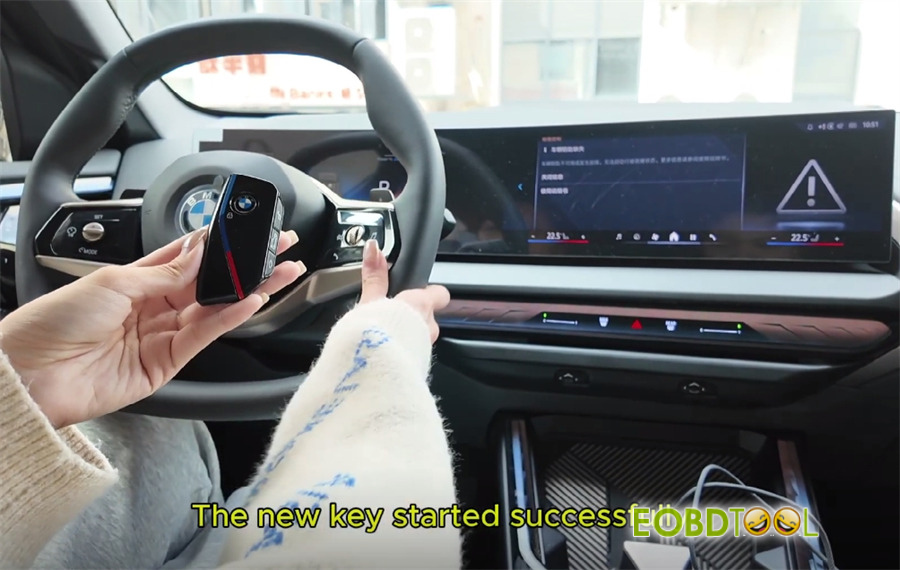
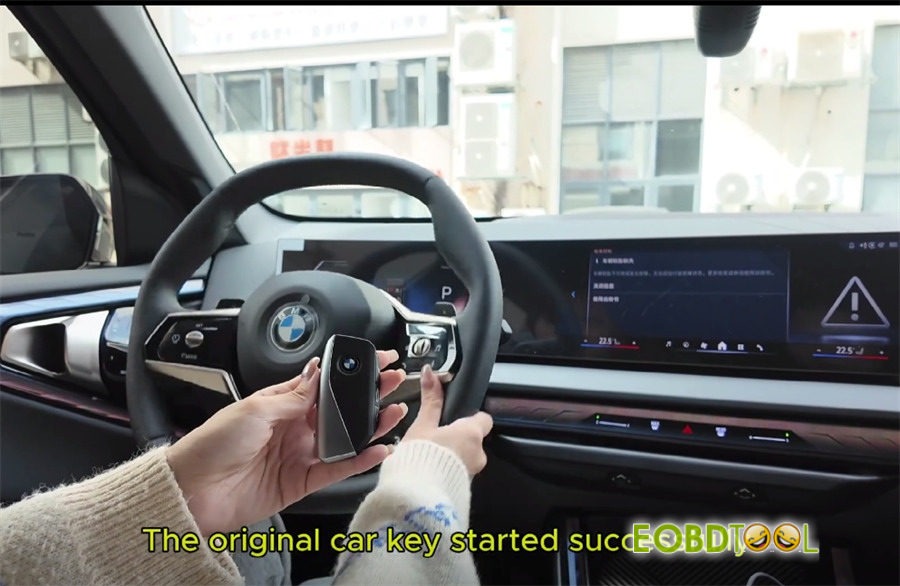
Put the original key and new key programmed inside the vehicle, press the brake pedal and start button with the new key or original key to confirm successful ignition separately
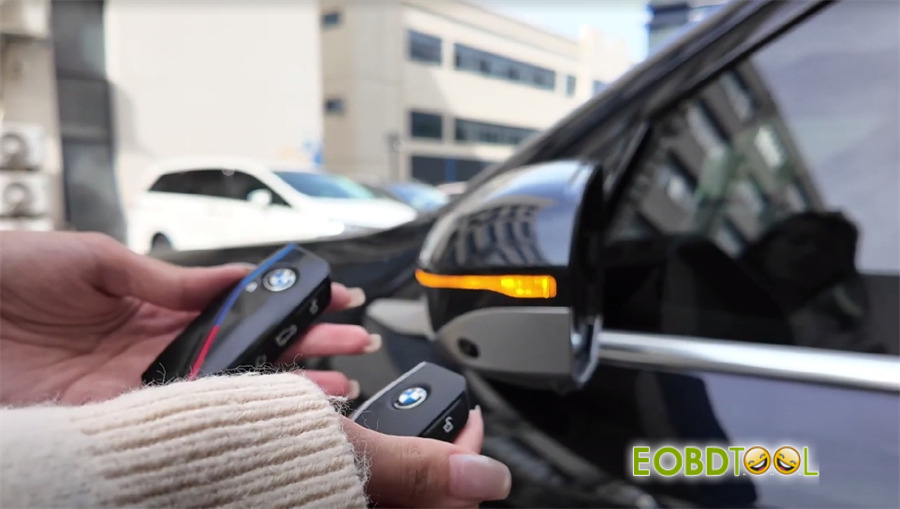
Test lock/unlock functions using original key buttons or new key buttons separately
Alright! That’s the complete operation process to add new smart key to the 2025 BMW X3 (UWB) using Lonsdor K518 Pro key programmer.







