





How to program a 2016 Jaguar XF smart key using Lonsdor K518 Pro?
Lonsdor 2010-2018 JLR smart key is required.
OBD direct, no disassembly, 10 mins fast service!

Preparation:
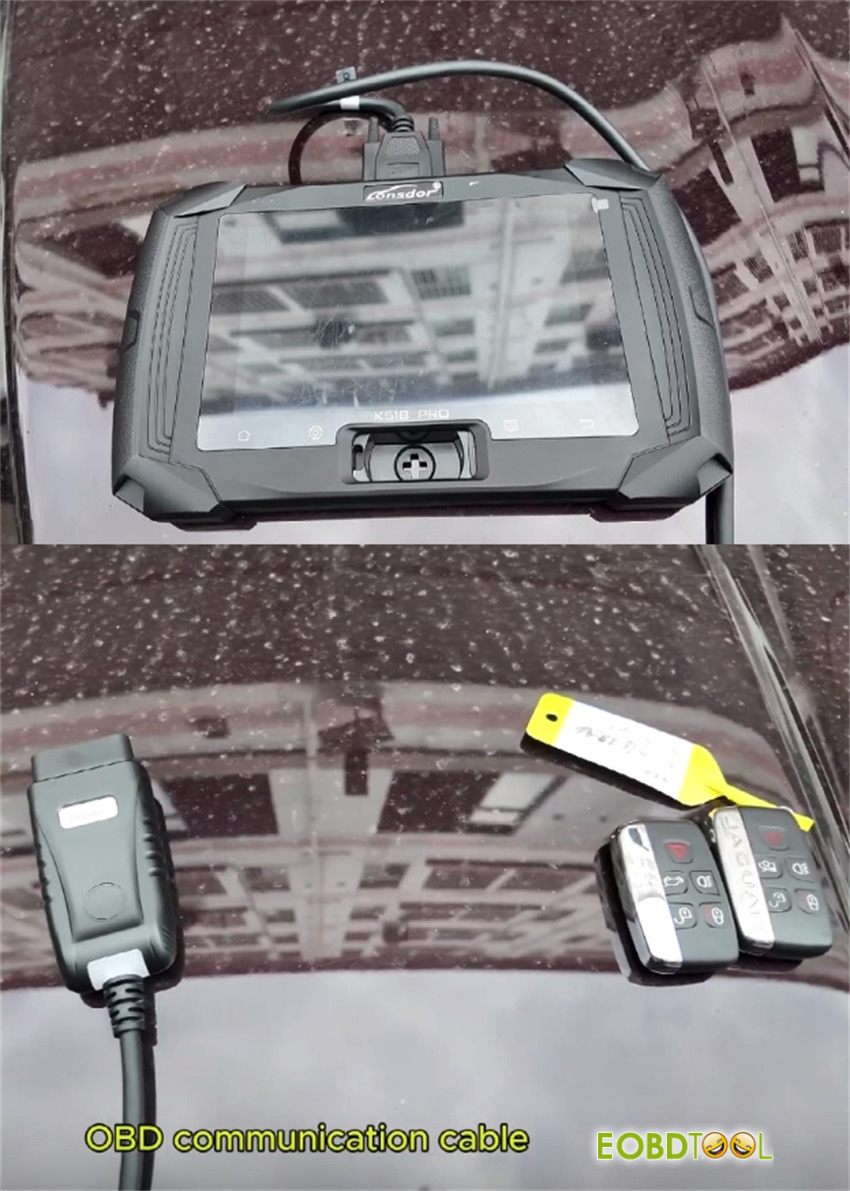
Lonsdor K518 Pro key programmer
OBD communication cable
Two new smart keys
Step 1: Connect Device
Plug the OBD communication cable into the car’s OBD port.
Turn on K518 Pro key programmer.
Step 2: Select Vehicle Information
On the K518 Pro device
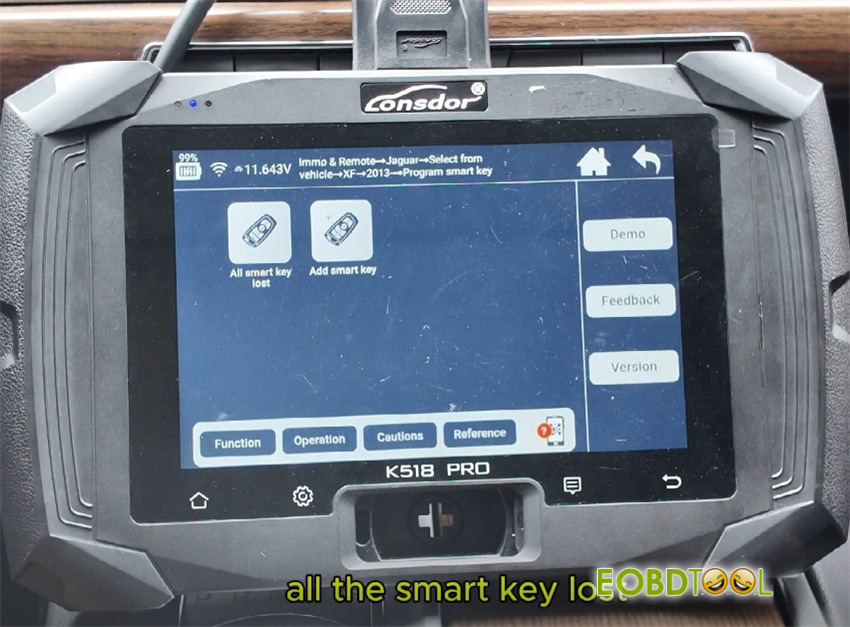
Select Immo & Remote-> Jaguar-> Select from vehicle-> XF-> 2013-> Program Smart Key-> All smart key lost
Step 3: Begin Smart Key Programming
2 smart keys are required
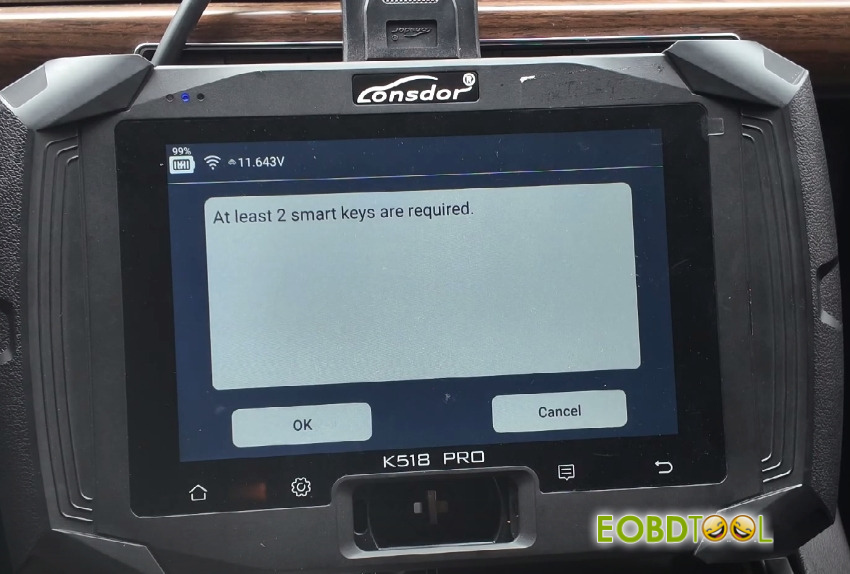
The device will ask you to turn on the hazard lights. Do this, then press OK.
Make sure the ignition is off, then press OK.
Step 4: Read Vehicle Data
The programmer will automatically read the vehicle identification number (VIN).
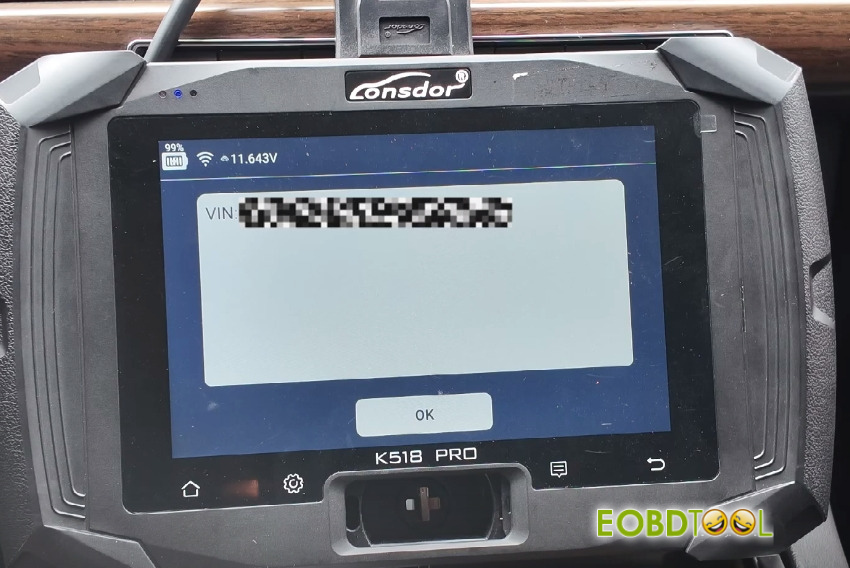
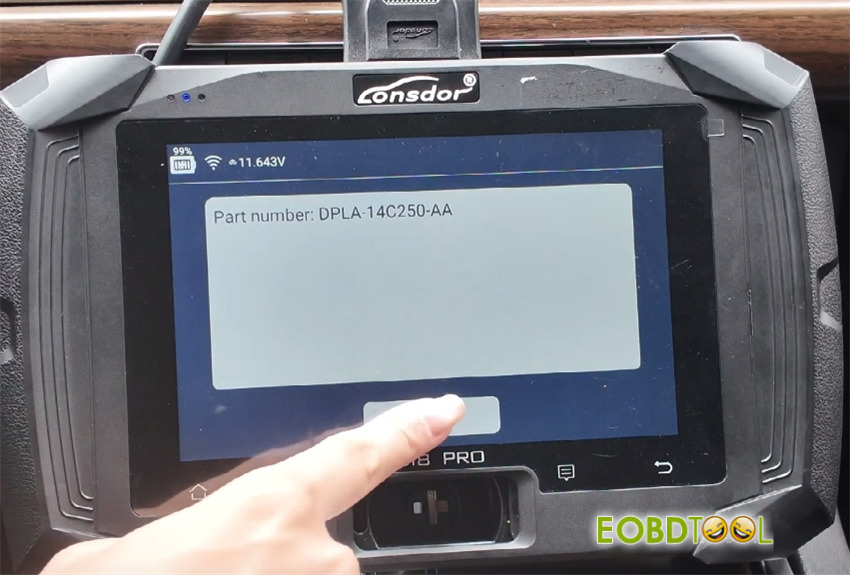
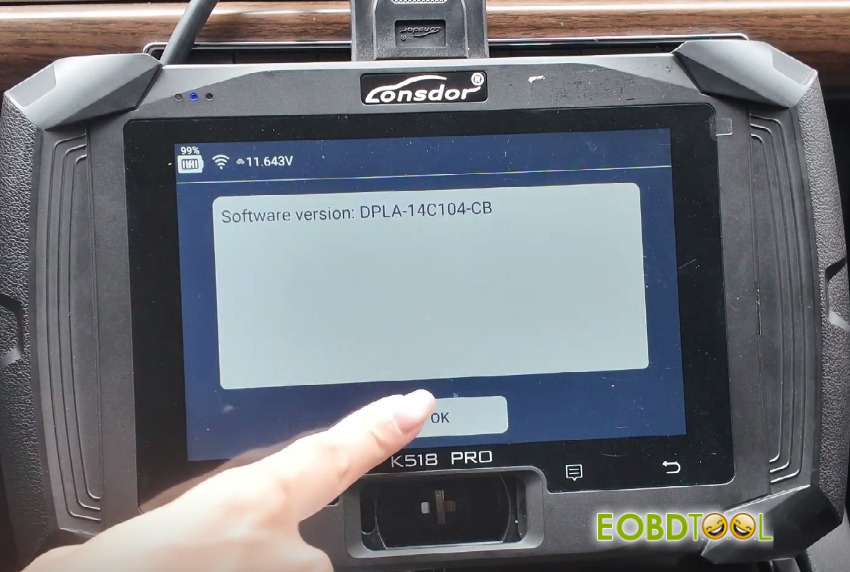
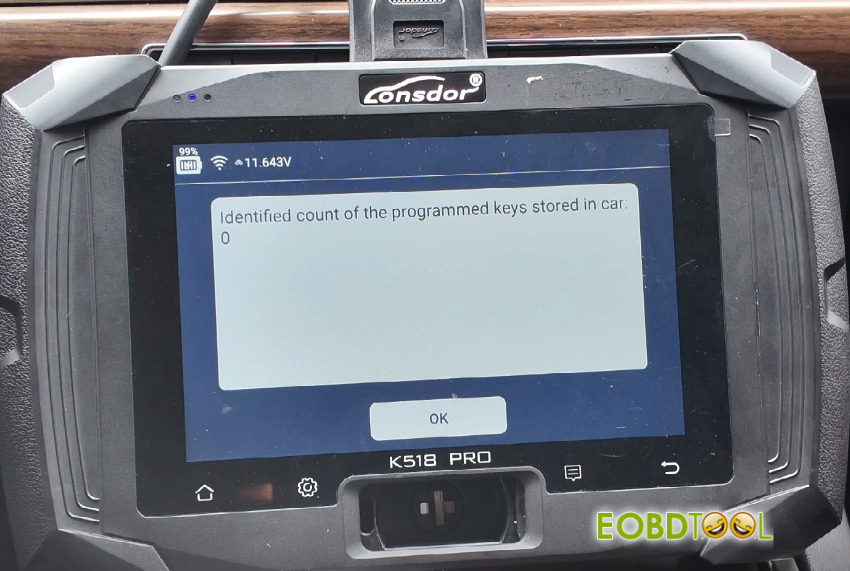
It will show that there are 0 programmed keys in the car. Press OK to continue.
Step 5: Program the First Key
The screen will prompt: “Start programming new smart keys.” Press OK.
Hold the first new smart key in your hand.
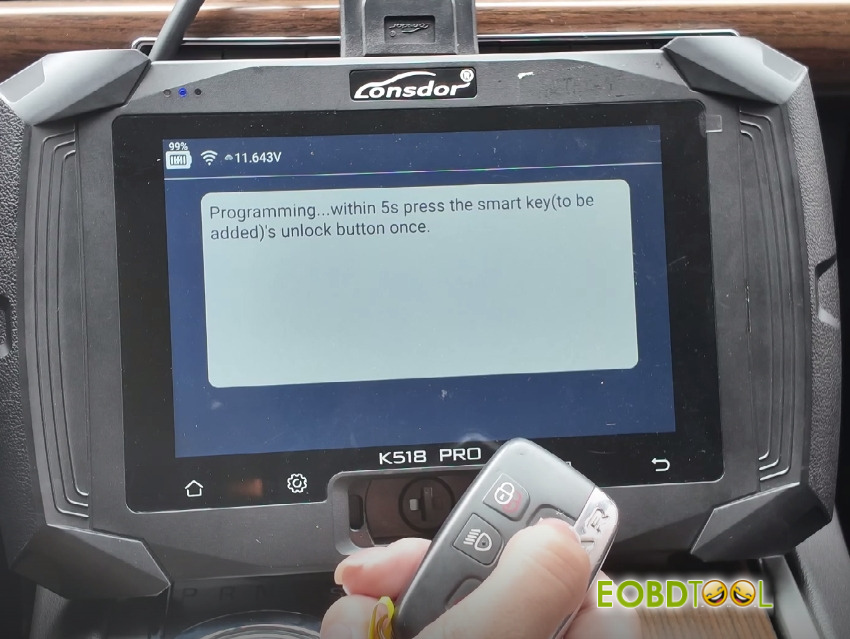
Follow the on-screen instructions and complete the steps within 5 seconds.
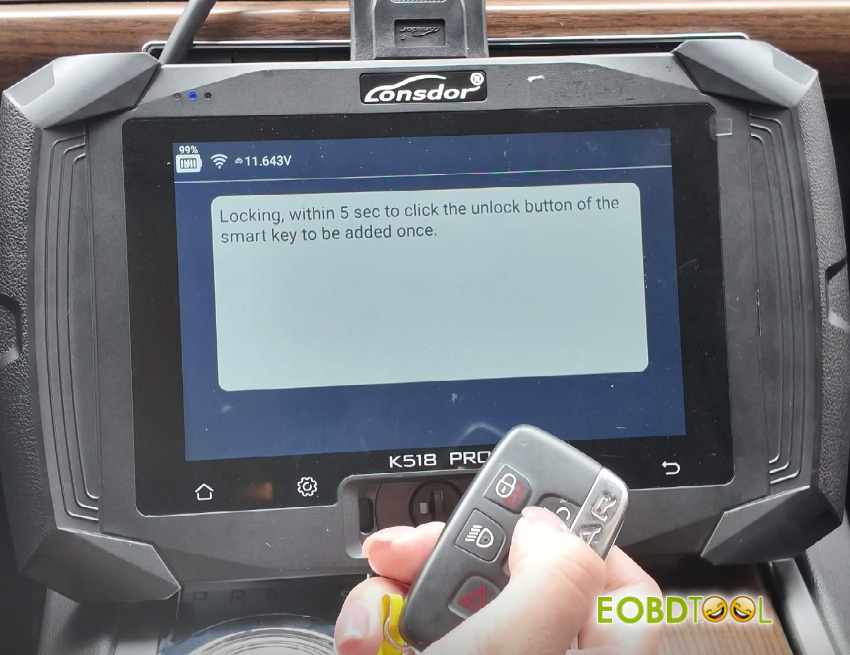
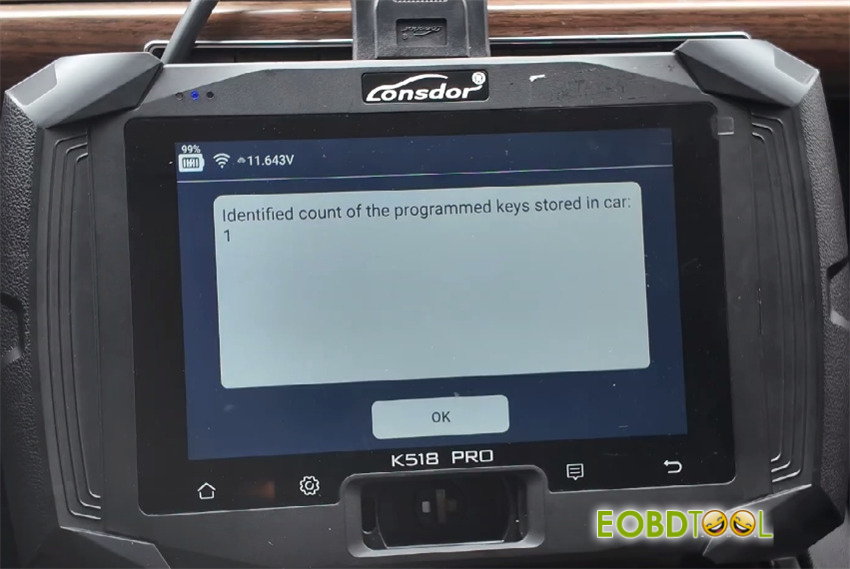
Once done, it will show: “Number of keys programmed: 1.”
Step 6: Program the Second Key
The device will ask if you want to program another key. Press OK.
Now hold the second new smart key.
Again, follow the prompts within the given time.
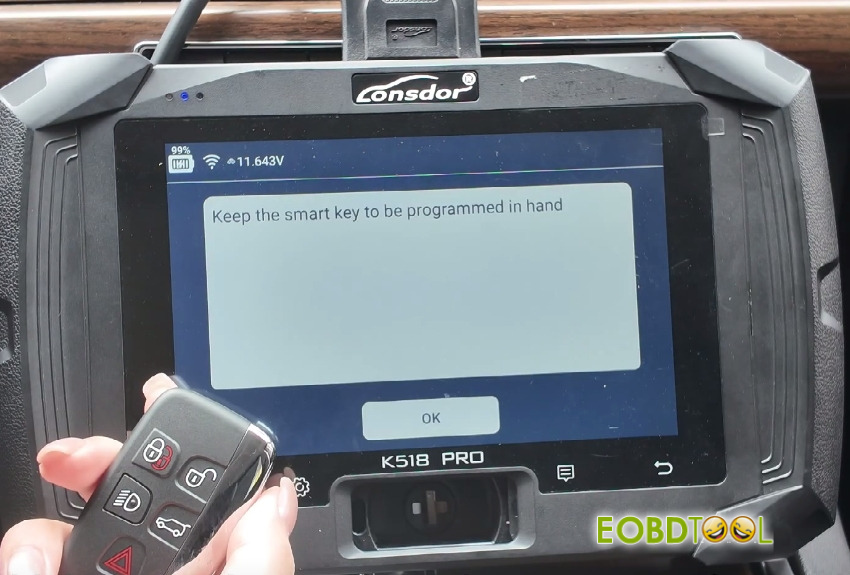
It will now show: “Number of keys programmed: 2.”
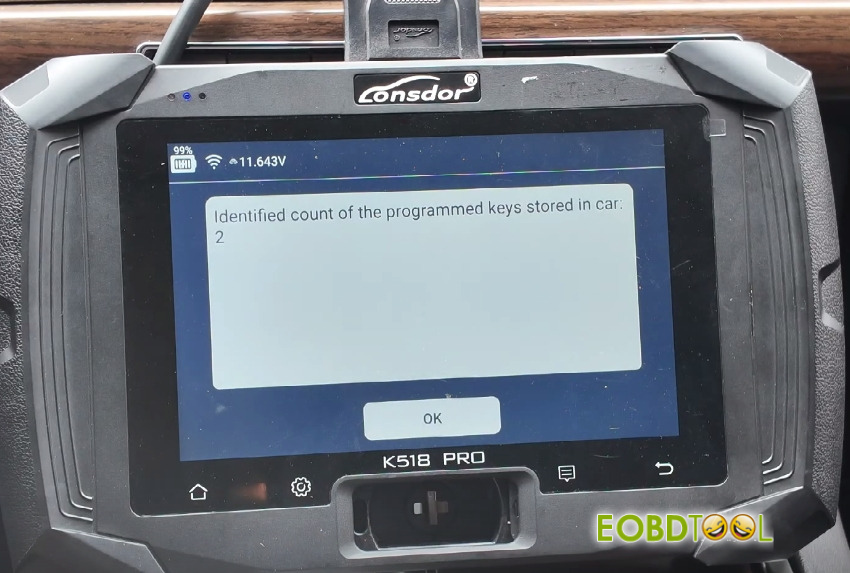
If you do not need to program more keys, select “Cancel.”
Step 7: Complete Programming
The device will display: “Programming complete.” Press OK.
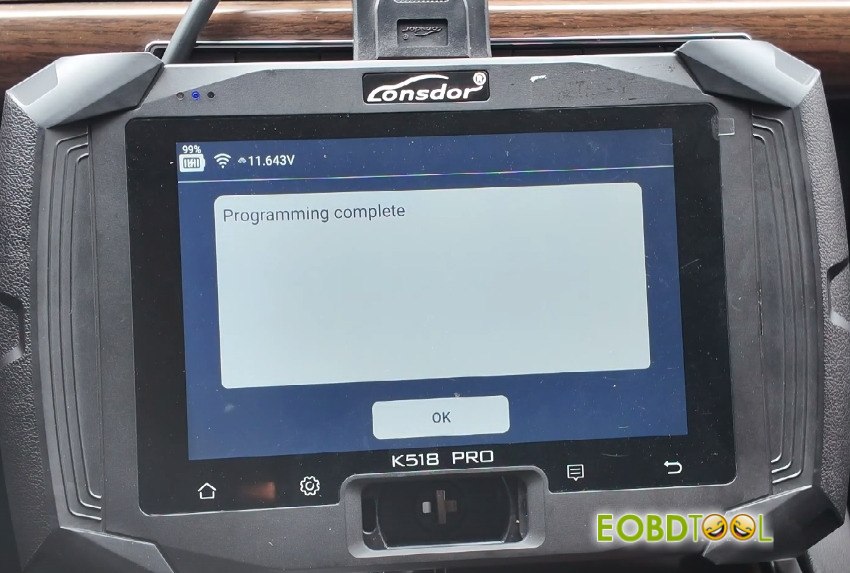
Step 8: Test Both Keys
First key: Step on the brake and press the engine start button. The car should start.
Second key: Repeat the same step. The car should start again.
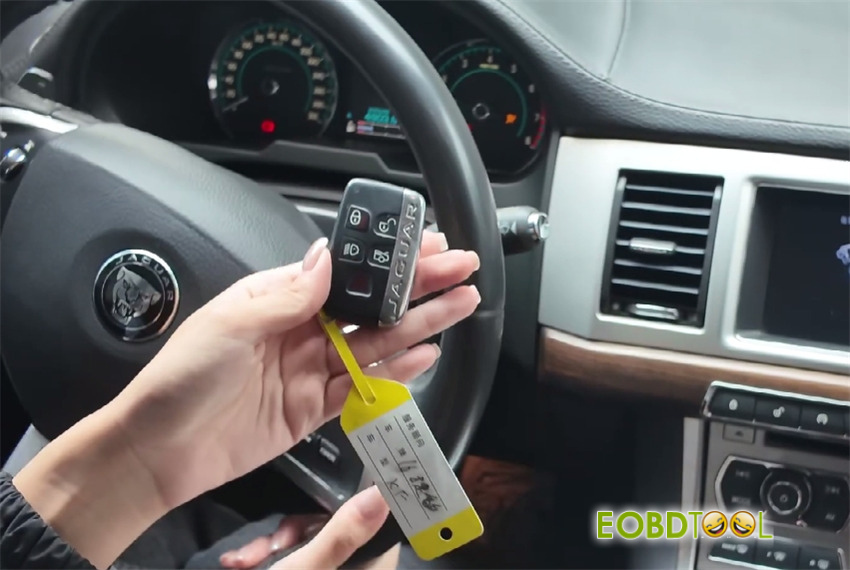
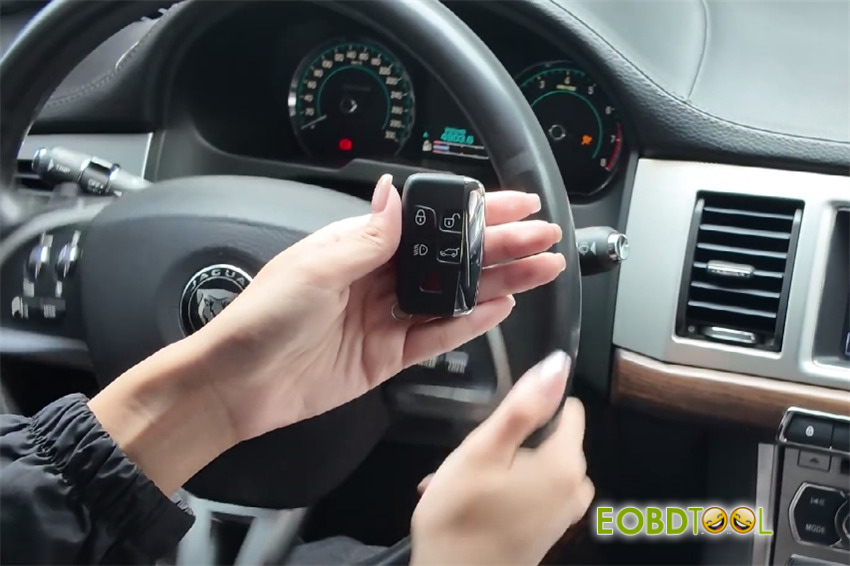
✅ Success! You have now programmed two new smart keys for a 2016 Jaguar XF by K518 Pro key programmer and Lonsdor 2010-2018 JLR smart key.







