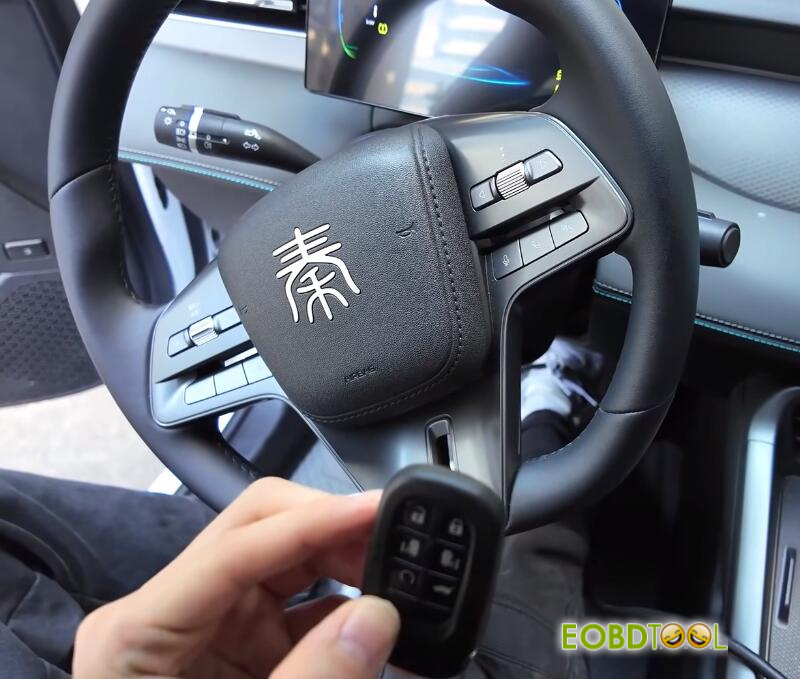
This guide outlines the procedure for programming A ZB KD remotes for a 2025 China BYD Qin Plus DM-i vehicle using KEYDIY KD–X4 5-in-1 key programmer.
Step 1: Program Generation
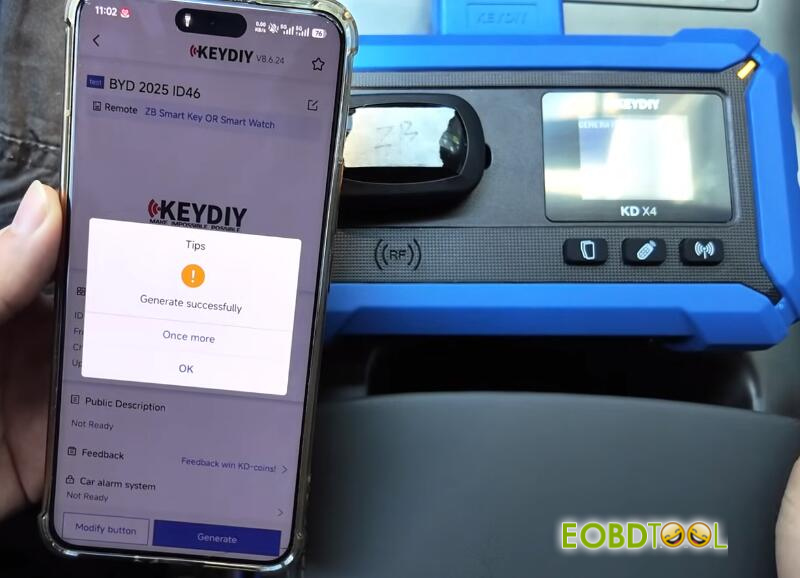
Navigate to the Remote test in the software interface, as the specific program for this vehicle is not yet available in the Official Zone.
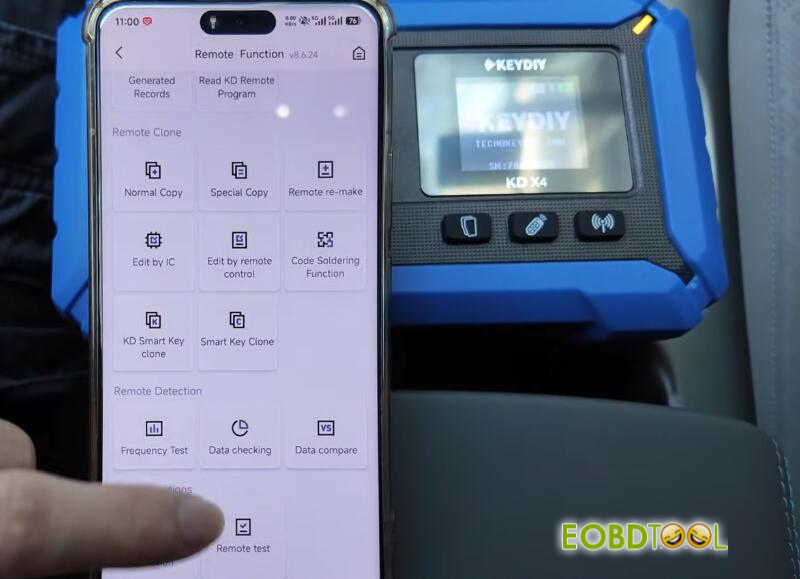
Select BYD 2025-ID46 option
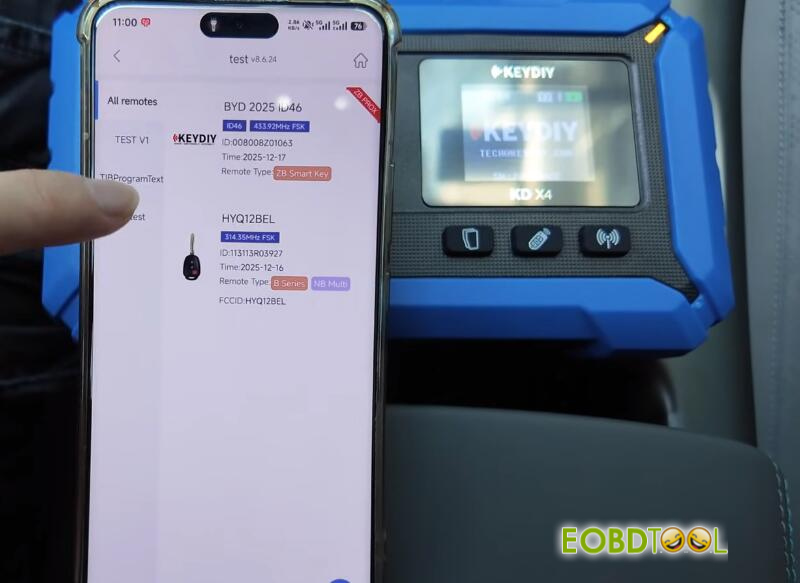
Place the KD remotes on the KD–X4‘s induction area.
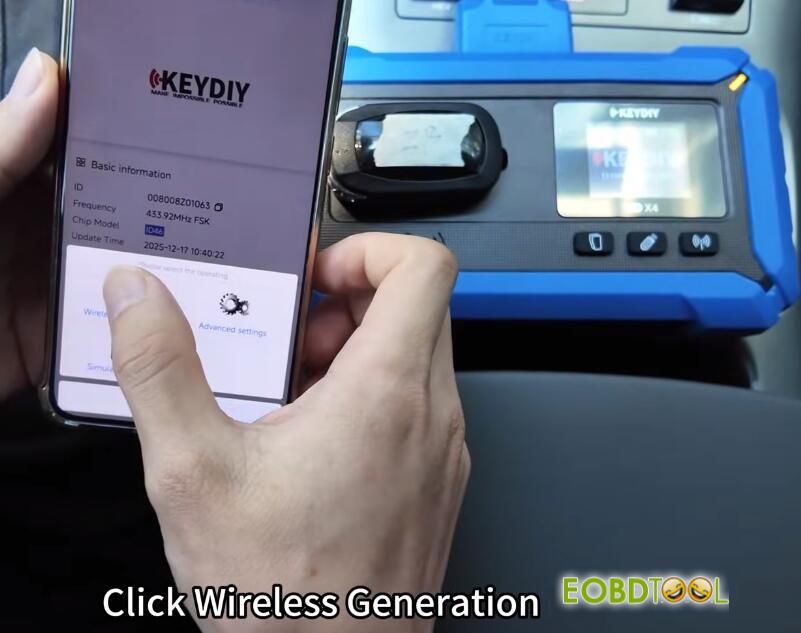
Click “Generate”, then select Wireless Generation. Wait for the process to complete.
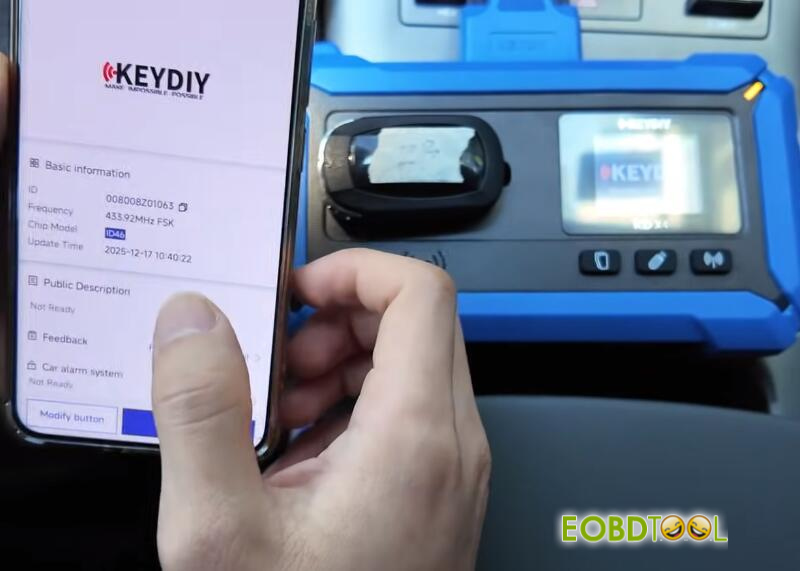
Step 2: IMMO Programming
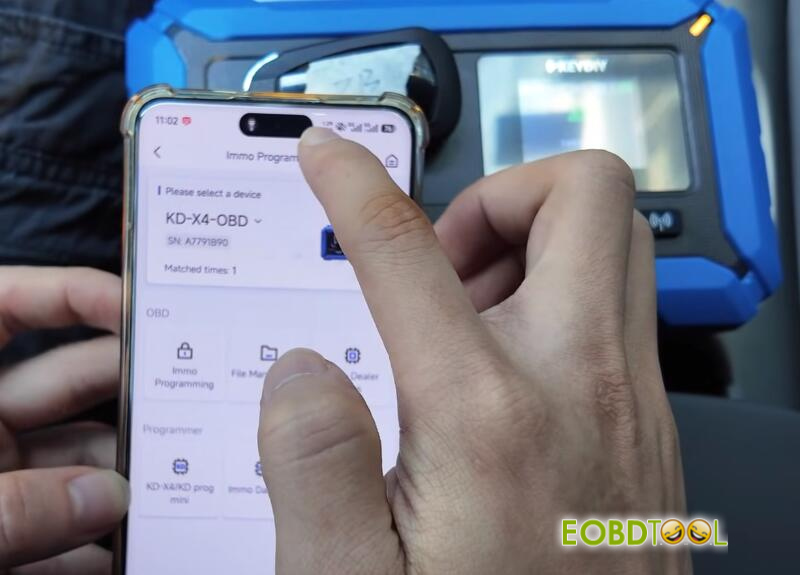
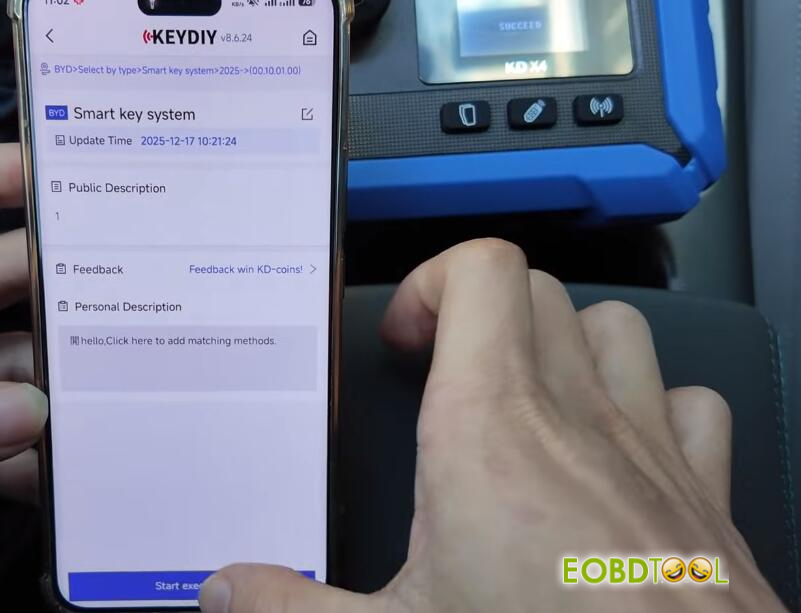
Access the IMMO Programming function, again selecting the Test Zone.
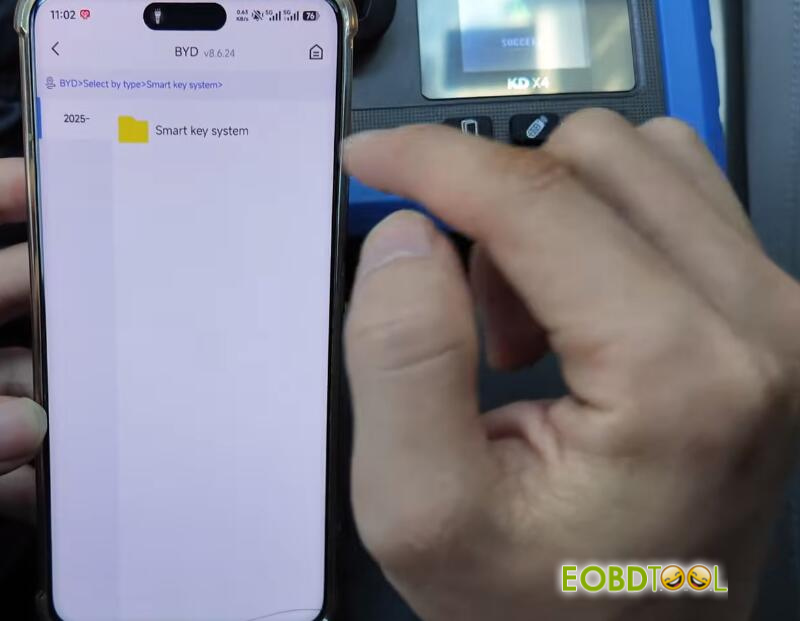
For vehicle selection, choose BYD, 2025- and Smart Key System.
Start execution. The system will prompt for Smart Key Pairing, which requires no PIN for this vehicle.
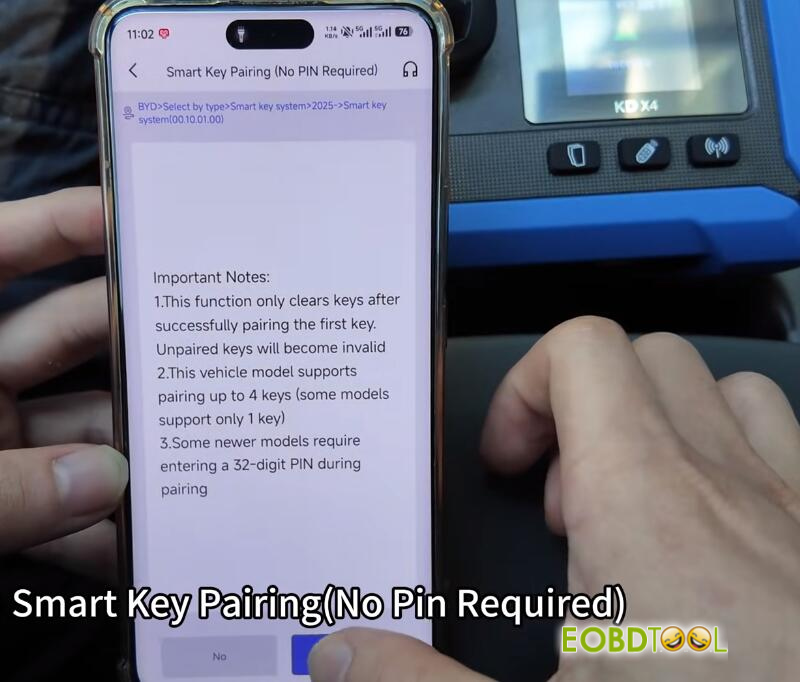
Step 3: Key Programming
The original vehicle is equipped with two keys. The induction area for programming is located inside the center armrest box, marked by a key icon.
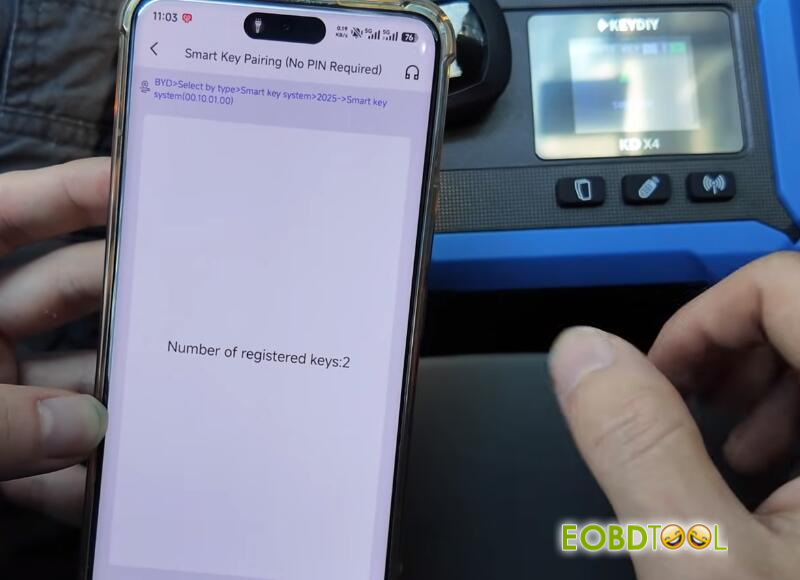

Program the first key by placing it in the induction area.
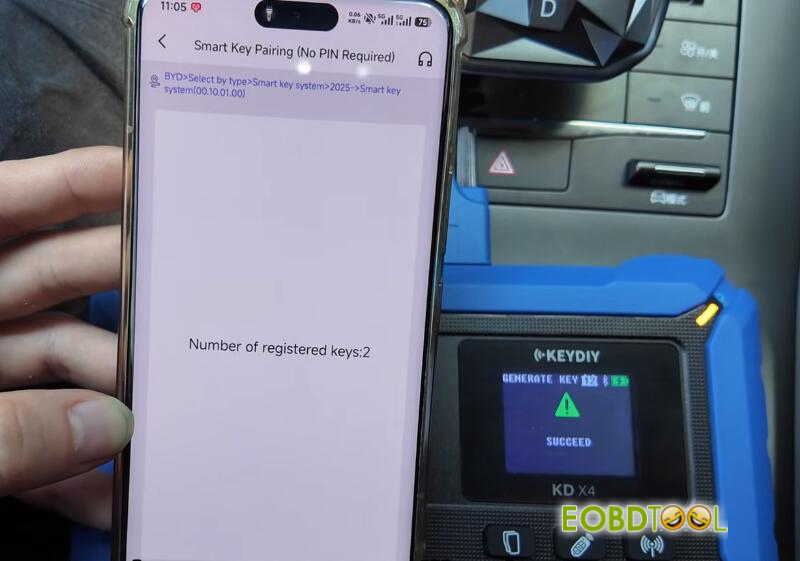
When prompted to program the next key, click “Yes”. Remove the first key and insert the second KD smart key to be programmed.
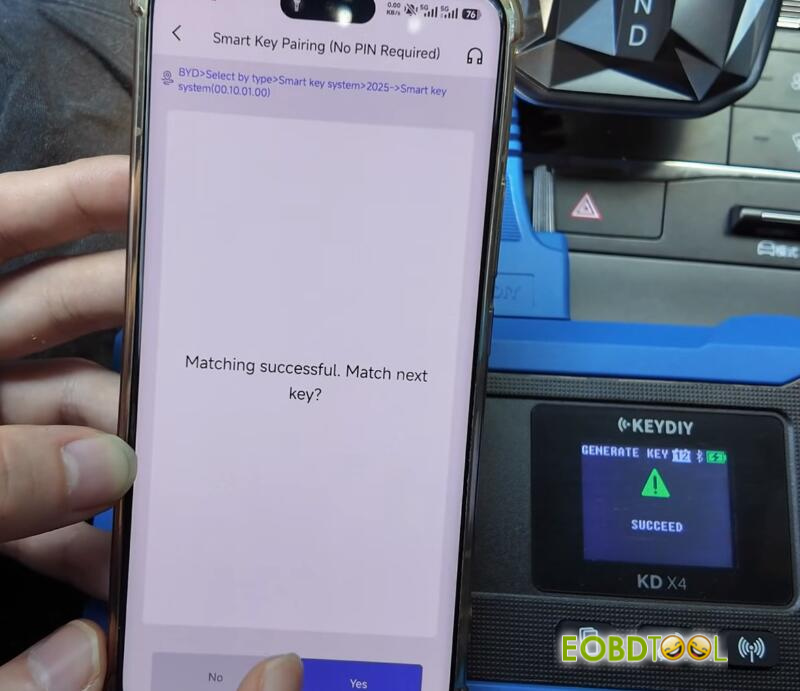
After the second key is complete, decline programming any additional keys by clicking “No”.
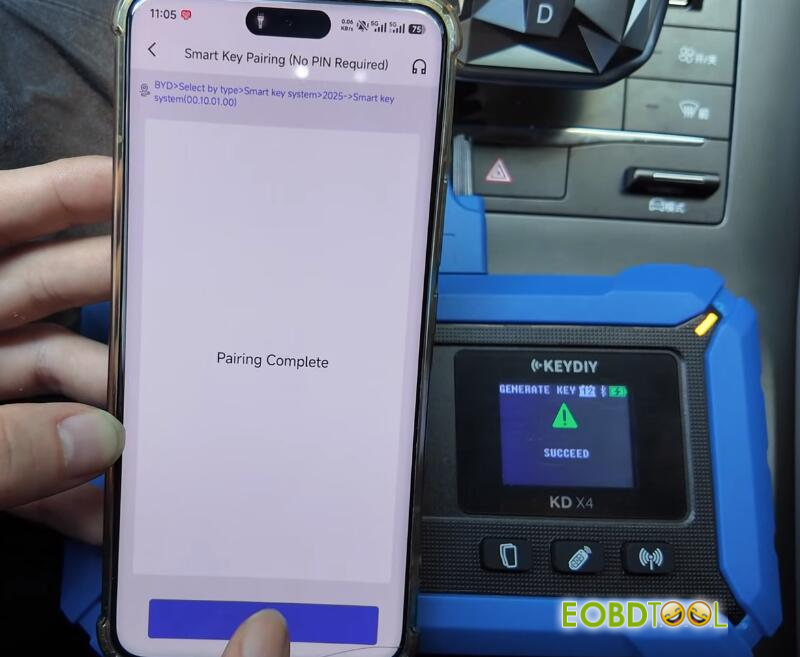
Step 4: Function Verification
Test the remote functions (lock/unlock) to confirm they operate normally.
Test the start function:
Take the original vehicle key outside the car and attempt to start the vehicle with one of the newly programmed keys. A normal start confirms successful programming by KEYDIY KD-X4 key programmer.