







This guide details OBDSTAR X300 Classic G3 process for virginizing and programming a used Mercedes-Benz W221 dashboard. It offers advanced ECU functions to streamline instrument cluster programming.
Procedure:
Ensure the primary diagnostic cable is correctly connected to the vehicle before proceeding.
Navigation:
Go to: [ECU Advanced] → [MB BENZ] → [MB BENZ V30.05] → [DASHBOARD] → [S-CLASS] → [W221 (2005-2013)].
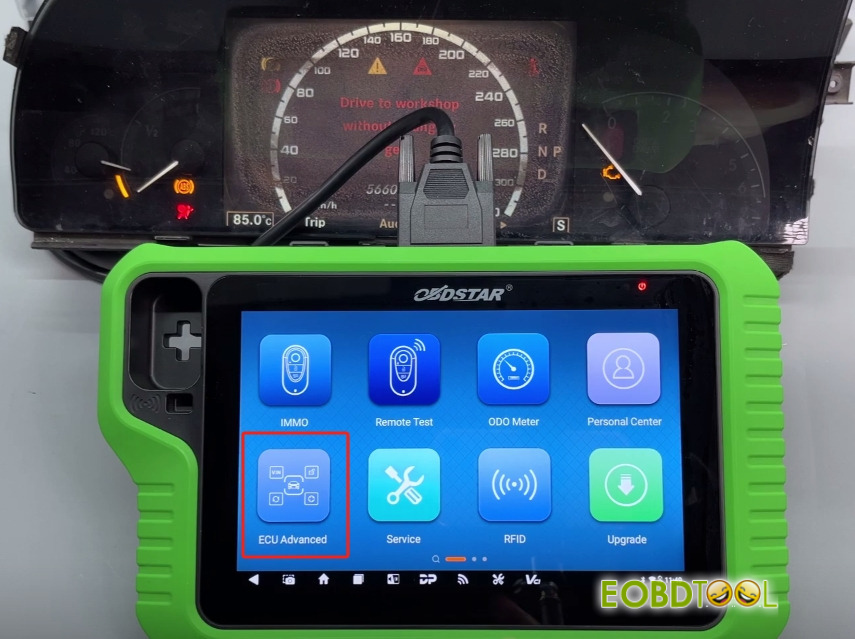
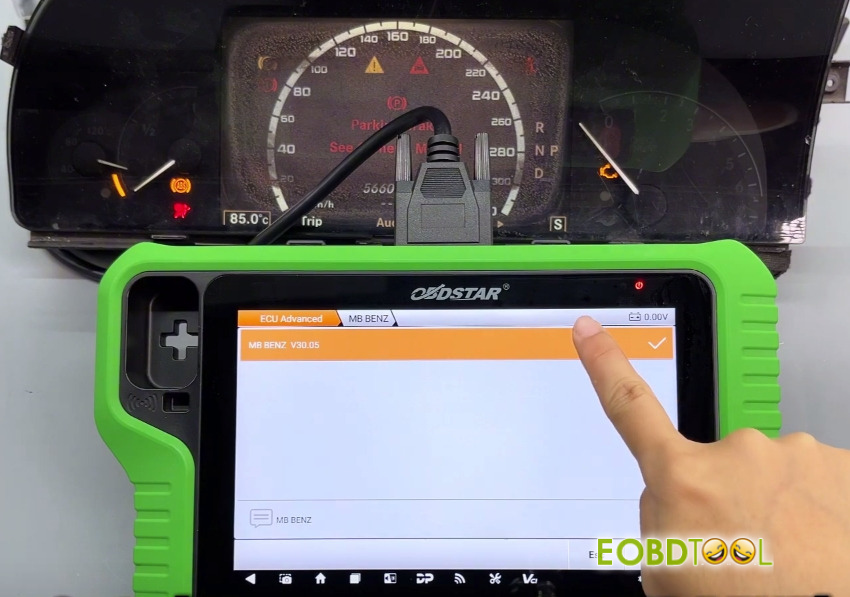
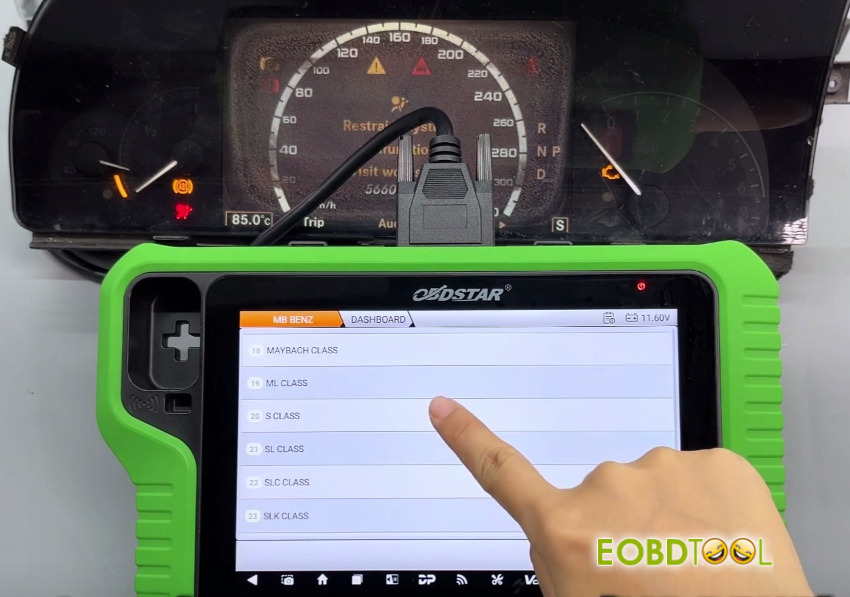
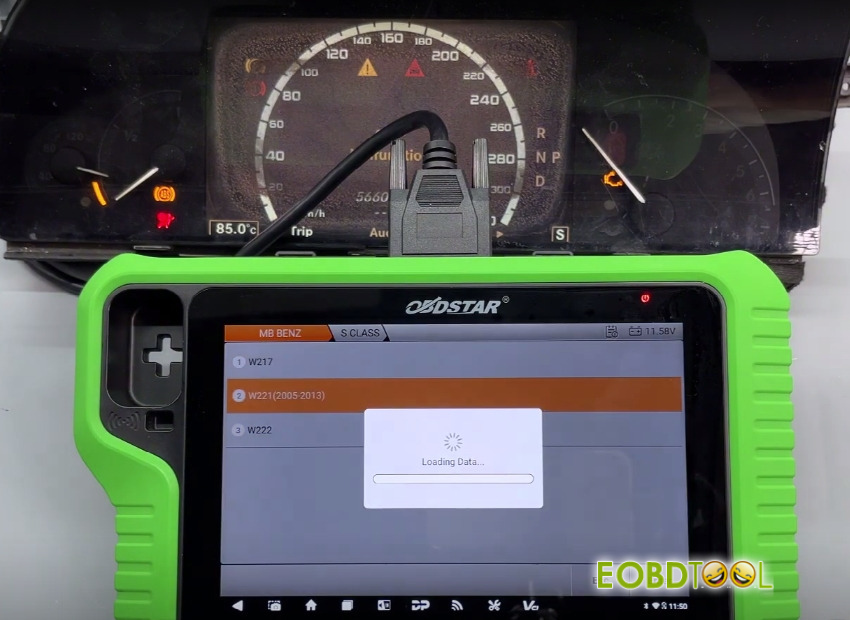
Select [Guide] to review full feature descriptions and operational instructions.
Available Functions:
- ECU Info.
- Read EEPROM (Backup)
- Write EEPROM (Restore)
- Virgin Dashboard
- Program Dashboard
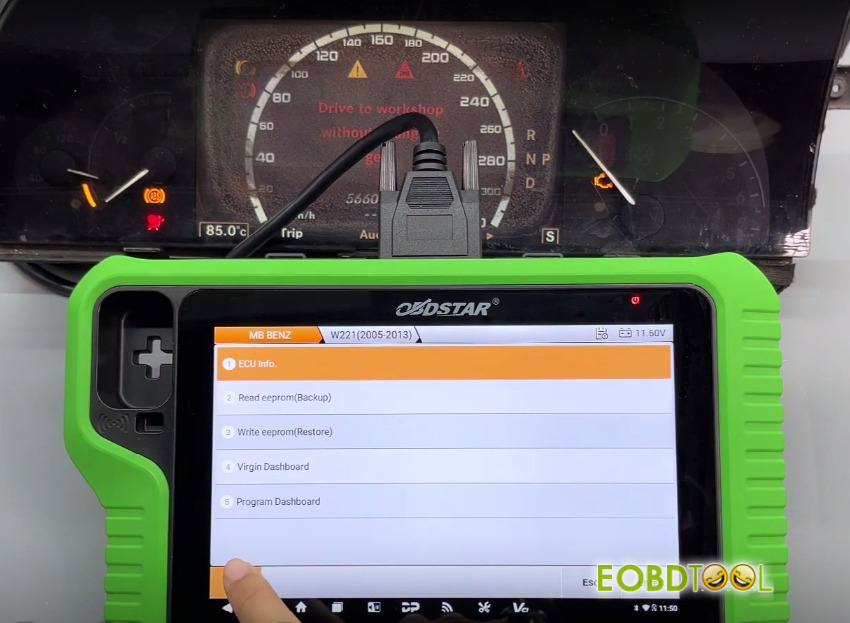
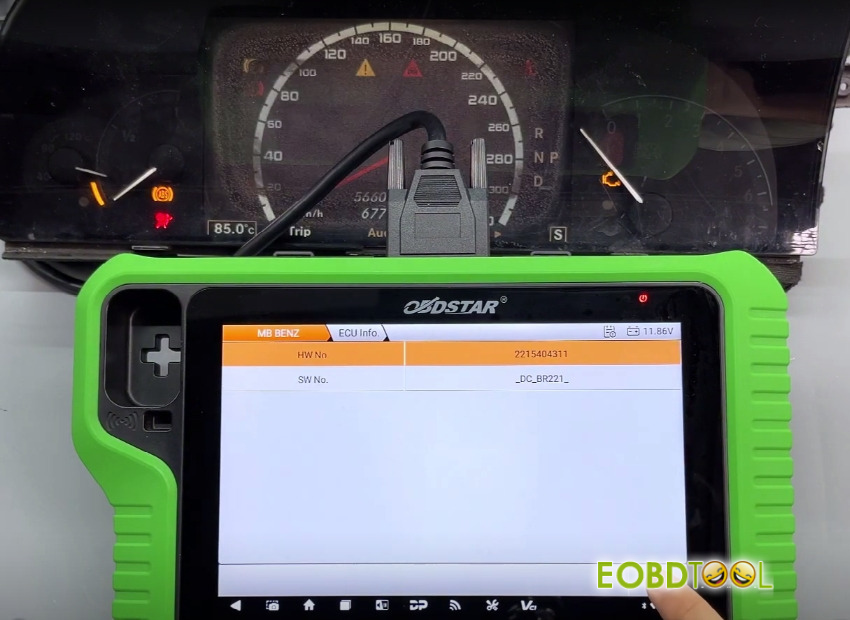
1.Read ECU infoRetrieve part numbers via [ECU Info.]
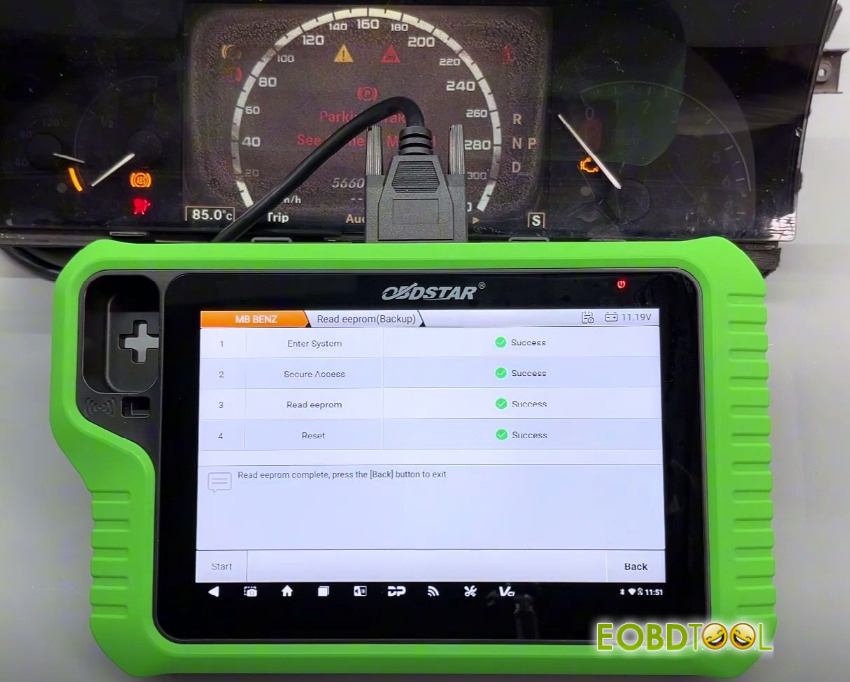
2.Back up EEPROM data using [Read EEPROM (Backup)] – custom filenames are supported.
3.Perform [Virgin Dashboard] function
Double-check and select the correct backup file.
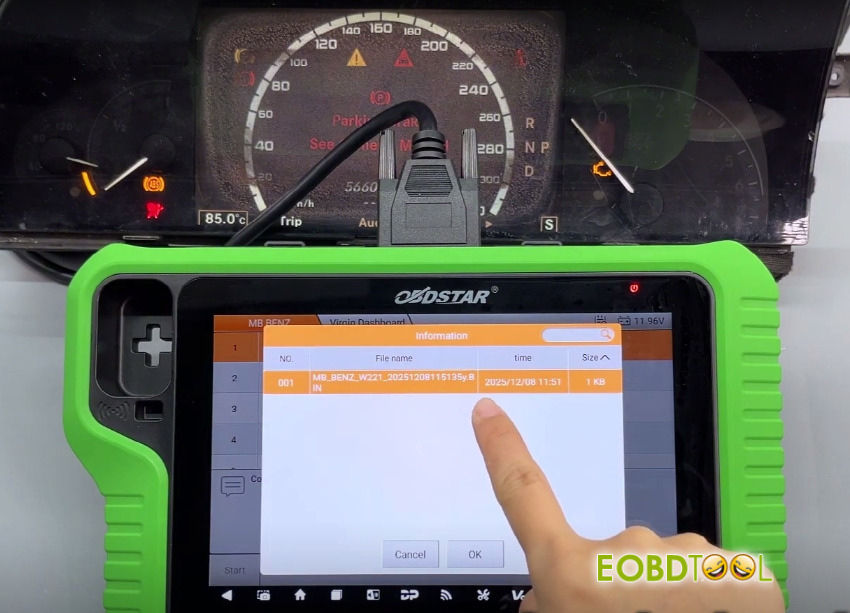
The cluster will be restored to factory defaults, with mileage reset to initial display state and SSID synchronization cleared.
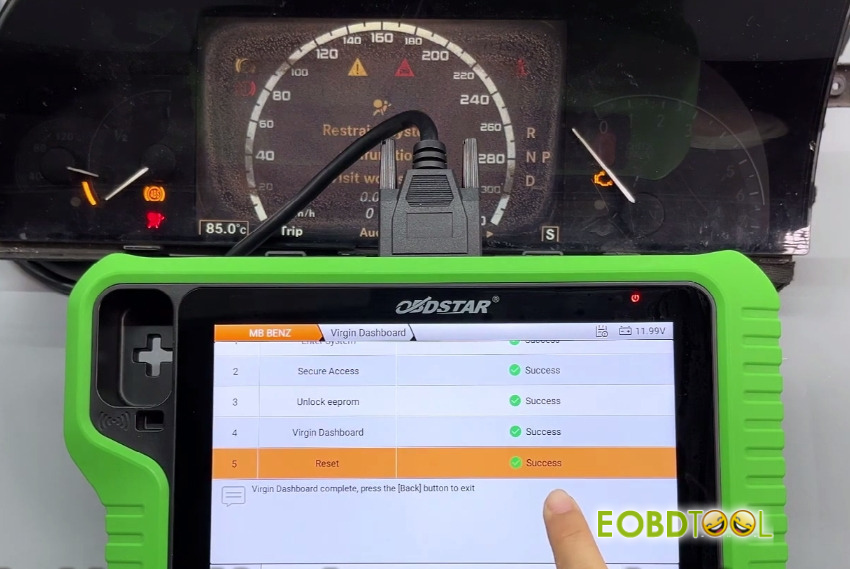
Select [Program Dashboard] to finalize programming.
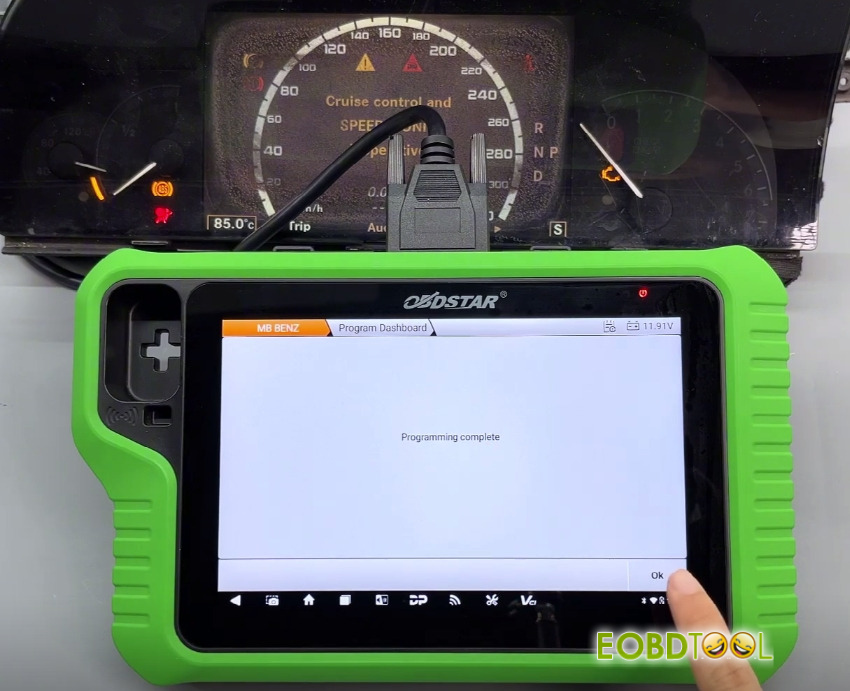
Completion is confirmed by the on-screen message “Programming complete”, indicating successful programming with X300 Classic G3.







