







Problem:
A customer reported difficulty while attempting to add a key for Volkswagen 5C/5D using KEYDIY KD-X4 key programmer.
Below is their described process:
1.Connected KD-X4 to a computer via USB cable
2.Installed the KEYDIY application on a Windows 11 PC
3.Updated KD-X4 firmware to the latest version
4.Navigated to:
Programming Functions (Immobilizer Programming) → Volkswagen → Select by Type → 5C/5D Immobilizer System
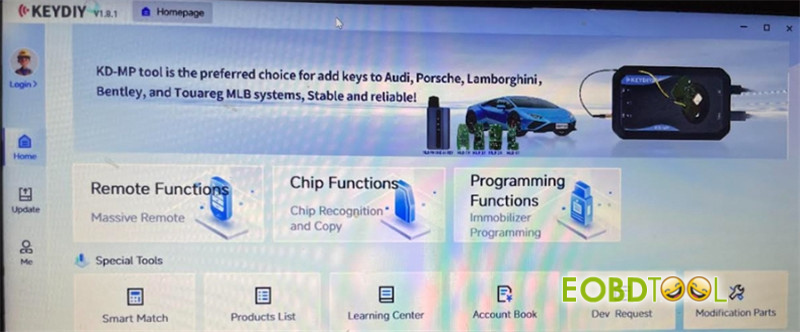
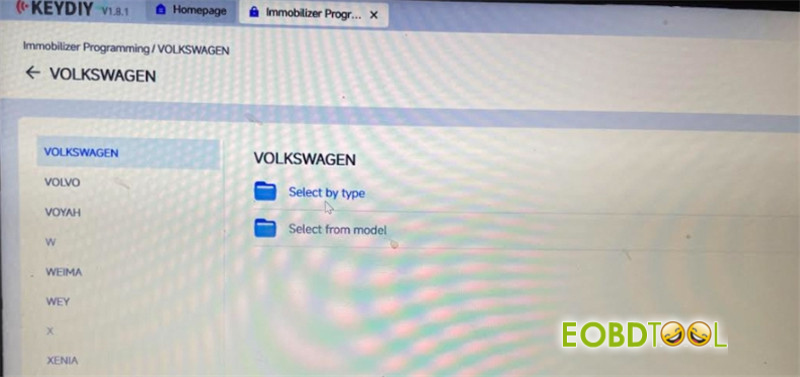
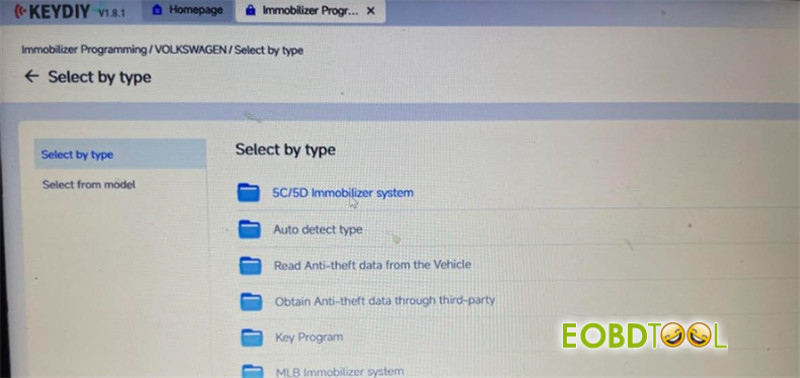
5.After starting the process, an error message “login reminder” appeared.
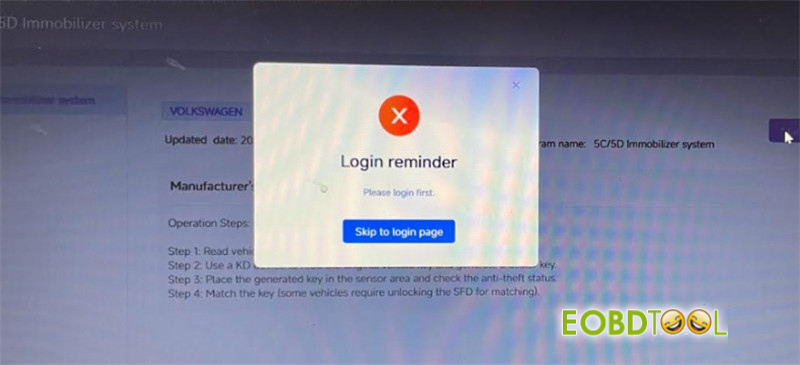
Solution:
Volkswagen MQB49 (5C/5D) “Add Key” function is currently not available on the KEYDIY PC/Windows software platform.
To proceed, please switch to KEYDIY mobile app on an Android device.
The MQB49 5C/5D functionality will be released for KEYDIY KD-MP and PC software at a later date.
Tech support:
Email: sales@eOBDTool.co.uk
WhatsApp: +86 159 7293 3706
Skype: Eobdtool.co.uk
Business Time: Monday – Friday, 8:30am – 6:00pm CST (UTC/ GMT+08:00)







