







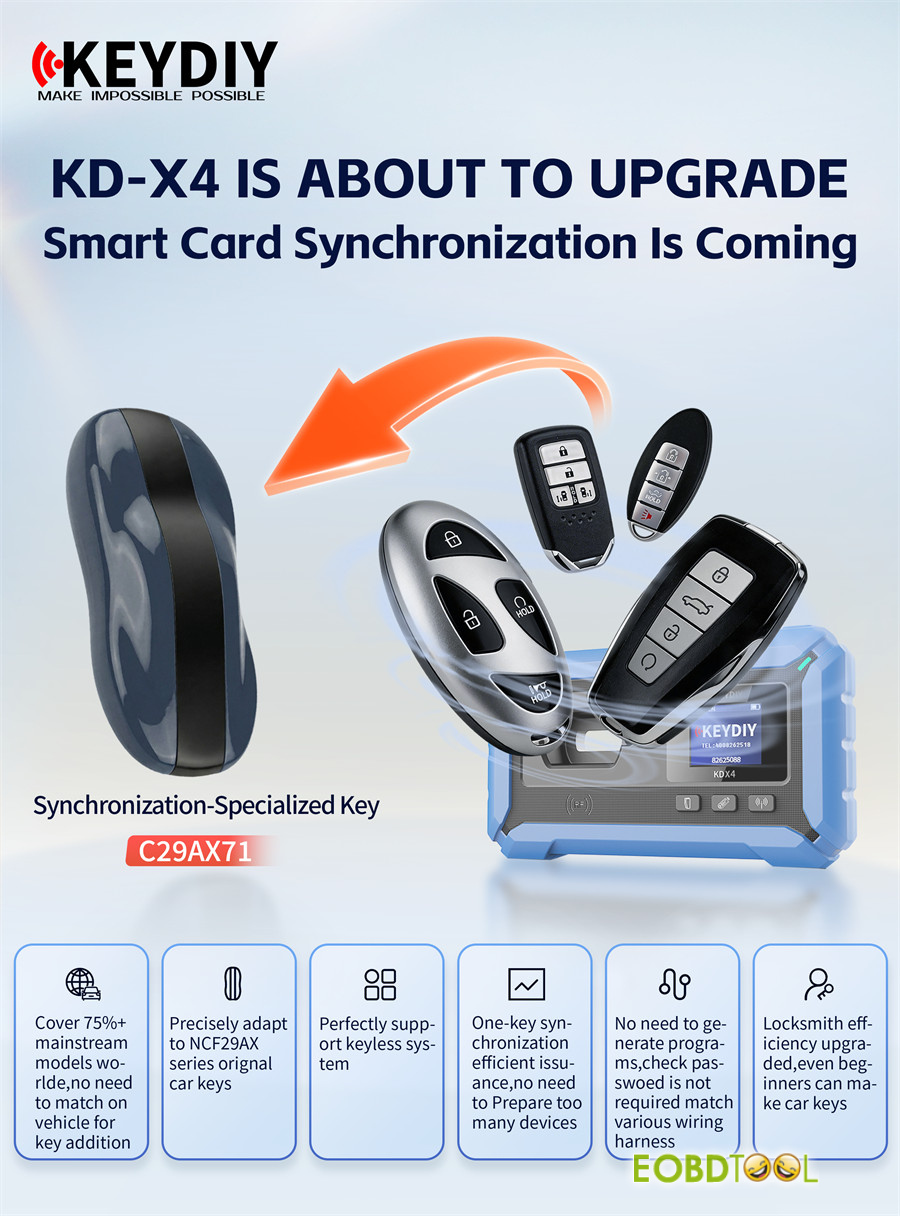
KEYDIY KD-X4 5-in-1 key programmer and KD-MAX now support NCF29AX series chip type synchronization. C29AX71 Synchronization-specialized Key is required. This lets you read original key data to copy or add smart keys.
Key Features:
- Global Compatibility – Supports over 75% of mainstream car models worldwide, allowing new keys to be added without requiring on‑vehicle matching.
- Precision Adaptation – Seamlessly adapts toNCF29AX series (NCF29A1, NCF29A4, NCF29A2, NCF2953, NCF29A3, NCF2954) original car keys with perfect compatibility.
- Seamless Keyless Support – Fully compatible with advanced keyless entry and start systems.
- One‑Key Synchronization – Optimize your workflow with efficient, one‑touch key issuance. Eliminates the need for multiple bulky devices.
- Simplified Process – Bypasses complex programming sequences and password verification. No specialized wiring harnesses are required.
- User‑Friendly for All – Significantly enhances locksmith productivity while remaining intuitive enough for beginners to master car key synchronization
How to Synchronize NCF29AX Series Key?
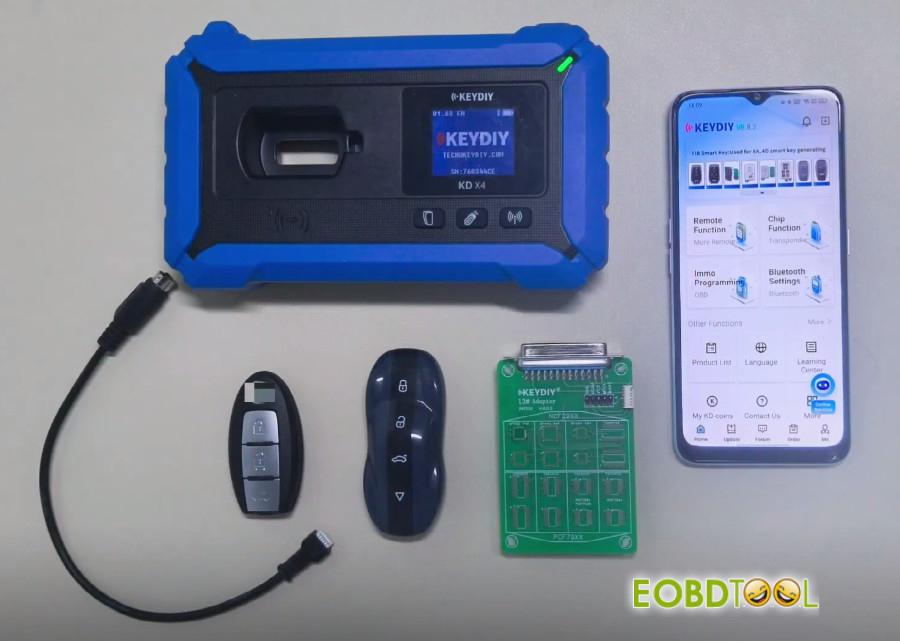
What you’ll need:
- KEYDIY KD-MAX or KD-X4
-
KEYDIY C29AX71 Smart Key (must write data into it!)
- KEYDIY 13# Remote Chip Reading Adapter
- Original key
Note: KEYDIY ZB71-4 Smart Key cannot be used for cloning here.
Quick notes before you start:
- Update your KD App to the latest version first
- This isn’t just a simple read‑and‑ Some keys need chip removal and soldering onto the KD board.
- No need to generate a remote program before reading key data.
Step‑by‑step guide:
Step 1: Remove chip from original car key
Step 2: Attach chip to 13# adapter
Step 3: Read chip data
Step 4: Write data to KD C29AX71 remote
In detail…
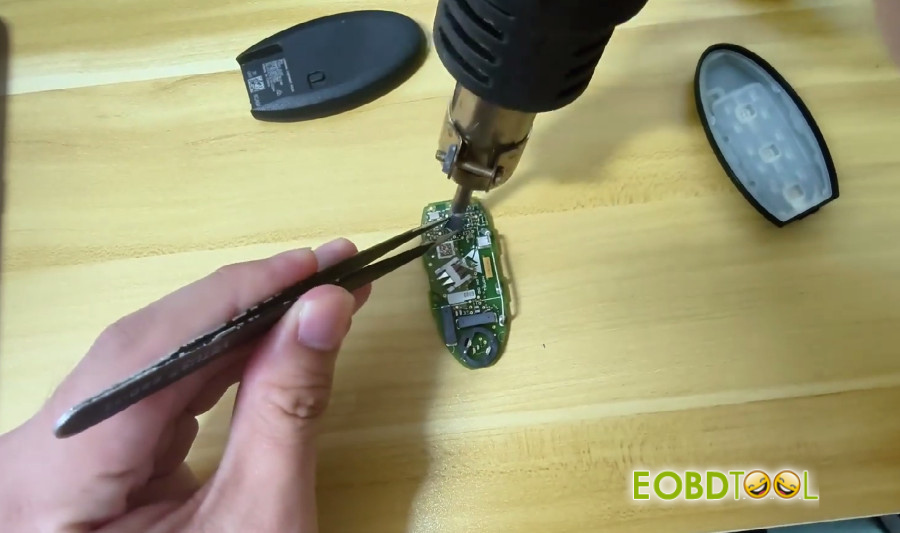
Step 1: Remove chip from original car key
Take apart the original smart key and remove the NCF29Ax chip.
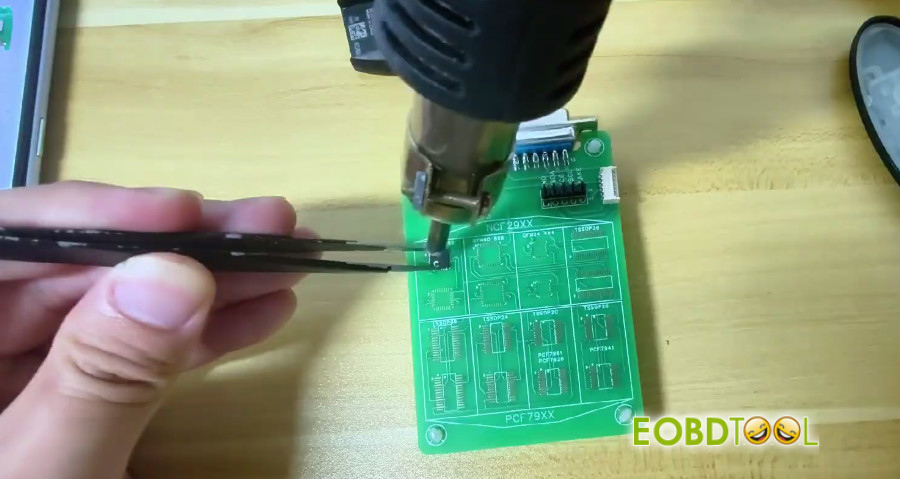
Step 2: Attach chip to 13# adapter
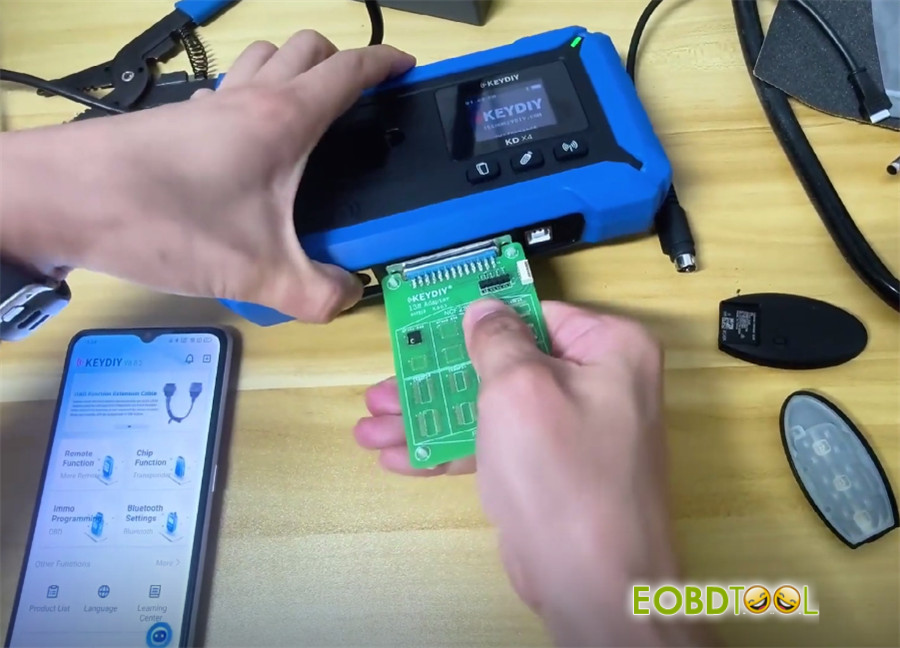
Solder the chip onto KD #13 adapter, then connect the adapter to your KEYDIY KD-X4 or KD-MAX key programmer.
Step 3: Read chip data
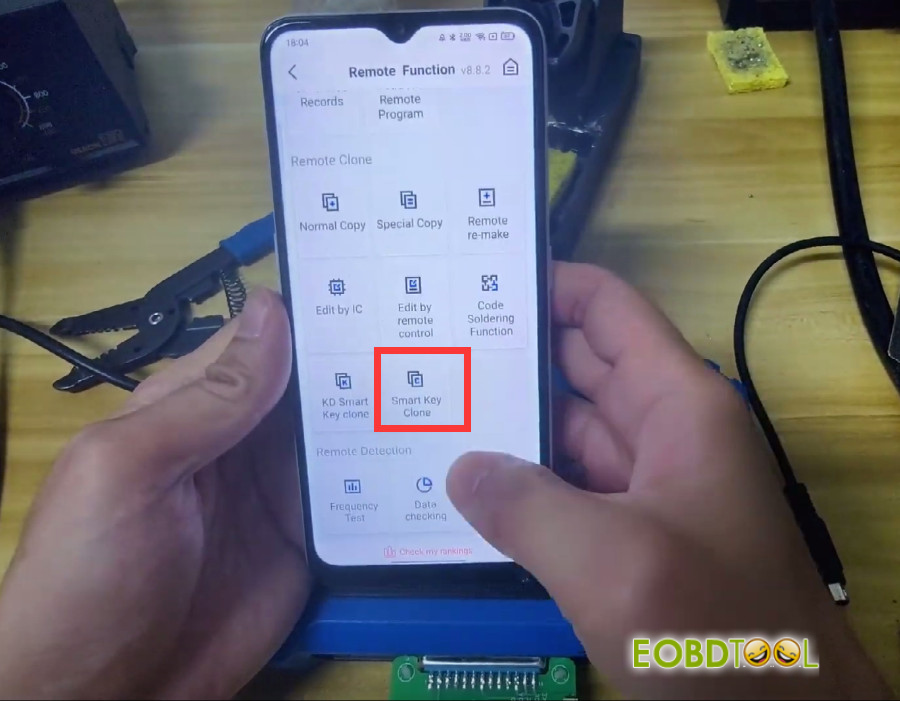
Go to: Remote Function → Smart Key Clone → Universal Smart Key Synchronization
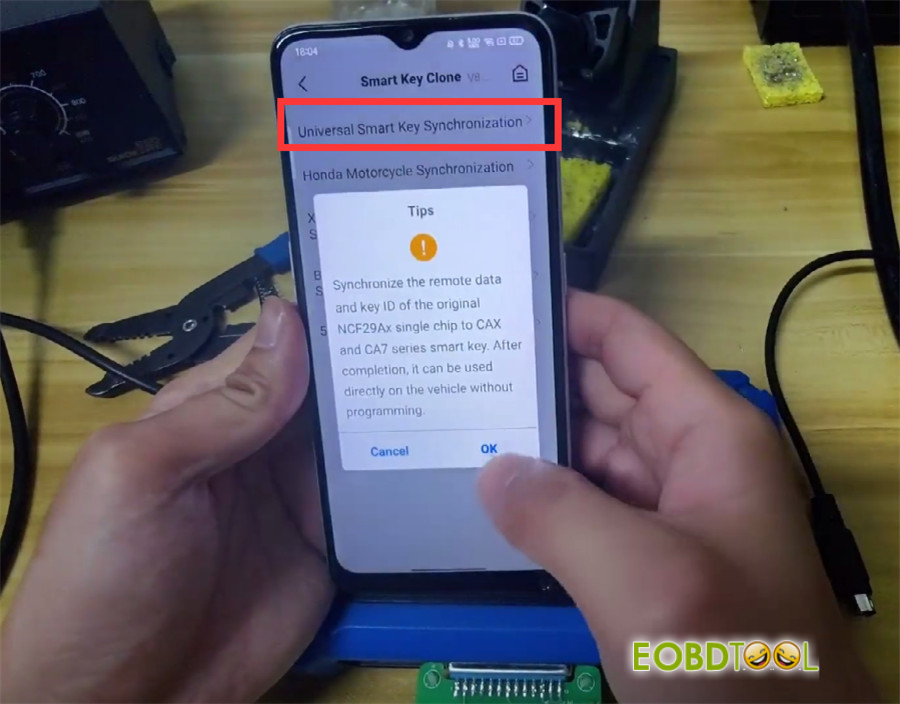
This syncs the original NCF29A single chip’s remote data and key ID to CAX and CA7 series smart keys.
After that, the key works on the vehicle – no programming needed!
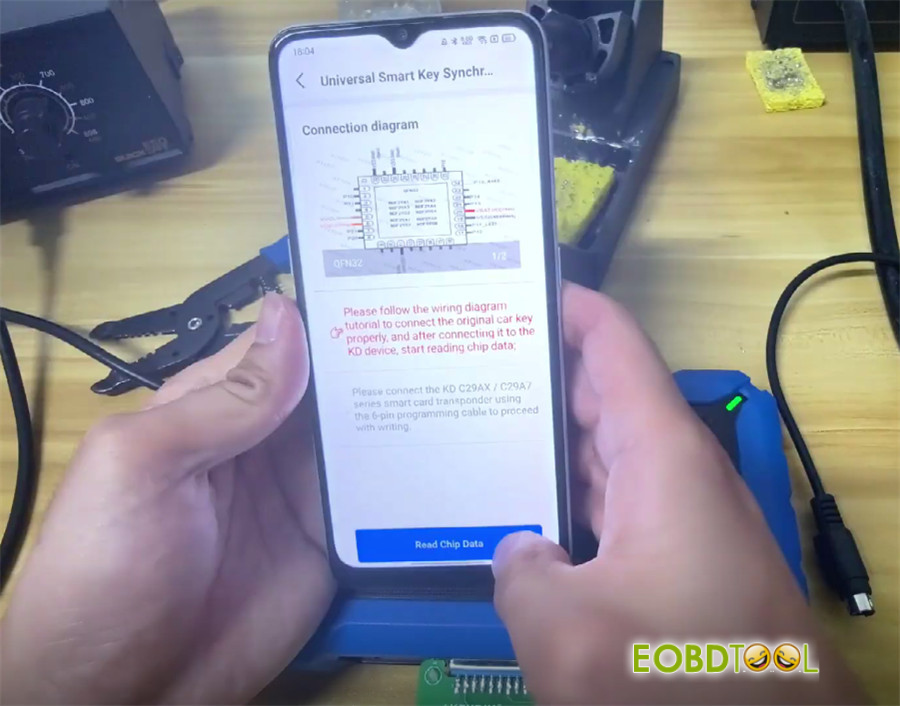
Follow the wiring diagram to solder wires directly to the key board, read and save the data, then remove the adapter and solder the chip back to the original key.
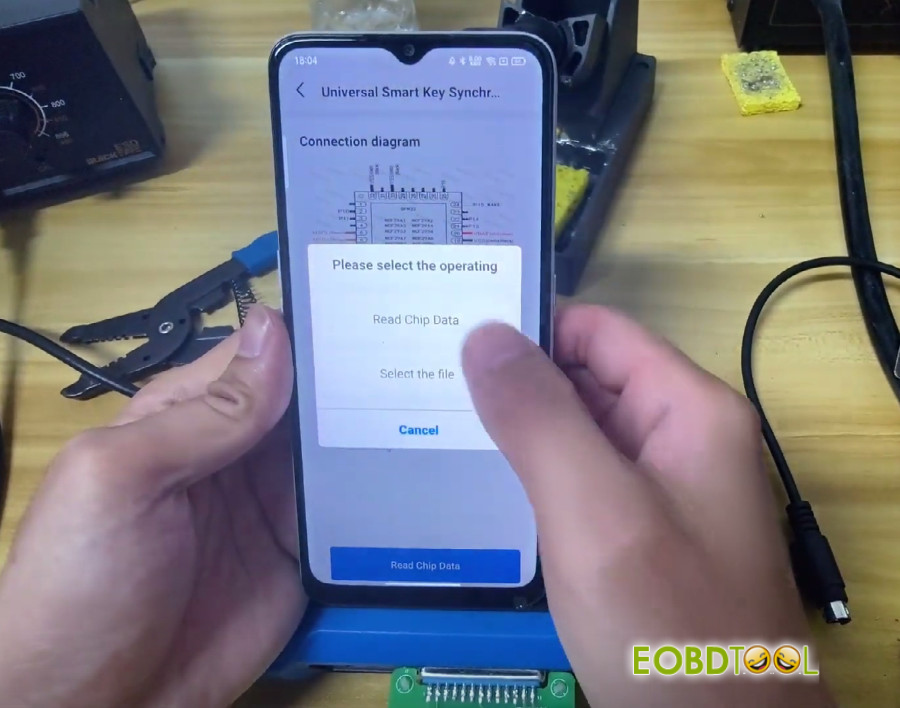
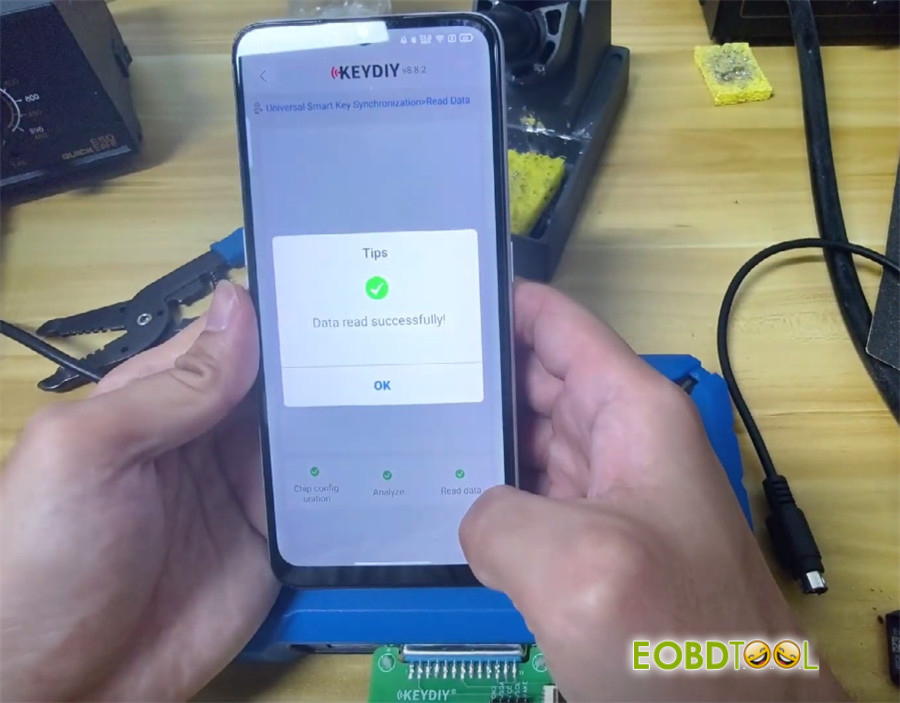
Step 4: Write data to KD ZB71 remote
Use the 6‑pin programming cable to connect KD C29AX/C29A7 smart card to your KD-X4 key programmer.
Hit Generate dealer key – success!
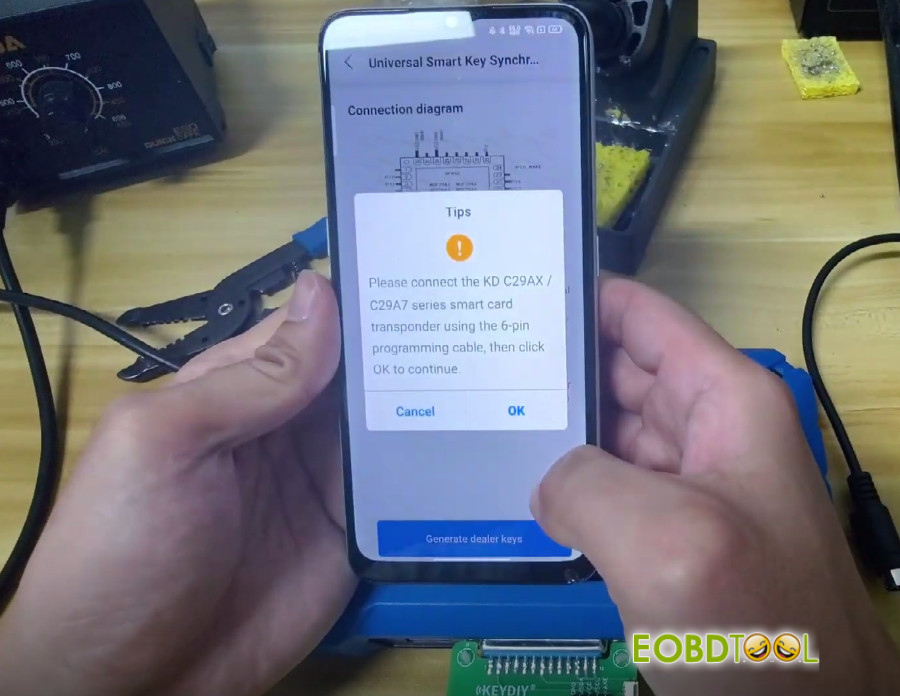
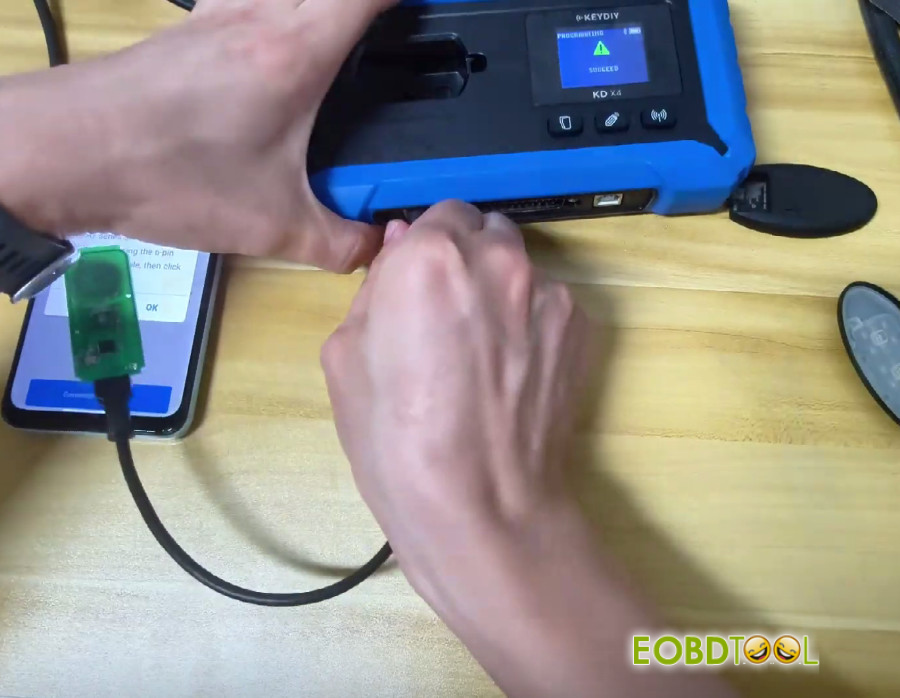
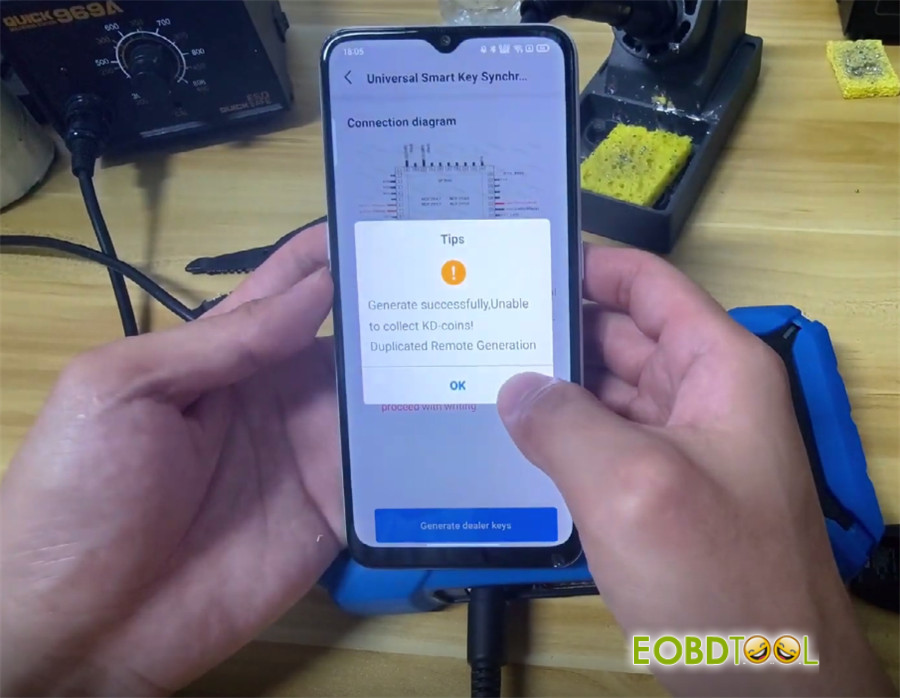
Then snap the key shell onto the KD C29AX71 Smart Remote.
Best part:
No need to program the key in the car after writing the KD remote.
Just test both the KD key and the original key to make sure everything works.
Video Guide:
UK Professional OBD2 Tools Online Shop







