







Need to set up your Launch X431 X-PROG5 IMMO programmer on a PC? This guide breaks down exactly how to get your software running on Windows 8 or Windows 10 (64-bit recommended).
1.Where to download X-PROG5 PC Software?
To download the correct software, follow these steps:
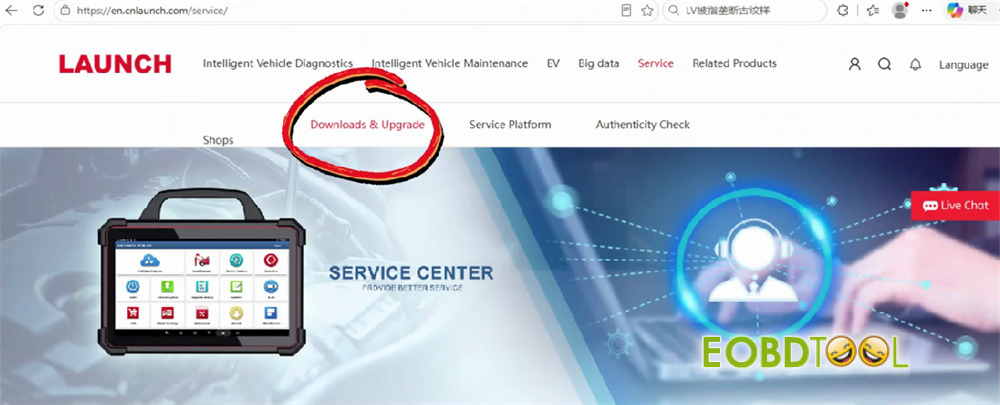
Go to the official site at [https://en.cnlaunch.com/]
Click on Service and choose Download & Upgrade.
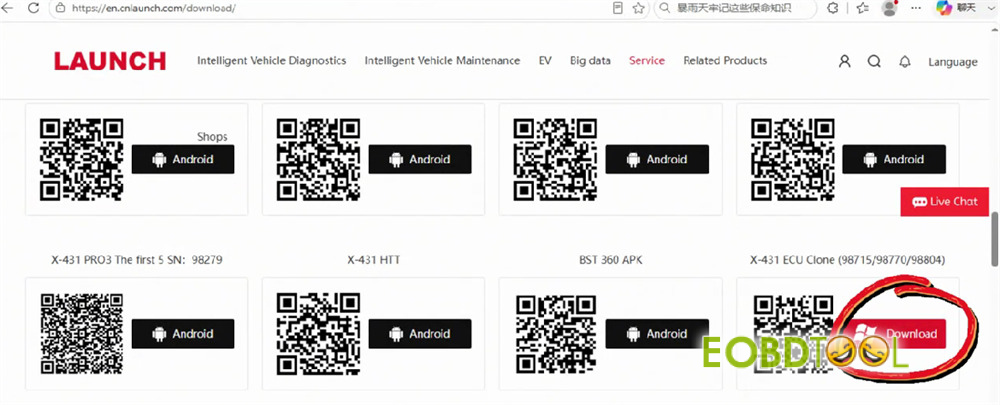
Scroll to find X-431 ECU Clone and click Download.
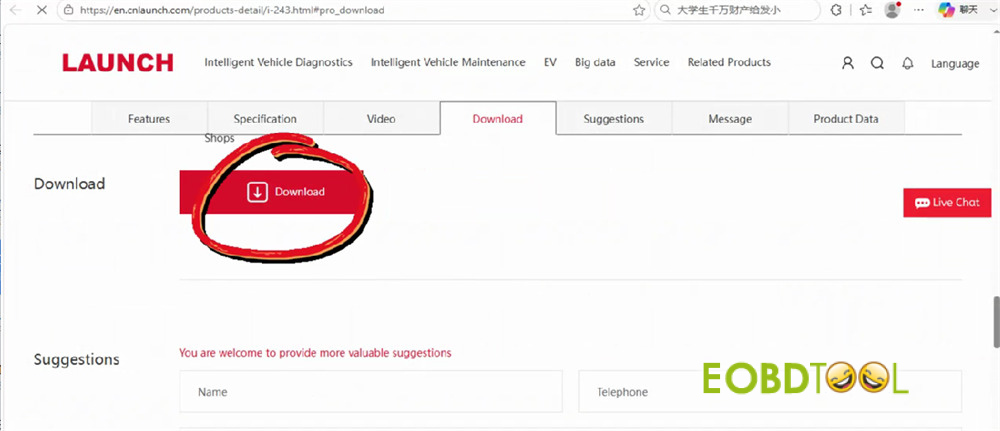
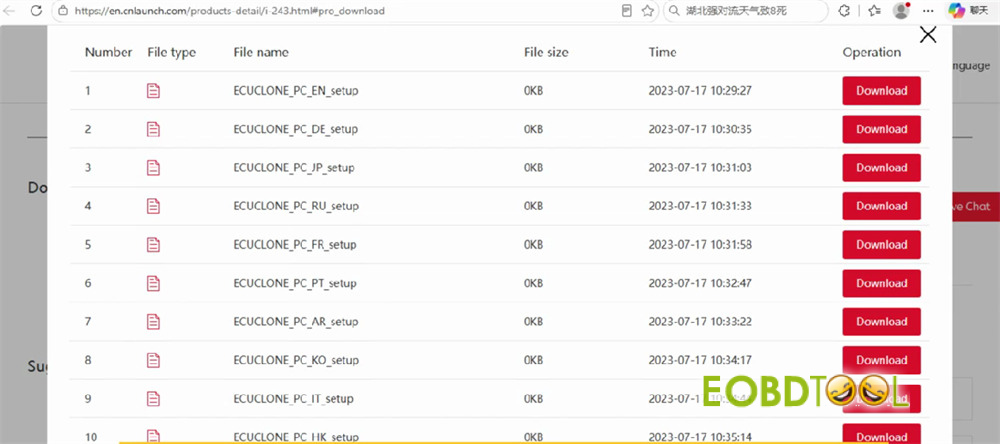
Select your language preference and download the setup package.
2.How toinstall and connect the hardware?
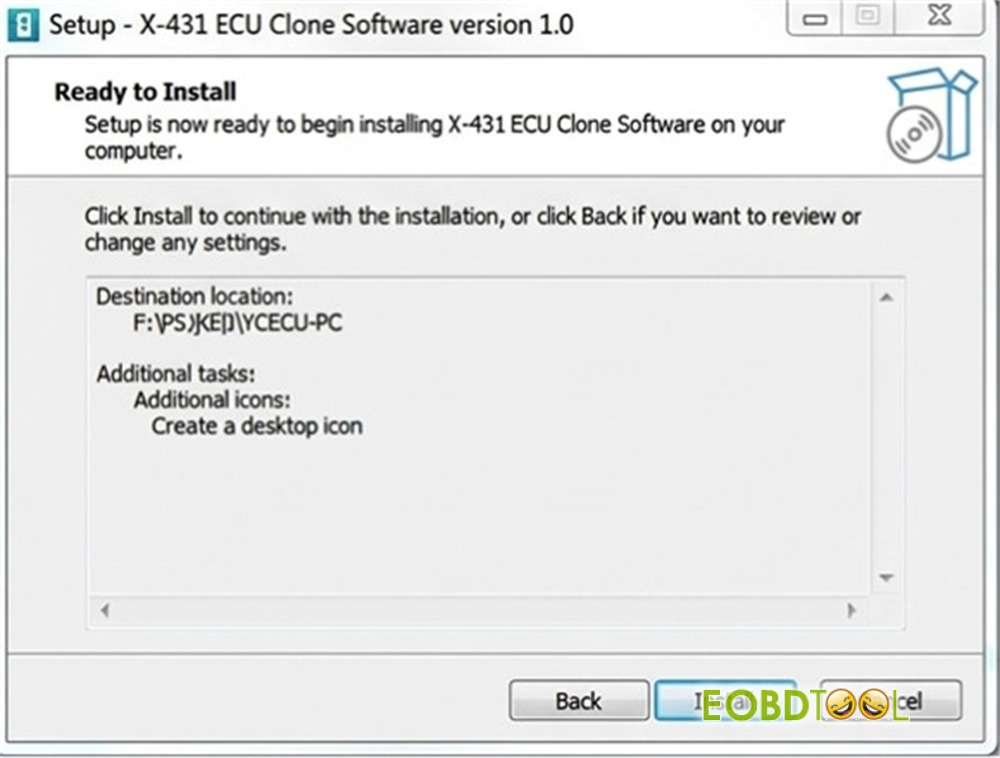
To Install: Open the downloaded file and follow the standard on-screen prompts.
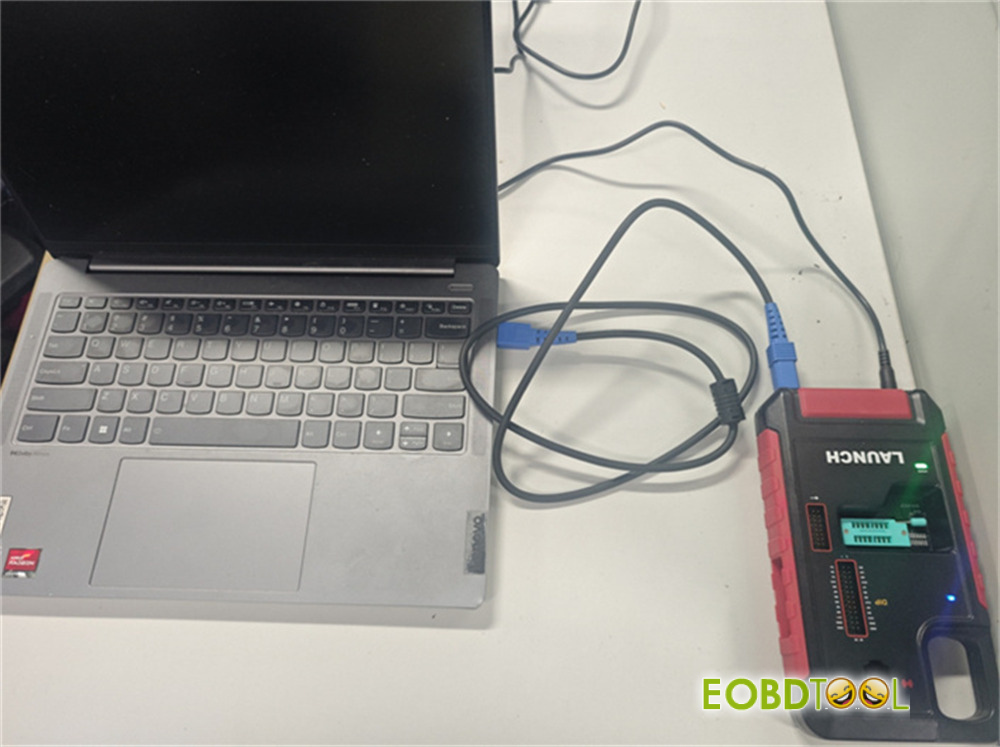
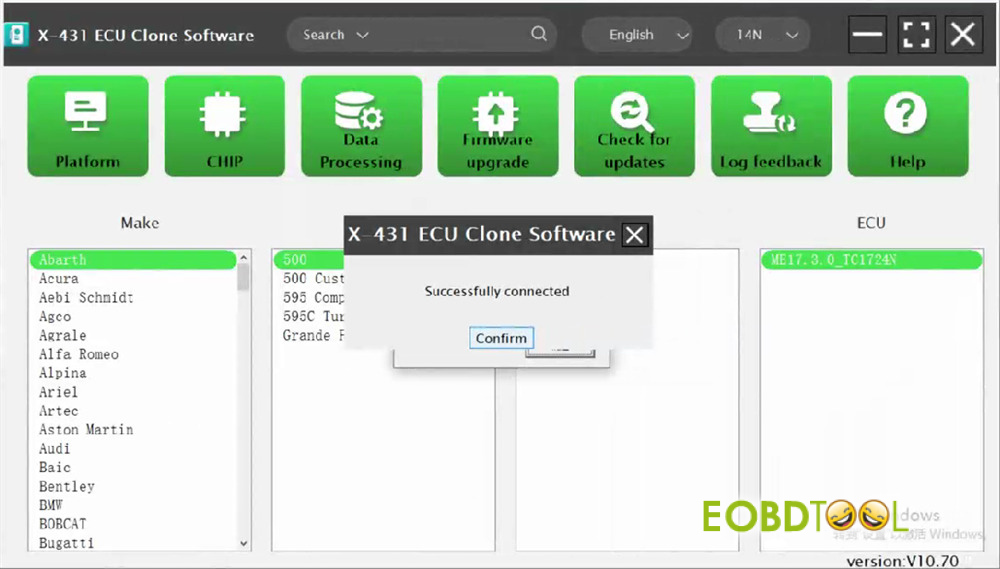
To Connect: Plug your Launch G5 into your PC, then launch the program. You should immediately see a “Successfully connected” status bar.
3.What is the activation process for XPROG5?
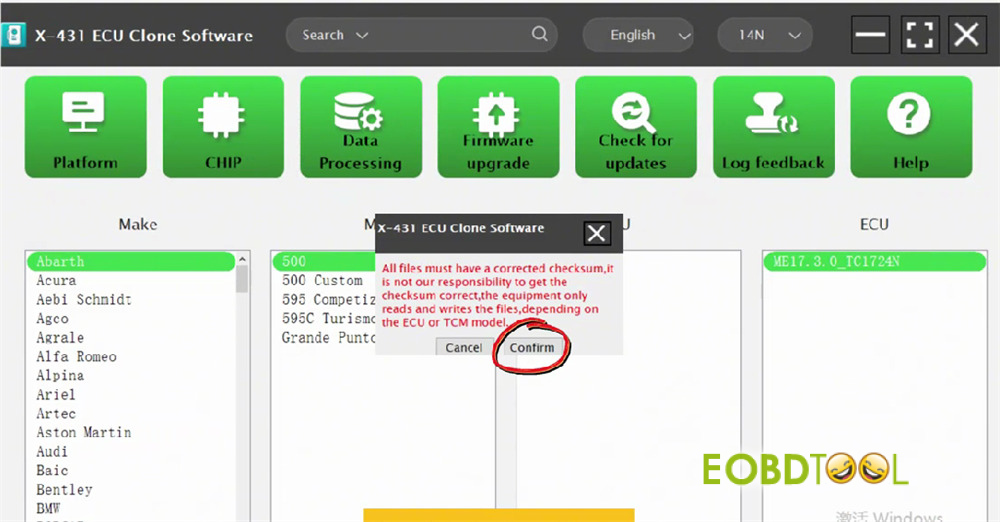
Before beginning, ensure your files have corrected checksums. Note that read/write operations depend entirely on your specific ECU or TCU module.
Open the software and click Confirm.
Enter your email address on the login screen, click Send, input the verification code, and press Login.
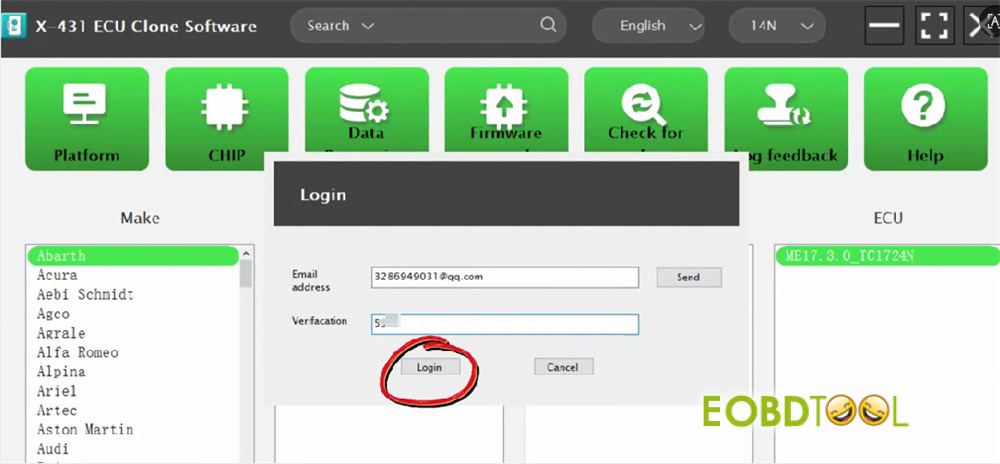
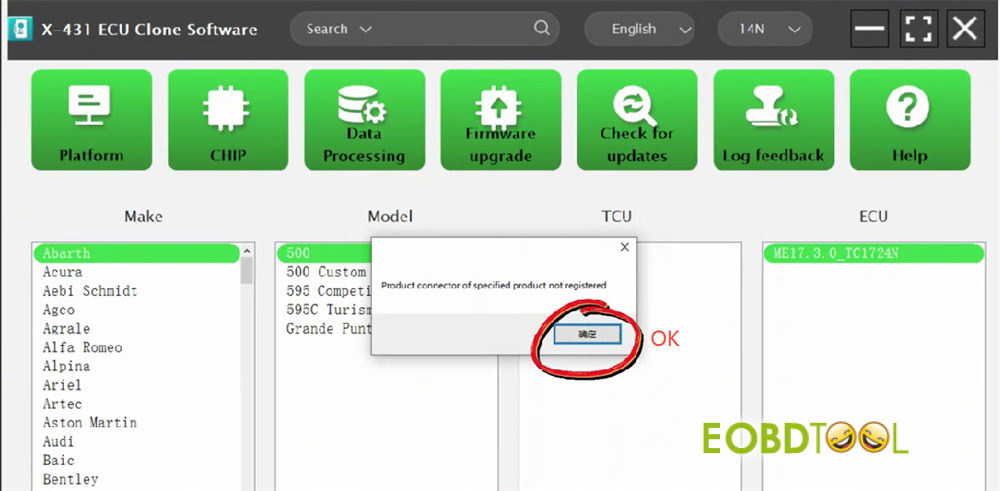
When the warning says “device is not registered,” simply click OK.
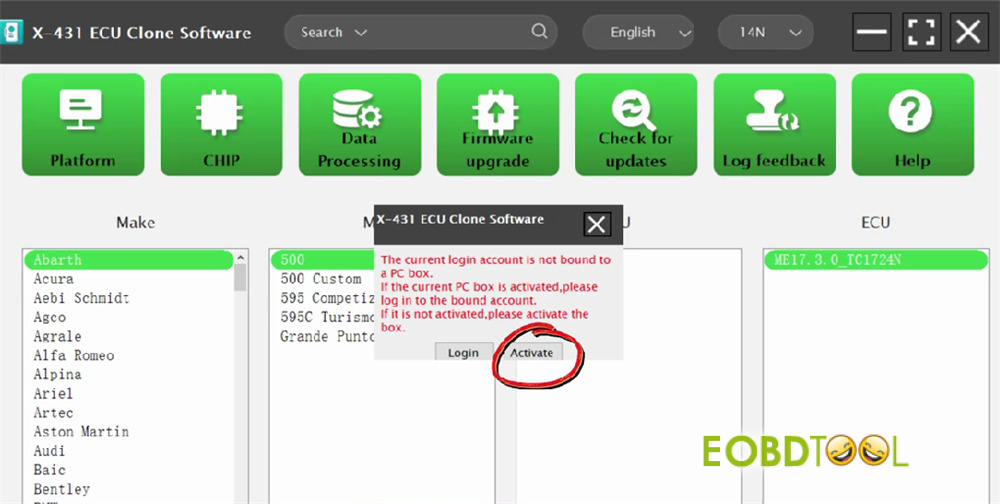
To link your account to the PC software box, select Activate.
Your X431 X-PROG5‘s Serial Number will display automatically. Type in the Activation Code found on the paper accessory list inside your product box, then click Activate.
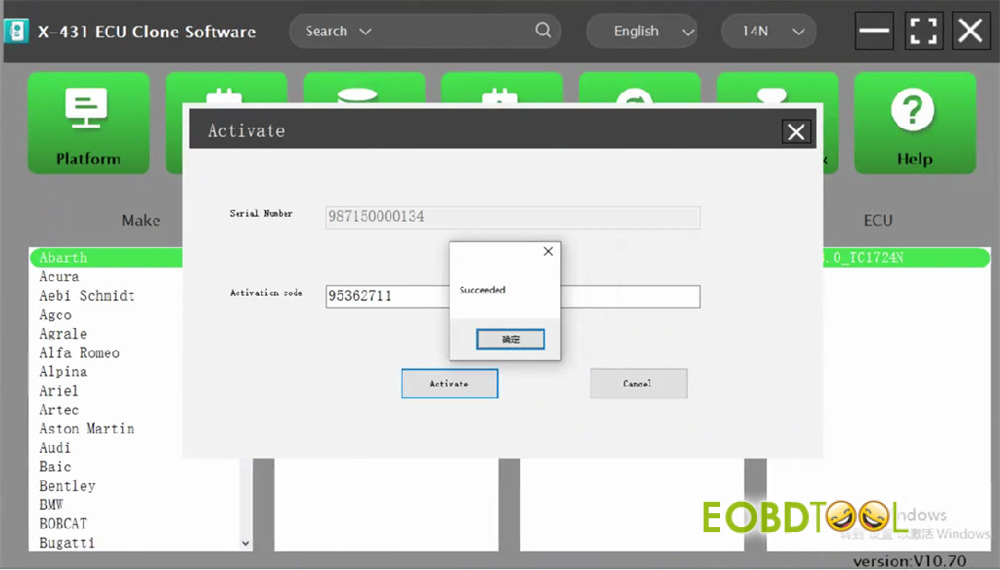
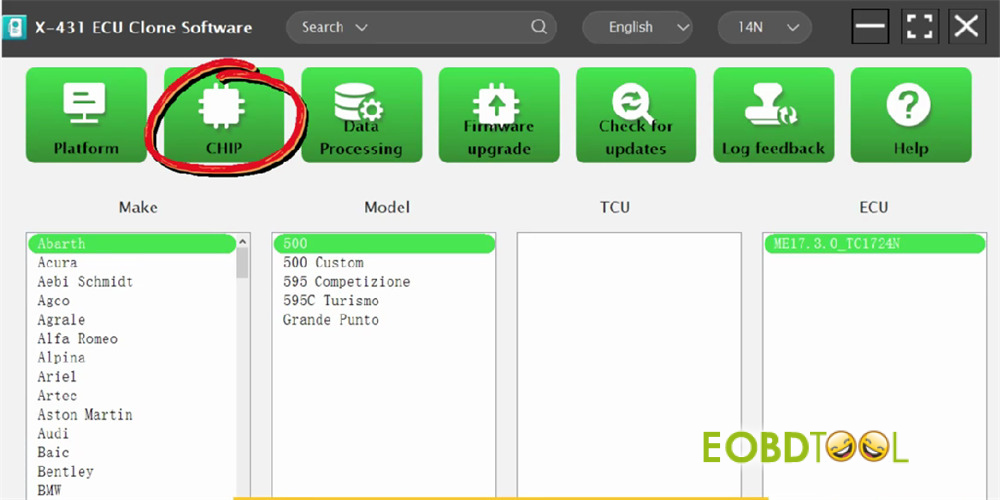
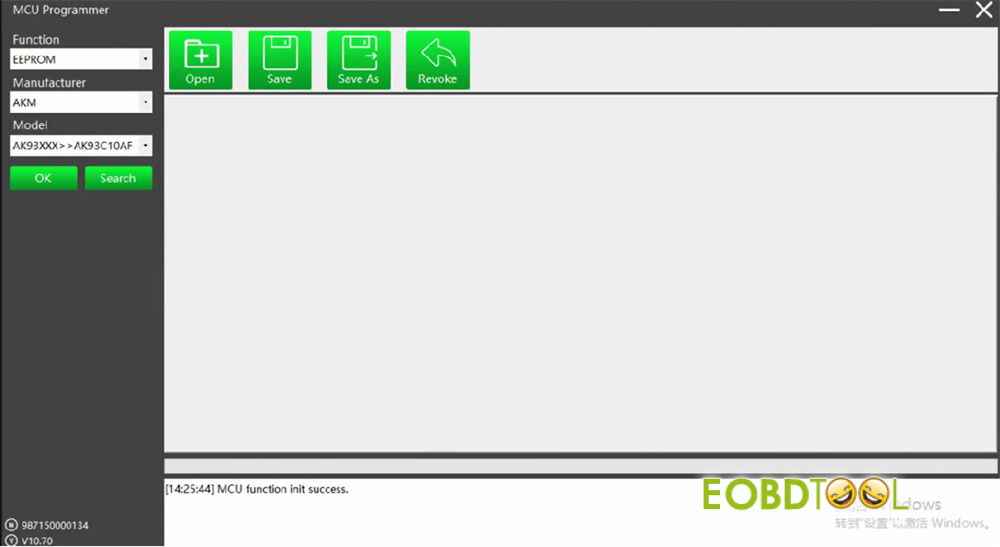
Once activated, you can read, write and clone the supported ECUs and TCUs.
Video Guide:
Read also:
Launch X431 X-PROG 5 vs. X-PROG 3: The Ultimate Upgrade Guide
Launch X431 X-PROG 5 vs. X-PROG 3: The Ultimate Upgrade Guide
Launch X431 X-PROG5 FAQ: Everything You Need to Know Before Buying
Launch X431 X-PROG5 FAQ: Everything You Need to Know Before Buying







