






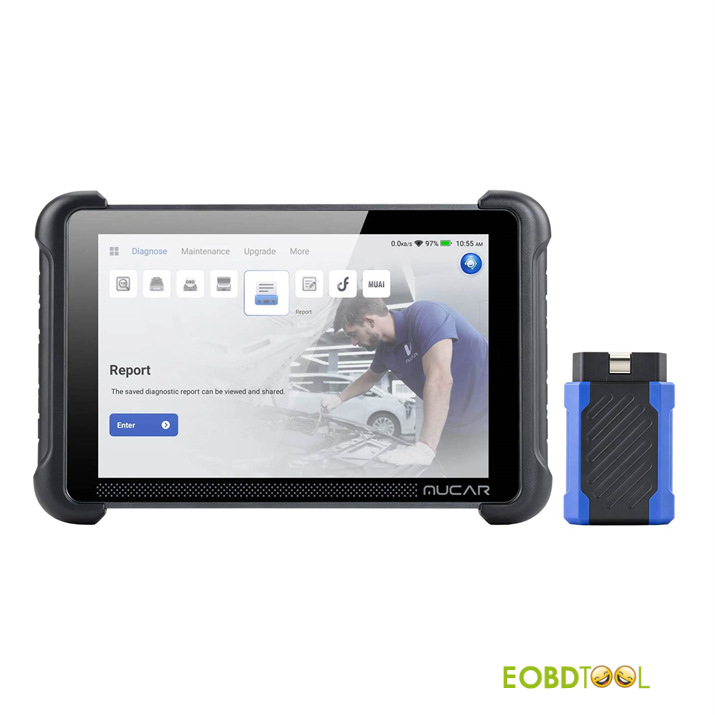
Built for fast diagnostics, THINKCAR MUCAR 892BT bi-directional Bluetooth scanner uses AI tools and an updated database to deliver accurate code reading and detailed reports for modern vehicles. Connecting a diagnostic tool for the first time requires attention to hardware preparation, vehicle identification, and proper scanning methods. Learn the initial workflow with this guide below.
Step 1: Inspect and Connect
Before plugging in MUKAR 892BT dongle, visually check the vehicle’s OBD2 port.
Look for bent pins or debris, as damaged ports can block communication. Once inspected, connect the dongle firmly and switch the vehicle ignition to the ON position.
Step 2: Vehicle Identification (Manual vs. Automatic)
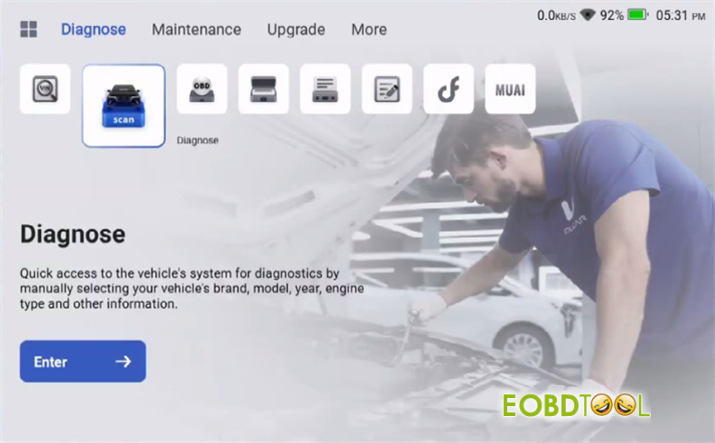
While automatic VIN recognition works well on newer vehicles, manual identification via Diagnose > Scan-> Select [Vehicle Brand] is more reliable.
Connect to Bluetooth automatically
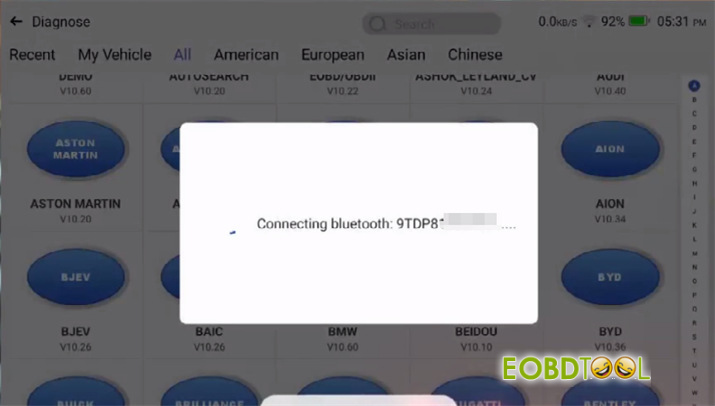
Use [Manual Select] for older models or unique variants like Abarth, where [Automatically Search] often fails.
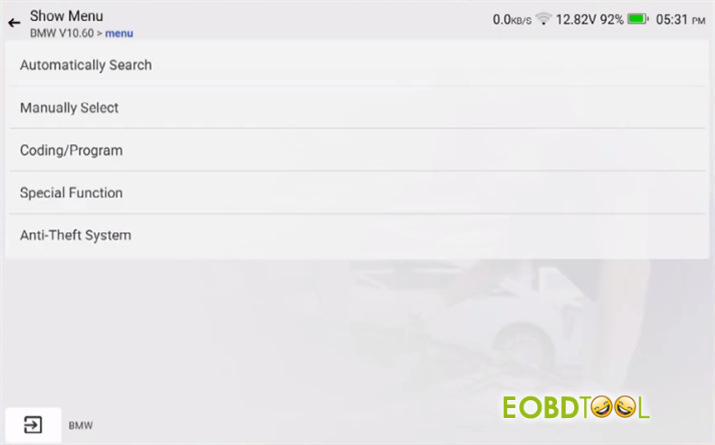
Verify the detected year, make, and model on screen before proceeding.
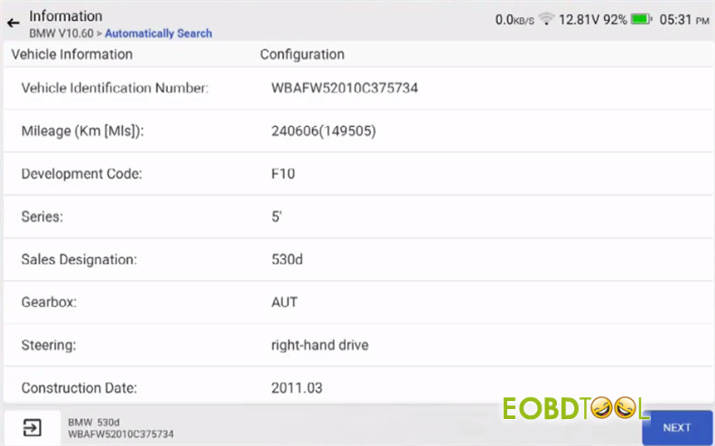
Step 3: Run a System Health Report
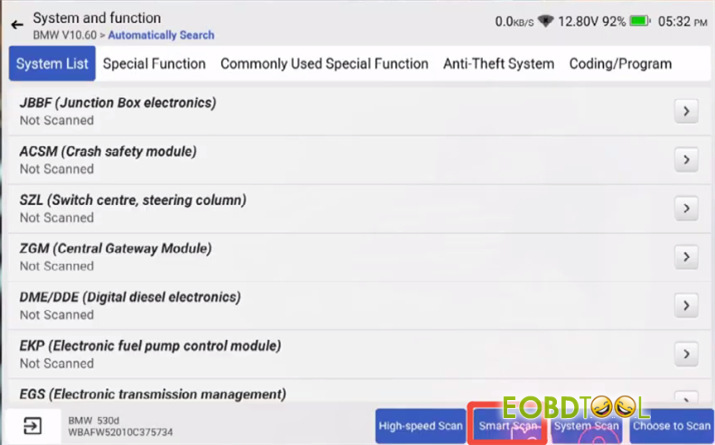
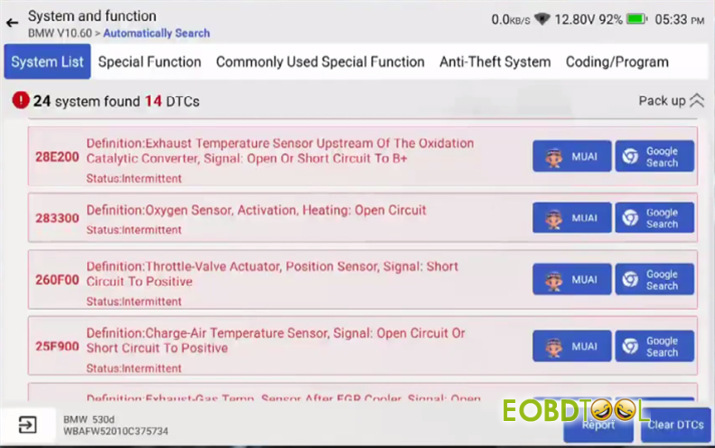
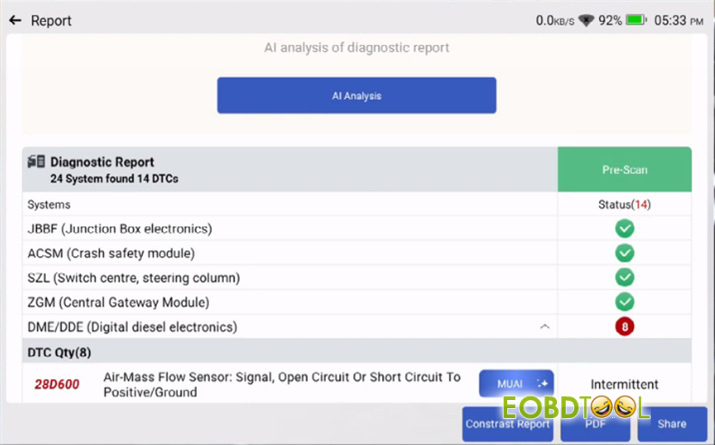
Select Health Report or Smart Scan to poll all control modules for active and stored fault codes.
Power Requirement: Scanning consumes significant battery power. Connect a clean battery support unit to maintain stable system voltage during the process.
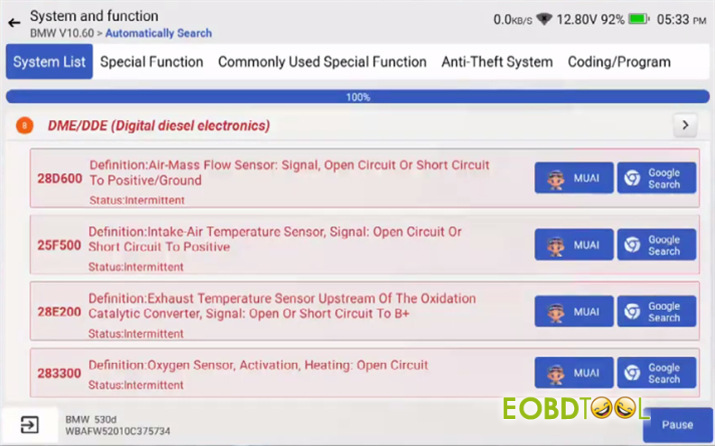
Step 4: Record and Clear Codes
1.Review the generated DTC list (e.g., 28D600, 25F5000).
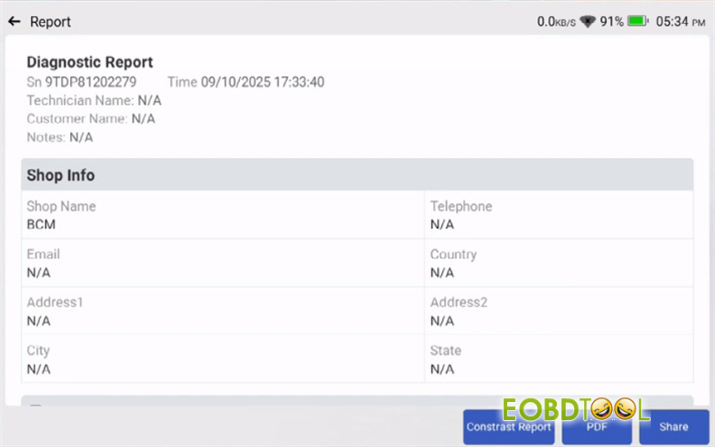
2.Save the report or email it to yourself. If the network function fails, photograph the screen.
3.Clear the codes from the system memory.
4.Road test the vehicle for a short distance, then perform a second scan.
Some MUKAR 892BT FAQs:
Q: My car is equipped with an SGW control unit protection feature. Can I use MUKAR 892BT?
A: Yes, 892BT supports vehicles with Security Gateway (SGW) modules. However, an active FCA account is required to unlock SGW access on supported vehicles.
Q: What is the oldest vehicle model year MUKAR 892BT supports?
A: It supports most passenger gasoline vehicles manufactured after 1998 with standard OBD2 protocols.
Q: How does MUKAR 892BT compare to XTOOL D8W?
A: MUKAR offers more stable system communication and reliable performance, whereas XTOOL can be more temperamental in daily operation.
Q: Does MUKAR 892BT support key matching, key programming, or advanced IMMO functions?
A: It supports basic key matching and key programming for select vehicle models (e.g., 2024 Fiat Pulse). However, it does not support deep IMMO functions that require complex anti-theft PIN/password retrieval, particularly on older or luxury models (e.g., 2004 Porsche Cayenne S IMMO). For specific vehicle compatibility, please contact customer support.
Q: Does 892BT support ECU Coding and Injector Coding?
A: Yes, it supports ECU Coding—including routine coding procedures and injector coding (e.g., on a 2013 Mini Cooper)—for most supported models. For highly specific customization requests (such as permanently disabling the Automatic Start/Stop system), vehicle-specific verification with customer service is recommended.
Read also:
THINKCAR MUCAR 892BT vs. MUCAR 892BT PRO: Is the Topology Upgrade Worth It?







