




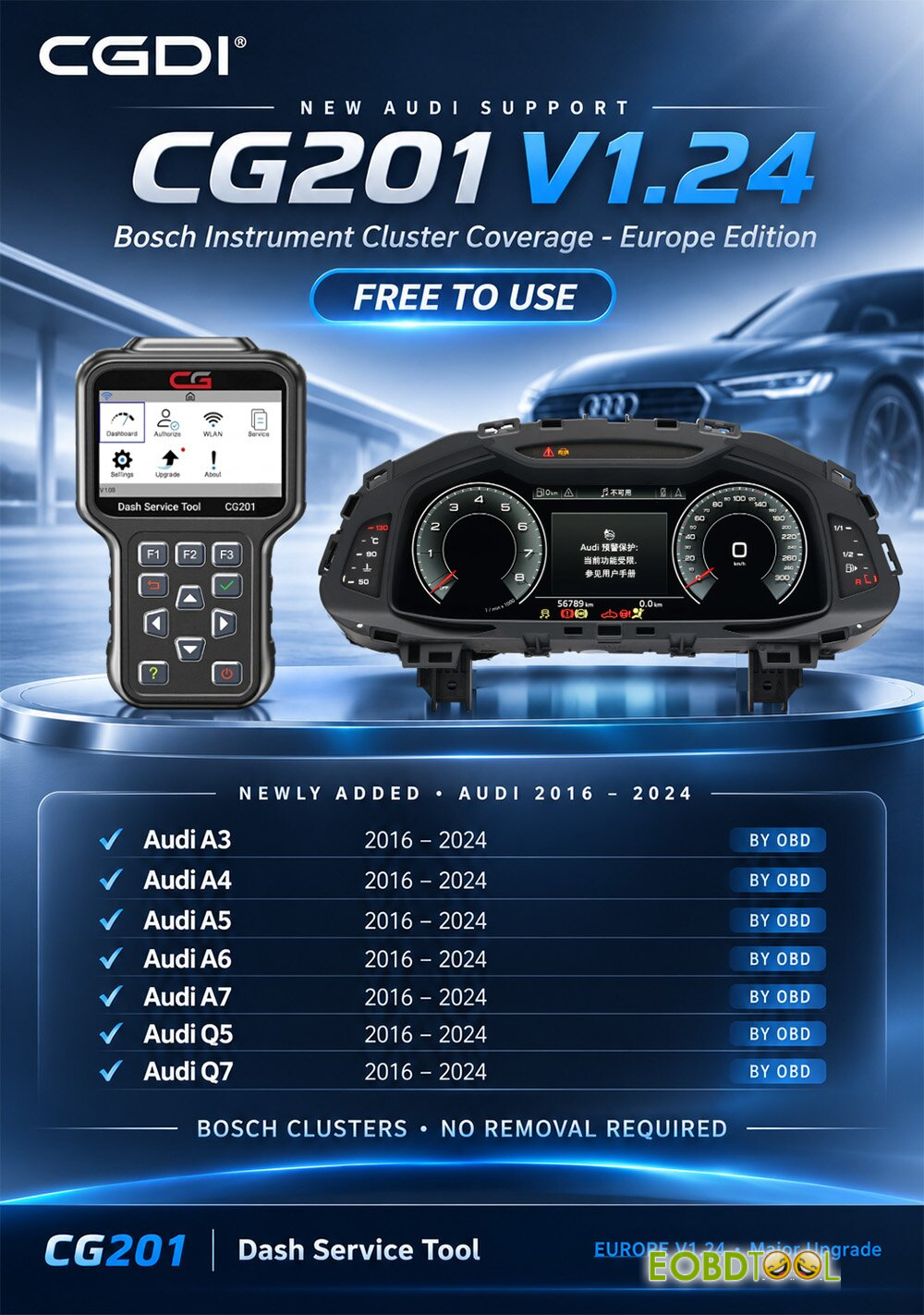
CGDI CG201 is a dedicated dashboard and mileage correction programmer designed for fast, non-dismantling instrument cluster calibration across German, American, French, and domestic vehicle brands. With regular OTA updates—including EUROPE V1.24 adding OBD support for 2016–2024 Audi Bosch clusters without cluster removal—technicians can handle modern clusters efficiently via the OBDII port.
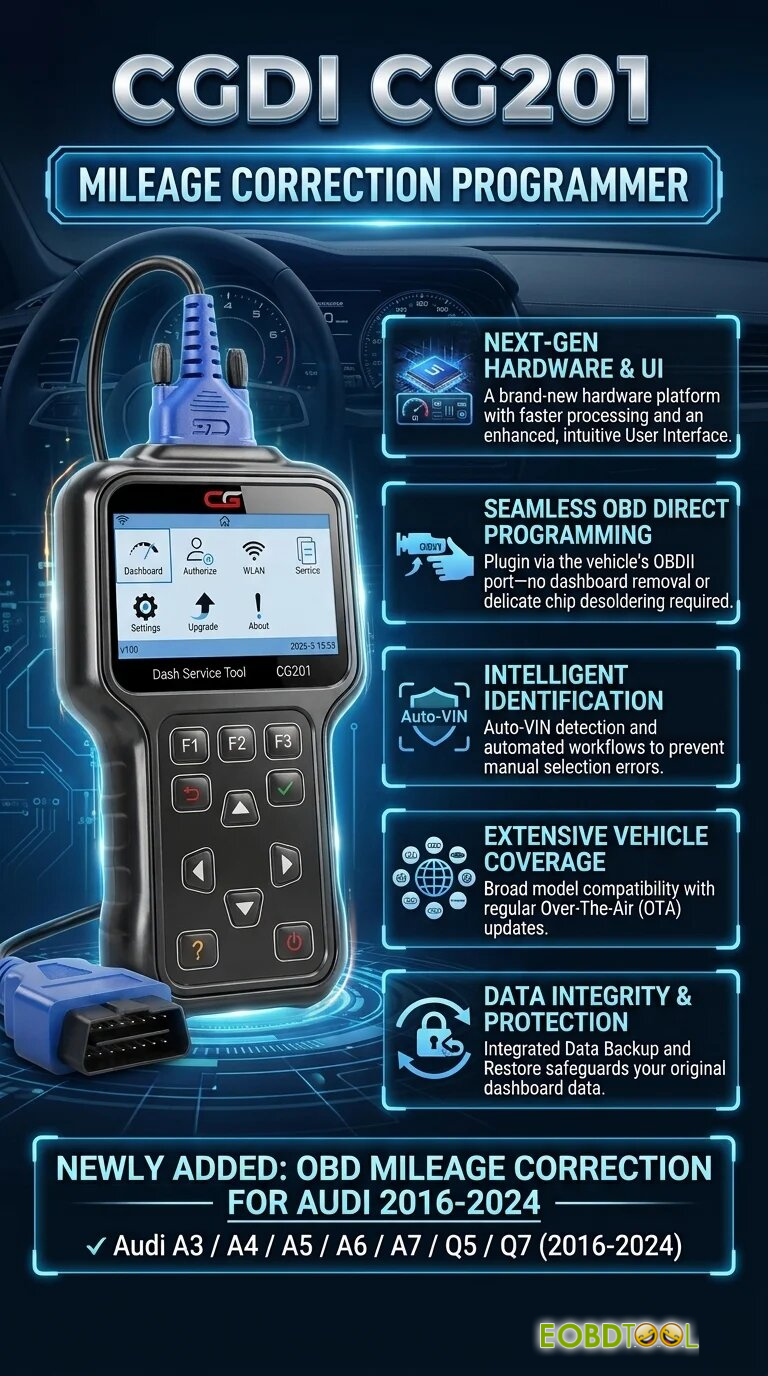
Key Features of CGDI CG201 Mileage Correction Programmer
- Next-Gen Hardware Architecture & Enhanced UI:Built on a new hardware platform for faster data processing and higher stability, paired with a streamlined interface that simplifies complex calibration tasks.
- Seamless OBD Direct Programming (Non-Dismantling):Most operations run directly through the vehicle’s OBDII port, removing the need to pull the instrument cluster or desolder chips and reducing physical damage risks.
- Intelligent Identification & Automated Workflow:Features Auto-VIN detection, intelligent module recognition, and one-click options on mainstream models to minimize manual selection errors.
- Extensive Vehicle Coverage & OTA Updates:Covers a broad range of brands—including Hyundai, Kia, Dodge, and VAG platforms—with over-the-air (OTA) firmware and software updates.
- Data Integrity & Fail-Safe Protection:Includes data backup and restore prompts before critical writing operations so original data can be recovered if an interruption occurs.
Supported Makes & Newly Added Audi 2016–2024 Coverage
Beyond platforms such as Hyundai, Kia, and Dodge, the CG201 V1.24 (Europe Edition) adds free-to-use OBD mileage correction for 2016–2024 Audi Bosch instrument clusters with no removal required:
| Model | Model Years | Connection Method |
| Audi A3 | 2016 – 2024 | BY OBD |
| Audi A4 | 2016 – 2024 | BY OBD |
| Audi A5 | 2016 – 2024 | BY OBD |
| Audi A6 | 2016 – 2024 | BY OBD |
| Audi A7 | 2016 – 2024 | BY OBD |
| Audi Q5 | 2016 – 2024 | BY OBD |
| Audi Q7 | 2016 – 2024 | BY OBD |
Check CGDI CG201 Support List
How to Correct Mileage via OBD
Example: VW Vento (NEC+35XX White Meter)
The steps are largely the same. You just need to select the appropriate options based on the specific vehicle model.
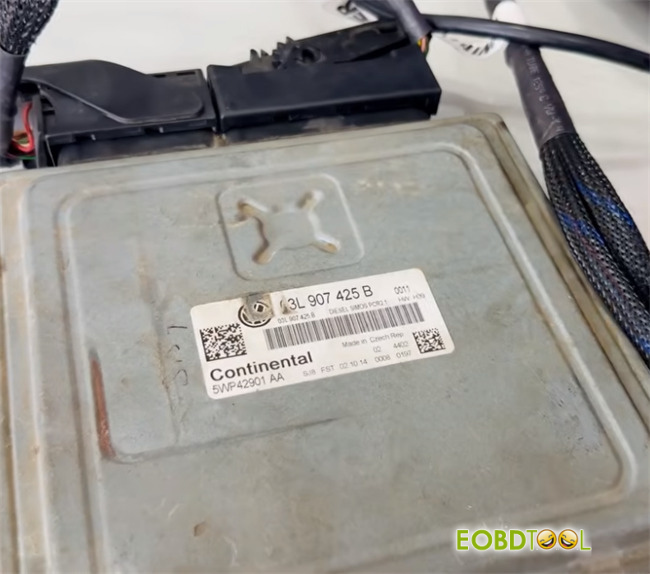
On VAG vehicles such as a VW Vento equipped with an NEC+35XX white instrument cluster, mileage correction involves backing up EEPROM data first, writing the target mileage via OBD, and verifying the cluster display.
1. Back Up EEPROM Data
- Connect CG201 to the vehicle via the OBD cable.
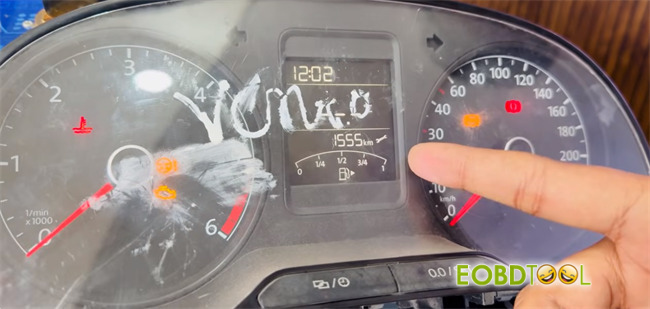
- Record the originalmileage (e.g.1555km)
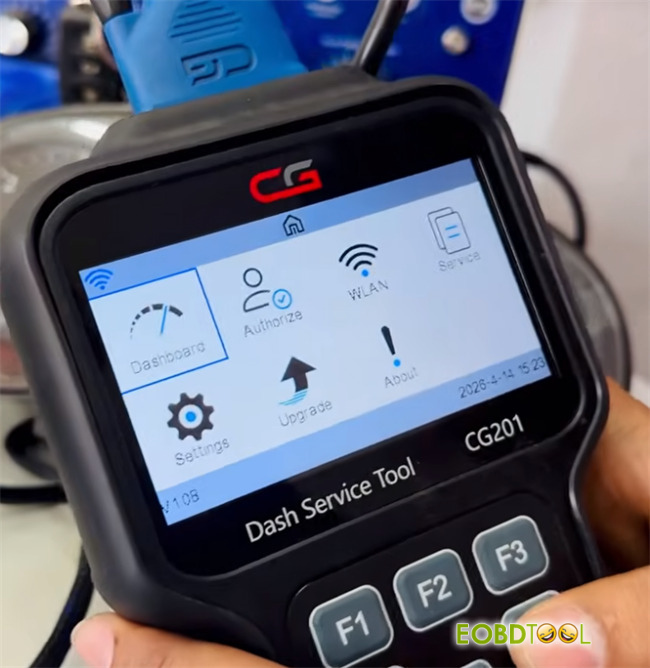
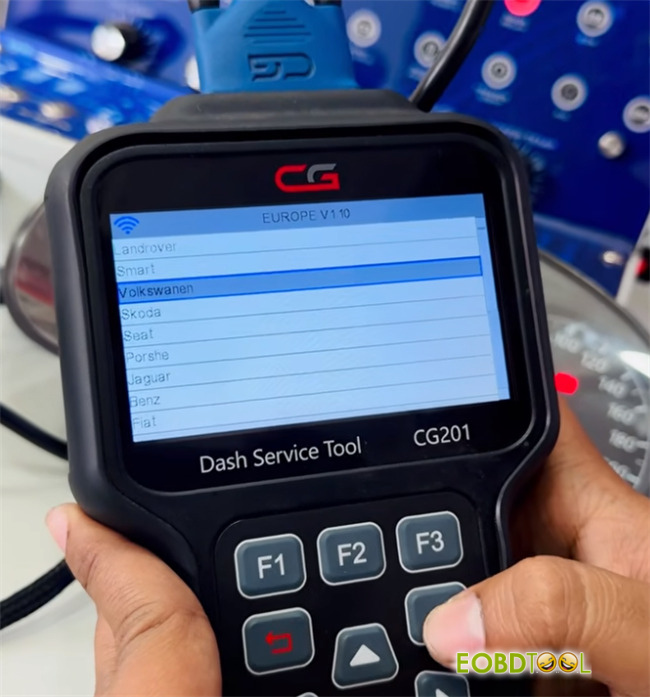
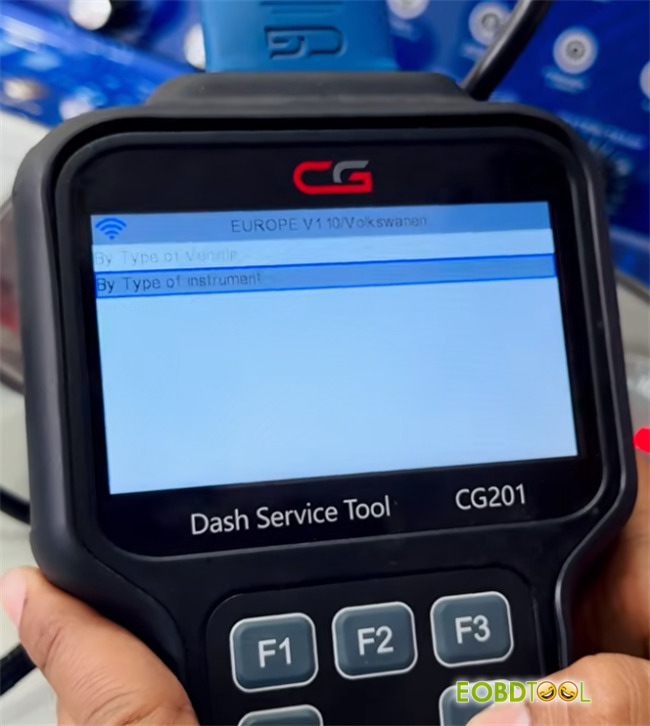
- Navigate to Dashboard -> EUROPE V1.10 -> Volkswagen -> By Type of instrument -> NEC+35XX -> Backup the eeprom data.
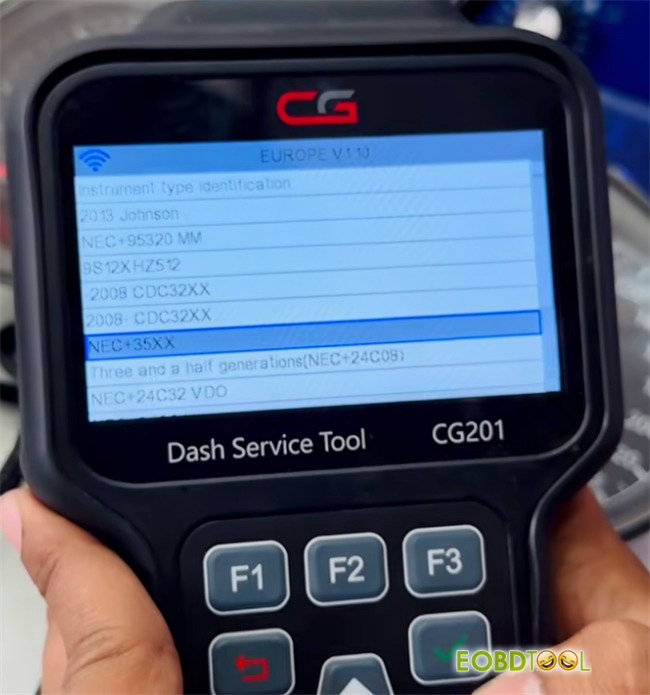
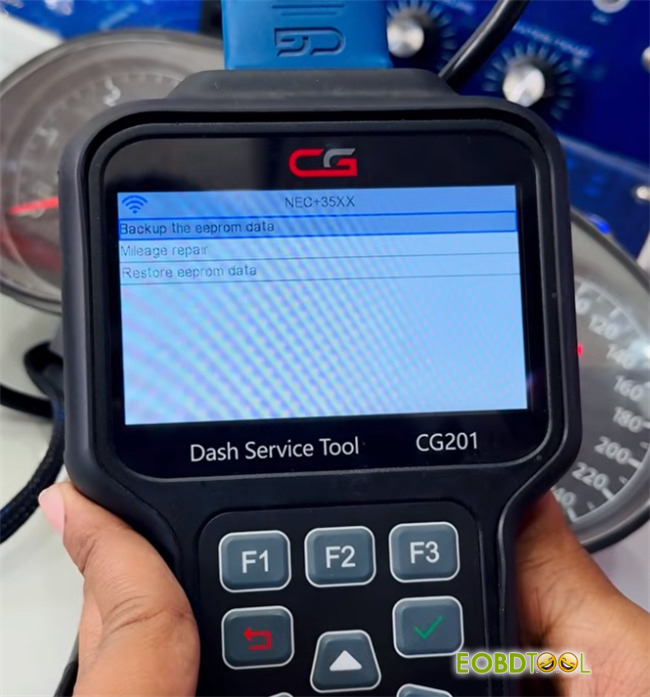
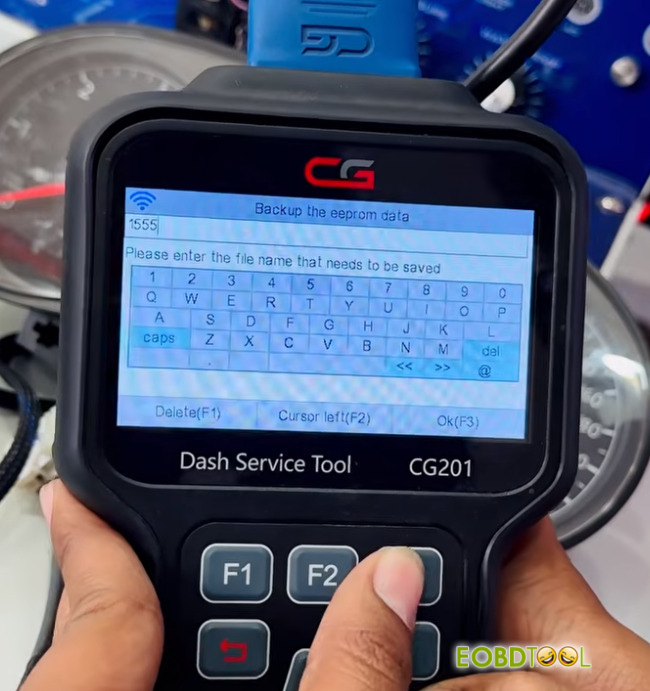
- Enter a file name to save the original data backup (for example, starting from an original reading of 1555 km).
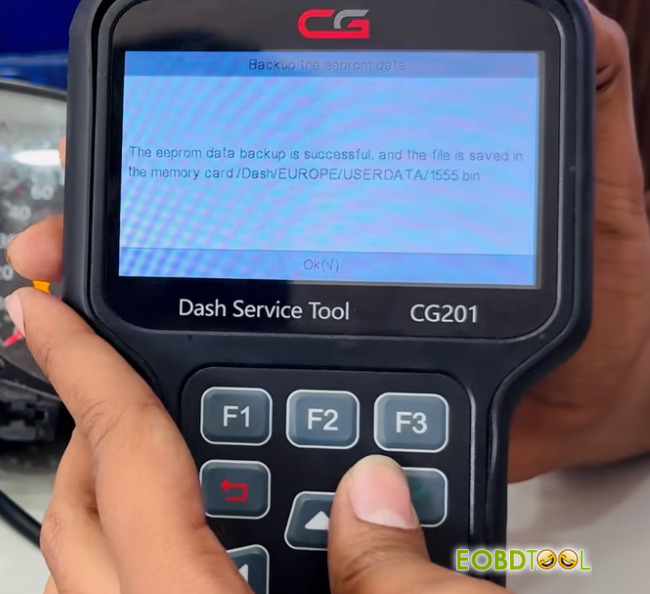
- Keep the instrument cluster in a black screen state and wait for the EEPROM backup to finish.
2. Perform Mileage Correction
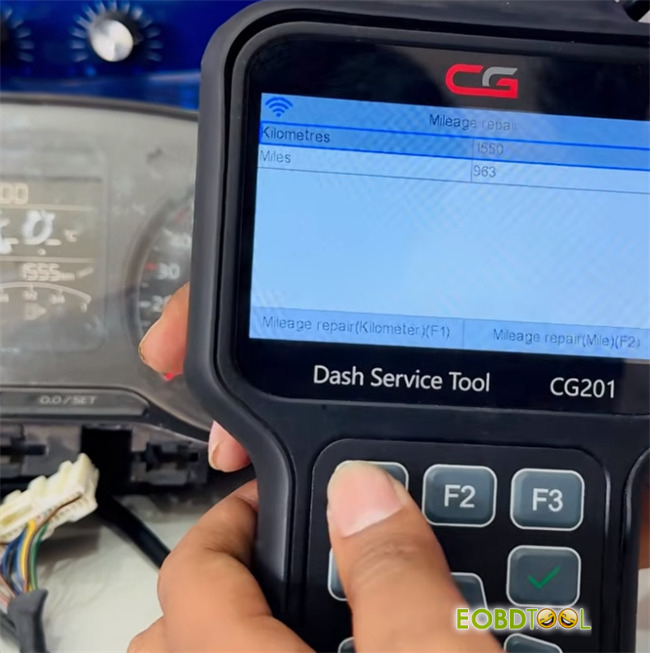
- Select Mileage repairto view the current mileage reading.
- Press F1to open the Mileage repair (kilometer)
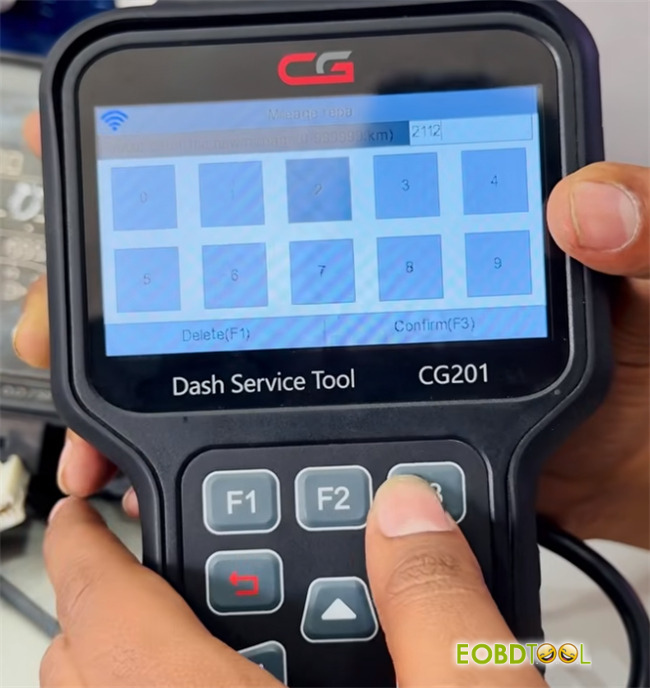
- Enter the target mileage value (for example, 2112) and press F3to confirm.
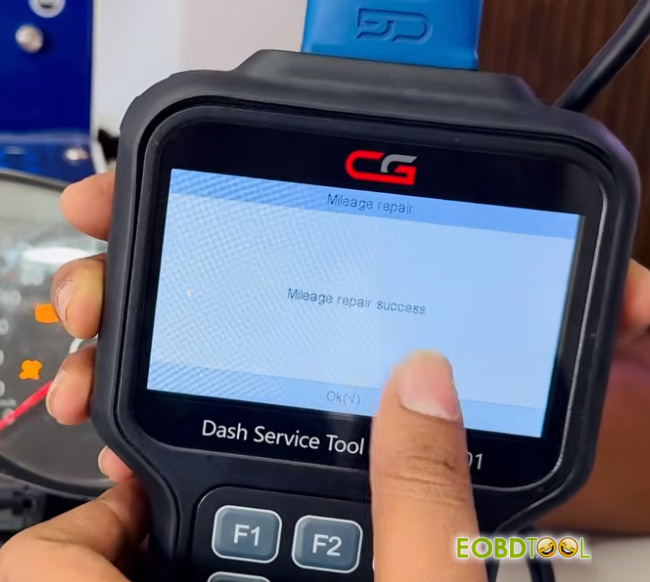
- Wait patiently until the writing process completes.
3. Verify the Result
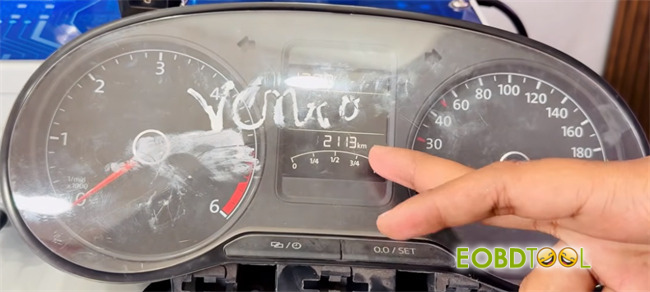
- Reconnect and power on the instrument cluster to confirm the updated mileage displays properly.
Compliance & Safety Note: Always back up original EEPROM/cluster data before writing, and only perform odometer adjustments where legally permitted with proper documentation.