






Adding a spare key to a Lexus equipped with an 8A AB8 smart key system is straightforward when using KEYDIY KD-X6 key programmer and an FT30P CAN adapter. Here is a complete walkthrough of the process.
Required Equipment
- KEYDIY KD-X6 main unit
- OBD extension cable & main cable
- FT30P CAN adapter cable
- TIB universal smart keywith battery
- Original working key
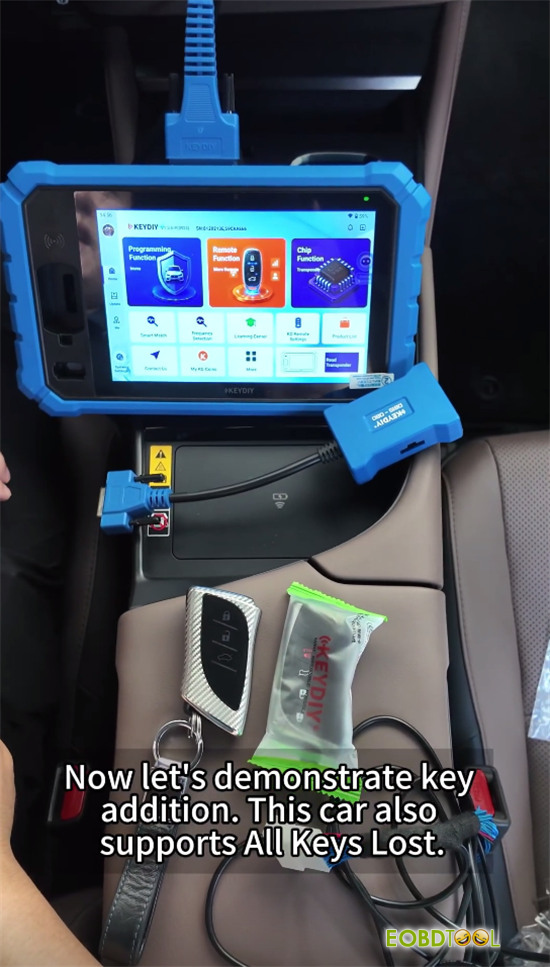
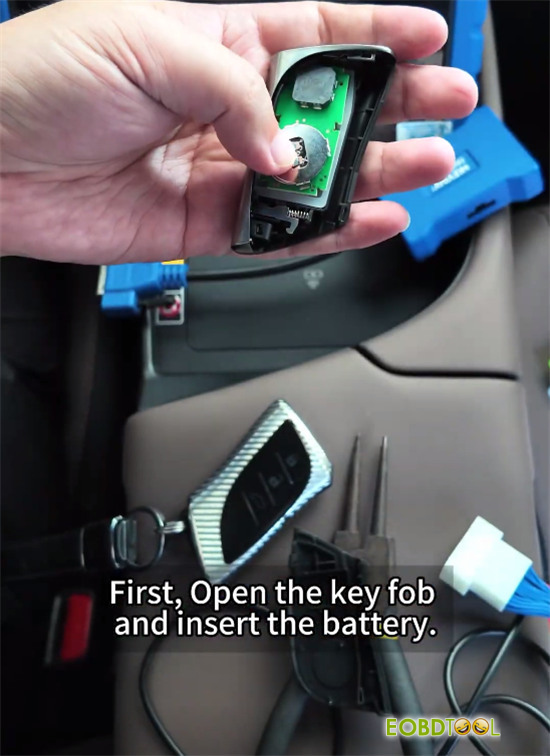
Step 1: Identify and Generate the Key
- Connect KD-X6 to the OBD port using the extension cable.
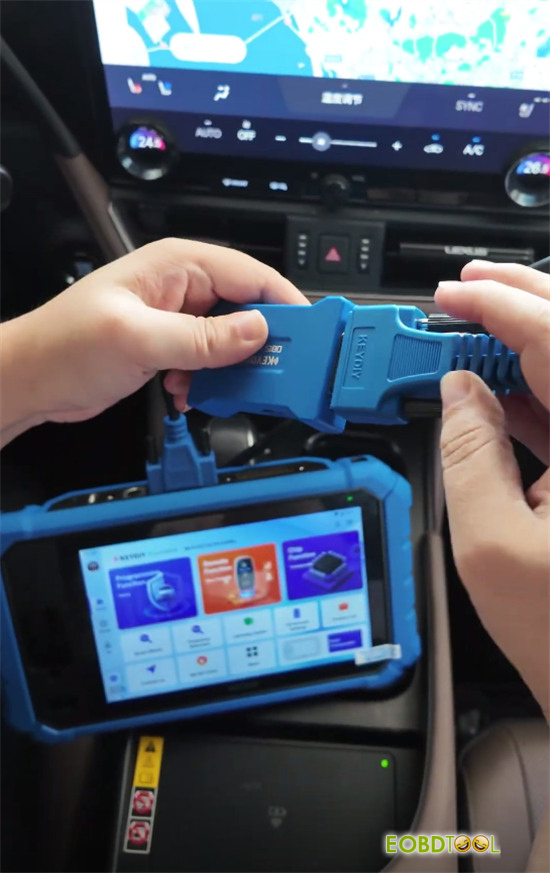
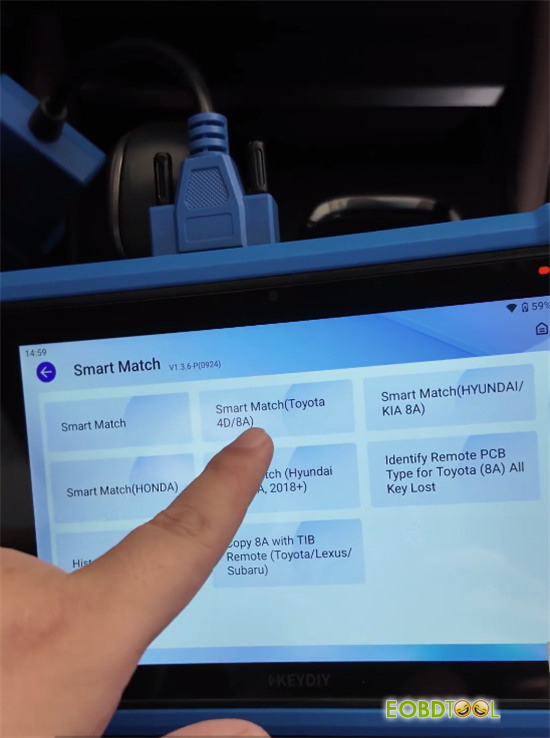
- Go to Remote Function > Smart Match (Toyota 4D/8A).
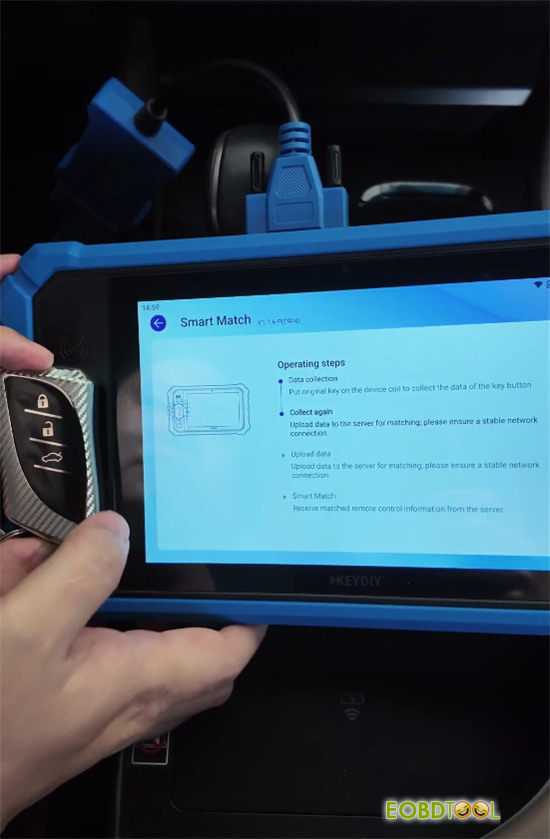
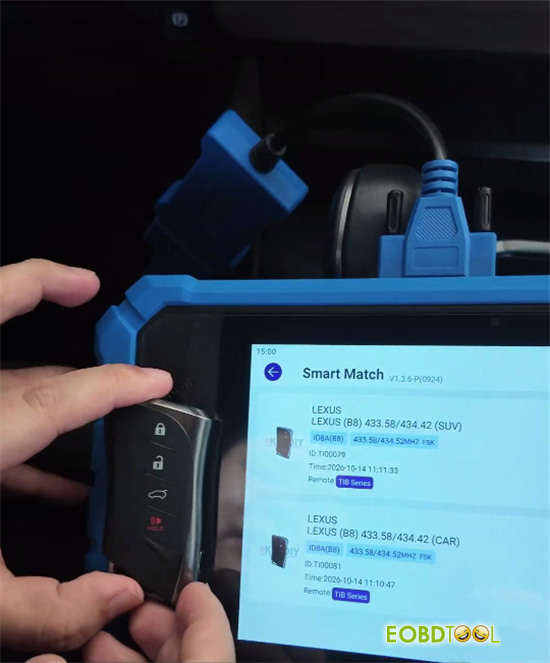
- Place the original key in the sensing area and press Unlock twice. The device identifies it as a Lexus B8 key (433.58 / 434.42 MHz).
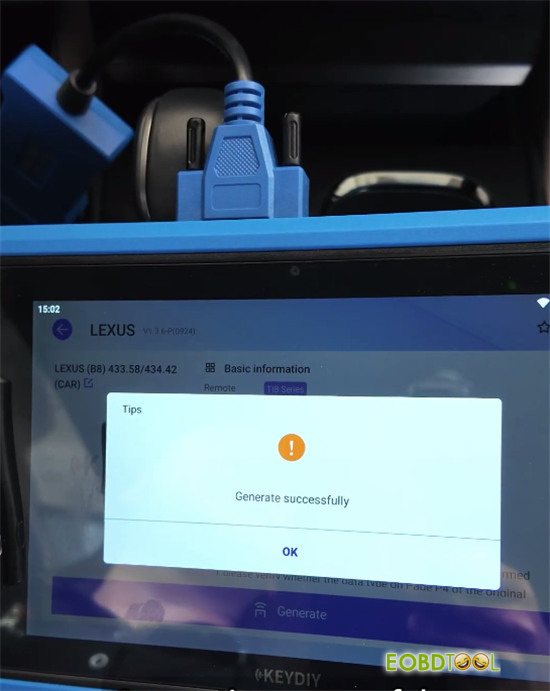
- Replace the original key with the TIB universal key and click Wireless Generationto prepare the key.
Step 2: Connect FT30P Adapter and Backup EEPROM
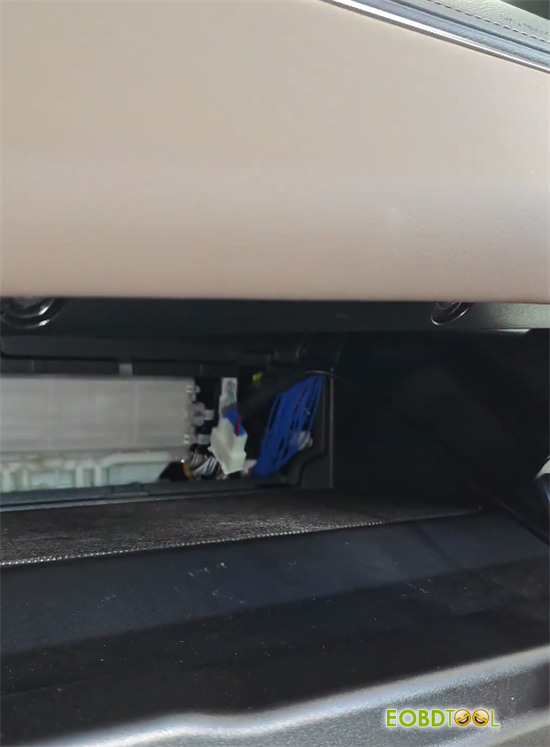
- Remove the passenger-side lower panel to expose the Smartbox harness.
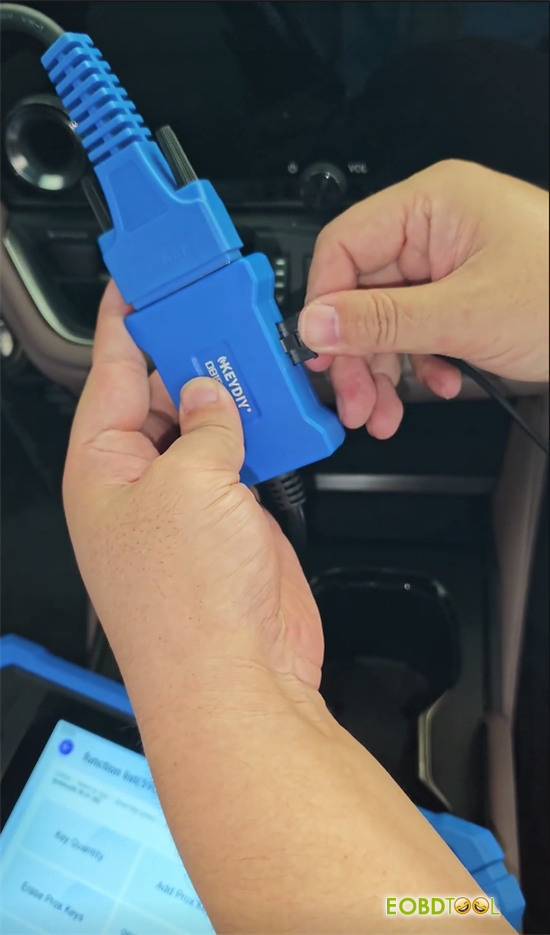
- Disconnect the Smartbox plug and connect FT30P CAN adapter cable in-line between the vehicle plug and the module.
- Link the FT30P adapter cable to KEYDIY KD-X6 extension cable.
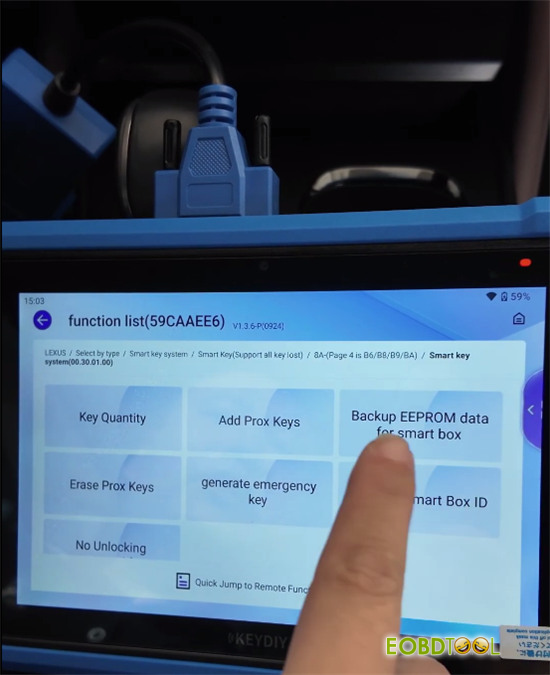
- In the main menu, choose Immo Programming > Lexus > Smart Key System > 8A Page 4 B6/HB9/BA.
- Select Backup EPROM Data for Smart Box.
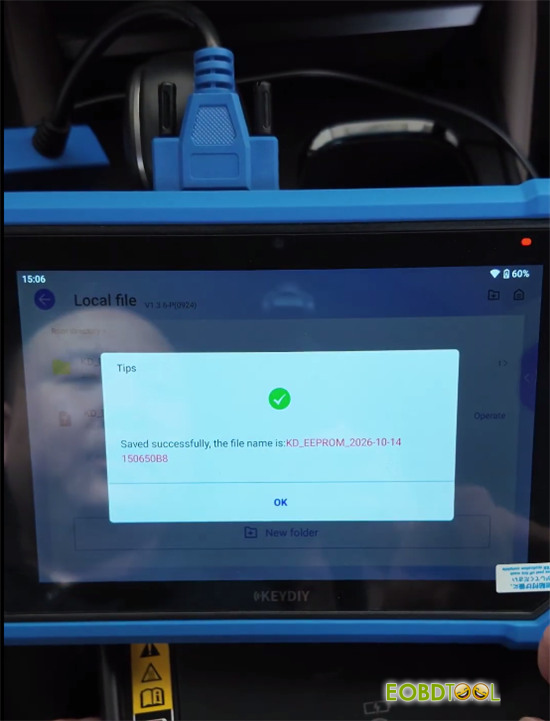
- Turn the ignition switch ON then OFF, turn hazard lights ON then OFF, and save the backup file when prompted.
Step 3: Add the Smart Key
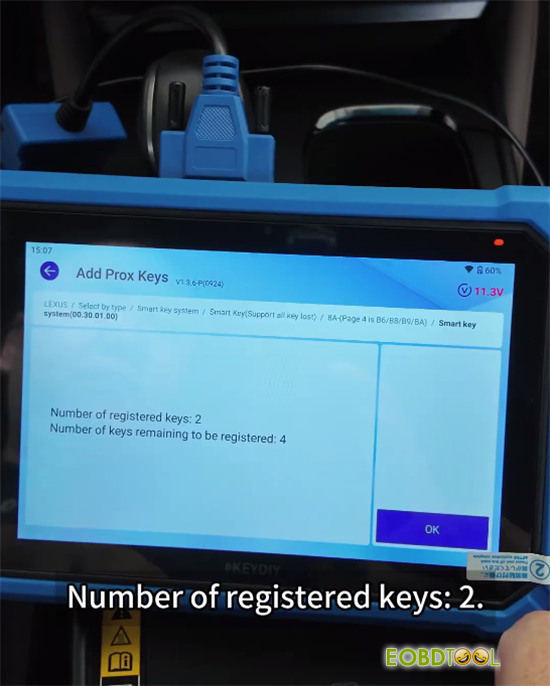
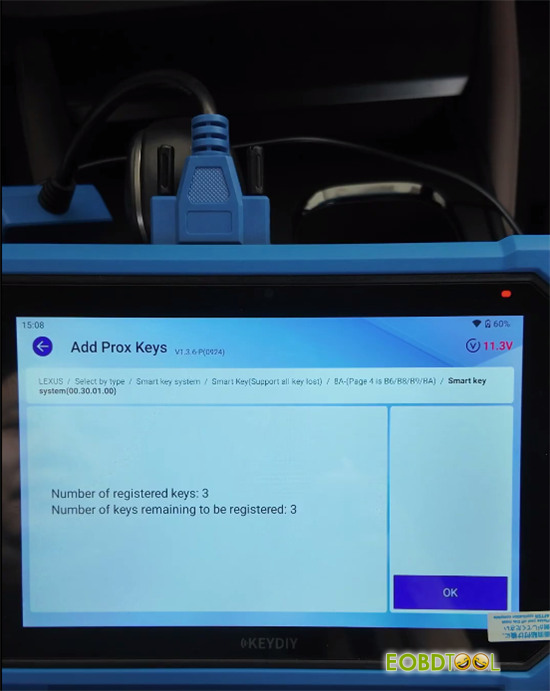
- Select Add Prox Keysand switch ignition ON.
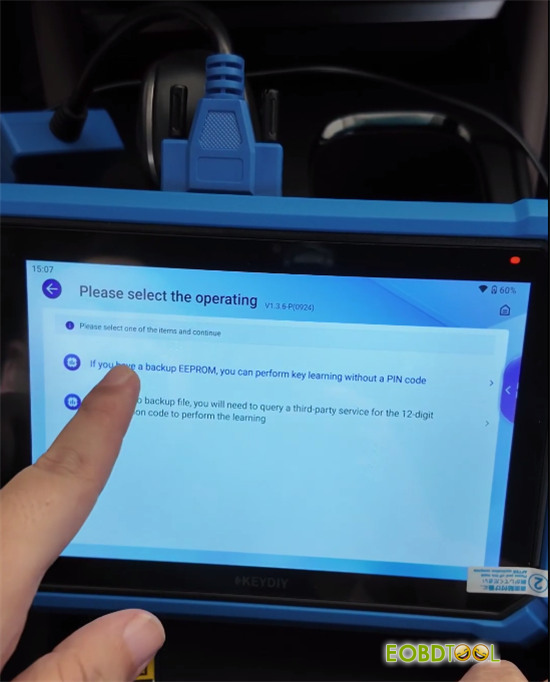
- Choose the option to bypass the PIN code using your saved EEPROM file.
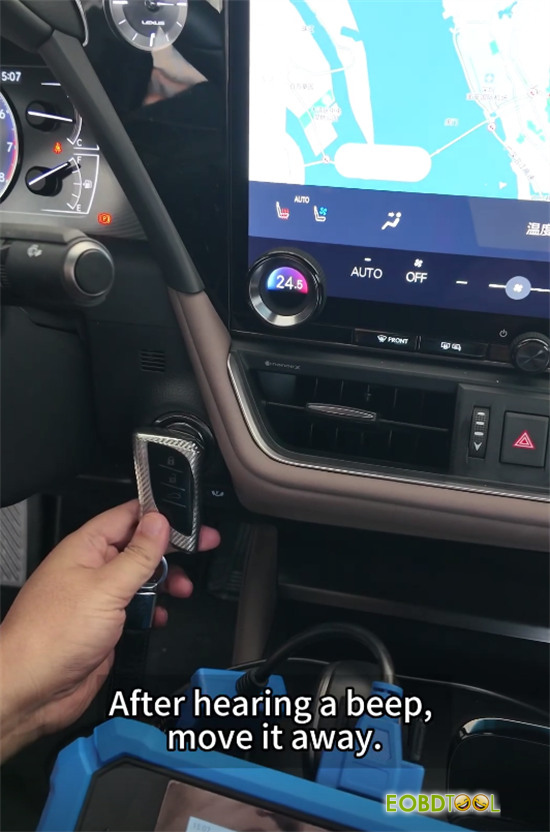
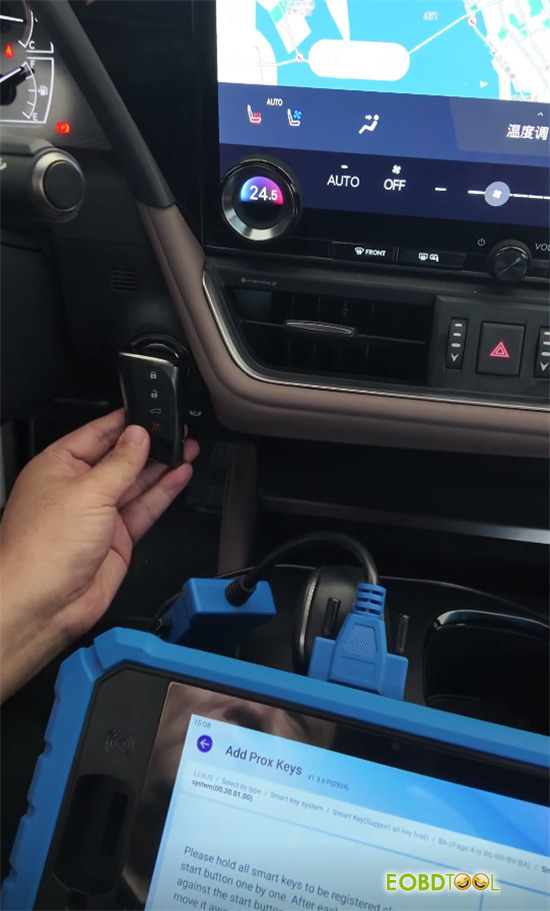
- Hold the original key against the Start/Stop button until the vehicle beeps once.
- Hold the new TIB key against the Start/Stop button until it beeps twice.
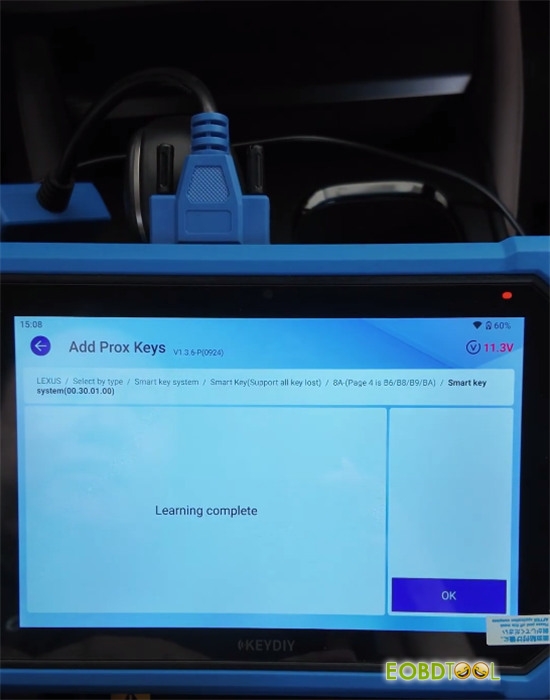
- Wait for the system to complete registration.
Step 4: Reassemble and Test
- Remove the FT30P CAN adapter cable and plug the original vehicle harness back into the Smartbox.
- Test keyless entry, door locking, and engine start with both keys to confirm everything works correctly.







