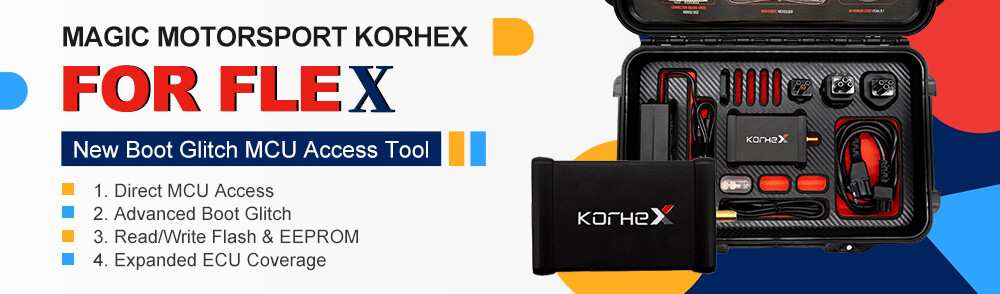







Want to master Magic Motorsport Korhex tool for Bosch MD1 and MG1 ECU unlocking? From unboxing to performing your first boot glitch unlock, here is everything you need to know.
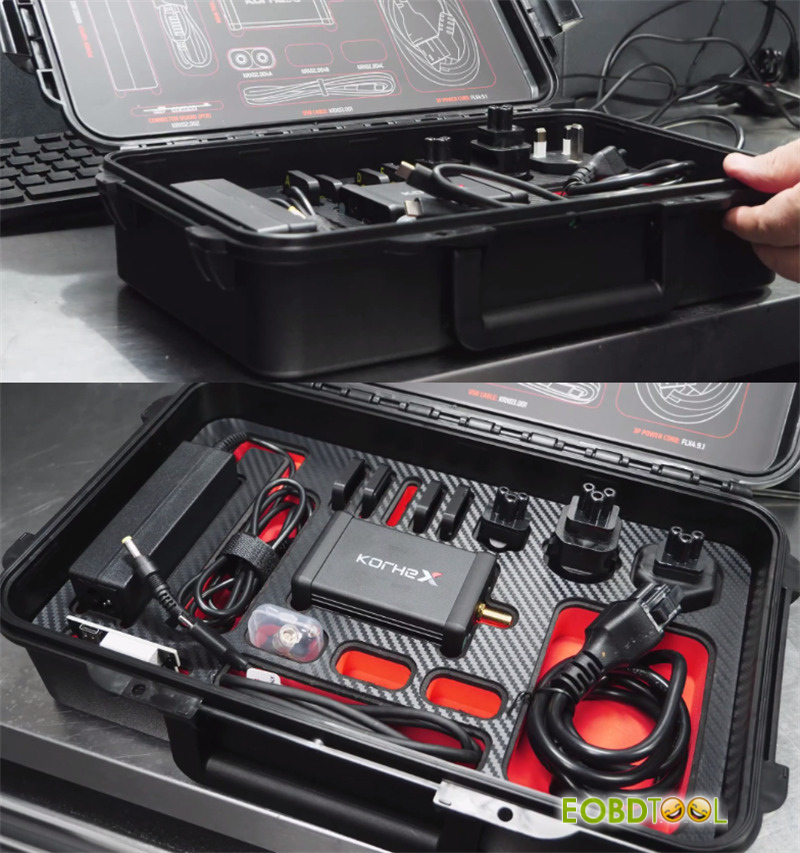
- What’s Inside the KorhexKit?
The heavy-duty Magic Motorsport case includes all the essential gear:
- KorhexMain Unit: The primary high-voltage glitching device.
- Power Supply & Universal Adapters: Comes with multiple global plugs (including UK, European, and American plugs) and a handy power extension cable.
- Dedicated USB-C Cable: Important:Use only this custom labeled USB-C cable—do not substitute it with a standard phone charger cable.
- Flex Adapter Board: Connects directly to your Flex box to bridge communication with Korhex.
- Antennas: Essential for electromagnetic boot glitching (includes Aspare unit; handle with care).
- Microprocessor Alignment Masks: Specially designed overlays that drop onto the ECU processor to ensure perfect Korhexpositioning every time.
- Korhex carrying case: Houses, organizes, and protects Korhexhardware extension kit and its specialized accessories.
- How to Activate Korhex on the Magic Motorsport Portal
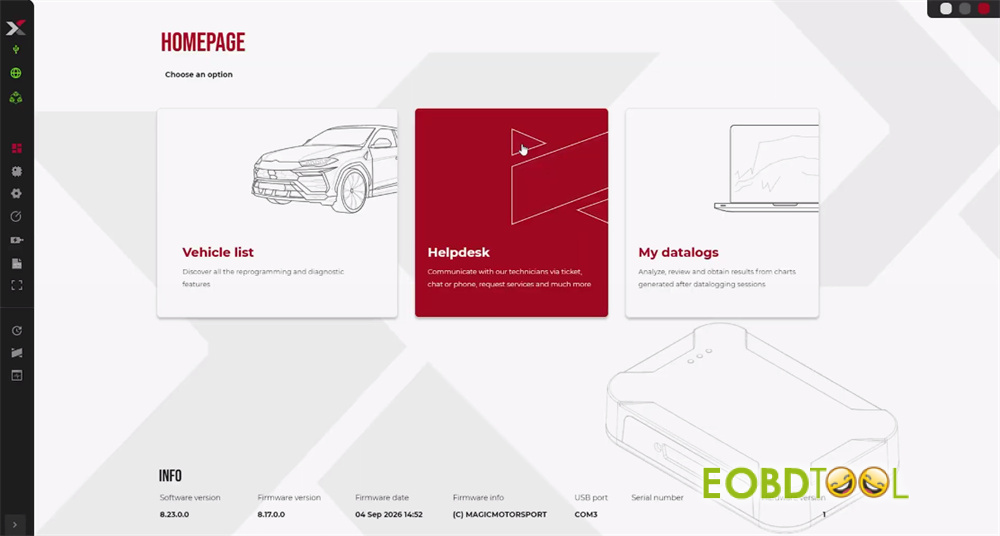
- Open your Magic Motorsport Flex software.
- Click on Helpdesk to navigate to your User Portal.
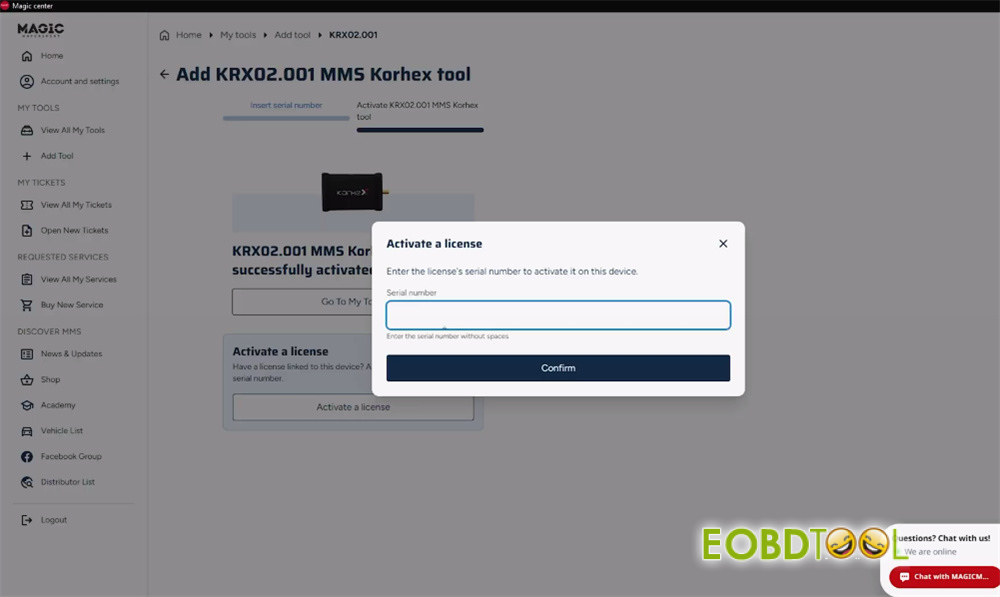
- Select Add Tool andchoose Korh
- Enter the Serial Number found on the back of your Korhex unit to bind it to your account.
- Understanding Korhex LED Status Lights
Because Korhex generates targeted electromagnetic pulses, monitoring the LED indicators is crucial for safe operation:
- Green Light: Low voltage / Power connected (Safe to touch).
- Blue Light: High Voltage Active!The tool is actively transmitting glitch pulses to unlock the ECU. Do not touch the ECU, Korhex, or wiring during this phase.
- Flashing Red Light: Connection error or hardware fault—double-check your setup.
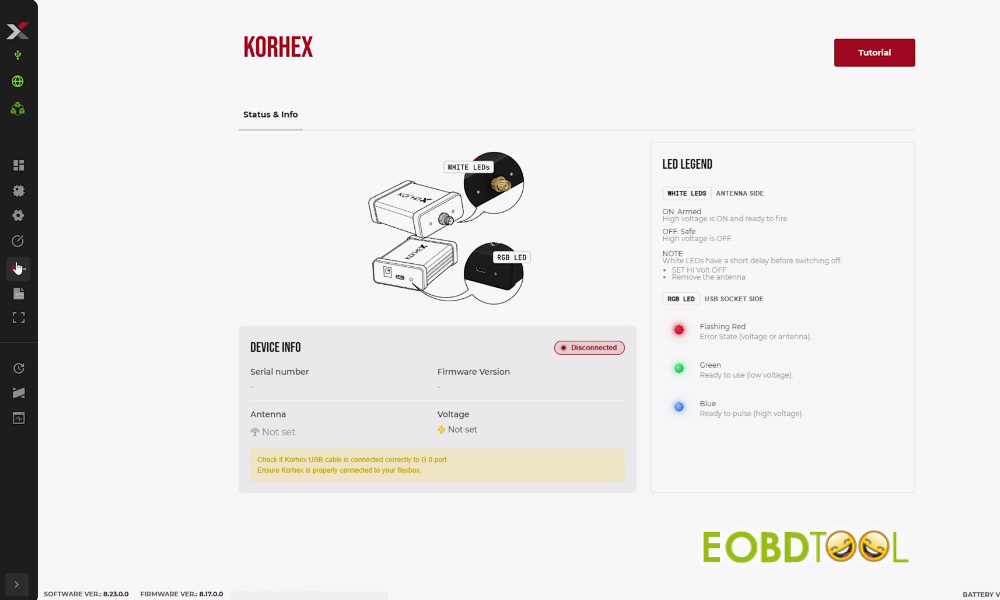
- Setting Up the Bench Hardware
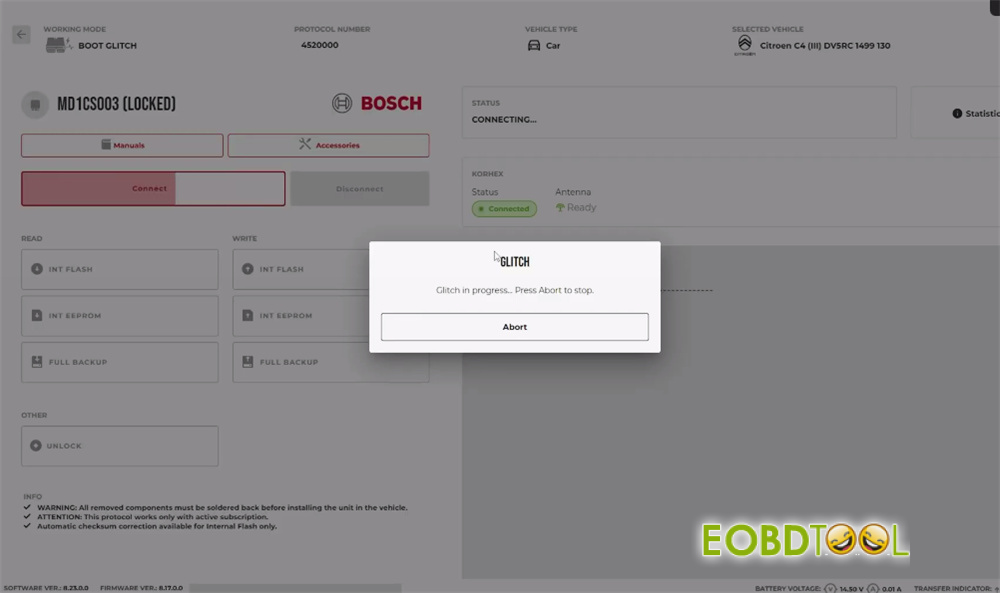
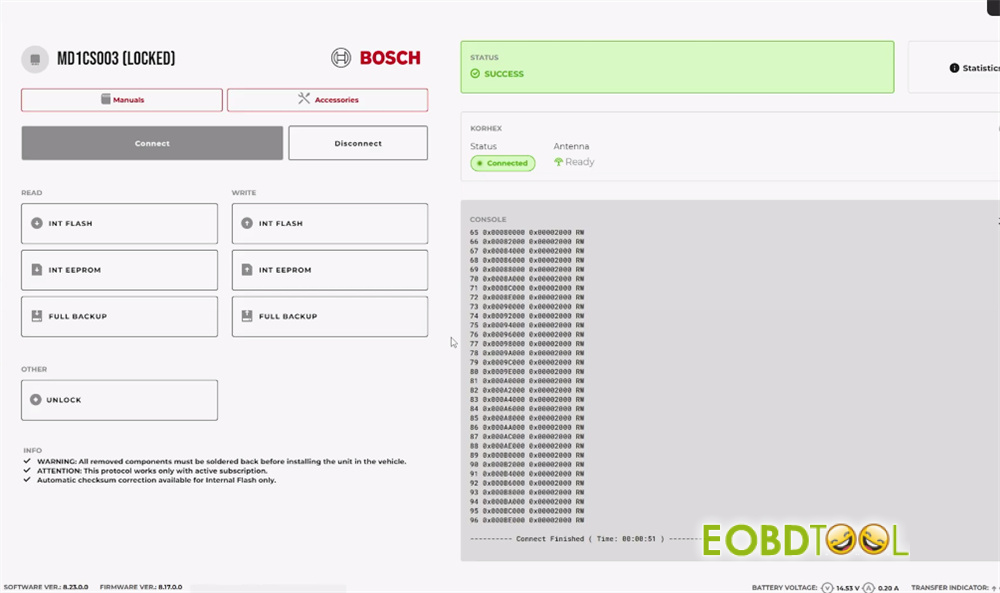
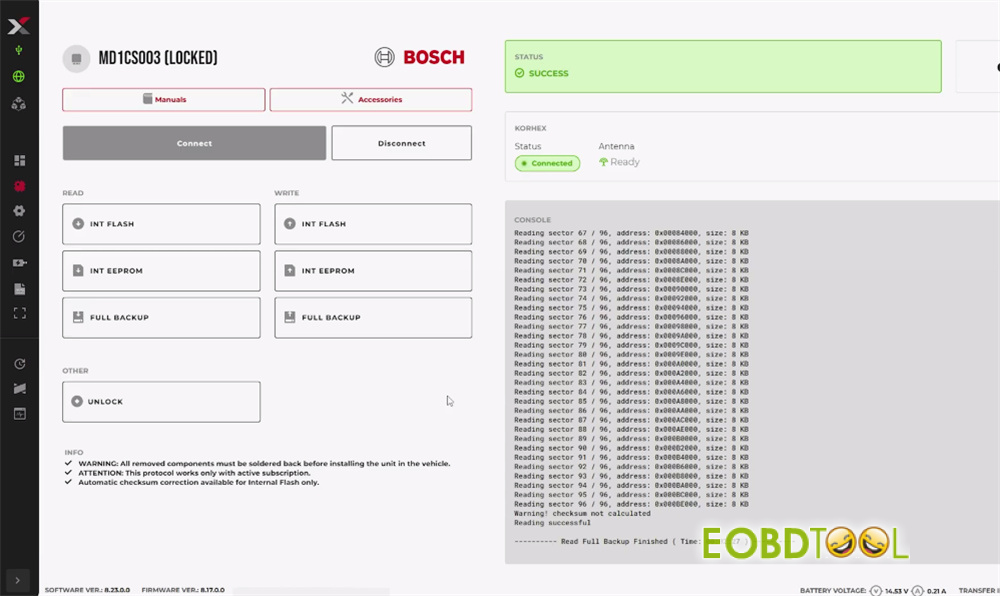
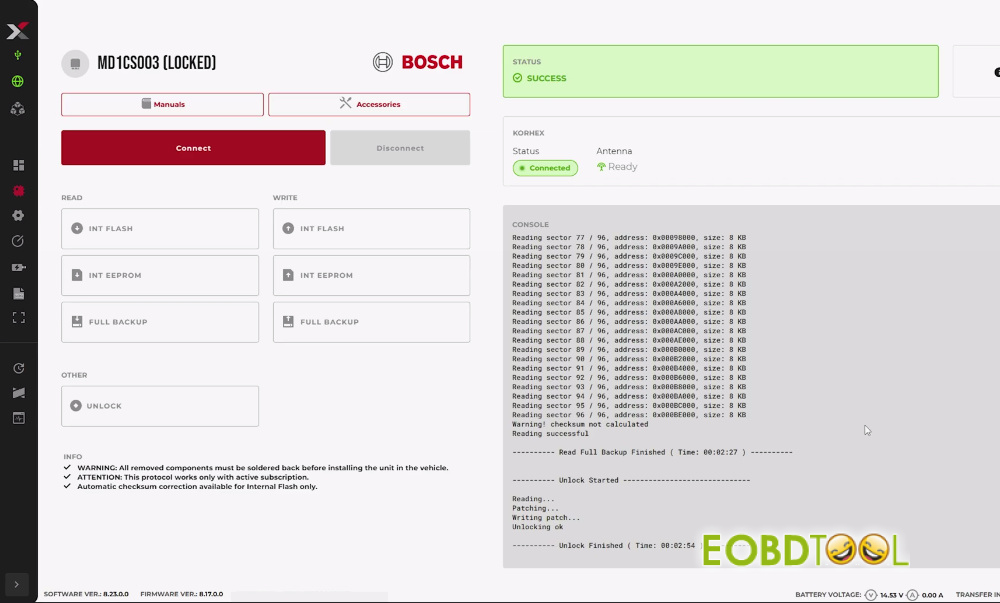
Example: MD1CS003 (Locked)
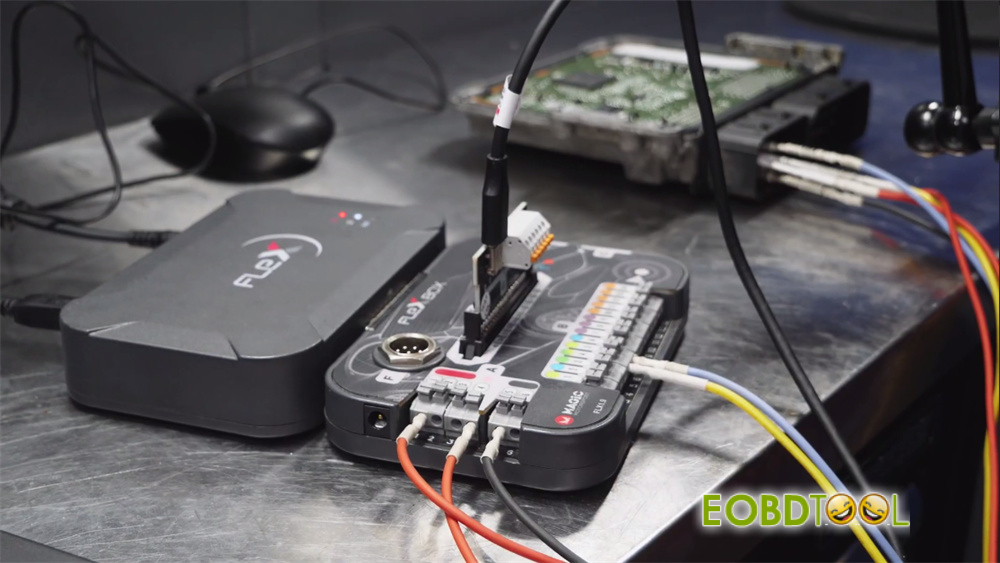
Check the wiring diagram and instruction in the Flex software to connect device and ECU correctly
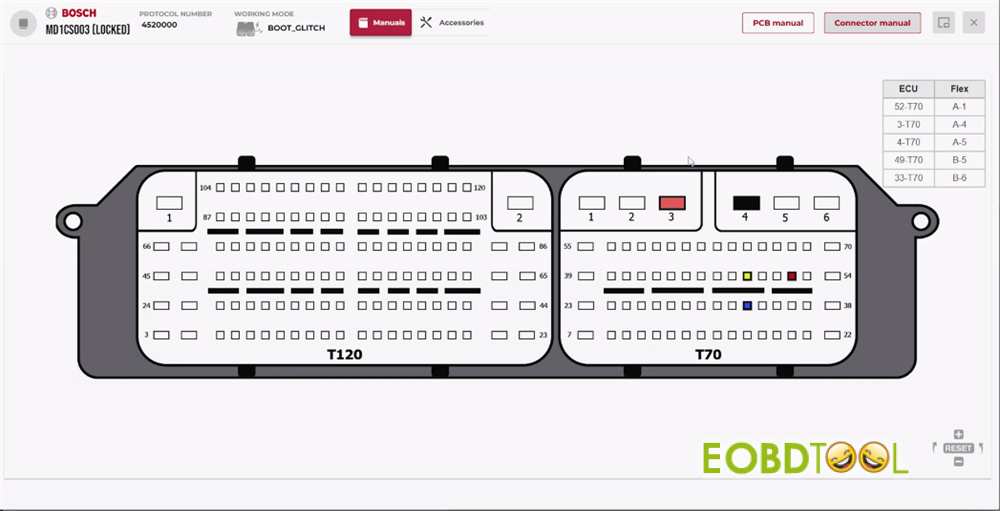
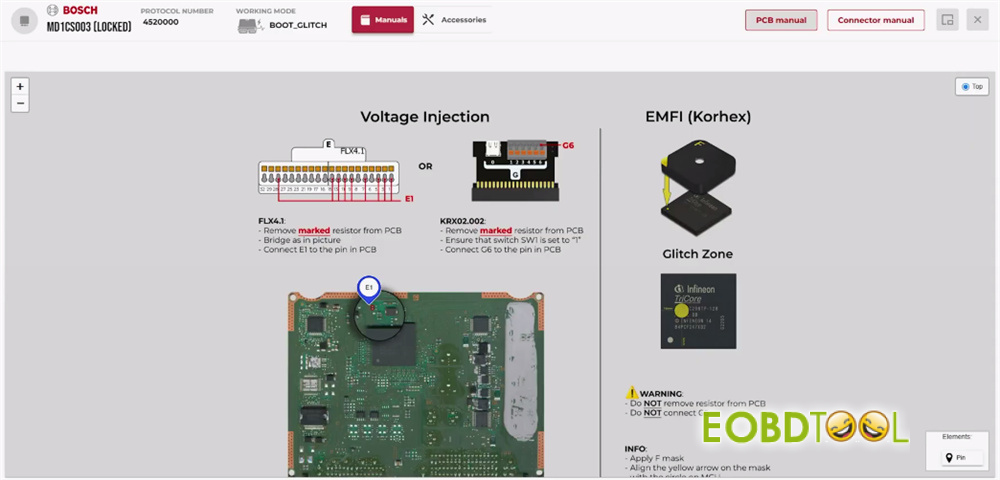
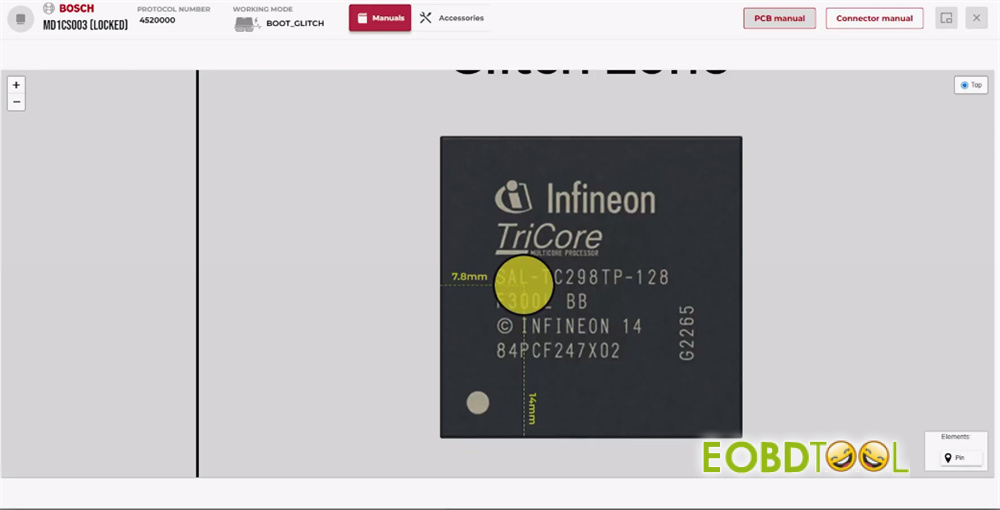
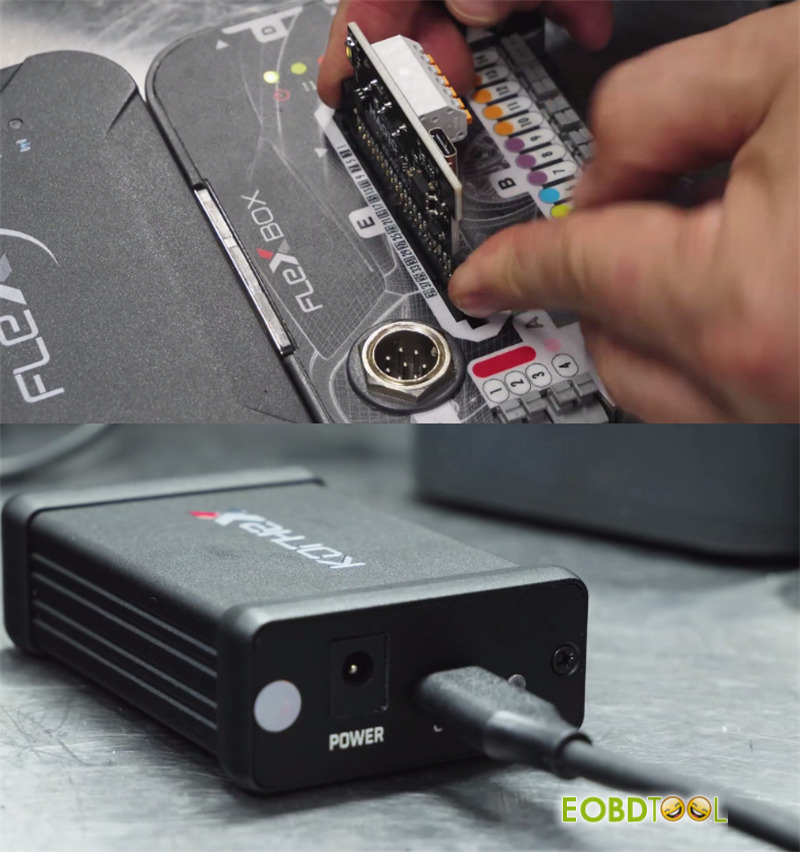
- Mount the custom adapter board onto your Flex Boxand lock it using the two plastic clips.
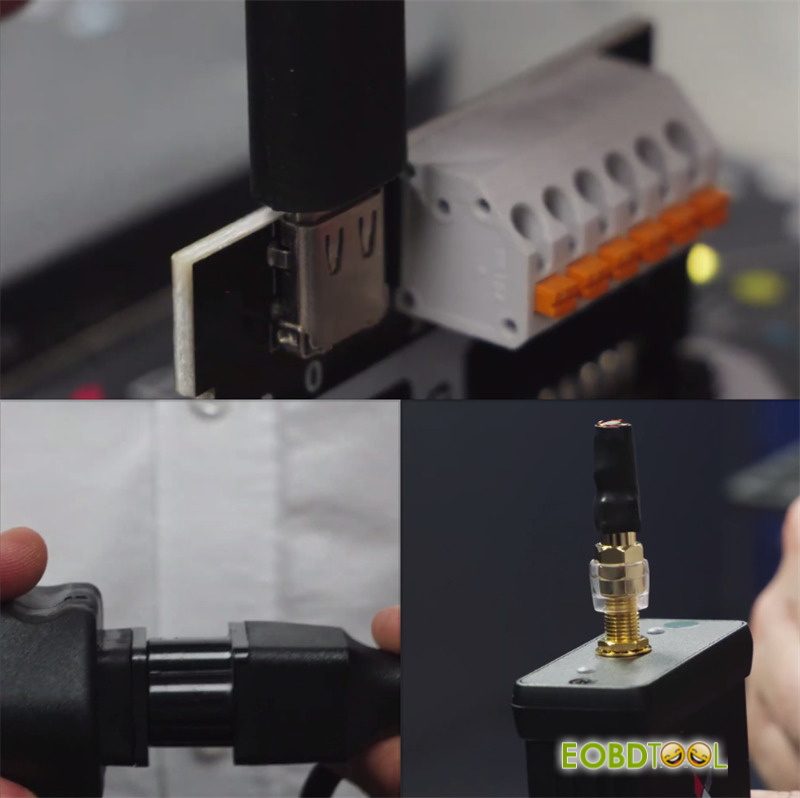
- Plug the dedicated USB-C cable into the adapter board and connect it to your Korhex.
- Attach the alignment mask and antenna.
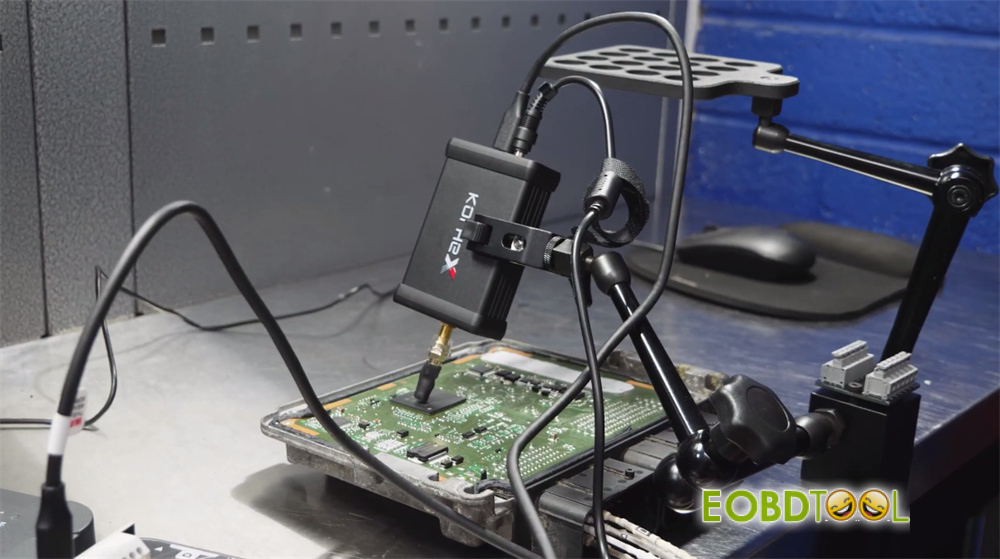
- Confirm the connection is proper, and you are ready to begin ECU full backup and unlock process!
Note: You need Magic Motorsport Flex Full Master 5 M/Slave FLS0.5S or Flex with FLS0.20M/S (includes Flex box).
Read also:







