





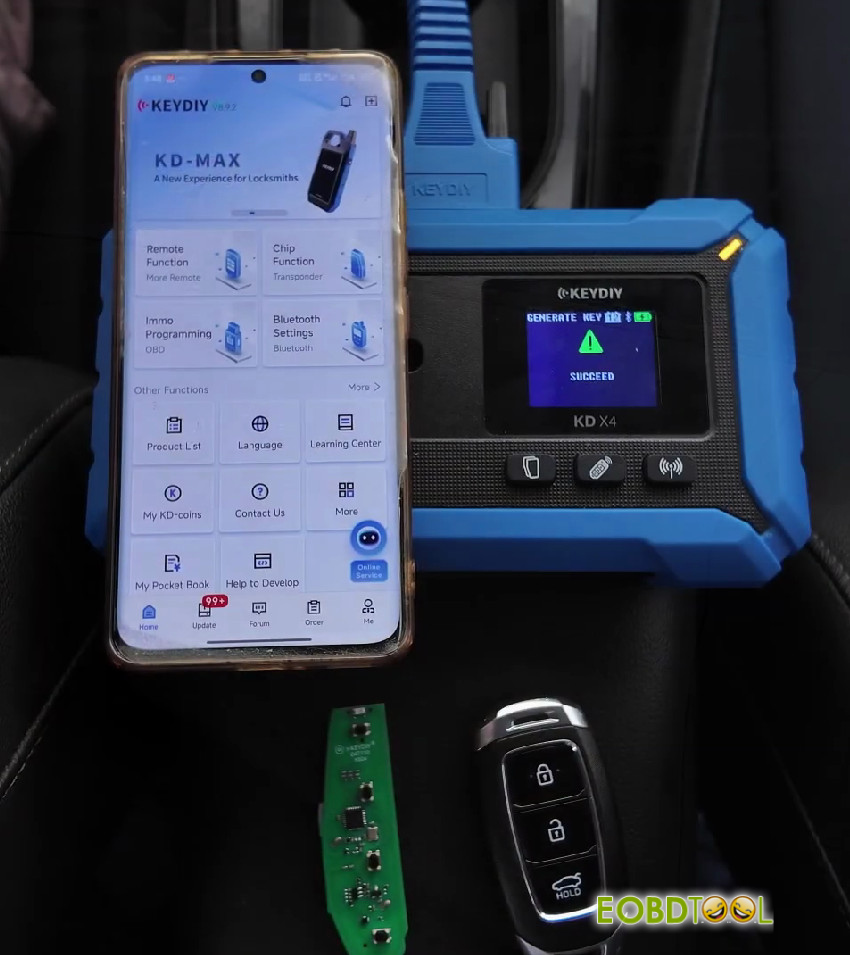
Follow this post to learn how to identify the original key’s signature on 2026 Hyundai using KEYDIY KD-X4, program the blank KD remote on the induction coil, and complete the OBD matching using the auto-saved PIN.
Required Tools:
- Smartphone with KD App
- Blank KD Key
- Original Vehicle Key
- KEYDIY KD-X4 5-in-1 key programmer
Step-by-Step Procedure:
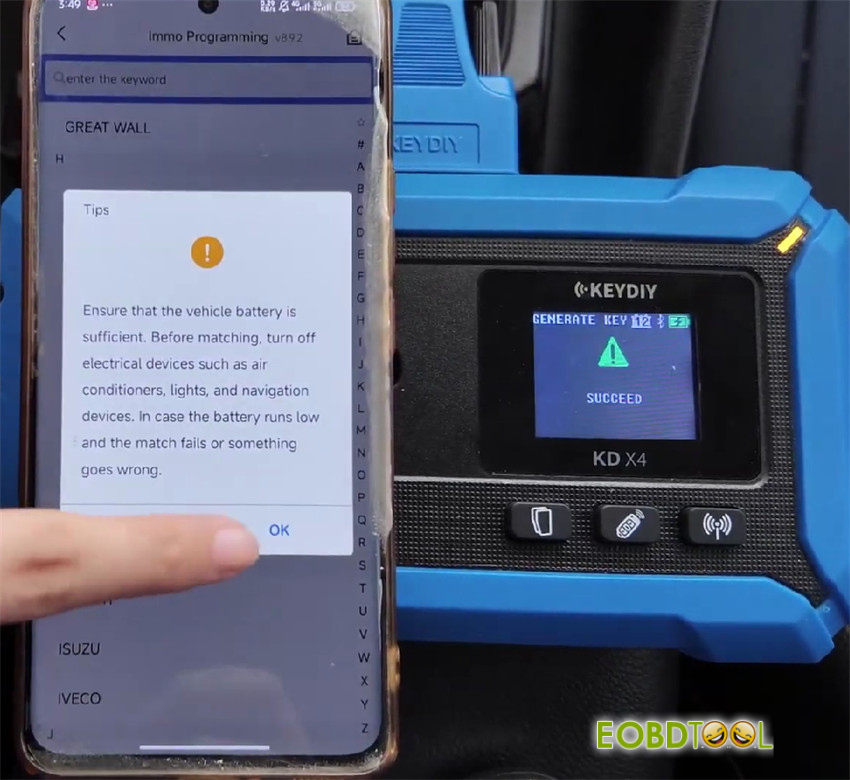
1.Open the app and select IMMO Programming > IMMO Programming > Hyundai
Note:
Ensure that the vehicle battery is sufficient. Before matching, turn off electrical devices such as air conditioners, lights, and navigation devices. In case the battery runs low and the match fails or something goes wrong.
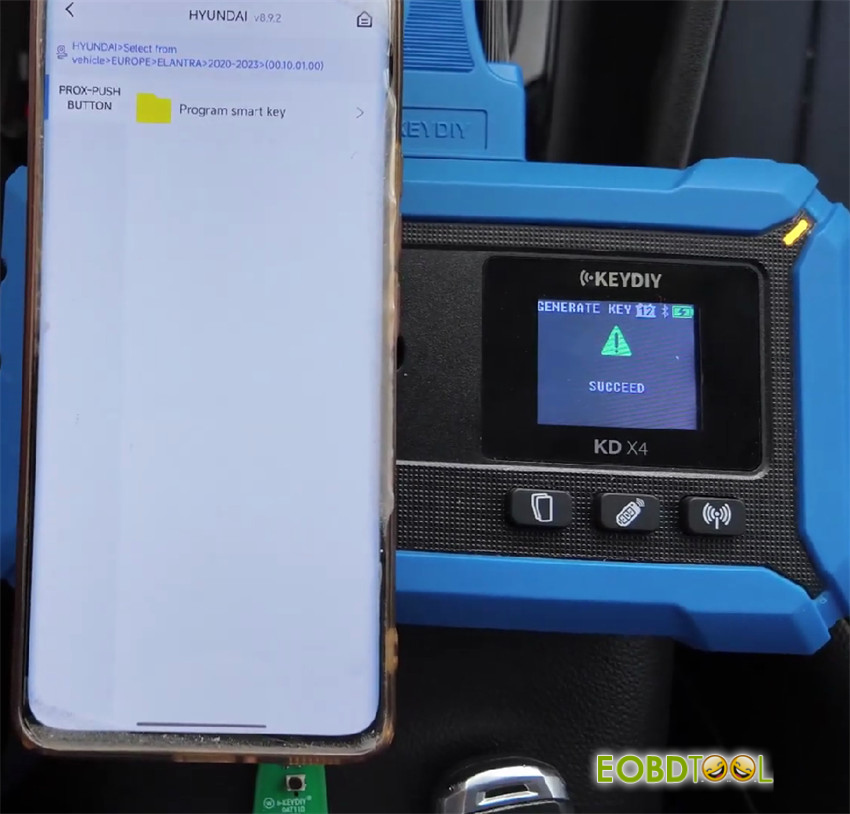
2.Tap Select from Vehicle > Europe > Elantra> 2020-2023> PROX-PUSH BUTTON> Program smart key> Smart Key System (CAN) – Type 3> Start execution
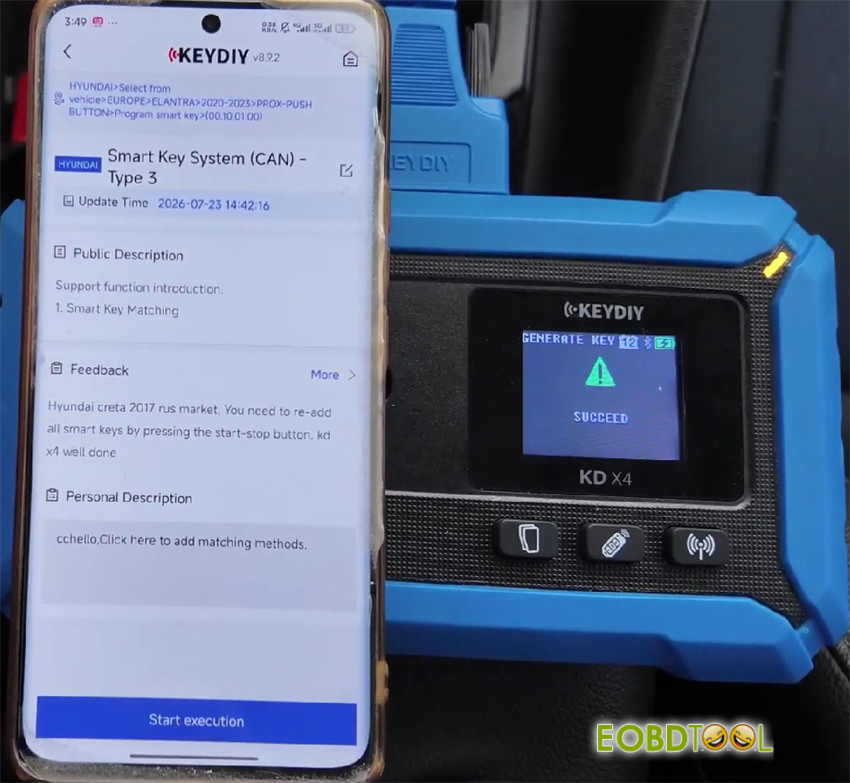
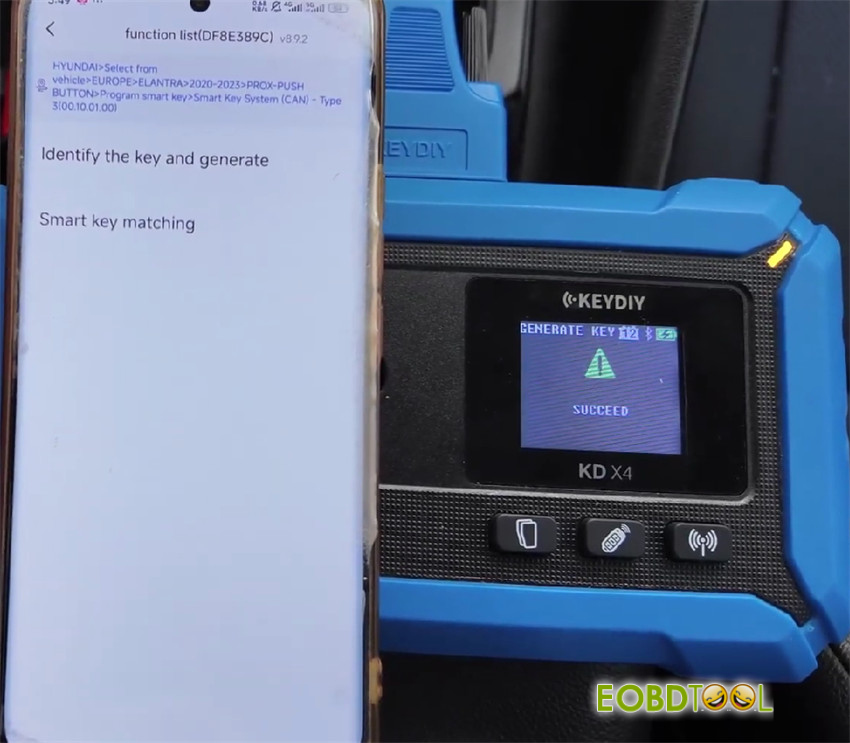
3.Tap Identify the key and generate
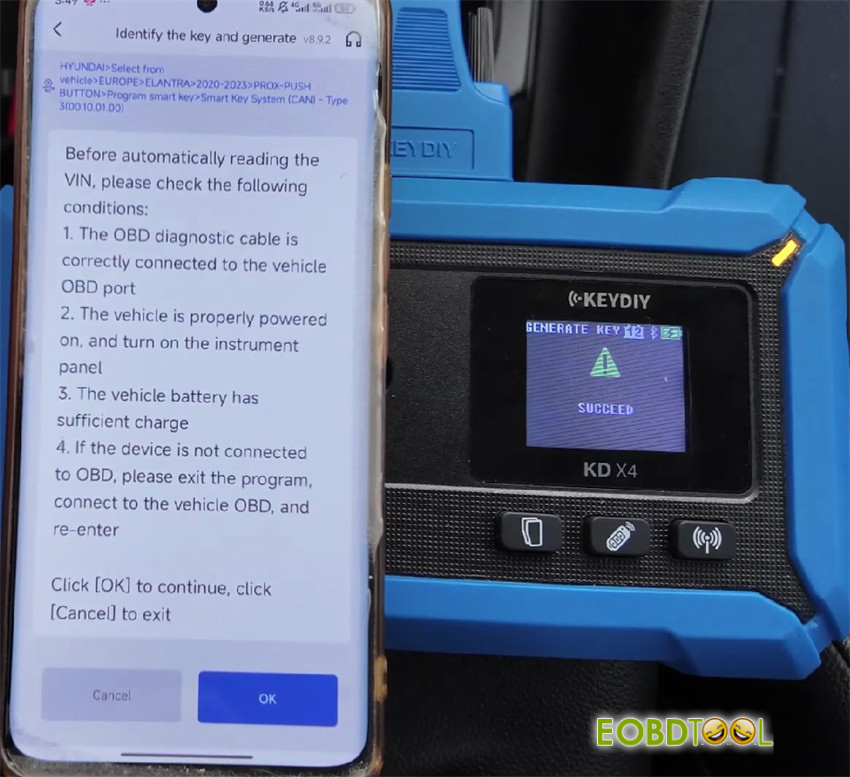
4.Pay attention to the on-screen instruction and click “OK”
5.Verify the current VIN is correct
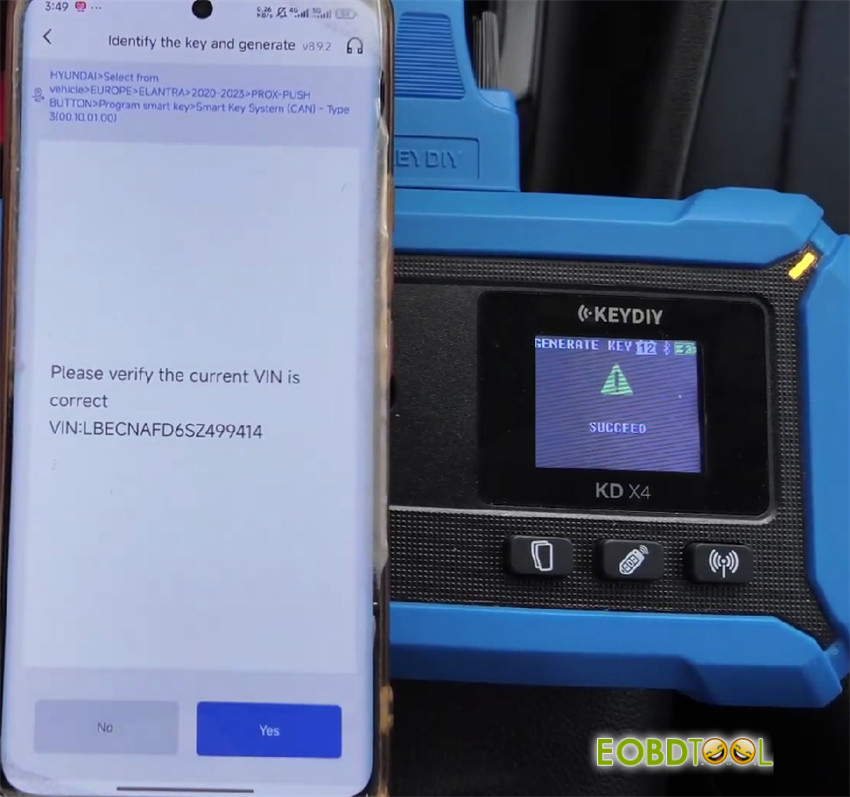
6.Place the original key onto the induction area of KD-X4 device to read the data
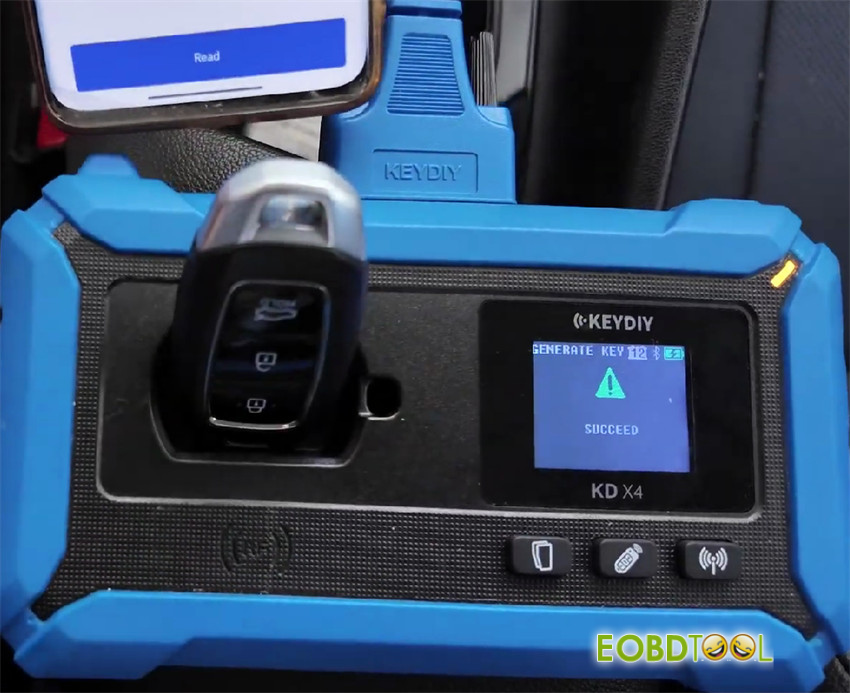
7.Place the blank KD key onto the induction area to complete the remote generation
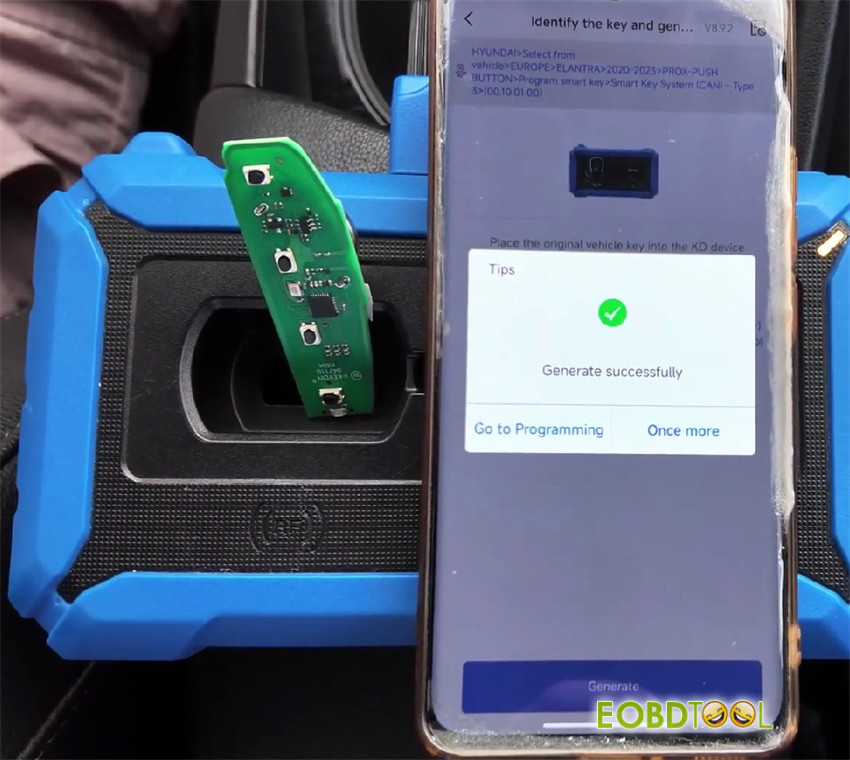
8.Connect to the vehicle to begin matching.
Note: If the PIN code was entered during previous steps, the system auto-fills it.
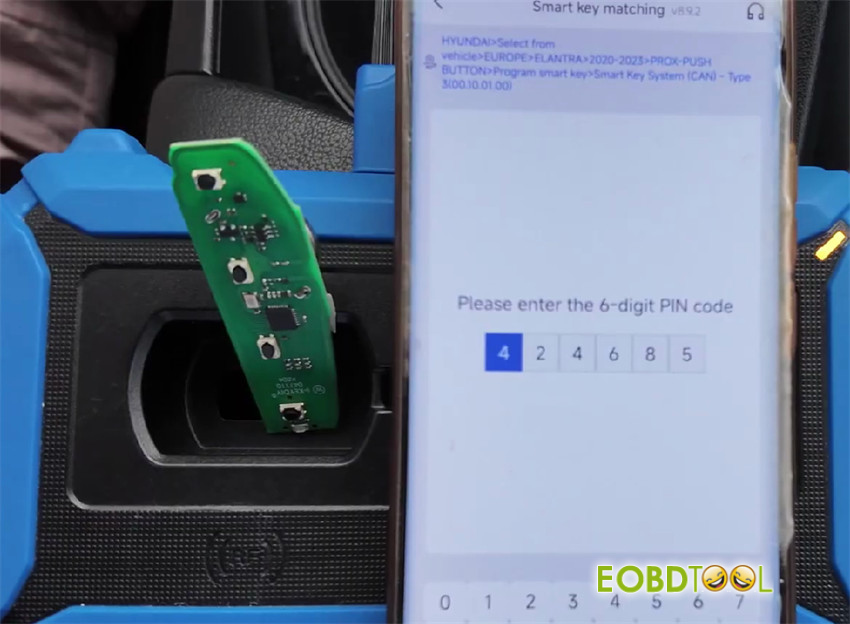
9.Follow the on-screen prompt, then press and hold the original key against the vehicle Start button for 5 seconds
10.Repeat the process if adding a second key.
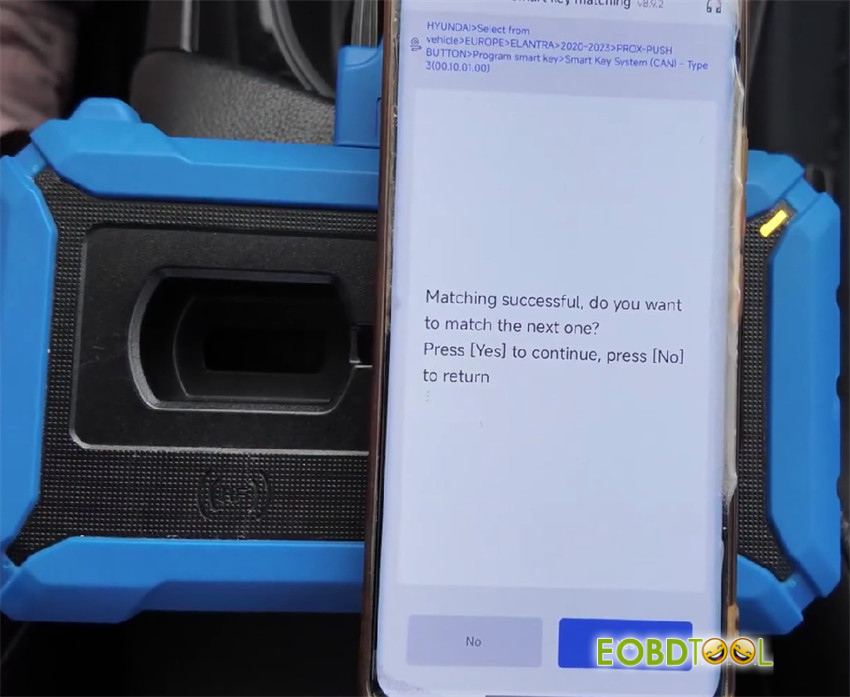
11.Verify all functions: vehicle ignition, proximity lock/unlock while approaching/leaving, and trunk release
Video Guide:
UK Professional OBD2 Tools Online Shop







