


If you’re new to Launch Smart Service Platform, you might be wondering:
What exactly is a SmartLink Token? What can I use it for? And how can I keep track of my balance?
No problem—this simple guide walks you through everything step by step.
What Are SmartLink Tokens?
Launch SmartLink C users can use token to pay for remote diagnostic services through Smart Service Platform. To acquire tokens, simply contact your service provider to complete a purchase.
How to Use SmartLink Tokens?
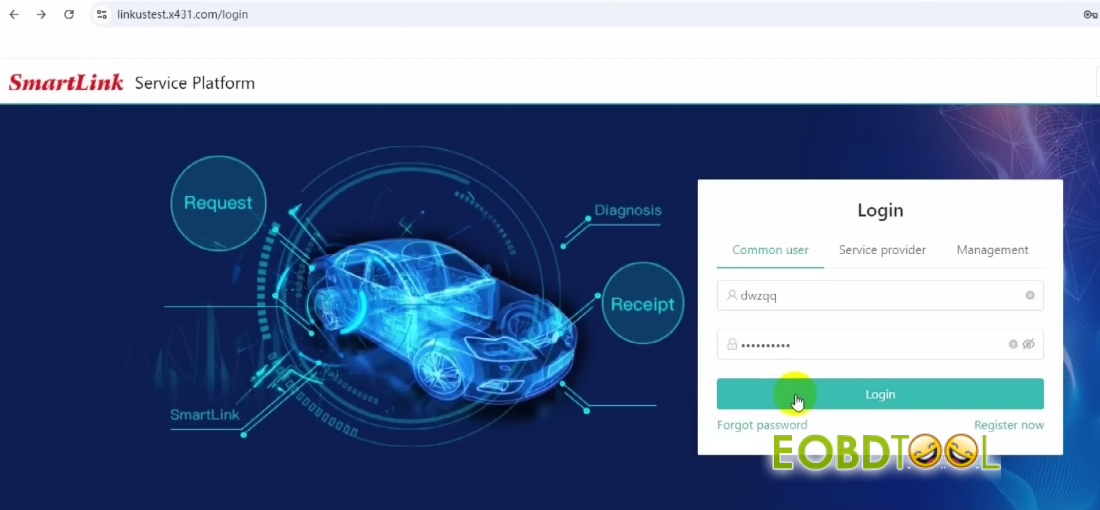
Step 1: Log In to Your Account
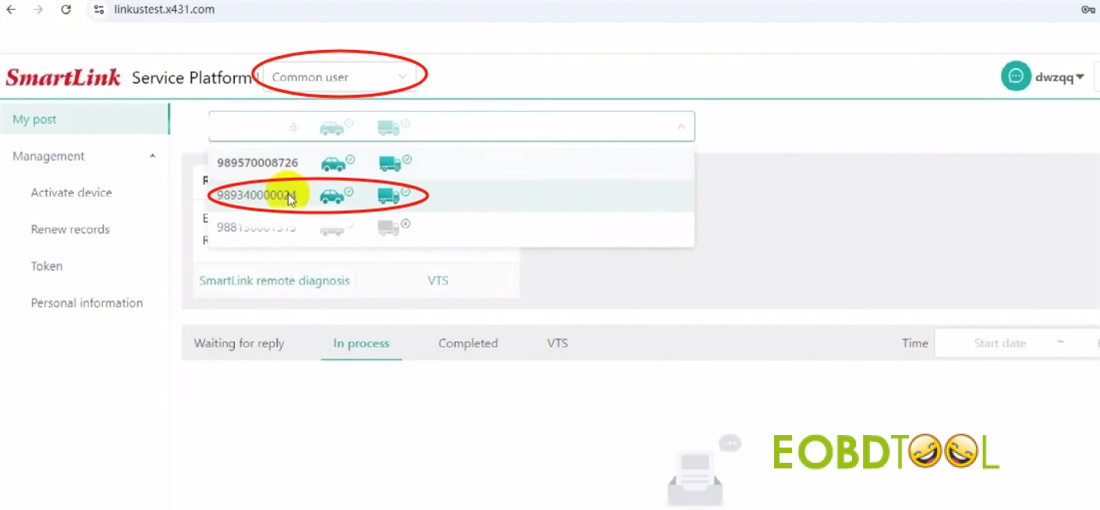
Choose “Common User.”
Enter your login credentials to access the platform.
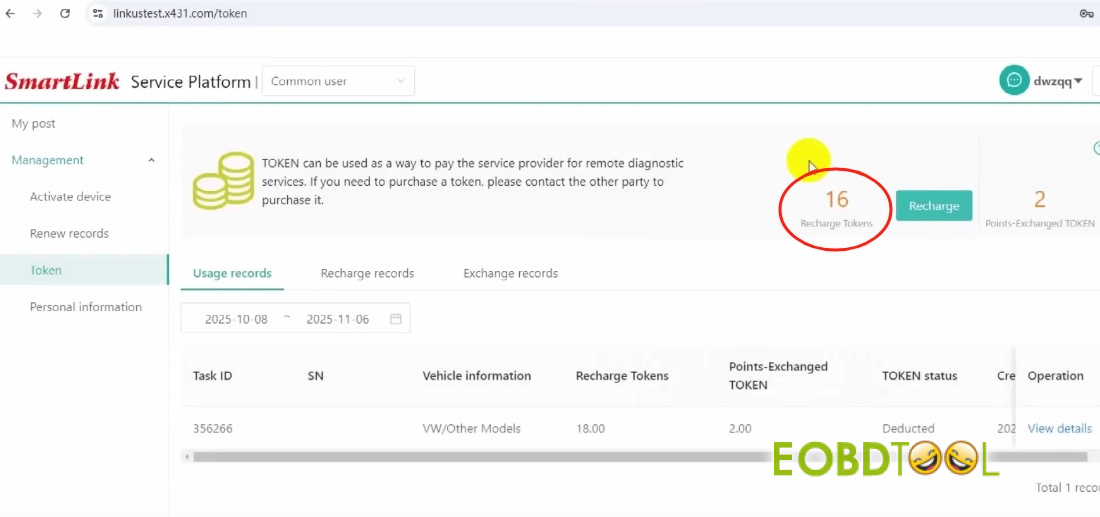
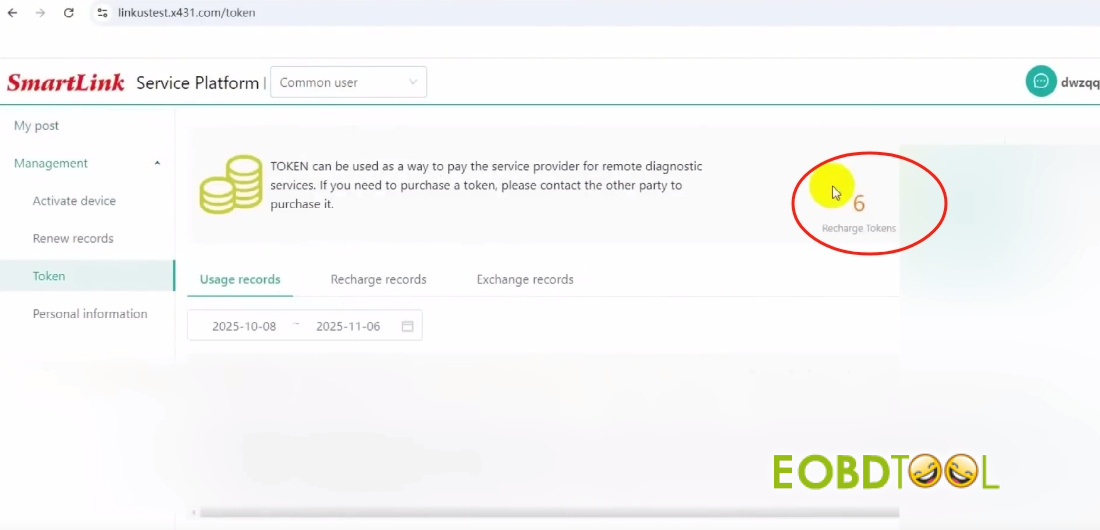
Step 2: View Your Token Balance
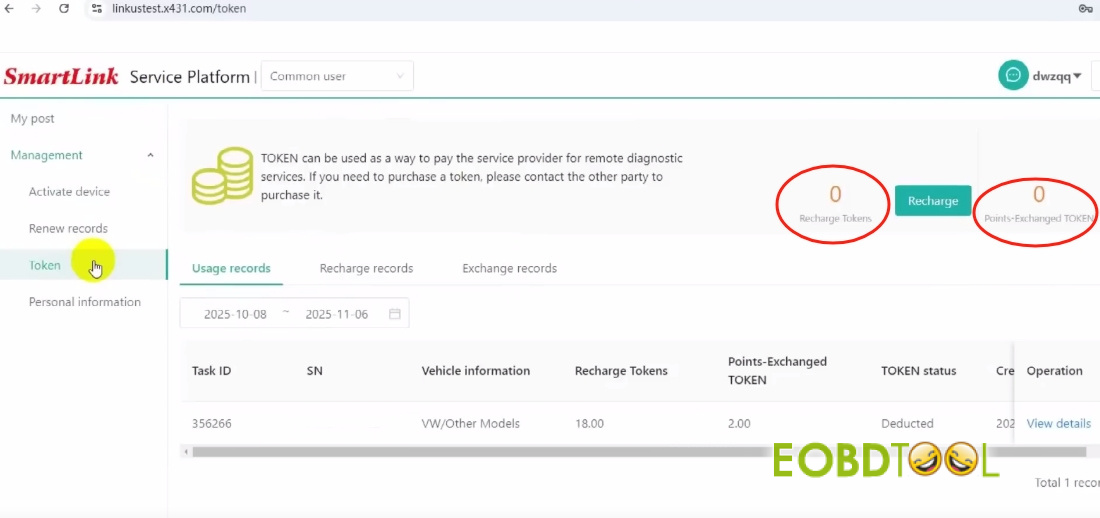
Navigate to Management → Token.
Here you’ll see two token types:
Recharge Tokens – purchased directly with funds.
Points Exchange Tokens – obtained by redeeming reward points.
Tip: When placing a service order, you can apply Points Exchange Tokens to lower the Recharge Tokens required.
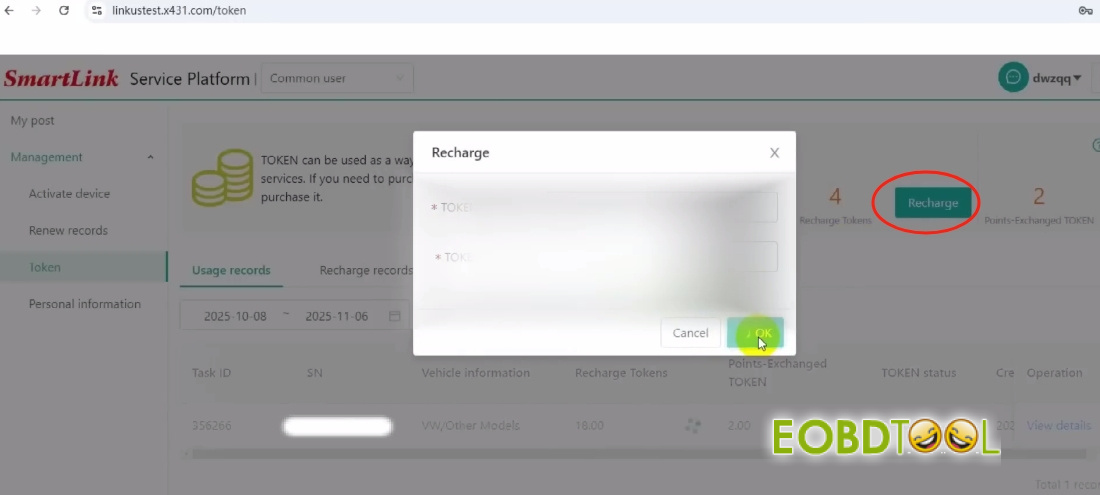
Step 3: Add More Tokens
Select “Recharge.”
Enter your Token Card code to top up your balance.
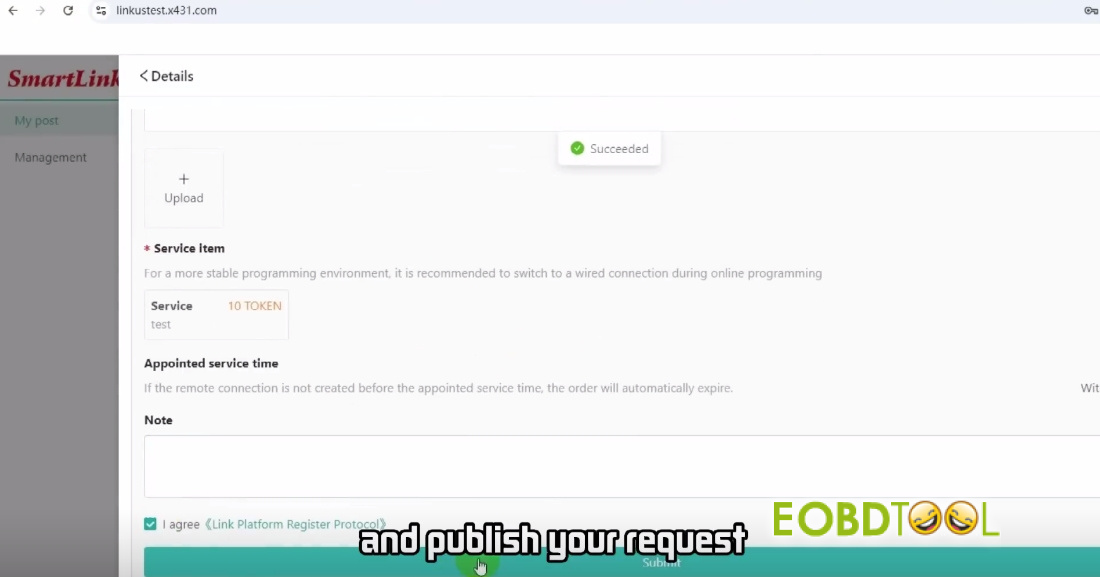
Step 4: Submit a Service Request
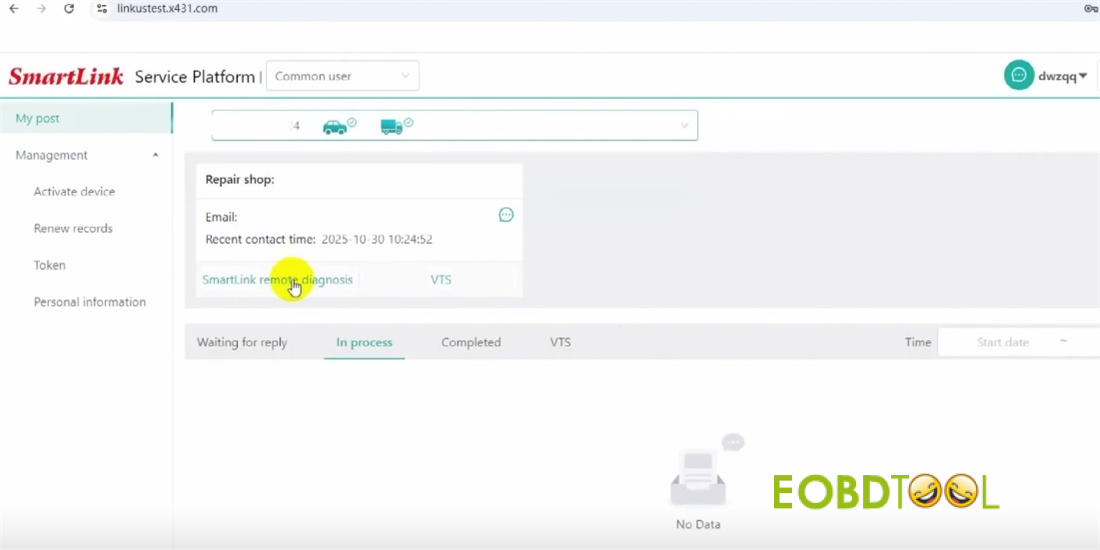
Go to “My Post.”
Choose your Smart C device and preferred technician.
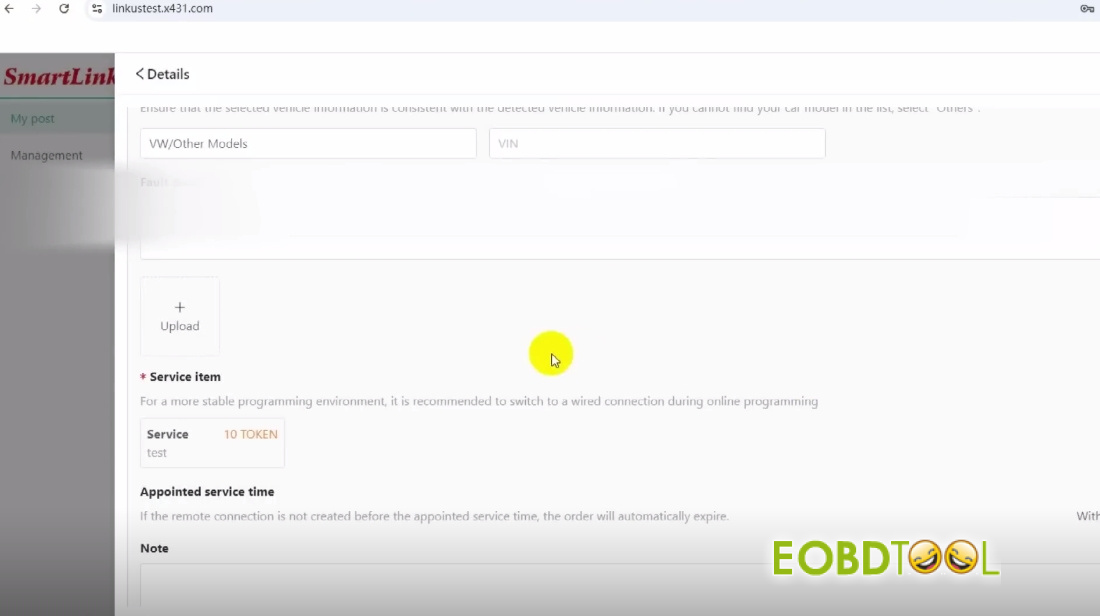
Enter your personal and vehicle details, select the needed service, and publish your request.
Step 5: Service Completion
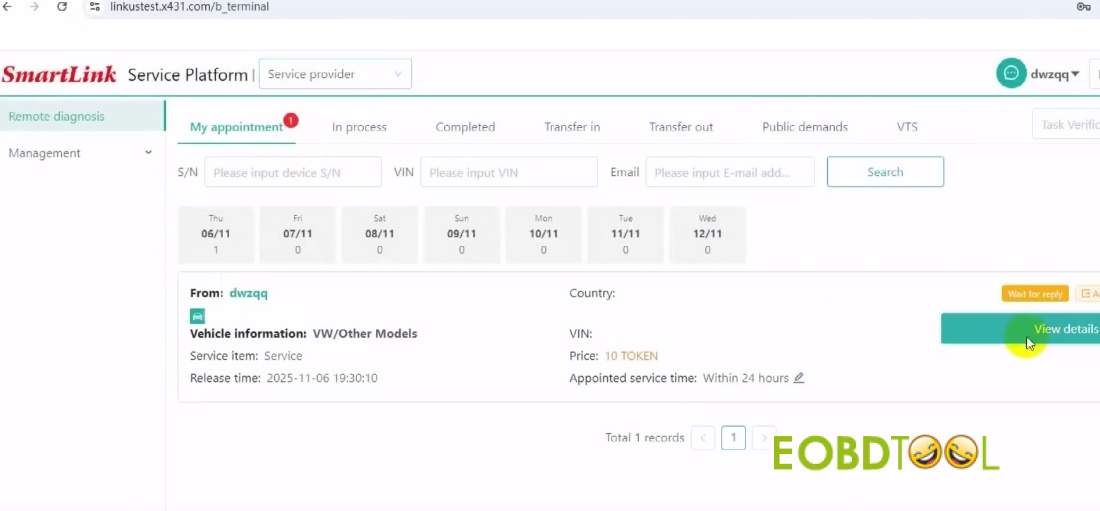
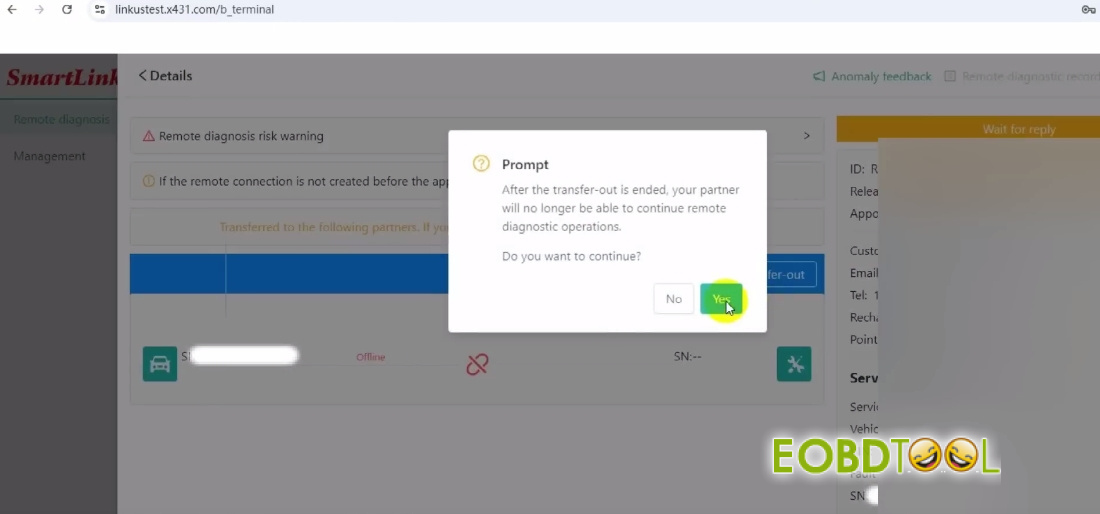
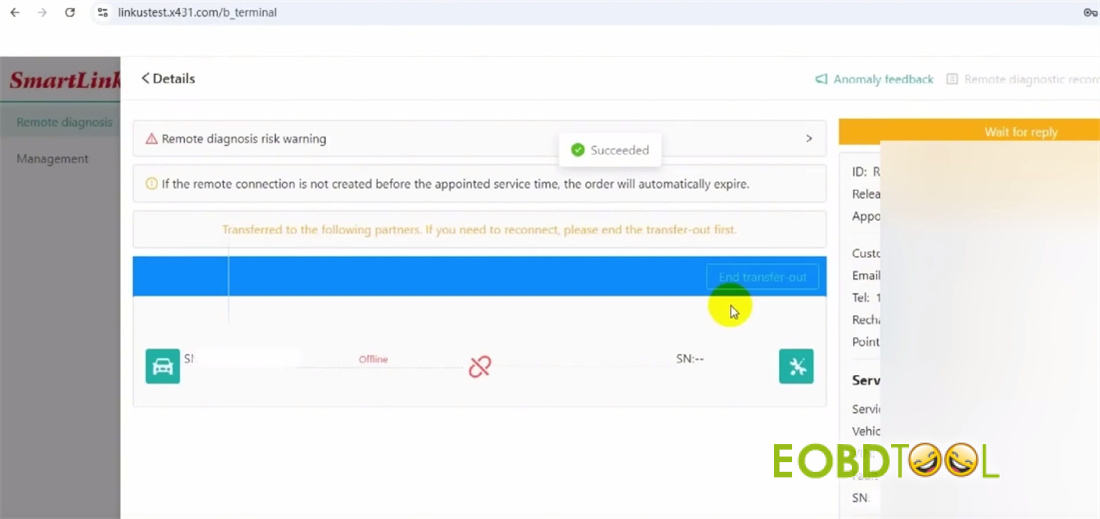
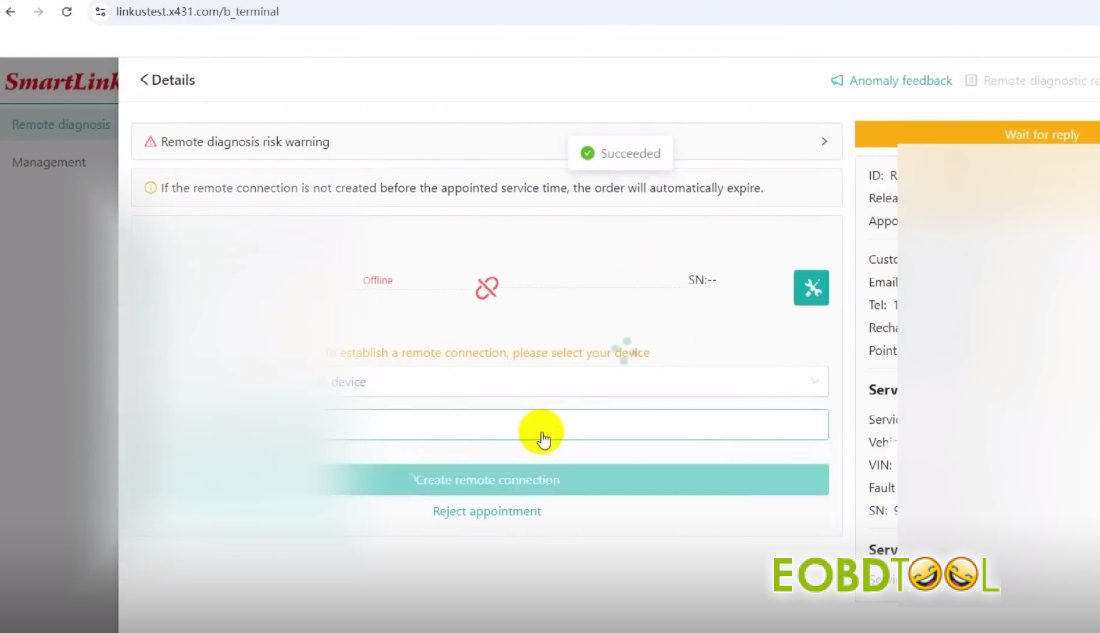
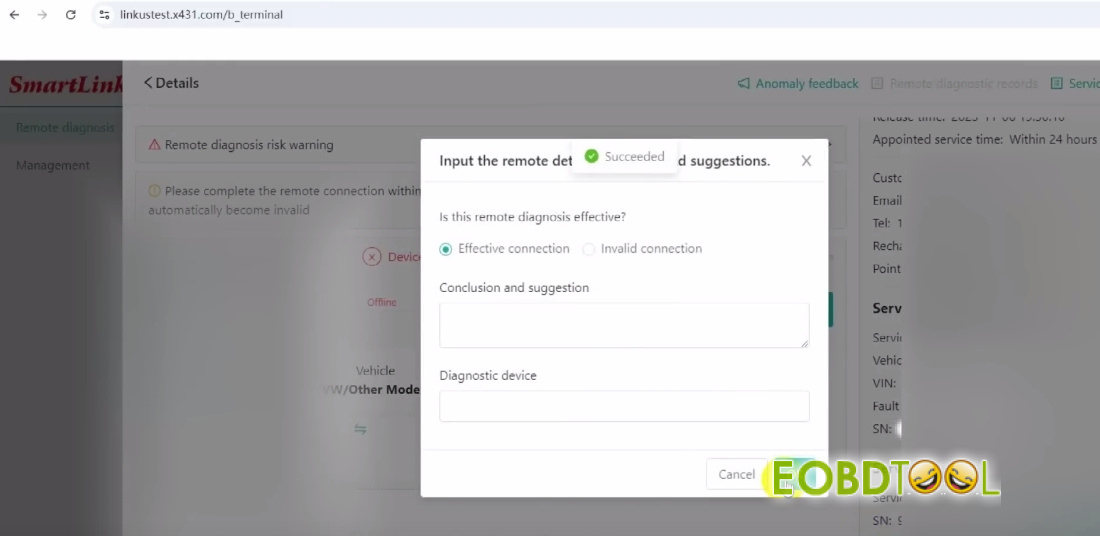
Once a technician accepts by Launch SmartLink B, completes the job, and selects “Finish,” the corresponding tokens will be automatically deducted from your account.
Step 6: Confirm Your Updated Balance
Return to “Manage Tokens” to view your remaining token balance.
✅ You’re all set!
With Launch Smart Service Platform, getting professional automotive support is straightforward and efficient. Whether you’re troubleshooting a technical problem or lack specialized tools, you can:
- Post a service request in just one click
- Connect with certified automotive experts
- Receive real-time remote assistance







