



This guide outlines the procedure for programming a 8A smart key for a 2016 Toyota Levin using Lonsdor K518 Pro key programmer via OBD.
Tools Required:
- K518Pro with OBD communication cable
- Lonsdor 8A all-lost harness and adapter
- New replacement key
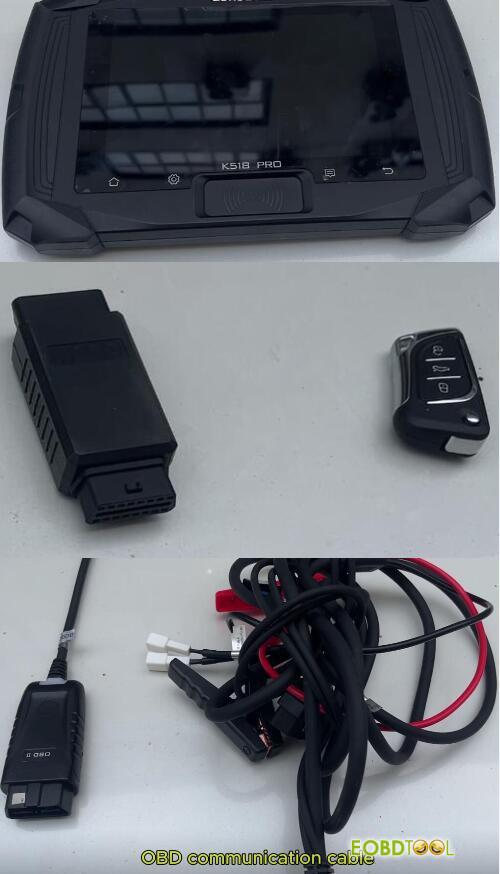
Lonsdor Toyota TY8A-MK1 Kit Features:
- 8A blade key for Toyota before 2018
- No need to replace lMMO Box
- Works with Lonsdor K518 PRO/K518
Procedure:
- Hardware Connection:
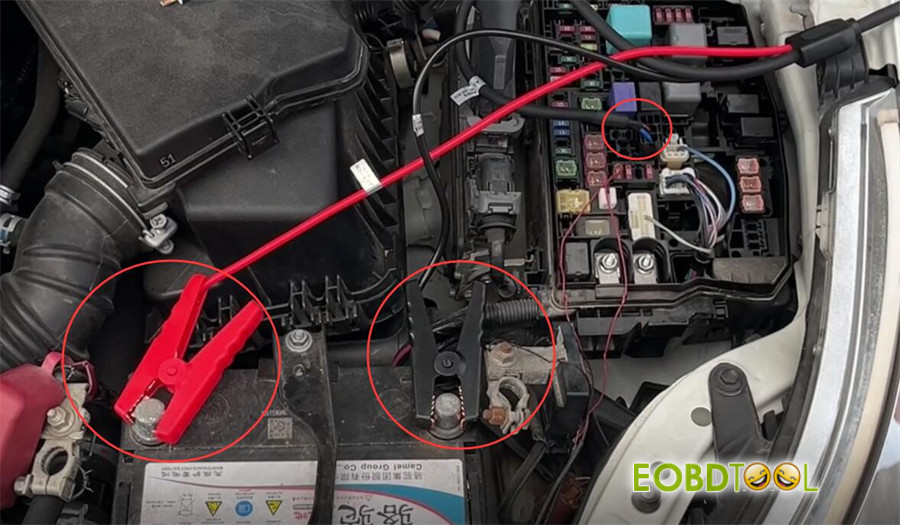
* Open the vehicle’s fuse box and unplug the designated relay.
* Connect the 8A all-lost harness to the vehicle.
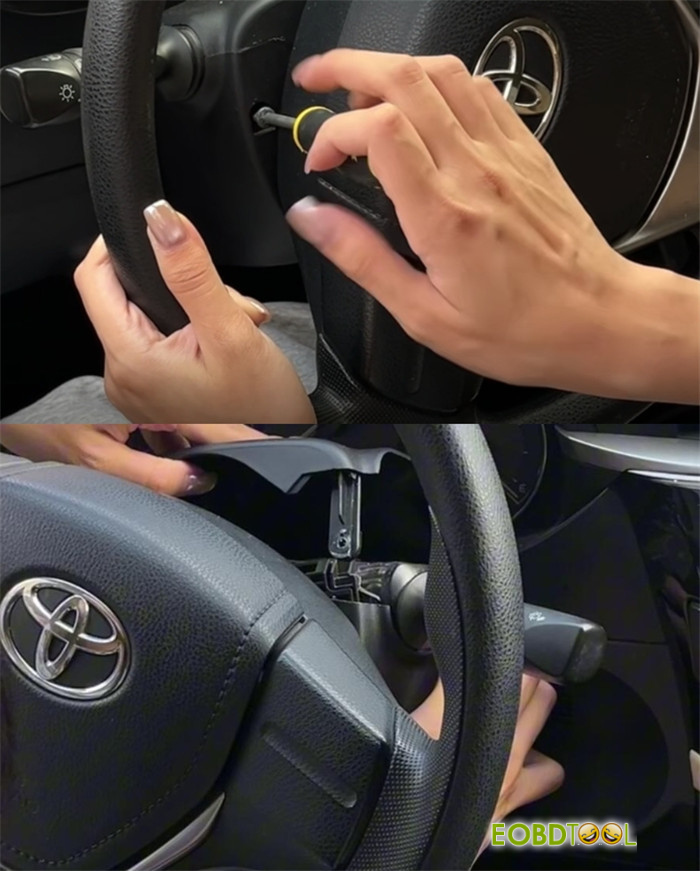
* Remove the screws from the steering column and open the cover to access the lock assembly. Unplug the lock connector.
* Connect the 8A speed limit F5 plug and the A7 plug to the corresponding adapter.
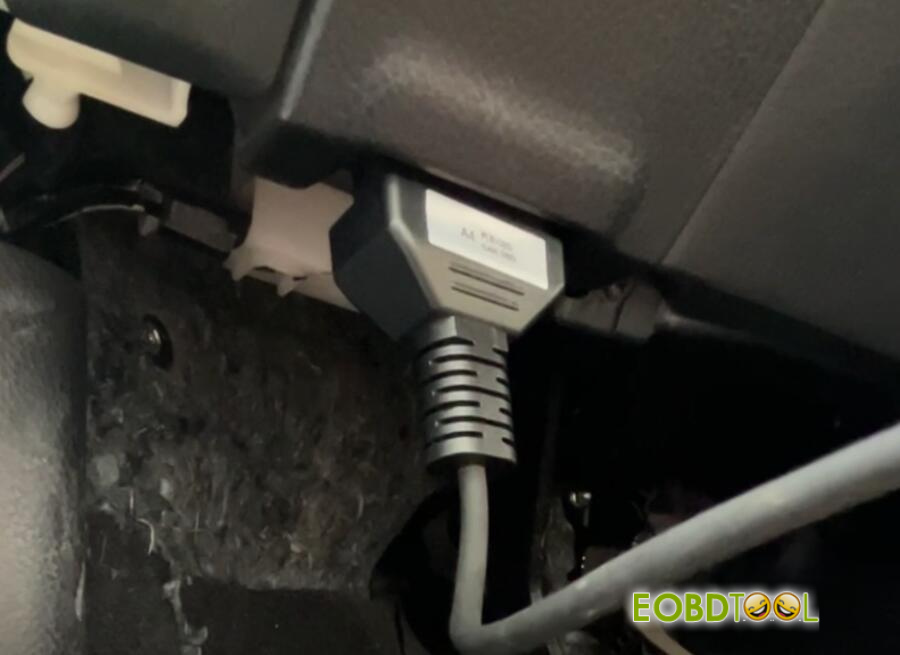
* Insert the AF4 plug into the vehicle’s OBD port.
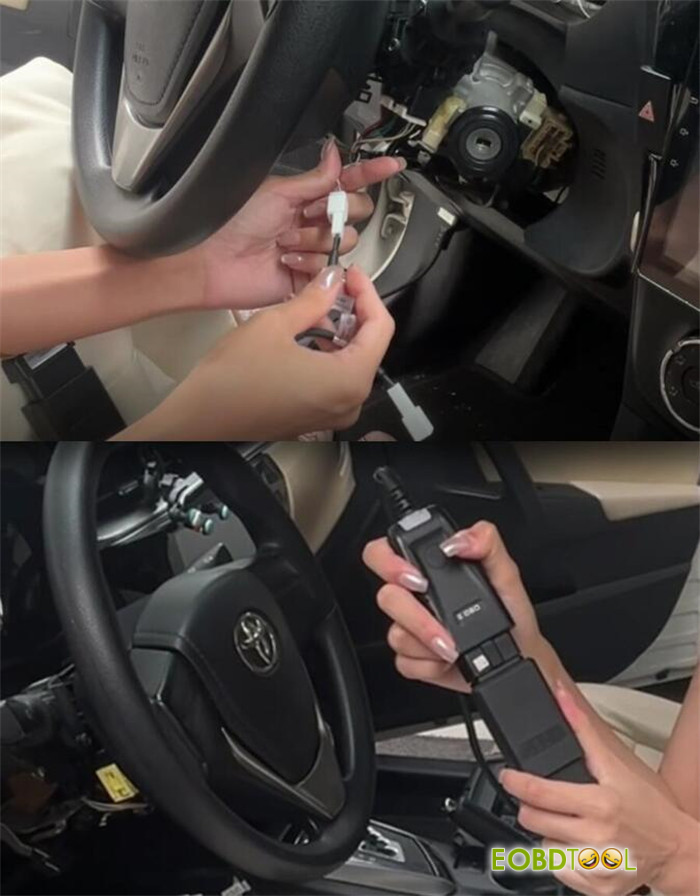
* Finally, connect the OBD cable from K518 Pro key programmer to the setup.
- Device Configuration & Key Generation:
* On the main menu of K518 Pro
Navigate to IMMO & Remote > Toyota> Select from type> IMMO> 8A IMMO AKL (mechanical key)> 8A Immo AKL- generate master key by OBD
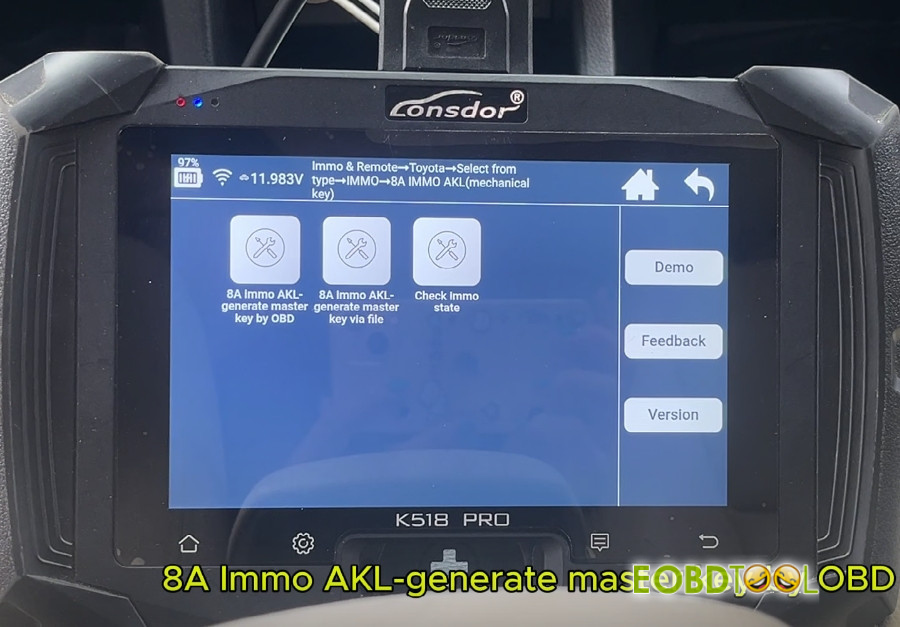
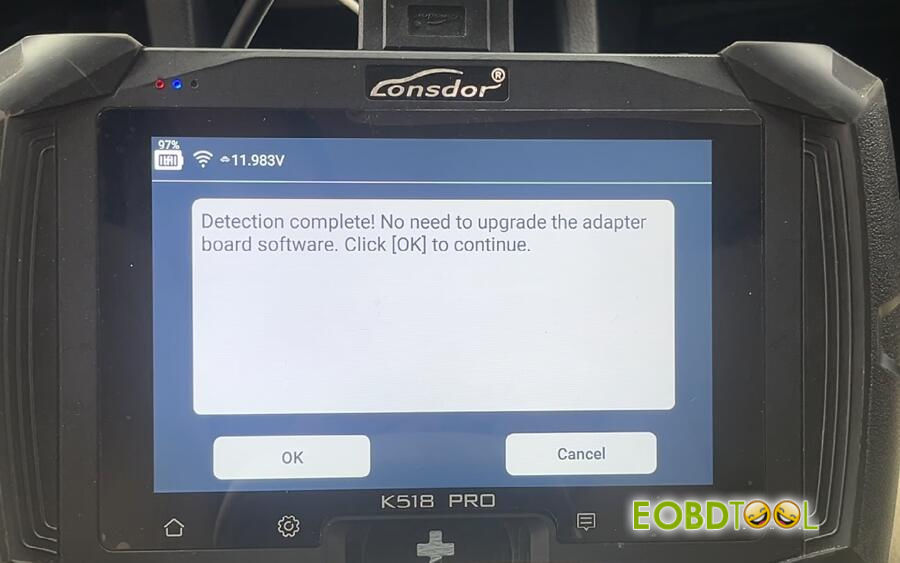
The device will establish a connection. (Note: Adapter upgrade is not required.)
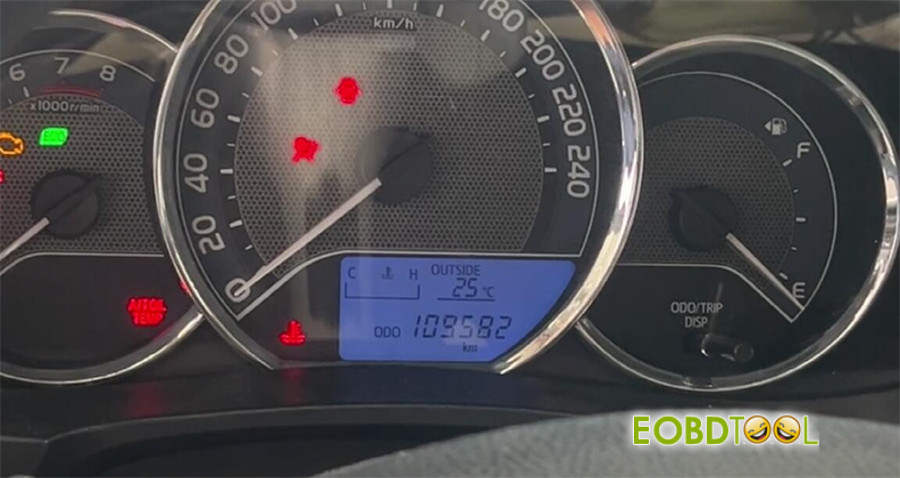
* An illuminated anti-theft light during the process is normal.
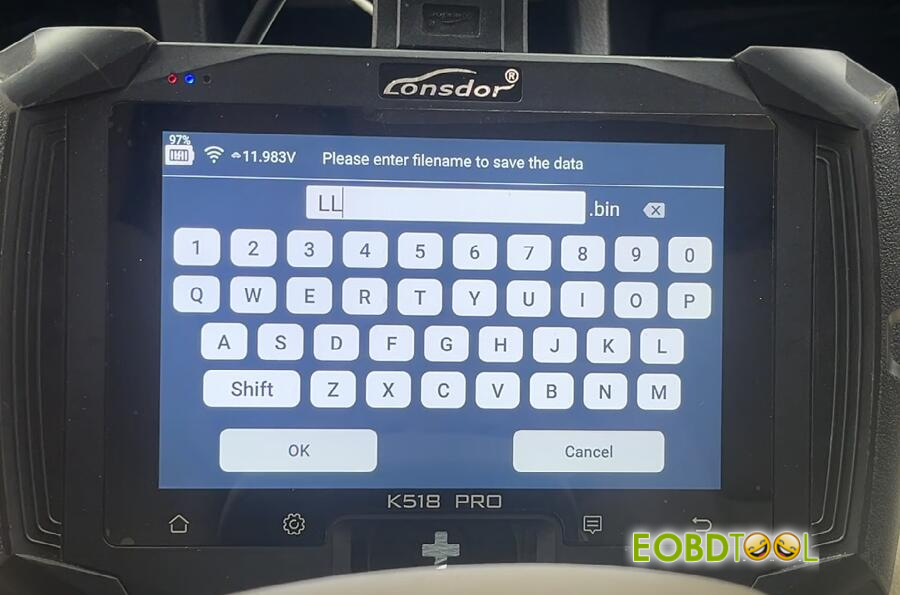
* Enter the filename to save the data
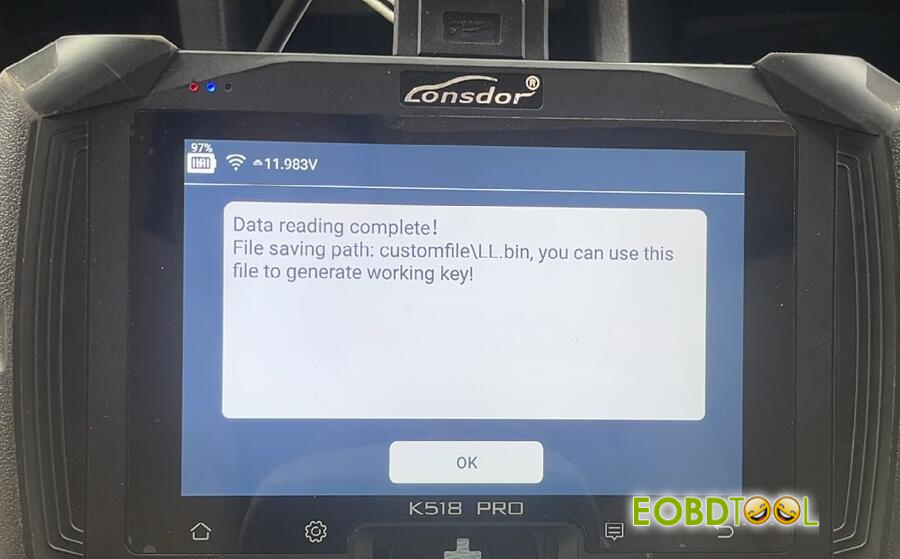
*Data reading is complete
Follow the on-screen prompts. Place the new key into the device’s card slot to generate the key chip. The process is complete when “Key Generation Successful” is displayed.
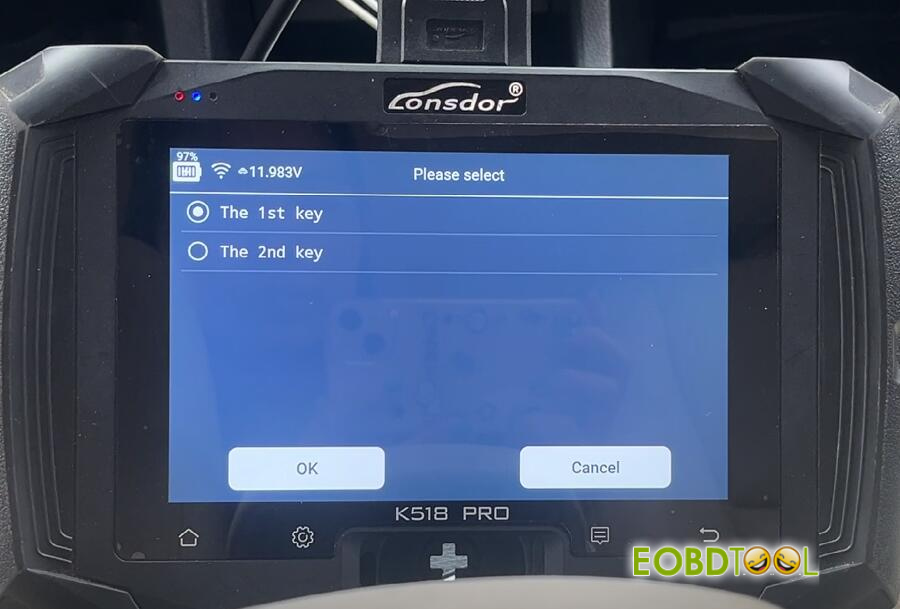
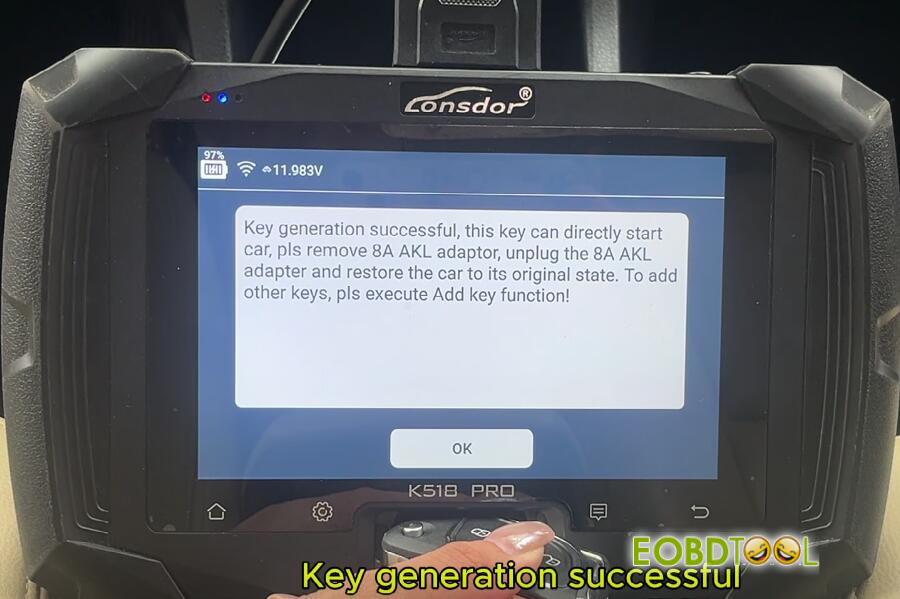
- Harness Restoration & Remote Programming:
* Disconnect and restore all wiring harnesses to their original state.
* Return to the main menu and select Immo & Remote > Toyota> Select from type> Remote> Type 2 (CAN)> Programming remote.
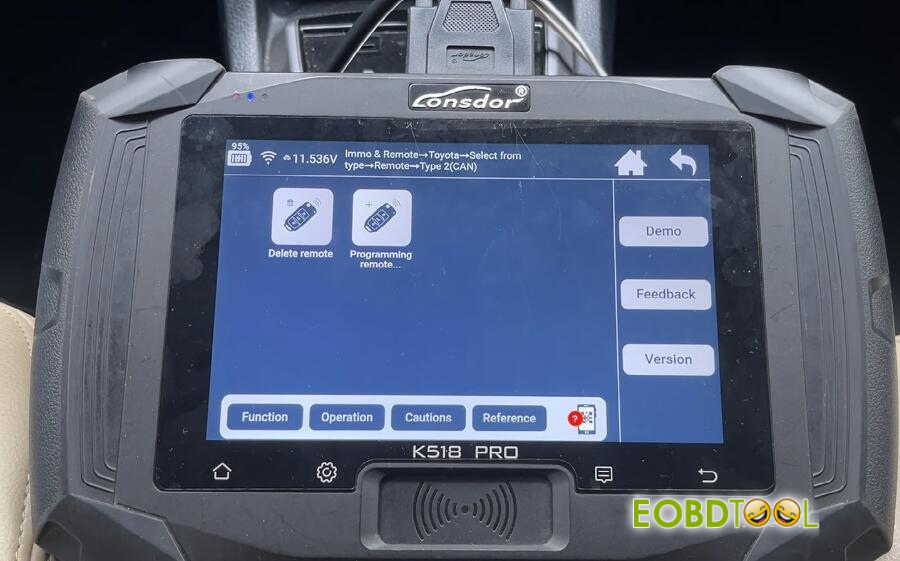
* Turn the ignition to ON. Open and close the main driver’s door as prompted.
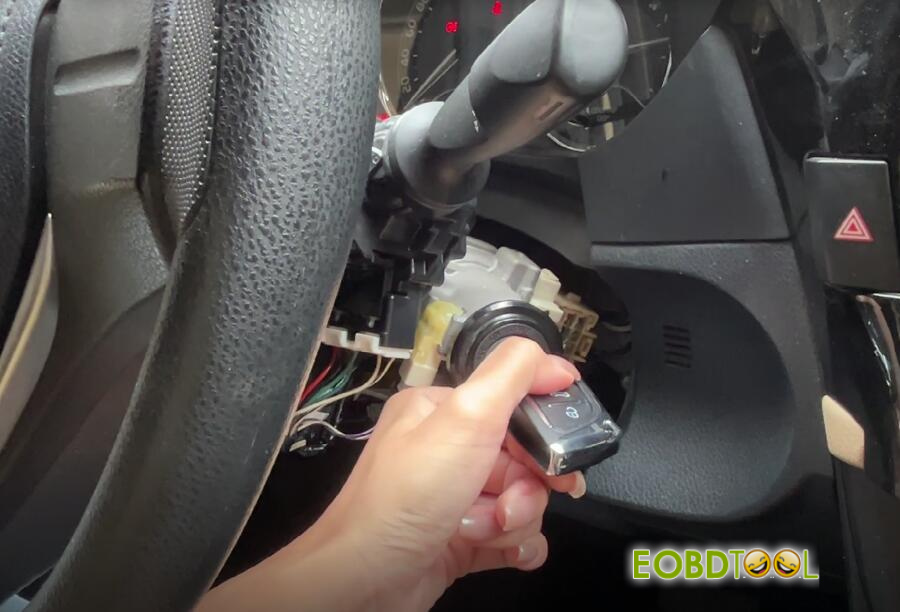
* Simultaneously press and hold the Lock and Unlock buttons on the key for two seconds, then press the Lock button once more.
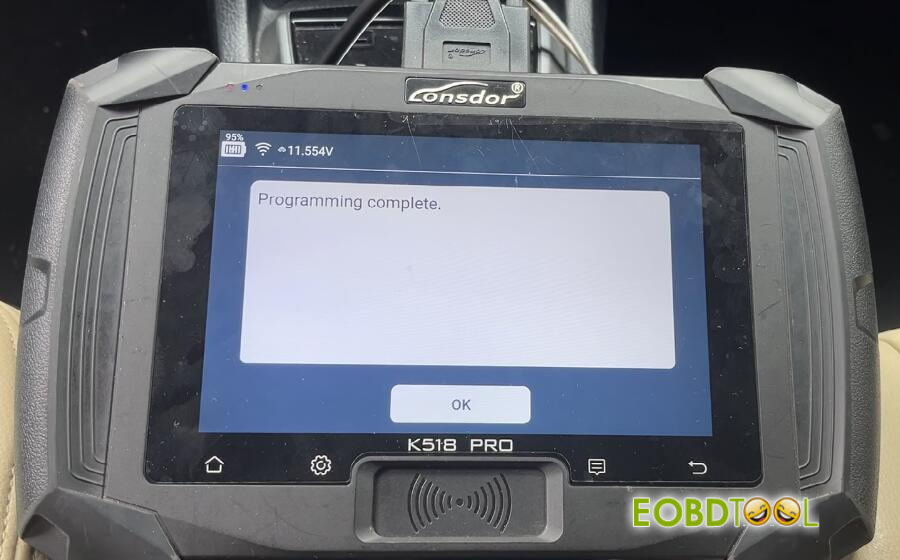
* Confirm the action on the device to complete the remote programming.
- Function Verification:
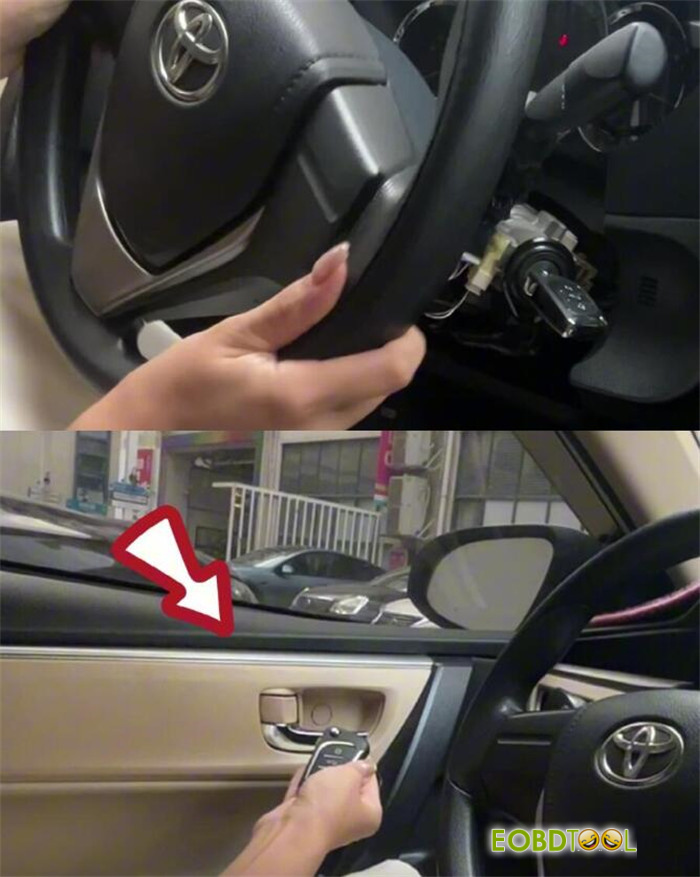
* Starting the Vehicle: Press the brake pedal and insert the newly programmed key. The vehicle should start successfully.
* Remote Control Test: Test the remote functions outside the vehicle. The Lock and Unlock commands should operate normally.
Conclusion:
The smart key for the 2016 Toyota Levin has been successfully programmed by Lonsdor K518 Pro, with both the transponder chip and remote control functions verified.
Video Guide:
UK Professional OBD2 Tools Online Shop







