







This guide details the procedure for programming a new smart key to a 2024 Honda CRV (all keys lost) using Lonsdor K518 Pro.
Required Equipment:
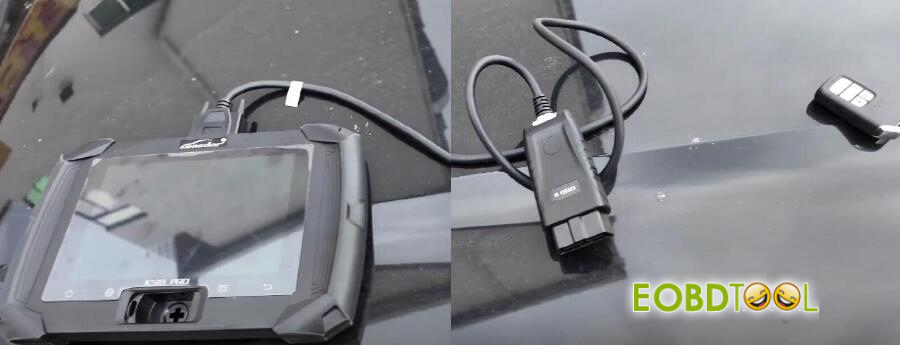
- K518 Pro Main Unit
- OBD Communication Cable
- Anew Honda smart key (e.g., Lonsdor brand)
Procedure:
Step 1: Smart Key Generation
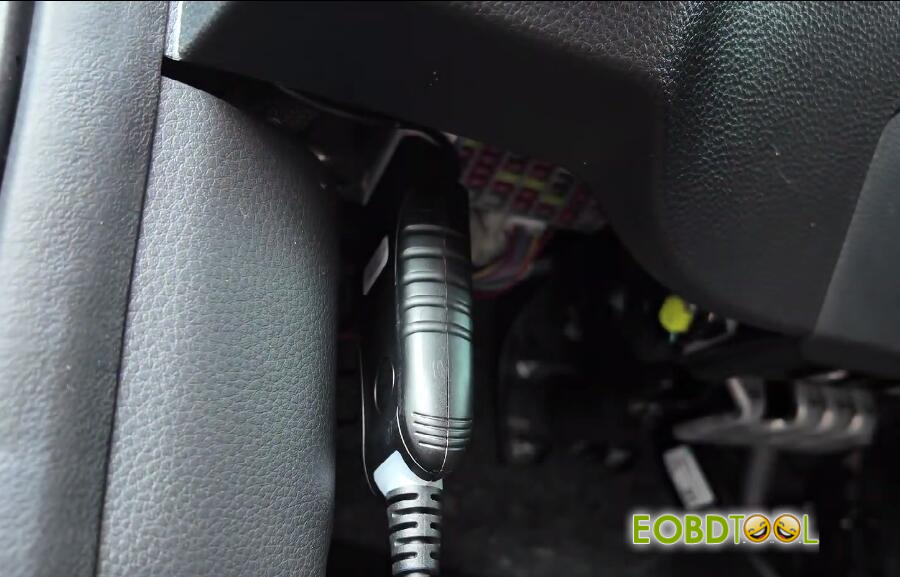
Connect K518 Pro key programmer to the vehicle’s OBD-II port.
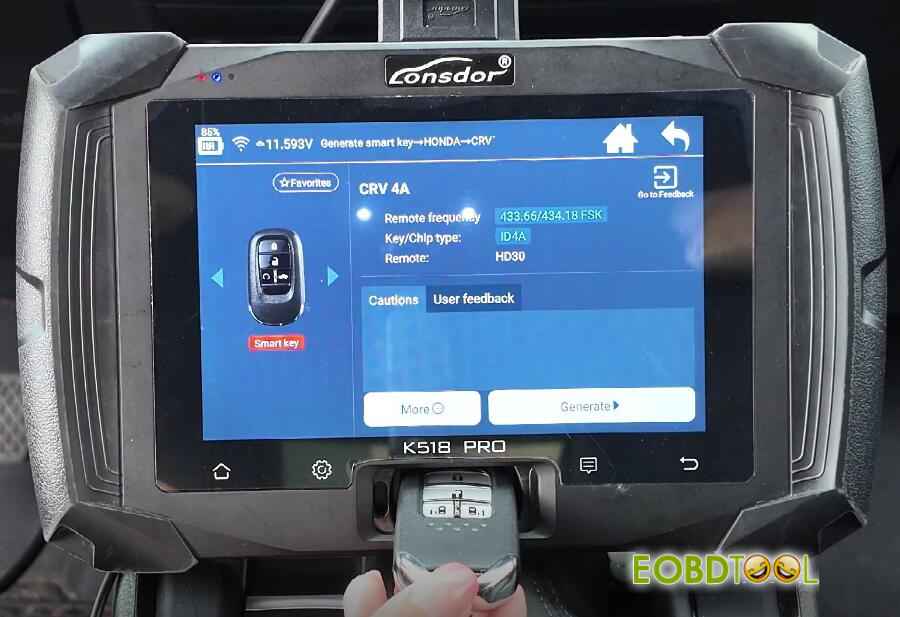
Navigate to: Generate Smart Key-> HONDA-> CRV-> 4A
Place the new smart key into the device’s card slot.
Initiate the process by clicking “Generate”.
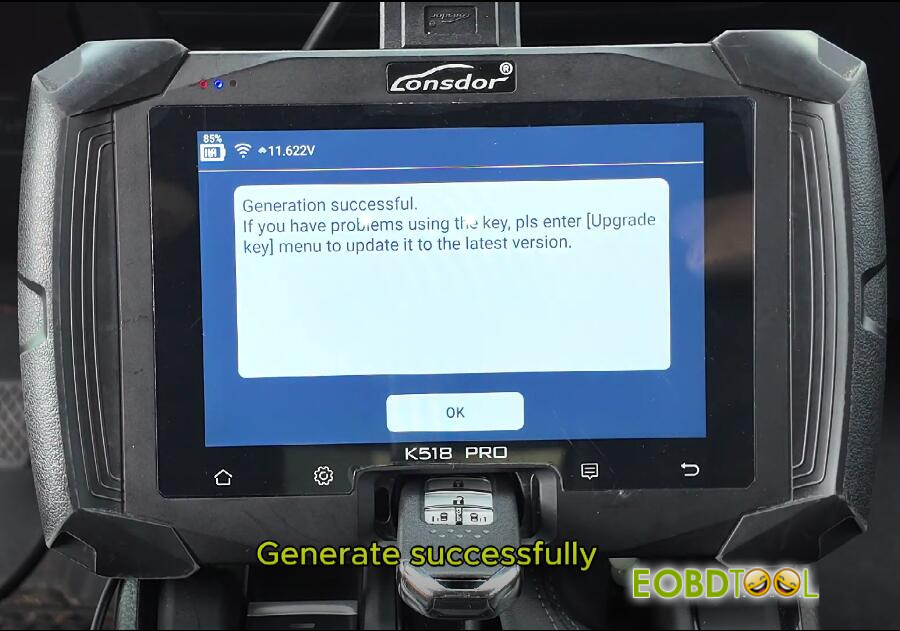
Confirm a “Generate successfully” message appears, then return to the main menu.
Step 2: IMMO & Remote Programming
Select: IMMO & Remote-> Honda-> Select from vehicle-> Asia-> CR-V-> 2023-> Smart key-> PUSH button-> All Smart Keys Lost
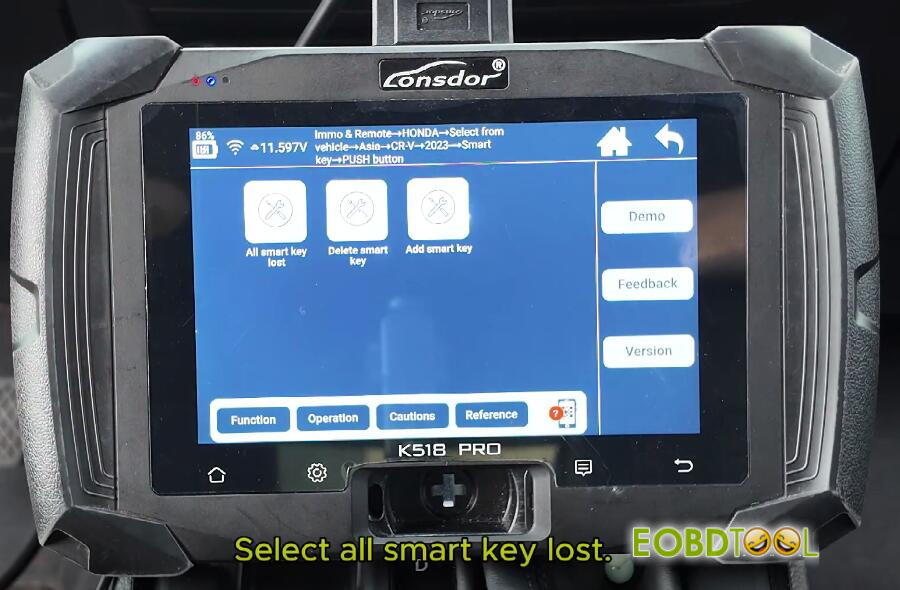
Follow the on-screen prompts to operate
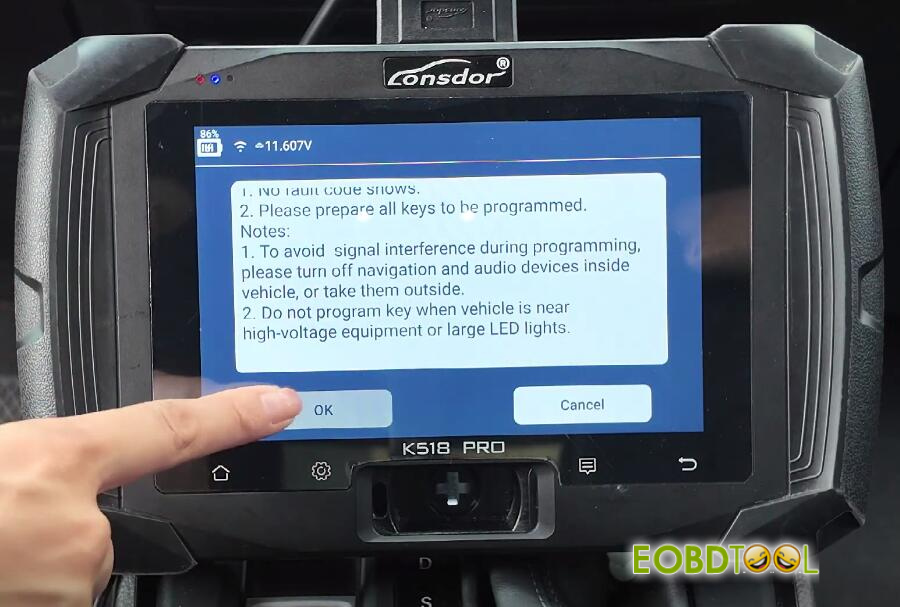
When instructed, ensure the ignition is OFF and click “OK”.
Place the new smart key inside the vehicle cabin. Remove all other keys to a distance greater than 5 meters.
Click “OK”. Attempt to start the vehicle by pressing the start button twice.
Note:
In an “all keys lost” state, the ignition should not activate. Click “Cancel” when it fails.
Long-press and hold the start button until the ignition powers ON, then click “OK”.
Enter “1” for the number of keys to program and confirm.
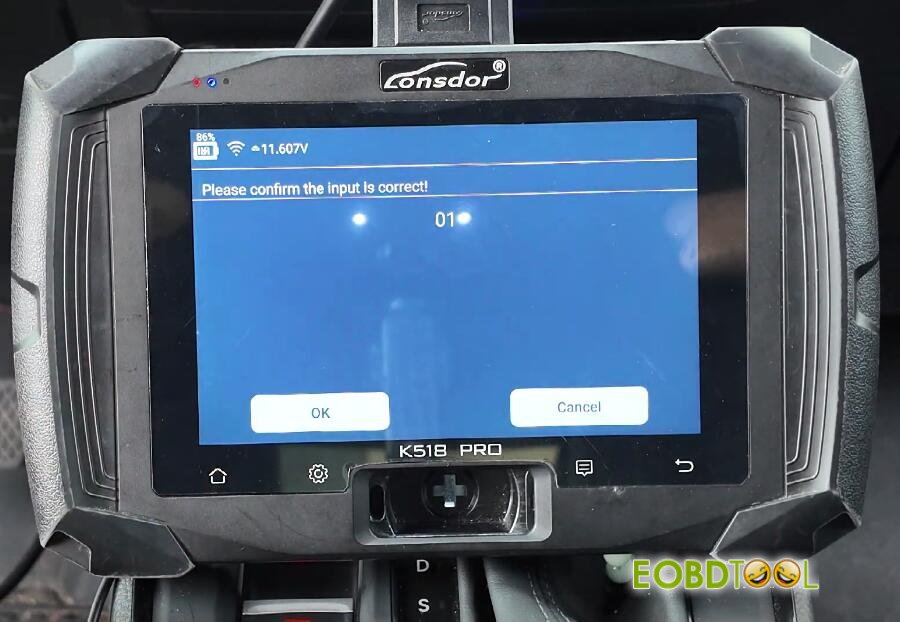
Follow the precise timing prompts:
Turn the ignition OFF within 15 seconds.
Turn the ignition ON within 15 seconds.
Observe the security light until it goes out, then click “OK”.
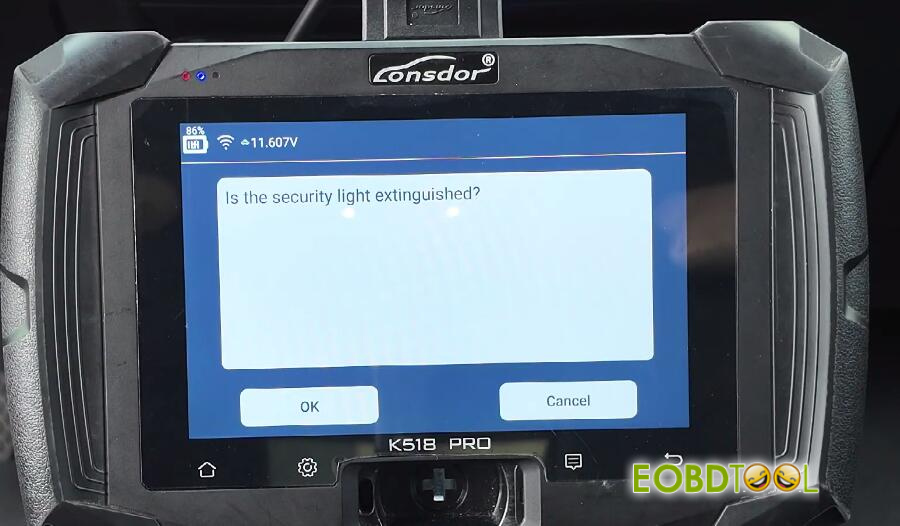
Repeat the 15-second OFF/ON cycle once more.
The tool will confirm “The number of programmed keys is one. Programming completed.”
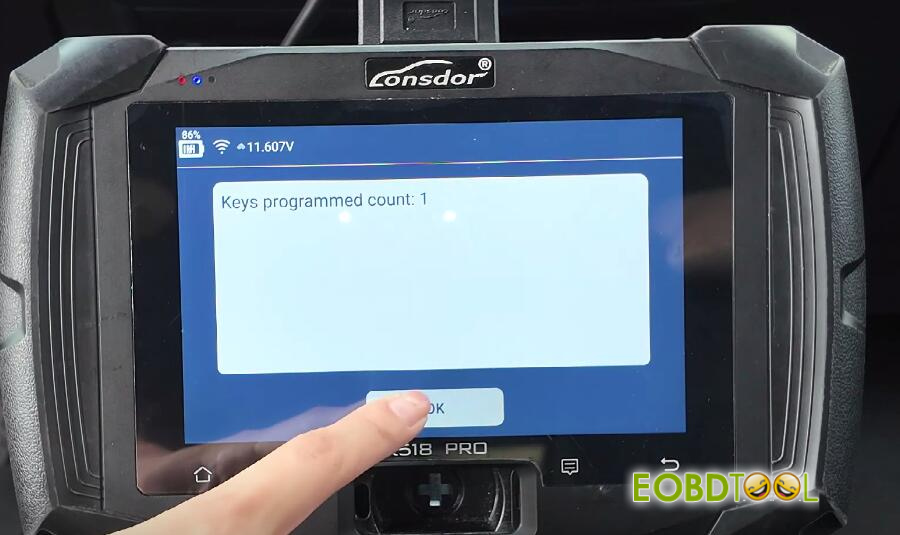
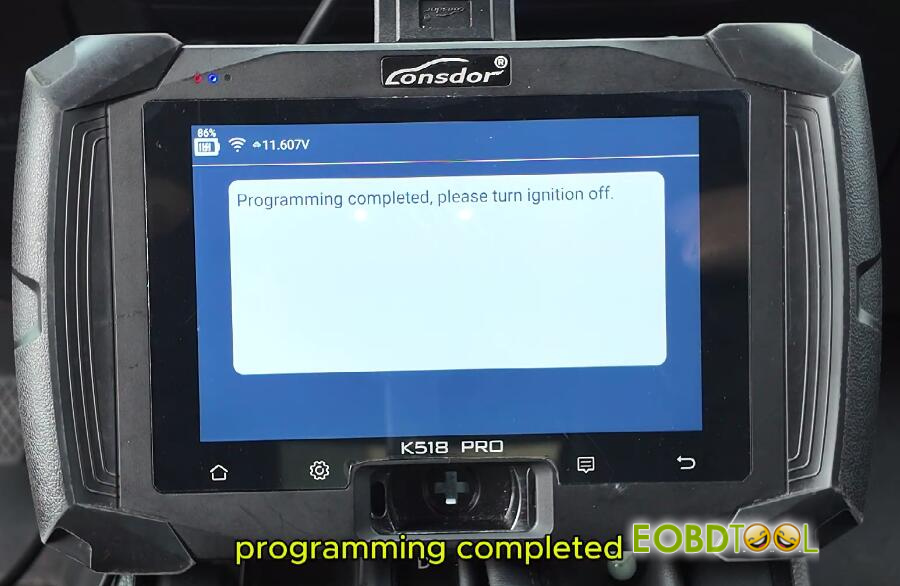
Verification & Testing
Turn the ignition OFF and back ON as prompted.
Test the key’s primary function: Press the brake pedal and press the start button. The engine should start successfully.
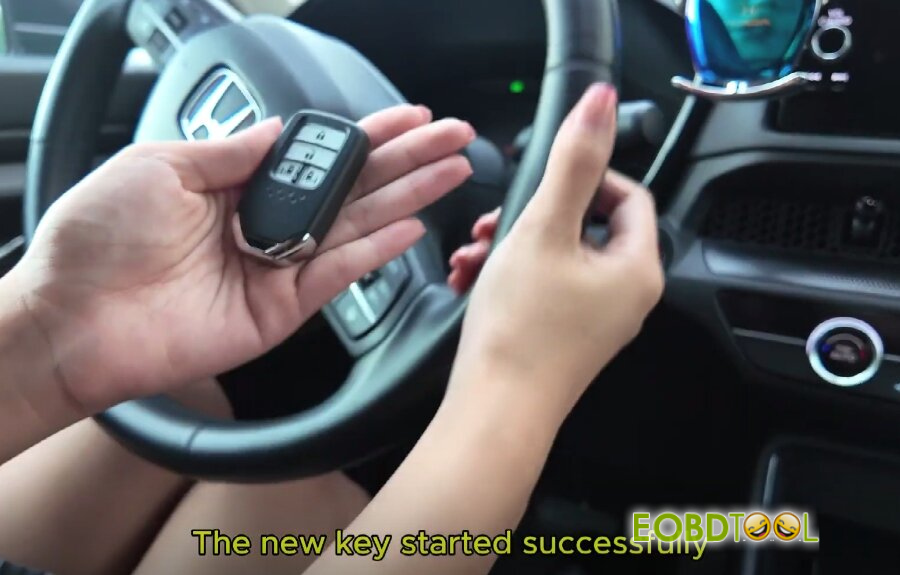
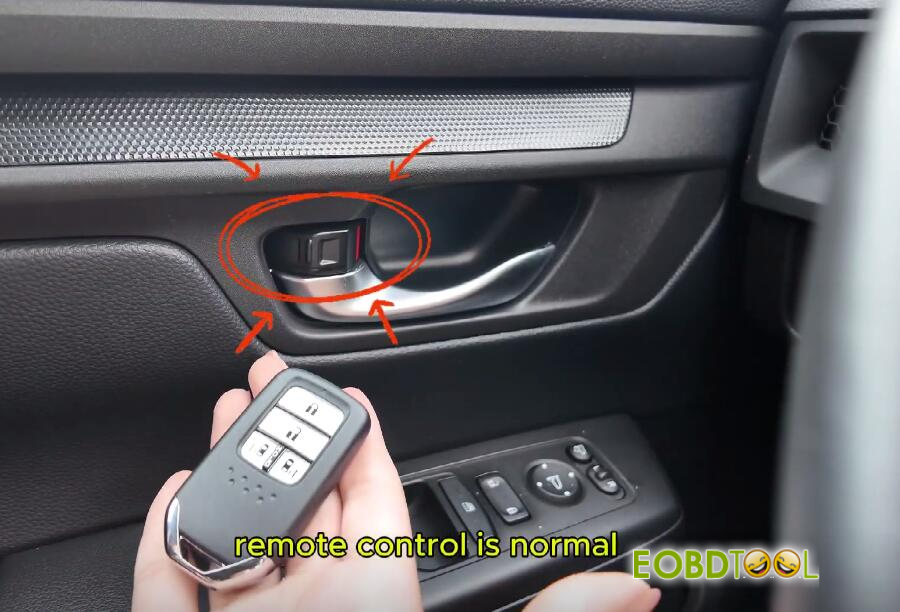
Test the remote functions: Lock and unlock the vehicle from outside to confirm normal remote operation.
Conclusion:
2024 Honda CRV smart key has been successfully programmed by Lonsdor K518 PRO key programmer.







