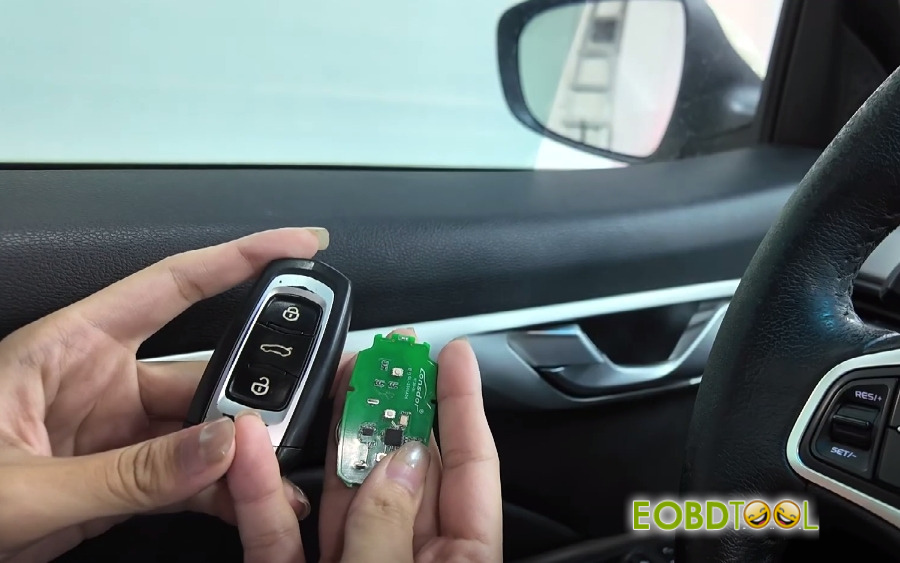
Lonsdor Tech has officially released a new IMMO software update for K518 Pro and other K518 series key programmers on April 15, 2026. This update introduces support for additional Geely, Baojun, and Roewe models, significantly expanding the device’s capabilities for smart key and all keys lost programming.
Newly Added IMMO Models- Geely Baojun Roewe:
1.Geely (AKL Without PIN Code)
- GEELY Geometry (2021-2022) EX3 PEPS
- GEELY Panda mini (2023-2026) PEPS
- GEELY Cowboy (2024-2026) PEPS
- GEELY Binrui COOL (2022-2026) PEPS
- GEELY Okavango L (2022-2026) PEPS
- GEELY Caocao 60 (2024-2026) PEPS
- GEELY Vision X6 (2019-2021) UAES PEPS
- GEELY Binrui (2018-2026) PEPS
- GEELY Icon (2019-) BCM
2.Roewe (AKL with Third-party code)
- ROEWE E550 (2014-2016) Smart Key
- ROEWE MARVEL R (2020-2021) Smart Key
- ROEWE New 550 (2014-2018) Mechanical
3.Baojun (AKL Without PIN Code)
BAOJUN E200 (2018-) Smart key
BAOJUN CloudEV (2023-) Immobilize
BAOJUN Yep (2023-) Immobilizer
NewBaojun RC-6 Cross (2019-) Smart key
NewBaojun KIWI (2021-) Smart key
NewBaojun CloudEV (2023-) Smart key
NewBaojun Yep (2023-) Smart key
NewBaojun E300 PLUS LV1 (2021-) Immobilizer
NewBaojun YunHai (2024-) Smart key
NewBaojun Xiang Jing (2023-) Smart key
For example:
Program Geely smart key and all keys lost by Lonsdor K518 PRO
1.Program 2018 Geely Emgrand GS AKL without PIN Code OK
Prepare K518 Pro device, 2 smart keys and OBD cable
- Step 1 – Generate smart keys
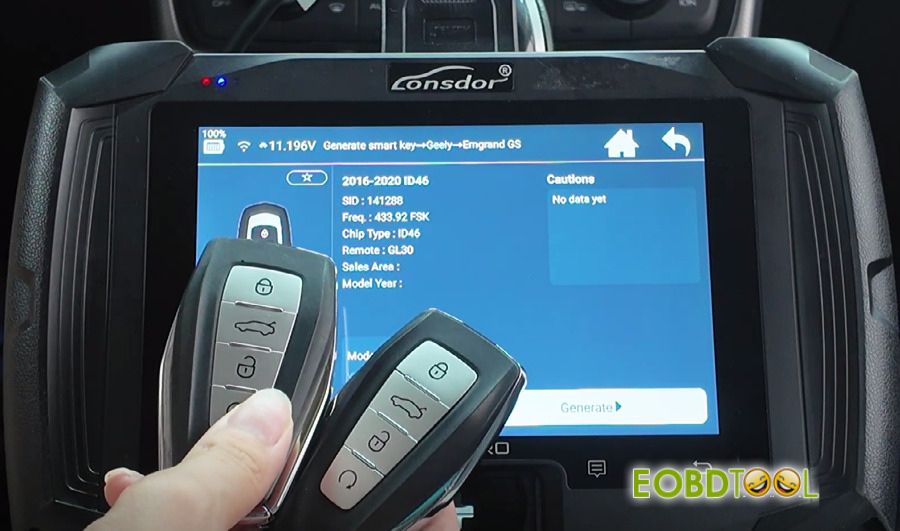
Go to Generate Smart Key → Geely → Emgrand GS → 2016-2020 ID46
Put the two keys into the card slot one by one to generate
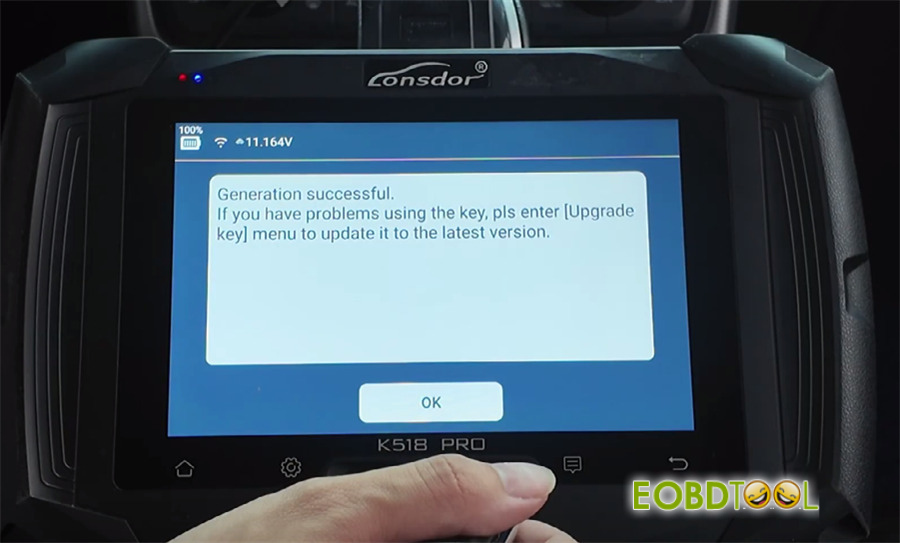
✅ First key generated
✅ Second key generated
- Step 2 – Program immobilizer & remote
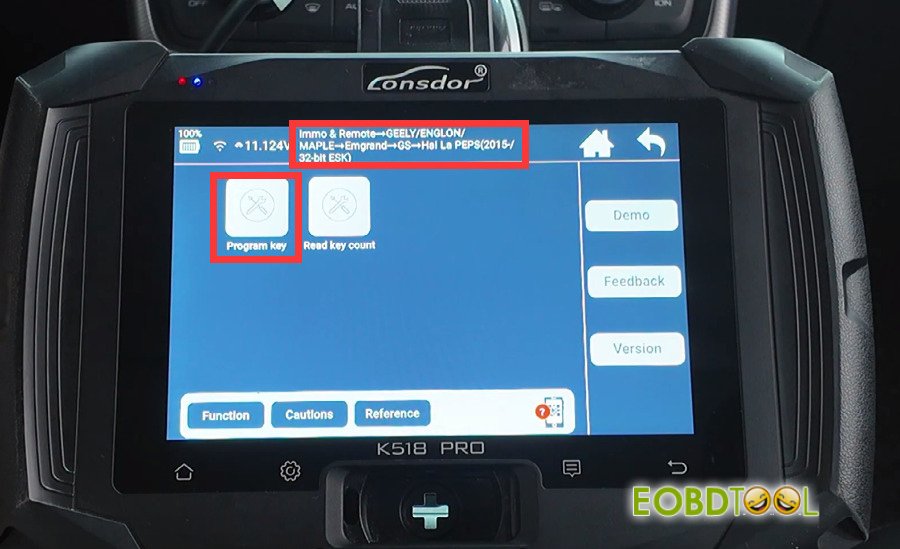
Select Immo & Remote → GEELY/ENGLON/MAPLE → Emgrand → GS → Hai La PEPS (2015- /32- bit ESK) → Program Key
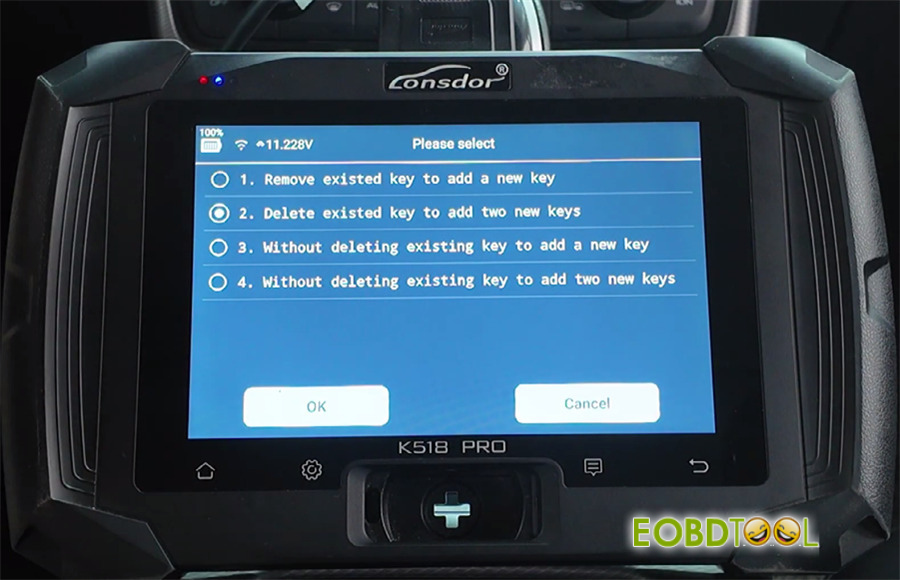
Since all keys are lost, pick the second menu “Delete existed key to add two new keys”
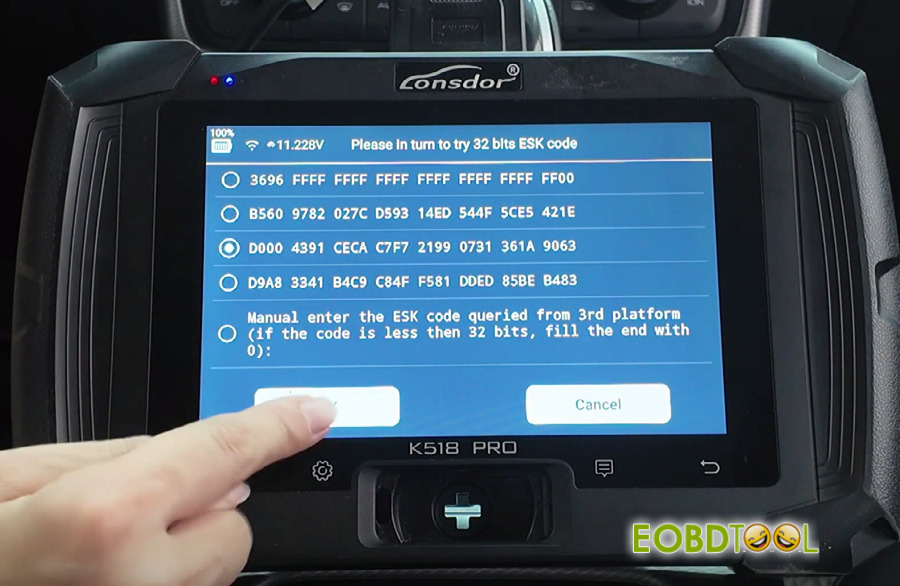
Then choose the third set of 32 bits ESK codes.
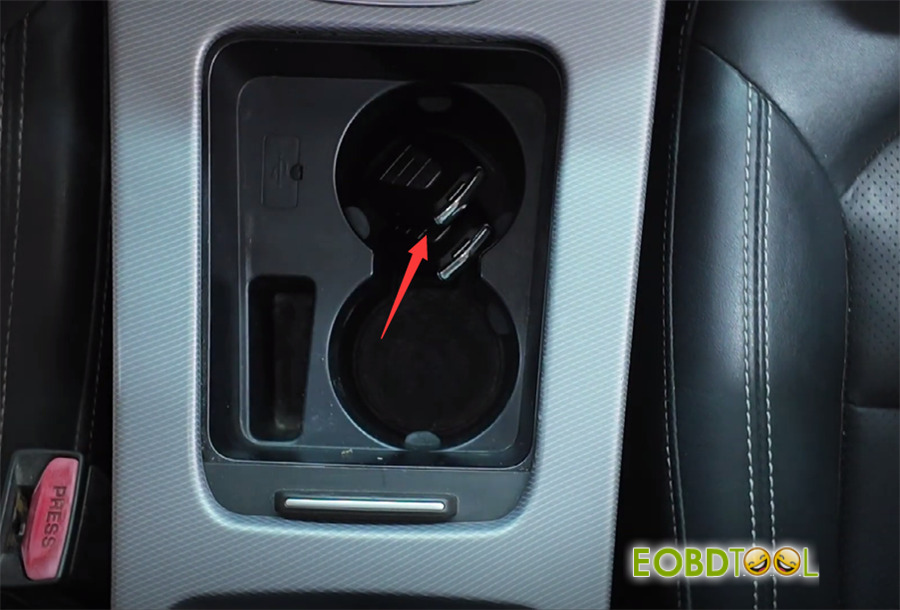
Now here’s the trick: place both keys in the first cup holder at the same time.
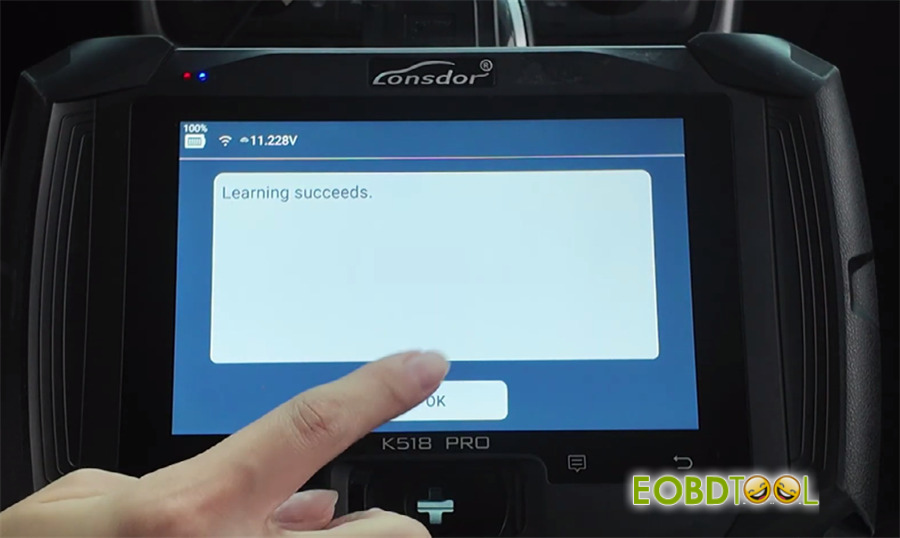
Click OK – you’ll see “Learning now” and then “Learning succeeds”
Double-check
Read the number of keys programmed – should be good to go.
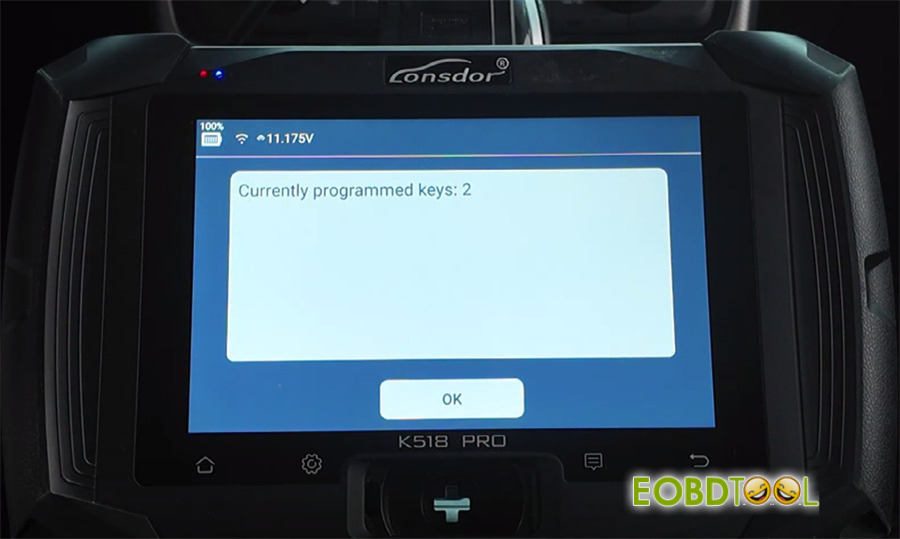
Test time!
- Start the car:
Put one key inside, take the other outside. Hit brake + start button.
First key starts the car perfectly.
Second key? Same thing – starts right up.
- Remote control:
First key locks & unlocks ✅
Second key locks & unlocks ✅
Both keys work like a charm! All keys lost done and dusted.
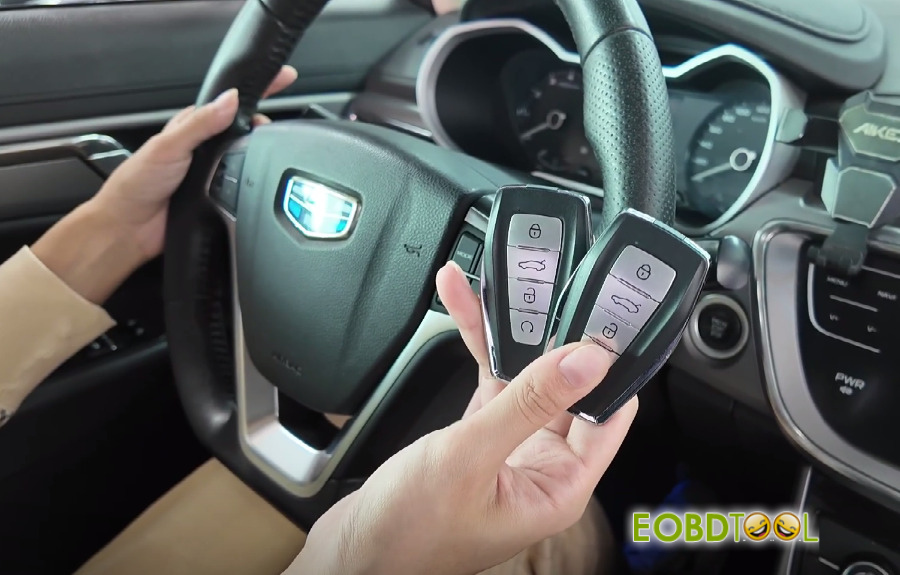
2.Add 2018 Geely New Vision Smart Key OK
Prepare K518 Pro key programmer, OBD cable, original car key and new Lonsdor smart key
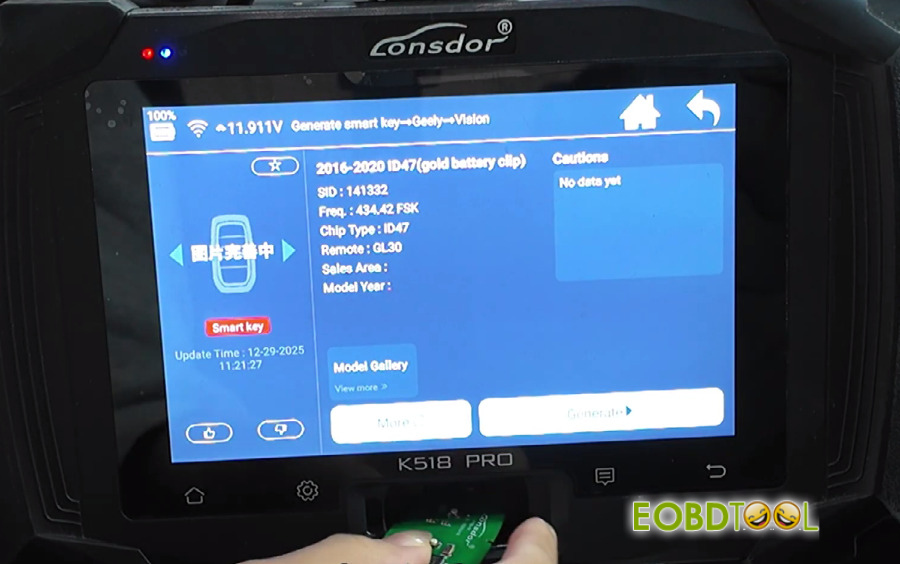
- Step 1 – Generate the smart key
Go to Generate Smart Key → Geely → Vision → 2016–2020 (gold battery clip).
Put the new key in the sensing area, hit Generation, done!
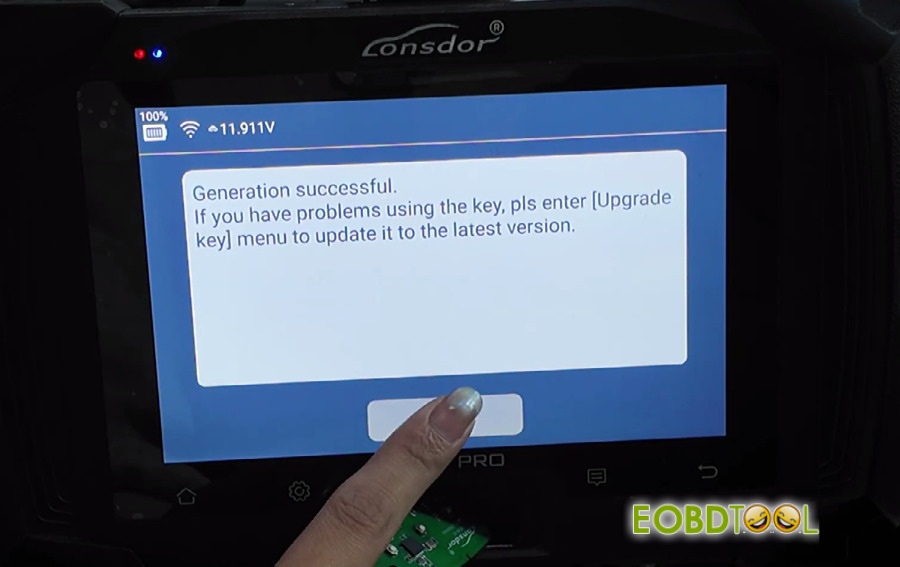
- Step 2 – Program immobilizer & remote
Select Immo & Remote → Geely → Geely → New Vision → Waste Path → Program Key.
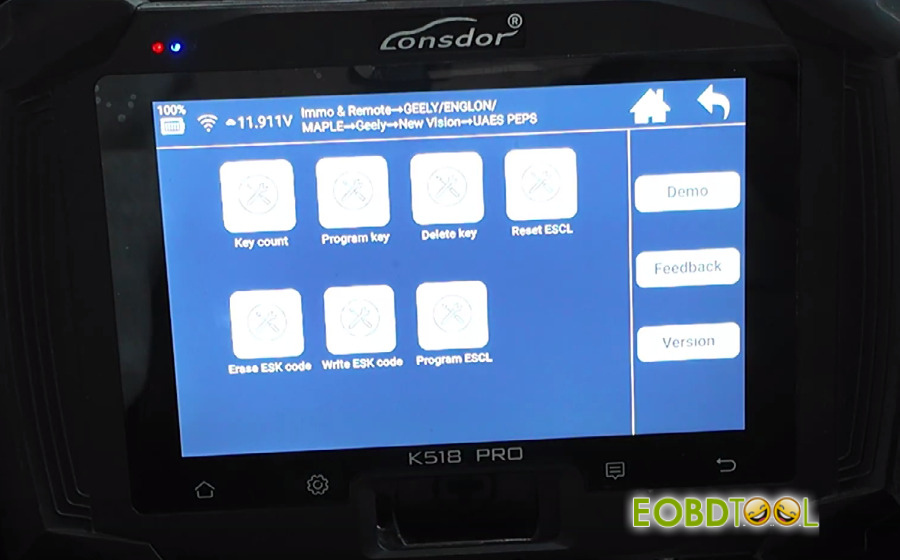
Heads up: this will erase all existing smart keys. You’ll have to reprogram every key you want to use, up to 2 keys max.
Click OK, pick the fourth 32bits ESK code
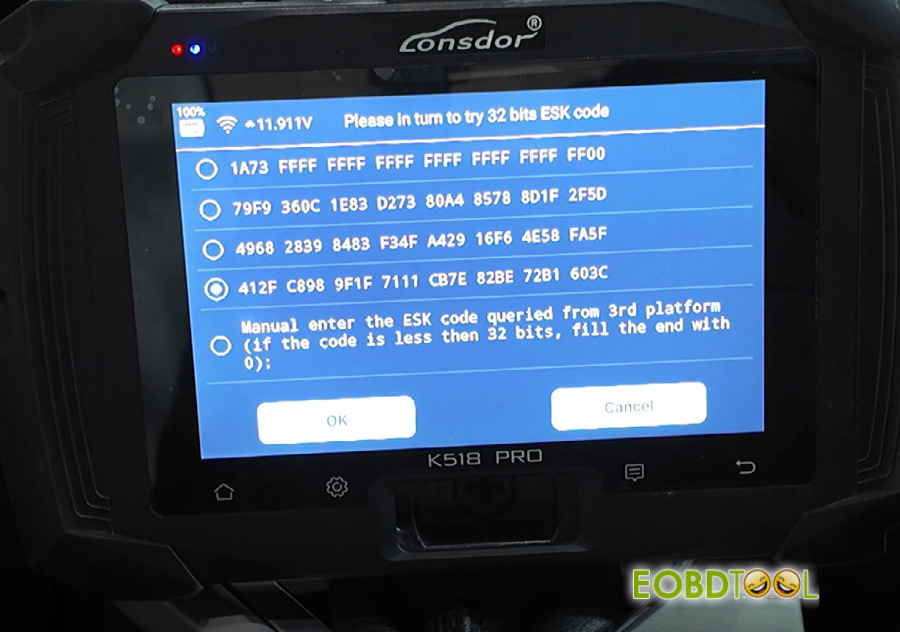
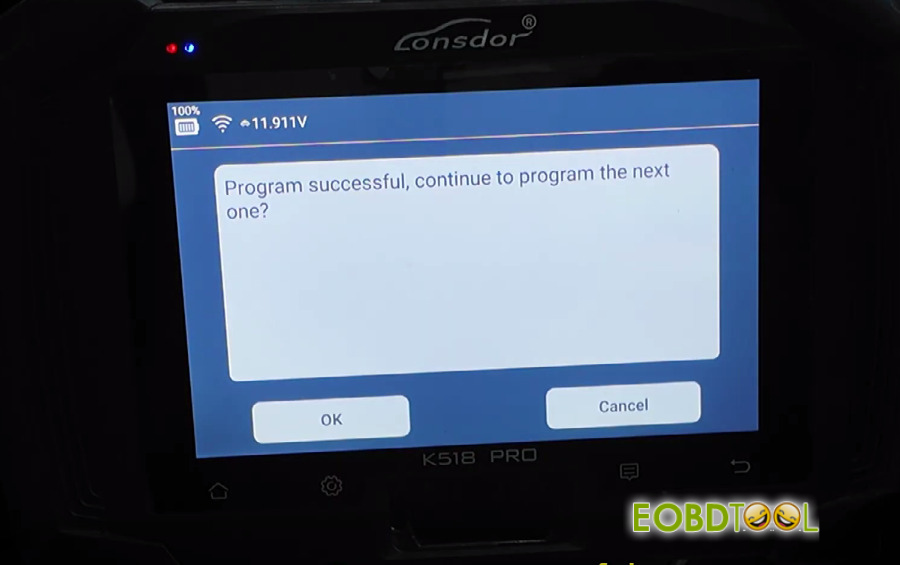
Put the first key in the sensing area → click OK → success!
Click OK again → put the second key in → click OK → all done.
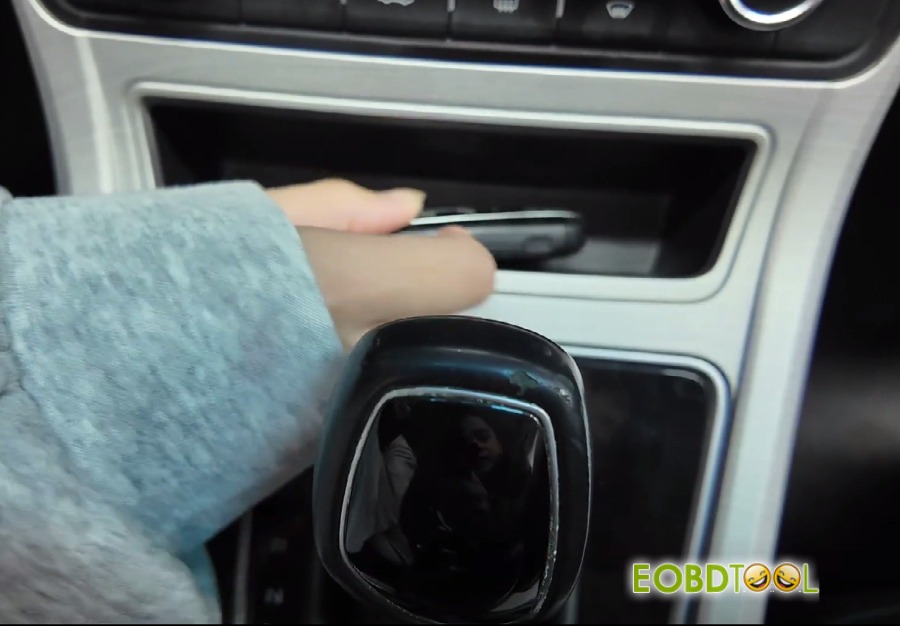
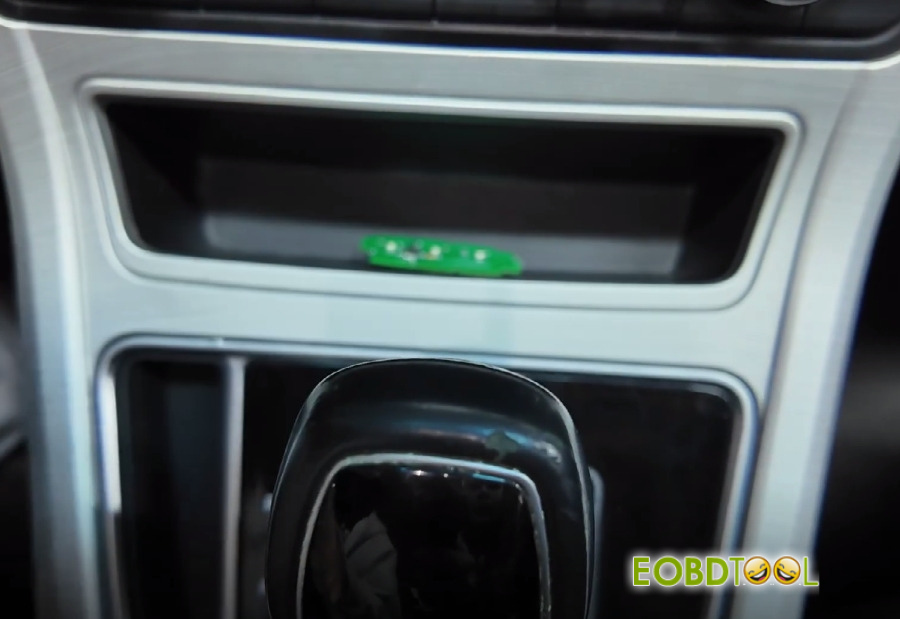
- Final step- test keys
New key – hit brake + start button → starts right up.
Original key – same thing → starts perfectly.
Remote check:
Original key: lock ✅ unlock ✅
New key: lock ✅ unlock ✅
Everything works great! Programming is successful.