







If you are looking for the official PC software download and installation guide for the new Launch X431 X-Prog5 (also known as Prog5 or X431 G5), this comprehensive guide covers everything you need to know.
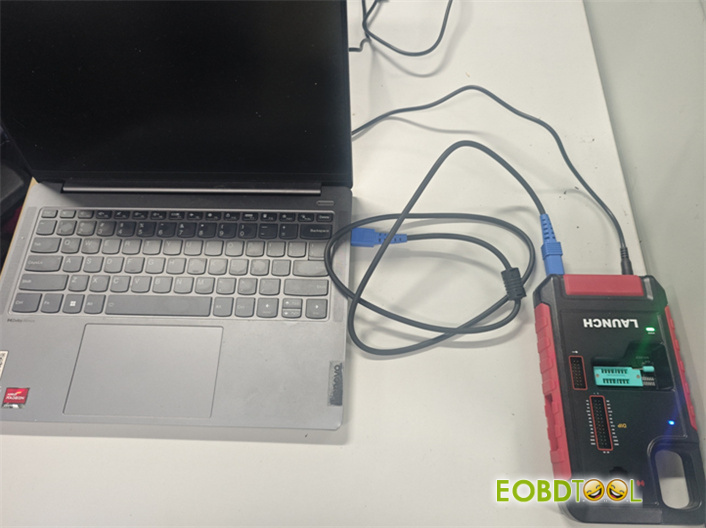
Unlike its predecessor, the new Prog5 features a standalone mode that operates directly on a PC without requiring an external PC converter.
Key Specifications & Download Details
| Parameter | Specification |
| Primary Function | Read, write, and clone ECU & gearbox TCU via Bench and Boot modes. |
| OS Compatibility | Windows 8, Windows 10 (64-bit recommended) |
| Subscription | Includes 1-Year Free Software Updates (Renewal required after expiration). |
| Supported Languages | English, German, Russian, Japanese, French, Portuguese, Korean, Italian, Spanish, Arabic. |
CRITICAL NOTE ON LANGUAGE SELECTION:
Launch G5 software does not allow language switching after installation. You must select and download the specific language-specific installation package that matches your preference before running the setup.
Step-by-Step Launch G5 PC Software Installation
- Download and Run Setup:Download the official package and run ECU_Clone PC.setup.
Free download Launch Prog5 PC software
- Follow the on-screen prompts until the installation is complete.
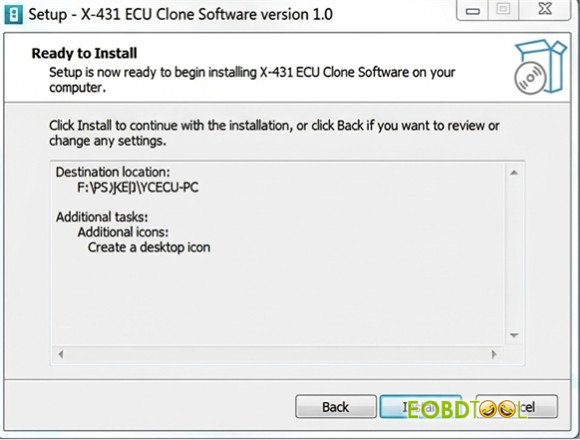
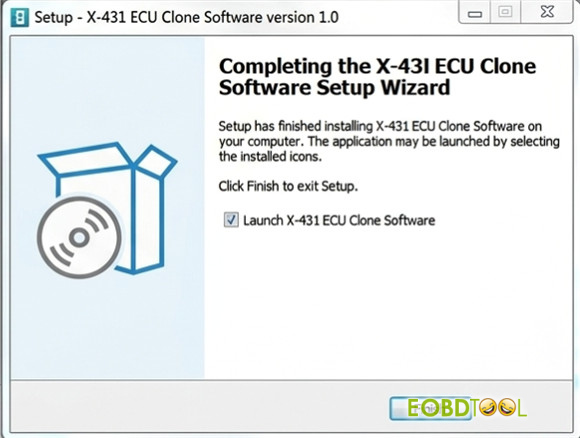
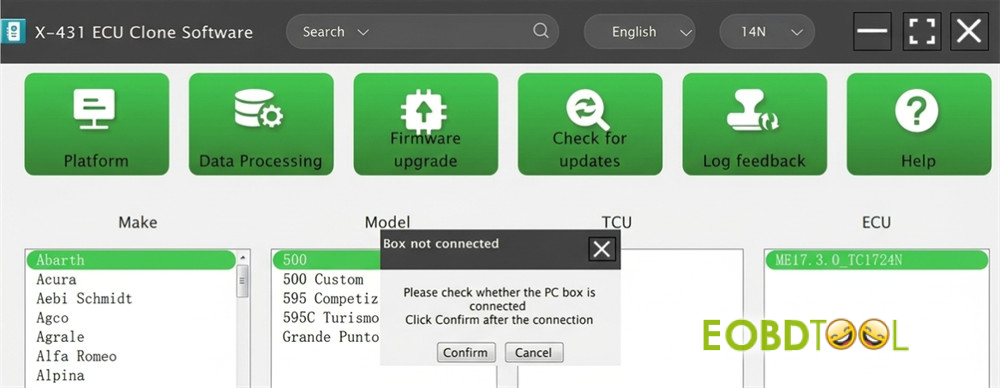
- Connect the Hardware:Connect your Launch G5 programmer to your PC via the USB cable.
- Update Firmware & Software:Open the software and immediately check for any available software and firmware updates to ensure optimal performance.
Launch X-Prog5 PC Software vs. X-Prog3 PC Software
Why upgrade to X-Prog5? The PC software for Prog5 offers significantly broader ECU and TCU cloning coverage compared to X431 X-Prog3:
- Advanced Cloning Support:Adds VAG Simos 18 series cloning, Mercedes-Benz DSM FBS4, and VGS4 NAG2 / VGS3 BAG3 FBS4 cloning.
- Expanded BMW Support:Includes more BMW ISN reading types.
- New Features:Introduces built-in ECU checksum correction functions for safer programming.







