







When servicing a 2016 Lincoln MKX with no working keys, active vehicle alarm security can disrupt standard OBD communication. Using Lonsdor Ford AKL bypass cable and K518 Pro bypasses active alarm interference to perform key generation, system reset, and transponder adaptation cleanly.
Required Equipment
- Lonsdor K518 PRO Full Version(K518 Pro FCV or other K518 series)
- Lonsdor Ford AKL Alarm Bypass Cable
- At least two (2) unprogrammed Lincoln smart keys (868.5 MHz)
Step 1: Pre-Program Smart Key Transponders
Power on K518 Pro and navigate to Generate smart key.
Select LINCOLN > MKX > 2009-2016 ID49 868.
Place the first blank smart key into the device key slot.
Press Generate to complete the process
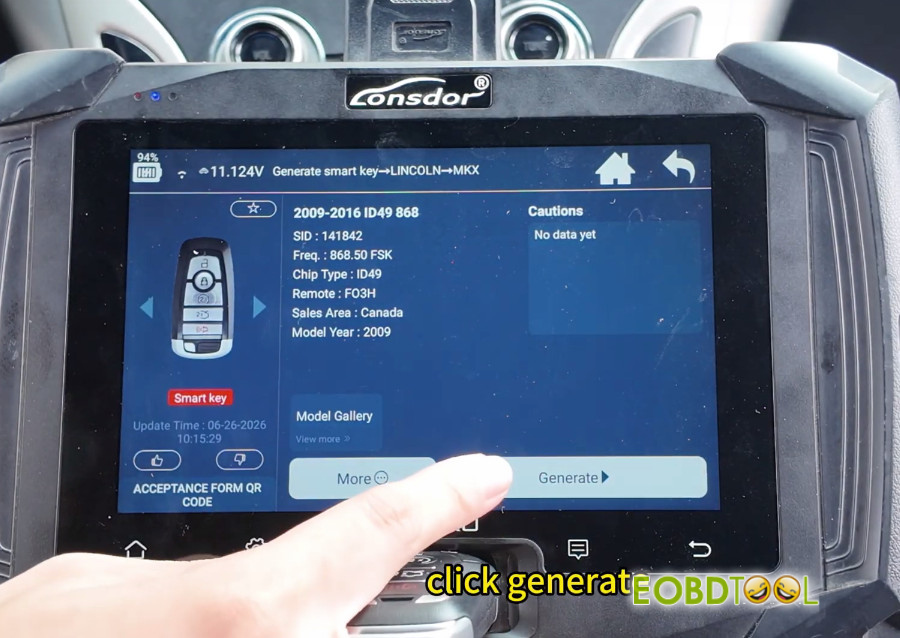
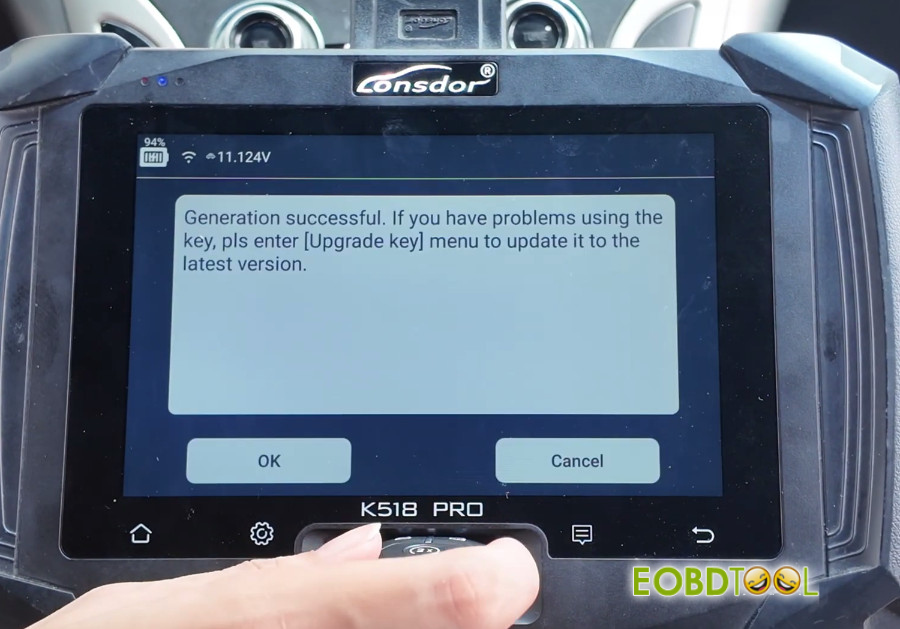
Step 2: Connection and Battery Isolation
Select Immo & Remote > LINCOLN > MKX > 2016–2017 > Smart Key > All smart key lost.
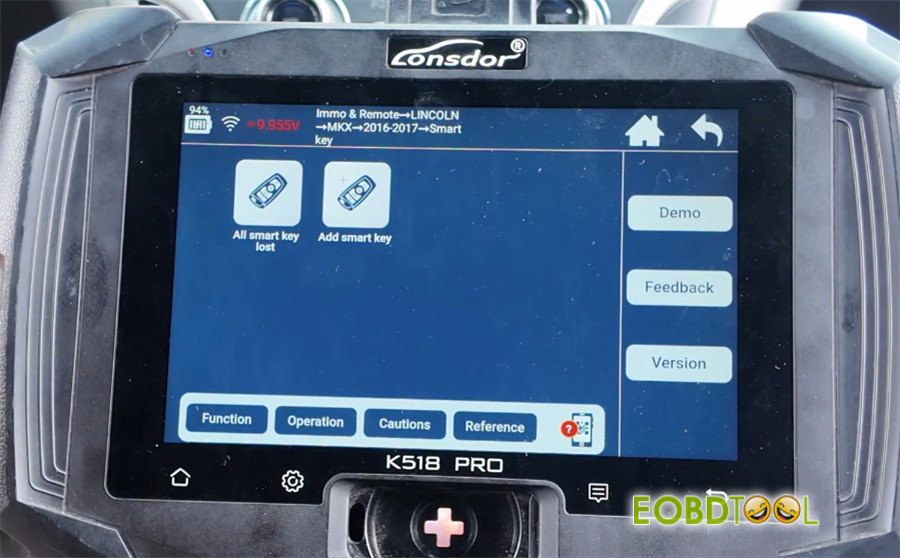
Note that at least 2 smart keys are required.
Turn off the ignition. Open and close the driver’s door once to reset system status.
When prompted by the active vehicle alarm, connect Ford AKL alarm cable according to the wiring diagram.
Connect K518 Pro key programmer to the vehicle OBD-II port.
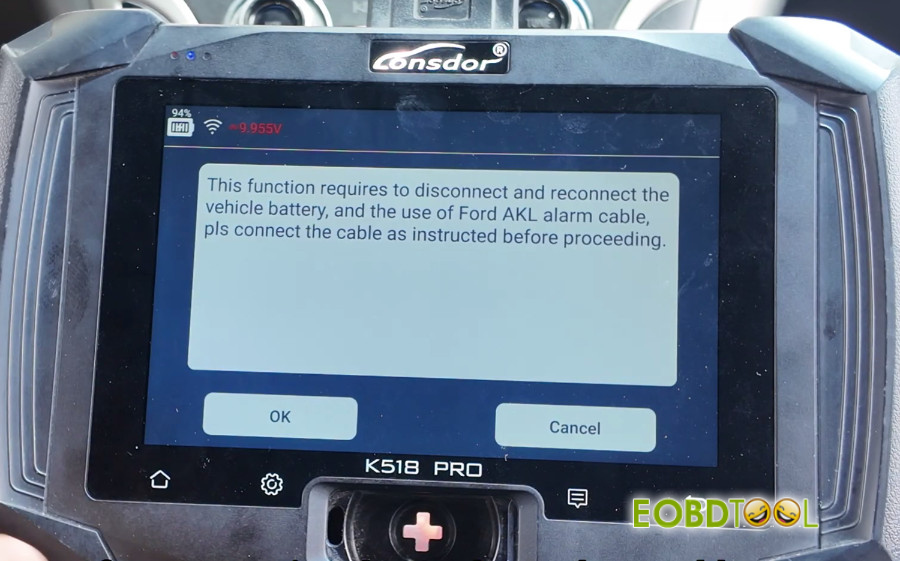
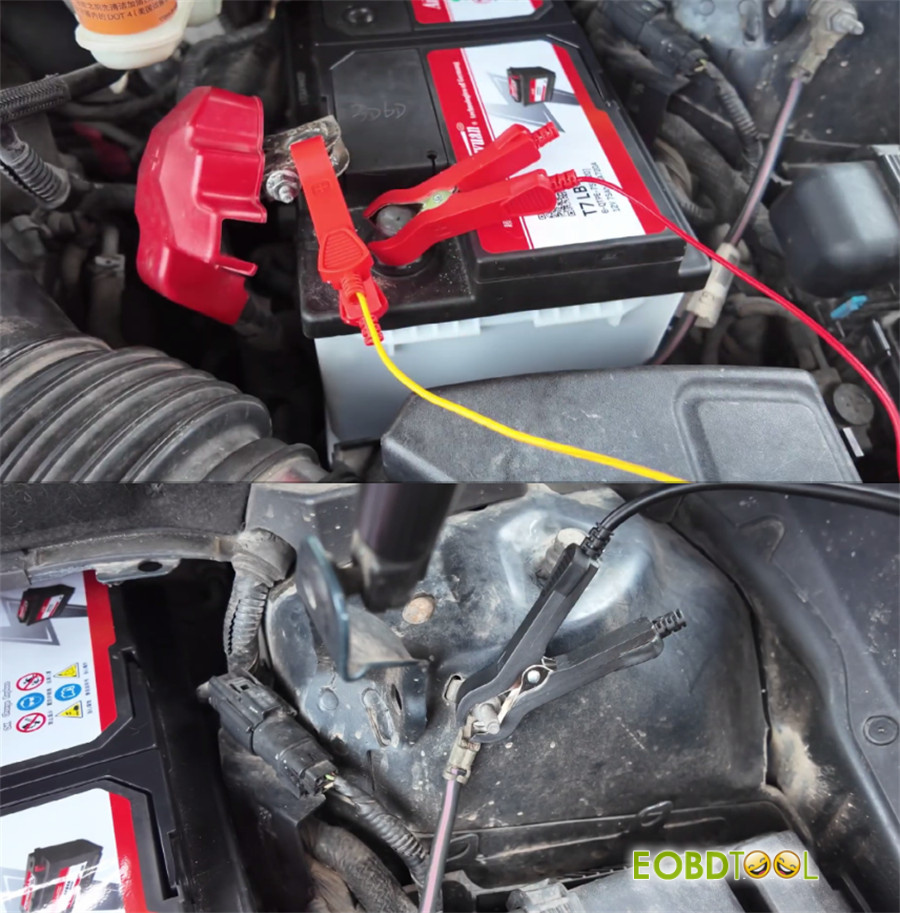
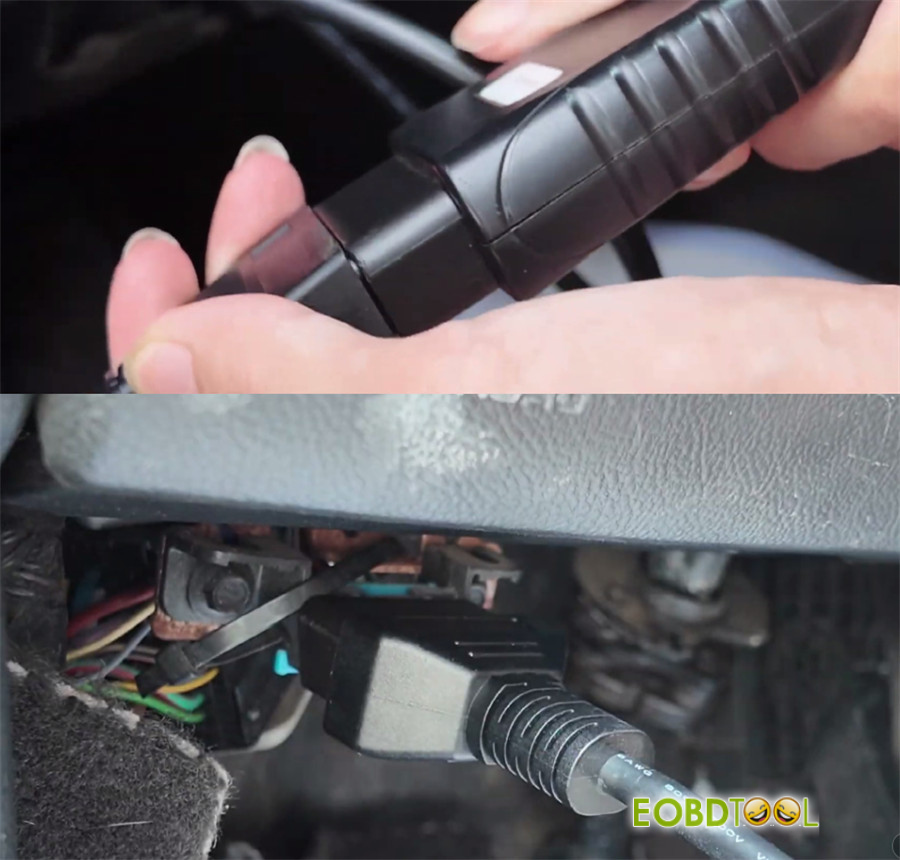
Disconnect the vehicle battery negative terminal, wait for confirmation, then reconnect the battery.
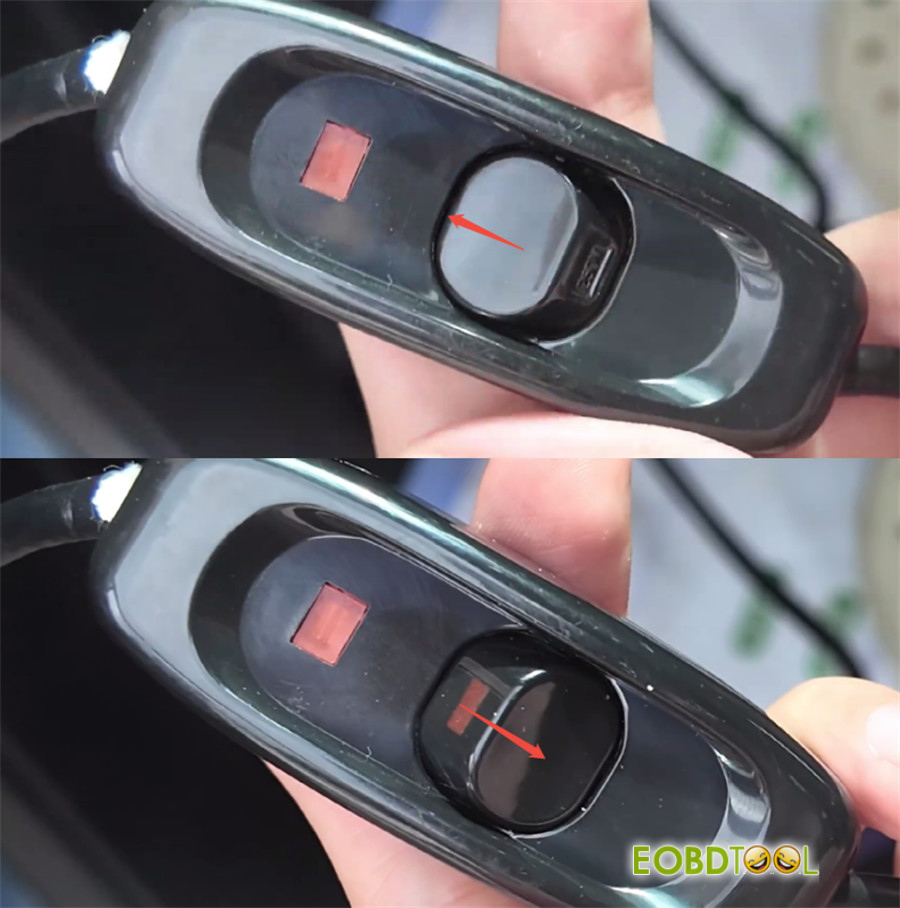
The programmer will read and back up the security data.
Once data reading finishes, restore the factory wiring harness to its original configuration.
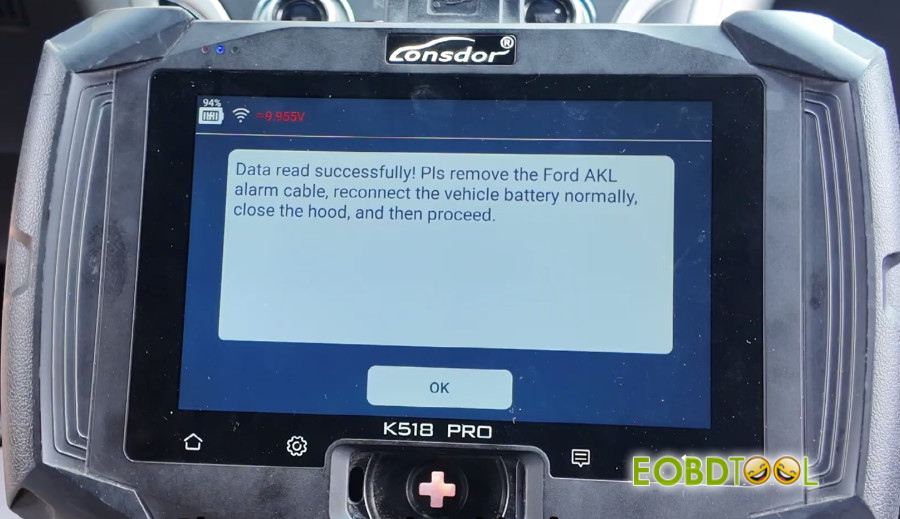
Step 3: Key Adaptation Procedure
Confirm harness restoration on Lonsdor K518 Pro. The device will initiate a security calculation timer (approximately 10 minutes).
Allow the system timer to clear existing key data from the anti-theft module.
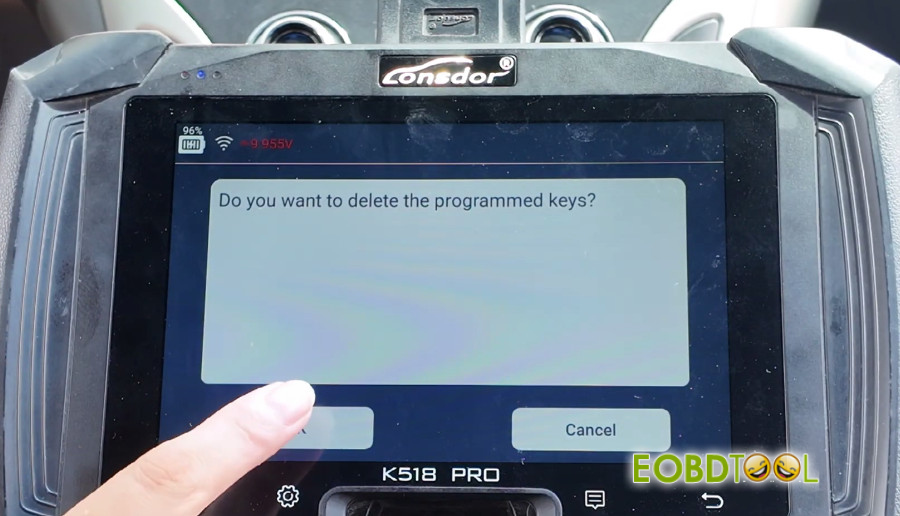
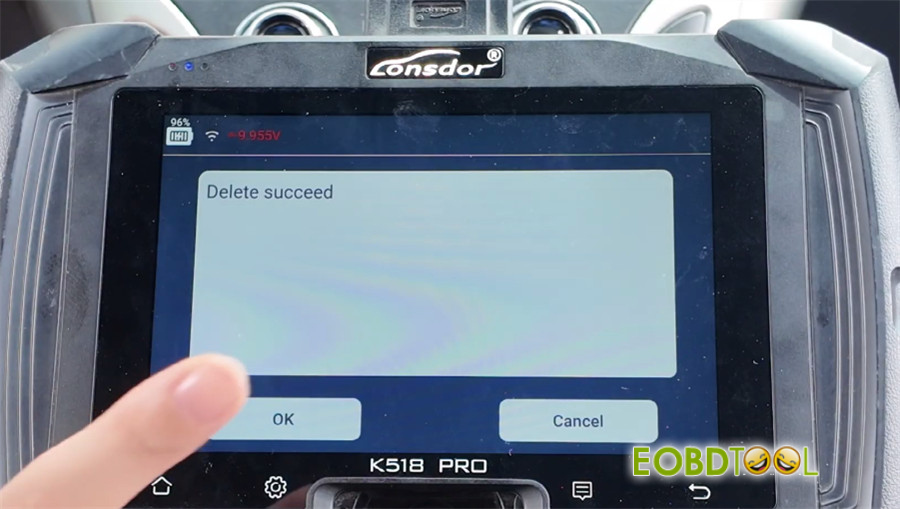
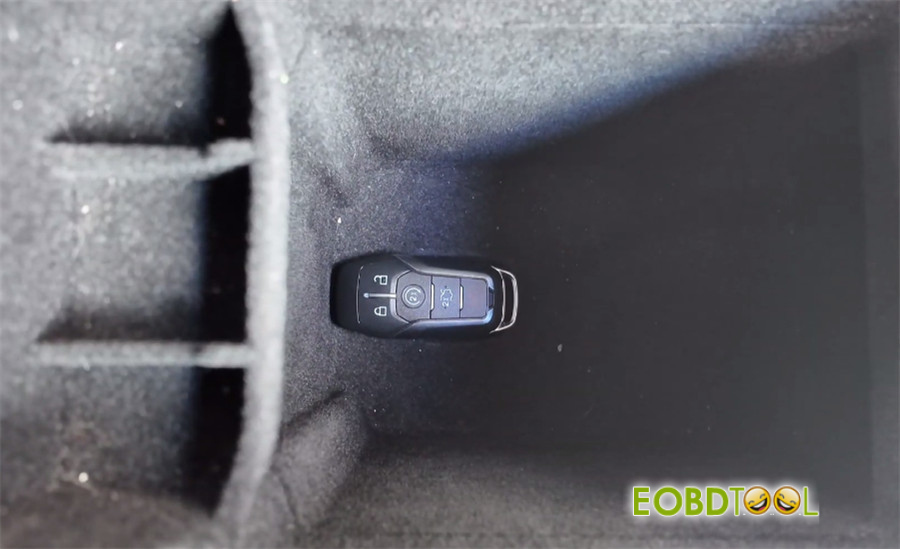
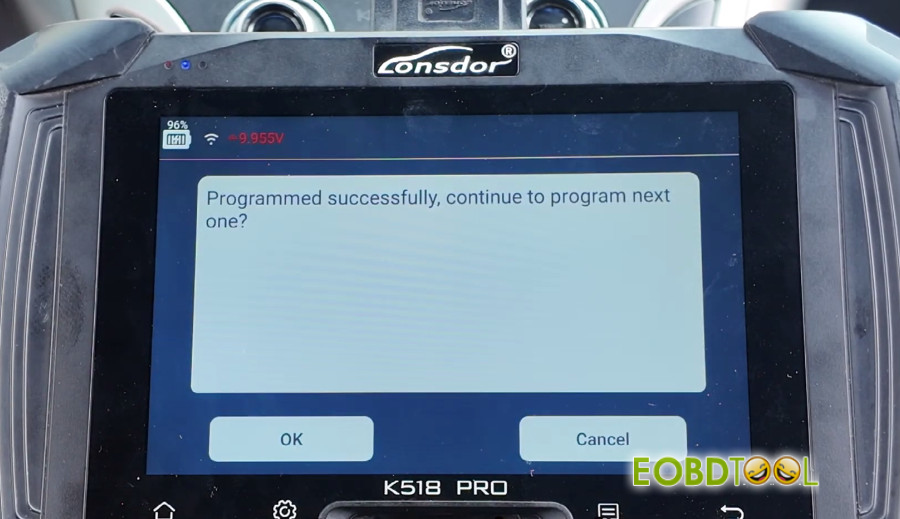
Place Key 1 into the vehicle’s key slot (sensing area). Confirm programming on screen.
Place Key 2 into the key slot. Confirm programming on screen.
Exit key programming once the display confirms two active keys.
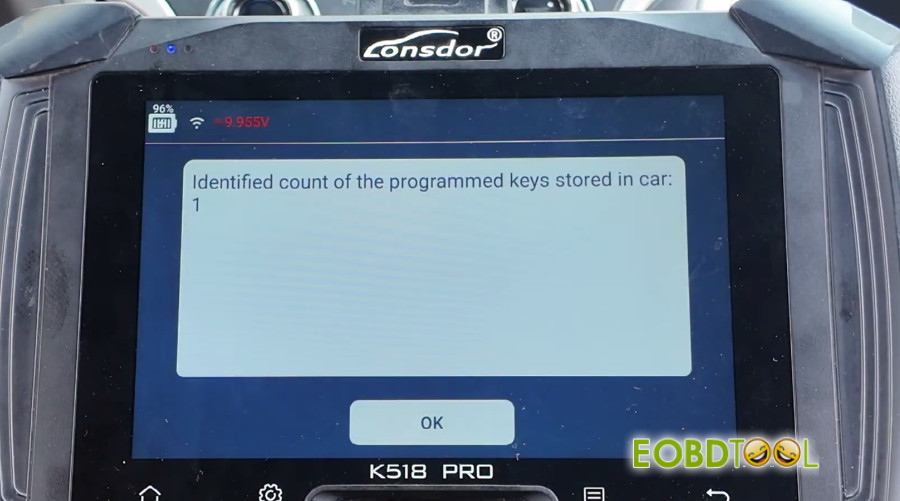
Step 4: System Verification
Place Key 1 in the cabin, depress the brake pedal, and press Engine Start.
Repeat for Key 2 to verify engine start capability.
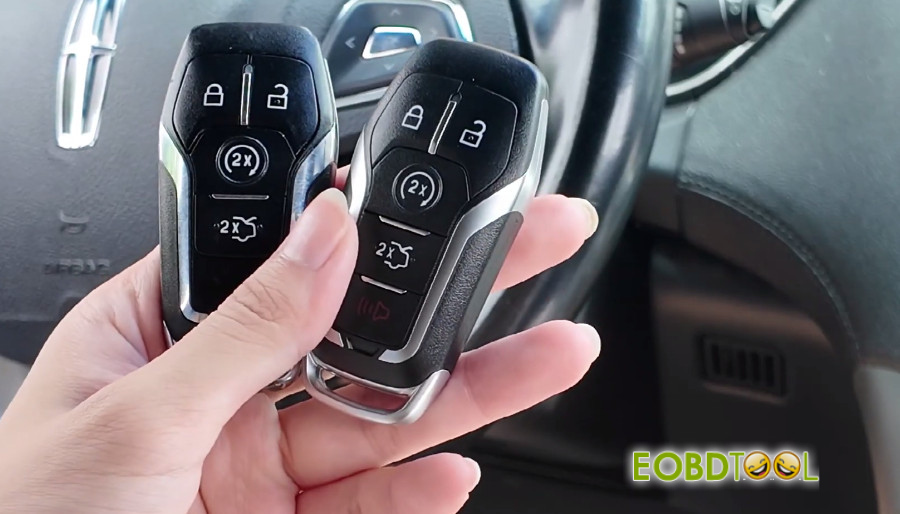
Test Lock, Unlock, and Trunk functions on both remote fobs to ensure full functional synchronization.
Critical Operational Notes
- Battery Stability: Ensure a stable external power supply is connected to the vehicle during the 10-minute security delay.
- Key Quantity: The Ford passive anti-theft system (PATS) requires a minimum of two programmed smart keys to exit programming mode and clear the security lockout.







