






Bypasses gateway protection on 2026 Toyota Land Cruiser models for key addition without dealer intervention. It’s a good choice to use Lonsdor K518 Pro key programmer, FP30 bypass harness, LT21-07 smart key, and active Wi-Fi for online IMMO calculation. Procedure execution takes under 10 minutes.
Requirements
- Lonsdor K518 Pro (Updated Firmware)
- Lonsdor FP-30 Cable
- Lonsdor LT21-07 8A B6 Smart Key
- 2026 Land Cruiser | Middle East Spec | 8A/B6 Chip | 434 MHz
Note: Ensure K518 Pro has a valid yearly subscription.
Standard Operating Procedure
Step 1: Identify Key Info
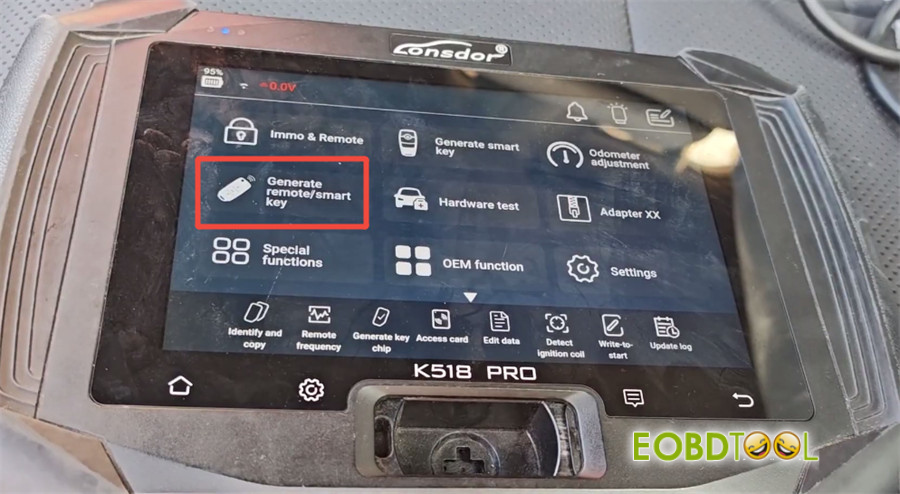
Tap Generate remote/smart key on the main menu
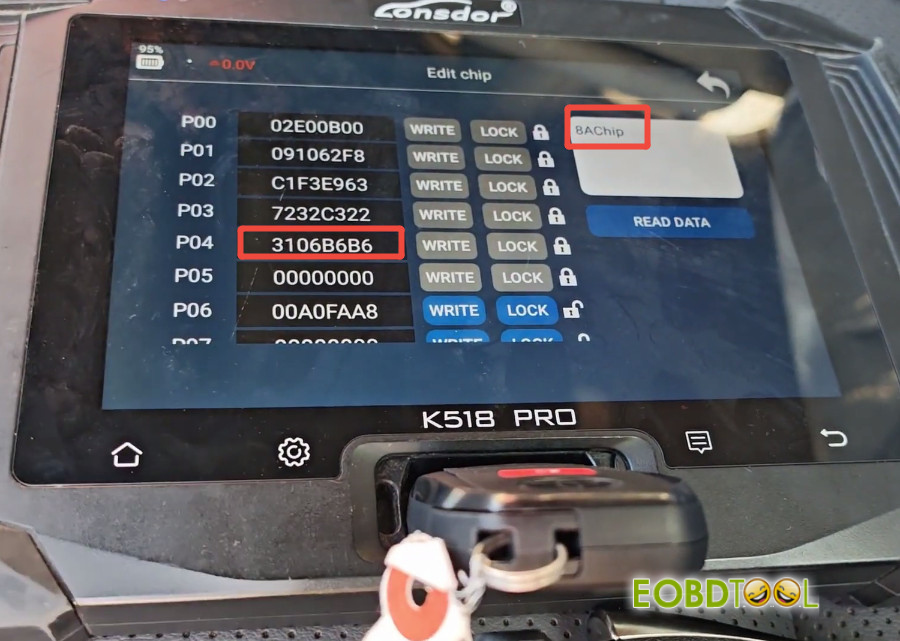
Insert original key into K518 Pro slot, verify the chip type is 8A (B6 subtype)
Step 2: Test frequency
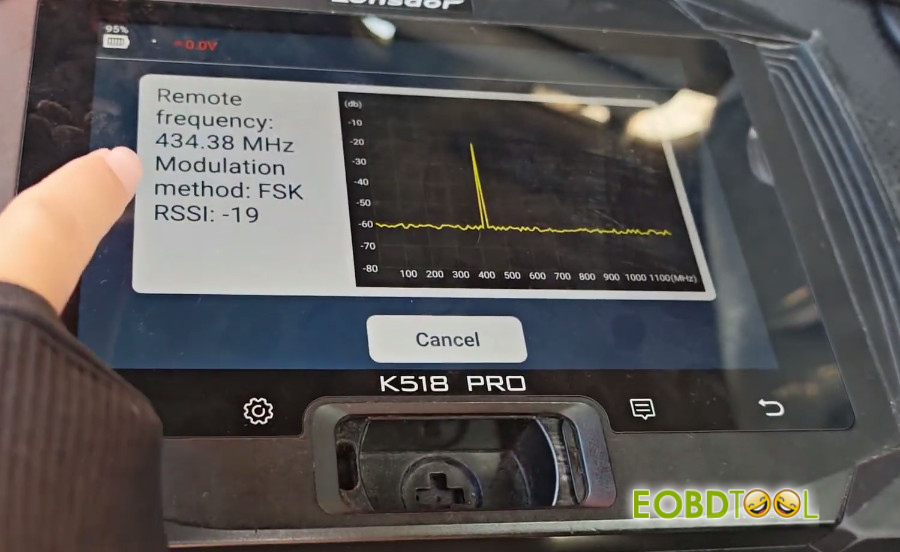
Access “Special functions”, press any key button, and verify RF output reads 434 MHz
Step 3: Generate Remote
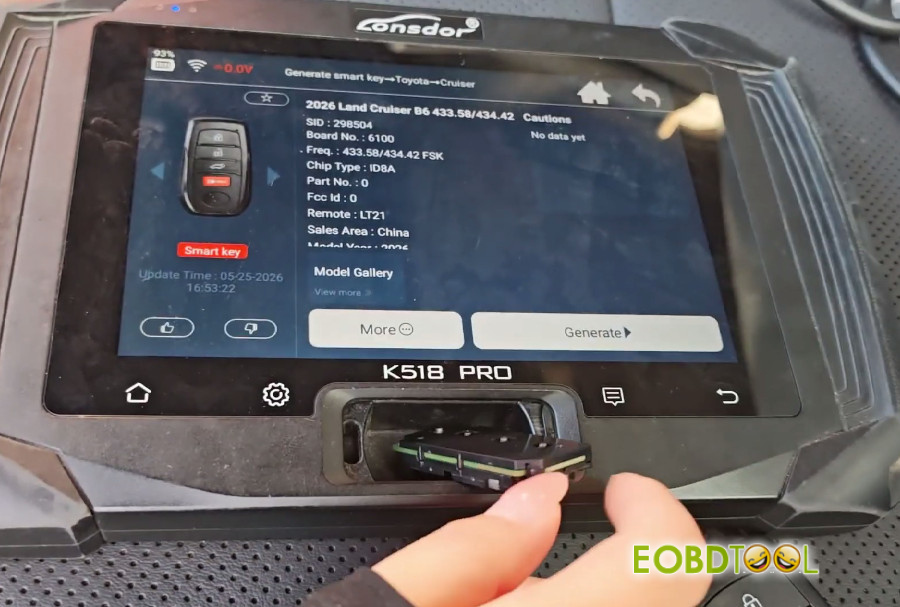
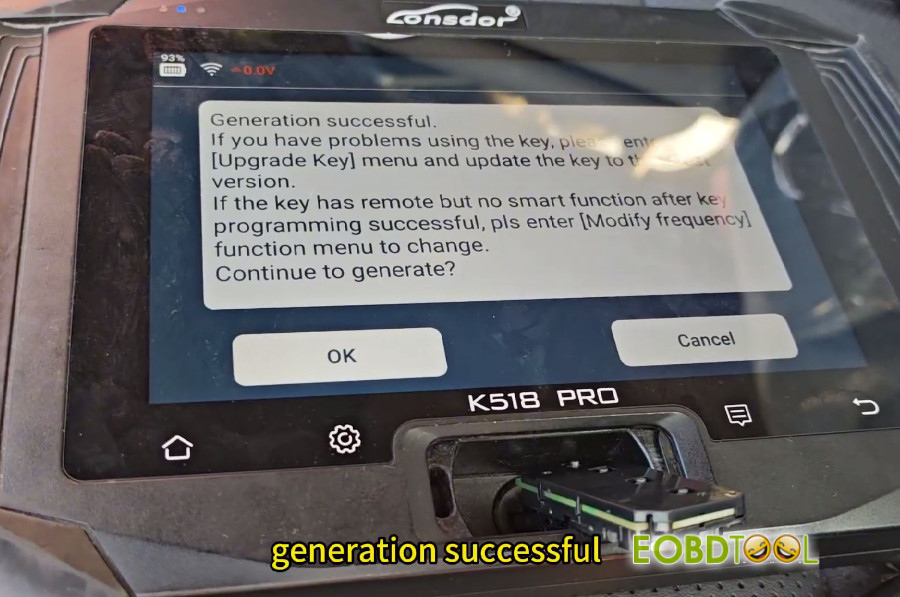
Navigate to Generate smart key -> Toyota -> Cruiser -> 2026 Land Cruiser (B6) 433.58/434.42. Insert blank Lonsdor LT21-07 key and tap “Generate”
Wait the generation is complete
Step 4: Connect Device
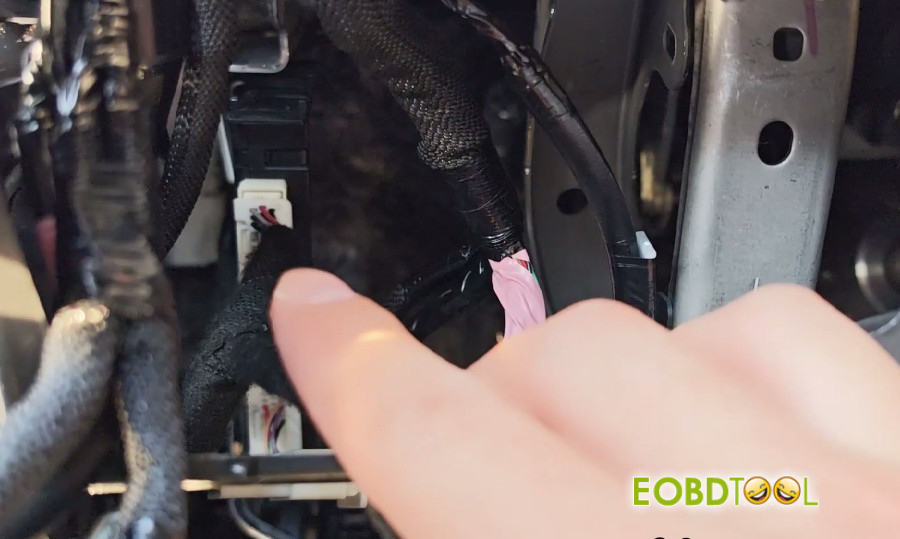
Remove trim panel to access the vehicle Smart Box.
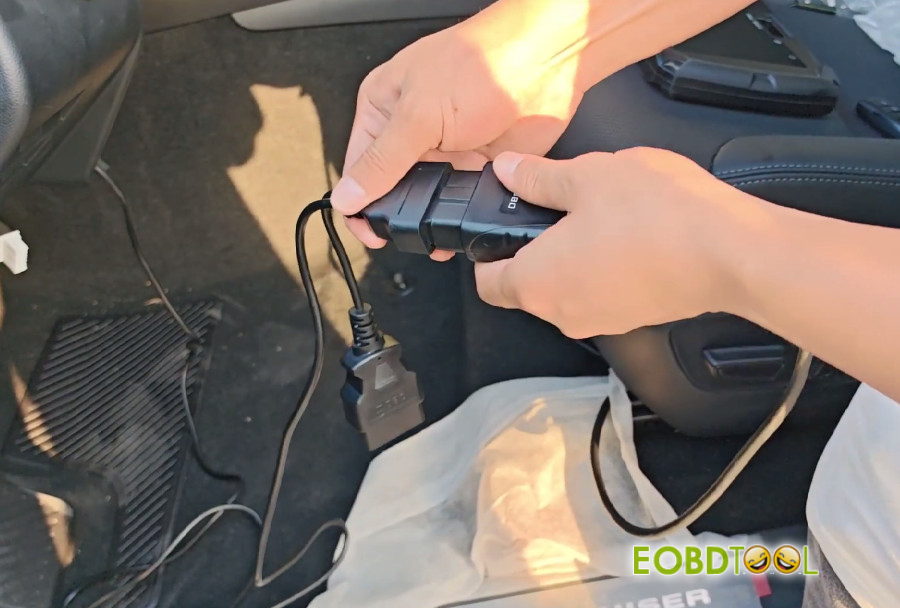
Connect Lonsdor FP30 cable directly between the Smart Box connector and K518 Pro OBD cable
Step 5: Add Smart Key
Menu Path: Immo & Remote -> Toyota -> Select from Vehicle -> Middle East -> Land Cruiser -> 2026 -> Smart Key (8A_B6)
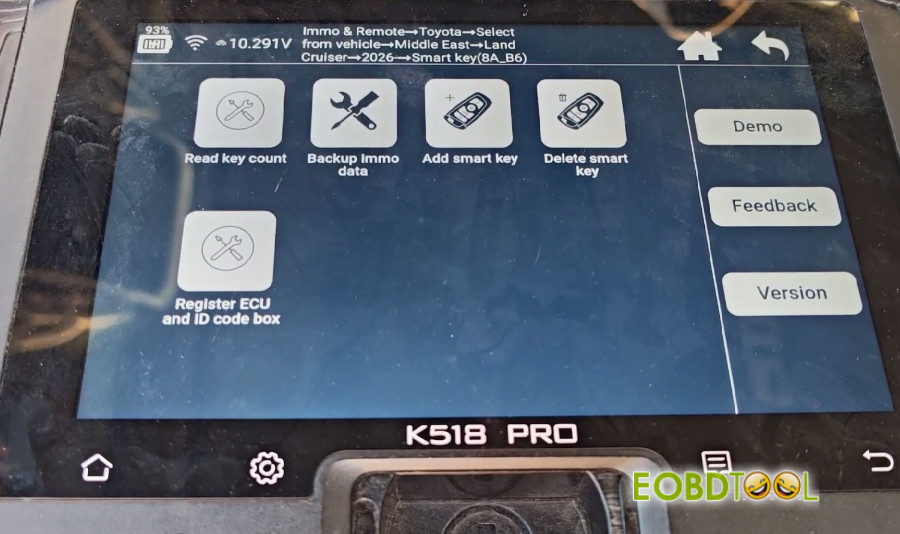
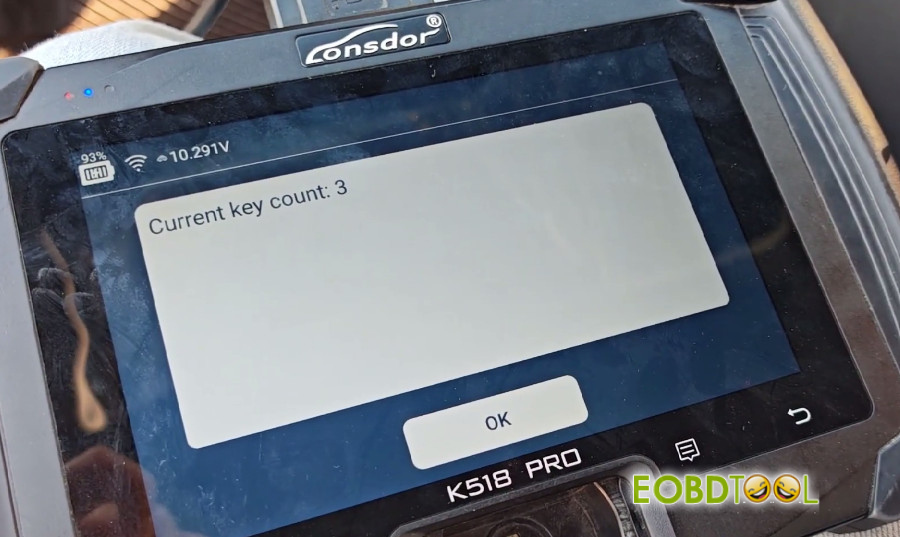
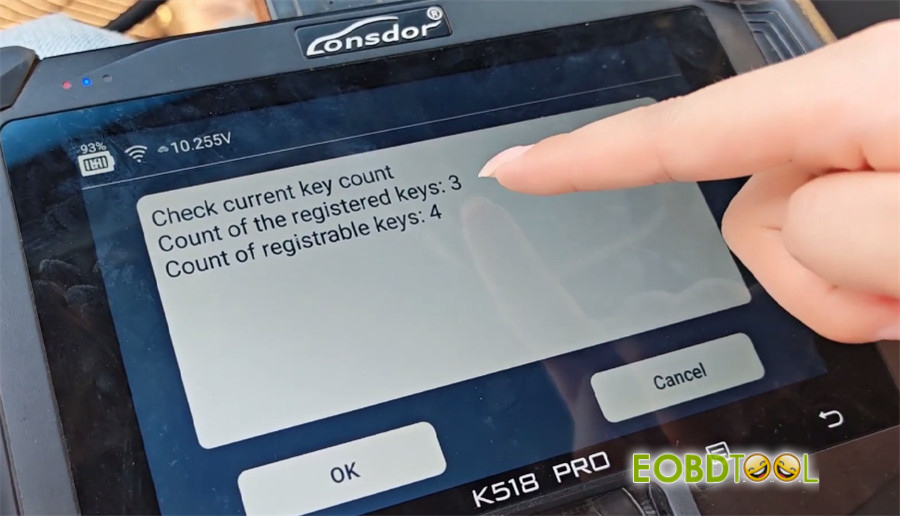
1.Read key count: Confirm initial count reads 3
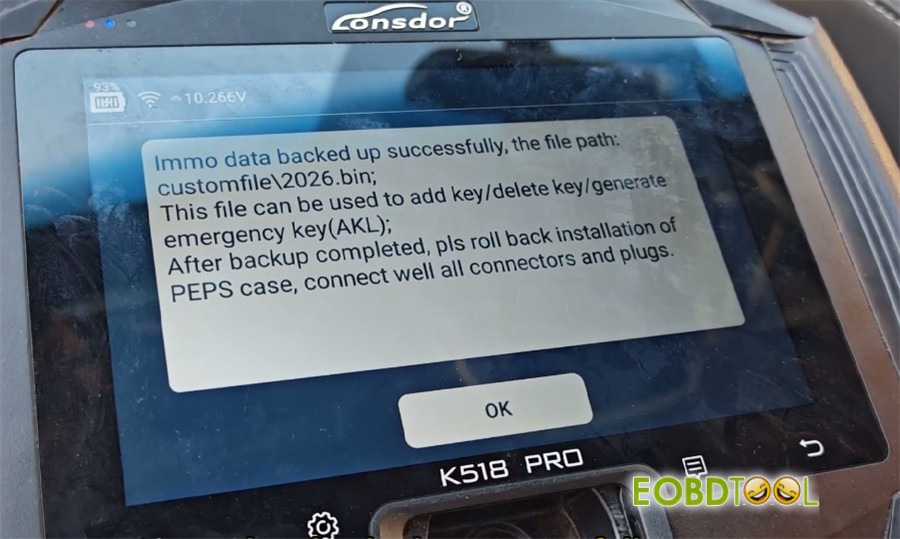
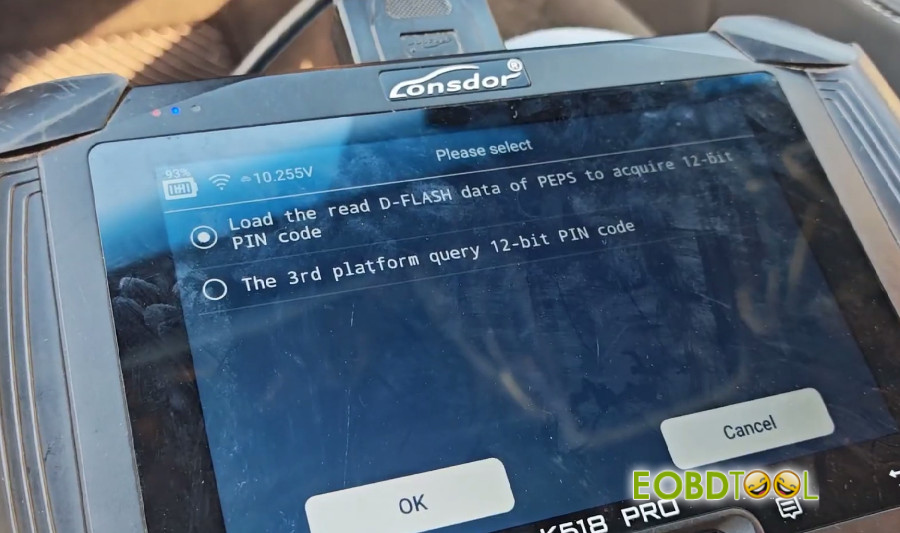
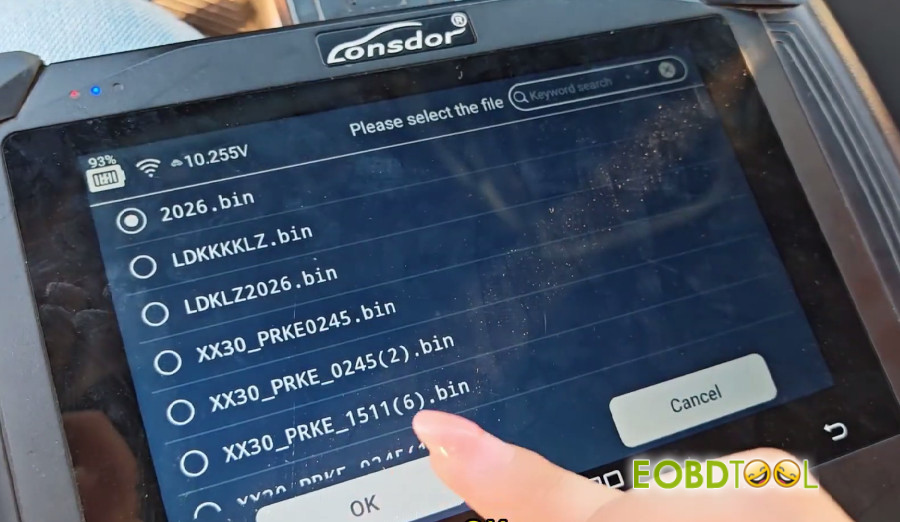
2.Back up IMMO data: Turn ignition ON, maintain network connectivity, perform online calculation, and save the backup file
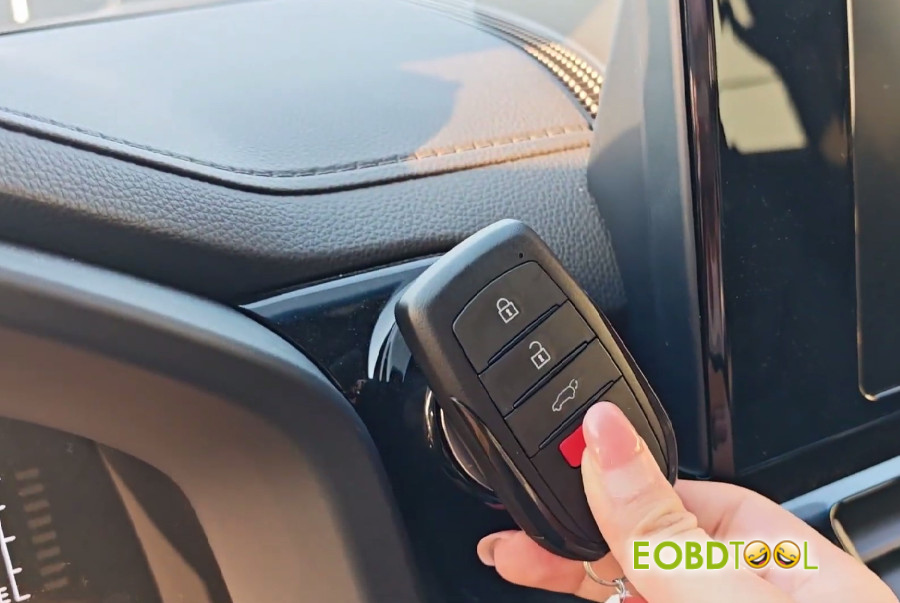
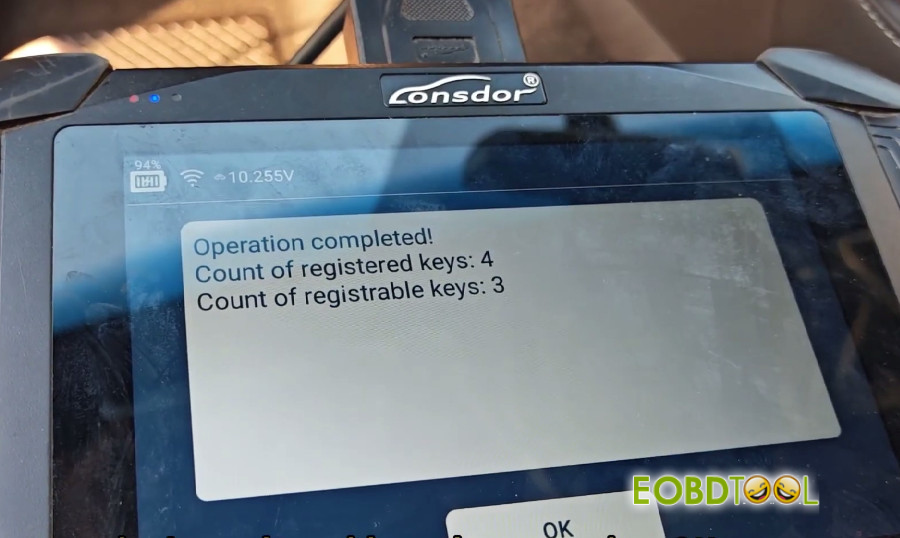
3.Add smart key: Load the backup file, and touch Lonsdor LT21-07 8A-B6 Smart Key to the Start button during the registration window
Step 6: Test Key Function
- Ignition: Press brake + Start button -> Engine starts [OK]
- Remote Commands: Lock / Unlock functions -> Responsive [OK]
- Trunk Control: Tailgate release button -> Operates correctly [OK]
- PKE System: Handle sensor lock/unlock -> Operates correctly [OK]







