







If your Launch SmartLINK C V2.0 VCI shows “The remote diagnostic function is not activated or has expired”, the possible cause is that you have accidentally entered the Super Remote Diagnosis menu automatically without an active license. This is common on X431 diagnostic tools bundled with SmartLink C, such as X431 PAD V, PAD VII, PRO5, PRO3 V+ Elite/PRO3S+ Elite series.
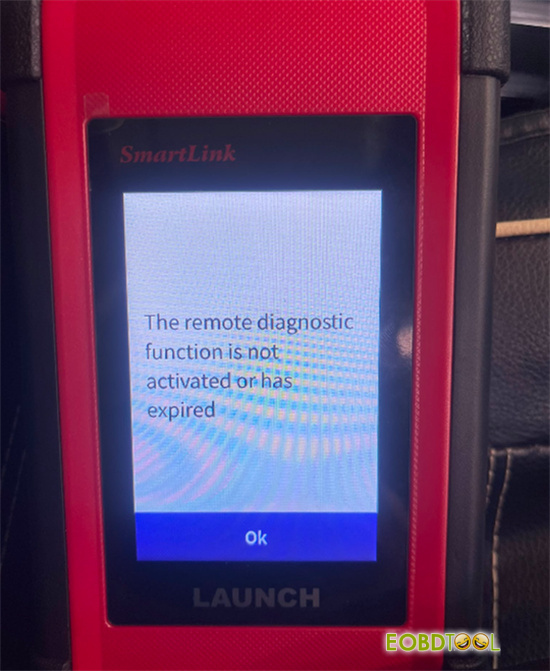
Here is what to do based on what you are trying to accomplish:
Option 1: Do Not Need Remote Service
1.Turn off Wi-Fi or disconnect internet access on your SmartLink C VCI.
2.Go directly to Local Diagnose on the tablet menu. Your scanner will run normal vehicle checks without issues.
Option 2: Need Super Remote Service
1.Order a Remote Diagnosis Annual Activation Card from an authorized dealer.
2.Head over to the official Launch Super Remote Platform website.
3.Log in, open the device registration menu, and submit your SmartLink C‘s S/N and A/C numbers (found on the back label) plus your new activation card code.







