







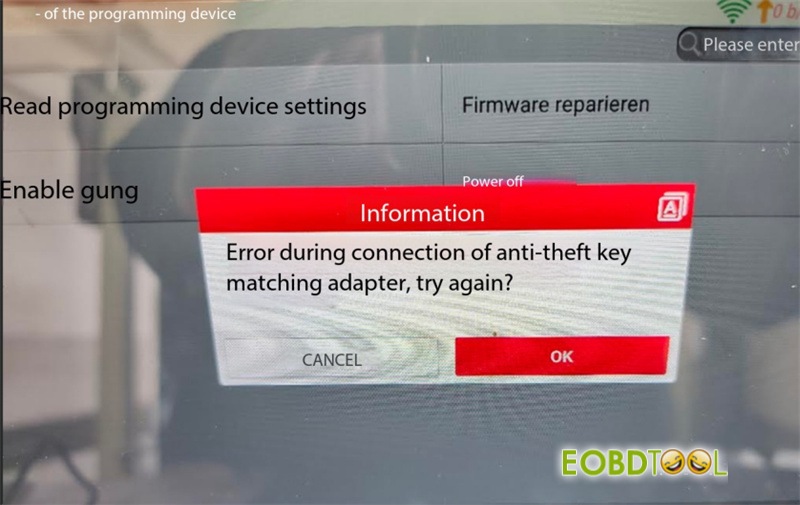
When connecting Launch X431 X-Prog5 IMMO Programmer to X431 Euro TAB II tablet, you may encounter the following prompt:
“Error during connection of anti-theft key matching adapter, try again?”
If this connection error persists after updating firmware via PC, or if the red power indicator light stays solid red when connected to power, perform a forced firmware recovery.
Forced Firmware Recovery Procedure
1.Short Terminals: Connect both B2 and B4 terminals to the panel GND (Ground) pin.
2.Execute Repair: Open the Programmer software interface and select Firmware repair.
3.Verify: Reconnect X431 X-Prog5 to the tablet and test operation.
Hardware Note: If the firmware recovery process fails, the internal hardware circuit is likely damaged. Contact your distributor for repair.
Tech support:
Email: sales@eOBDTool.co.uk
WhatsApp: +86 159 7293 3706
Skype: Eobdtool.co.uk
Business Time: Monday – Friday, 8:30am – 6:00pm CST (UTC/ GMT+08:00)







