








Relay attacks are one of the most common ways modern keyless entry systems get hacked. In this walkthrough, we show you how to use KEYDIY KD-X4 and Anti-Relay-Attack Smart Card Key (coming soon) to generate a remote for a Hyundai Sonata (2011–2014, ID46 chip, 315MHz) — and how to switch the smart key between normal mode and anti-relay-attack mode.
What You’ll Need
- KEYDIY KD-X4 5-in-1 key programmer
- KEYDIY Anti-Relay-Attack Smart Card Key
- A smartphone with the Mobile KD app installed
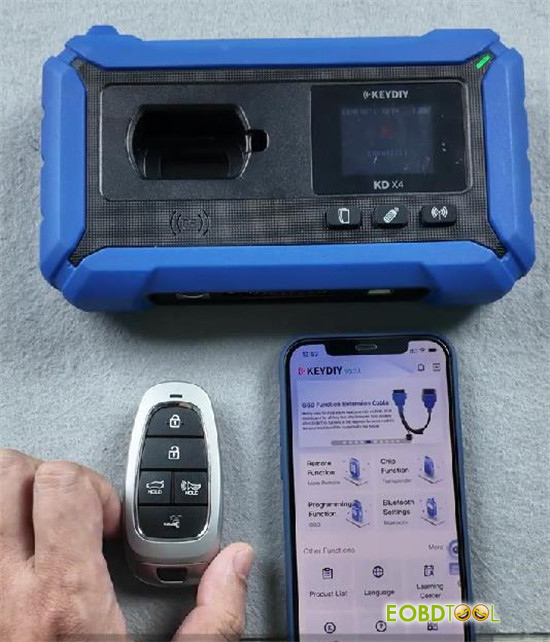
Step 1: Generate the Remote
1.Open the Mobile KD app on your phone.
2.Go to Remote Function → Smart Key Remote → HYUNDAI → Sonata 2011–2014 ID46 315M.
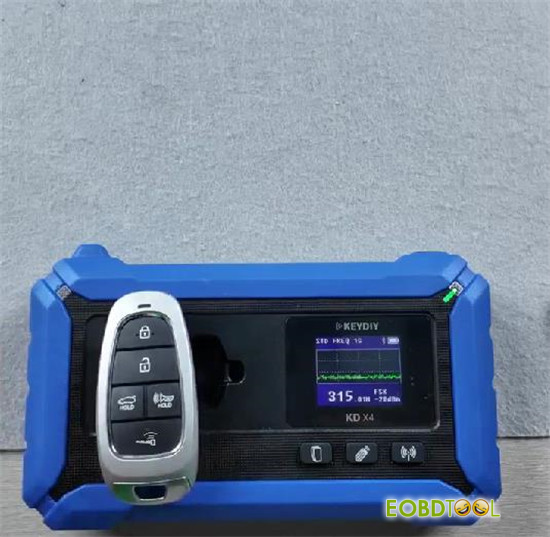
3.Place the smart card key in the sensing area of KD-X4.
4.Tap [Generate], then select [Wireless Generation].
5.Wait a few seconds until the app confirms the generation is successful.
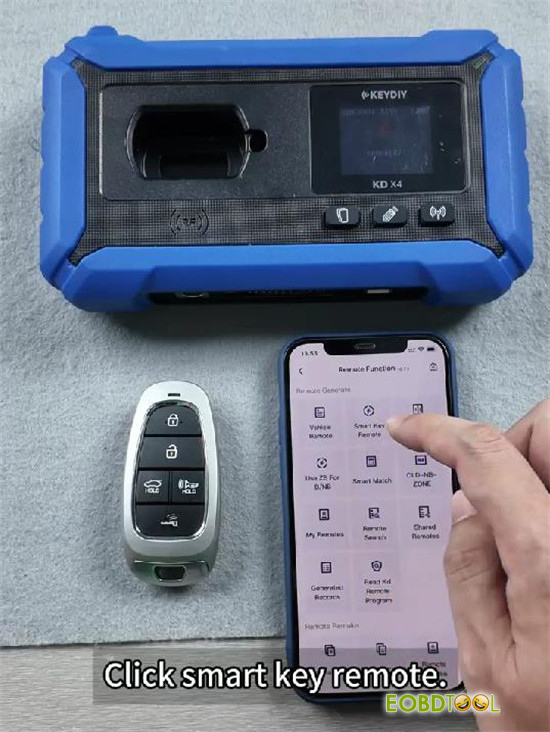
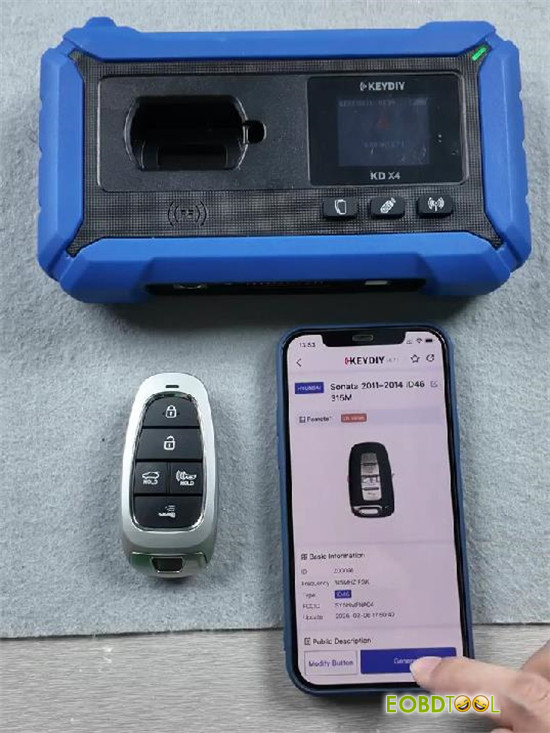
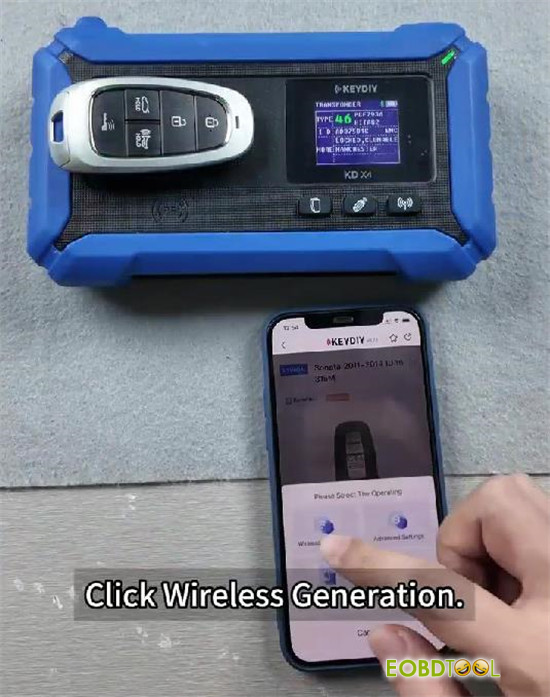
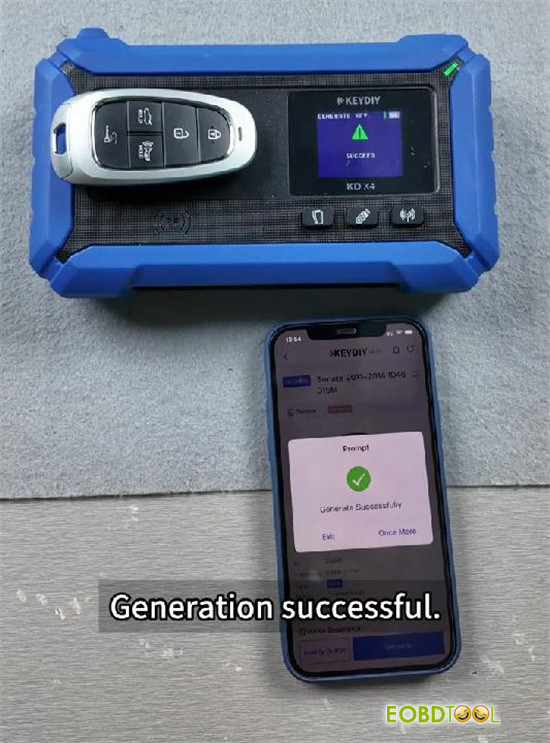
Step 2: Test the Key Functions
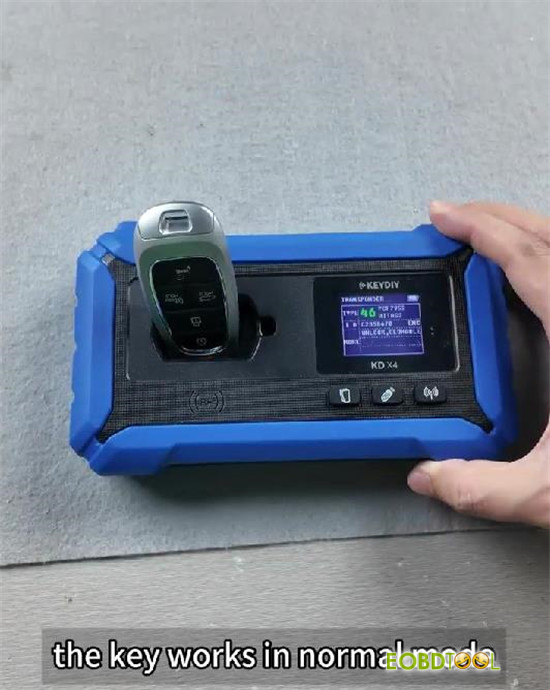
The smart key works in two modes out of the box. Here’s how to switch between them:
Normal Mode (Default)
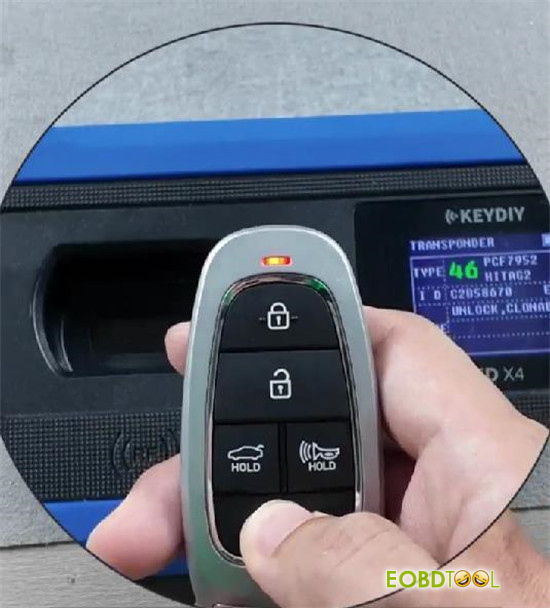
- When the key is in normal mode, a short press on the setup button makes the LED flash red.
- Both remote control functions and passive keyless entry (PKE) sensing are active.
Anti-Relay-Attack Mode
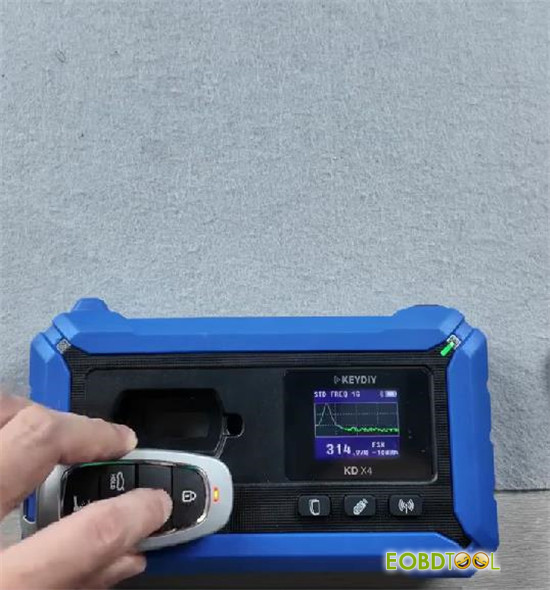
1.Press and hold the setup button for about 3 seconds, until the LED turns solid green.
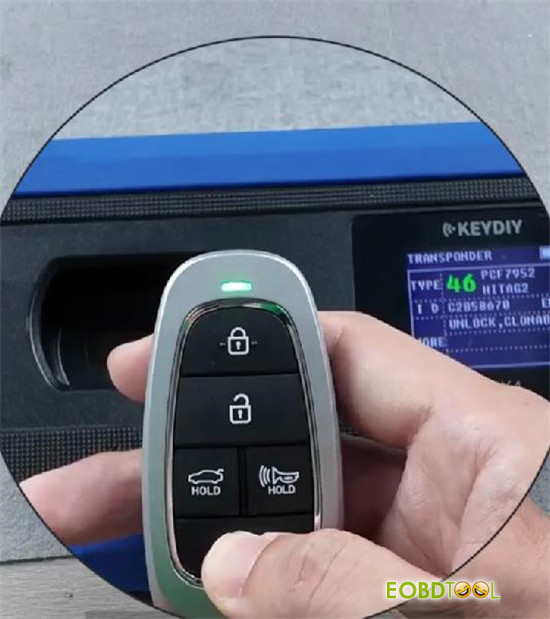
2.From now on, every short press will make the LED flash green instead of red — this confirms the key is in anti-relay-attack mode.
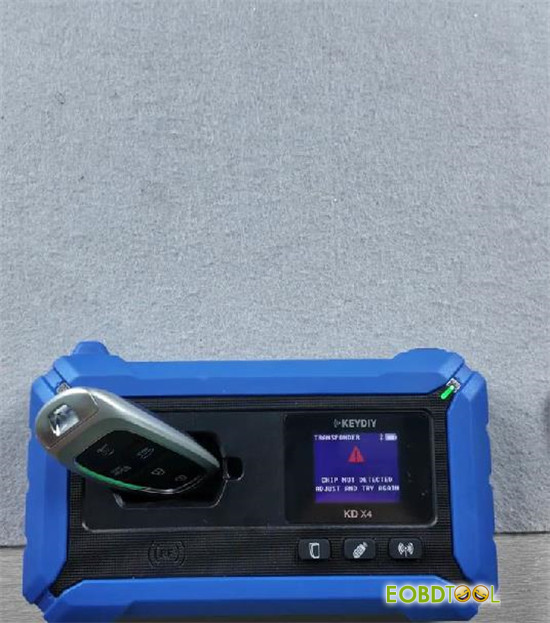
3.In this mode, the key’s passive sensing is switched off, and only basic remote functions (lock/unlock, etc.) remain available.
4.Because the chip can no longer be passively read, devices like KEYDIY KD-X4 key programmer cannot detect the chip ID — which effectively blocks signal relay and theft attempts.
Switching Back to Normal Mode
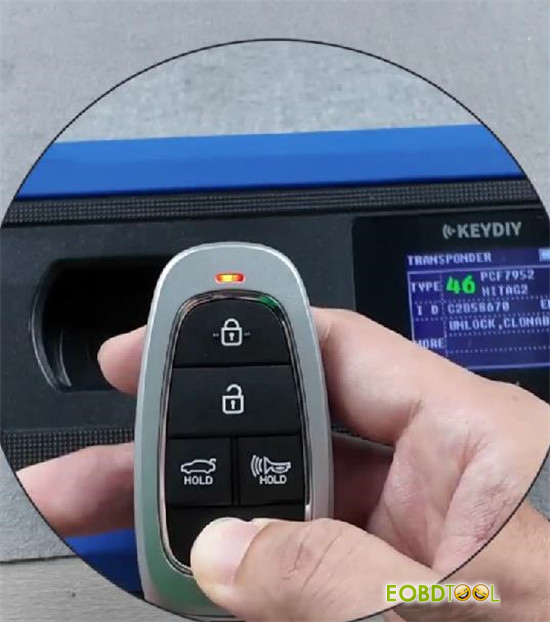
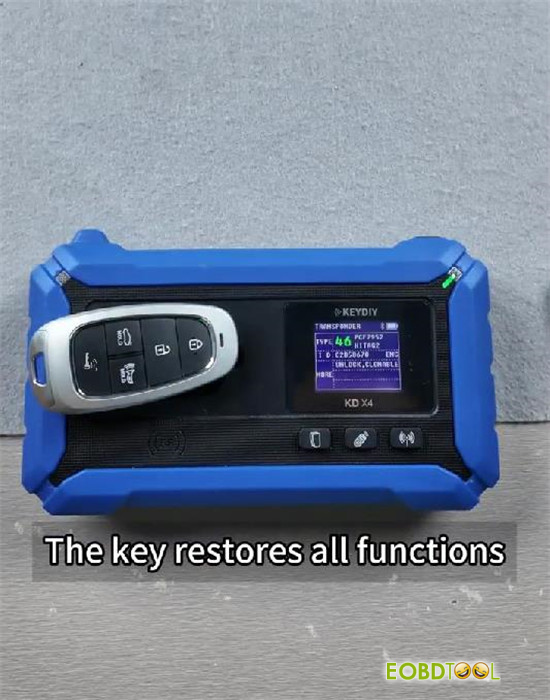
- Press and hold the setup button for 3 seconds again until the LED turns solid red.
- Short press will now flash red again, meaning both remote control and passive sensing functions are fully restored.
Why Anti-Relay-Attack Mode Matters
In a typical relay attack, thieves use a signal amplifier to extend the range of your key fob’s signal — tricking your car into thinking the key is nearby. By disabling passive sensing, KEYDIY smart card key shuts down this attack vector: even if a relay device is present, there’s no readable signal to capture.
Stay tuned for this smart card key!







