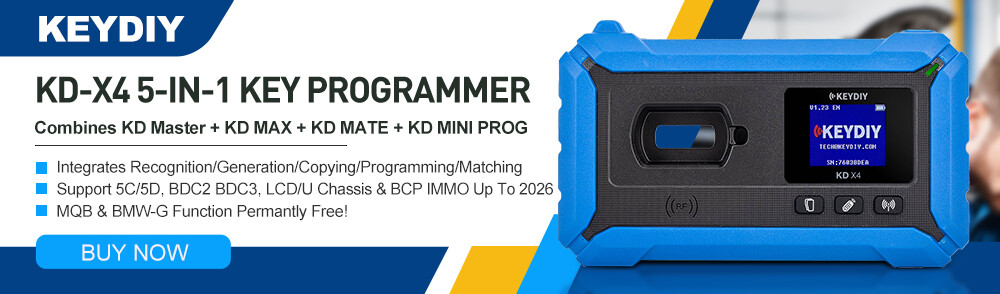



Here are some frequently asked questions about KEYDIY, including real name authentication, KD-coins, and function activation.
This guide applies to KEYDIY KD-X4, KD-MAX, etc.
Q1: What is real name authentication and why is it required?
A: Real name authentication is a mandatory process designed for improved account management and security.
The system identifies you and retrieves your binding information using your mobile phone number.
After logging in, you must complete this authentication before proceeding.
Q2: How do I complete real name authentication?
A: Follow these steps:
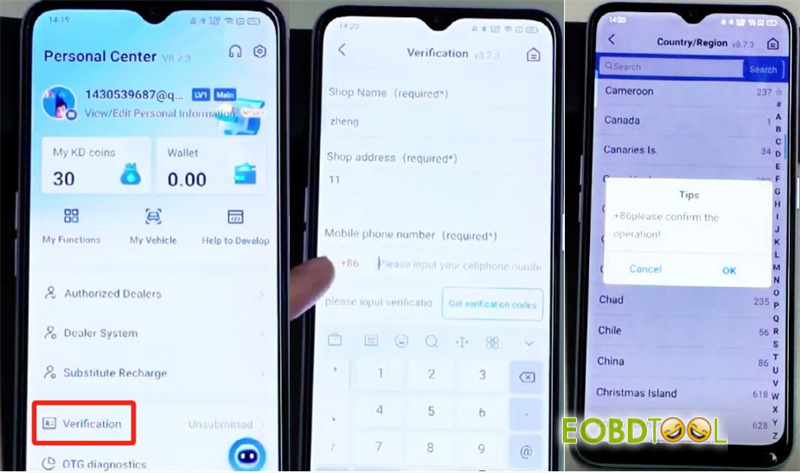
Fill in the three required fields: you may enter any name or random text as needed.
Select your region (e.g., China) and enter your mobile phone number.
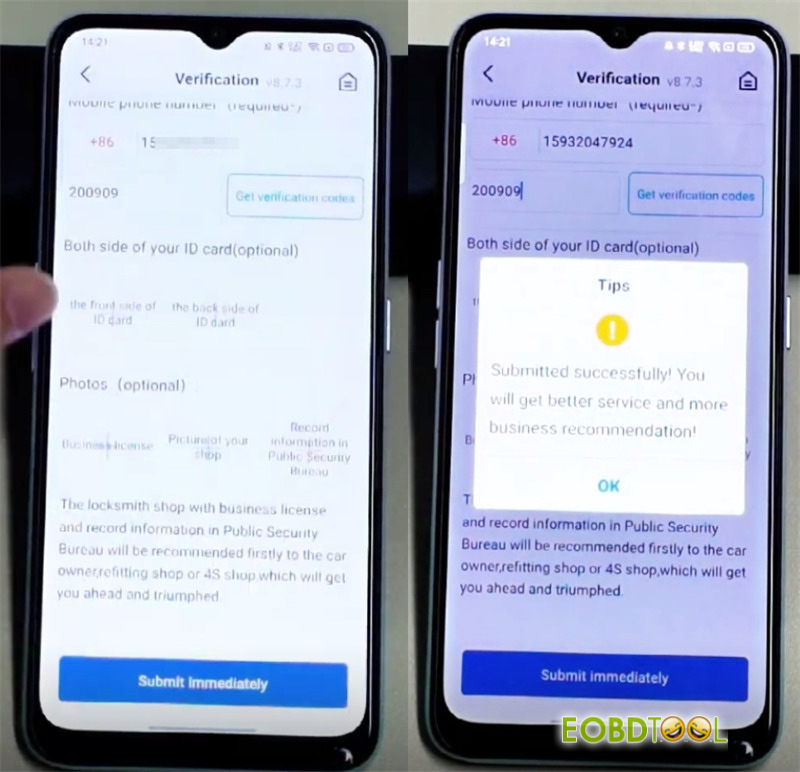
If you don’t receive a verification code, enter the universal code: 200909.
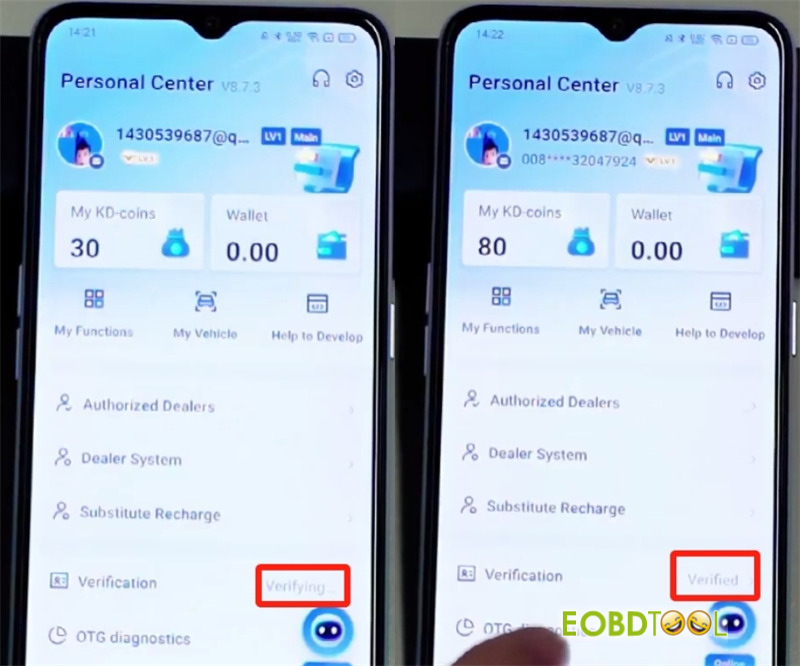
The optional field can be left blank. Submit the form, then wait 2–3 minutes for automatic backend approval. Once verified, you will receive 50 KD coins as a reward.
Q3: How can I obtain KEYDIY KD–coins?
A: KD coins can only be earned by generating new keys with a KD device. They are not available through direct purchase or other means.
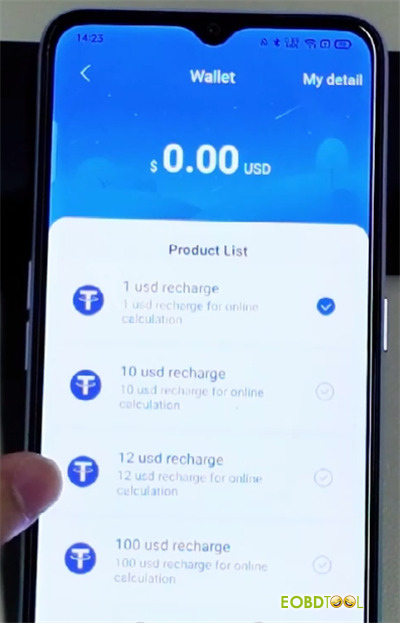
Q4: How do I recharge my wallet balance?
A: Currently, only Android devices support recharge via Google account. iPhone users cannot recharge at this time.
Q5: What if I don’t have enough KD coins or dollars to activate a function?
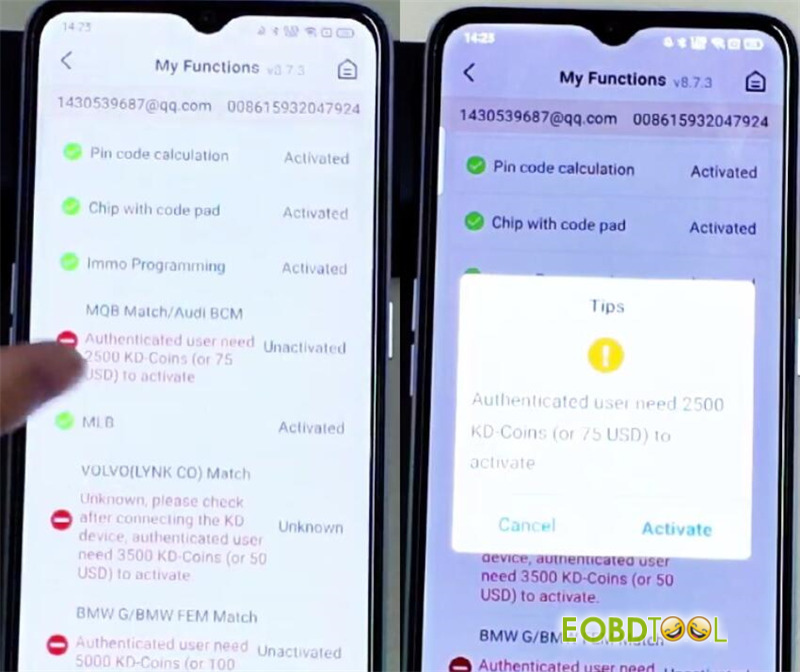
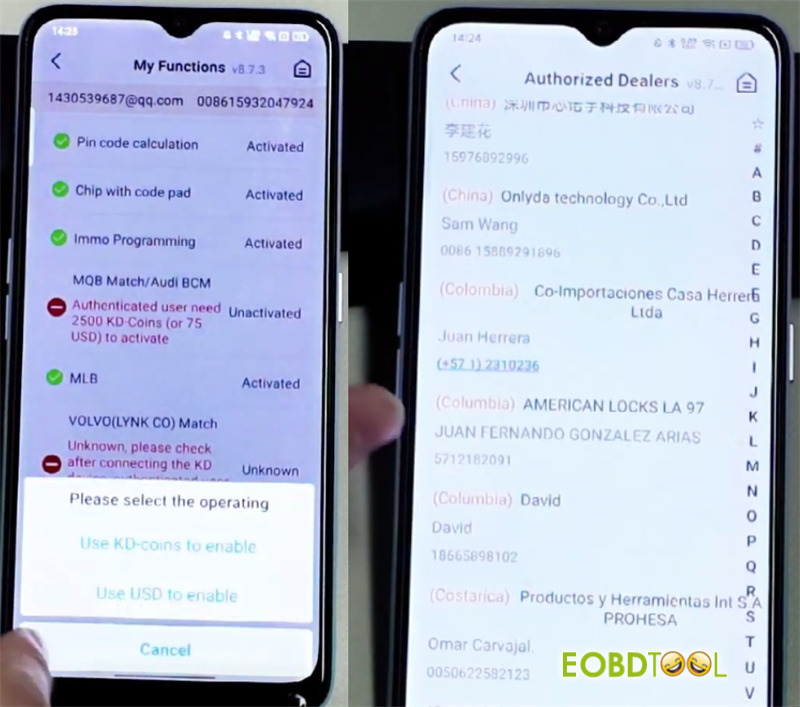
A: If a function requires payment (e.g., 2500 KD coins or $75) and you lack sufficient balance, you can ask someone else to activate it for you. This could be your dealer, a local locksmith, or a friend who uses the same system.
Q6: How can someone activate a function on my behalf?
A: The helper should:
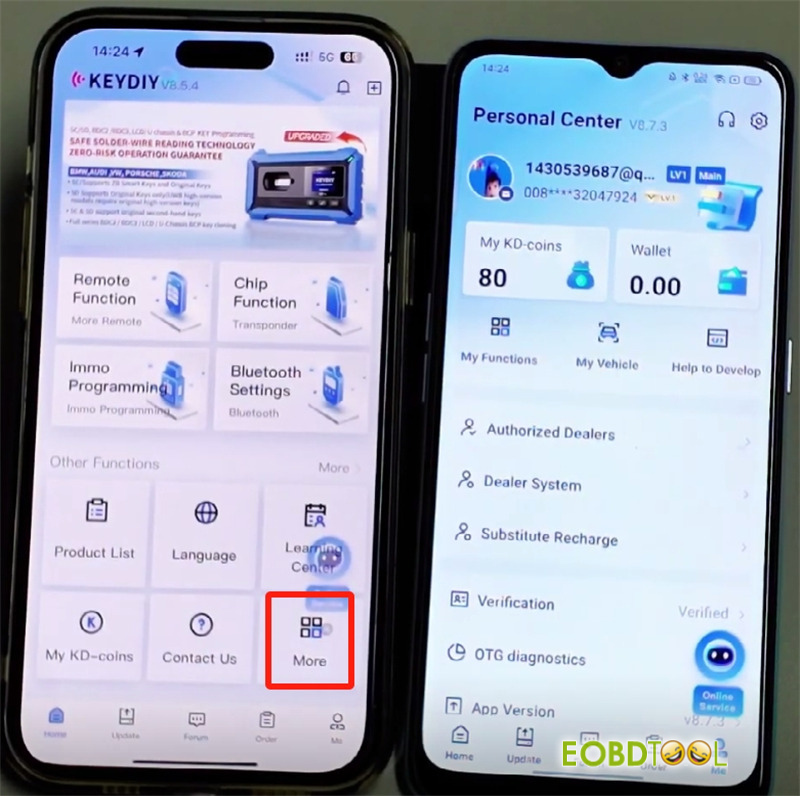
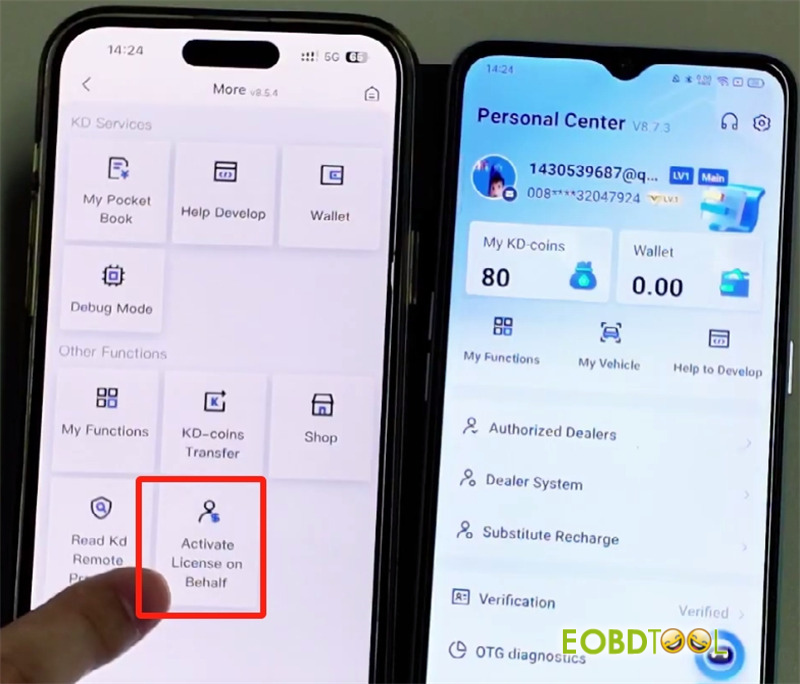
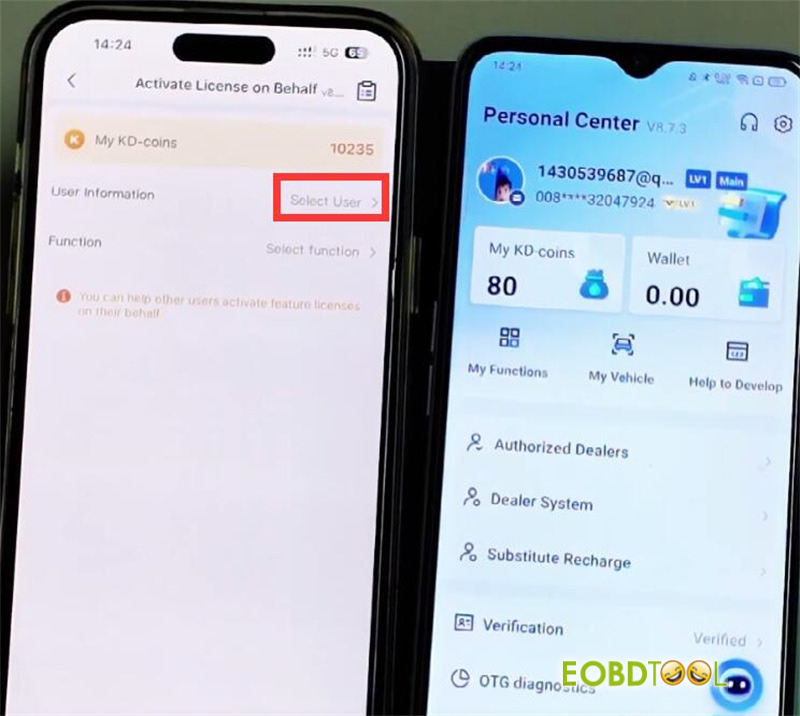
Open the app, go to More > Activate License on Behalf.
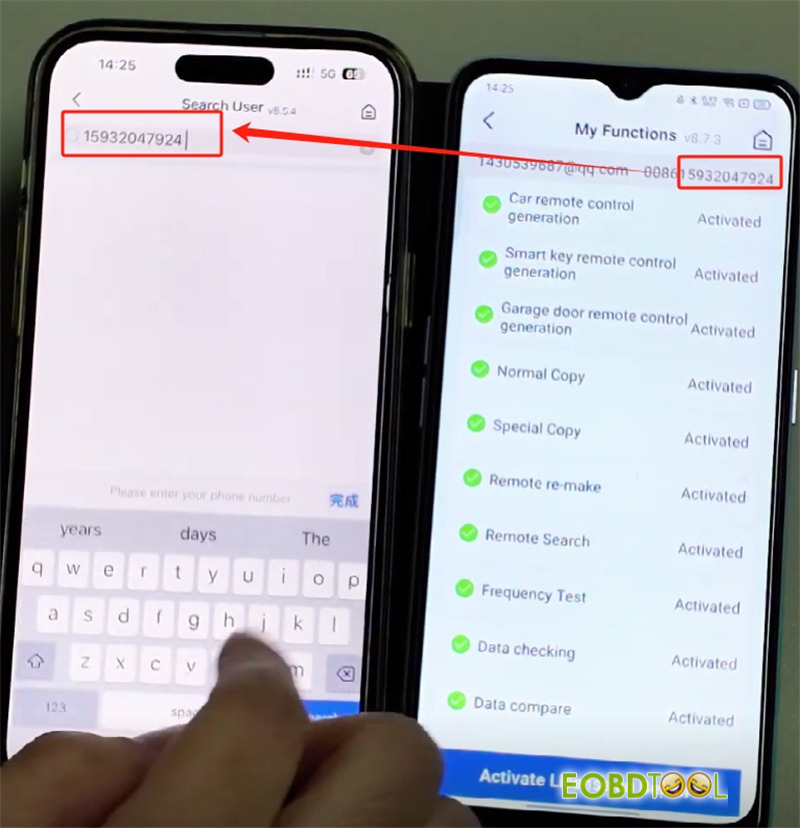
Click “Select User”, enter your registered mobile phone number (e.g., 15932047924) to locate your account.
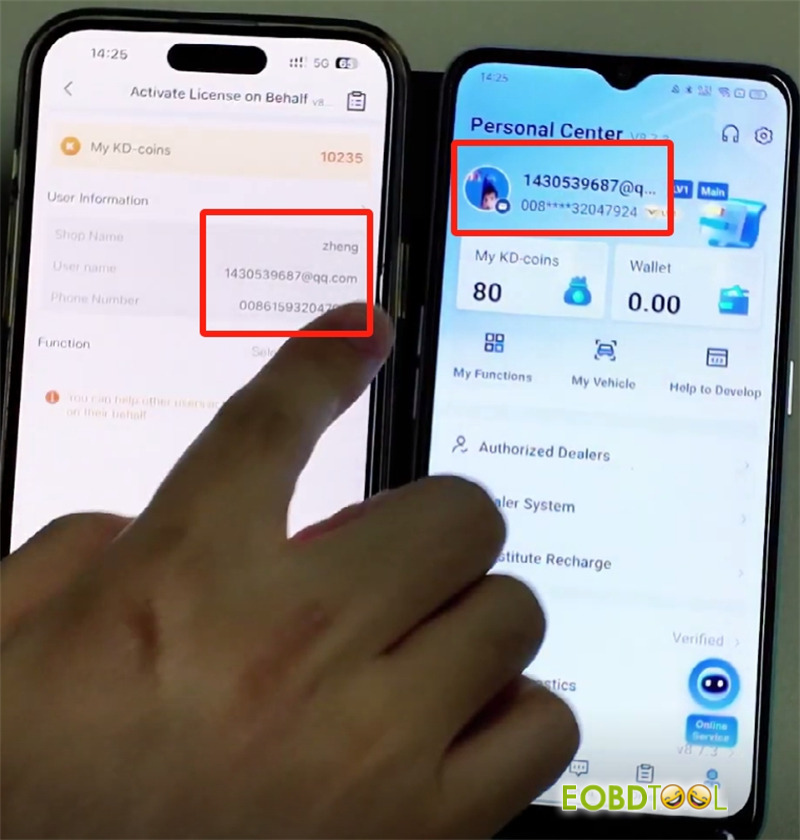
Select the function(s) to activate (e.g., MQB, BMW) and choose payment via KD coins or dollars.
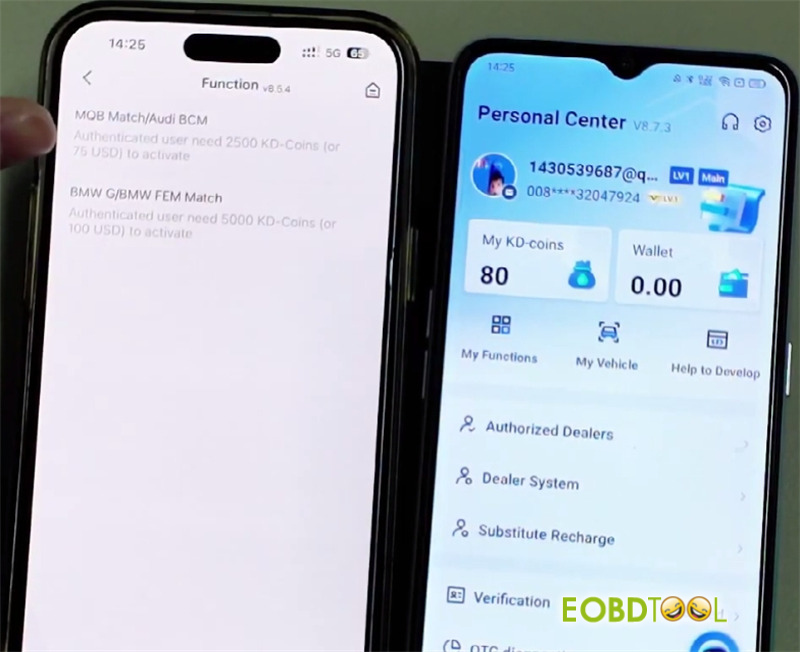
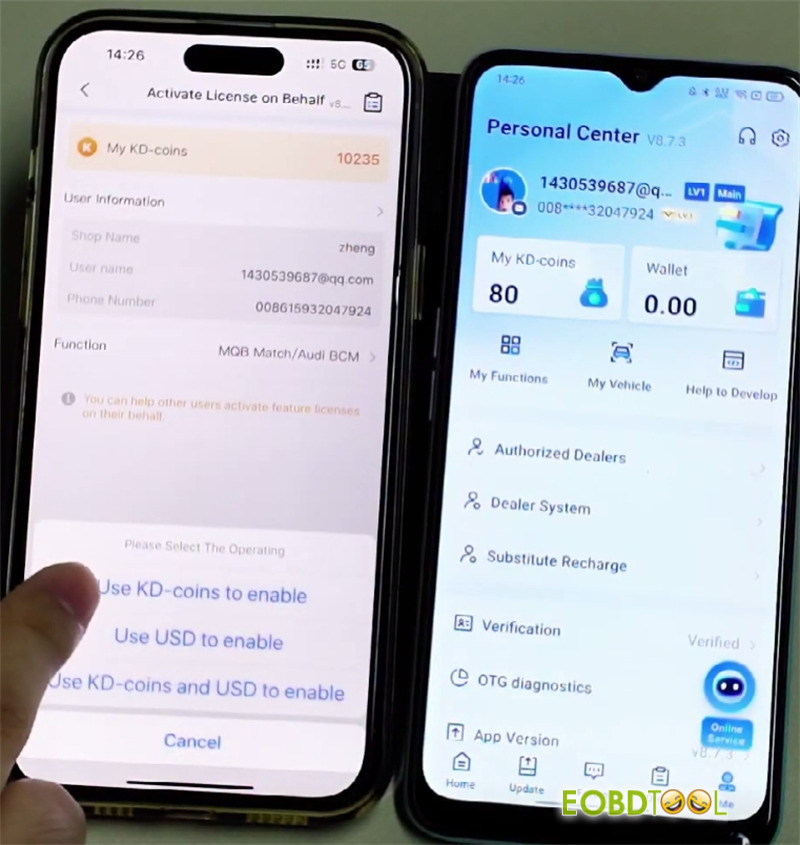
Complete the payment; once successful, the function will be activated on your account.
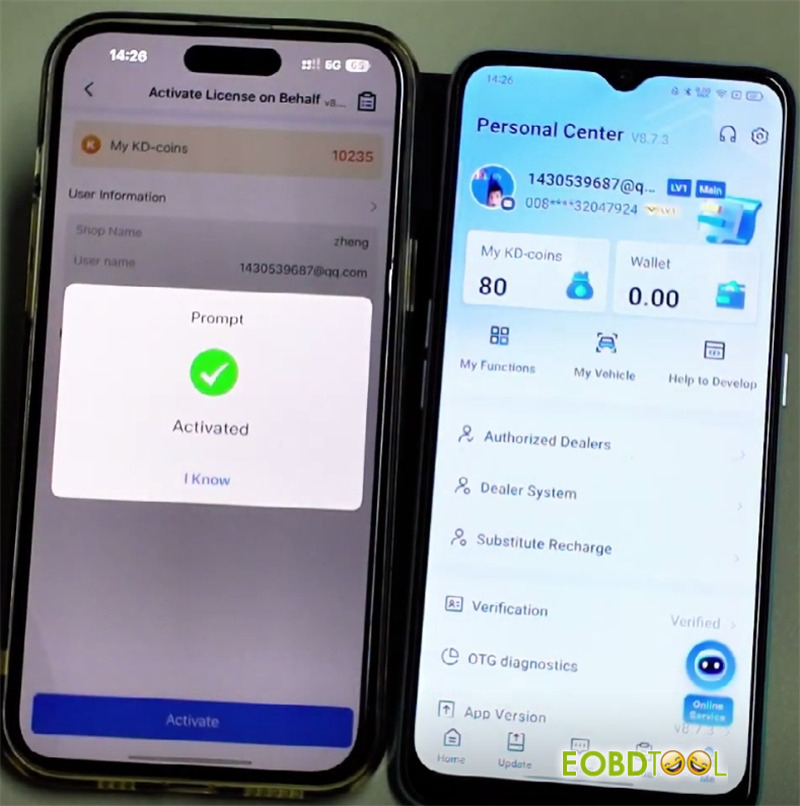
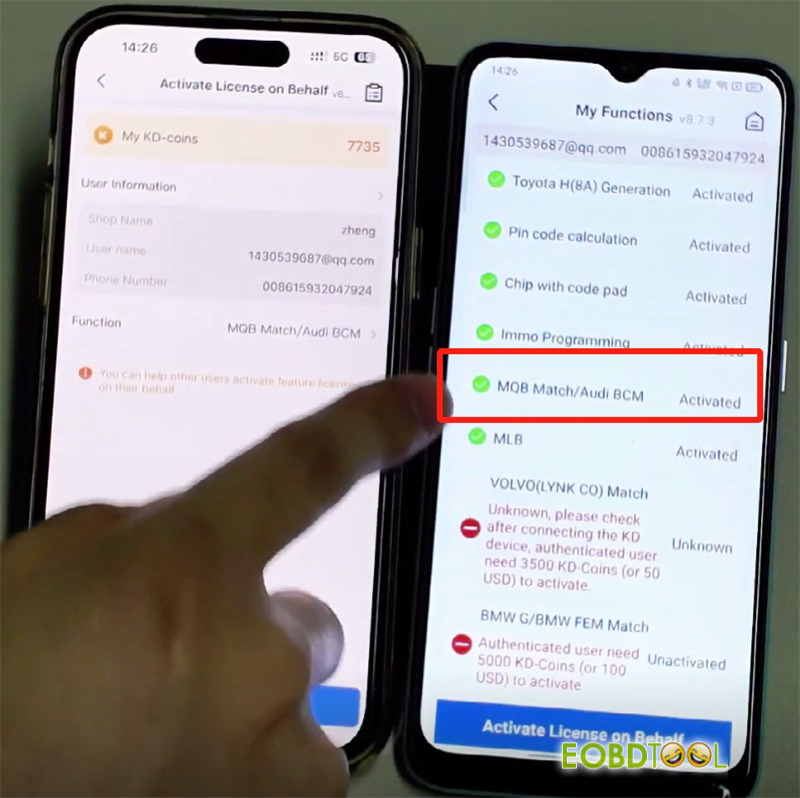
Q7: Can KEYDIY KD coins be transferred between accounts?
A: Yes. To transfer KD coins:
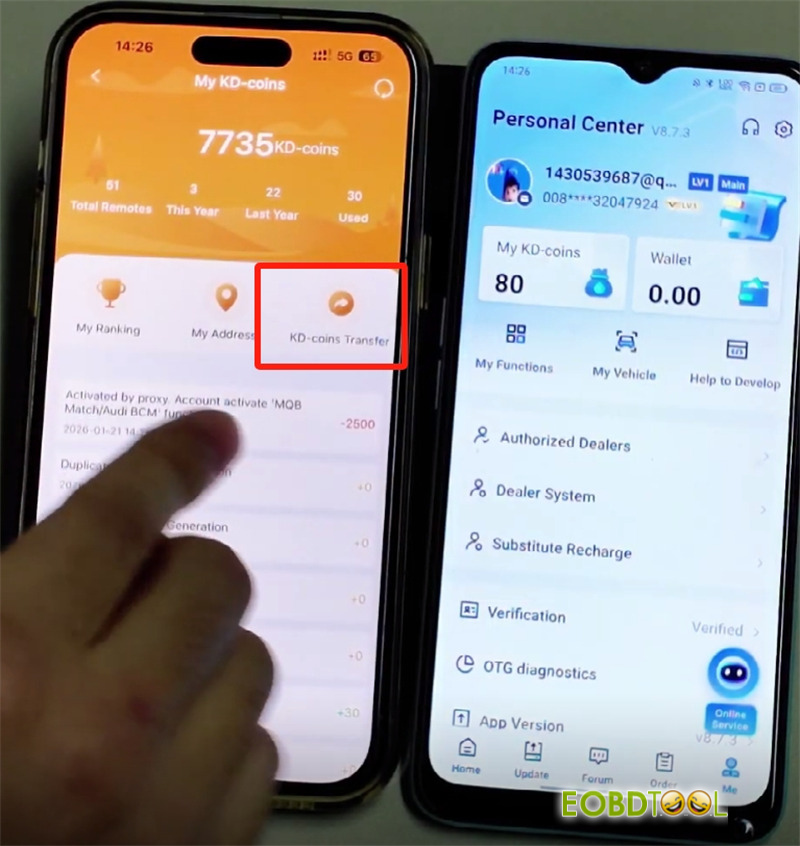
Select My KD-coins-> KD-coins Transfer
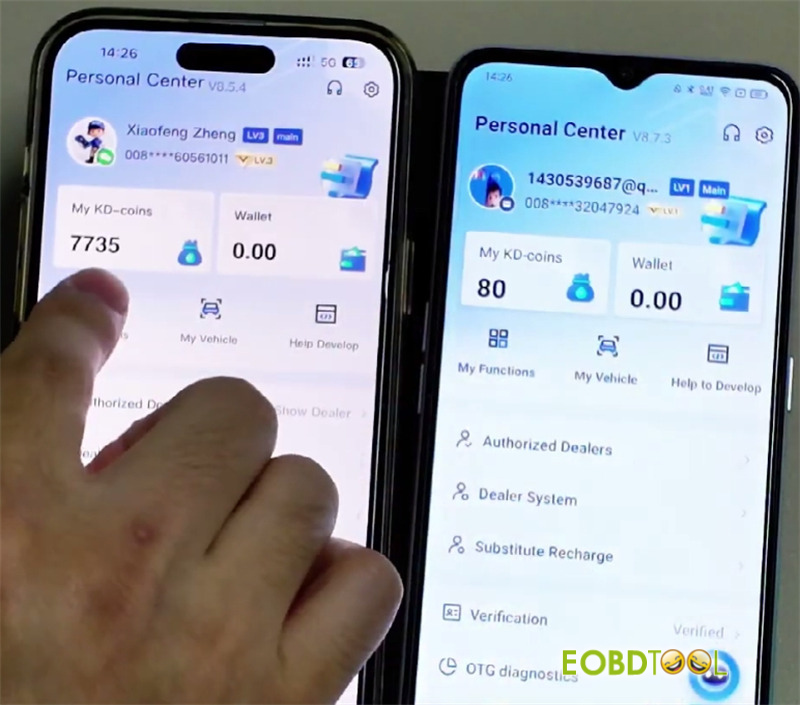
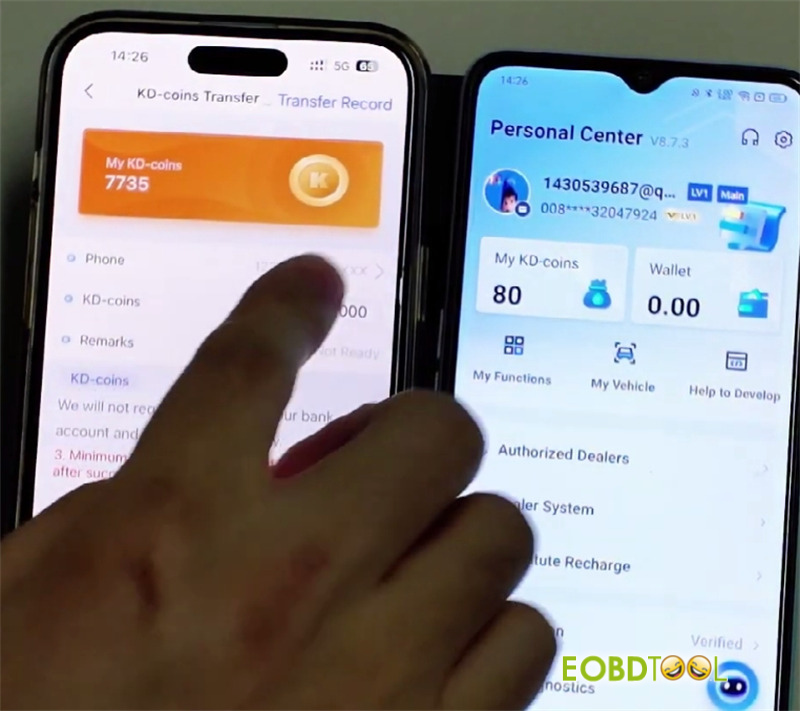
Enter the recipient’s phone number
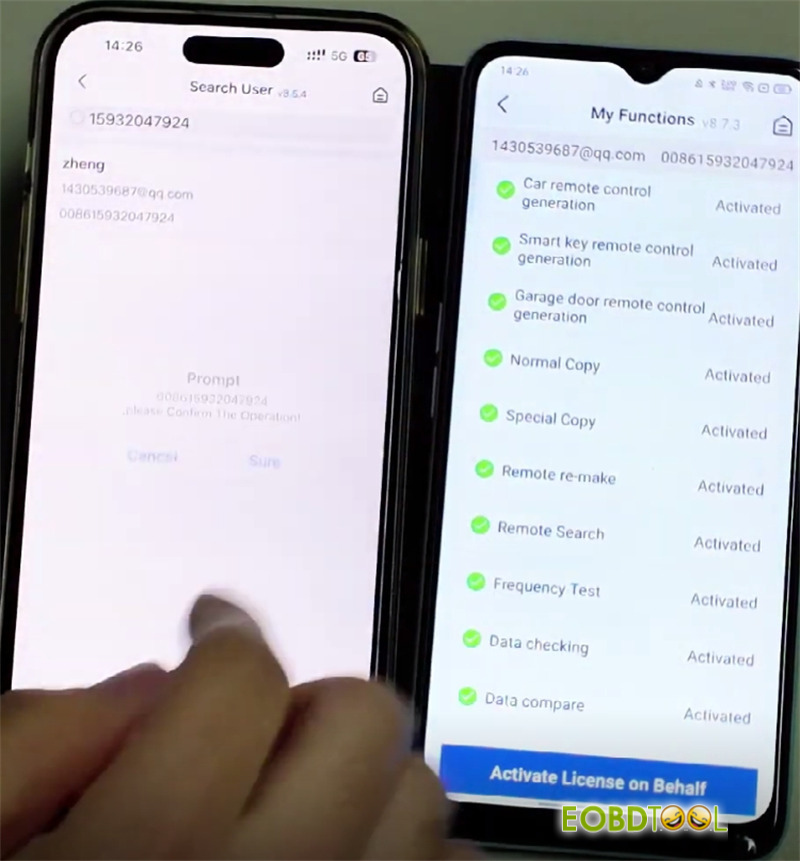
Specify the amount (e.g., 100 KD coins) and click “Transfer”
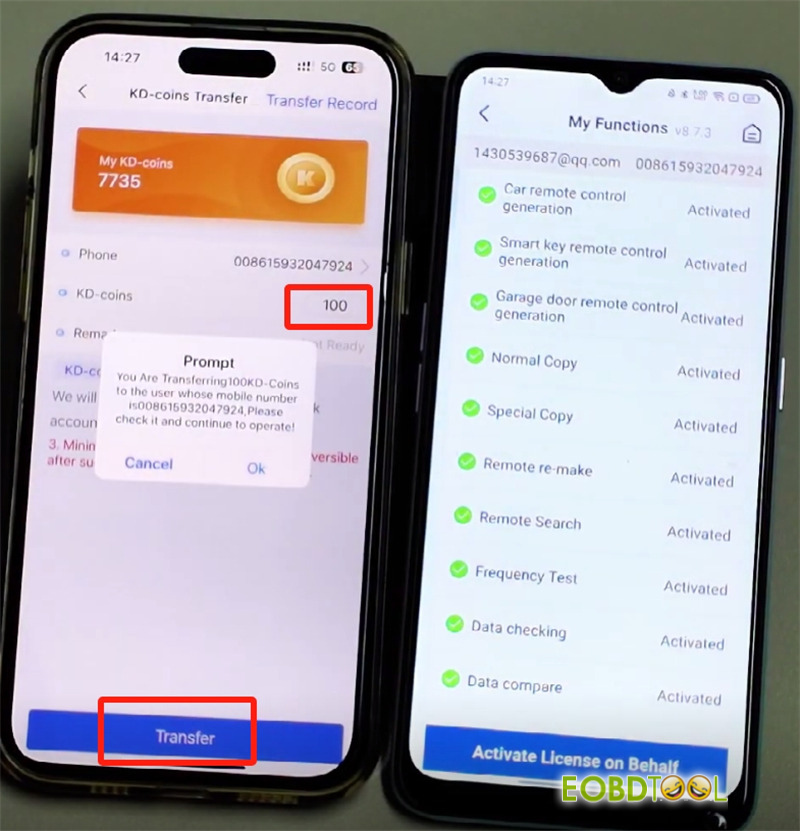
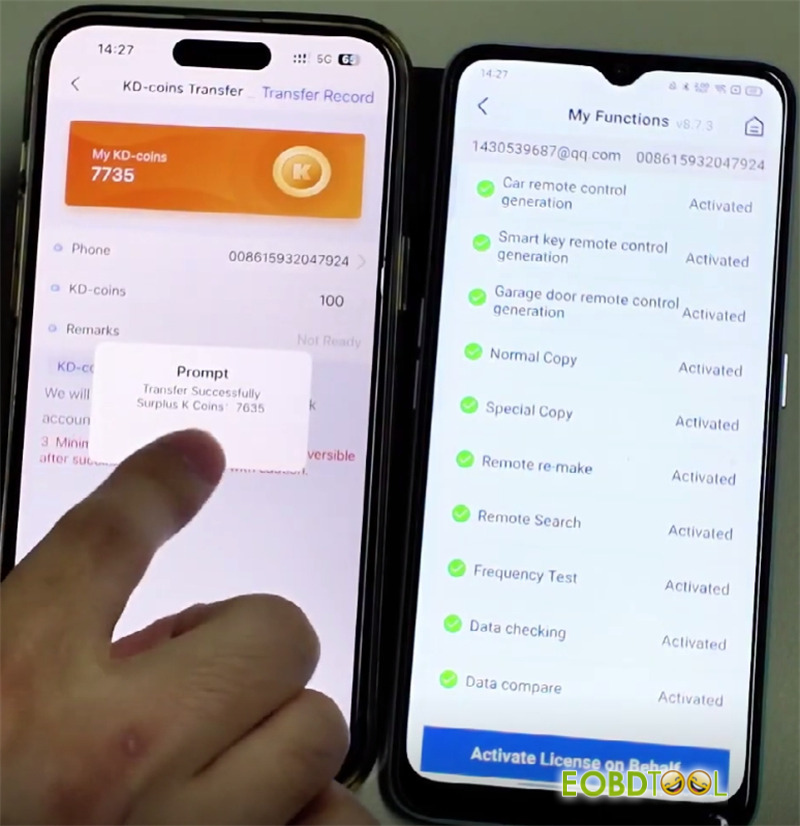
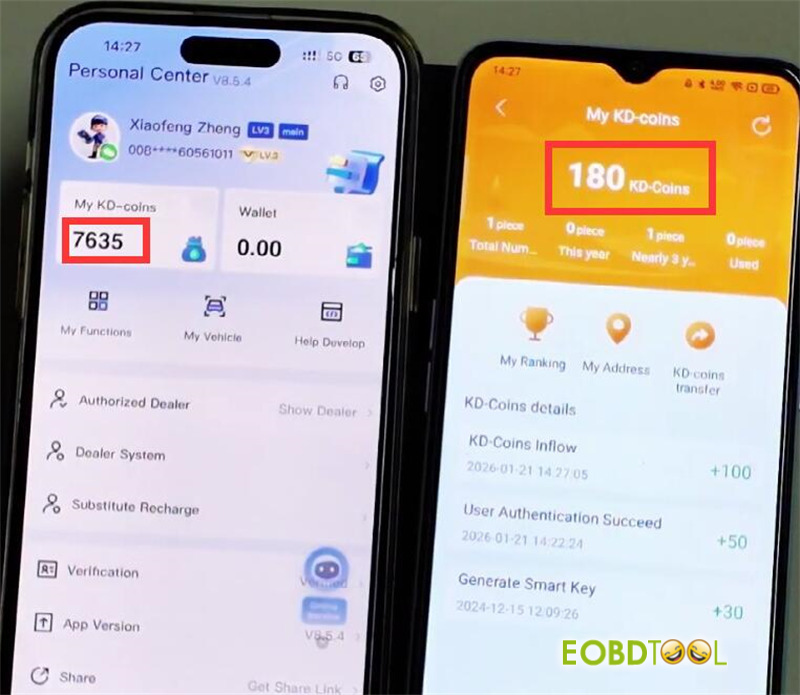
The coins will be deducted from your balance and credited to their account.
Keep updating…
UK Professional OBD2 Tools Online Shop







