






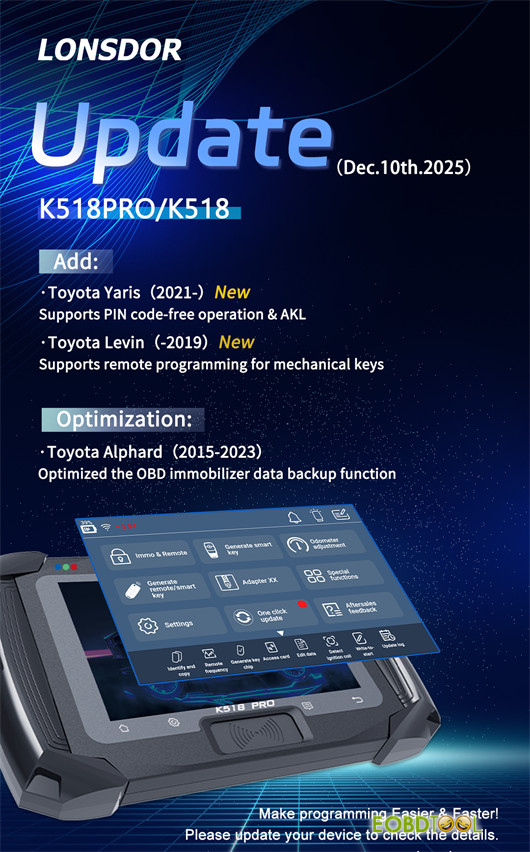
Lonsdor K518 Pro/K518 series key programmer now supports PIN code-free smart key programming & AKL via OBD for Toyota Yaris (2021- ), no FP30 PIN Cable required. This new feature was released on Dec.10th by Lonsdor Official. Check the upgrade info below and learn how to add a smart key (all keys lost) using K518 Pro successfully.
Upgrade details
Newly added:
- ToyotaYaris (2021- ) supports PIN code-free Add smart key & AKL via OBD (no need Lonsdor FP30 PIN Cable!)
- ToyotaLevin (-2019) supports remote programming for mechanical key
Optimization:
- Toyota Alphard (2015-2023) optimizes OBD immobilizer data backup function
Step-by-step Guide to Program Toyota Yaris AKL by K518 Pro:
e.g. 2023 Toyota Yaris
Step 1 – Connect to the vehicle
Connect the diagnostic cable to the OBD-II port of the car.
Step 2 – Select the correct menu
Navigate to:
Immo & Remote-> Toyota-> Select from vehicle-> Asia-> Yaris-> 2021-> Smart Key System-> PEPS (CAN)-> All smart key lost
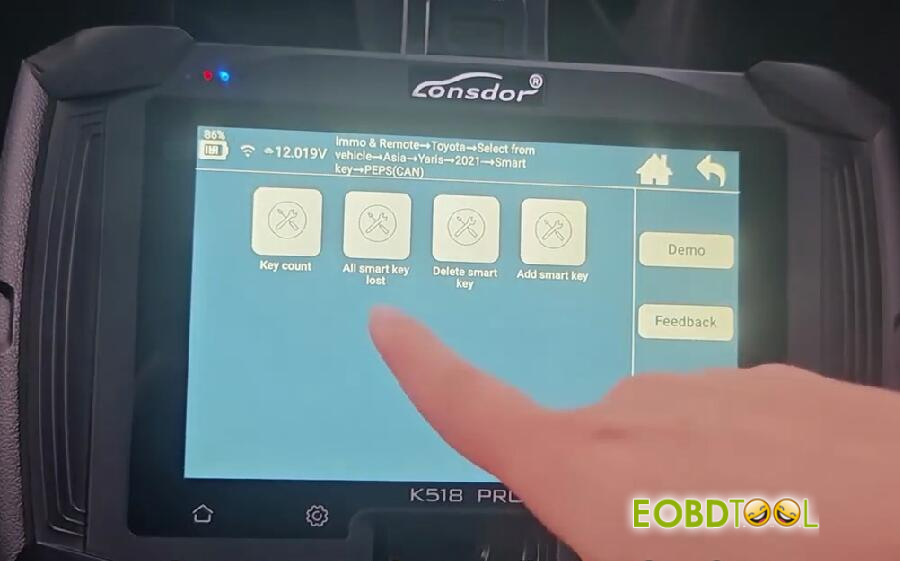
Step 3 – Start AKL procedure
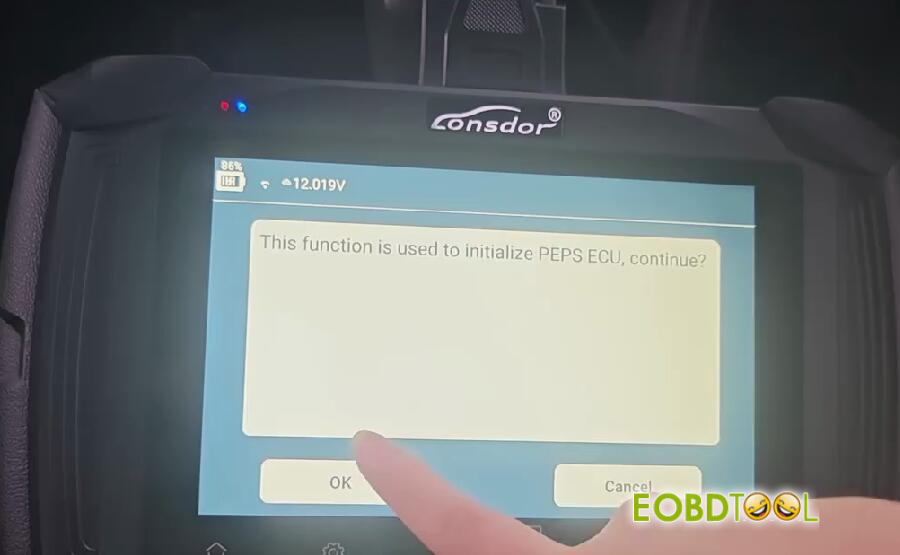
Carefully follow the on-screen instructions:
This function is used to initialize PEPS ECU, click “OK” to continue
Step 4 – Program the new key
Hold the new key against the start button.
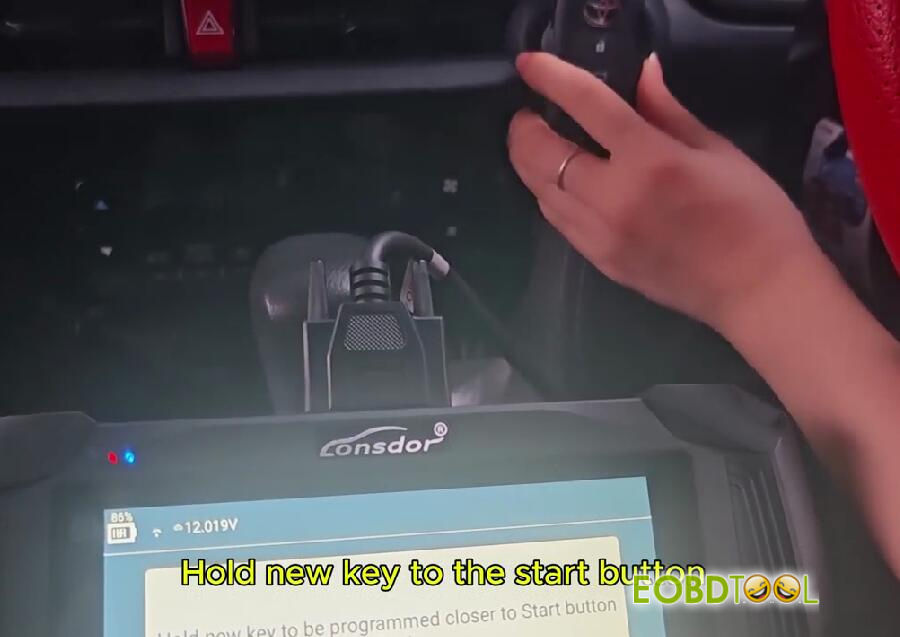
You will hear the vehicle honk three times – this indicates that programming is complete.
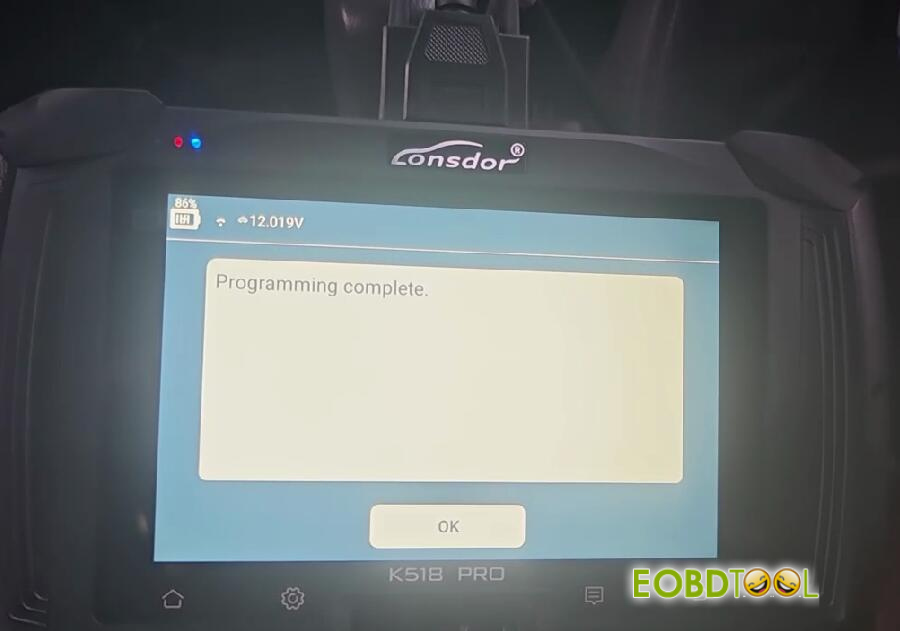
Step 5 – Test the new key
Remote functions: Test lock and unlock – both should work normally.
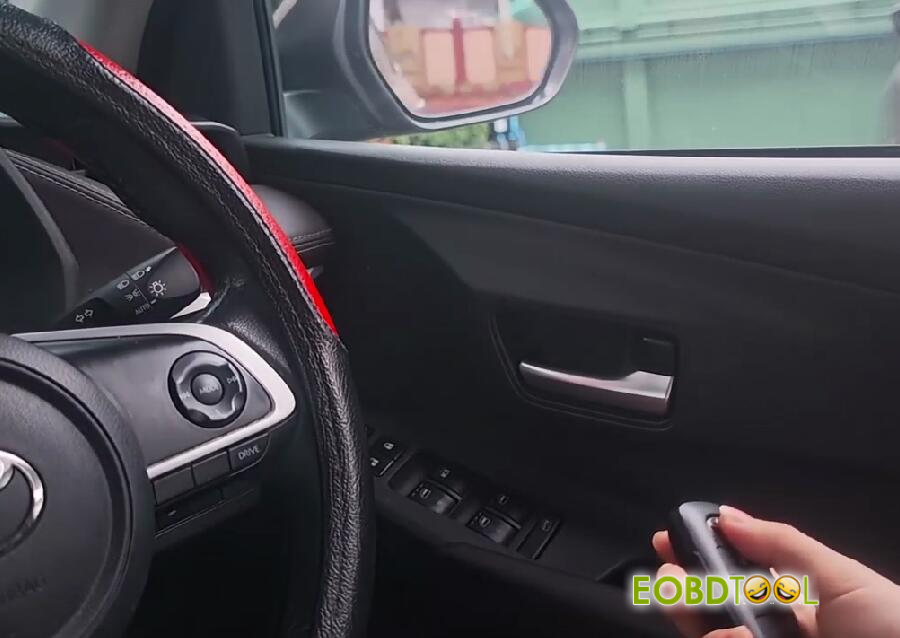
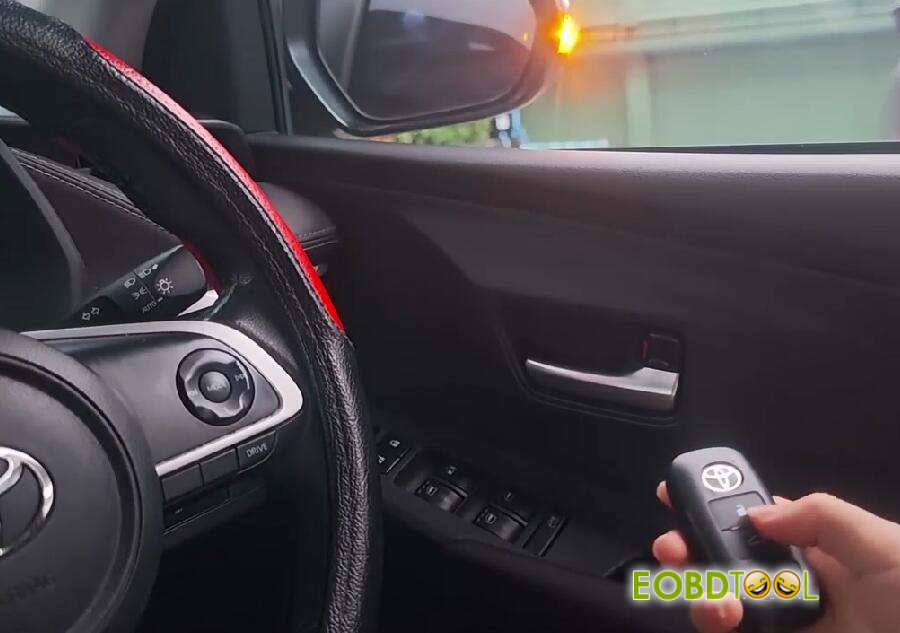
Smart functions: Start the vehicle using the new key to confirm the immobilizer has been learned successfully.

✅ Result
Using Lonsdor K518 Pro key programmer to program a 2023 Toyota Yaris all keys lost has been completed successfully. Both remote and smart functions are working properly.
Video guide:







