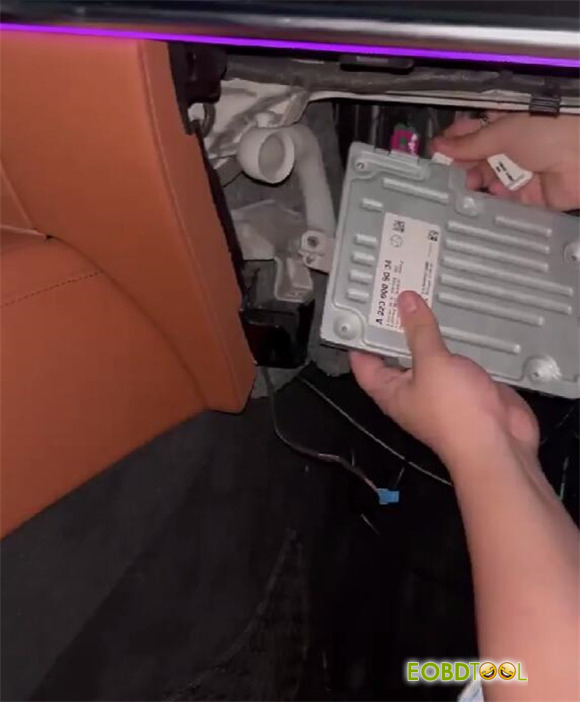





CGDI CG100X feedback:
Calibrate mileage on Mercedes-Benz S450L OK
Require CG100X PRO V2 Adapter, CG100X D1 Adapter, CG HU7 Dedicated Simulator and a 2.2 ohm resistor
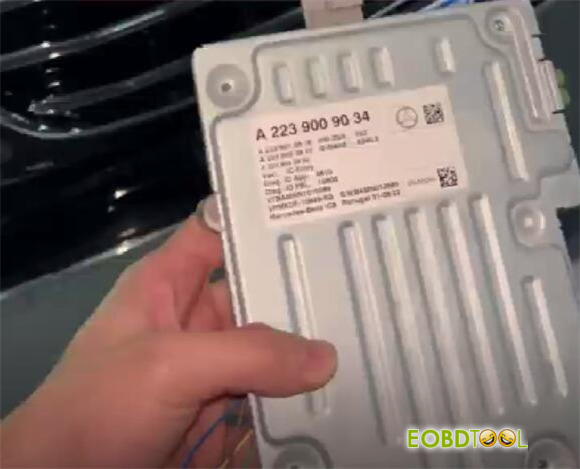
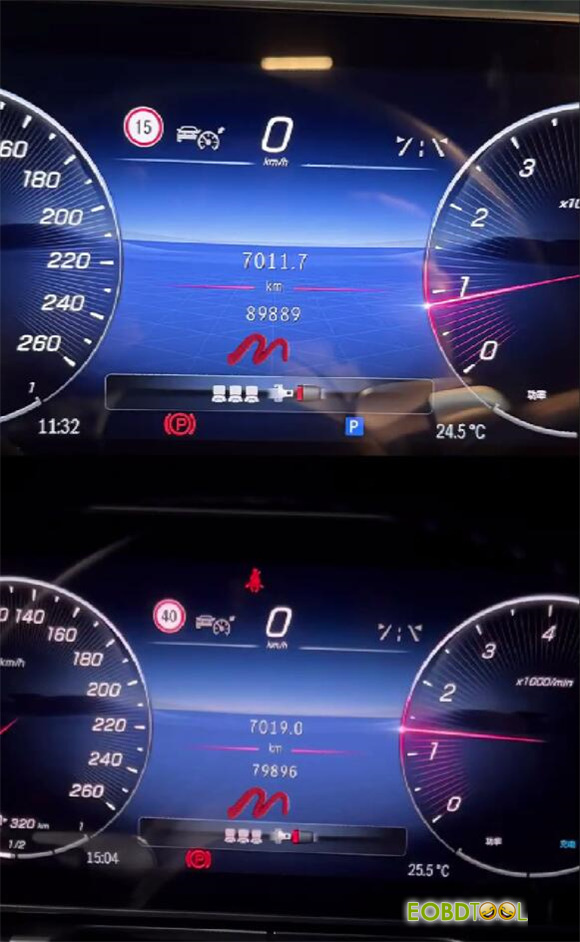
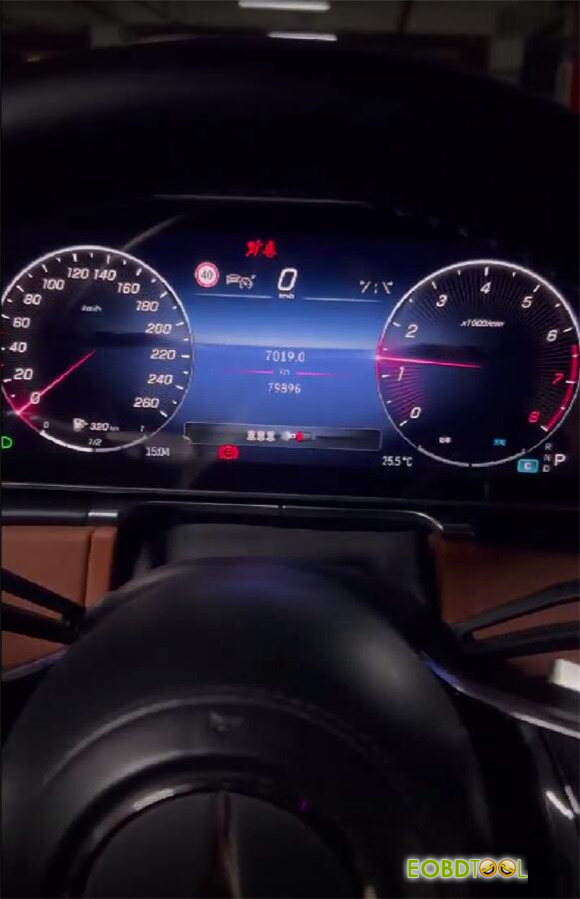
After starting the car
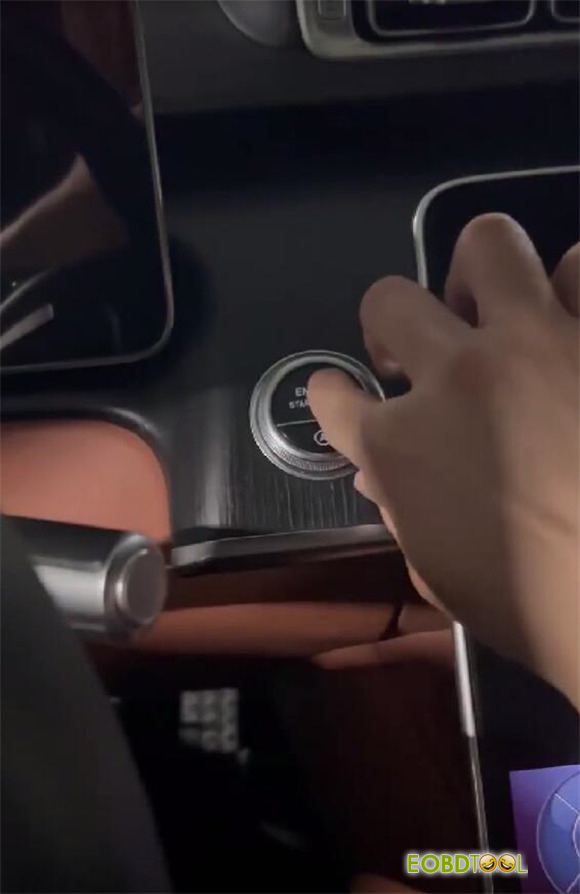
Record the original mileage value
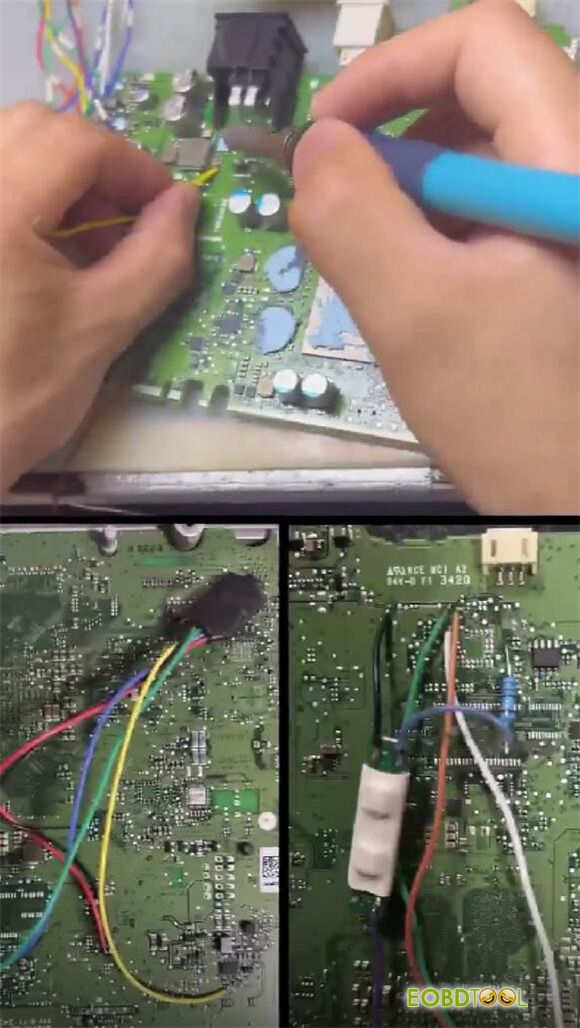
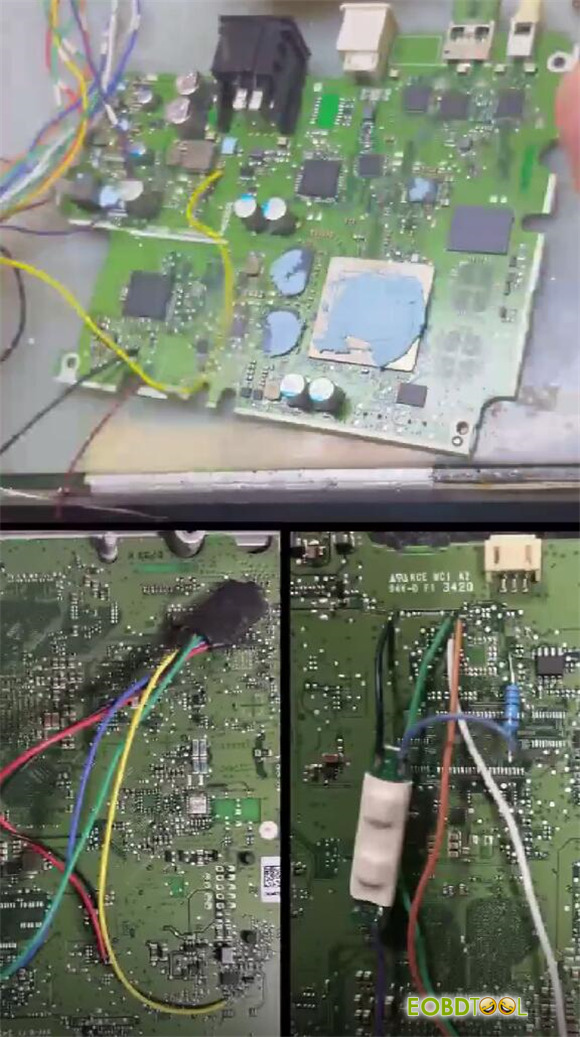
Remove the dashboard, and connect with CG100X ECU Pogrammer via the specific wireness (PRO V2 Harness and D1 Adapter)
Add a 2.2 ohm resistor as well
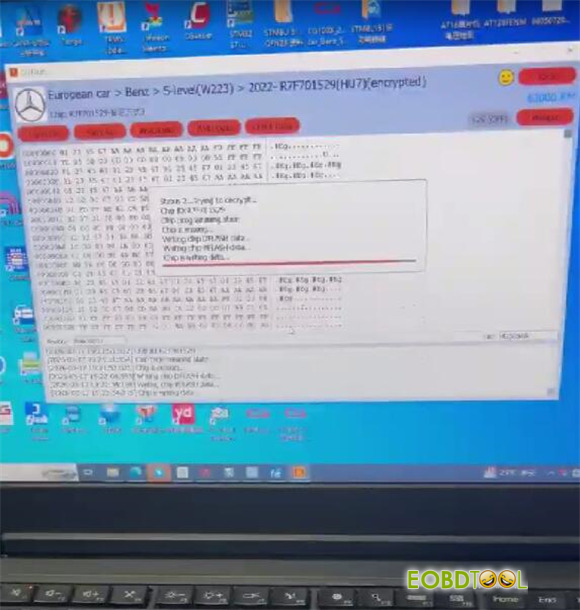
Run CG100X software
Go to dashboard-> European car-> Benz-> S-level (W223)-> 2022-R7F701529 (HU7) (encrypted)
Complete the mileage calibration
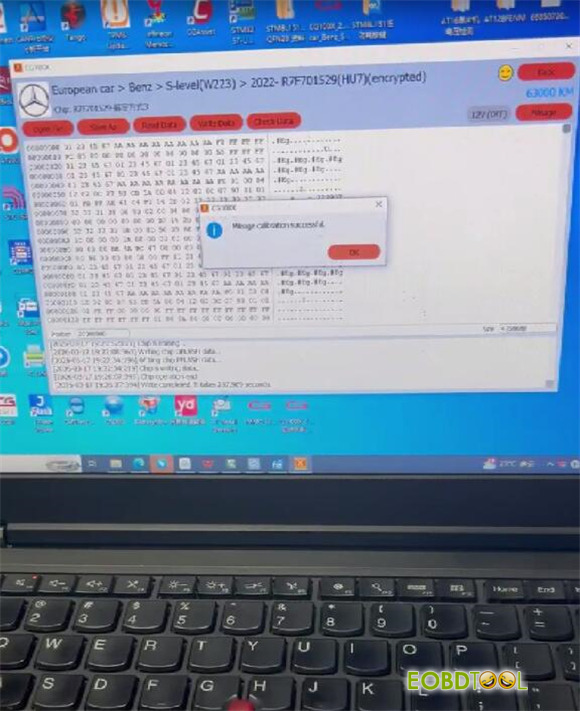
Install the dashboard back into the car after modifying the mileage successfully
Refer to the “Mercedes-Benz HU7 Simulator Wiring Diagram” inside CG100X software to properly install and connect CG HU7 Filter to the vehicle.
Confirm that all wiring follows the color scheme of the simulator harness.
Verify that the mileage displayed on the dashboard matches the modified value.