




Using Yanhua ACDP2 with Module 43, you can read, write, and clone data for Nissan 07A gearbox (M3B, E0A, G2A, S0E) directly on bench. Follow the step-by-step guide below for a complete walkthrough of the replacement process.
1.Preparation
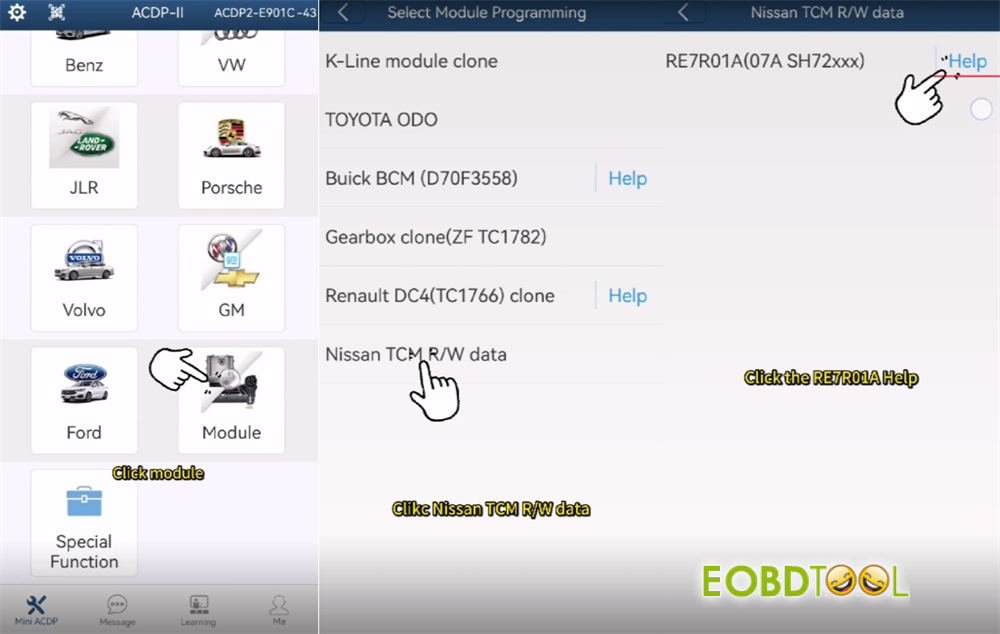
Open ACDP-II software and ensure your programmer is bound.
2.Check Connection Diagram
Select Module-> Nissan TCM R/W data-> RE7R01A (07A SH72xxx)
Click “Help” at the right to check the connection diagram
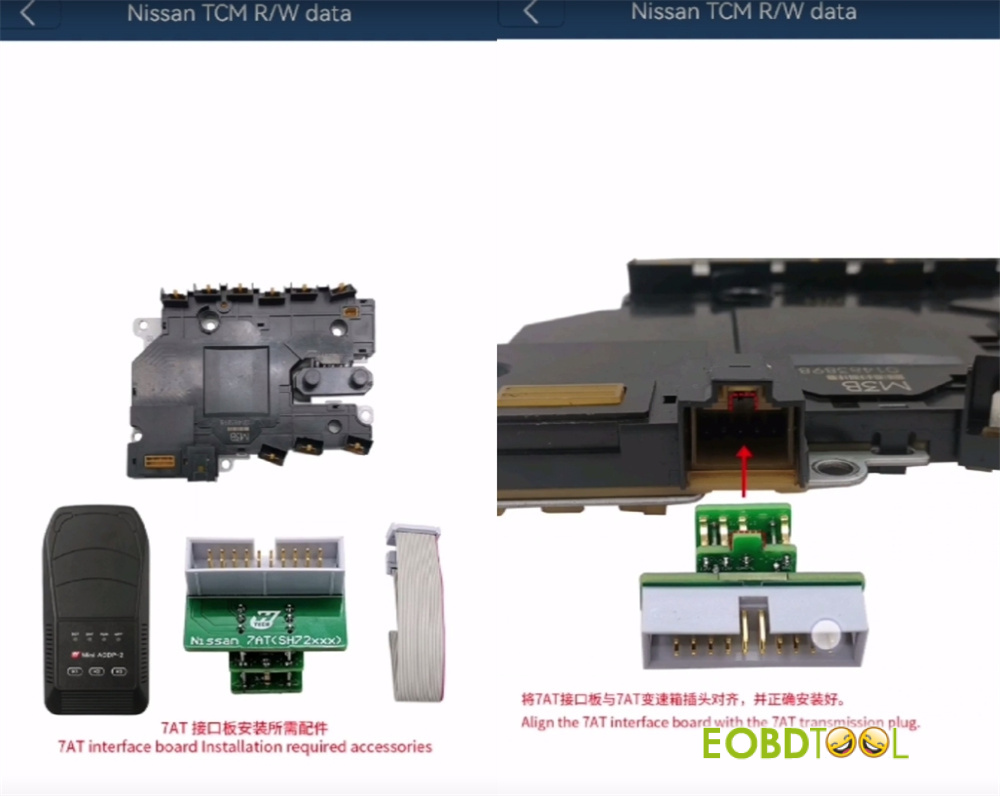
- Prepare all tools required: Yanhua Mini ACDP2, 20P cable, Nissan 07A gearbox, ACDP Module 43
- Align the 7AT interface board with the 7AT transmission plug
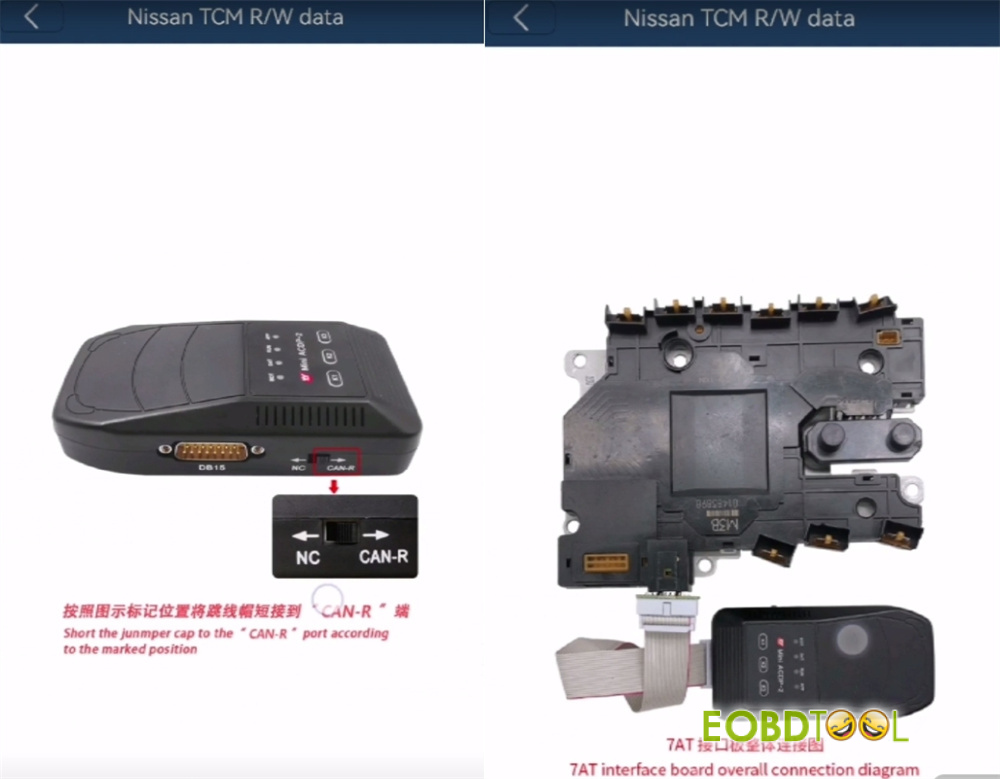
- Short the jumpercap to the “CAN-R” port according to the marked position
- Connect Yanhua Module 43 to ACDP2 via the 20P cable
3.Identify Info
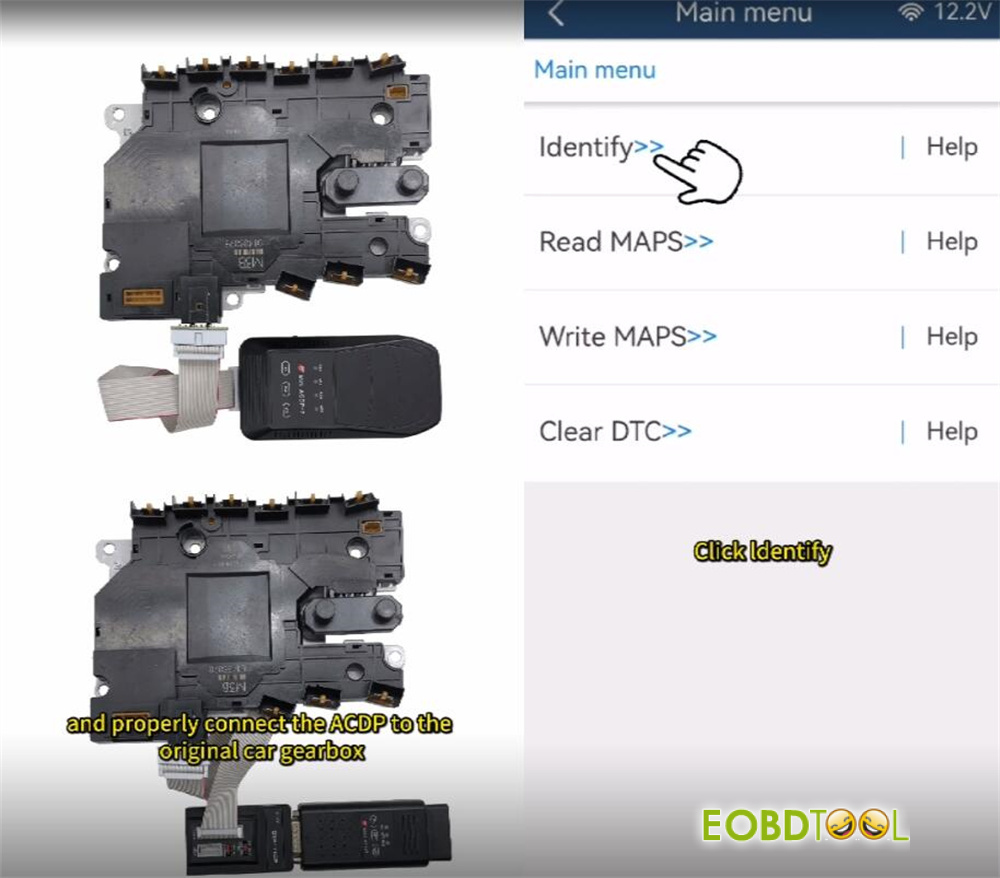
Connect Mini ACDP to original gearbox properly
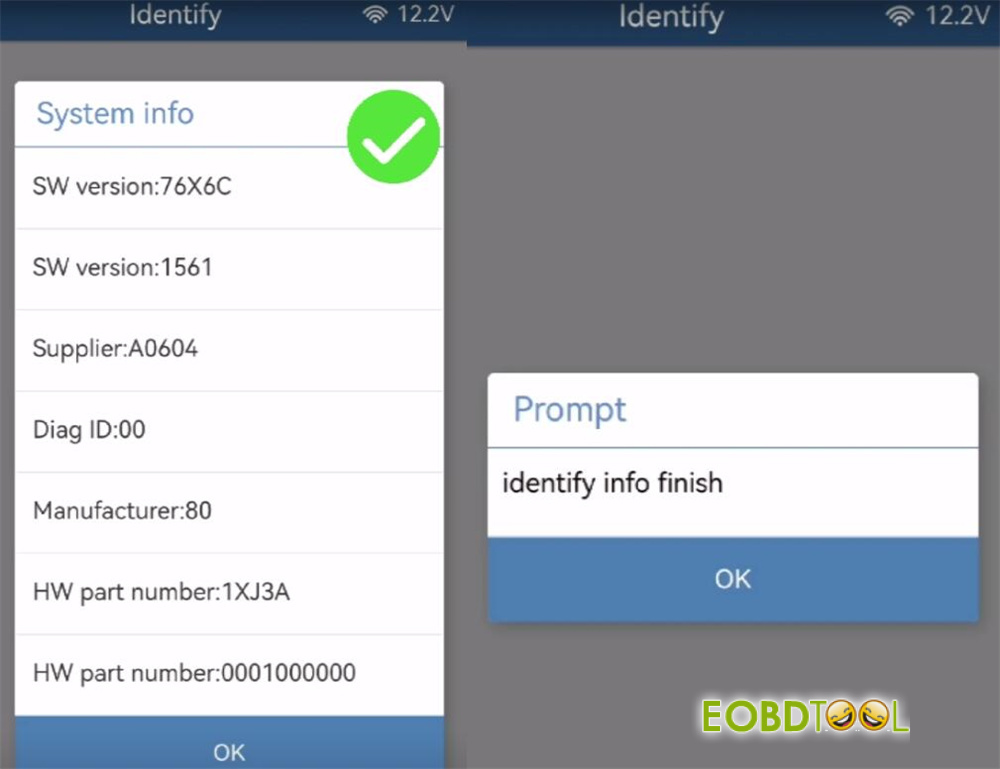
Select “Identify” to identify the gearbox (RE7R01A) system info
4.Read MAPS
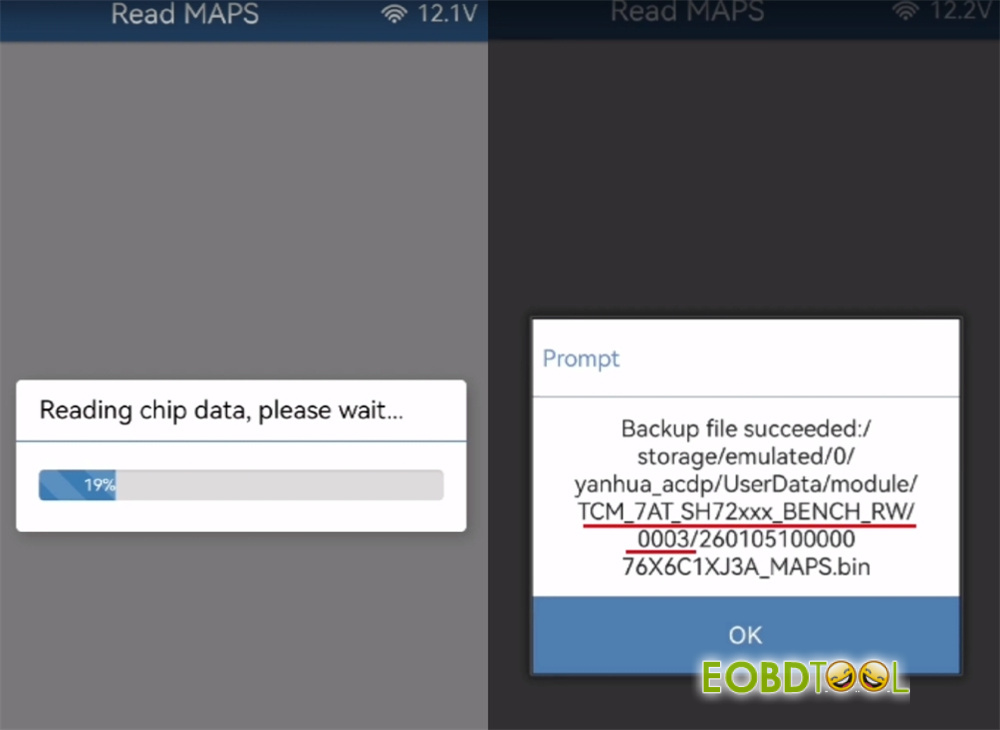
Read chip data
Securely save the map files
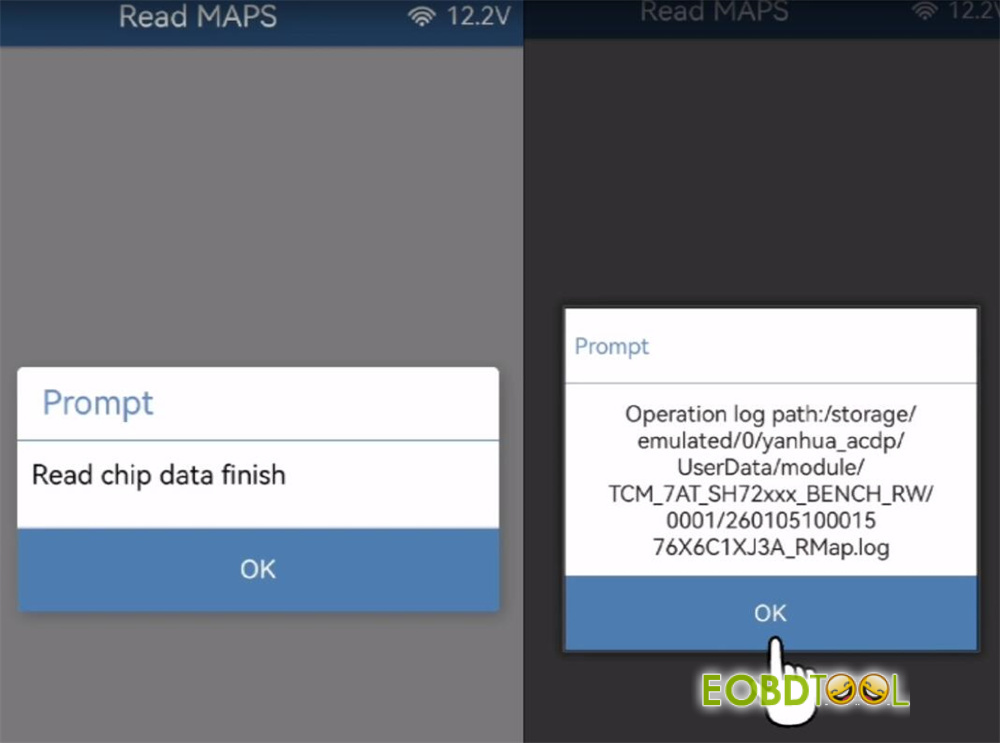
Read chip data finish, pay attention to the backup path and file details
5.Write MAPS
Connect to the replacement Nissan 07A gearbox
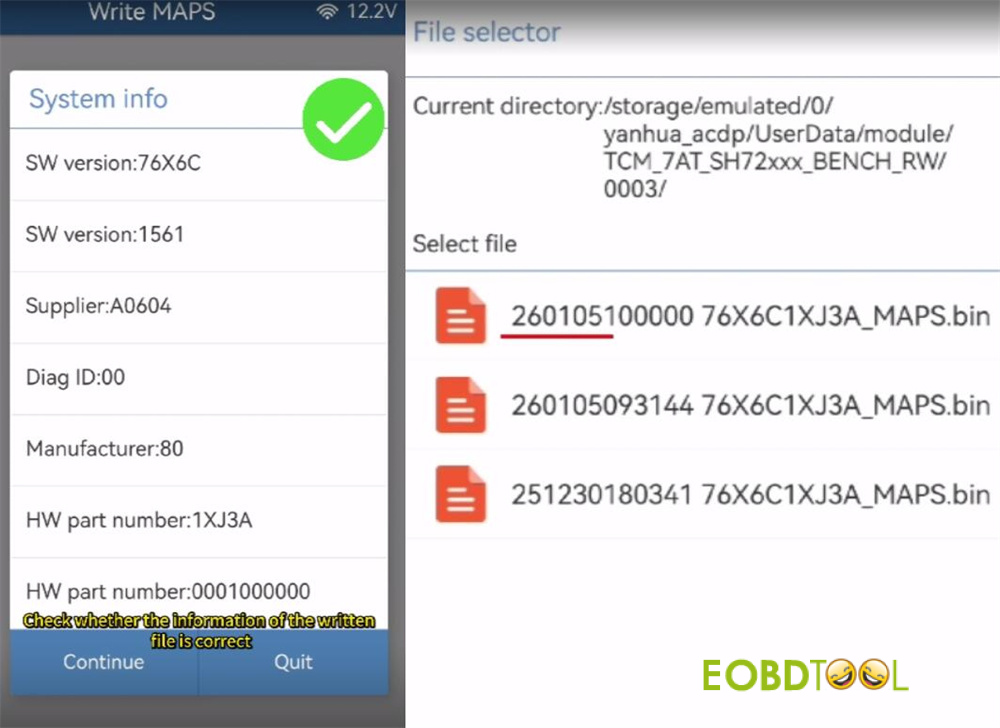
Verify its identification
Select the correct original gearbox backup file to write the data
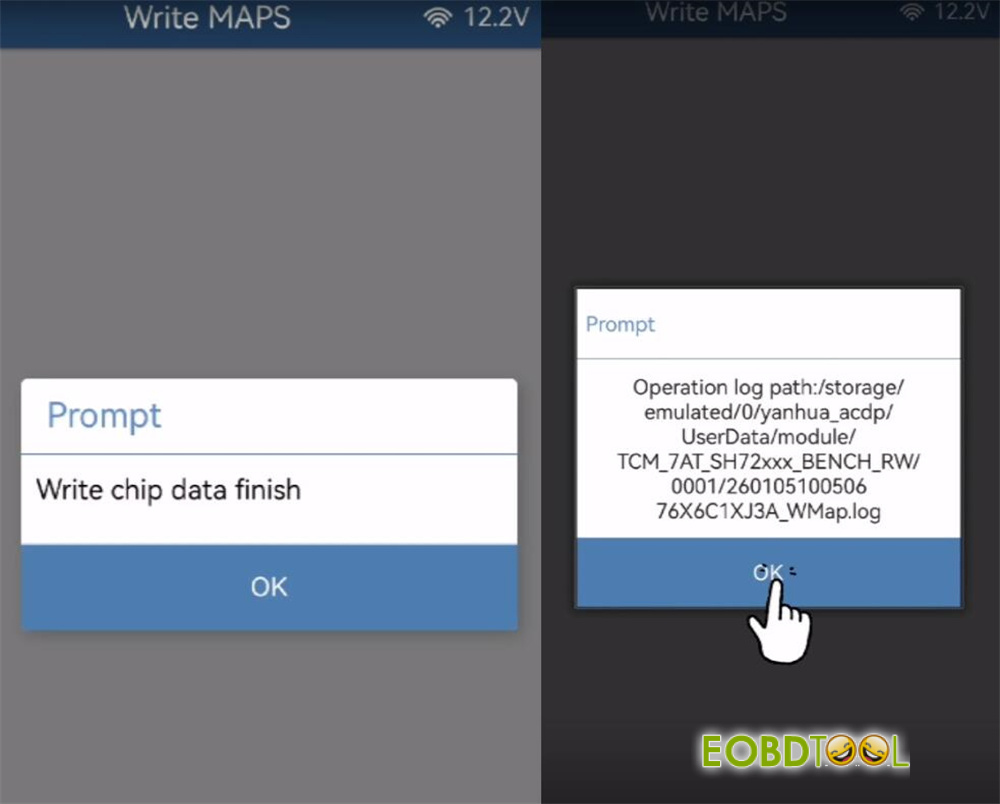
Confirm the write process finishes successfully
Read also:







