





CG FC200 DAP Adapter is designed to work in conjunction with CG FC200 ECU programmer, enabling the reading of multiple ECU models such as Delphi 7.1AP, Delphi TC277TP, Toyota Denso 76F0038GD, 76F0070, 76F0085, 76F0039GD, 76F0040GD, and more.
Below is a quick guide to setting up and reading a Toyota 89661-36190 ECU using the new adapter.
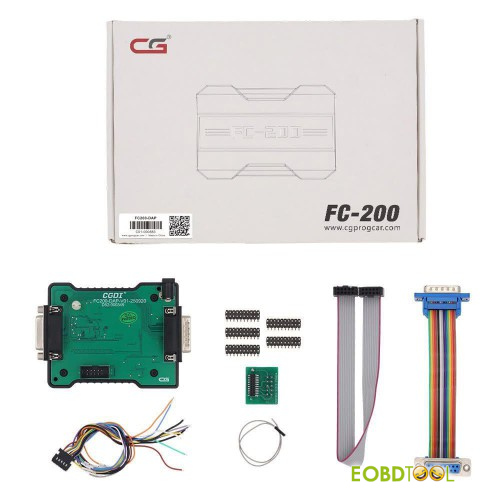
CGDI FC200 DAP Adapter Version: 1.3.3.0
Added BOOT mode ECUs (DAP adapter required)
Hyundai / Kia/Isuzu /Leyland: DCM7.1AP JCB/BAIC: DCM7.24
Tata/ Mahindra/JAC/ Great Wall /Dongfeng: DCM7.1AP, DCM7.24
Toyota / Lexus ECU Support List:
DENSO 275036-XXX 76F0038AGD
DENSO 275136-XXX 76F0038AGD
DENSO 275036-XXX 76F0039GD
DENSO 175822-XXX 76F0038GD
DENSO 175822-XXX 76F0039AGD
DENSO 175822-XXX 76F0039GD
DENSO 175822-XXX 76F0040GD
DENSO 275036-XXX 76F0040GD
DENSO 275036-XXX 76F0070
DENSO 275036-XXX 76F0085
DENSO 275136-XXX 76F0085
DENSO 275036-XXX 76F0040AGD
DENSO 275922-XXX 76F0070
DENSO 275992-XXX 76F0070
Step-by-step guide to read Toyota ECU by FC200 DAP Adapter:
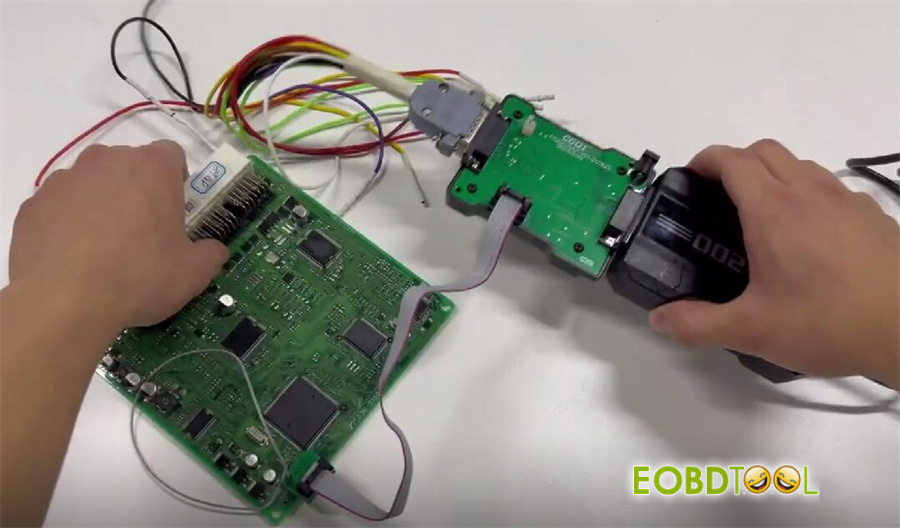
Step 1: Connect Device
Assemble the adapters in the correct sequence
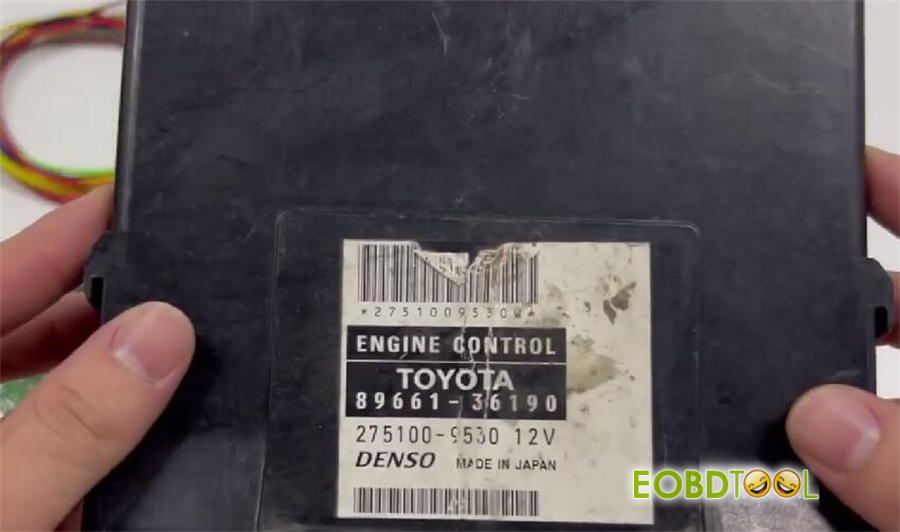
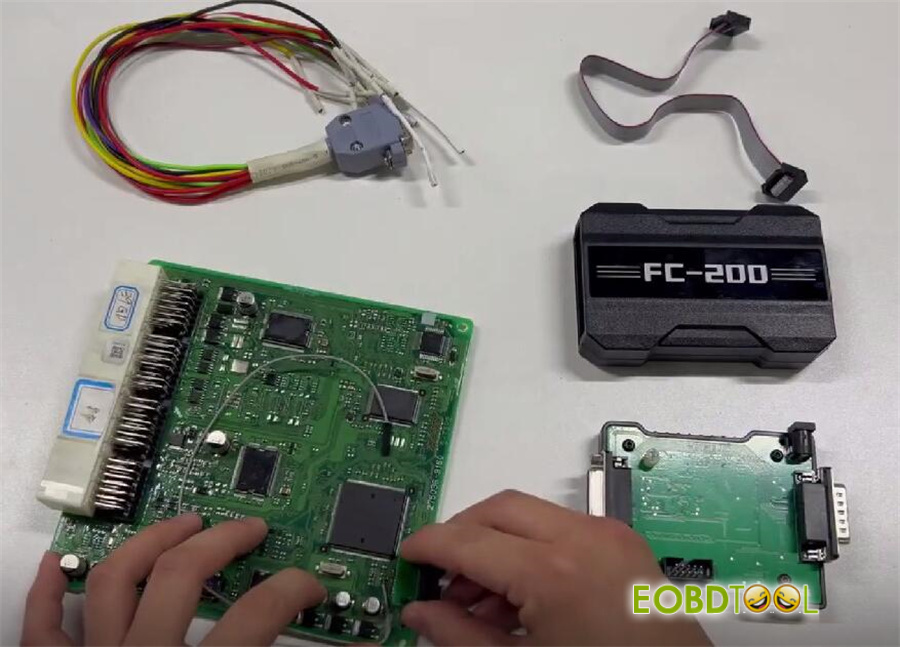
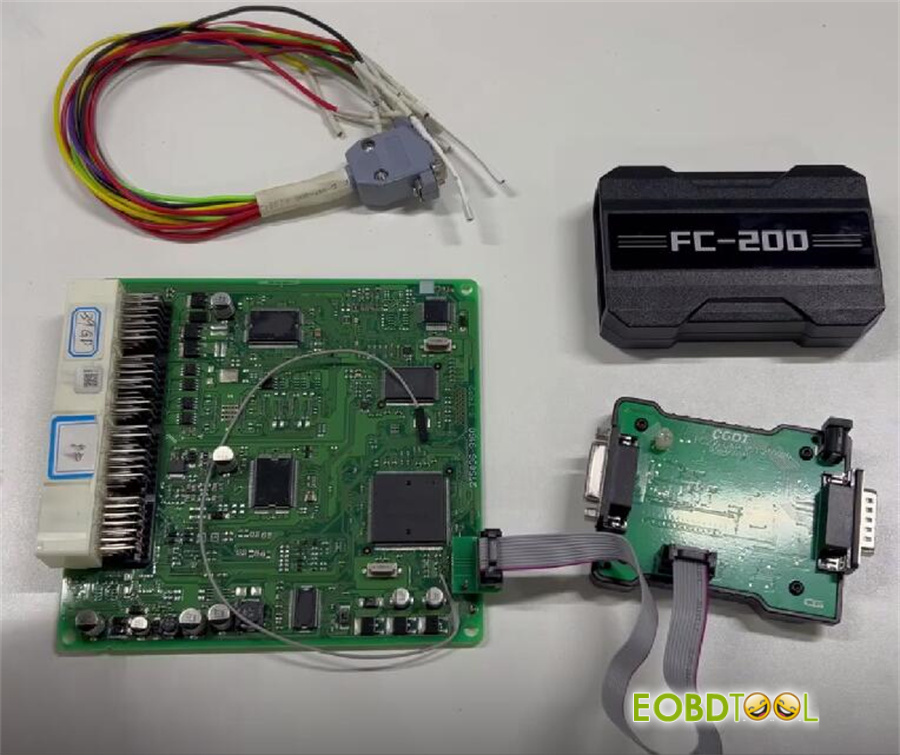
Wire the pins according to the provided diagram
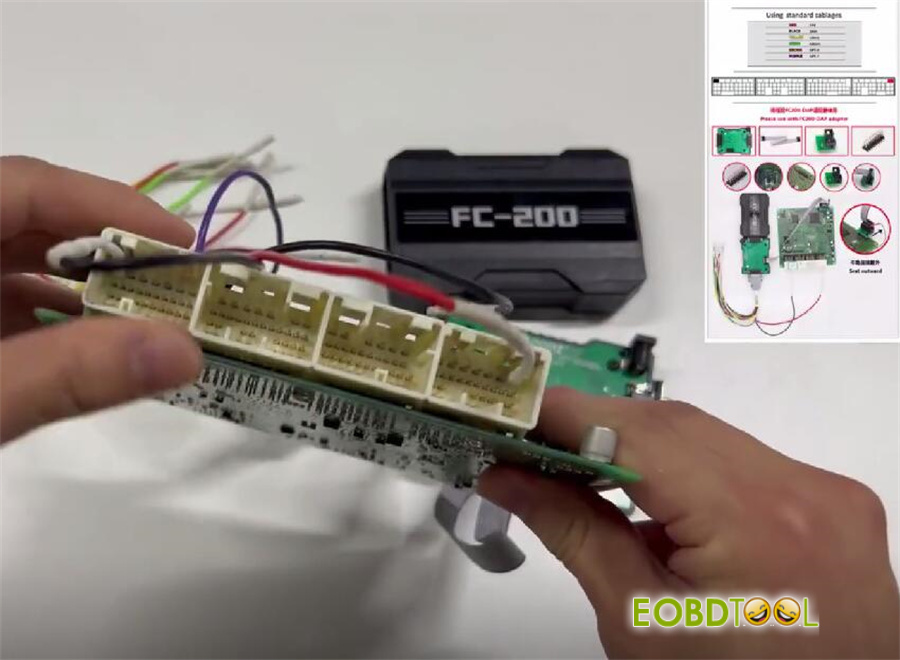
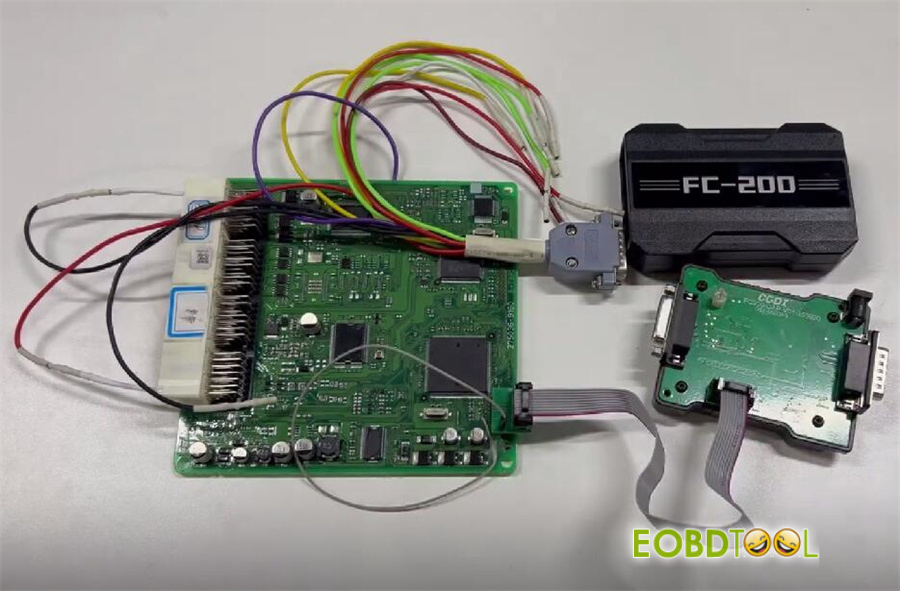
Connect CG FC200 to your computer via USB and ensure it is powered on.
Attach FC200 DAP Adapter to the main unit, then connect the unit to your computer
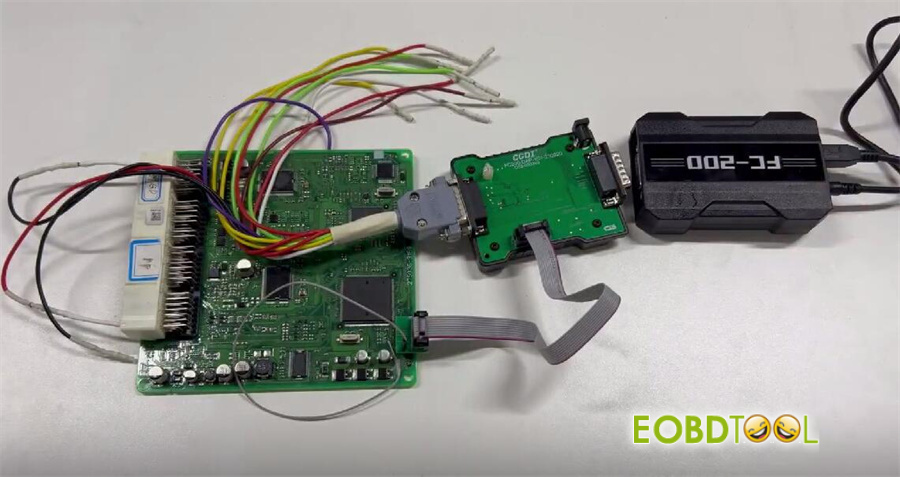
Step 2: Read Flash
Open FC200 software on your computer.
Enter the ECU model number (e.g., 275036).
Select the corresponding ECU model: DENSO 275036-xoox 76F0039GD (Lexus/GX400 (J150)/4000 1GRFE 285)
Select “Boot” mode
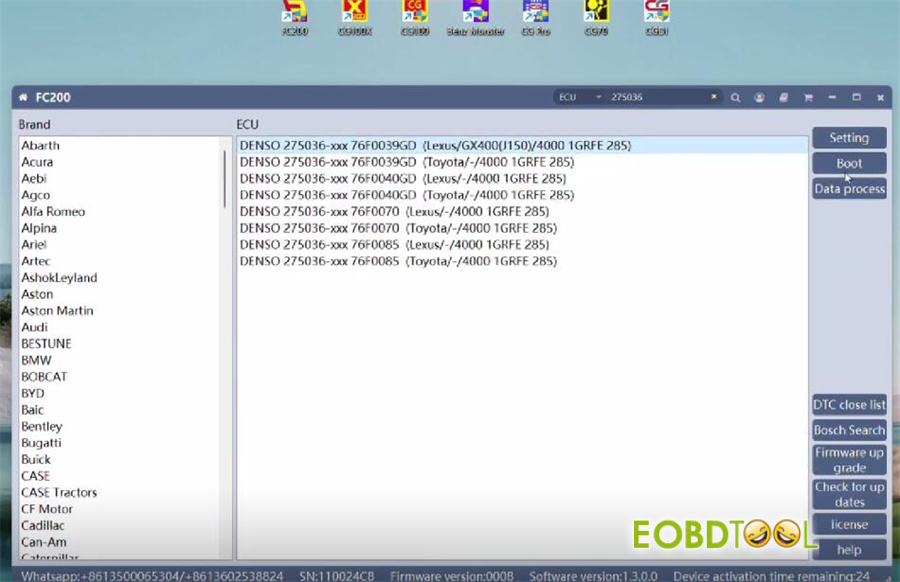
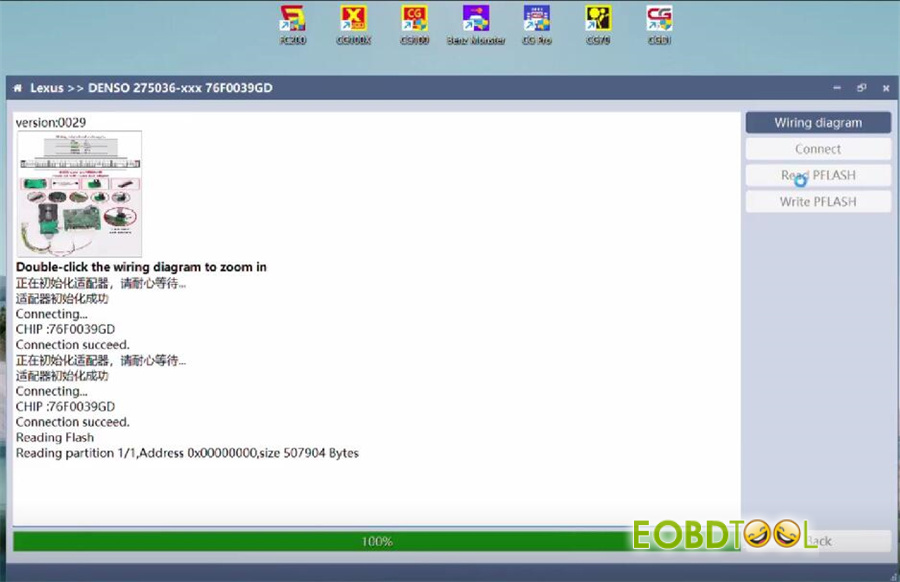
Click “Connect.” Once connected, choose “Read Flash”
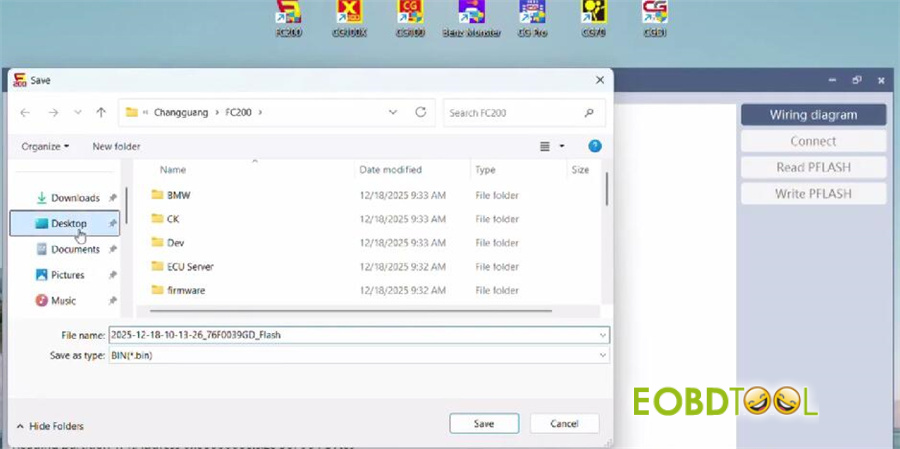
Step 3: Save Flash Data
Save the extracted data file. The reading process is now complete.
Video guide:







