
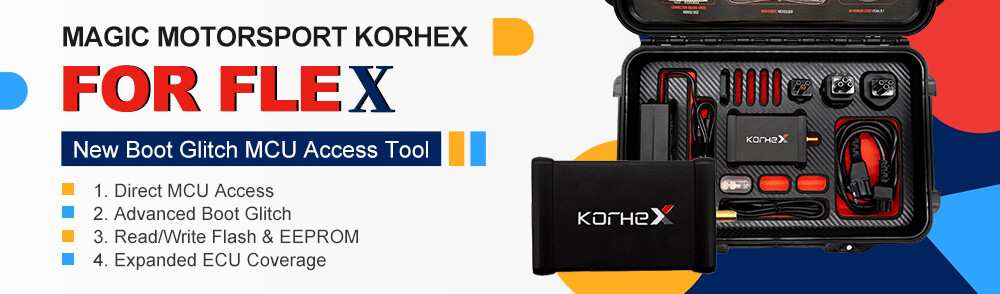







Before using your Korhex Boot Glitch and MCU Access Tool, you need to activate it with its serial number. You can find the serial number in the purchase email from Magic Motorsport or on the invoice for your order.
If you are not sure where to look, follow the steps below.
- Open Flex Software
Launch Flex software on your PC.
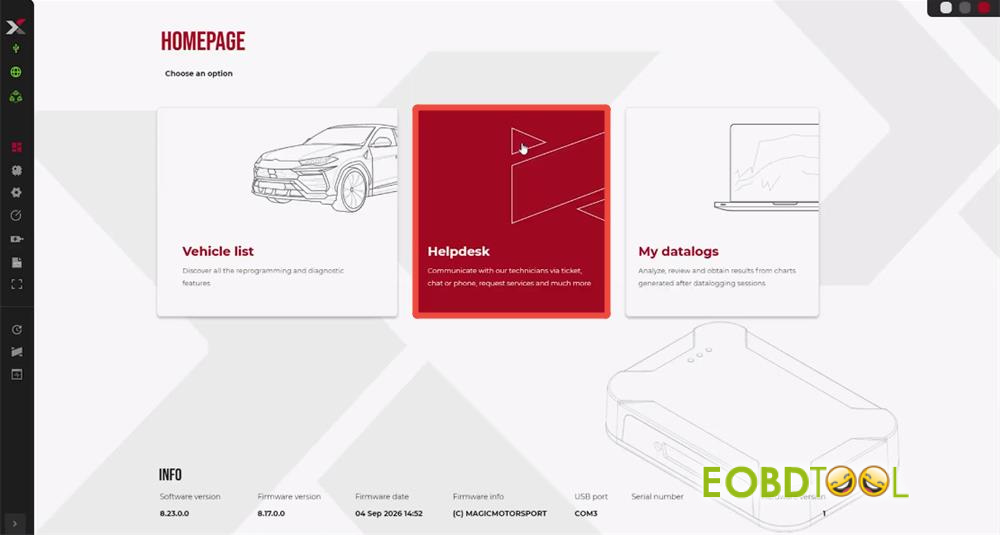
- Open Your User Portal
Select Helpdesk to access your User Portal.
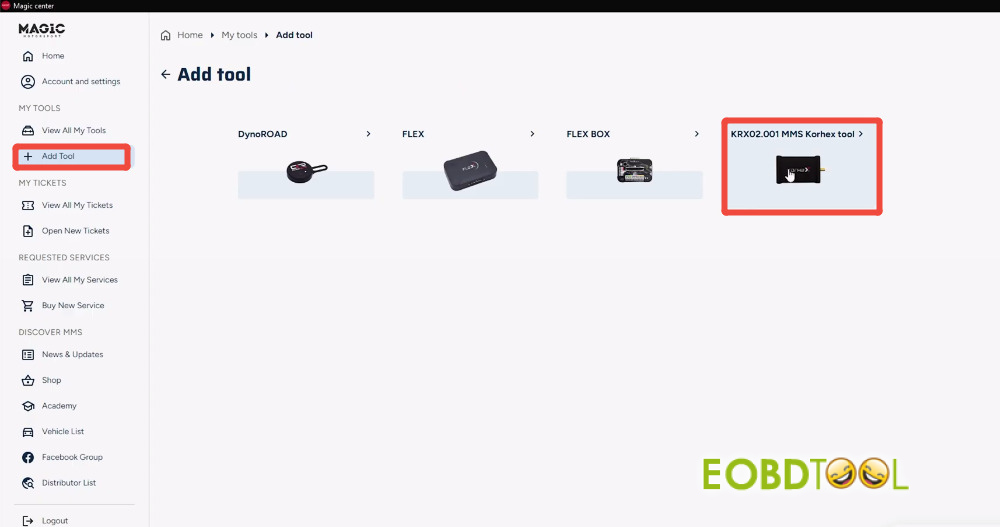
- Add Your Korhex Tool
Select Add Tool → KRX02.001 MMS Korhex Tool.
- Check Where to Find the Serial Number
Click Insert serial number → Where is it?
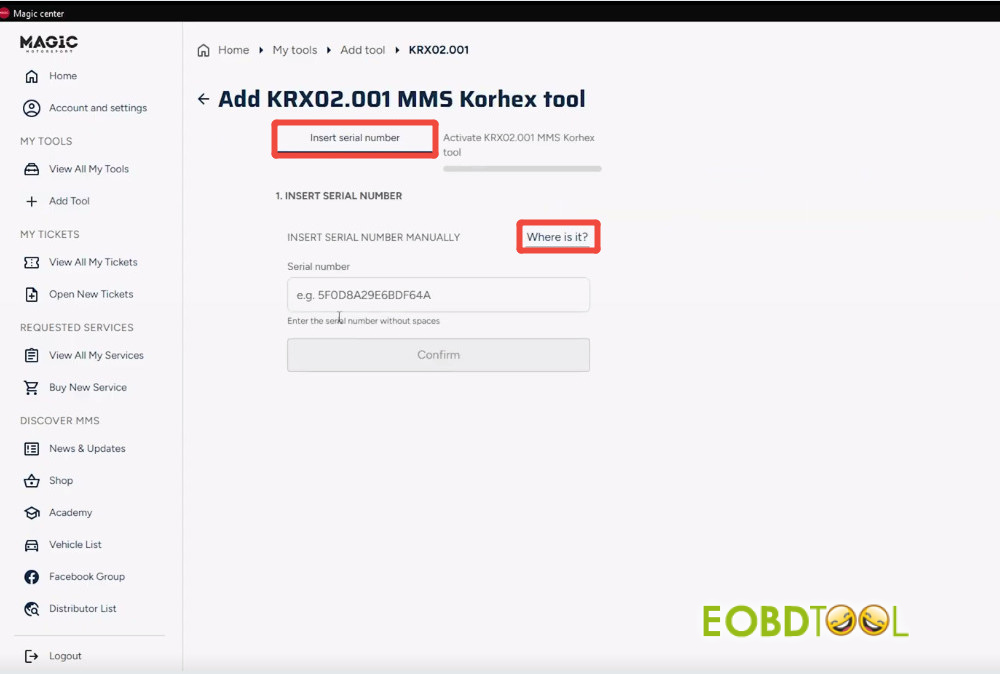
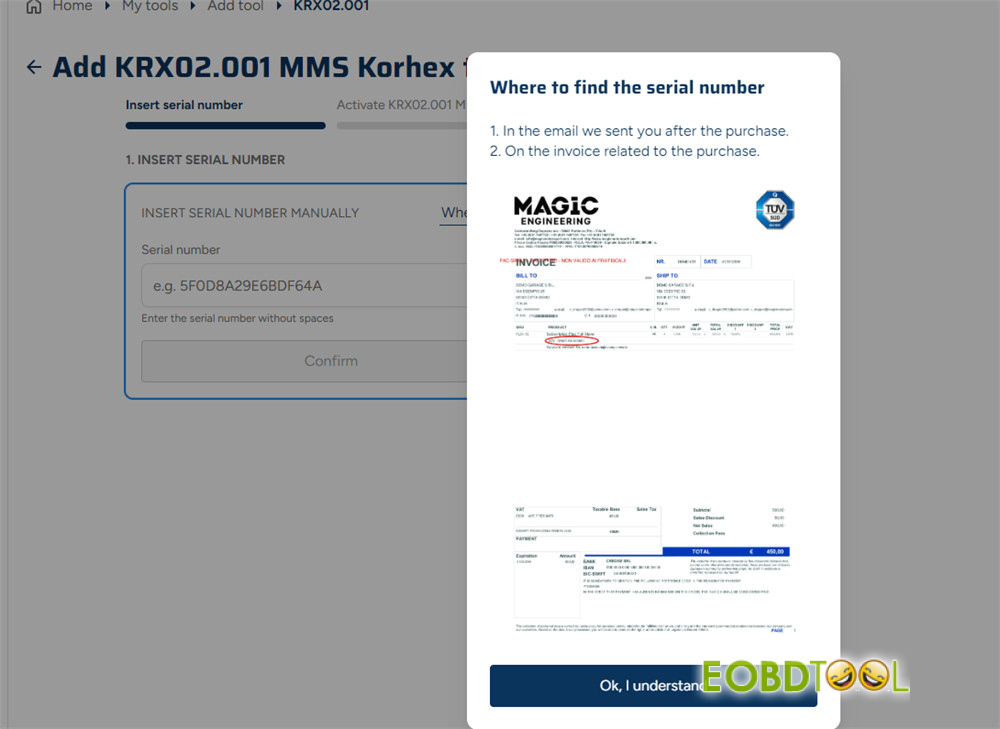
You can find your Korhex serial number in either of these places:
- Purchase email: Check the email Magic Motorsport sent you after your purchase.
- Invoice: Check the invoice for your Korhex order. The example below shows where the serial number appears on the invoice.
5.Complete the Activation and Open Korhex
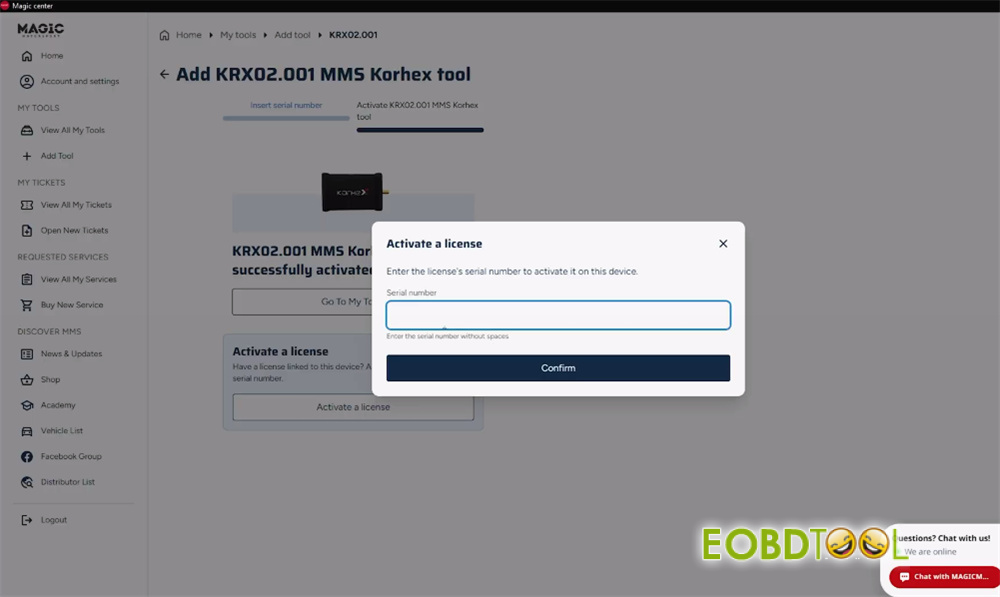
Enter the serial number of Korhex Boot Glitch Tool and bind it to your account.
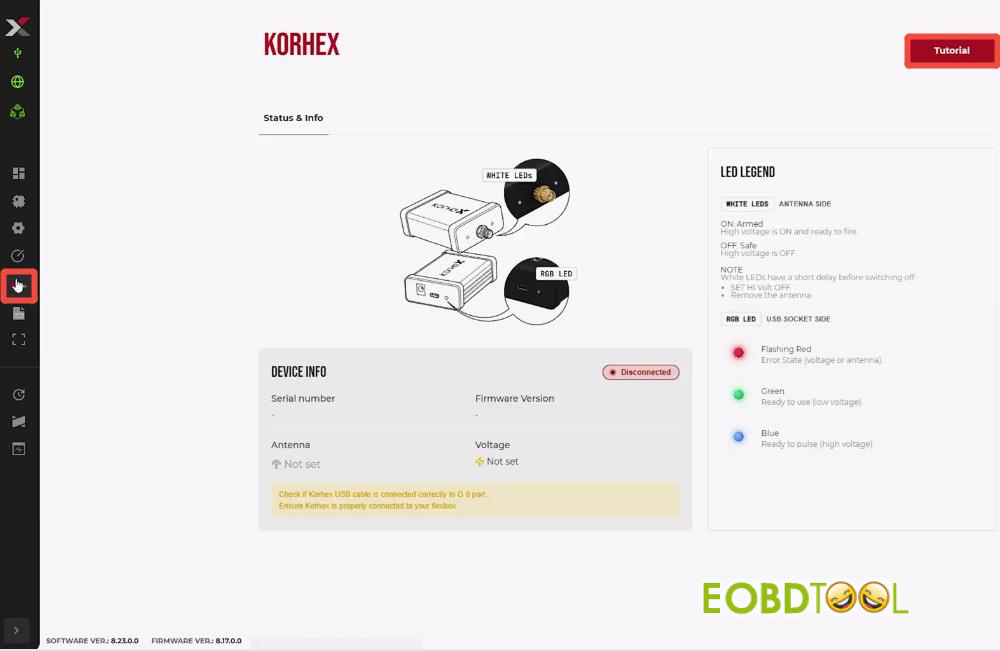
After activating, click the Korhex icon in the left-hand menu of the Flex software. Your device information will then appear.
To view the image-based instructions, click Tutorial in the top-right corner.
Learn more:
How to Use Magic Motorsport Korhex: A Complete Step-by-Step Guide
UK Professional OBD2 Tools Online Shop







