







How to use CGDI CG100X to calibrate mileage on Toyota Levin 2019 S6J3001 CAN model?
Follow the simple guide below to operate.
1.Update your CG100X to V1.9.8.0 or above
This version added supported models for Toyota and Lexus S6J3001/R7F701401/R7F701441.
CG100X V1.9.8.0 Update Toyota and Lexus S6J3001 R7F701401 R7F701441 Dashboard Models
2.Prepare all goods below
- CGDI CG100X Programmer
- 35X-CAN Adapter
- CAN Cable
- Toyota Levin 2019 S6J3001
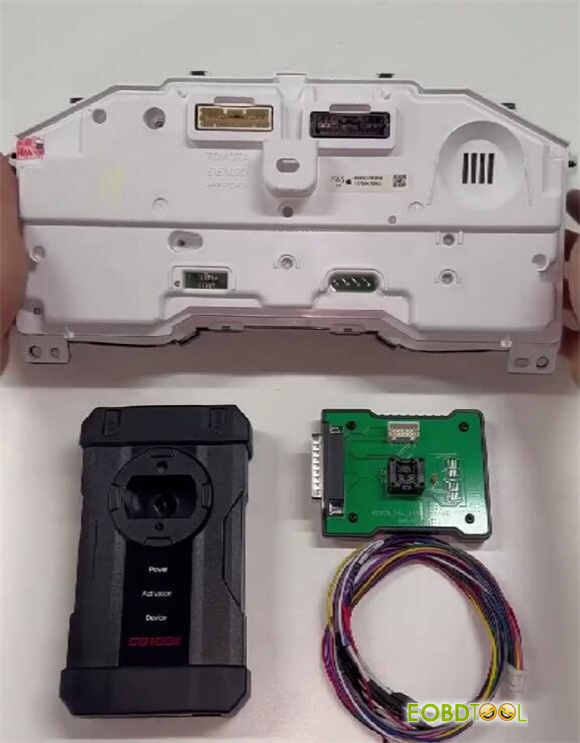
3.Connect device and dashboard
Connect CG100X to a PC via USB cable
Check the wiring diagram in CG100X software
Navigation path: Dashboard-> Toyota-> Levin-> 2019- S6J3001 CAN Small Screen
Follow the diagram to connect CG100X and Levin dashboard via 35X-CAN Adapter and CAN cable properly
Connect the power supply to CG100X as well
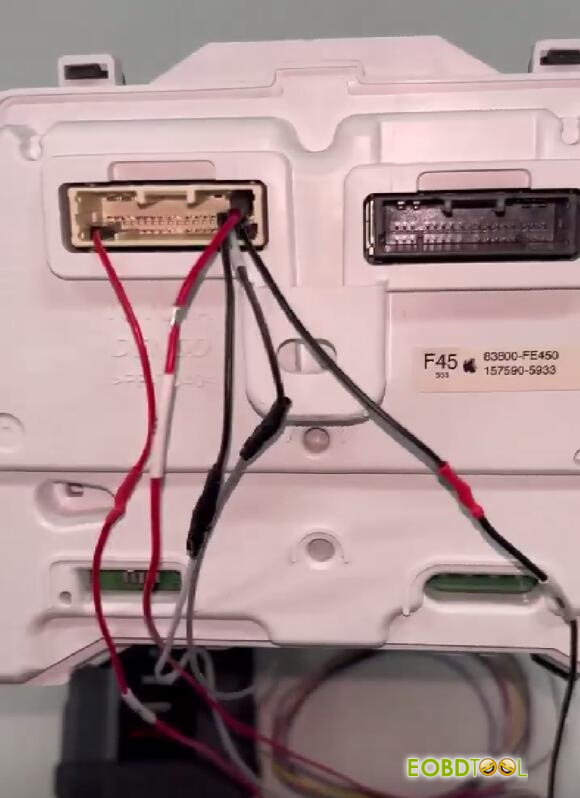
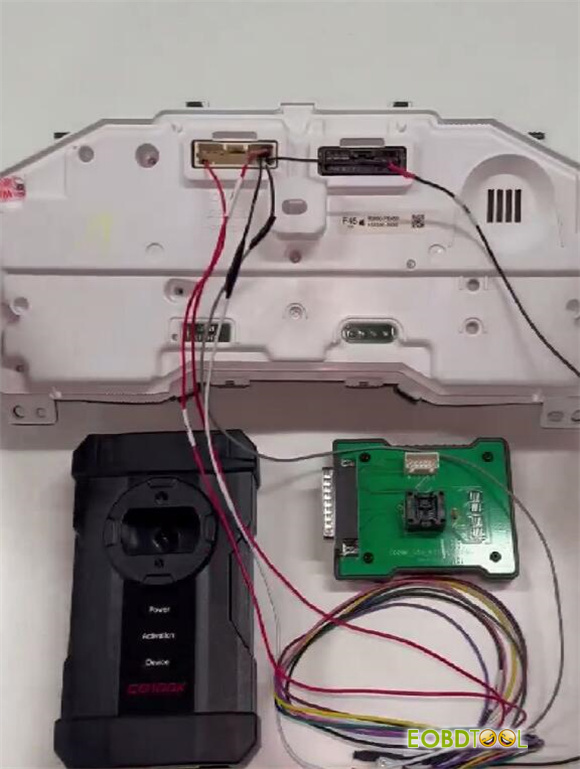
4.Change mileage
After connection, start to calibrate mileage
The current value will display automatically (e.g. 6666)
Input the new value you desire (e.g. 8888)
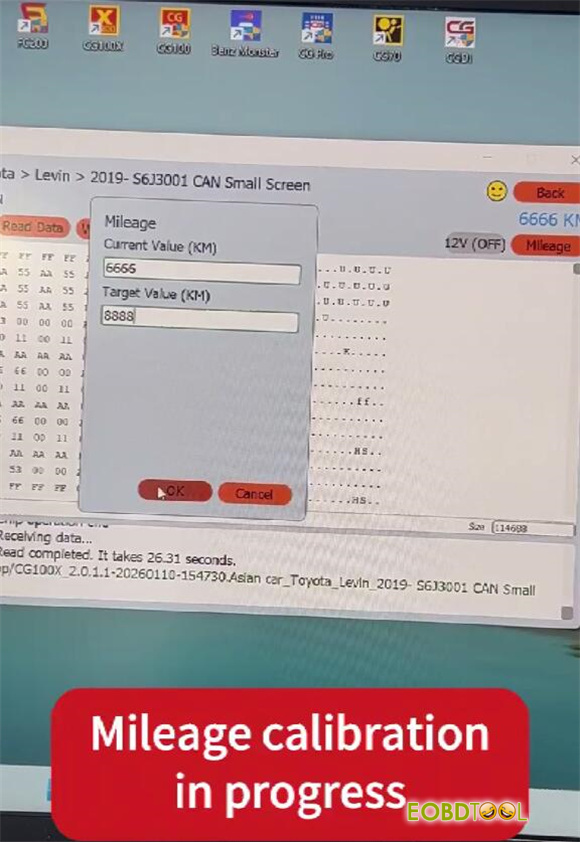
Wait a moment until mileage calibration is successful.
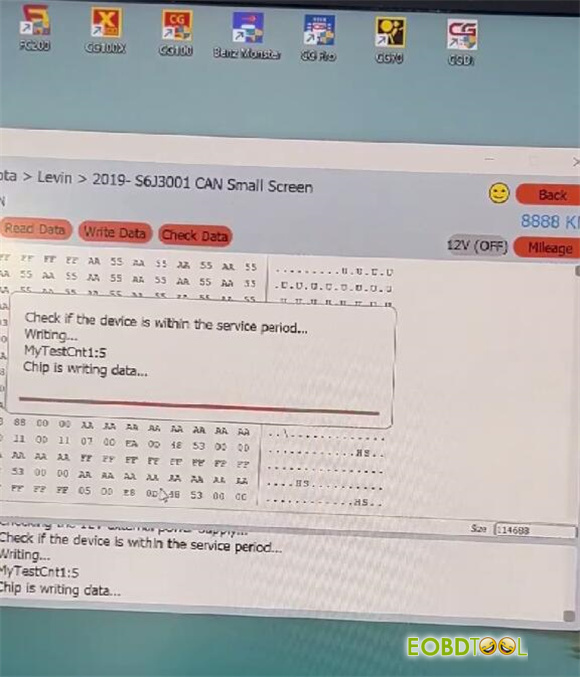
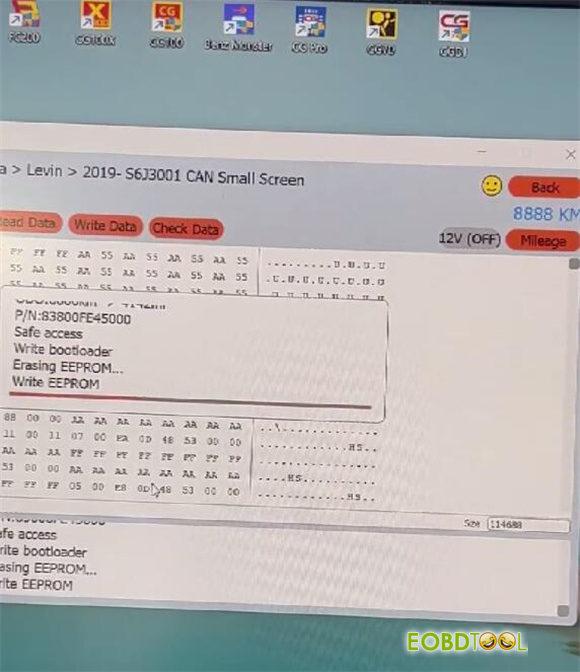
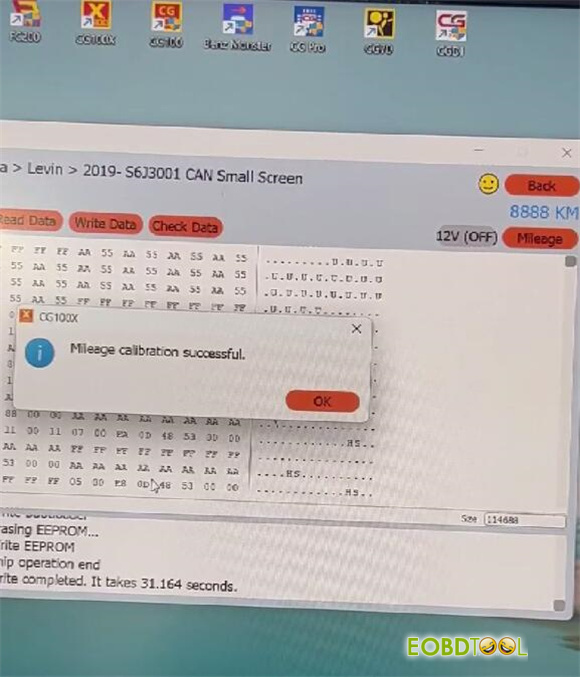
Finally, check if the value on the dashboard is changed.
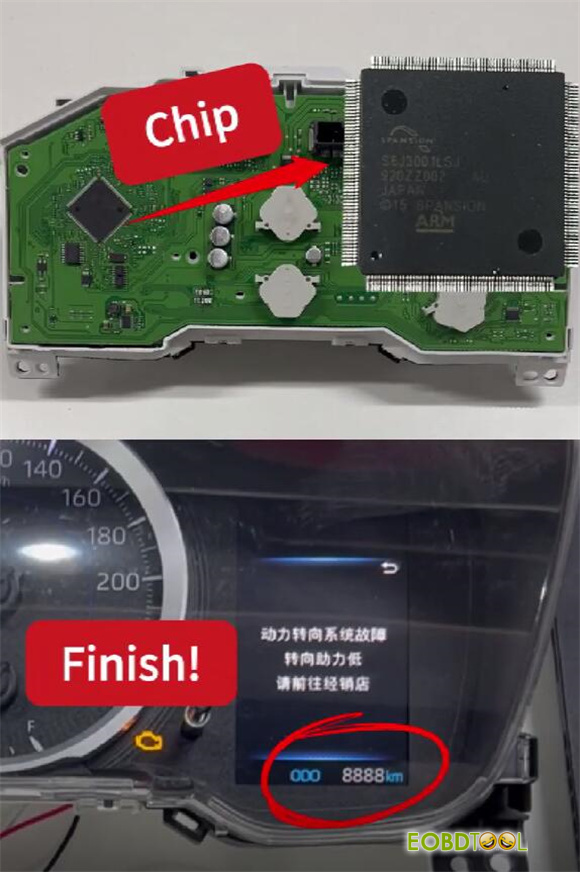
Done!







