







This guide shows how to add and clear smart keys on a Toyota GR86 (GR A6 system) using KEYDIY KD-X6 via OBD.
Tools Required:
- 1 original working key
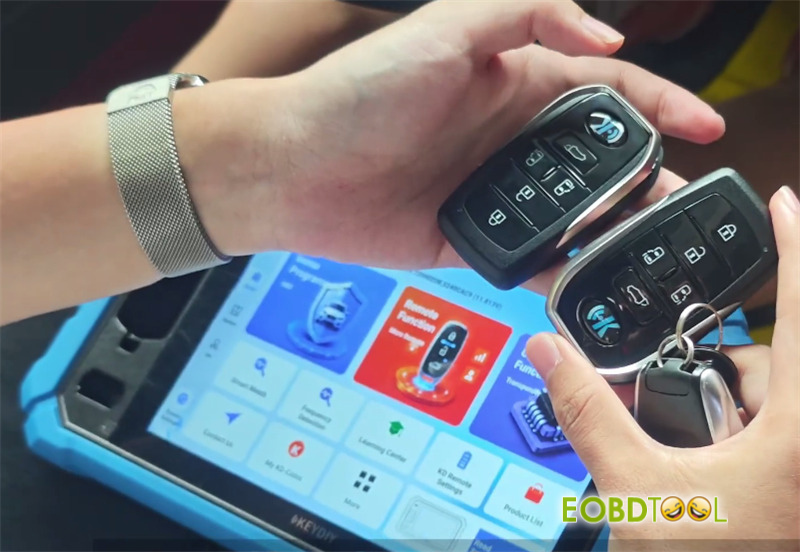
- 2 pre-generated KD TB01-5 universal smart keys
- KEYDIY KD-X6 key programmer
Phase 1: Check Registered Key Count
- Connect KD-X6 programmer to the vehicle OBD port.
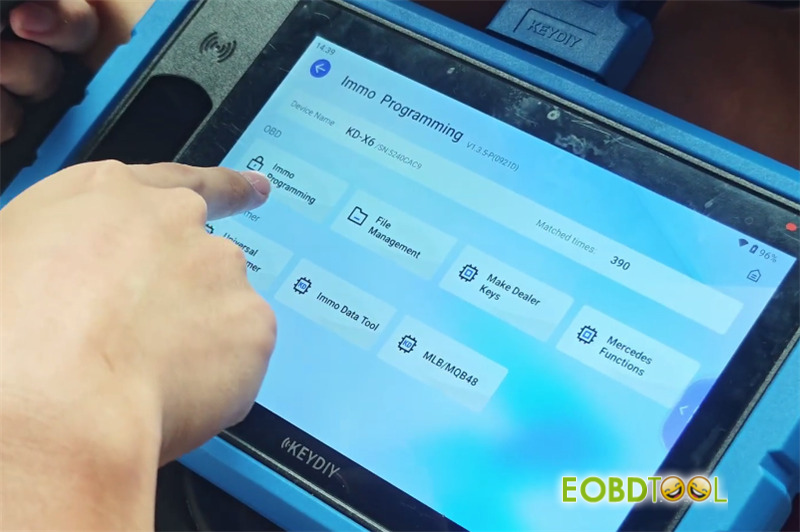
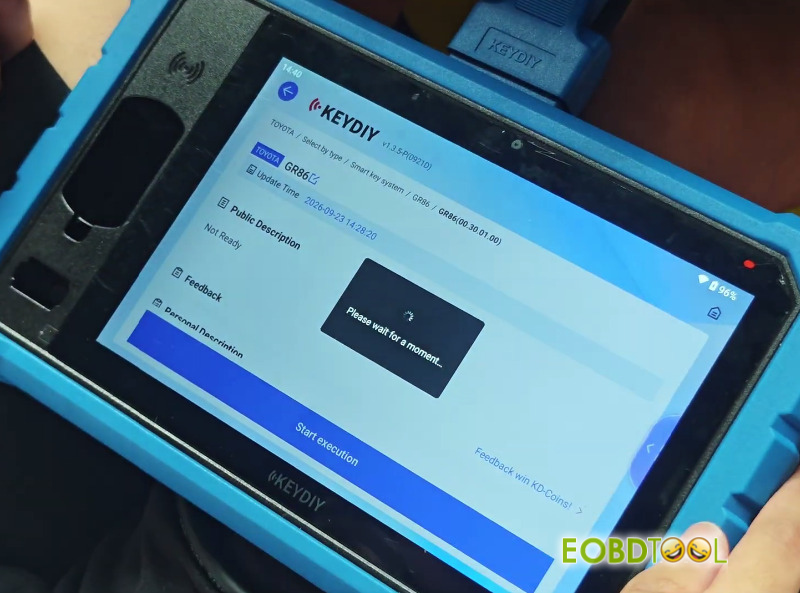
- Go to Immo Programming -> Immo Programming -> Toyota -> Select by Type -> GR86 -> GR86 -> Start execution.
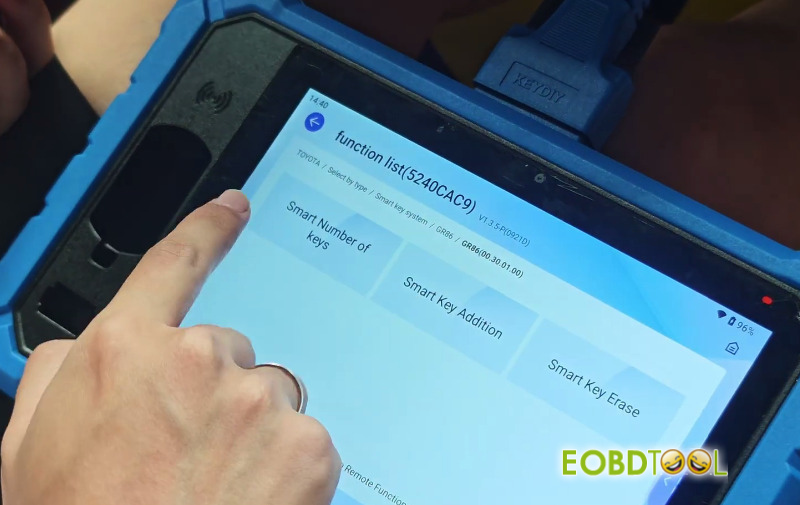
- Select [Smart Number of keys].
- Turn the ignition switch ON.
- Check the system readout for registered keys (Initial count: 2).
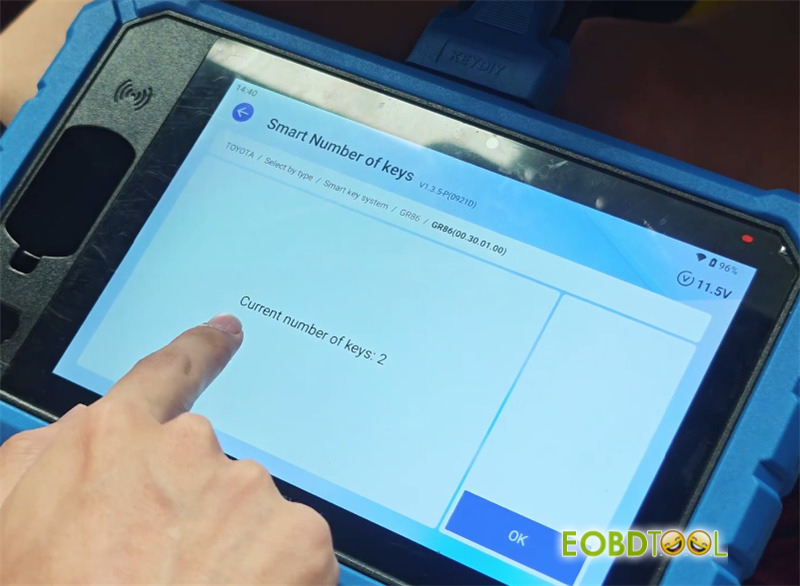
Phase 2: Clear Unregistered or Lost Keys
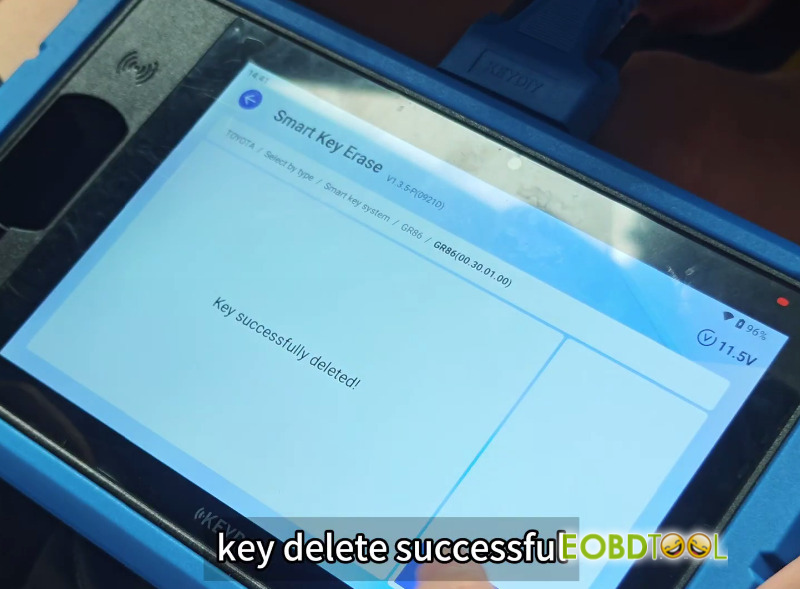
- Select [Smart Key Erase]from the menu.
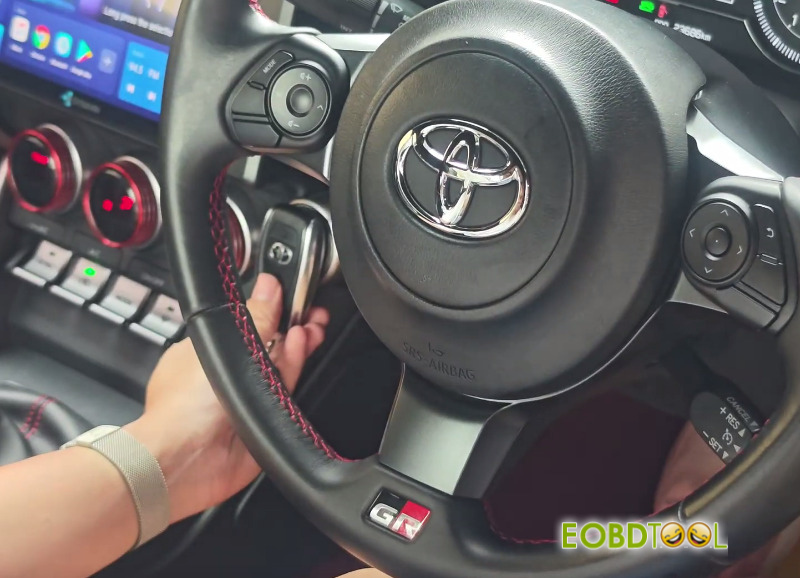
- Hold the primary registered key close to the Start button. This keeps it registered while clearing all other keys from memory.
- Confirm the deletion. Only your held key remains stored in the vehicle.
Phase 3: Program New Smart Key
- Select [Smart Key Addition]and switch the ignition ON.
- Shut all vehicle doors.
- Hold the original registered key against the Start button until you hear the vehicle chime.
- Place the new KEYDIY smart key against the Start button to pair it. The key count will update to 3.
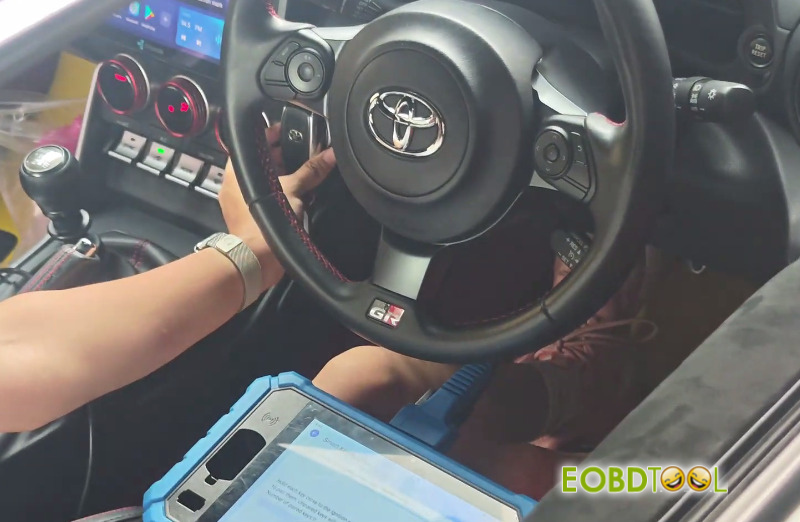
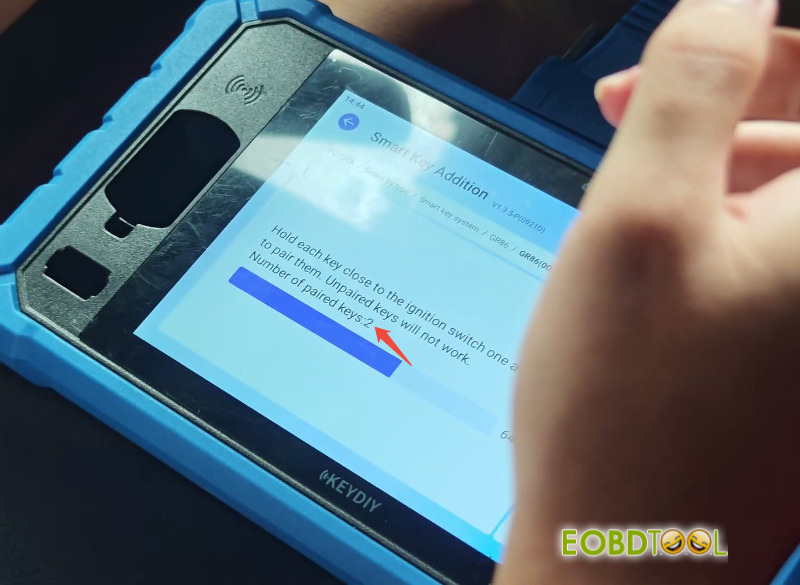
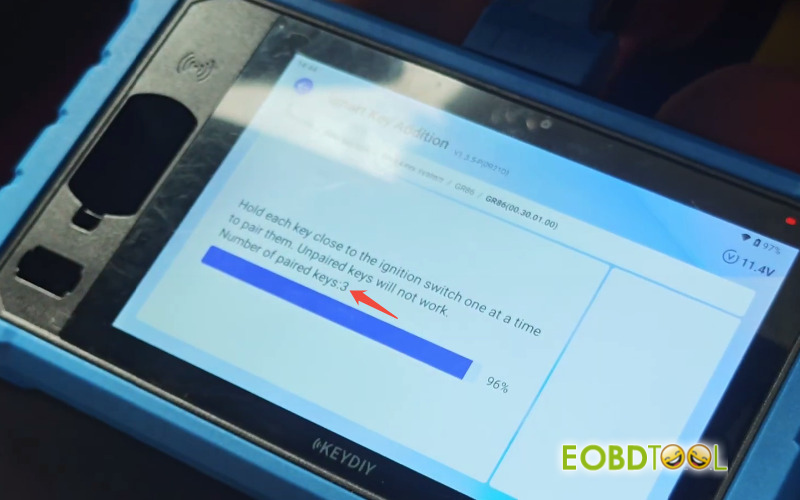
- Cycle the ignition OFF, then back ON to complete registration.
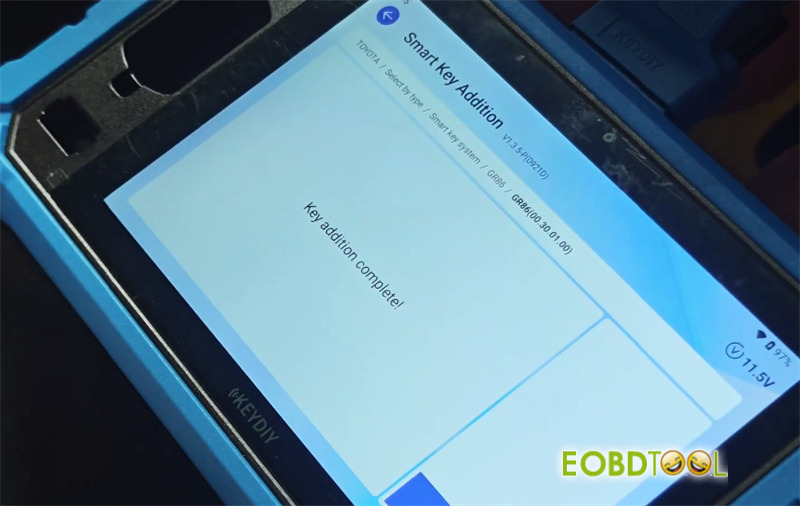
Phase 4: Validate All Key Functions
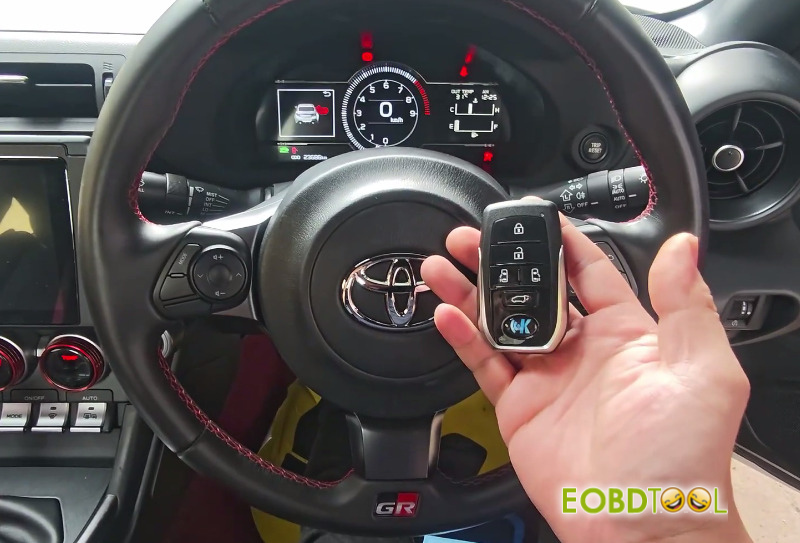
- Remote Buttons:Test Lock, Unlock, and Trunk release on all keys.
- Proximity Functions:Touch the outer door handle sensor to verify Keyless Entry locking and unlocking.
- Engine Start:Step on the brake pedal inside the car and press the Start button to ensure the engine starts.
Video Guide:







