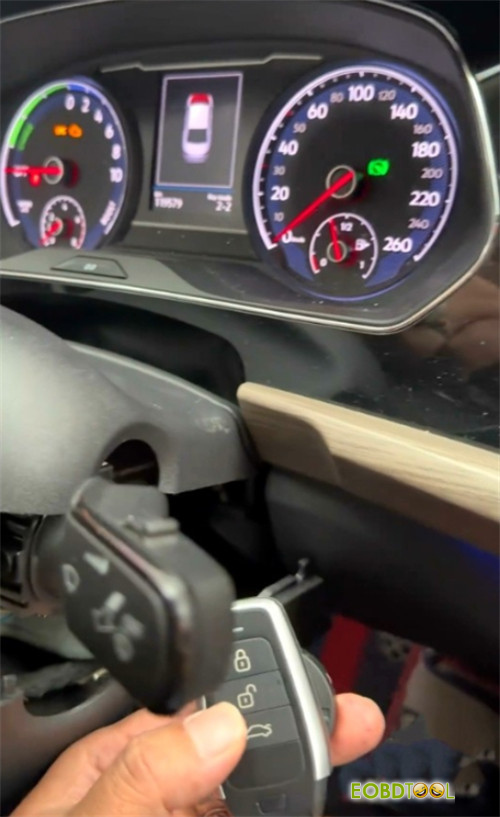
Adding a spare key to a modern Volkswagen, such as a 2019 Passat 1.4T, requires precision and the right hardware. Today, we’re breaking down the workflow for MQB48 smart keys using Autel MaxiIM IM508/IM608 paired with APB300 adapter.
The Workflow Breakdown
The process is divided into four main phases:
- Data acquisition
- Calculation
- Key generation
- Dealer key making
- Final learning
1.Initial Setup:
Access “Expert Mode” on your Autel tablet.
You’ll begin by reading the vehicle information through the “MQB48 (5A)” menu.
Ensure a working key is in the sensing area with the ignition on.
2.APB300 Connection:
This is where the magic happens.
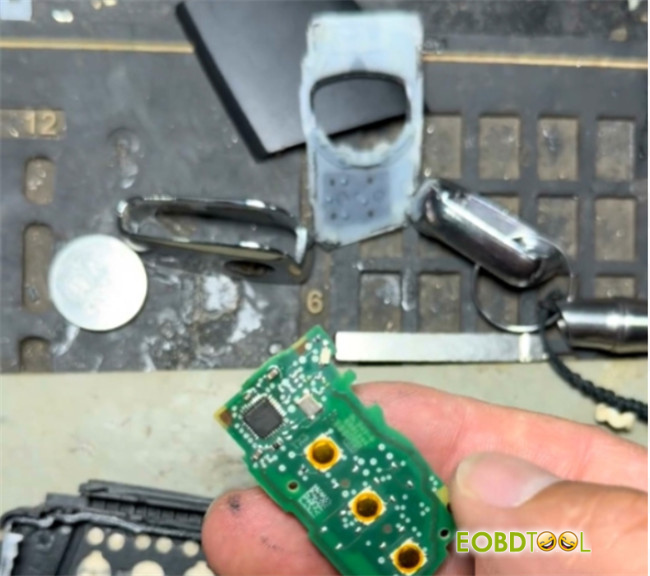
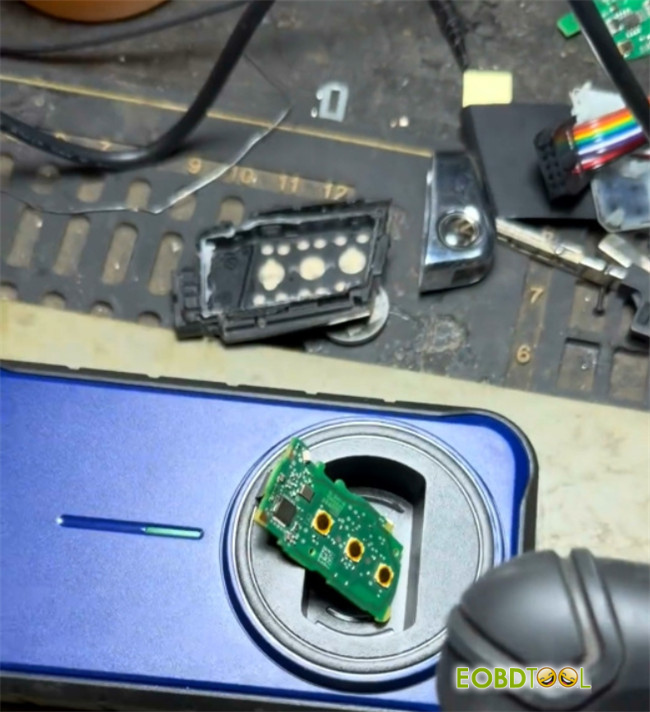
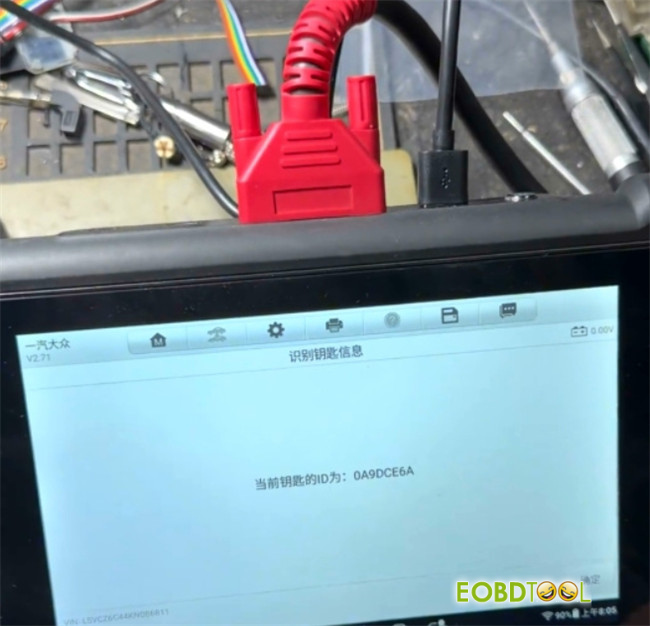
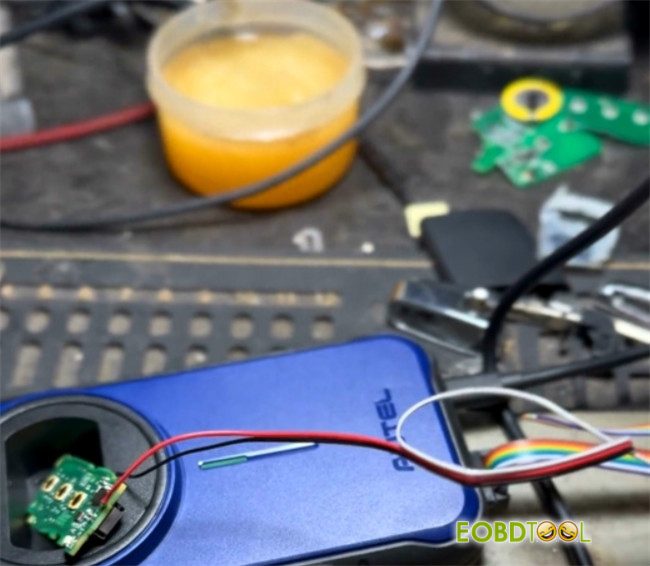
Disassemble your original key and place the PCB into Autel APB300 key programmer.
This allows the Autel system to recognize the unique ID of the original key.
3.Calculating IMMO Data:
Use an Autel standard smart key to unlock free data calculation.
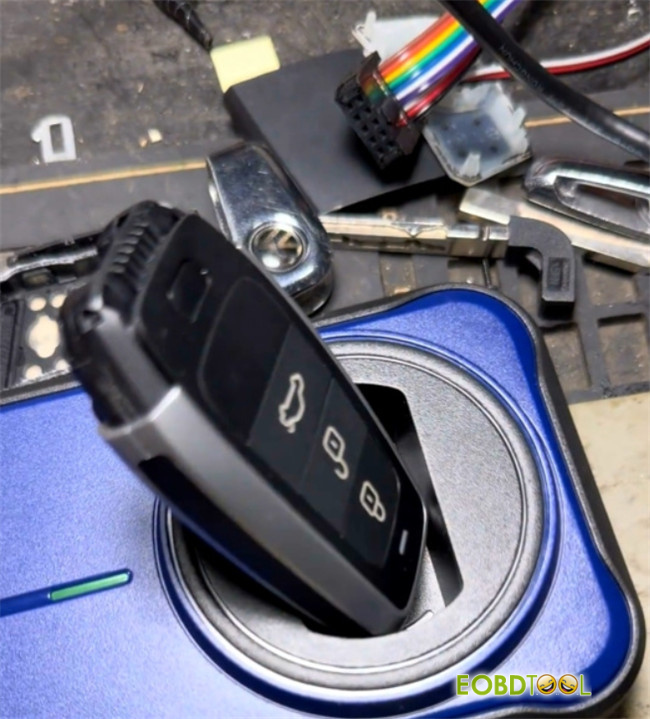
Note that if you choose to use an OEM original key, this step may be pay-per-use.
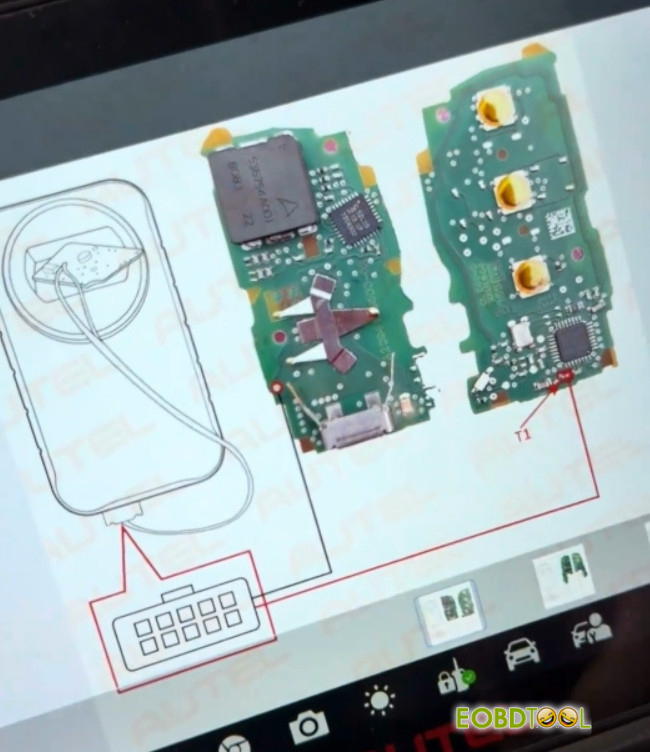
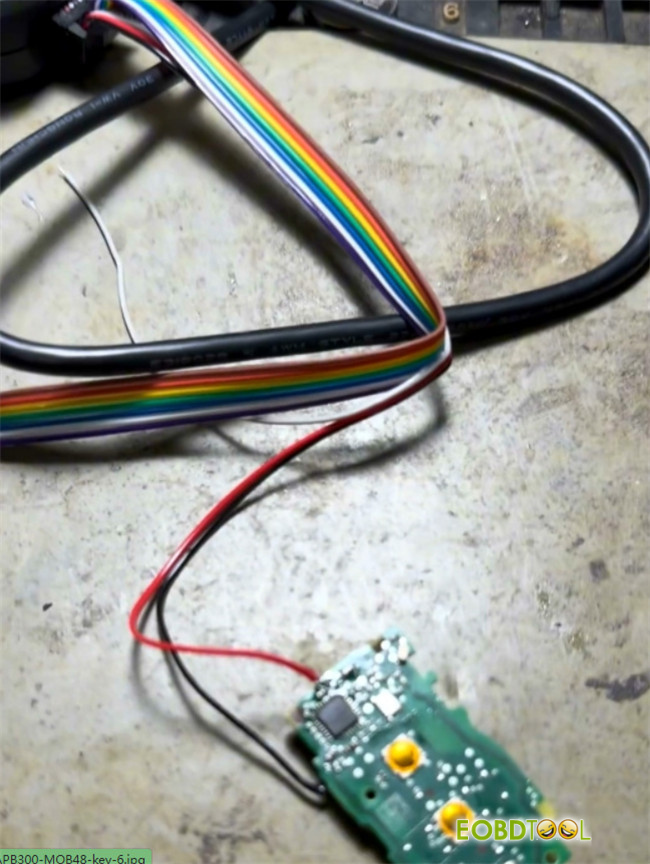
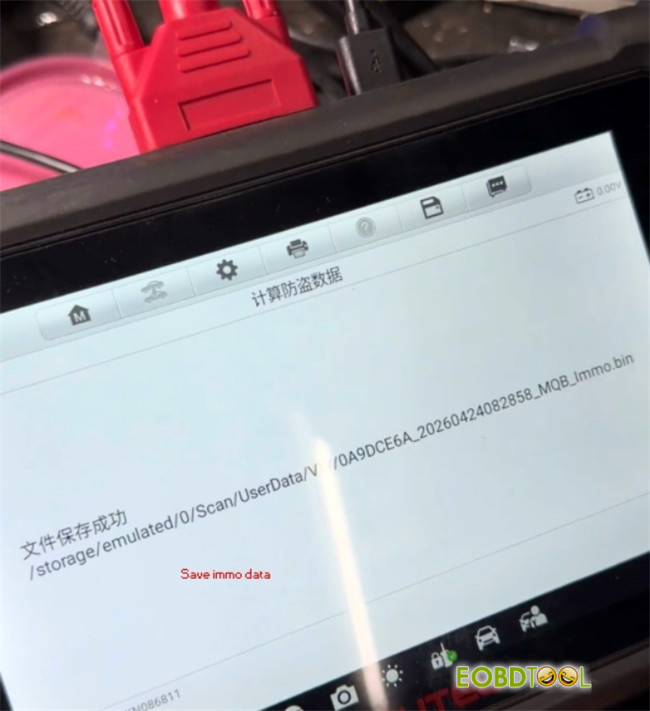
You will need to perform some light soldering as per the on-screen wiring diagrams to read the key data—a process that takes roughly 10 minutes.
4.Generating the Key:
After saving your IMMO data, use the Universal Key Generation function.
Disconnect the terminal wire from the MQB48 key board, and unplug the cable from APB300.
Select “Universal Key Generation”.
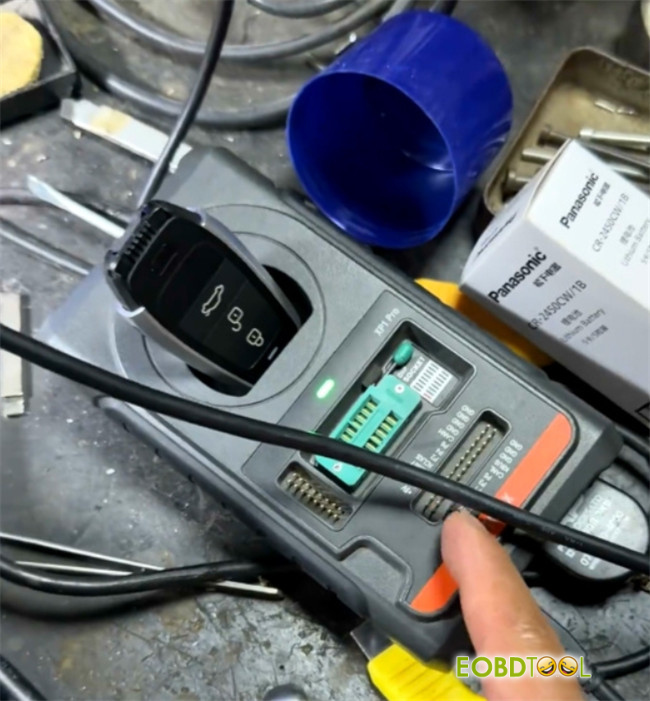
Place Autel IKEY into XP400 PRO coil.
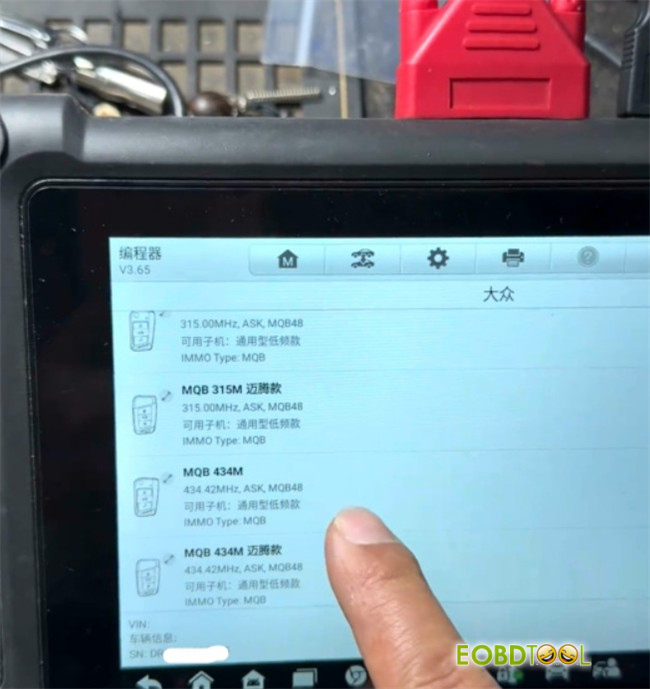
Generate the IKEY using the appropriate remote programming function.
Select the correct frequency for the key, as this cannot be changed later.
5.Making dealer key
Select “Make Dealer Key”.
Upload the IMMO data file.
Place a blank key into the key slot of the APB300 programmer, then press OK.
Wait for the confirmation: “Dealer key generated successfully.”
Note:
If you are making an Autel dealer key, there is no need to remove the key shell.
If you are making an original dealer key, you must disassemble and remove the key shell before generating the dealer key.
6.Key Learning:
Finalize the job by selecting Key Learning.
Follow the prompts to cycle all keys near the sensing coil.
By following this expert path, you avoid the risks of traditional OBD methods and ensure a perfect sync with the vehicle’s immobilizer system.