







This post shows how to use OBDSTAR X300 Classic G3 to program proximity keys to 2022 Ford Bronco via OBD when all keys are lost.
Procedure:
Connect X300 Classic G3 key programmer to the vehicle via OBD cable correctly
Menu Navigation Path:
Select IMMO-> FORD/LINCOLN/ME-> FORD-> USA CANADA-> BRONCO-> PROXIMITY-> 2021-2023-> All Keys Lost
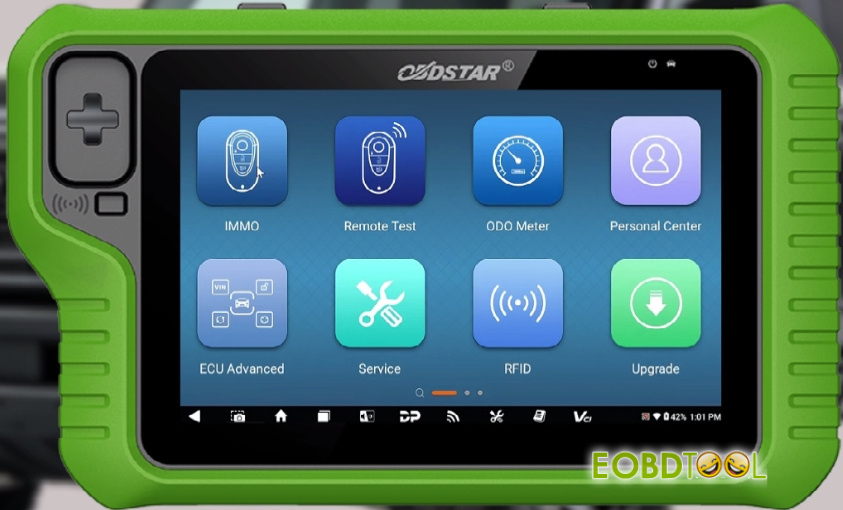
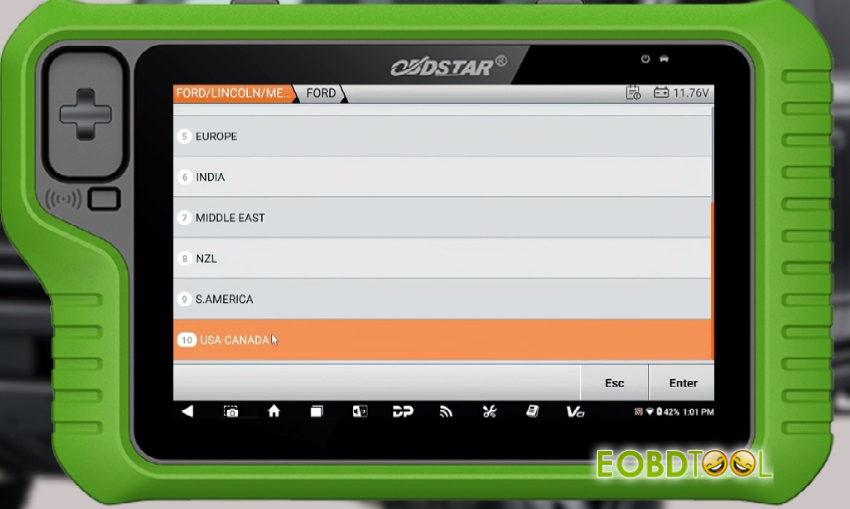
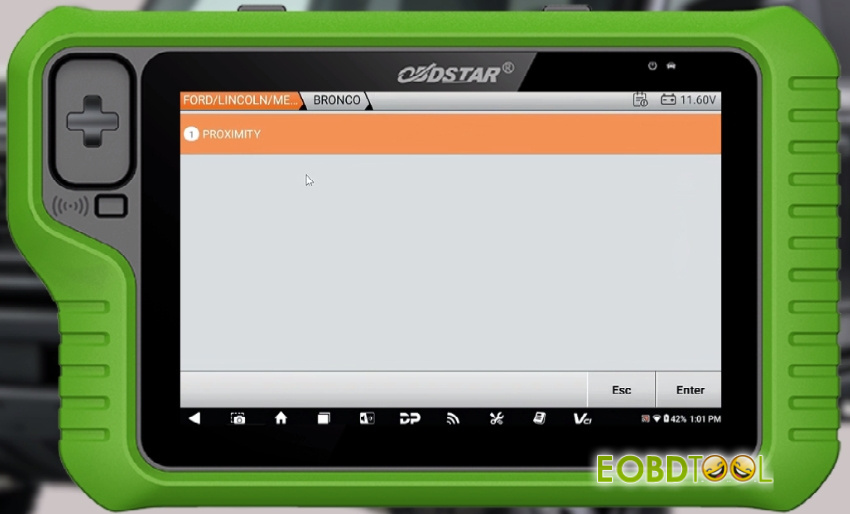
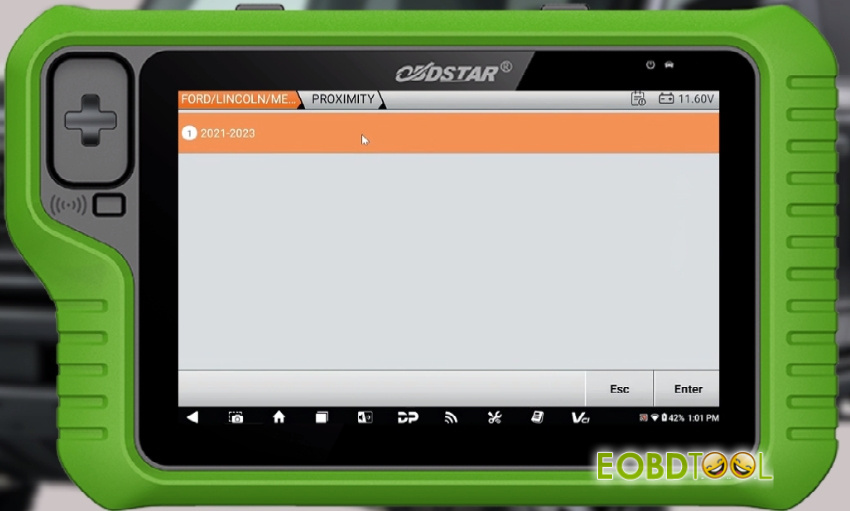
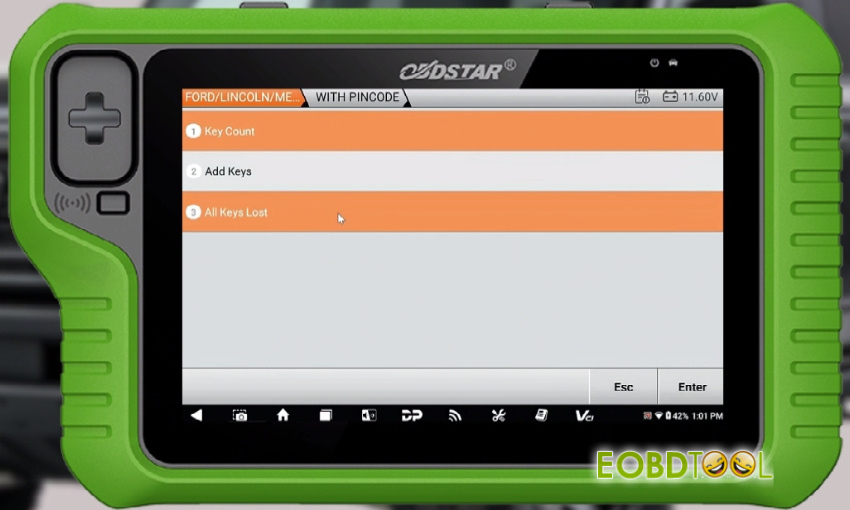
Note:
If the vehicle anti theft alarm is activated, you need to disable the anti theft alarm before you program the key.
Method of disabling the anti-theft alarm:
Close all doors and open the driver’s door, then place the proximity key in the induction card slot (if it is a blade key, insert the key and turn on the ignition). Wait for 10-15 minutes, the vehicle beeps twice and the anti-theft alarm is disabled, and then you need to program the key immediately (within 1 minute)
Instruction:
- All keys will be erased
- MIN keys are required: 2
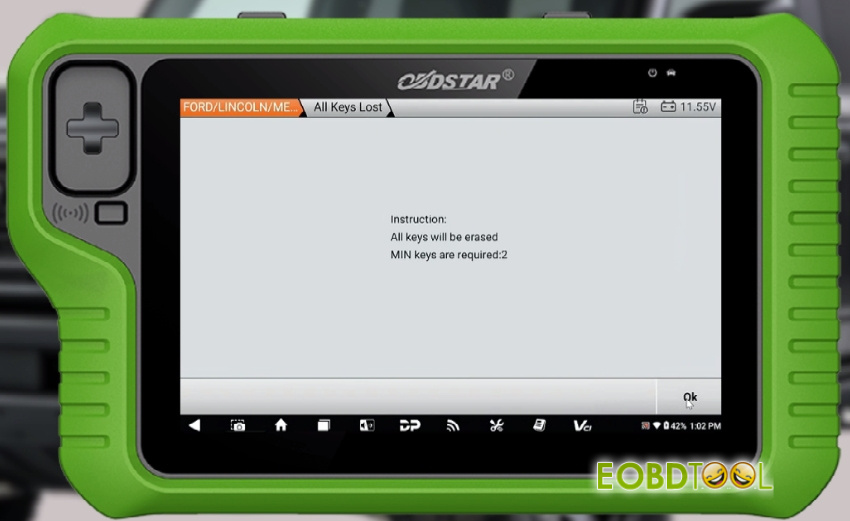
Turn on the ignition
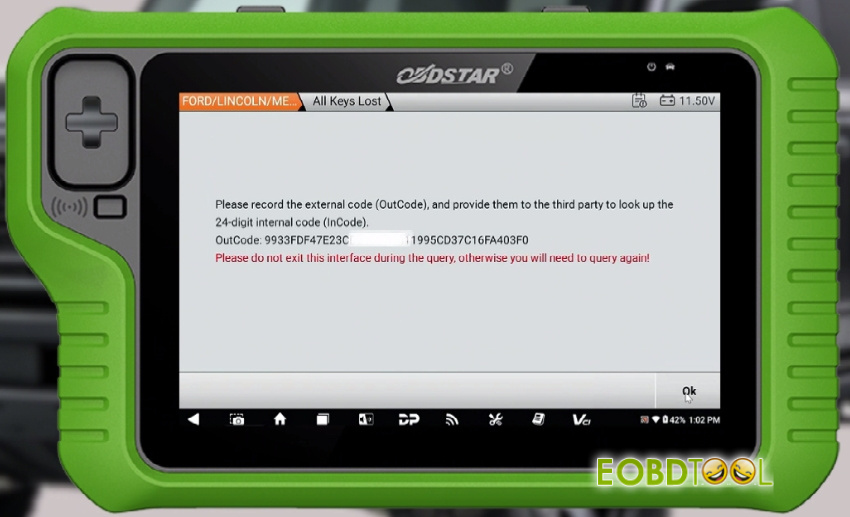
Record the external code (Outcode) and provide them to the third party to look up the 24-digit internal code (Incode)
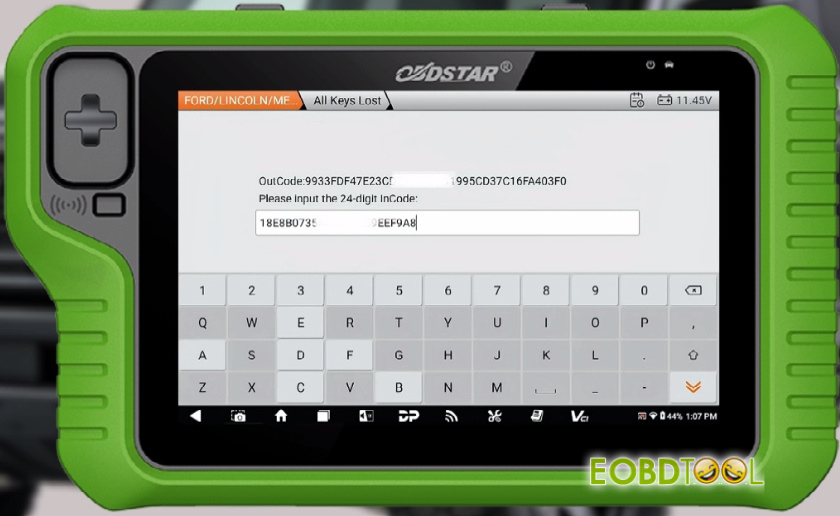
Input the 24-digit Incode and check if it is correct
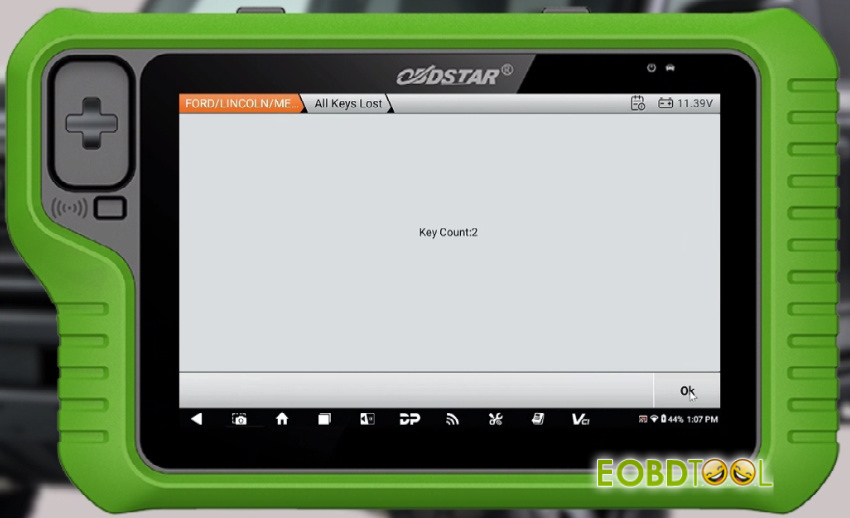
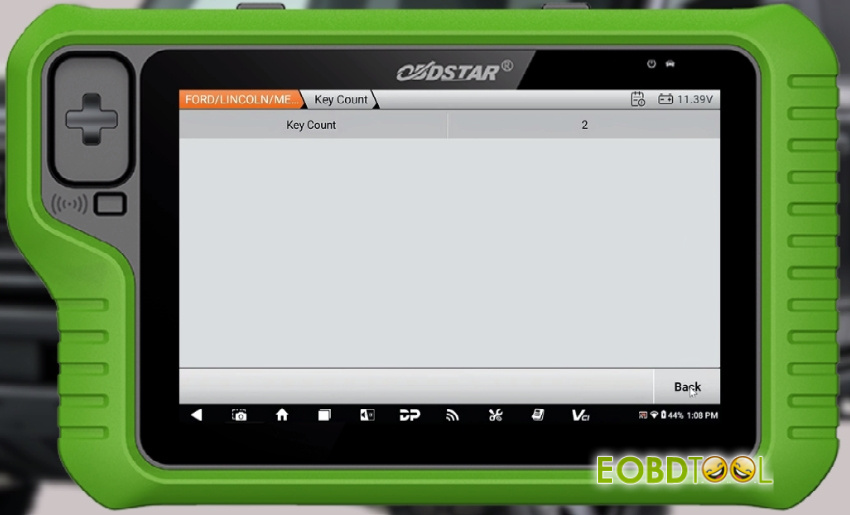
Now the key count is 2
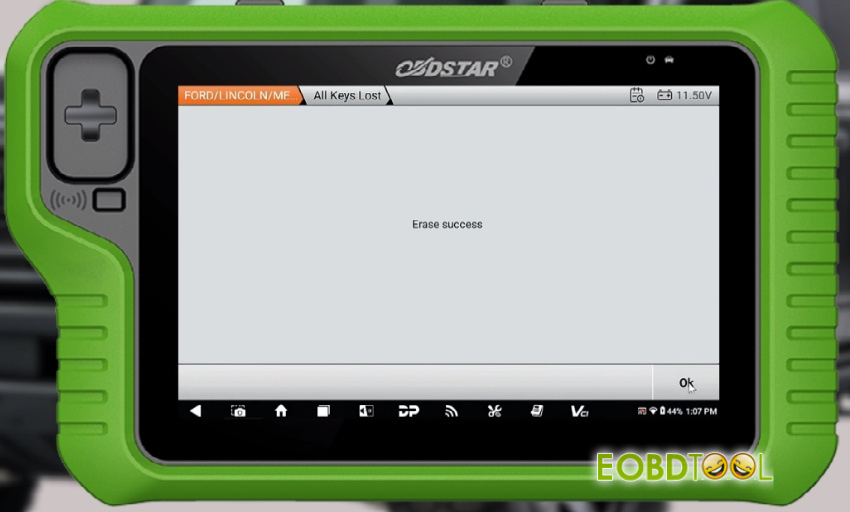
Erase successfully
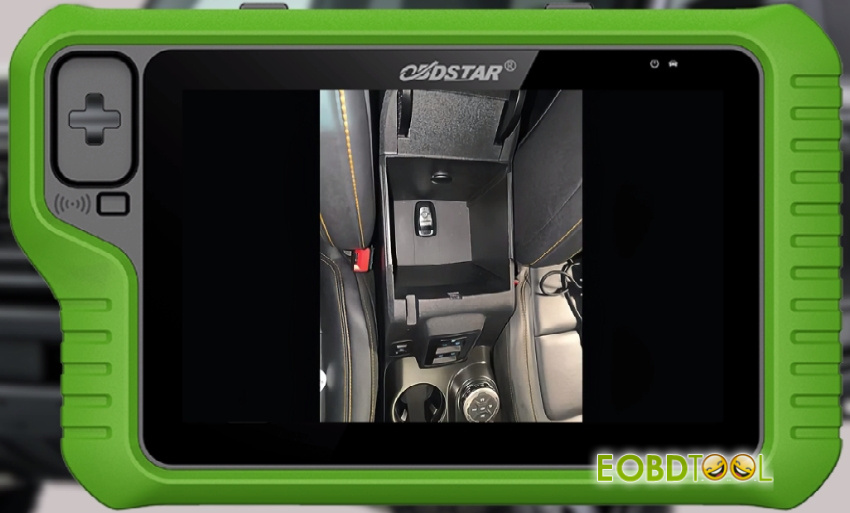
Place the smart key to be programmed in the key sensing area, which is generally located as follows:
- Inside the armrest box
- Inside the buckle box
- Inside the cup holder
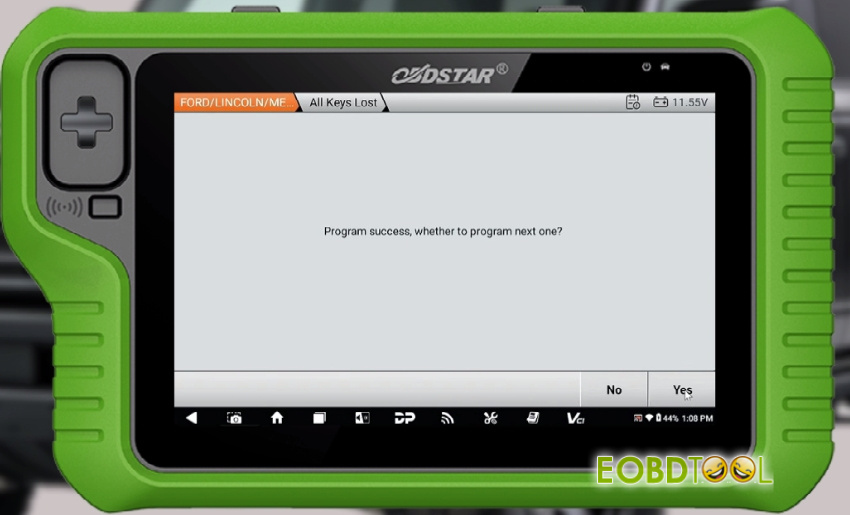
Program the smart key successfully, use the same method to program another key
After two keys are programmed, the key count is 2
Program complete
Turn on the ignition
Check the key count is 2
Done!
OBDSTAR X300 Classic G3 program proximity keys to 2022 Ford Bronco via OBD successfully.
Video guide:







