






This comprehensive guide walks you through the procedure for programming a smart key on a 2023 Toyota Venza using Launch X431 IMMO Plus/IMMO Elite/IMMO Pro with X-PROG5 key programmer.
Essential Pre-requisites & Rules:
- Network & Harness Requirements:
Reading the immobilizer data requires a dedicated BA/4A wiring harness attached per the system’s schematic diagram. This operation extracts immobilizer credentials directly from the smart box to perform password-free key programming. A stable internet connection is mandatory.
- Key Capacity & Timing:
The system supports matching up to 6 keys in total. Be sure to complete each step promptly within the designated time frame.
Step-by-Step Programming Guide:
- Step1: Generating Remote with X-PROG 5
- Establish a connection between X431 IMMO tablet and Launch X-PROG 5 unit using the blue USB cable included in the X-PROG 5 kit.
- Power on the tablet and navigate to: Key Programming➔ Vehicle Remote ➔ ASIA ➔ Toyota ➔ All remotes ➔ Generate.
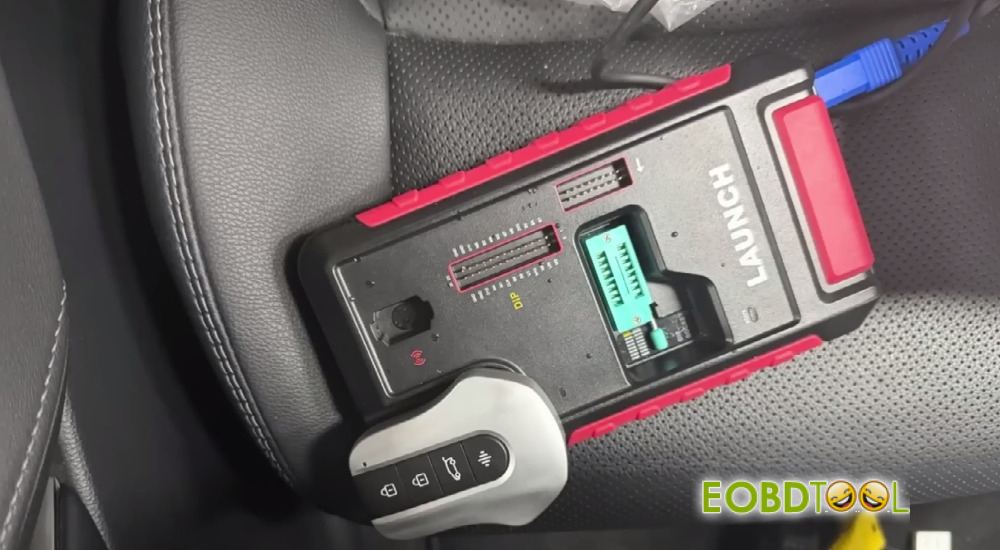
- Place the original Toyota key into the key recognition slot of Launch G5 programmer.
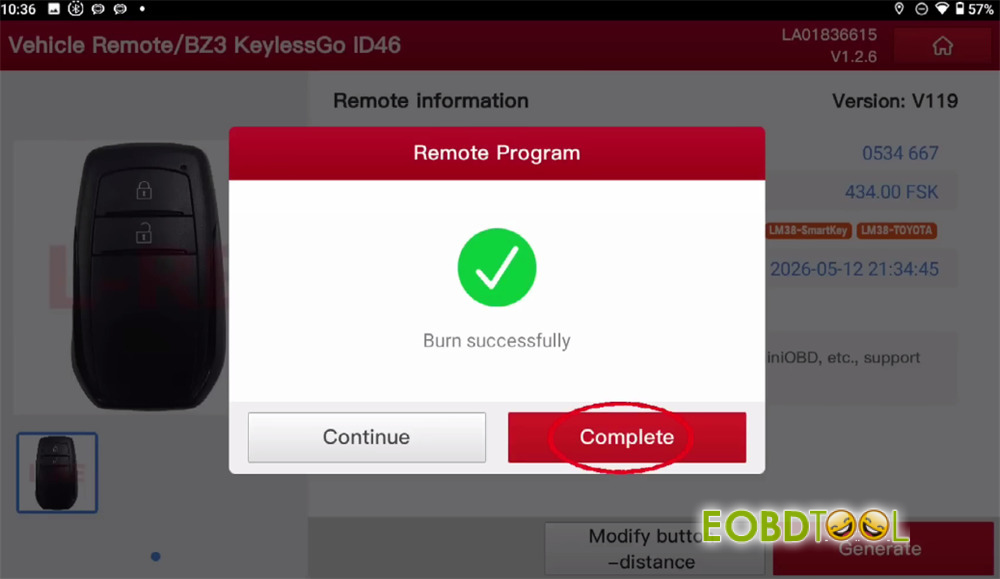
- Wait until the remote generation process finishes successfully.
- Step2: Extracting Immobilizer Data via BA/4A Harness
- Enter the IMMOfunction from the main tablet menu.
- Go to: TOYOTA➔ Toyota Anti-theft diagnostic software (e.g., V10.70) ➔ Immobilizer/Keys Programming ➔ System mode ➔ Entry & start (Smart Key Programming) ➔ Type 11 ➔ Read immobilizer data ➔ Wiring Diagram.
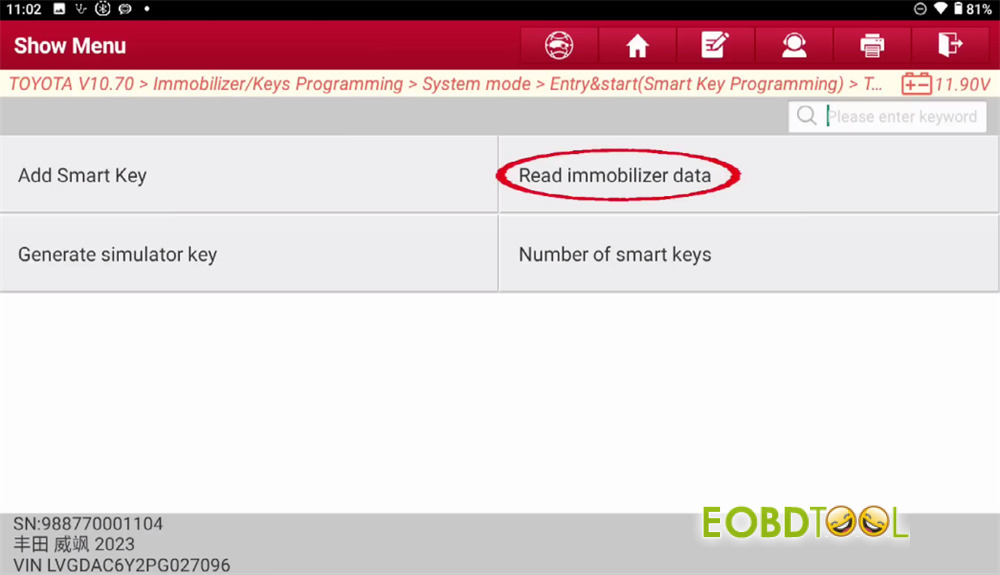
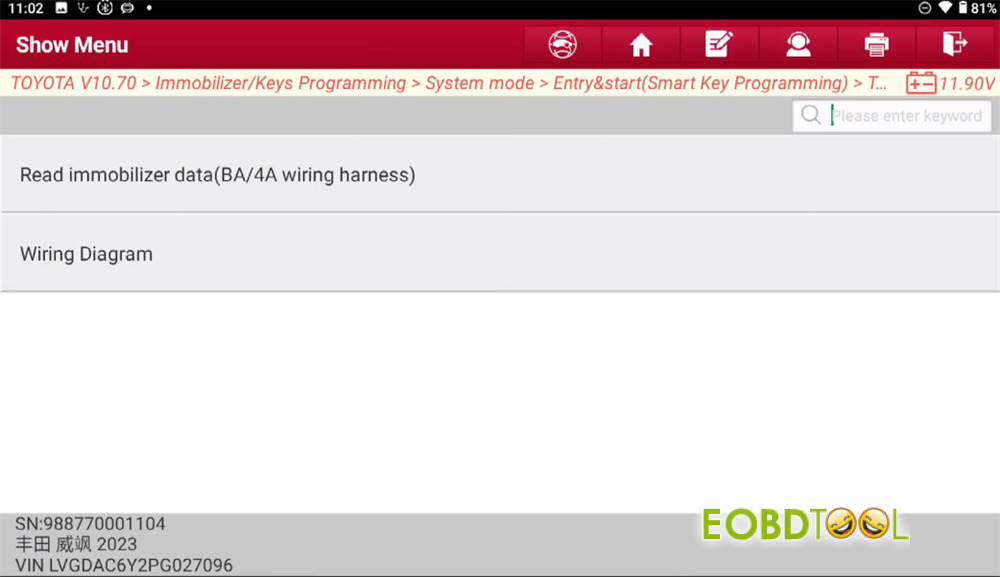
- Reference the wiring diagram to hook up the BA/4A cable correctly.
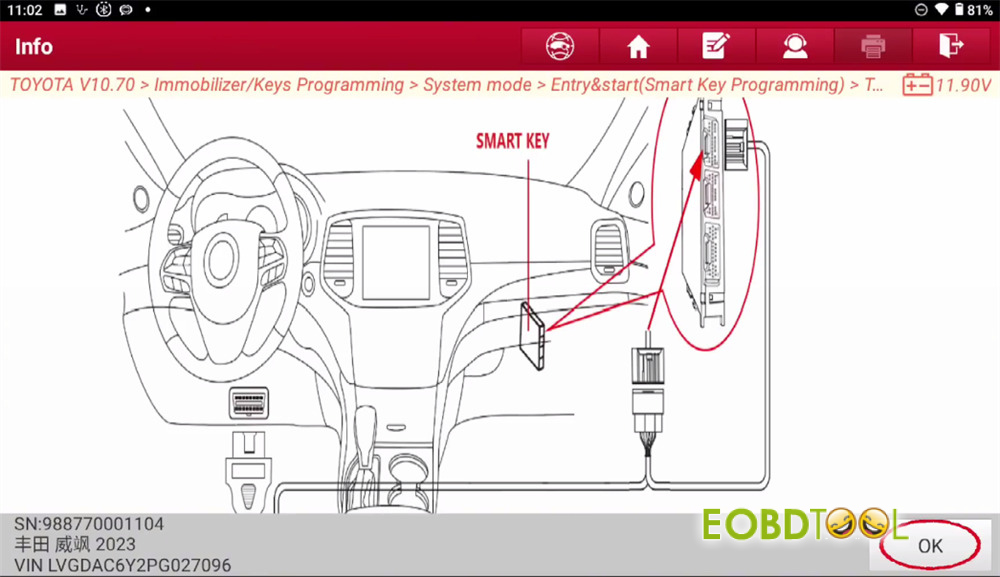
- Plug the main OBD cable into the vehicle’s diagnostic port, and interface the anti-theft box adapter cable with its corresponding vehicle connector.
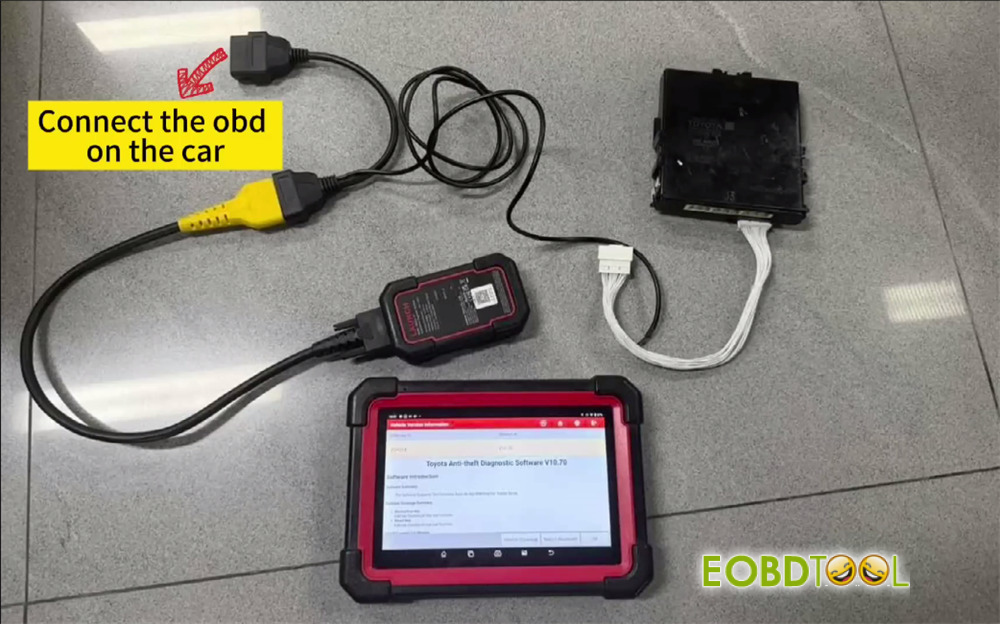
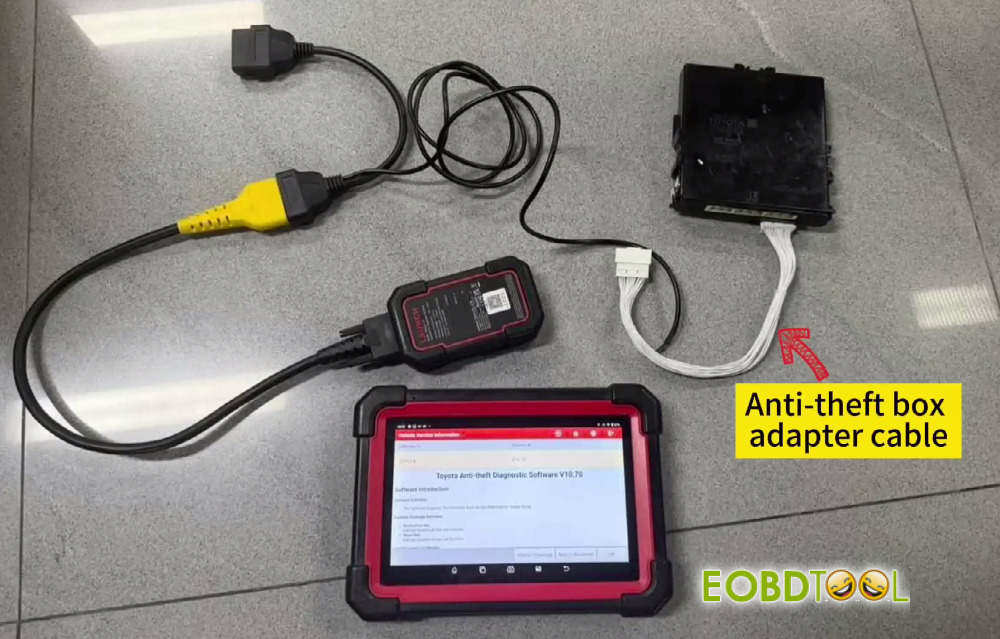
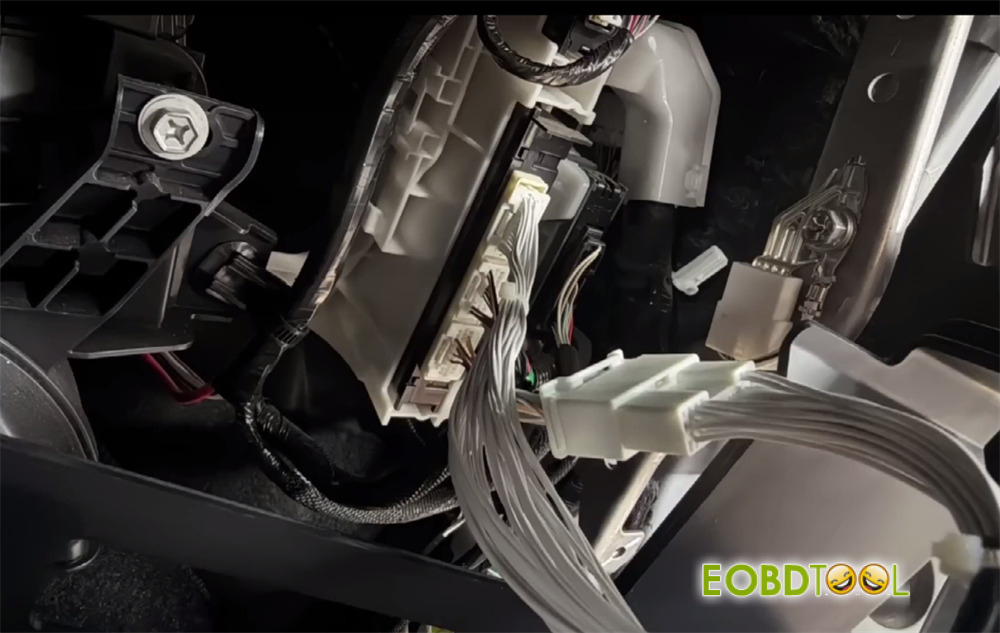
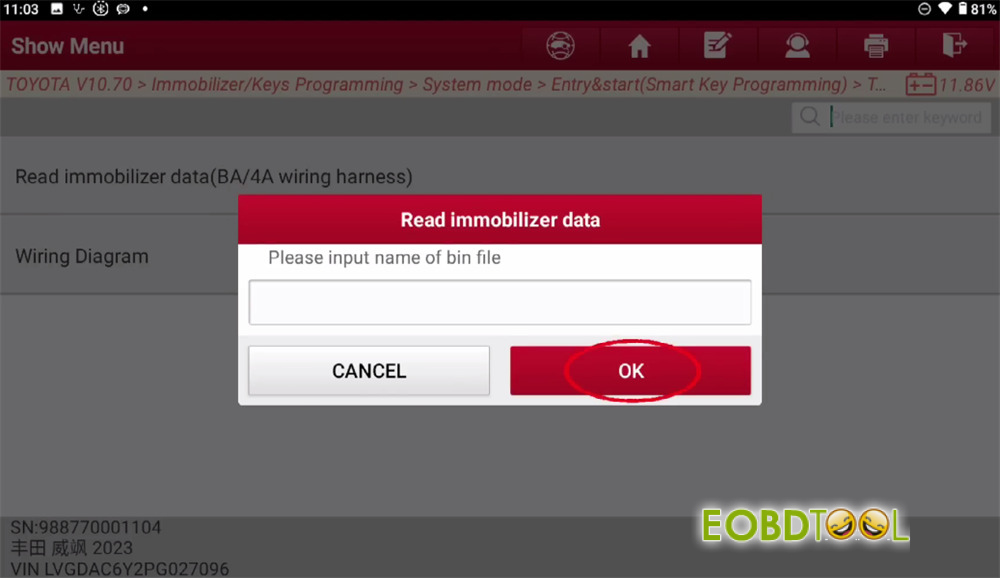
- Tap Read immobilizer data (BA/4A wiring harness). Ensure your Launch IMMO tablet maintains a strong Wi-Fi connection.
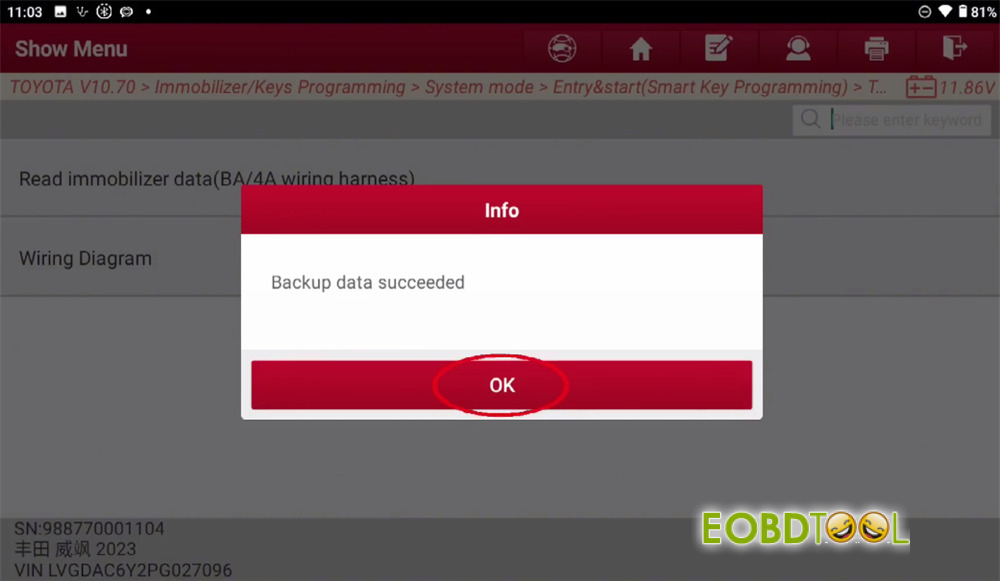
- Enter a file name to save the .binimmobilizer backup. Confirm successful data extraction.
- Step3: Adding the Smart Key
- Return to the previous screen and select Add Smart Key.
- Switch the vehicle ignition to the ON position.
- Confirm that the displayed VIN information is correct.
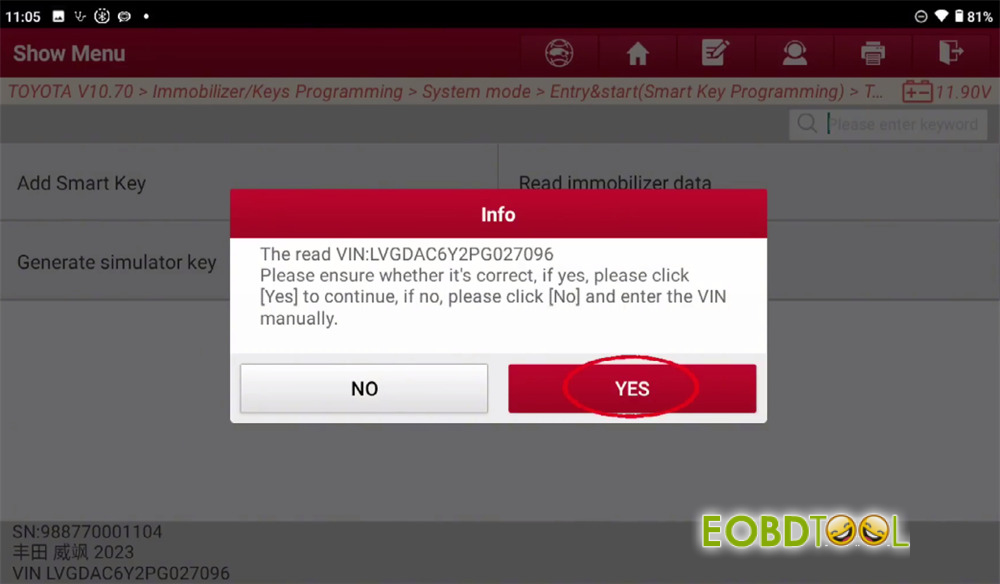
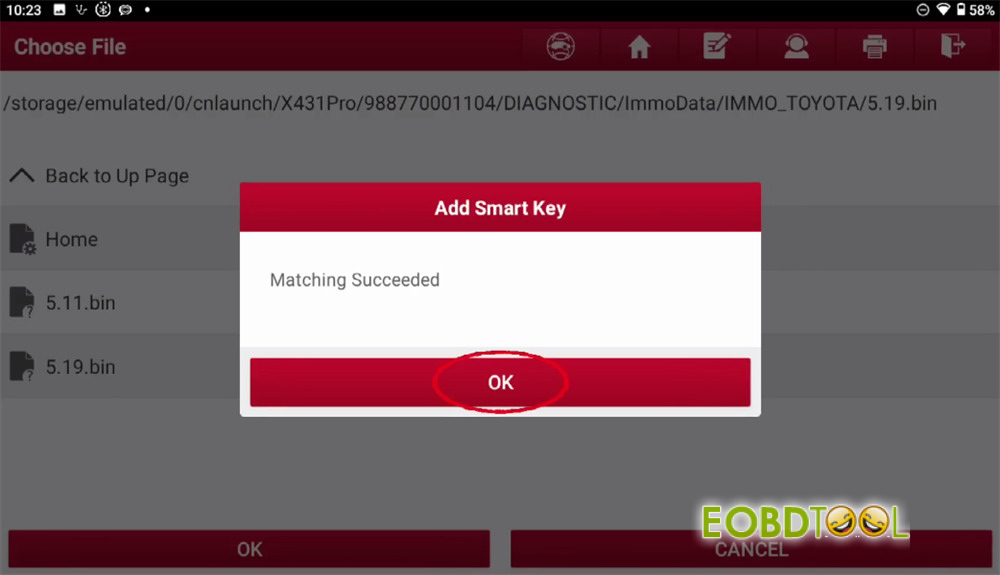
- Select the .bindata file previously backed up in Step
- Hold an already matched key close to the vehicle’s Start button.
- Wait for the system to complete key matching.