




Learn how to properly position Magicmotorsport Korhex antenna and MCU contact points. Avoid microprocessor damage and ensure accurate glitch execution with this official guide.
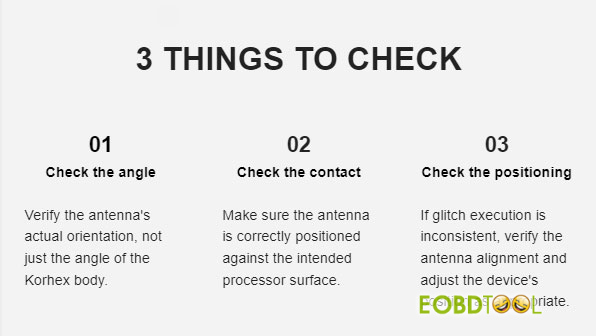
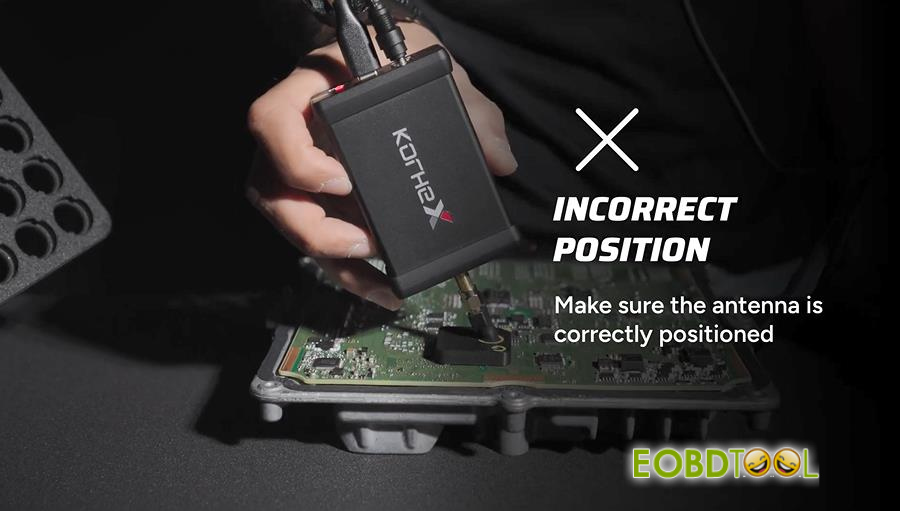
To ensure a reliable connection every time, start by checking your antenna alignment: keep the Korhex body perpendicular to the MCU, but do not rely on the housing angle alone. Because antenna shape and mounting positions vary, always confirm that the antenna itself lines up directly with the designated contact point on the MCU.
Correct Positioning:
- Align the antenna itself so it forms a 90-degree anglewith the ECU—do not judge alignment by the angle of Korhex Boot Glitch Tool body alone.
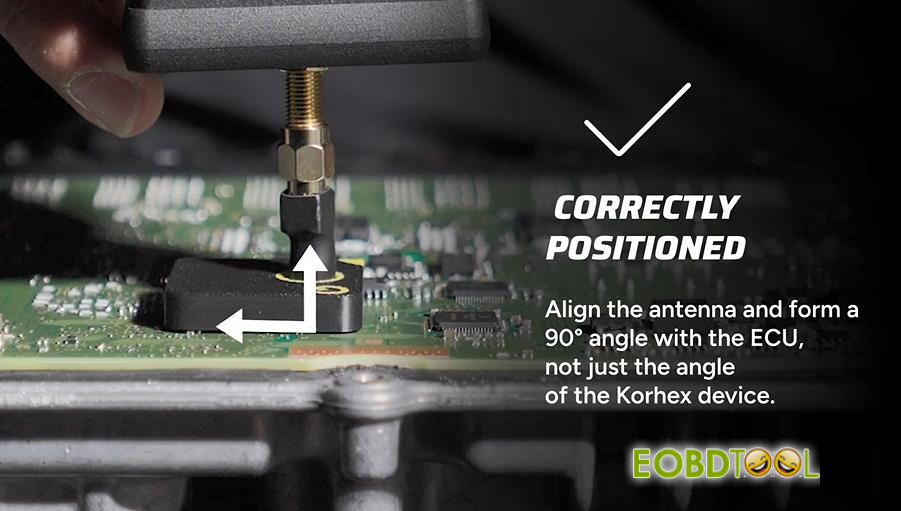
- Double-check that the antenna is seated accurately on the target point.
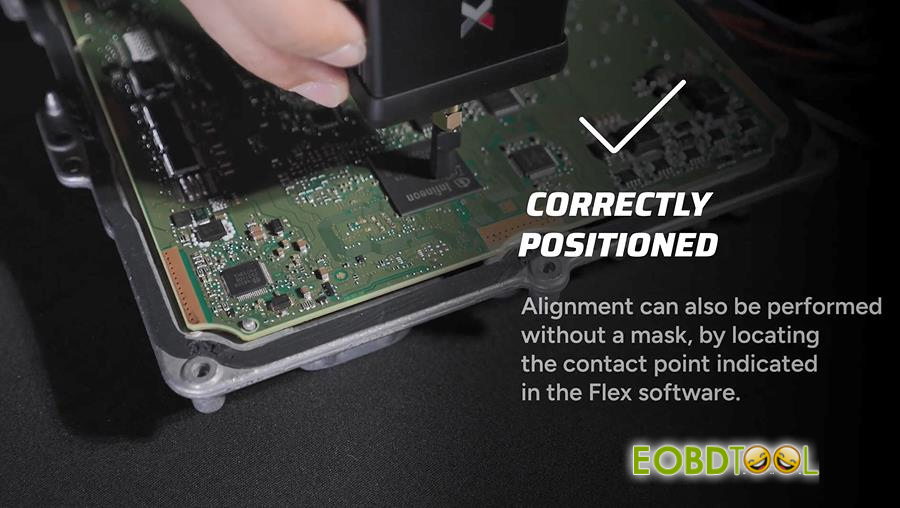
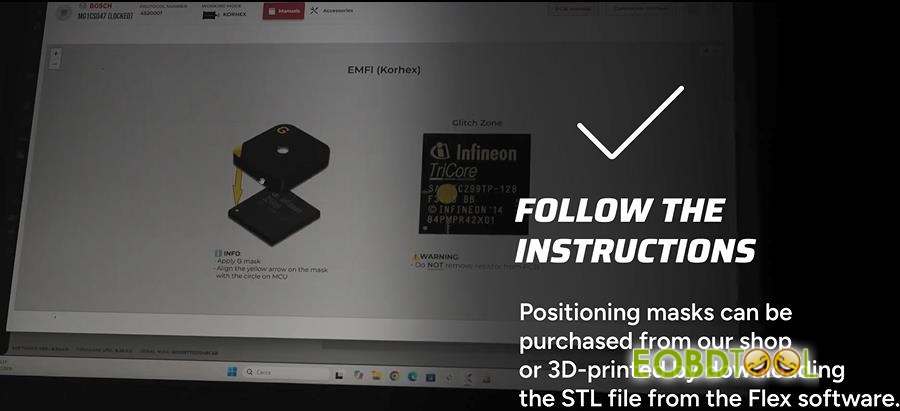
- If working without a mask, you can still align the tool properly by locating the exact contact point shown in the Flex software.
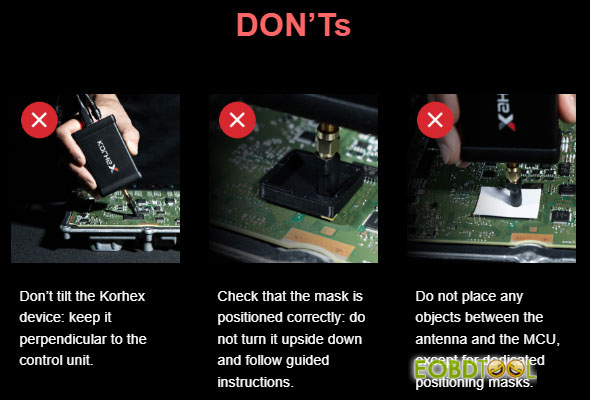
Incorrect Positioning & Things to Avoid:
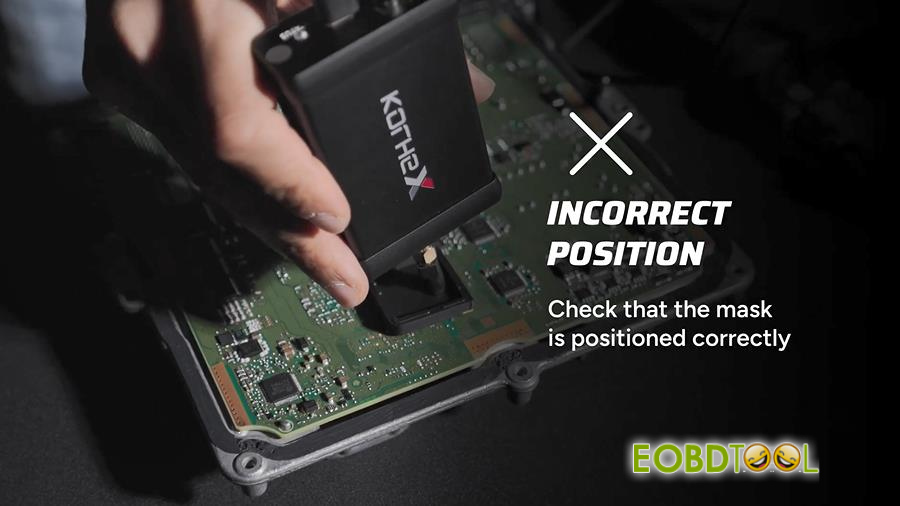
- Verify that the positioning mask is placed properly on the board.
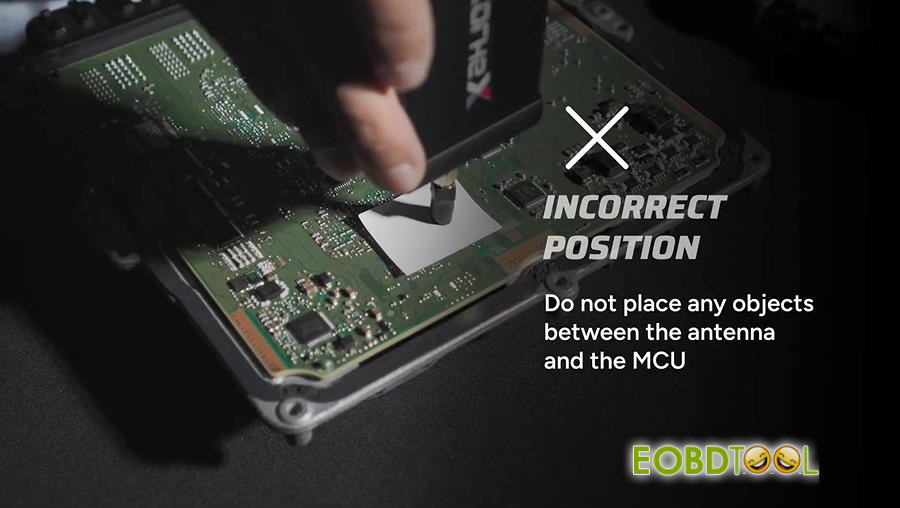
- Never put any objects between the antenna and the MCU.
Mask Setup Instructions:
- You can order positioning masks directly from Magicmotorsport shop, or download the STL file inside MMS Flex software to 3D-print your own.
Video Guide: