







Customer problem:
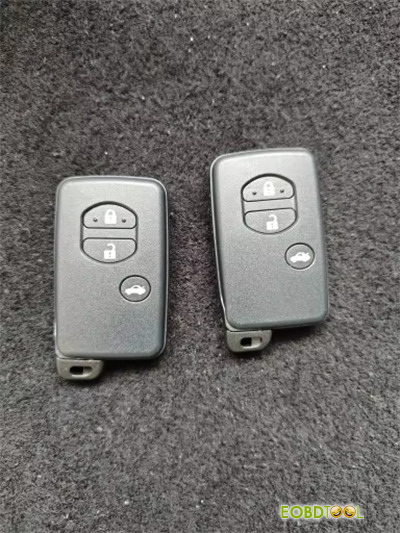
I bought two KEYDIY KD TDB03-3 (Silver Gray) Remote Keys to work with KD-X2. The first key for Avensis F433 was generated successfully, but the second one failed.
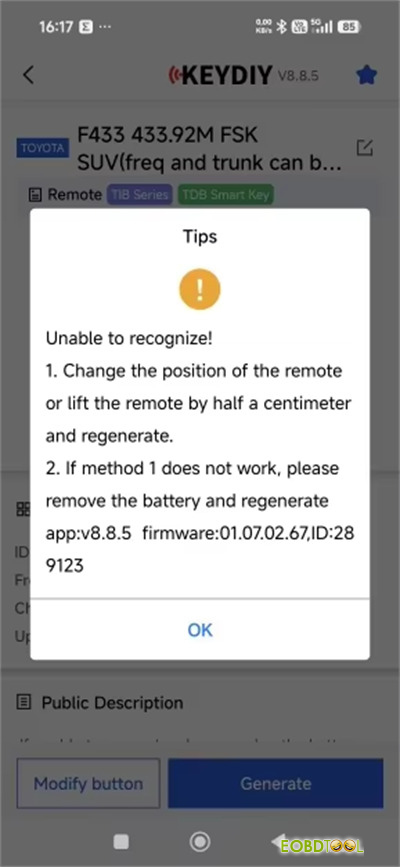
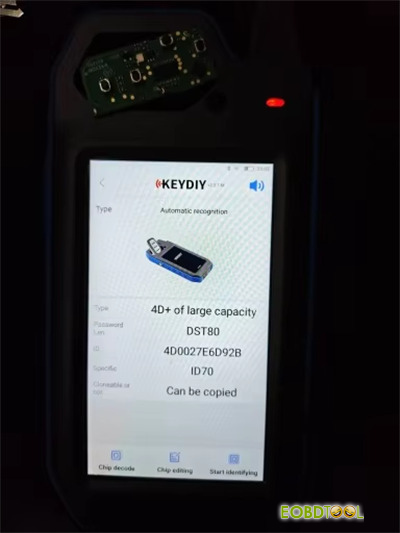
Without battery key is read, but with battery don’t work. When I press button not respond not frequency detection red indicator not blinking. An error message appeared “Unable to recognize!”
Solution:
Remove the battery before starting the generation process
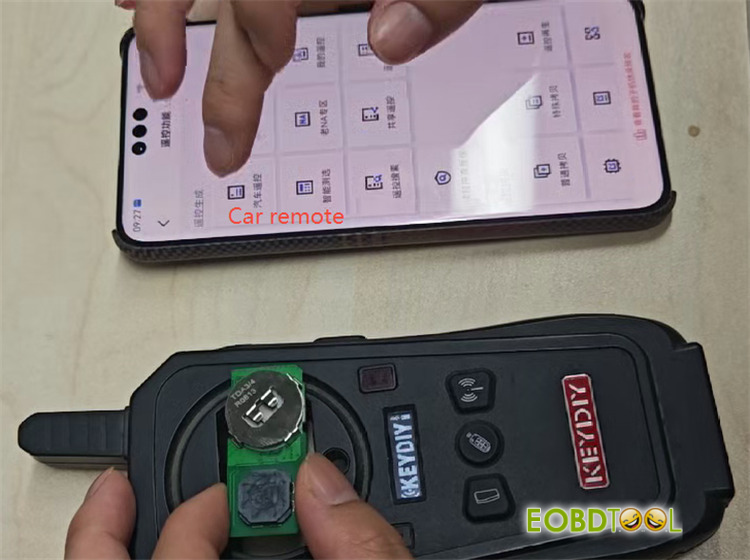
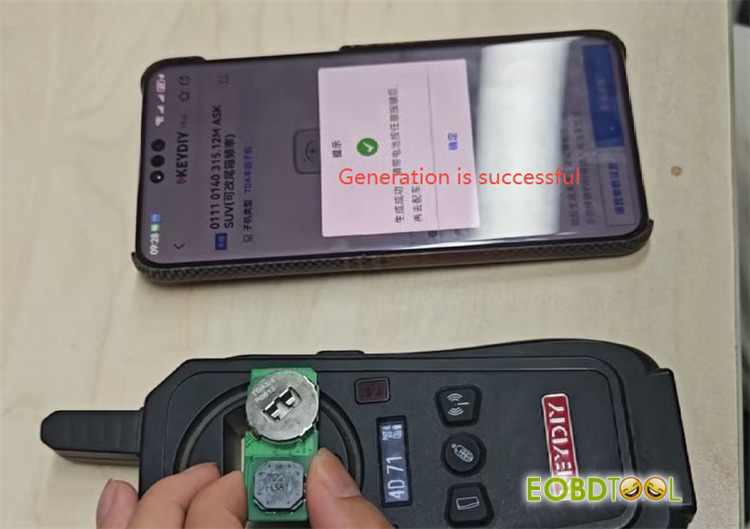
Put KD TDB03-3 remote on the detection area of KEYDIY KD-X2 Remote Maker
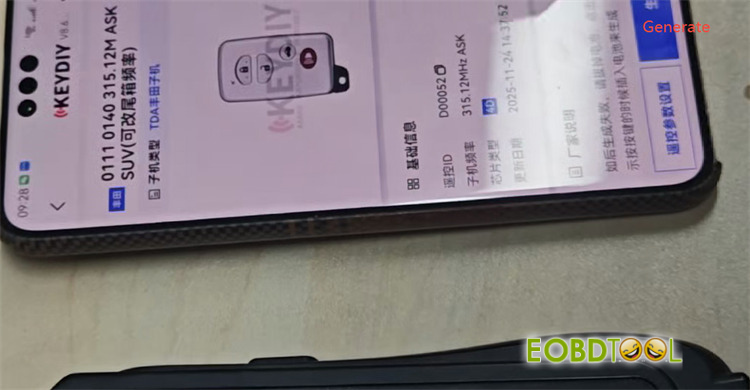
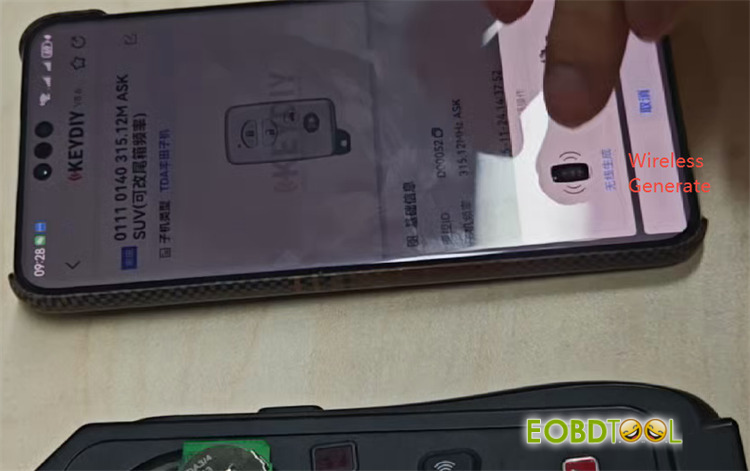
Navigate to Remote Function-> Car Remote-> Select the related key model-> Generate-> Wireless Generate
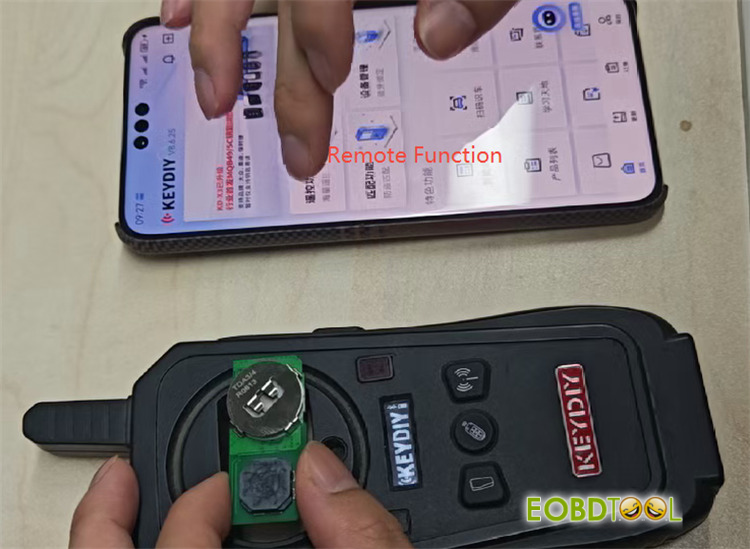
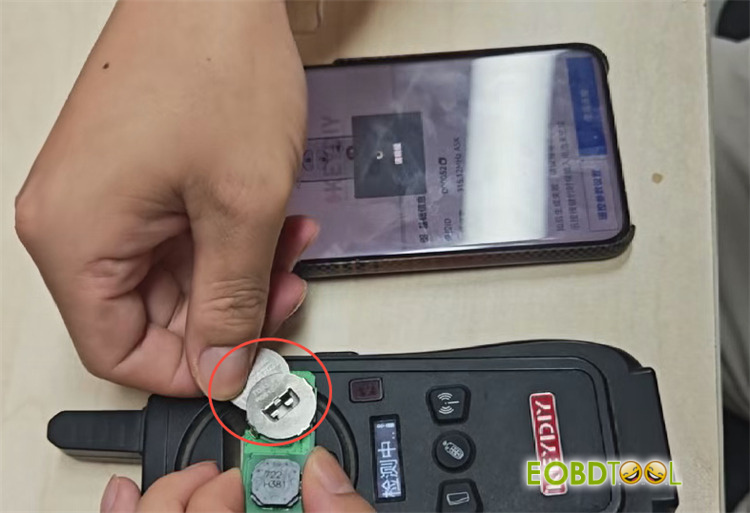
Put the battery into the remote, just by half a centimeter
Wait the generation process is complete, and the key will be generated successfully.
Tech support:
Email: sales@eOBDTool.co.uk
WhatsAPP: +86 159 7293 3706
Skype: Eobdtool.co.uk
Business Time: Monday – Friday, 8:30am – 6:00pm CST (UTC/ GMT+08:00)







