







Want to add a new BMW BDC3 encrypted key using KEYDIY KD-X4?
This guide shows you how to read data from the original key and program a replacement, using the dedicated wiring harness that also works for VW and Audi 5C/5D modules.
Before You Start, Make Sure You Have:
- KEYDIY KD-X4/KD-MAX key programmer
- Original BMW BDC3 encrypted key
- A new BMW BDC3 key or KD FGB58 remote
- The dedicated wiring harness (new version)
- An activated KD G Function license
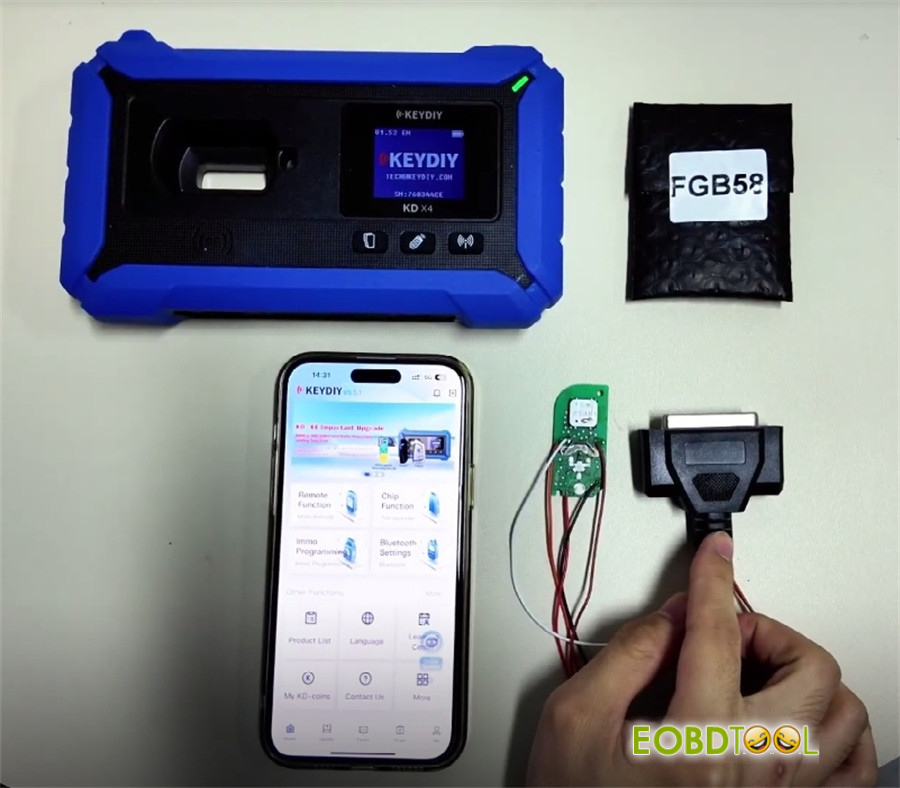
Here’s How It Works:
Step 1: Get Your KD-X4 Ready
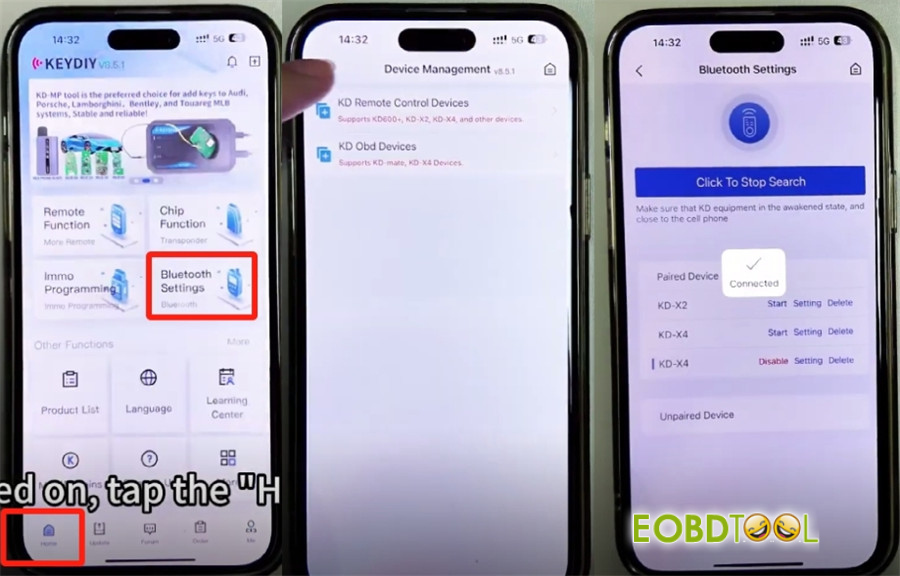
Turn on the device and connect via Bluetooth (it usually connects automatically).
Navigate to:
Home → Bluetooth Settings → KD Remote Control Devices → Click to Search
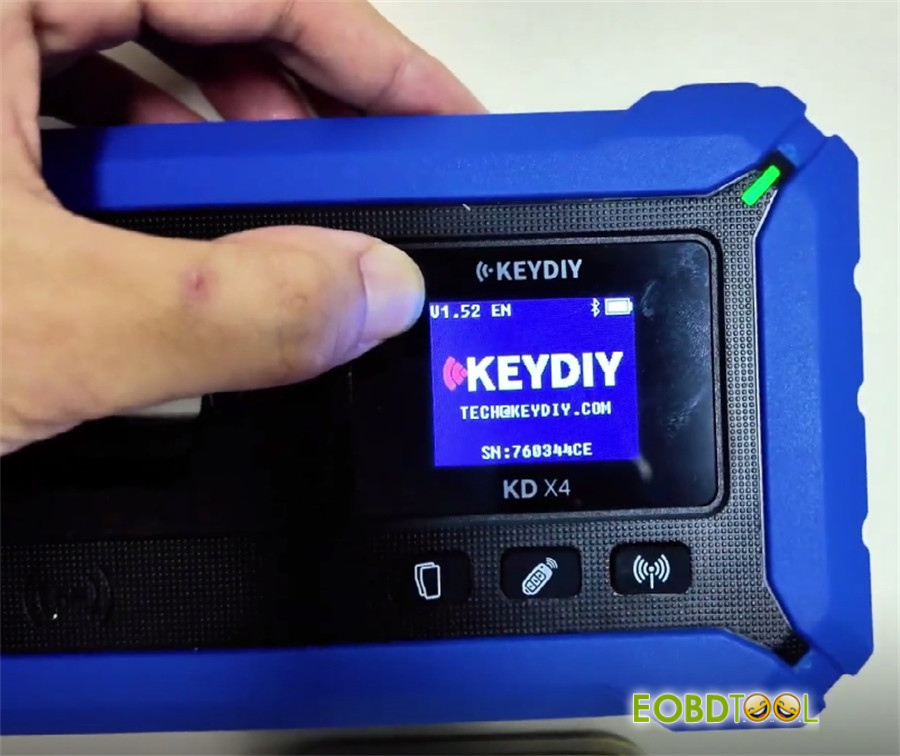
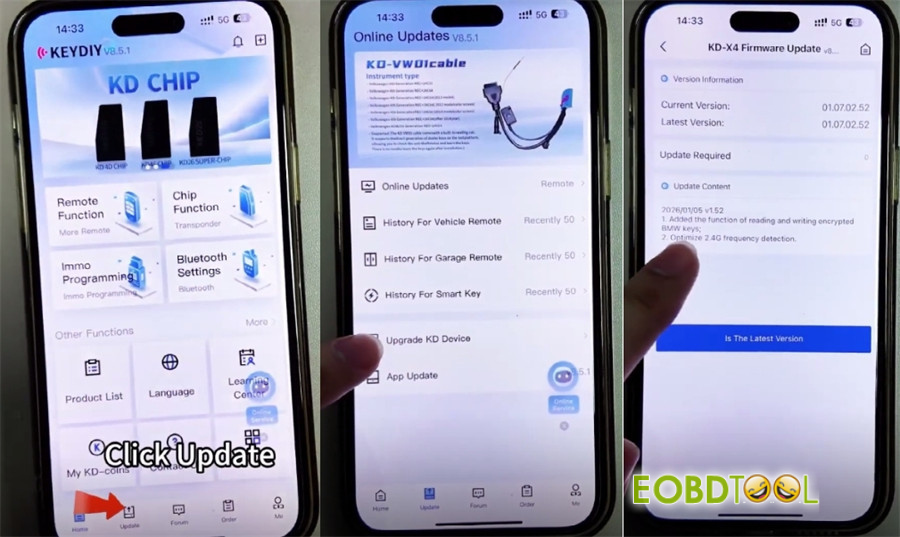
Check Your Software Version
You need V1.52 to program encrypted BMW keys. If your device isn’t on this version, go to Update → Upgrade KD Device to install it.
Step 2: Read the Original Key
Go to:
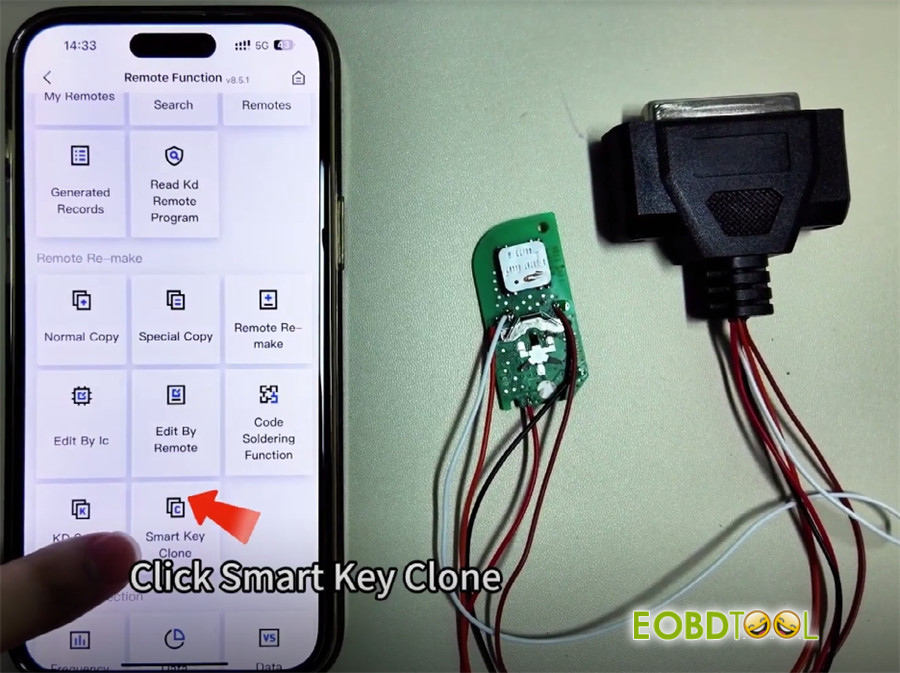
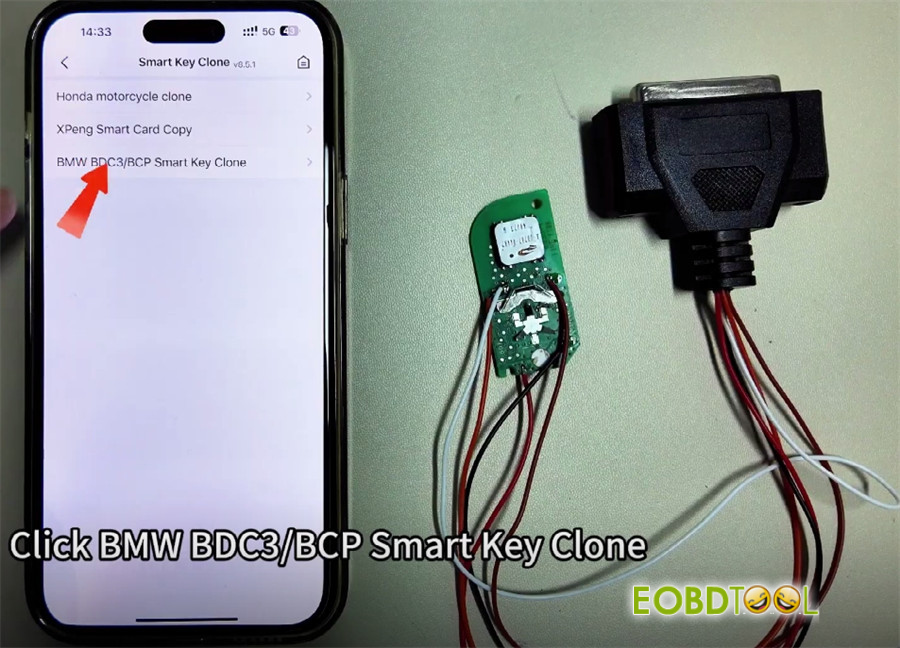
Remote Function → Smart Key Clone → BMW BDC3/BCP Smart Key Clone → G Chassis/BDC3 Clone
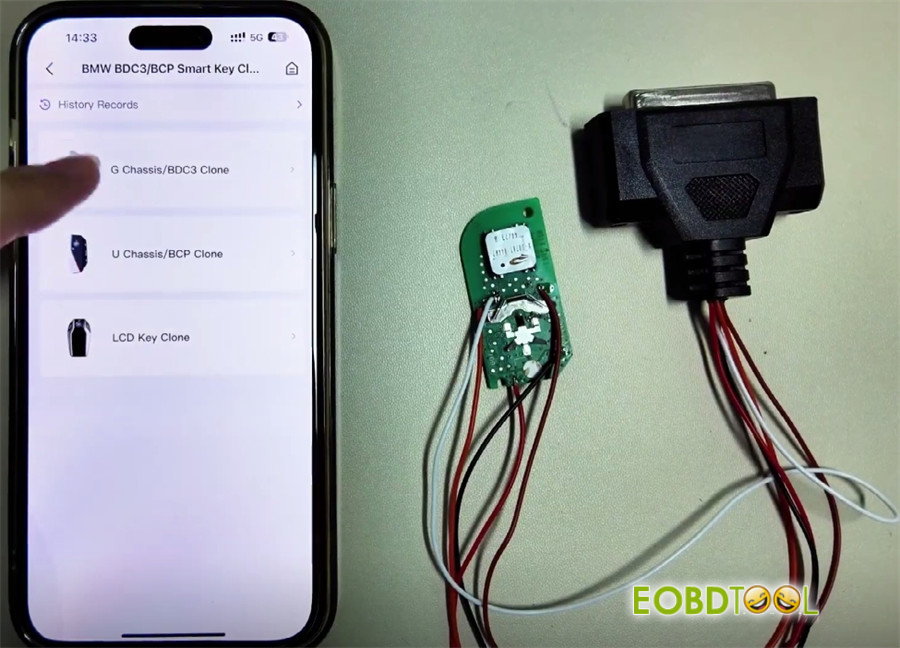
The wiring diagram will show you how to connect the original key.
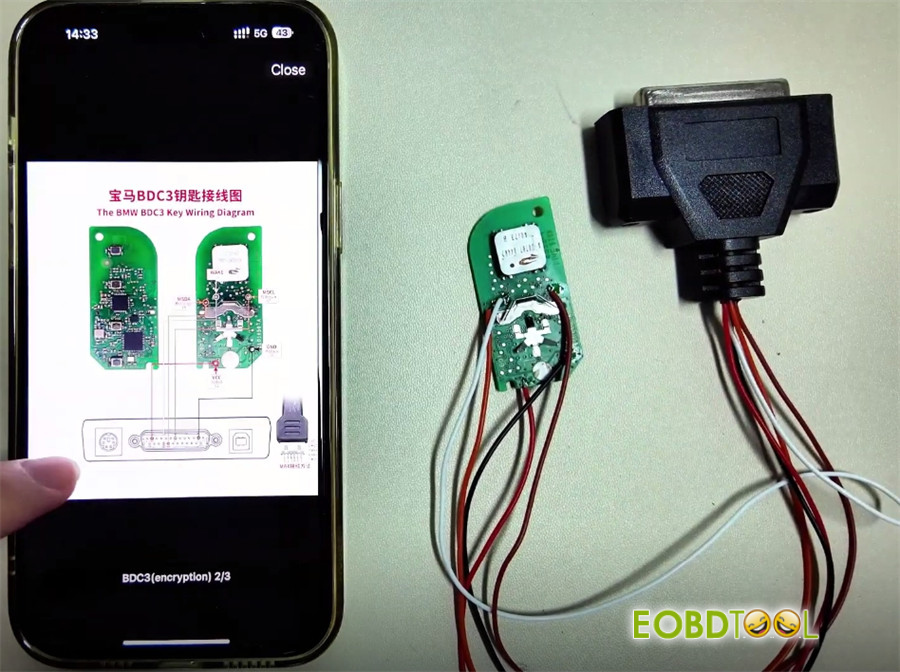
Once connected, start the reading process.
When the data is successfully read, save it—you’ll need it for the next step.
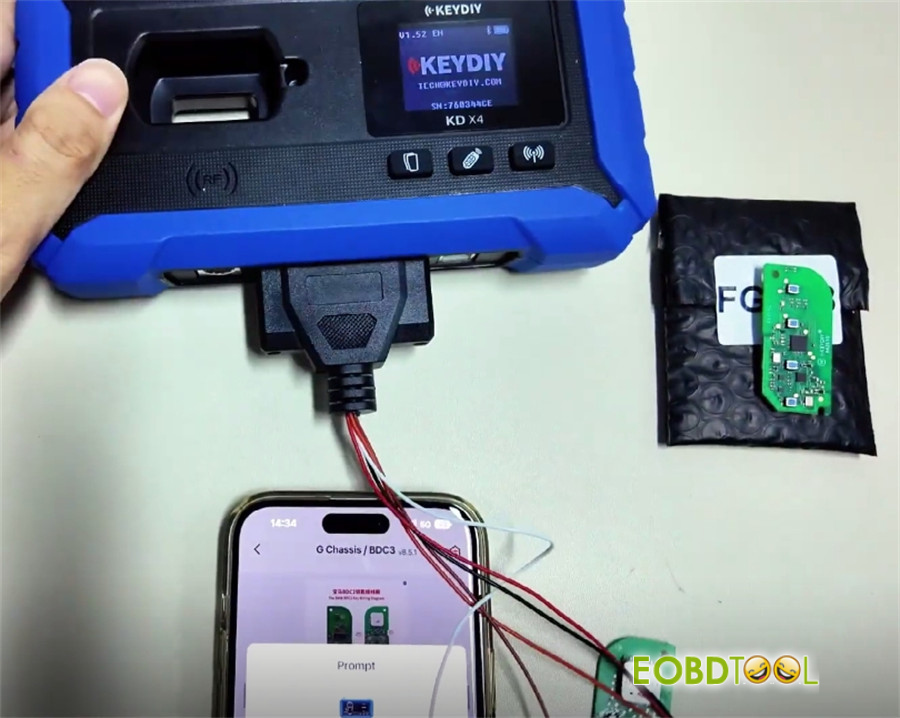
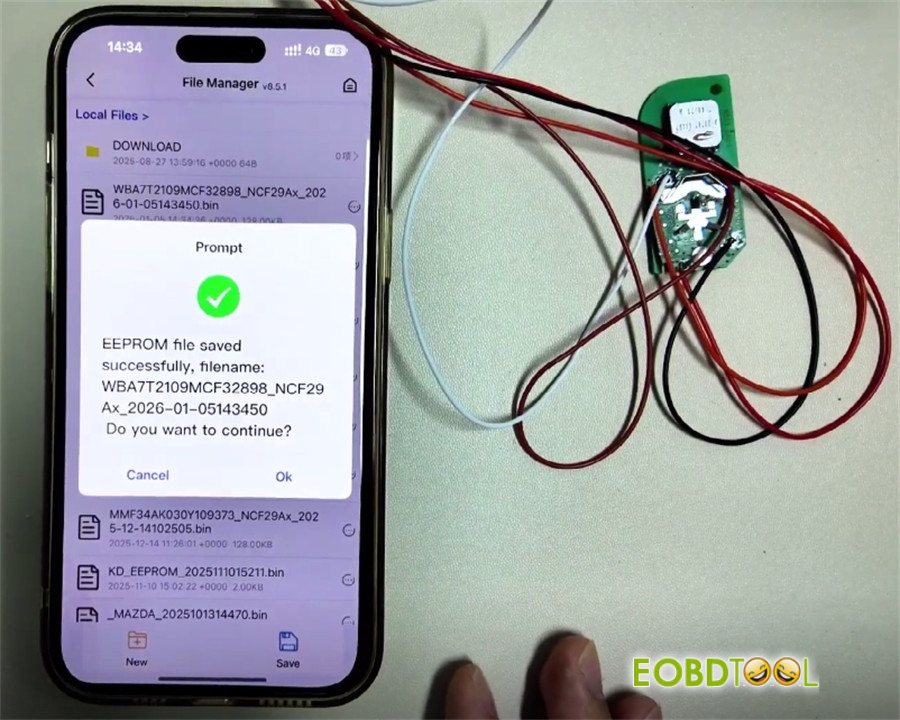
Step 3: Program the New Key
Remove the original key from the harness.
Place your new KEYDIY KD FGB58 remote into the slot on KD-X4.
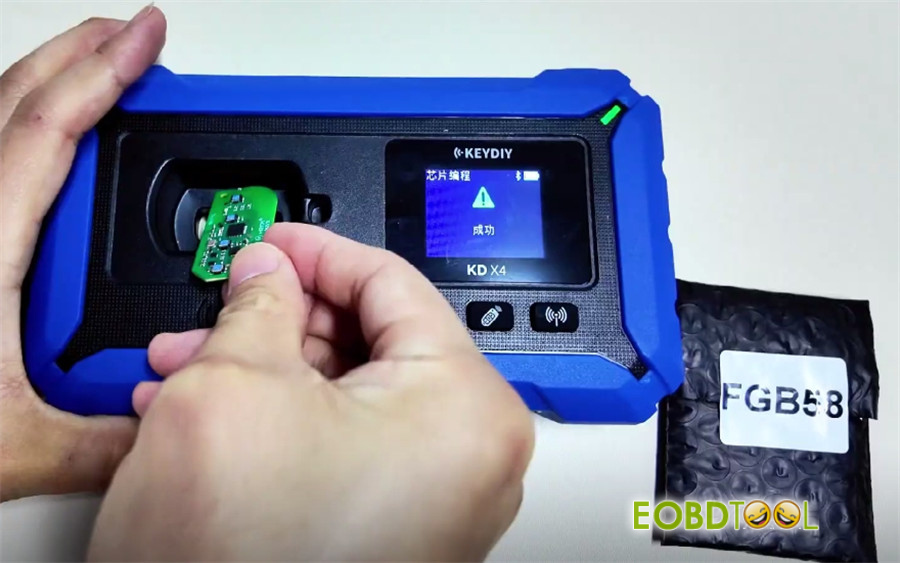
Select KD-FGB Remote and wait for the process to complete.
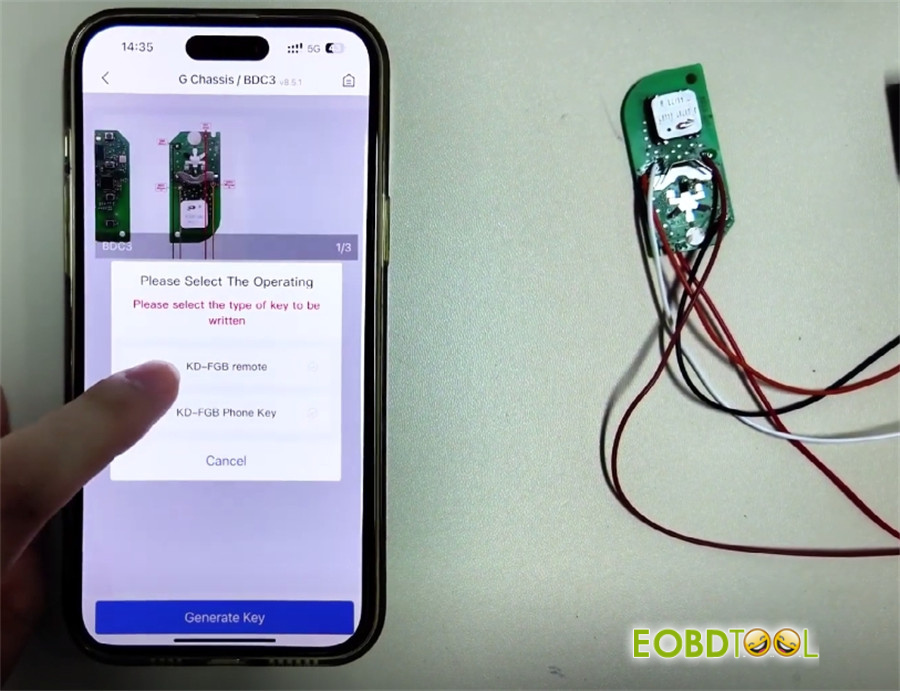
You’ll see “Generation Successful” when it’s done.
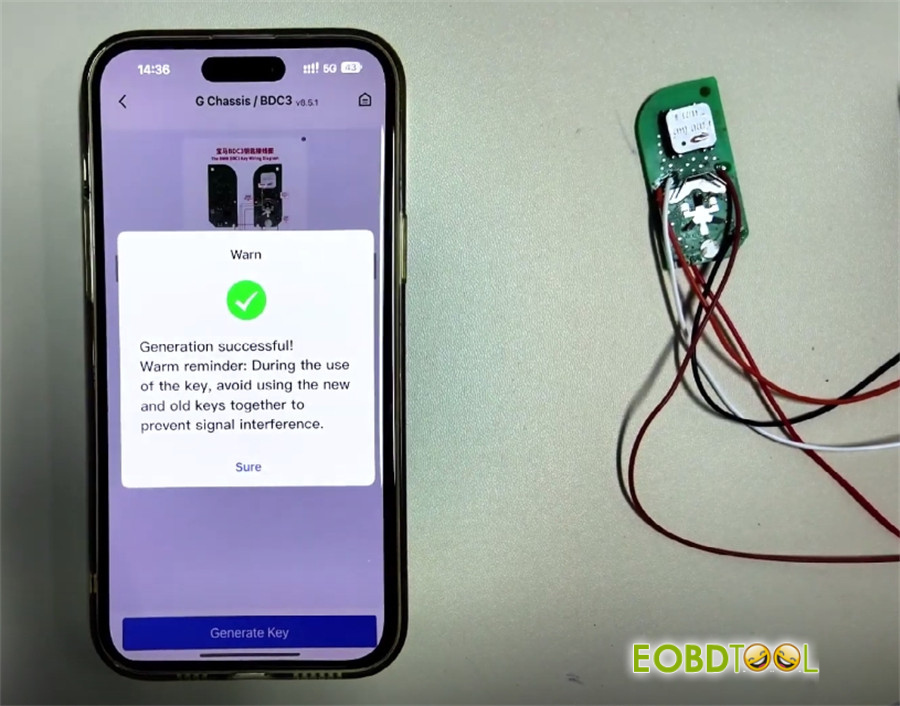
Step 4: Install and Use
Fit the programmed chip into a factory key shell.
One Important Thing to Remember:
Use each key separately.
If both keys are in the vehicle at the same time, the “key to start” function may not work properly.







