








Once you have successfully downloaded, registered, and upgraded OBDSTAR ECU Master software (click here to review), you will gain comprehensive capabilities to read, write, clone, and decrypt various control units—including ECMs, TCMs, and BCMs. This versatile tool supports an extensive fleet across passenger cars, electric vehicles (EVs), motorcycles, commercial trucks, and agricultural tractors.
Refer to the quick-start guide below to streamline your workflow.
1.Startup
Connect ECU Master to DC Power.
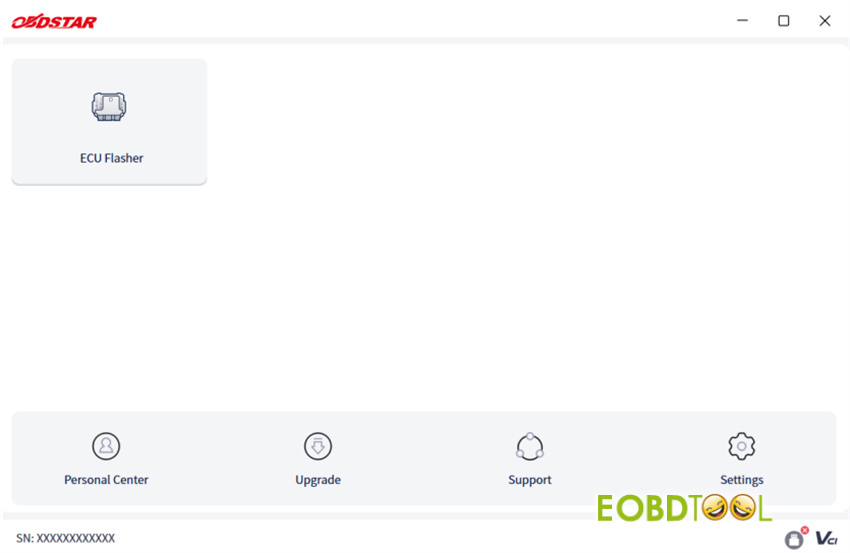
Indicator light turns on -> Open PC software -> Scroll through Disclaimer -> Tap [Accept] (Tap [Refuse] to exit).
2.Software Link
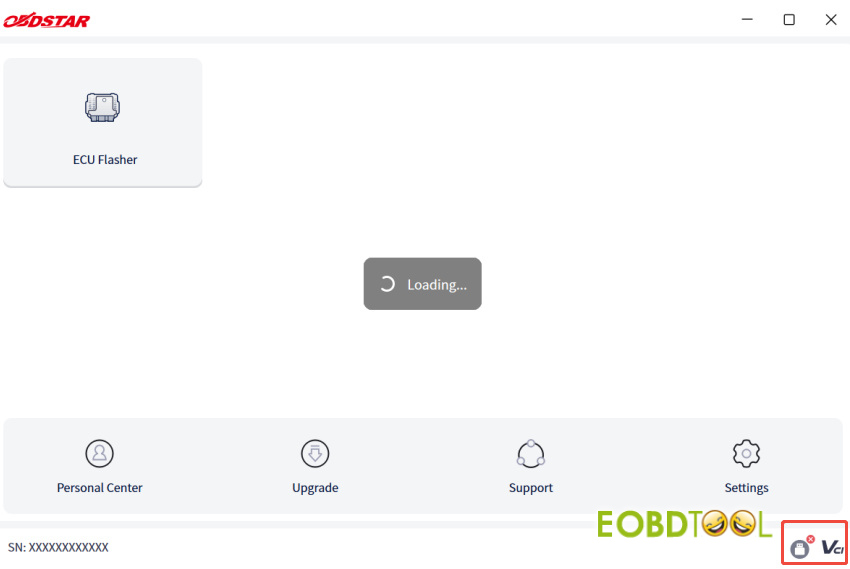
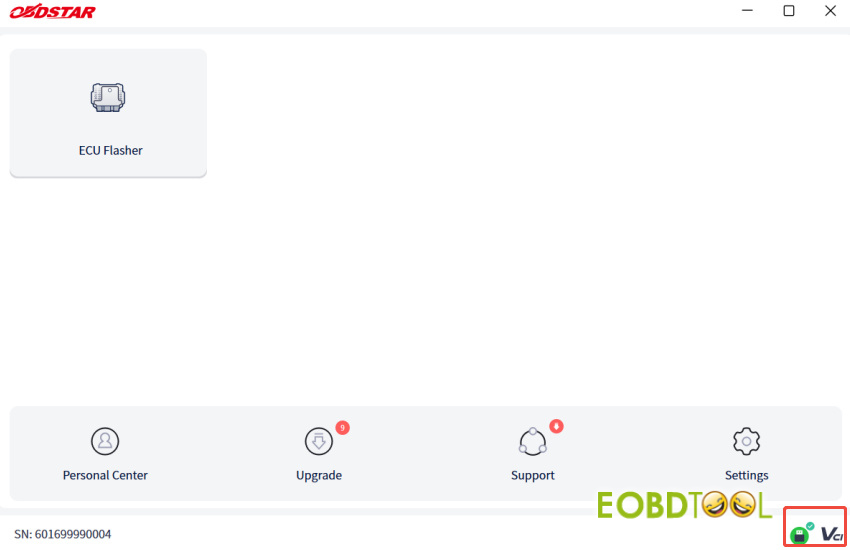
USB Connection: Connect OBDSTAR ECU Master to PC via USB cable -> Software verifies communication -> Serial Number (SN) displays on screen.
The connection status icon will update accordingly.
3.Manual Download
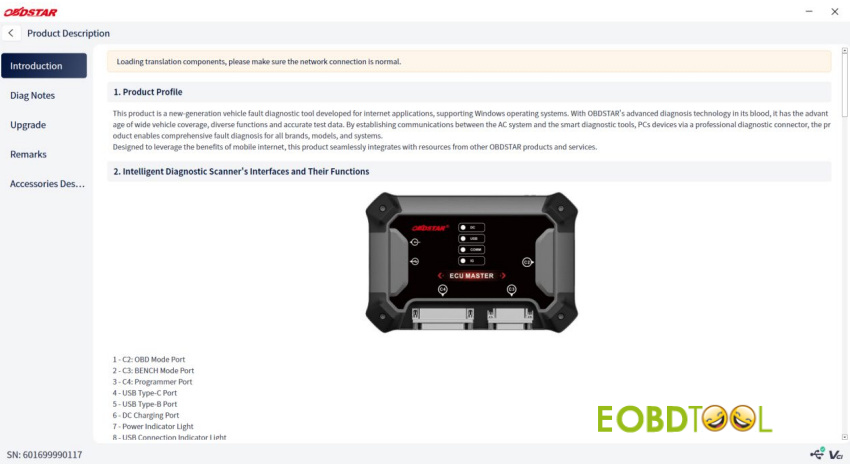
Go to Support -> Click [Product Description] -> Download manual on first use.
4.Diagnostic & Cloning Steps
Enter Module: Tap [ECU Flasher] -> Accept Disclaimer.
Filter Fleet: Select All, Car, HD, or MOTO to narrow down systems (ECM, TCM, Body, etc.).
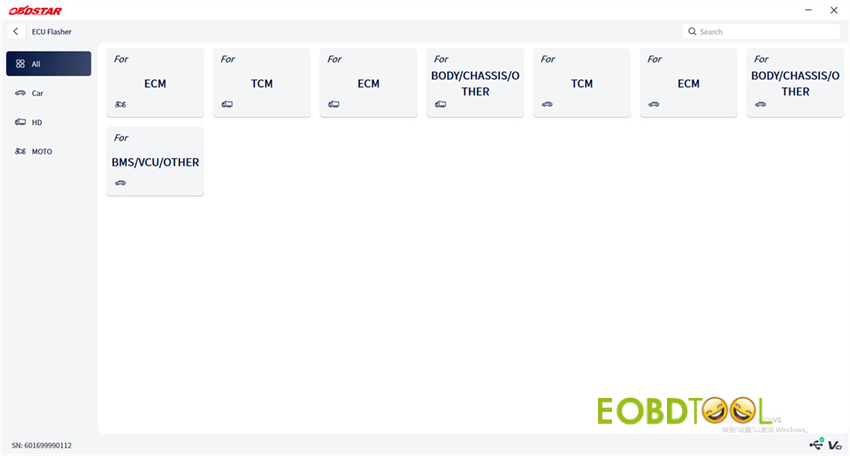
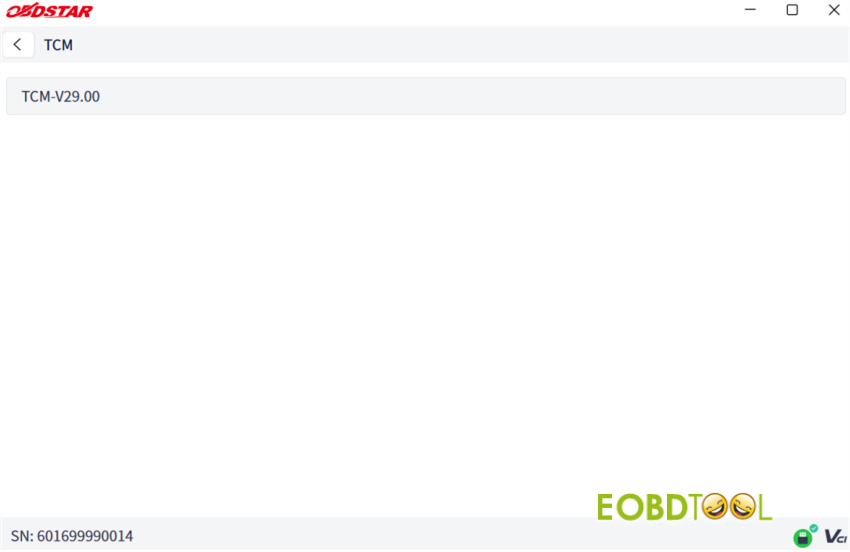
For example: TCM V29.00
Enter the main interface, and you can see the models supported
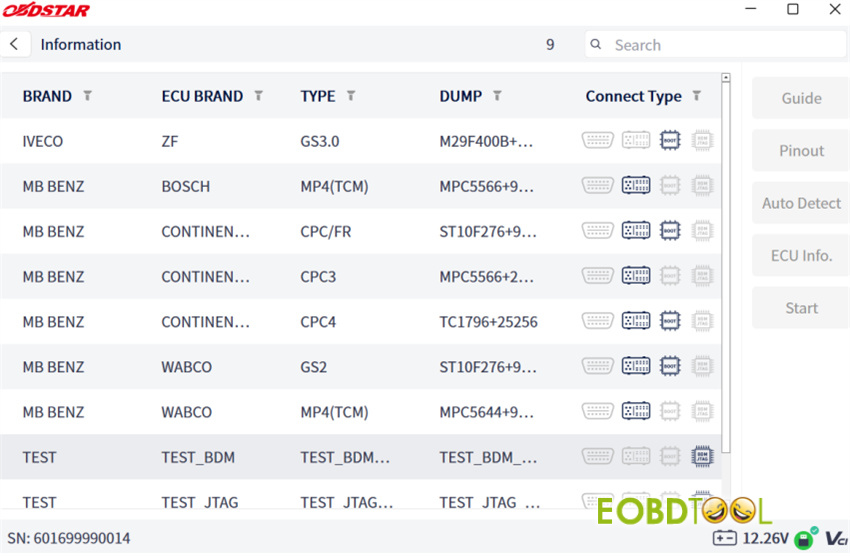
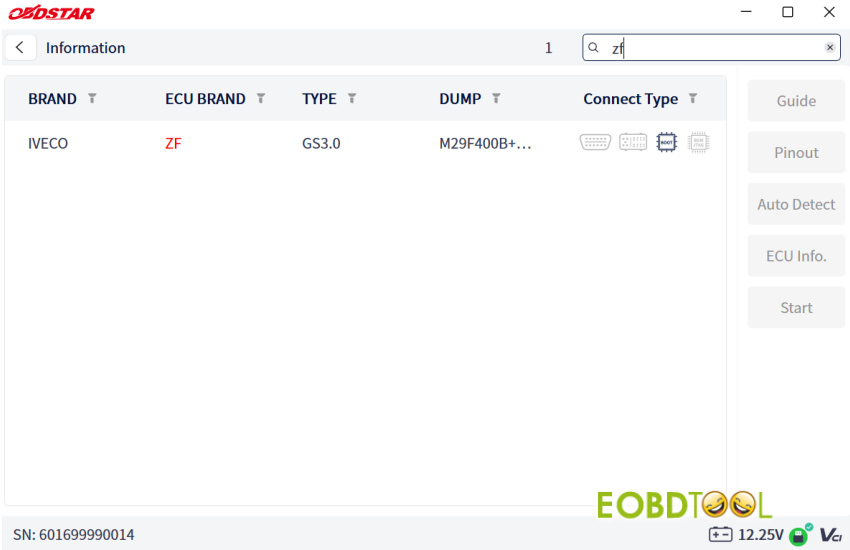
Search & Filter:
- Keyword:Use [Search] box (e.g., type “zf” to highlight in red; click “X” to clear).
- Brand Selection:Tap the arrow next to Brand -> Choose manufacturer (e.g., MB BENZ) -> Tap [OK].
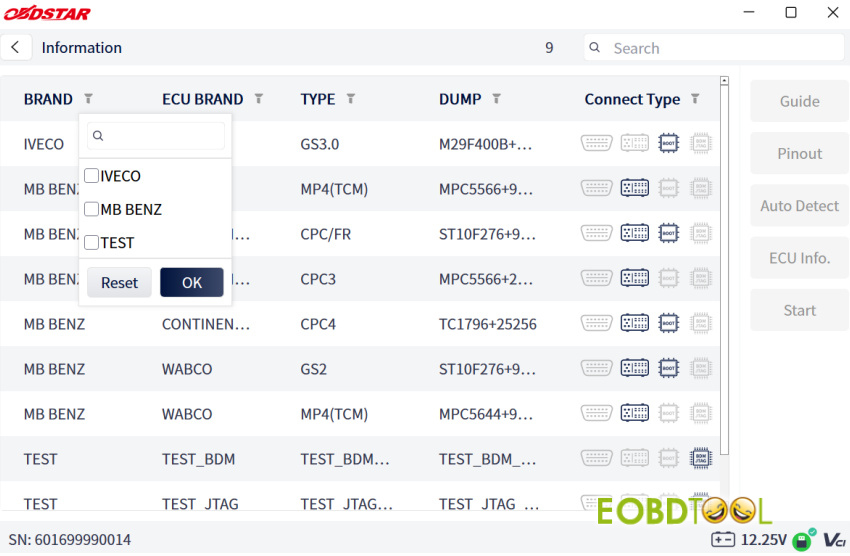
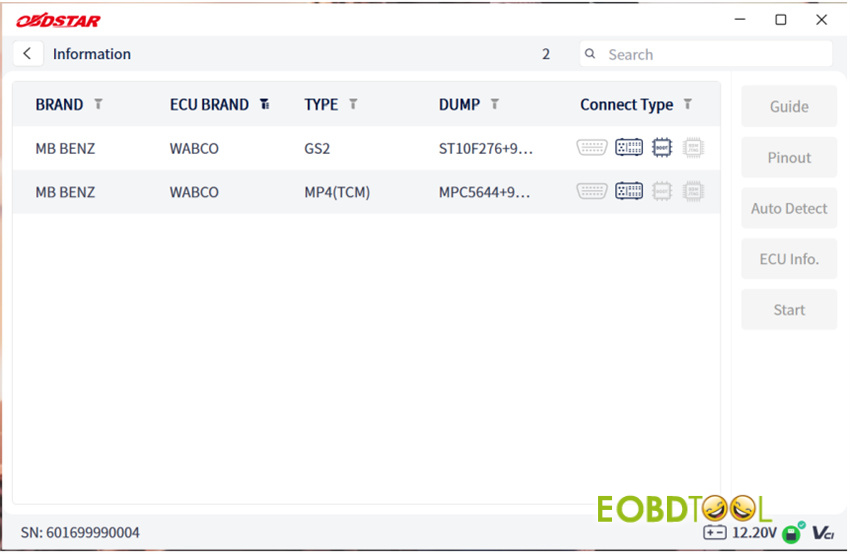
Wiring & Documentation:
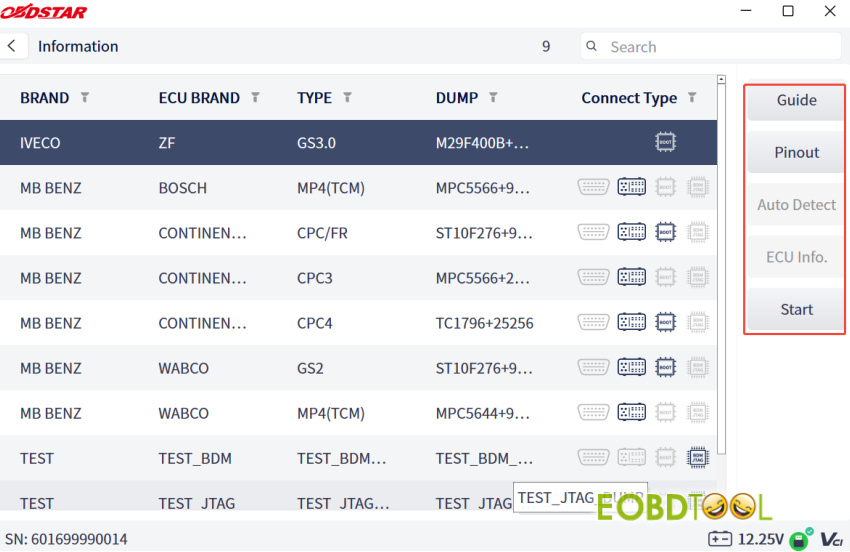
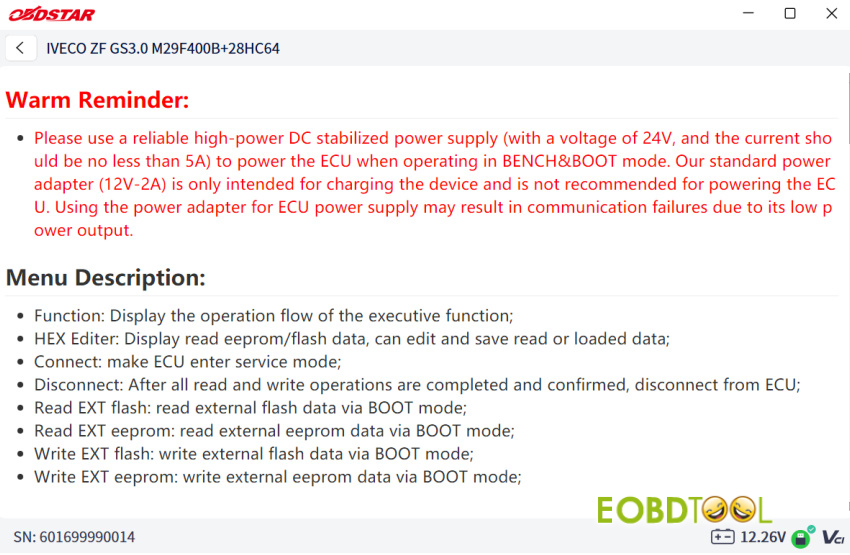
- Tap [Guide] for operational instructions.
- Tap [Pinout] for diagrams and connection photos.
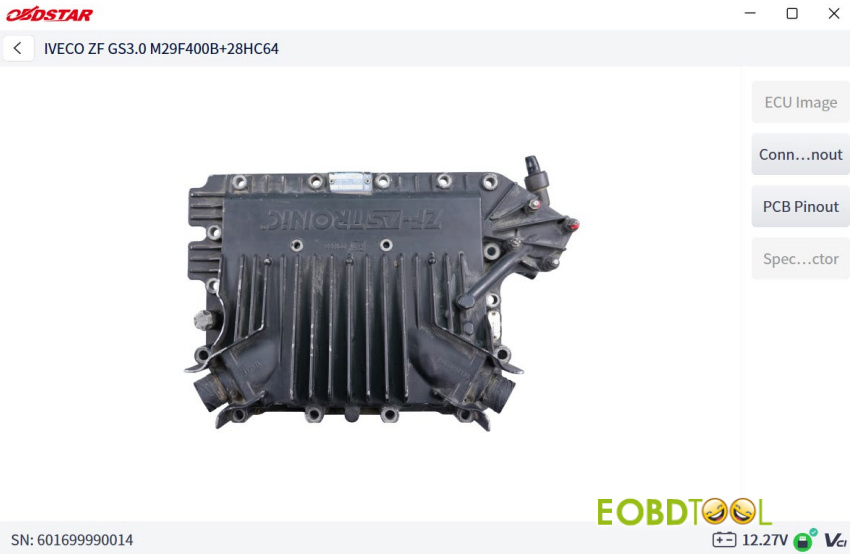
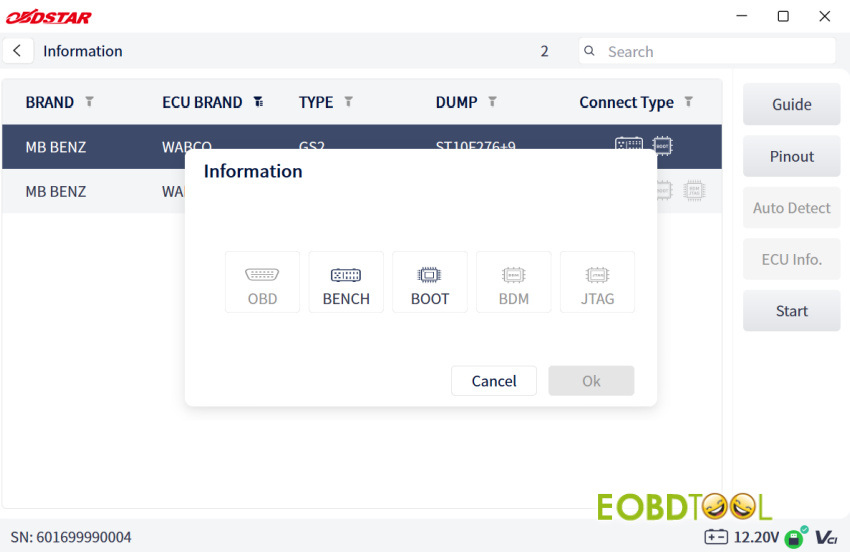
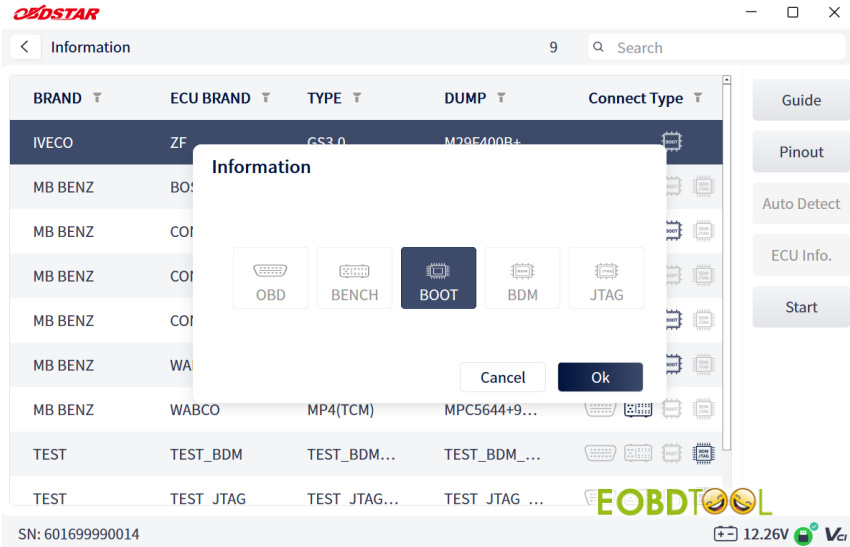
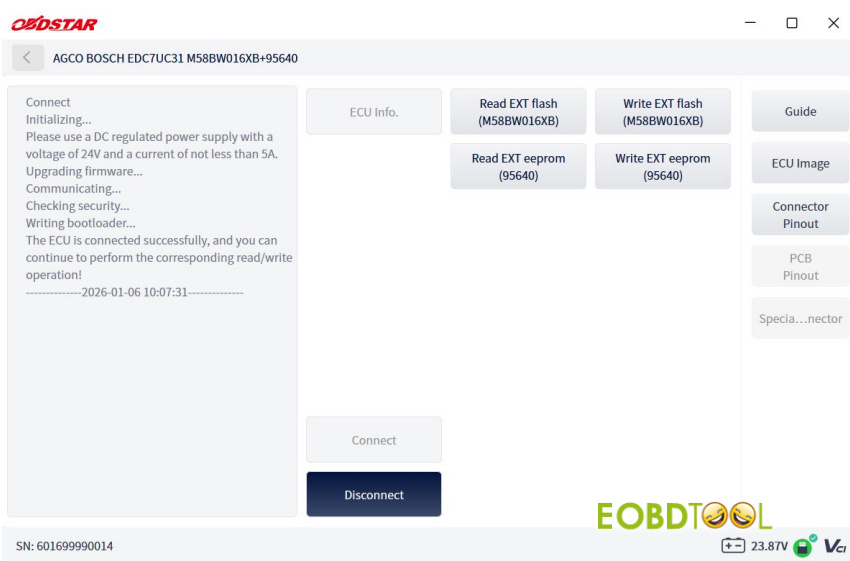
Execution: Tap [Start] -> Select connection mode -> Tap [OK] -> Tap [Connect] to begin operations.
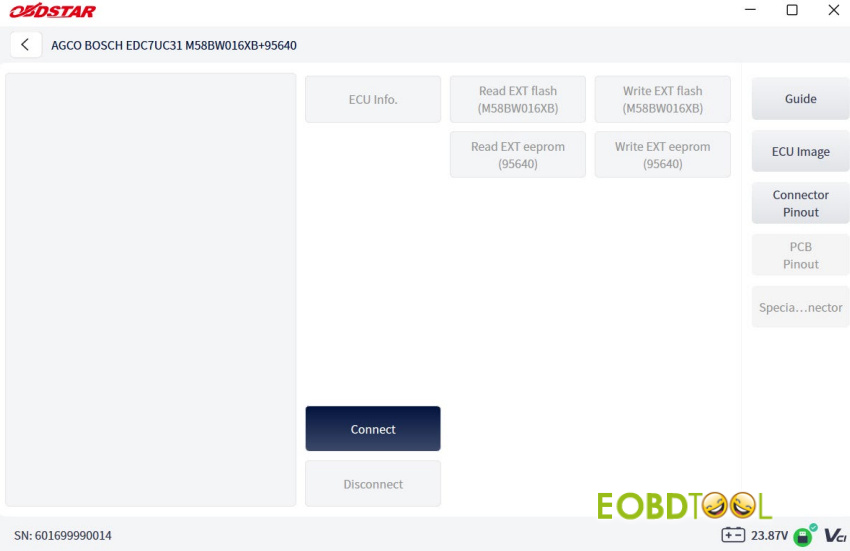
Complete data reading and writing by ECU Master
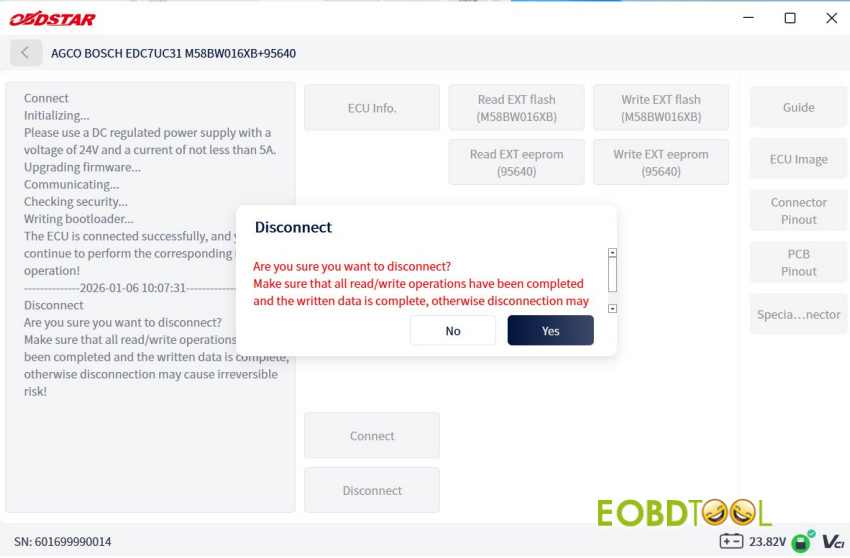
Session Close: When finished, tap [Disconnect].
5.Safe Shutdown Protocol
❗ WARNING: Communication failure during flashing can kill the ECU. Keep the main test cable securely fastened throughout the process. Always tap [Disconnect] to end software tracking BEFORE unplugging hardware.
6.Power Off
Finally, unplug the main DC power supply cable.
Learn more:
OBDSTAR DC706 vs. OBDSTAR ECU Master: A Side-by-Side Comparison
OBDSTAR DC706 vs. OBDSTAR ECU Master: A Side-by-Side Comparison
UK Professional OBD2 Tools Online Shop







