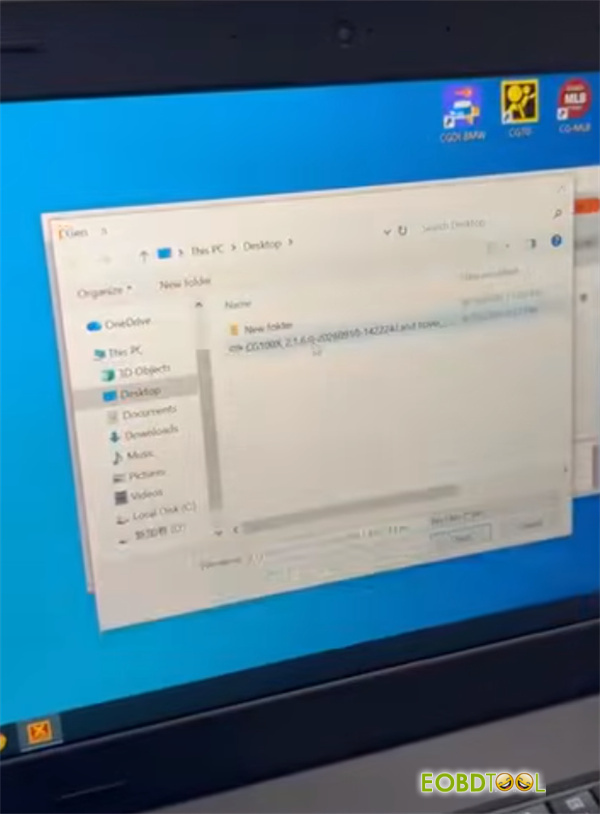








Cloning a Land Rover Body Control Module (BCM) with an SPC5746C processor using CGDI CG100X involves reading the original module’s data, soldering or connecting via the designated diagram, and writing that data into the replacement BCM.
Preparation
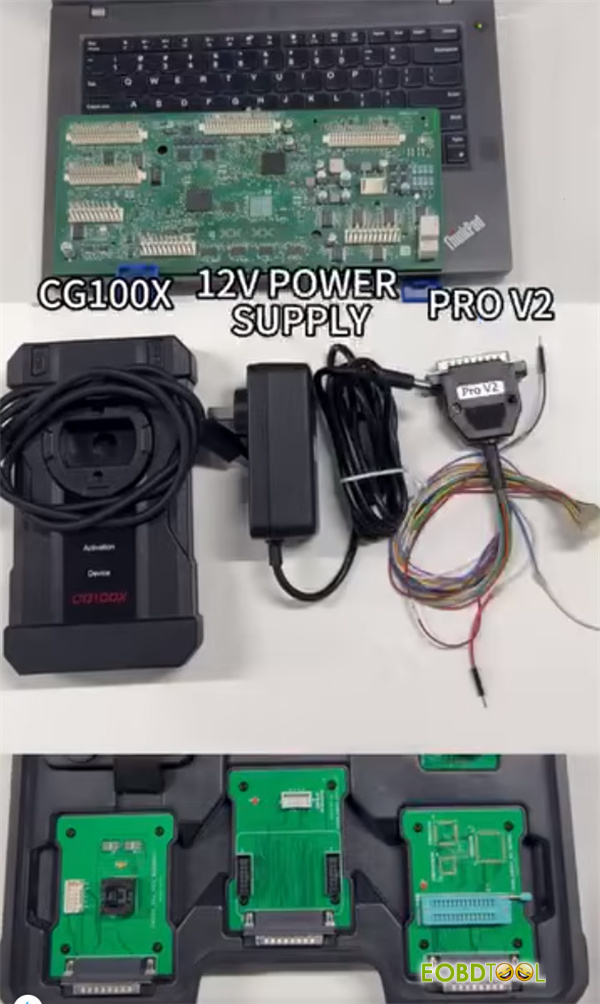
- Original /donor Land Rover BCM SPC5746C modules
- CGDI CG100X ECU Programmer
- CG100X PRO V2 Harness
- 12V Power Supply
Step-by-Step Cloning Process
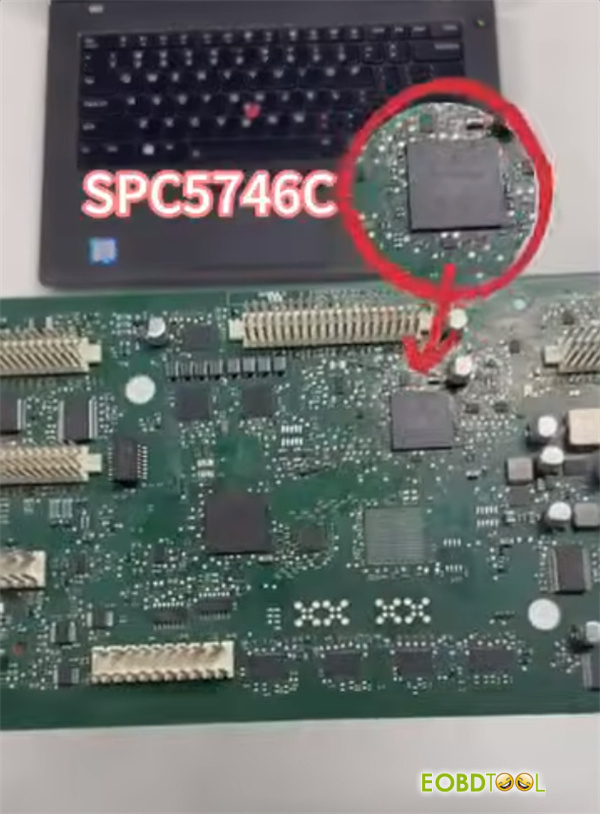
1.Locate and Identify the Chip:
Open the original Land Rover BCM and locate the SPC5746C micro-controller chip on the circuit board.
2.Consult the Wiring Diagram:
Open CG100X Software and pull up the specific wiring/pinout diagram for the Land Rover BCM SPC5746C package.
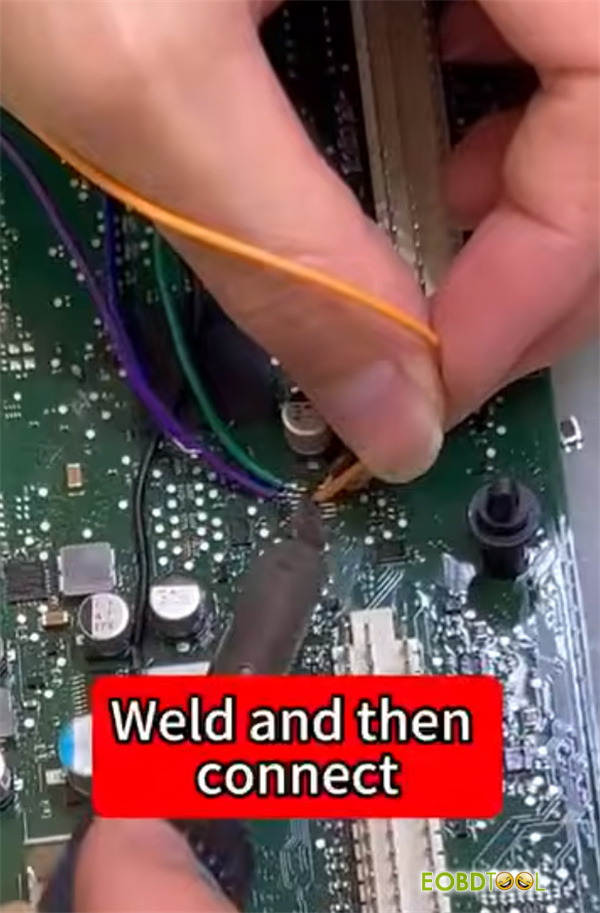
3.Connect the Programmer:
Carefully solder the fine wires or attach the designated PRO V2 harness from CG100X to the corresponding test points, pads, or JTAG/bench connections on the original BCM board.
Ensure the soldering area is clean and free of residue.
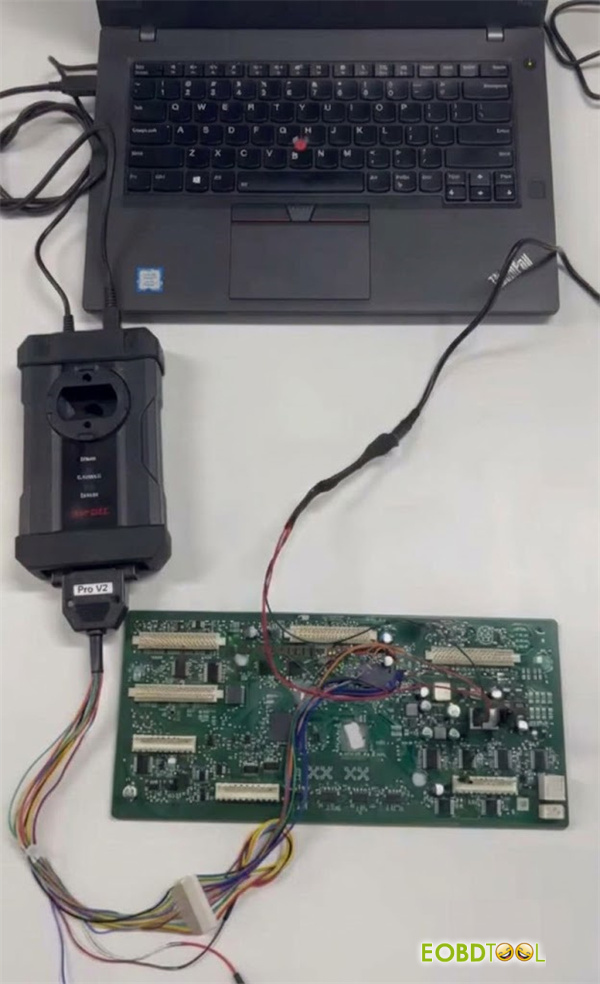
4.Read the Original Data:
Connect CG100X programmer to your computer, select the correct module profile, and click Read to extract the data (Flash/EEPROM) from the original SPC5746C chip.
Verify that the chip ID is recognized and save the backup file safely.

5.Prepare the Replacement Module:
Disconnect the original BCM setup and connect the replacement Land Rover BCM to CGDI CG100X programmer using the matching wiring layout.
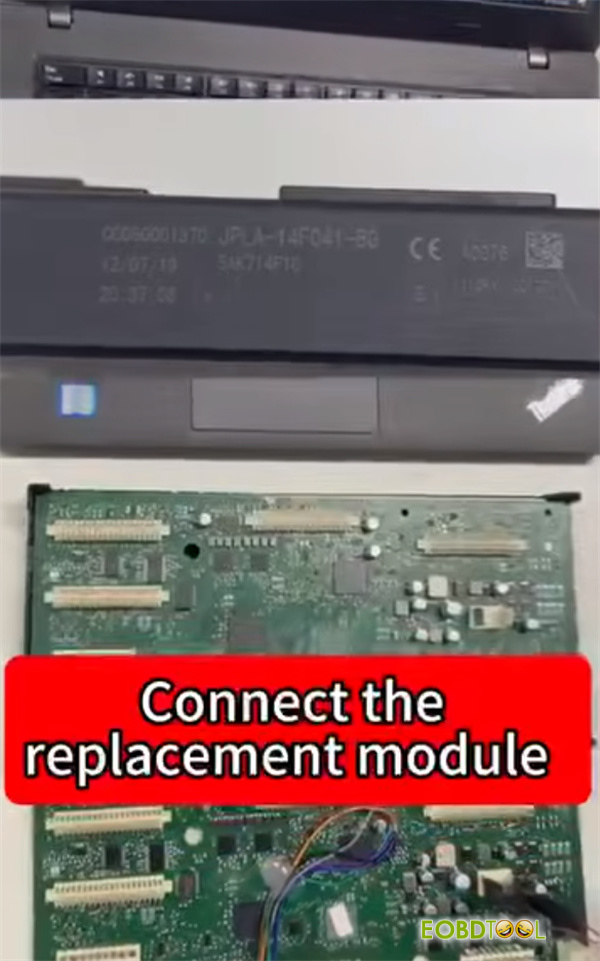
6.Write Data to the Clone:
Load the saved original data file into CGDI CG100X software and write the data into the replacement BCM module.
Wait for the software to verify and confirm that the write process is 100% complete before disconnecting.