




You can change the car brand logo of Xtuner E3 for the custom logos.
Software download:
URL: https://mega.nz/#!QdhxkQrB!nZvAdabDIjiOq6q5T1G09iKmHL_Ys2fBhddnj92o5EY
Password: xxx
Guide:
Instruction in words and pictures:
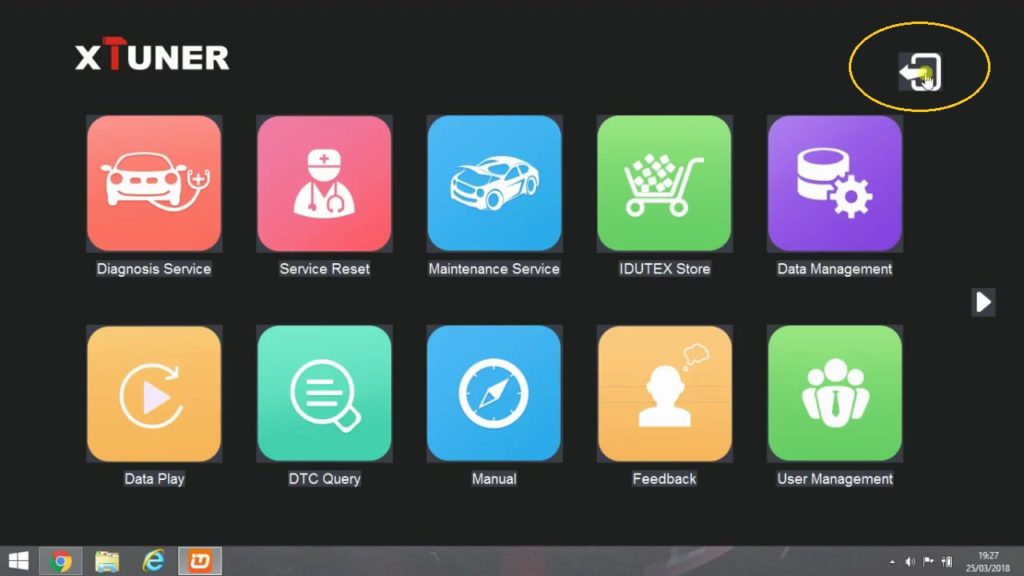
- Here Xtuner E3 menu
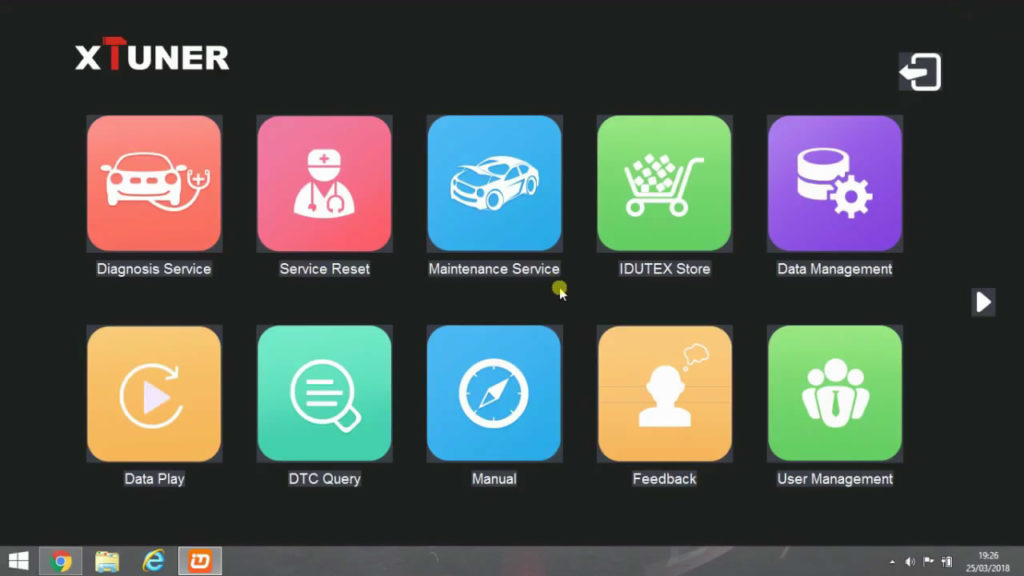
- Click on “Diagnosis service”
You can see all of the car brands only show names no images.
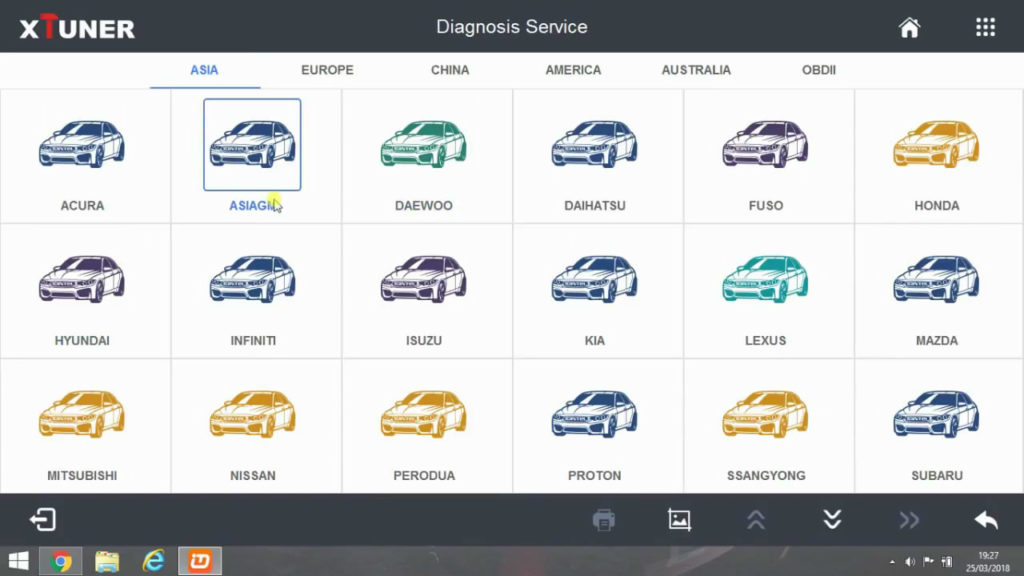
- Click on the white box.
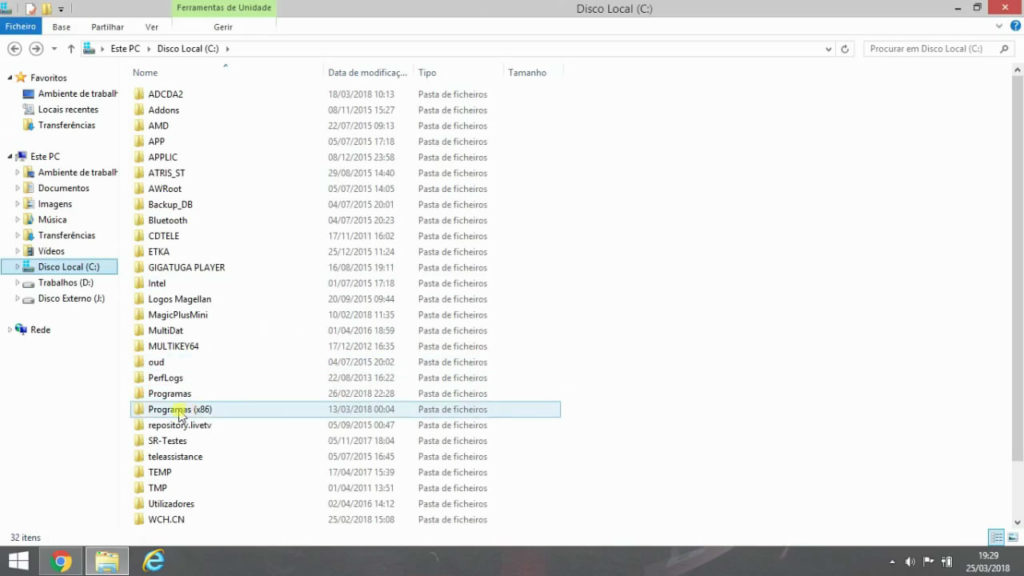
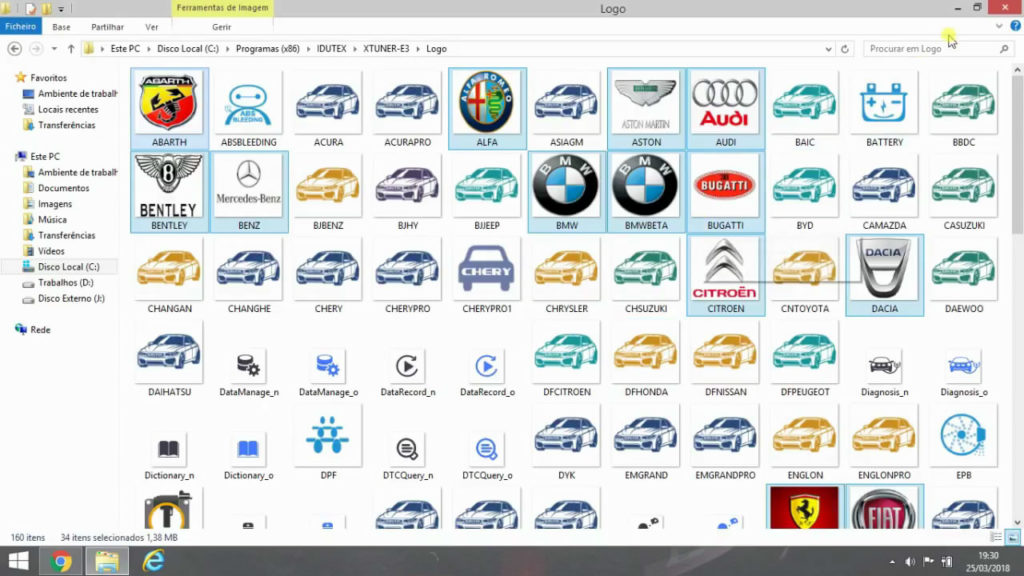
- Click on “Program (X86).
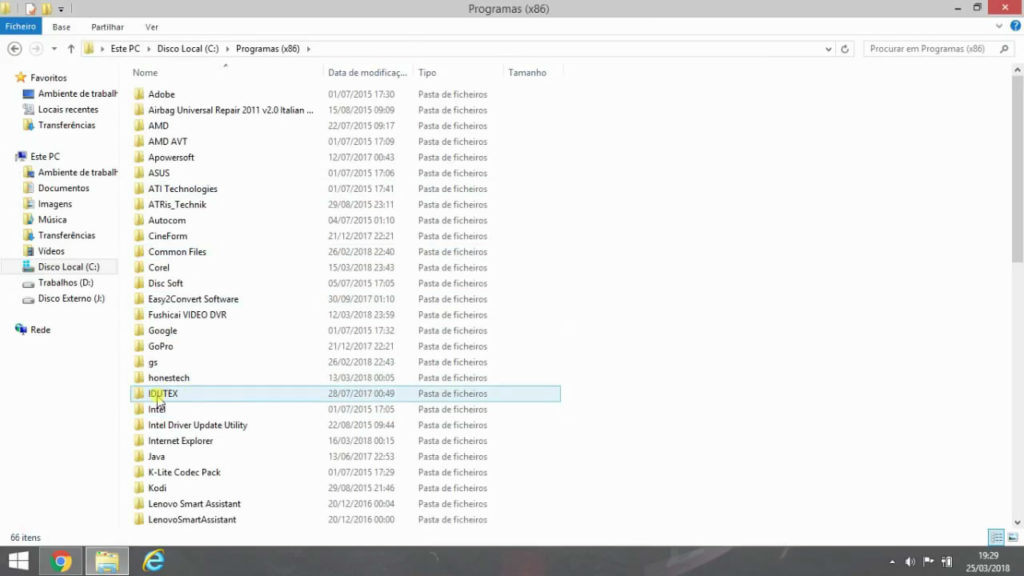
- Click on “TDUTEX”.
- Logo .
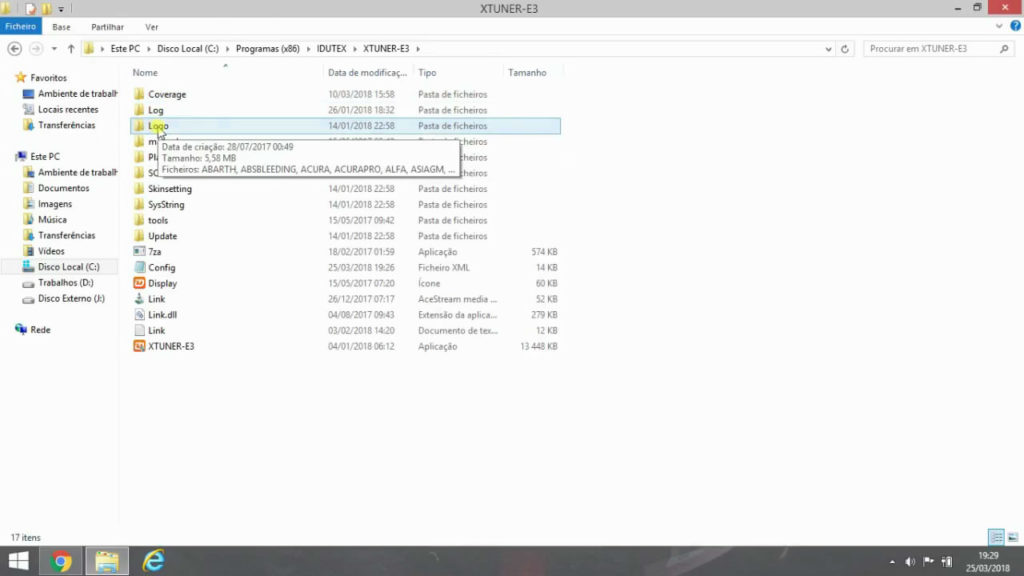
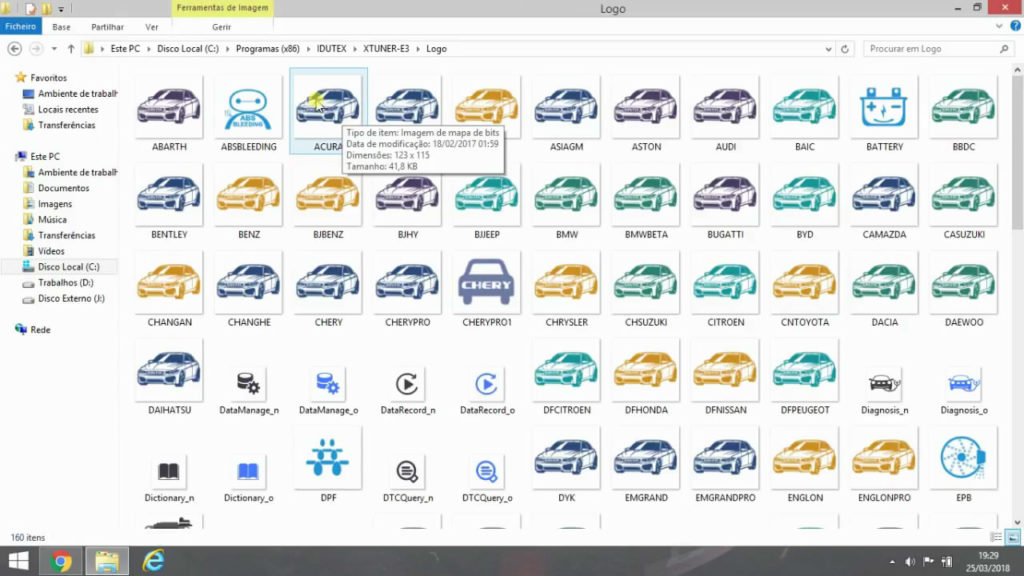
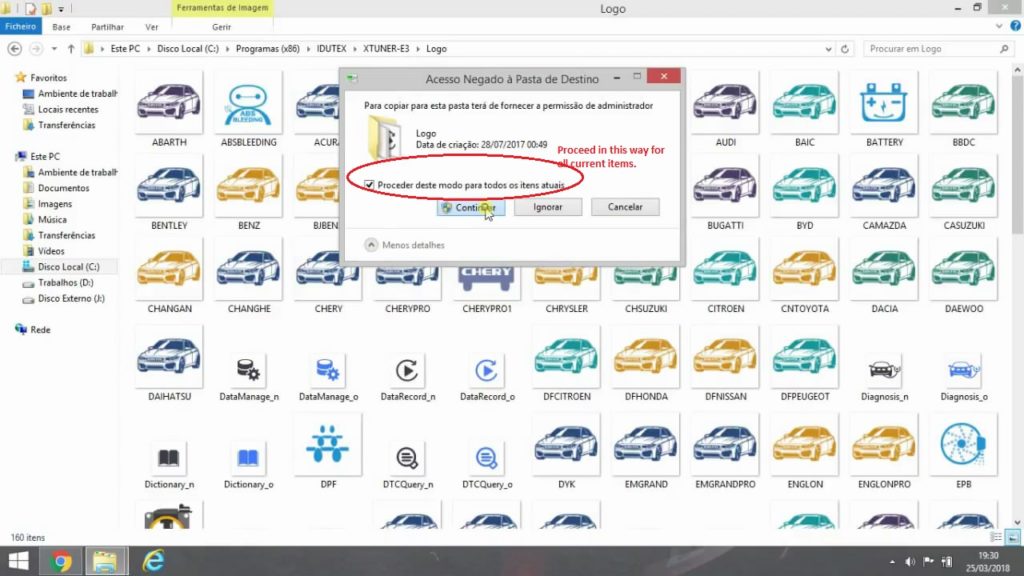
- Click on “Documents”, then ” Replace files at destination “
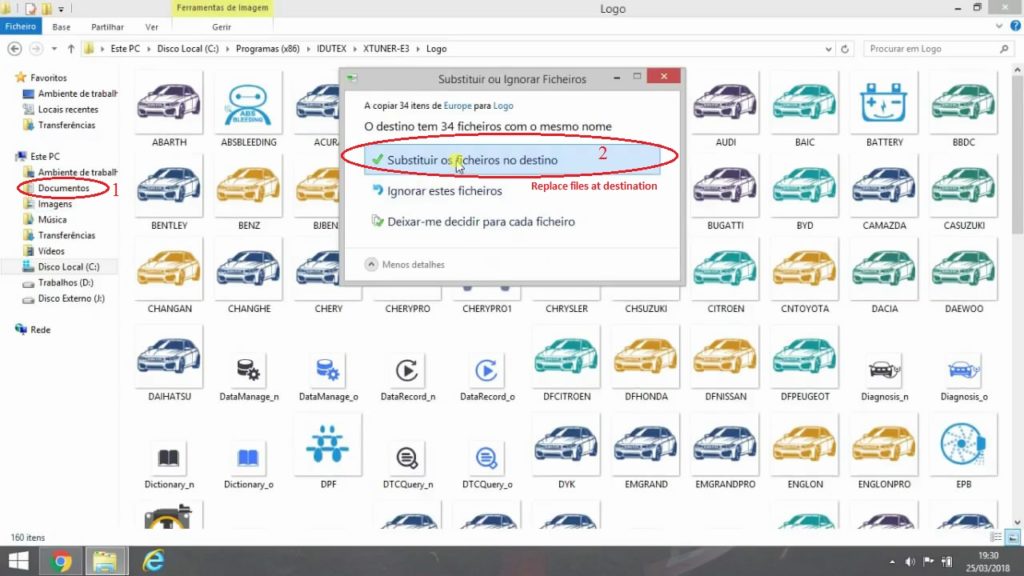
- Tick on “Proceed in this way for all current items”, then “Continue”.
图9
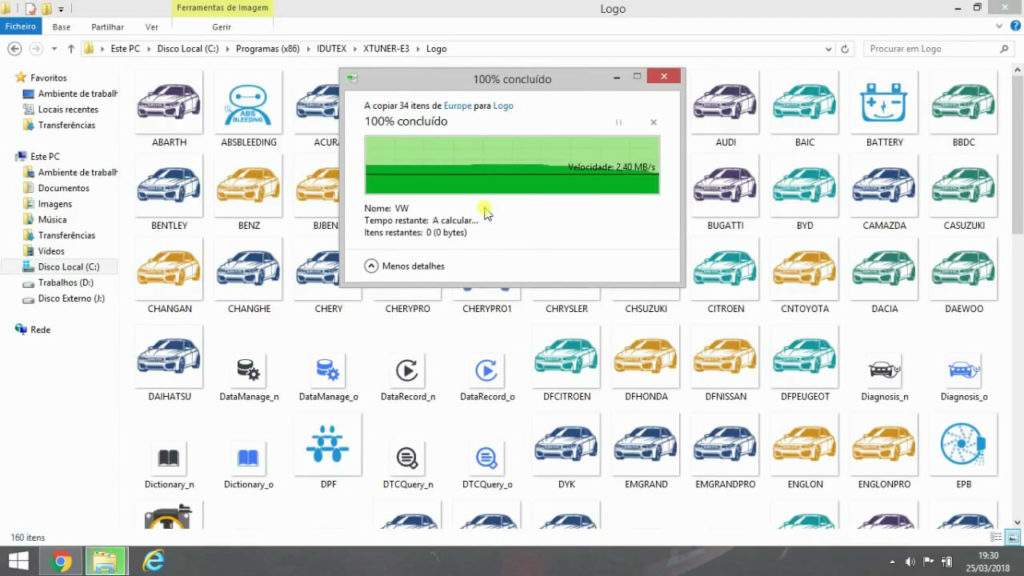
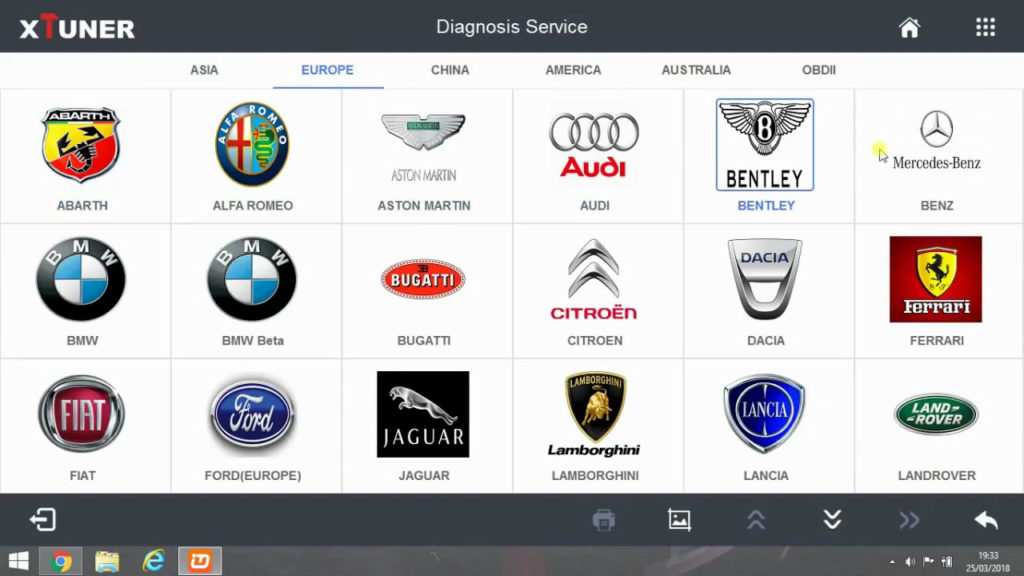
- Xtuner E3 logos change succeed.
- Back to click on “Diagnosis service”. You can see, all logos come to the normal state.
Done.
Xtuner E3 for sale
http://www.eobdtool.co.uk/wholesale/xtuner-e3-wireless-obdii-diagnostic-tool.html







